Learn how to screenshot the full page in any iPhone app to capture everything in a single tall image instead of taking multiple screenshots.
How to take a full-page screenshot in any iPhone app
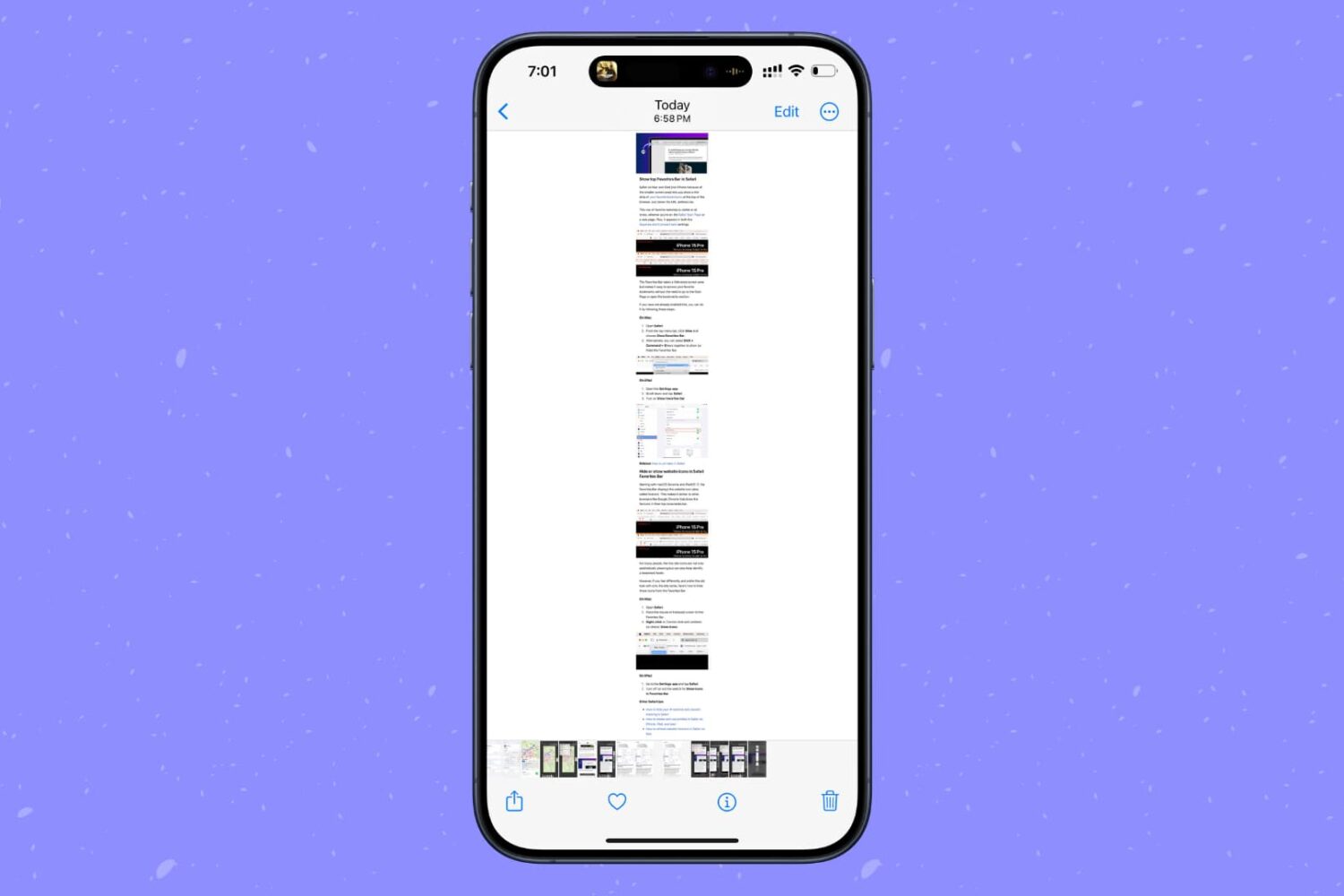
Learn how to screenshot the full page in any iPhone app to capture everything in a single tall image instead of taking multiple screenshots.
After officially launching the highly anticipated iOS & iPadOS 14.5 update a week ago with support for Face ID authentication while wearing a mask and 5G connectivity whilst utilizing dual SIM mode among other things, it should come as no surprise to anyone that nearly one week later the Cupertino-based company is pulling the plug on the previous iOS & iPadOS version — 14.4.2.
Apple’s decision to stop signing iOS & iPadOS 14.4.2 means that iPhone and iPad users will be unable to downgrade to this particular version of Apple’s mobile operating systems under most circumstances, with the lone exception being that users have their .shsh2 blobs saved from a time when that firmware was being signed.
Apple launched the latest major update to iOS 14 in late April. Now, the company is issuing another update, this one focused on one aspect of the latest software.
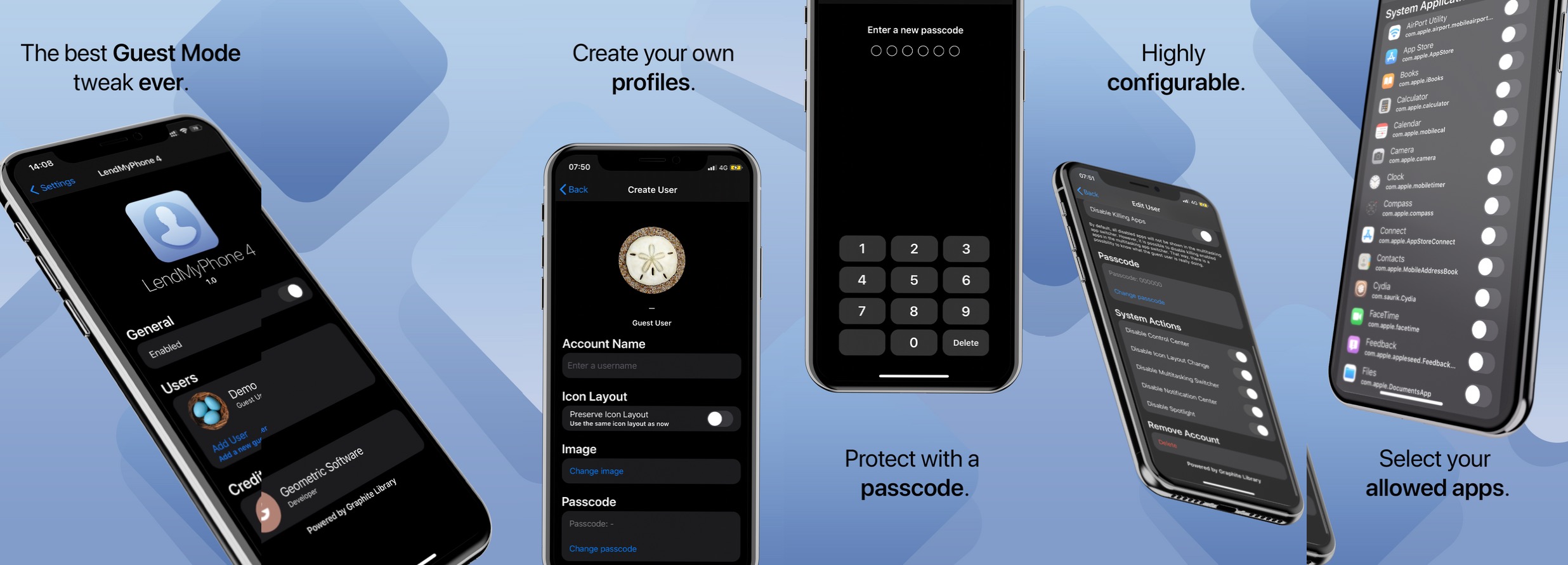
One of the things offered on a Mac that isn’t currently available on the iPhone or iPad out of the box is Guest Mode. This feature allows friends or strangers to log into your device using a separate user account, which means they can take care of what they need to without accessing any of your account’s private and personal files and information.
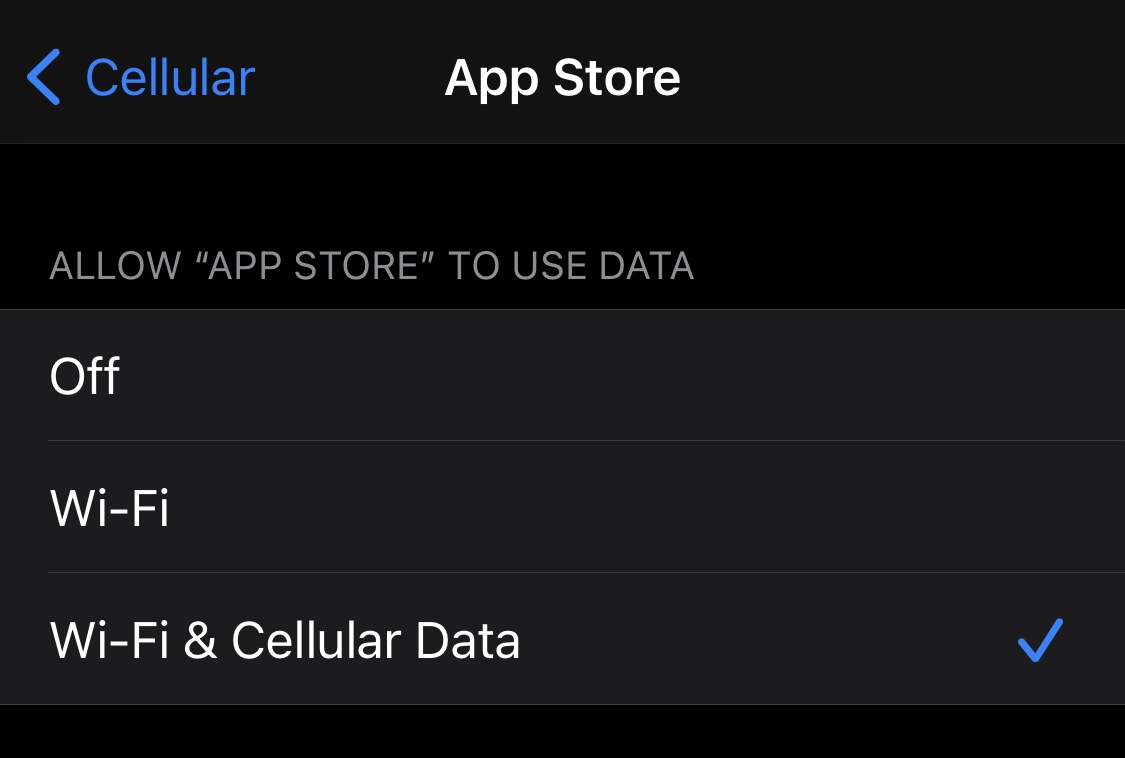
Right out of the box, iPhone and iPad users are able to choose which apps can and can’t use cellular data. This can be particularly helpful for those who might be subscribed to capped data plans with their cellular providers since it’s easy to blow through a couple of gigabytes with certain apps.
Oddly enough, neither of the aforementioned devices offer a way to choose which apps can and can’t use Wi-Fi networks, which seems like a no-brainer given that even some home Wi-Fi plans have data caps. With that in mind, a newly released and free jailbreak tweak called Conditional by iOS developer daniel seems like it could be useful for anyone under this umbrella.

Those sporting jailbroken iPhones and iPads generally embark on a continuous adventure to find the best and latest jailbreak tweaks to trick out their handset. Whether it’s improving a feature, adding a missing feature, or making the device look different, these add-ons offer a plethora of benefits.
Since it can be a daunting experience to try and find all the best or latest jailbreak tweaks for yourself, we at iDownloadBlog cover all the latest releases as they happen and come at you with an easy-to-digest roundup every Sunday that encompasses all of them. This Sunday is no exception.
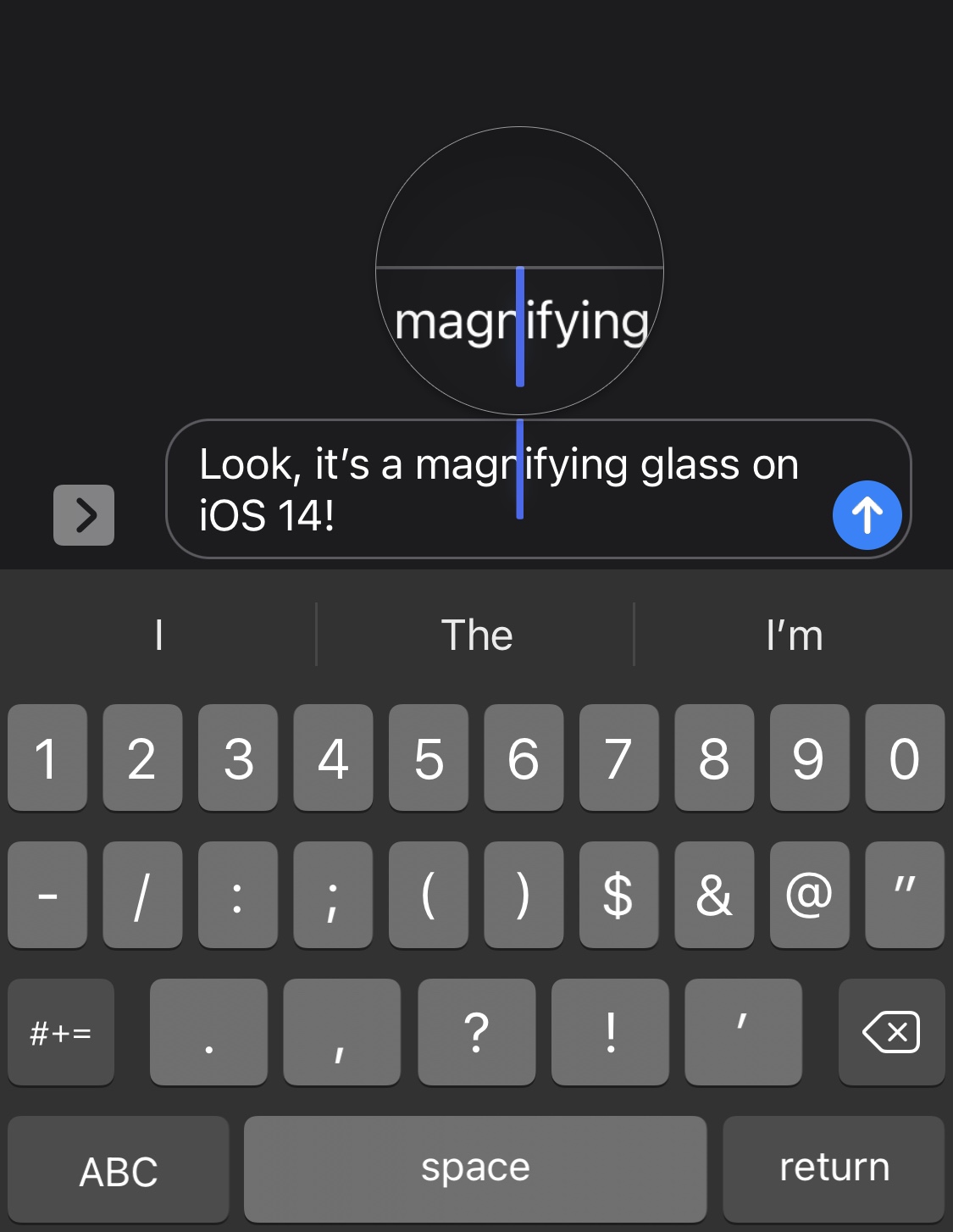
Anyone that does any capacity of text editing on their iPhone, whether it’s writing a document in Microsoft Word, modifying something drafted out in the Messages app’s text field, or some other form of the matter, may have noticed that the magnifying glass no longer appears when moving the cursor somewhere specific in the body of text.
Apple made this change because you can now pan the cursor across your body of text by tapping and dragging on the keyboard. But that hasn’t stopped a growing number of nostalgic iPhone users from wishing that the classic magnifying glass was still a thing. Said nostalgia is only amplified by the fact that the magnifying glass still exists on the iPad in the latest versions of iPadOS 14.
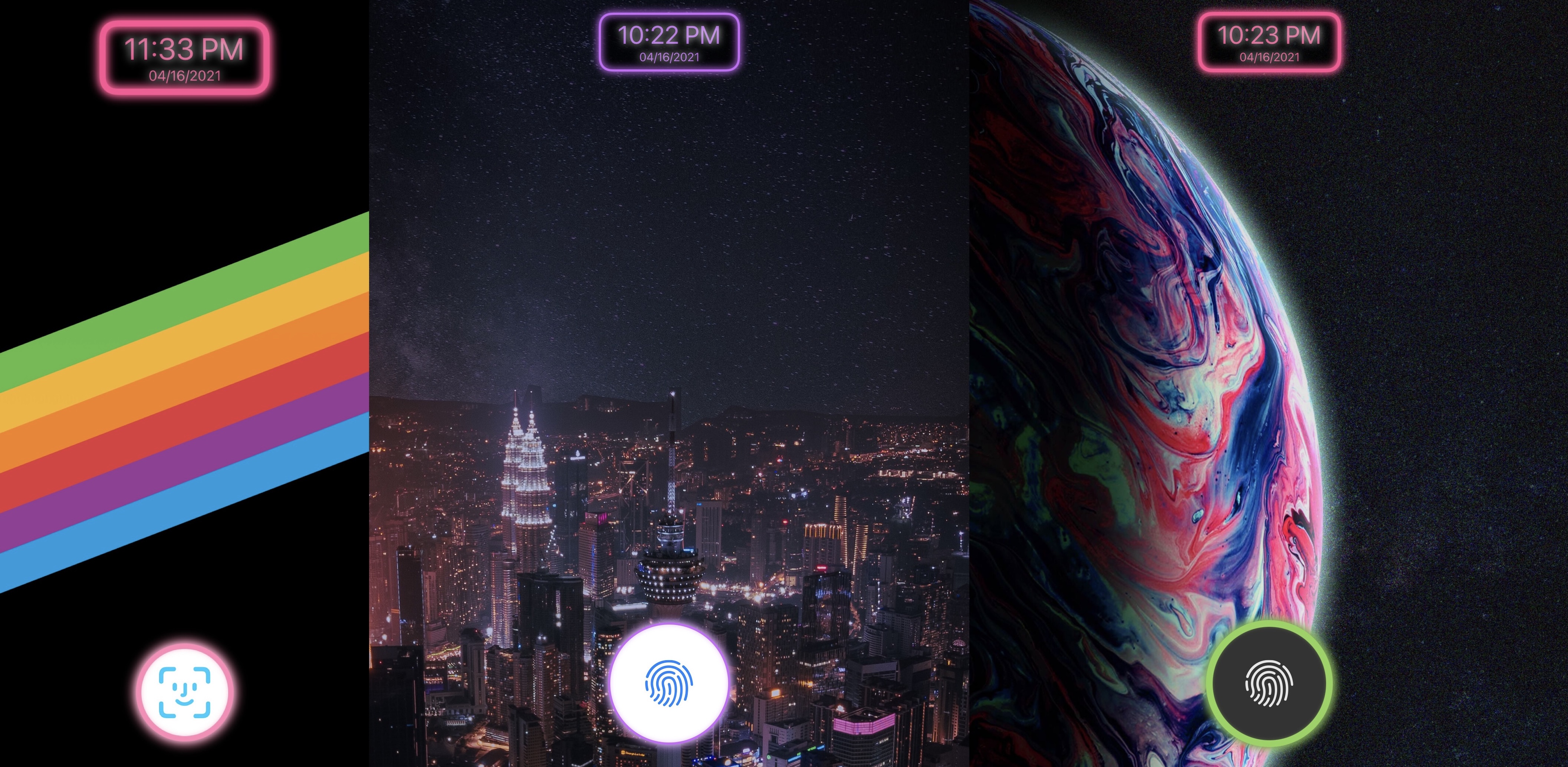
Looking to add some novelty to your jailbroken iPhone or iPad? If so, then you may want to turn your attention to a newly released jailbreak tweak dubbed Zinnia by iOS developer Aspen.
Zinnia complements various elements of the Lock Screen on your iPhone or iPad with neon effects. Said effects will be applied to things like the Lock Screen’s clock and the newly-added unlock button, the latter of which replaces the native Home Bar.
Apple seeded the first developer beta of iOS 14.6 even before the company released iOS 14.5 to the public. But now that that major update is out there, the company is pushing ahead with the next one.
If you were following along yesterday, a bevy of updates to jailbreak-centric software with support for iOS & iPadOS 14.5 were released. This included checkra1n, Cydia Substrate, and Substitute to name a few.
But the updates didn’t stop there. Odyssey Team Web and App Developer @23Aaron_ pushed an update for the macOS-based Betelguese Odysseyra1n installer for checkra1n’d devices, officially bringing it up to version 1.1.
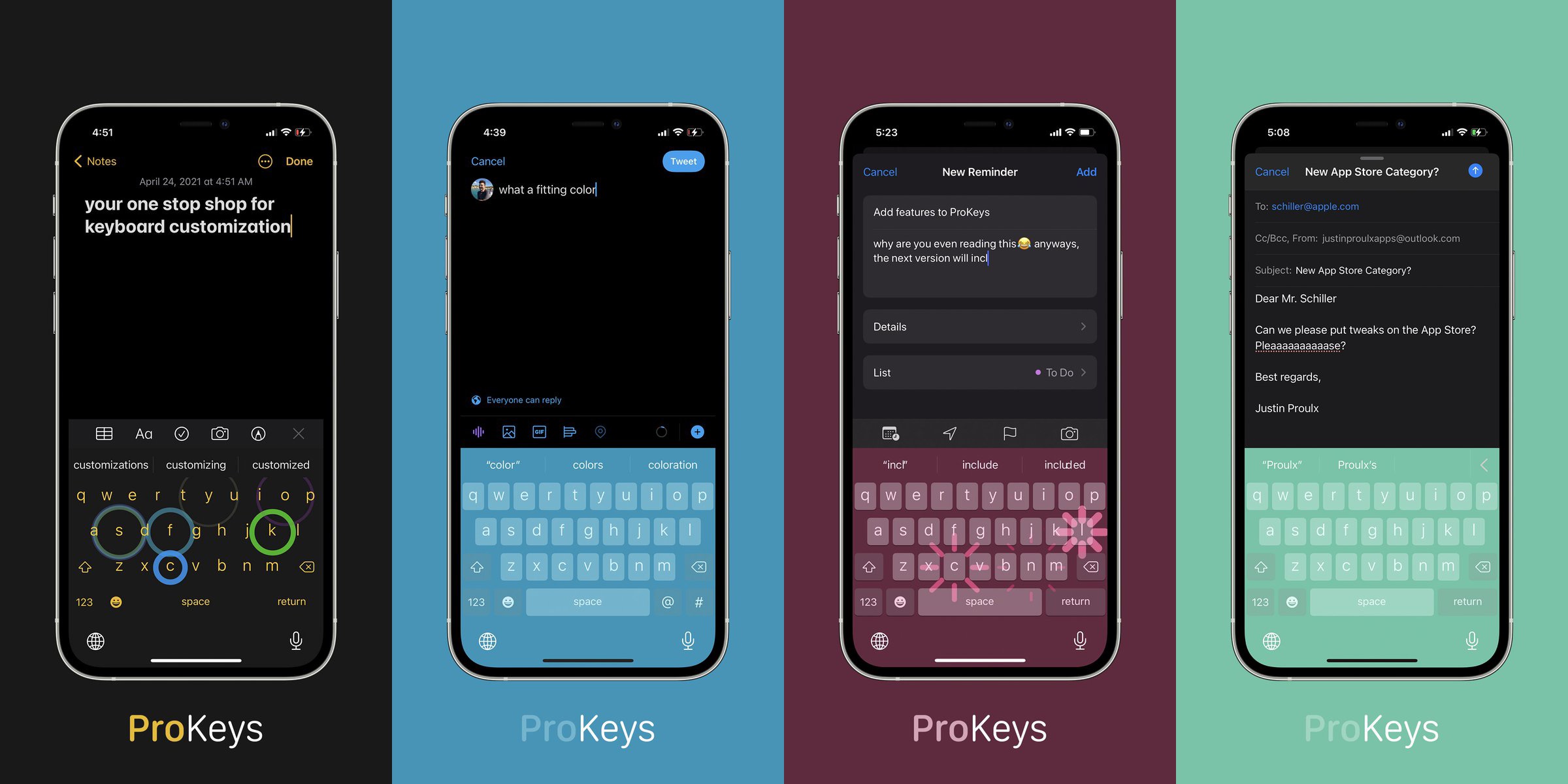
The keyboard is an integral part of the iPhone’s operating system that users will interface with just about every day. It does everything it’s supposed to do right out of the box, yet Apple doesn’t offer much by way of personalization. That’s just one of many reasons why the keyboard is one of the most popular things to customize upon jailbreaking.
One of the latest jailbreak tweaks to lend a hand in this department is a paid release called ProKeys by iOS developer Justin Proulx, which features eye-catching aesthetics like RGB coloring and animations, along with haptic feedback, among other things.
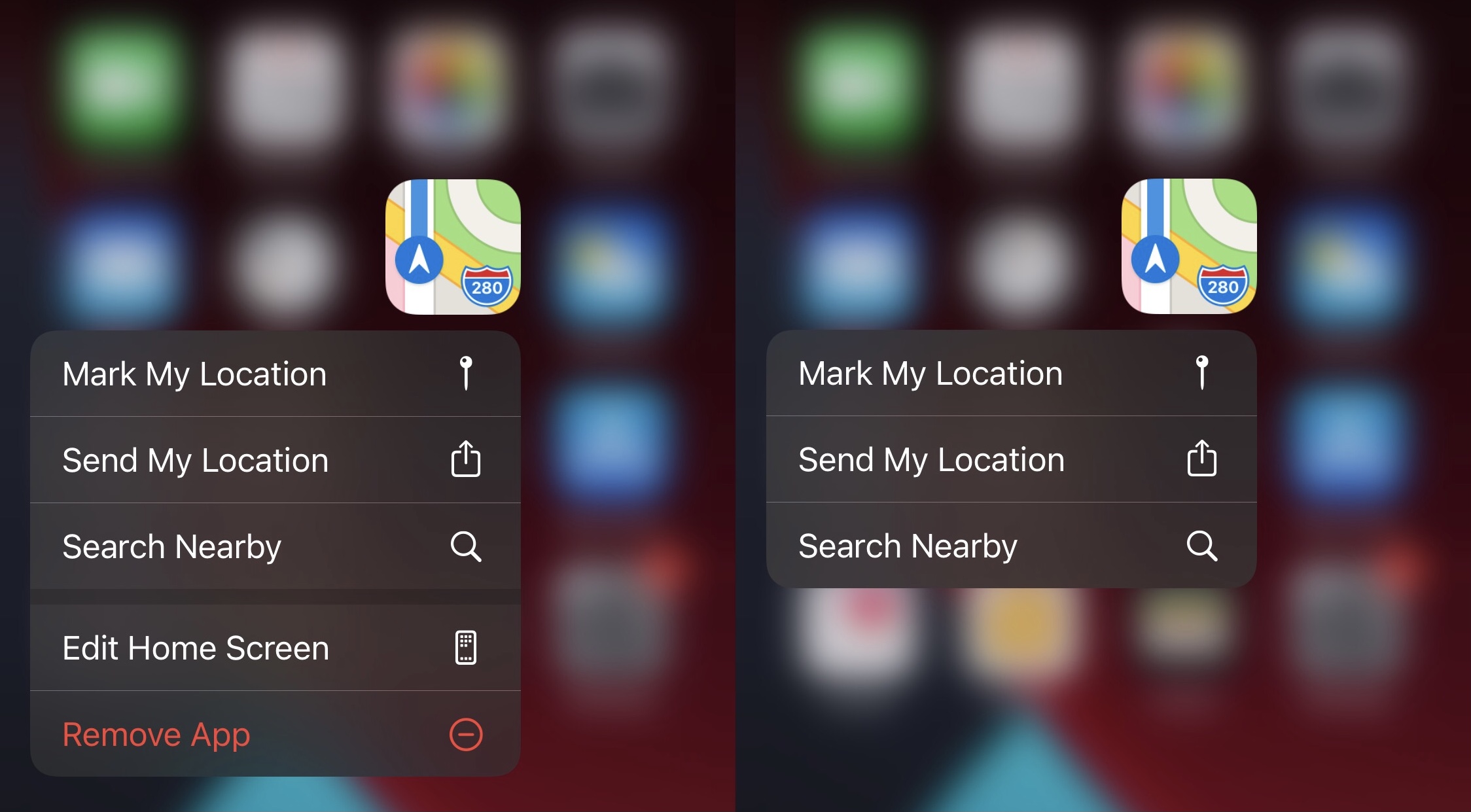
Apple did something right when they made it possible for users to use a Haptic Touch/3D Touch gesture on individual Home Screen app icons to reveal hidden menus.