If you watch any ordinary video in the YouTube app, then a progress bar appears at the bottom of the video player to display your progress in the video in real time. For some reason, the same isn’t true about YouTube Shorts.
Jailbreaking gives iPhone and iPad users a lot of different reasons to get excited. For instance, you can add new features and customizability to a device that stock handset owners could only dream of.
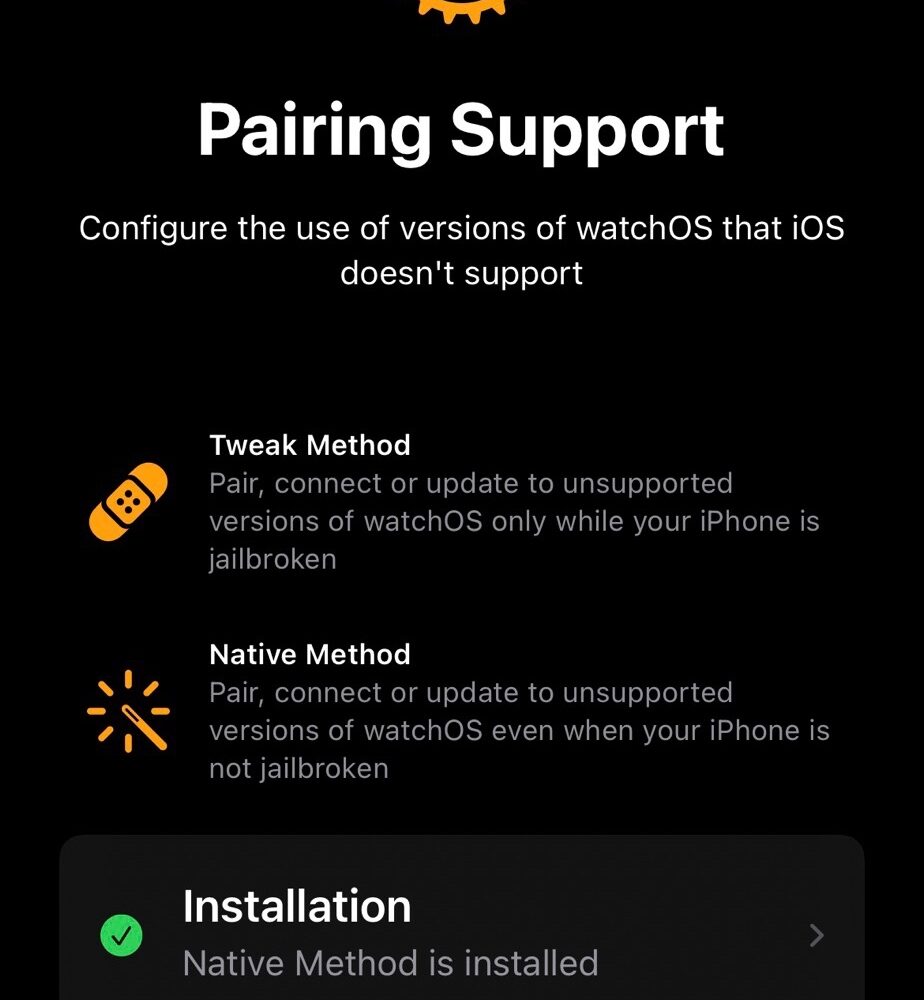
A little over a week ago, we told you about a development dubbed Legizmo Kincaid that would allow even those without a jailbreak to pair Apple Watches running newer versions of watchOS with iPhones running outdated versions of iOS.
While many continue to wait for the emergence of an iOS & iPadOS 15 jailbreak, the good news is that TrollStore can offer temporary refuge by way of tweaked and modified apps. In fact, a new TrollStore-enabled app called Mugunghwa by iOS developer Soongyu Kwon makes it possible to change your app icon notification badge colors even without a jailbreak.
We previously showed our readers how they could install TrollStore on a jailbroken iOS or iPadOS 14.0-14.8.1 device, but as we’ve said many times over in other posts, TrollStore also supports non-jailbroken iOS 15.0-15.1.1 devices. The only question, then, is how can you install it on a non-jailbroken device? Well, we intend to show you in today’s tutorial.
TrollStore, the .ipa perma-signing utility for iOS & iPadOS 14.0-15.1.1 released earlier this month by iOS developer Opa334 received an update on Thursday, this time bringing the tool up to version 1.1.
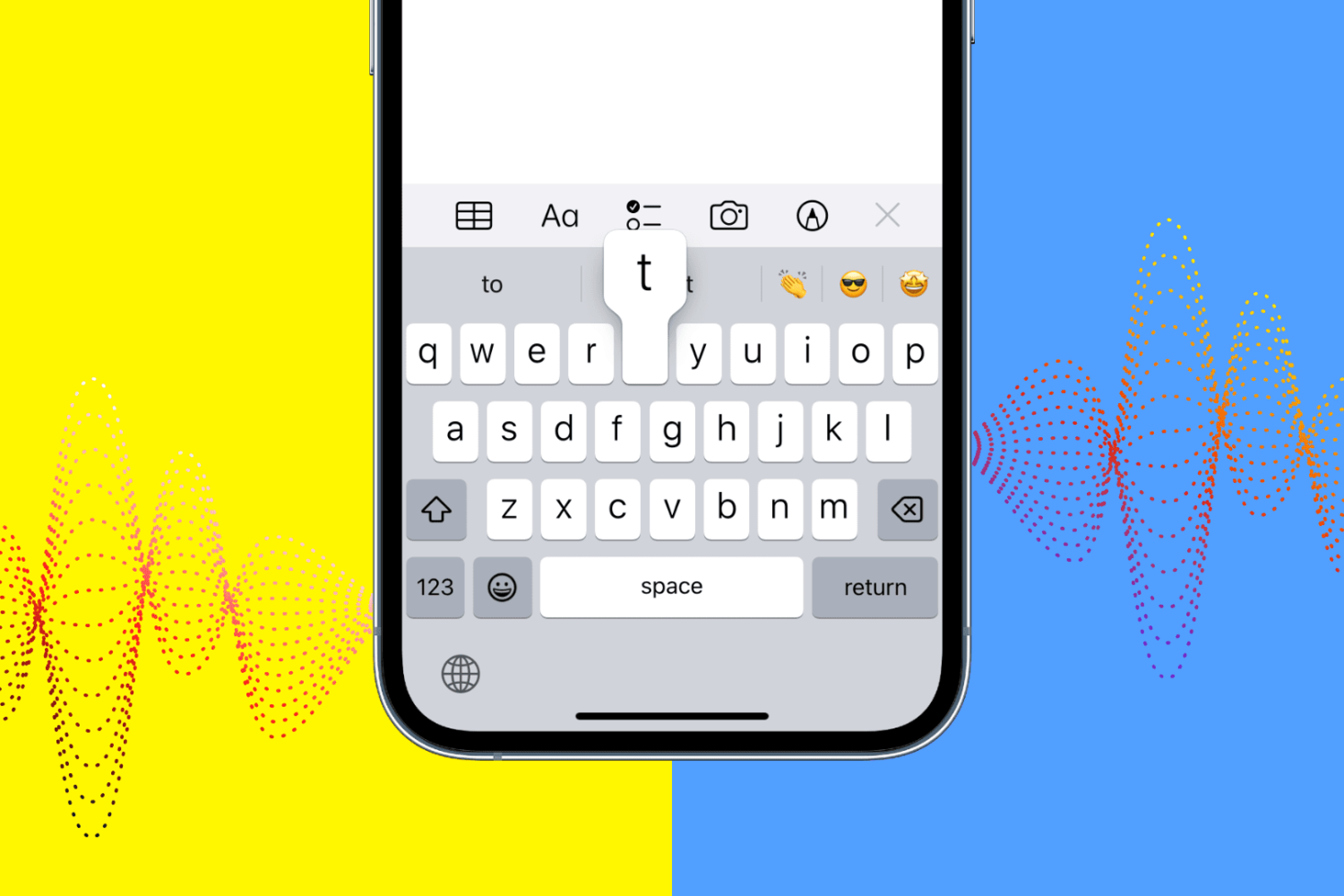
IOS 16 includes a new iPhone keyboard haptics feature, but Apple says using vibratory feedback when typing might affect your battery life.
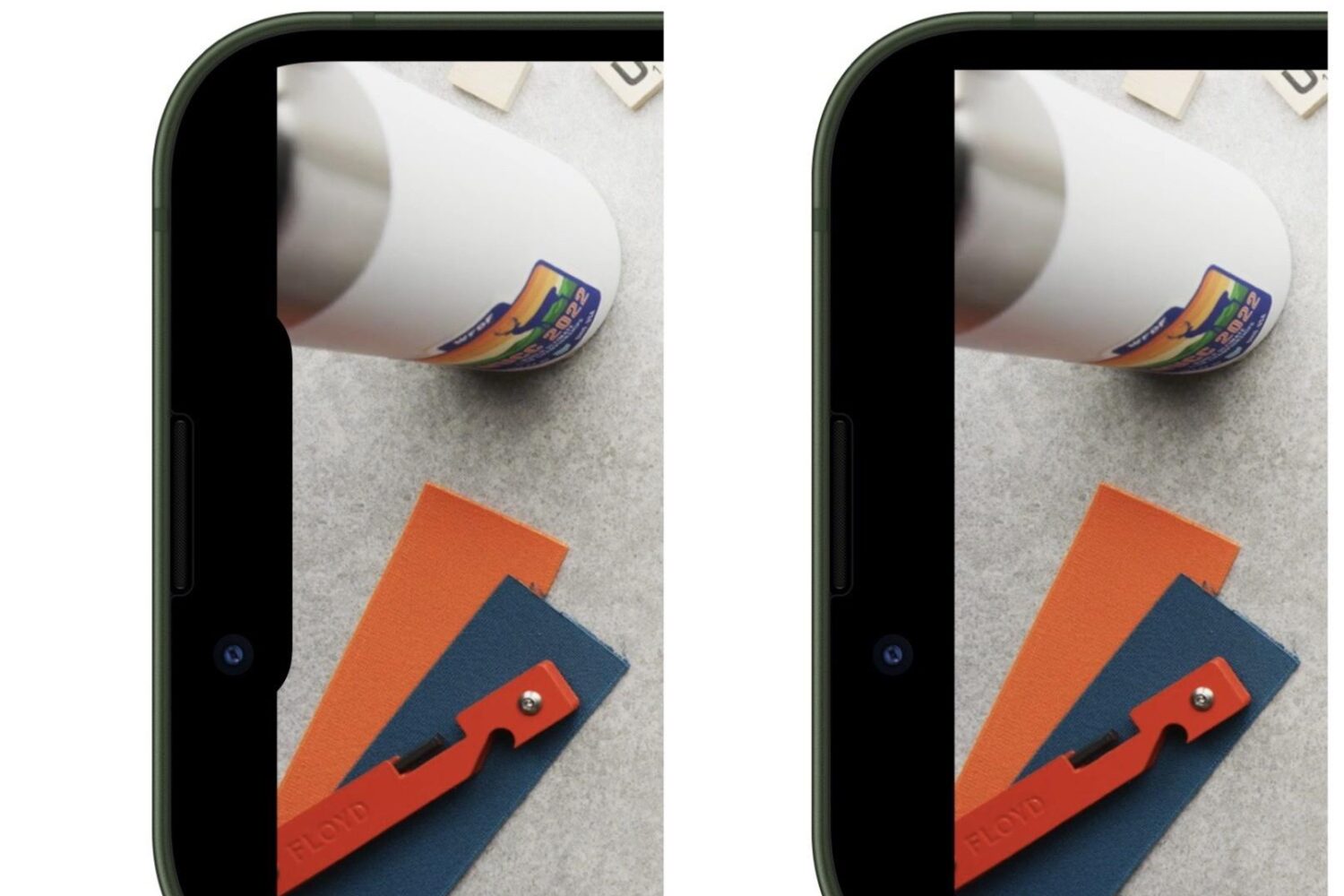
Depending on the type of iPhone you use, YouTube videos with a 2:1 aspect ratio may bleed slightly into the notch, causing an unsightly aesthetic to the video consumption experience. Upset with this, a Redditor took to /r/jailbreak to find a solution, and they surely found one.
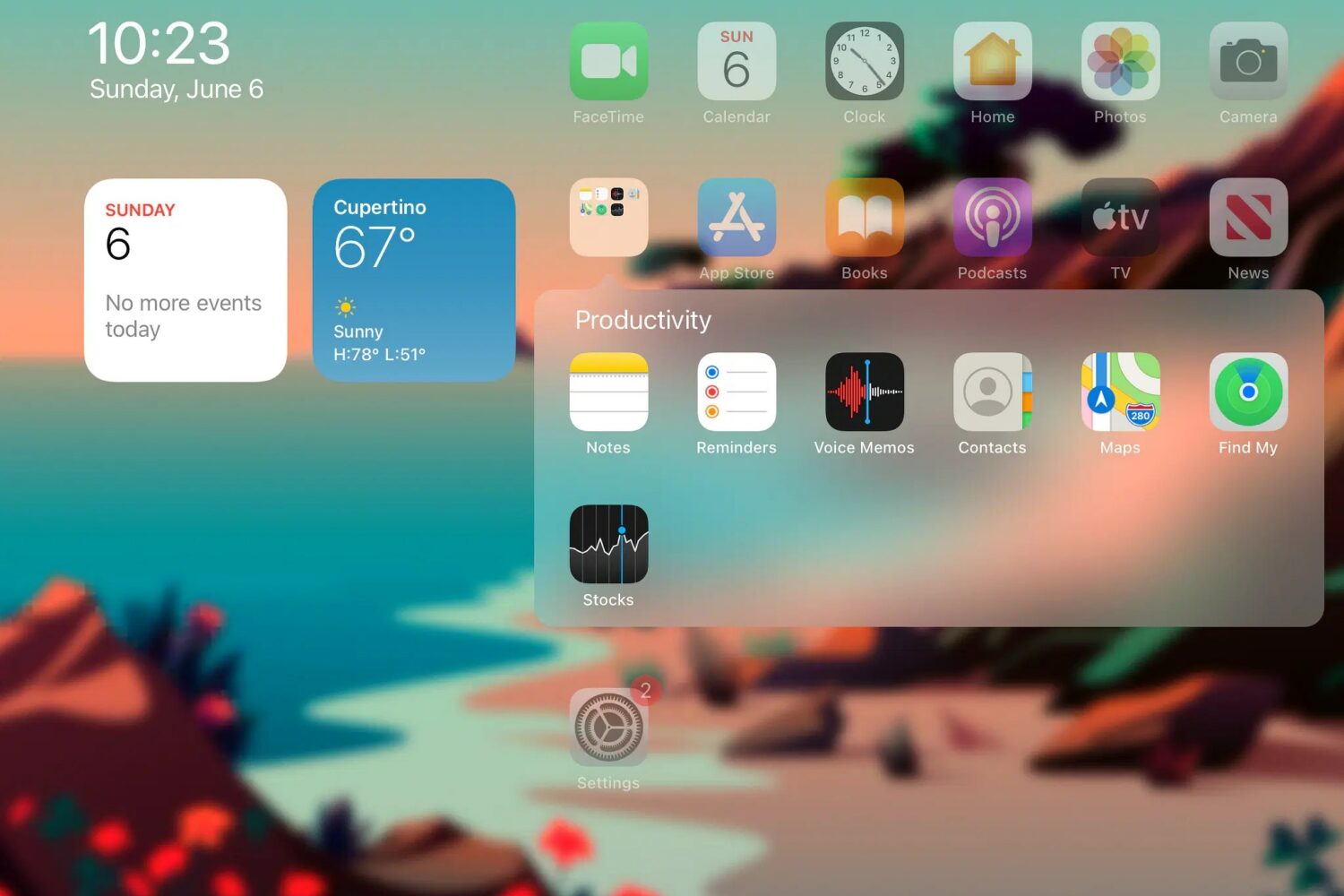
Home Screen folders on modern installations of iOS or iPadOS take up the entire display, and to many (myself included), this just seems like an atrocious waste of space.
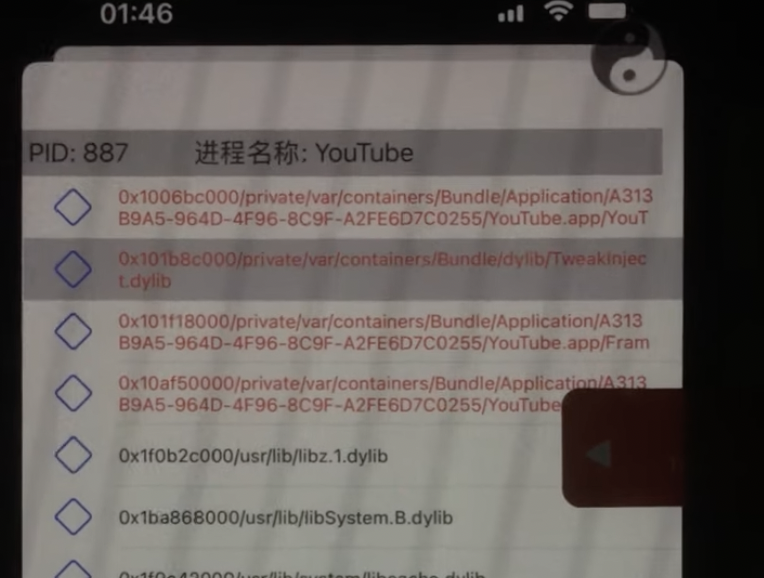
If you’ve been following along with the progress on the Odyssey Team’s upcoming Cheyote jailbreak for iOS & iPadOS 15.0-15.1.1 recently, then you’d know that one of the major setbacks that’s delaying the launch is preparing jailbreak tweaks to support iOS & iPadOS 15 via the rootless dynamic and with libhooker as the primary means of tweak injection.
A new comment posted Wednesday morning in the Sileo & Odyssey Team Discord channel by Odyssey Team lead developer CoolStar entertained the idea of initially releasing a limited version of the Cheyote jailbreak for iOS & iPadOS 15.0-15.1.1 ahead of the final version.
This tutorial will guide you through the process of downgrading your iPhone from iOS 16 to iOS 15. But first, let's go over the reasons why you might want to do this, and what you need to downgrade from a newer version of iOS 16 to an older version of iOS 15.