iOS 9

How to make your iPhone and iPad more secure with 6-digit passcodes

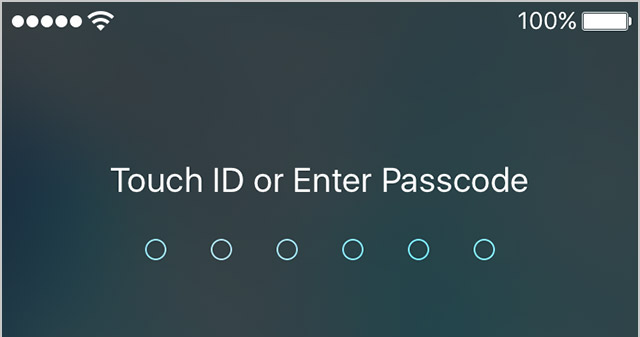
Starting with the release of iOS 9.0.1, Apple has increased your security by defaulting to 6-digit passcodes on Touch ID devices. “If you use Touch ID, it’s a change you’ll hardly notice,” says Apple.

Compared to 4-digit passcodes which have 10,000 possible combinations, their 6-digit counterparts strengthen your security with one million possible combinations, meaning 6-digit passcodes will be a lot tougher to crack.

Non-Touch ID iPhones and iPads still default to less secure 4-digit passcodes, however. You can enable a 6-digit passcode with a quick trip to Settings, here's how.

Why 4K video matters on the iPhone 6s

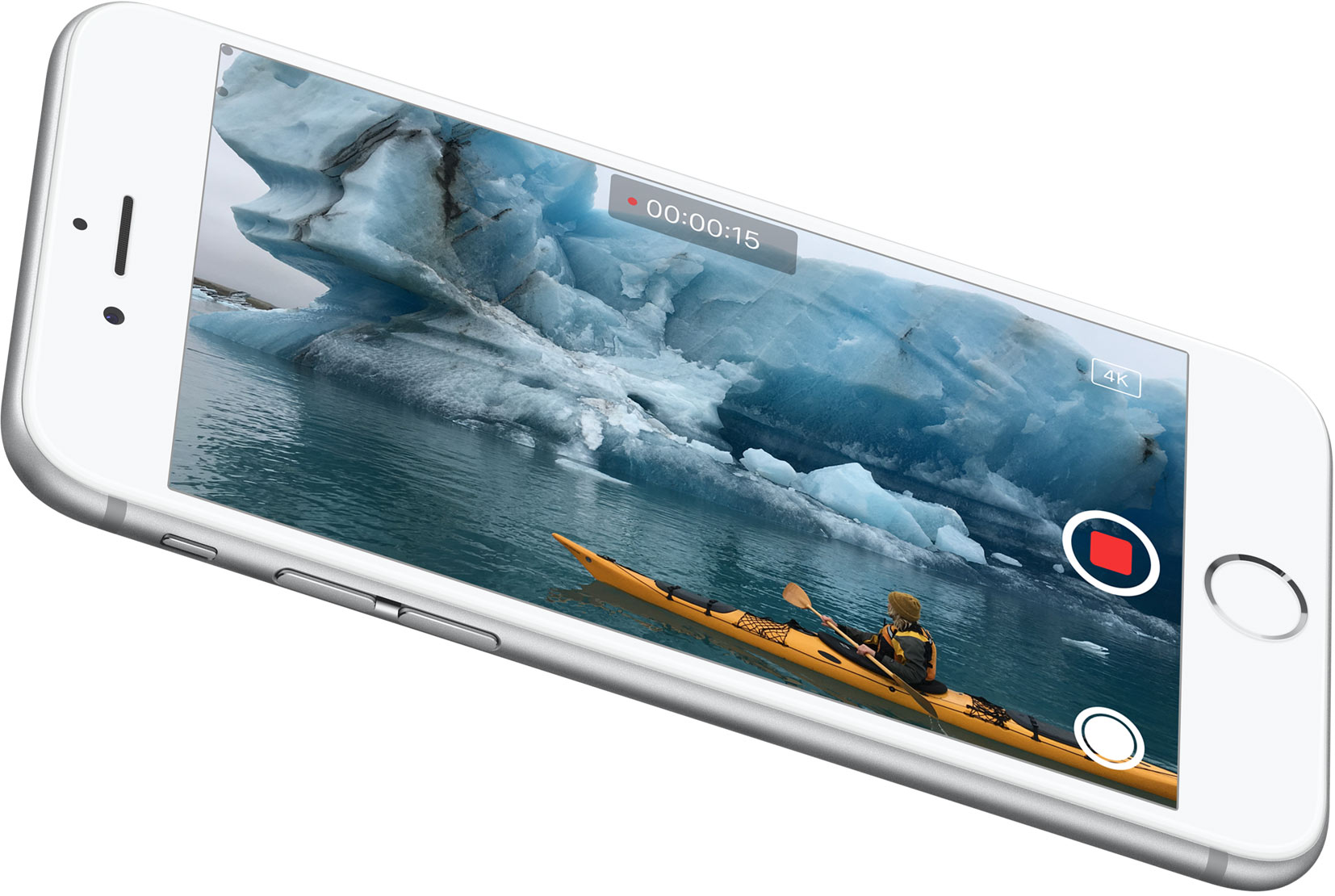
Why would Apple enable 4K video capture on a phone that can't actually display 4K content in full resolution on screen? The reasons are multifaceted, but one obvious reason is that it allows users to zoom in on video while still maintaining crisp resolution.

Coincidently, iOS 9 now supports pinch to zoom and double-tap to zoom on videos in the Photos app. This makes it possible to zoom in to a specific portion of the video without necessarily sacrificing the amount of resolution needed to look great on most of today's displays. Zooming also allows for creative and flexible video editing solutions while working in apps like iMovie, which supports 4K editing. To make a long story short: it's all about the zoom.

Some iPhone 6s users report poor low-light camera performance with Live Photos enabled

Some iPhone 6s owners took to Reddit to say that using Live Photos degrades low-light photography performance on their iPhone 6s and iPhone 6s Plus. We have yet to confirm their claims independently but it would seem that the issue stems from how taking Live Photos works.

When you enable Live Photos in the Camera app, your iPhone 6s records 1.5 seconds of video before and after the still photo is snapped, allowing you to see small bursts of motion and sound.

Here's why using Live Photos might degrade your camera's performance in low-light conditions.

If iOS 9 is gobbling up all your mobile data, you should turn Wi-Fi Assist off

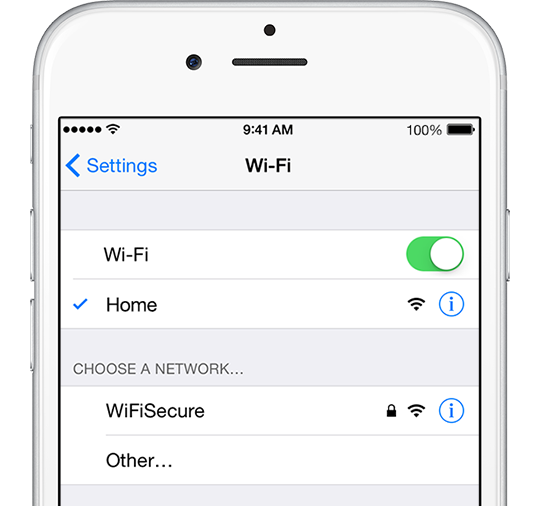
iOS 9 includes a new feature designed to optimize network performance by automatically switching to a mobile data network if a poor Wi-Fi signal is detected or Wi-Fi responds painfully too slow. It's called Wi-Fi Assist and comes enabled by default on iPhones and cellular iPads running iOS 9 or iOS 9.0.1.

As first noted by Quartz, some iPhone owners with poor Wi-Fi reception are seeing dramatic increases in their mobile data usage after updating to iOS 9.

For example, some folks are reporting a jump from one to as much as seven gigabytes since updating to iOS 9. To avoid unwanted overage fees on your wireless bill, disable Wi-Fi Assist with just a few taps, here's how.

iPhone 6s may suffer from iOS 9 bug affecting some apps which tap into compass and gyroscope data

Apple's new iPhone 6s and iPhone 6s Plus seem to be affected by a potential software bug present in iOS 9.0 and iOS 9.0.1 that appears to affect some, but not all apps which rely on data collected from the handset's compass and gyroscope sensors.

As first reported by AppleInsider, developer Fifth Star Labs has confirmed that reported issues with the Compass feature in its Sky Guide stargazing app are indeed limited to the new iPhone 6s and iPhone 6s Plus and do not extend to older hardware.

New in iOS 9: Safari hides private tab information when the App Switcher is opened

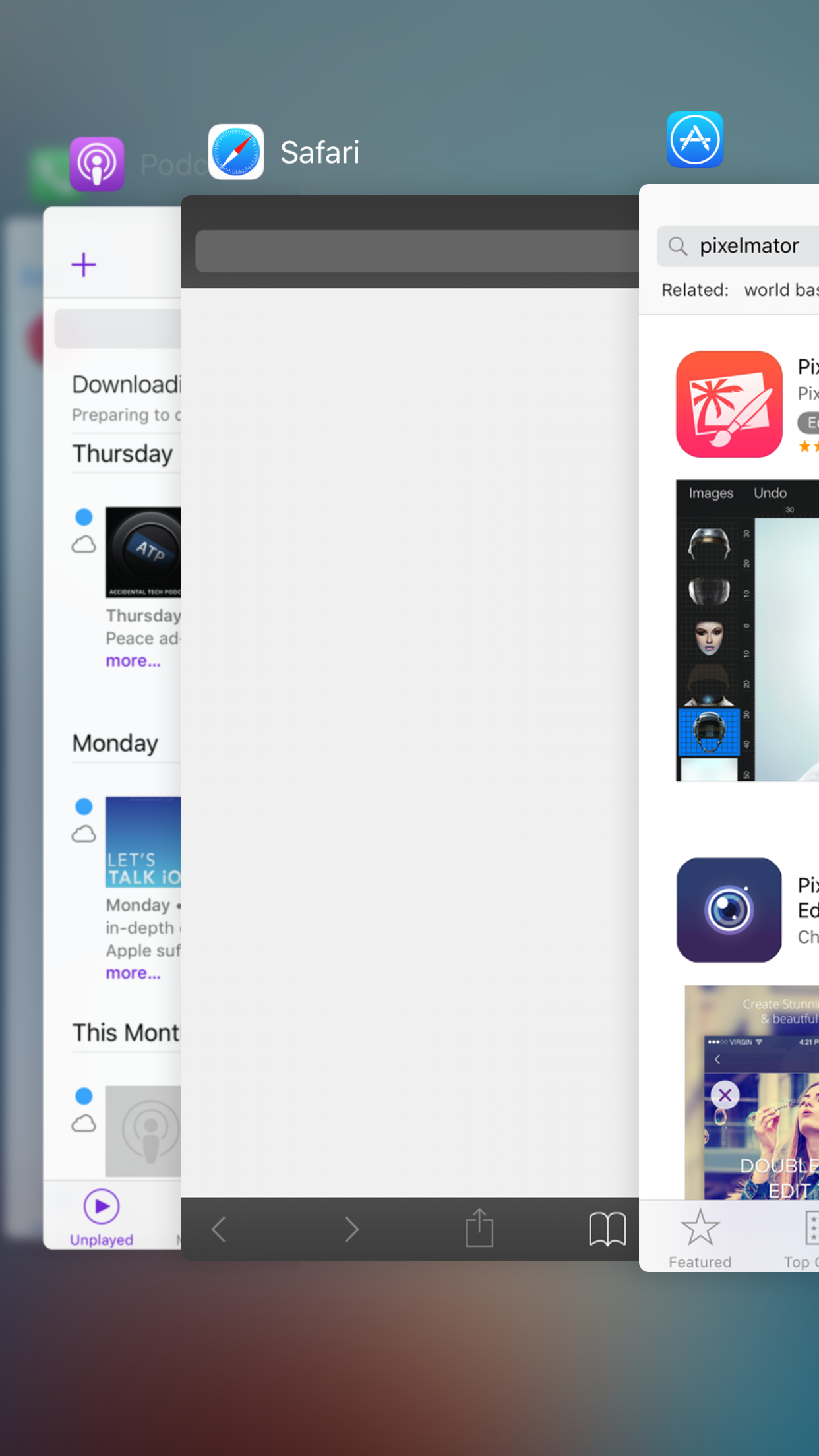
When you open the App Switcher in iOS 9, Safari will automatically blank out the preview page if you happen to leave off while browsing in Private mode. In iOS 8, Safari would show the preview card, regardless of whether or not a Private browsing session was last engaged.

There is already an API available for third-party developers to blur out App Switcher previews to protect sensitive data. Some banking apps and other apps with sensitive customer data do this already. But Apple's method for going about obscuring potentially sensitive web browsing sessions is a bit different. Instead of blurring out the page, Safari simply blanks out everything when the App Switcher is opened.

How to turn iPhone keyboard into a trackpad with 3D Touch and select text with precision

iOS 9 brought out a new feature for iPads called easy text selection which lets you slide two fingers on the screen to turn the keyboard into a trackpad of sorts. While in this mode, you can control cursor movement and select chunks of text with precision.

Thanks to 3D Touch, you can bring up this trackpad-esque functionality on your iPhone 7 or later in order to easily select and manipulate text with great precision, here's how.

Tip: ask Siri to remind you about things you’re looking at in your apps

Siri's Proactive features let you do so much more, and in a more intelligent fashion than ever before. In addition to suggesting apps, people, locations and more when you use Spotlight Search, iOS also lets you ask Siri to actually create context-aware reminders for what you’re looking at on the screen of your iPhone, iPod touch or iPad.

Asking to be reminded about things you’re looking at in apps like Safari, Mail and Notes that you want to follow up on later can be a tremendous productivity boost.

The feature is a great time-saver when you cannot currently deal with what you're doing right now, and would like to get reminded about it at a later stage, but are too lazy to create a reminder yourself. Here's how it works.

New in iOS 9: 30 second auto-lock

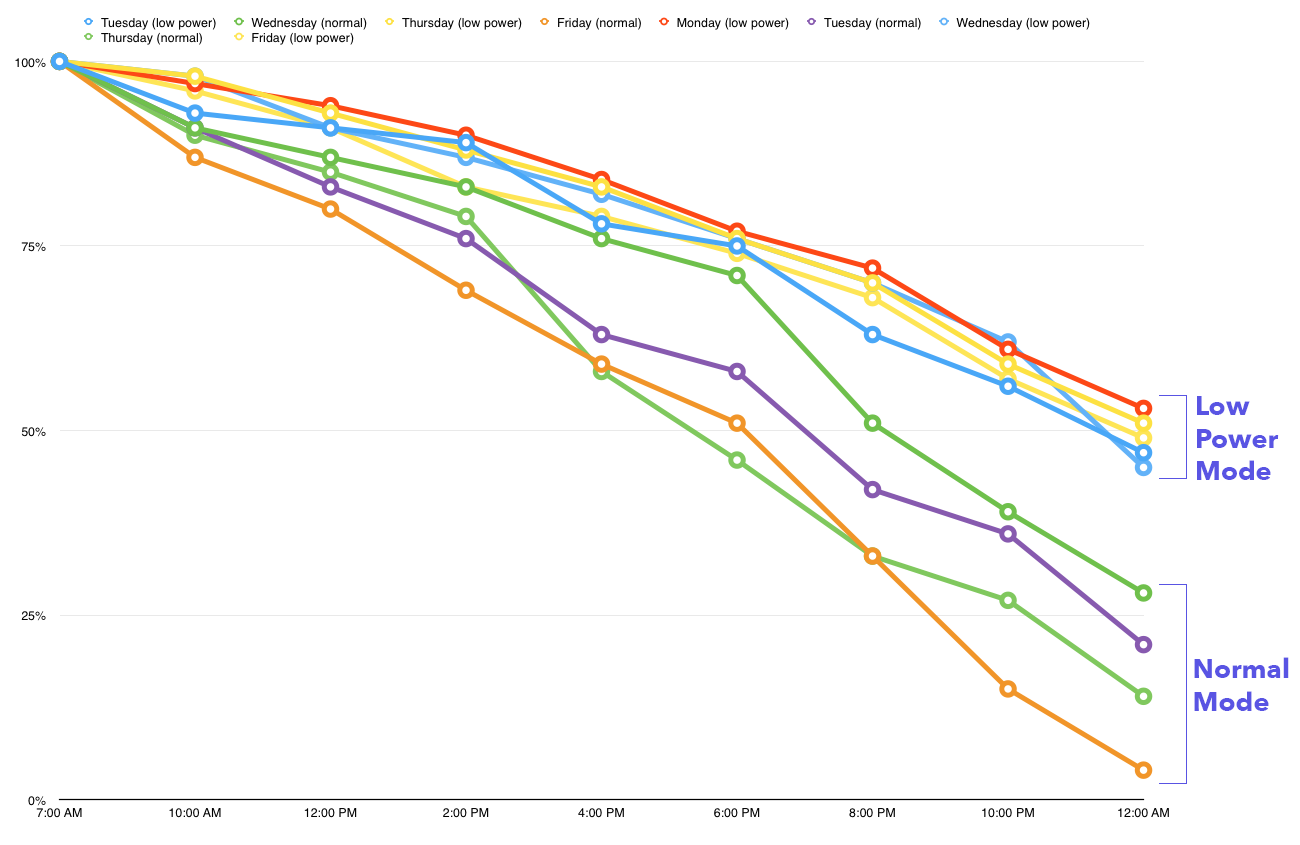
By now, it's apparent that the new iPhone 6s features a somewhat smaller battery to accommodate the device's internal changes. By the sheer nature of physics, battery life will inevitably suffer. Fortunately, iOS 9 is being used to make up for the loss. It employs several changes in the code to increase battery life, and even includes a new Low Power Mode to throttle down the CPU and get rid of battery-draining visual effects.

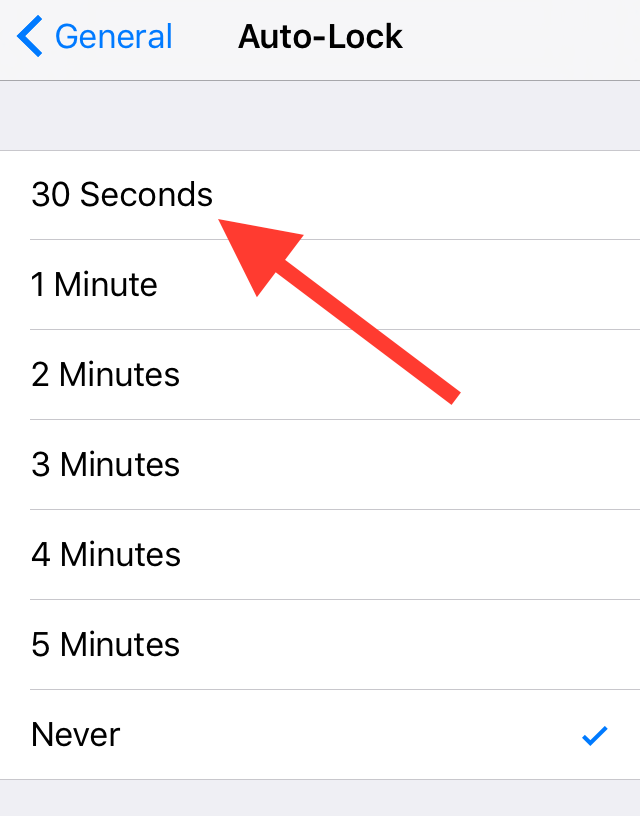
But there's another change that's available to users to help increase battery life. Inside iOS 9's Auto-Lock preference panel, you'll find a new 30 second auto-lock option—a setting that could potentially reduce battery usage even more.

Twitterrific update with iOS 9 and iPad multitasking support, new features and improvements

Twitterrific 5, The Iconfactory's freemium Twitter client for iOS and OS X platforms, has received its iOS 9-focused update this morning.

The app is now fully optimized for iPhone, iPod touch and iPad devices running iOS 9 and supports new Slide Over and Split View multitasking modes on compatible iPads. If you own an iPad Air 2 or an iPad mini 4, you can now run Twitterrific and another app side-by-side in iOS 9's new Split View mode.

This is a great feature as you can now pin Twitterrific on the right and configure it to use Safari as your browser instead of in-app. In addition to iOS 9-specific support, this edition of Twitterrific includes other changes and improvements listed further below.

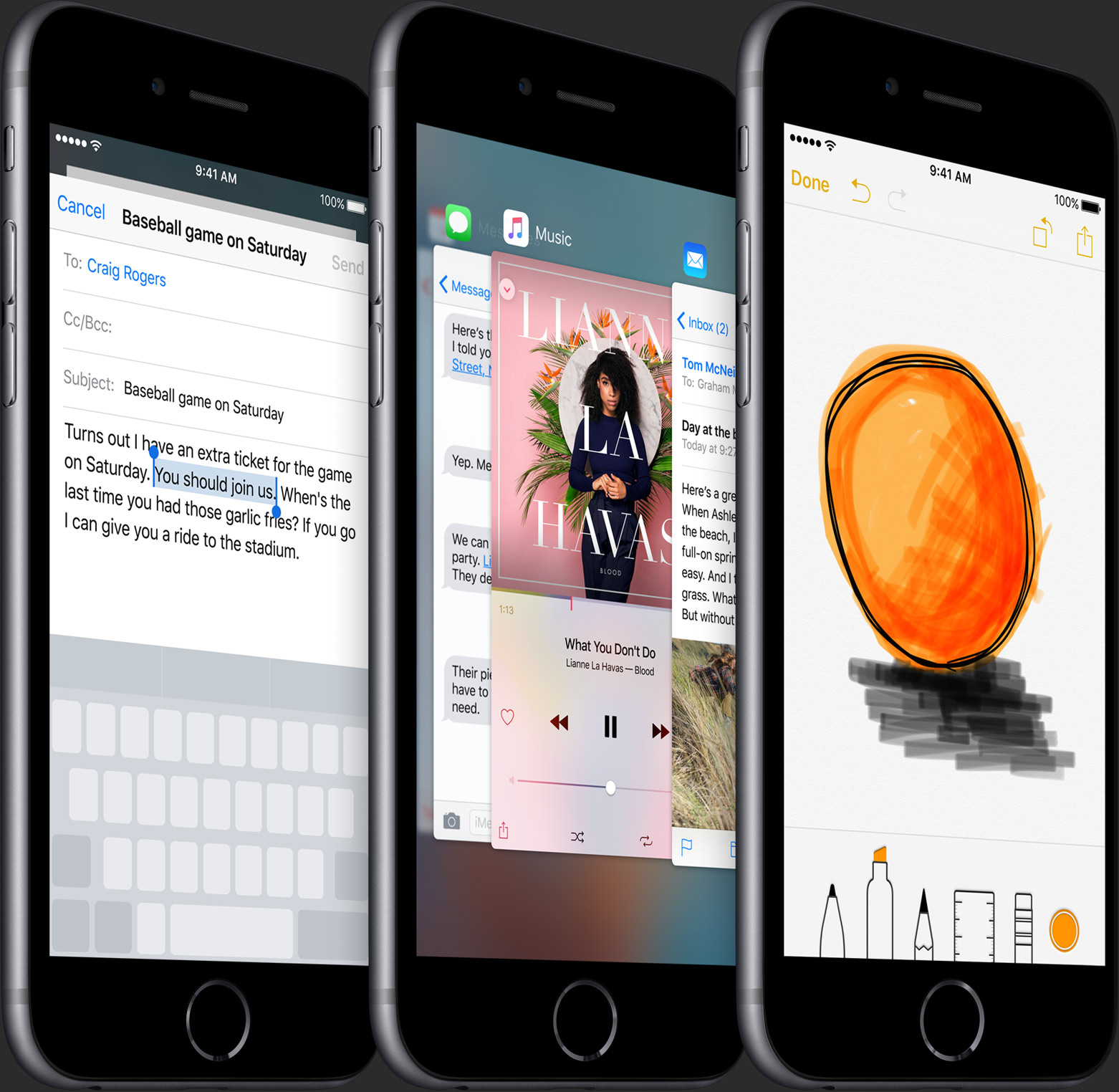
50 new features in iOS 9 [Video]

iOS 9 has been out for just under a week, and and as you've no doubt heard, there are tons of new features to be found in Apple's latest and greatest iOS update.

Some of the features are headlining additions, such as the iPad's new side-by-side multitasking option, called Split View. Other features, however, are bound to fly under the radar. For example, did you know that you can search through saved passwords in Safari's preferences? What about using Touch ID to validate access to said passwords?

I've always believe that it's the little things that truly make a piece of software, in this case a full fledged operating system, really special. iOS 9 has plenty of big features, but even more smaller features, fixes, and optimizations.

In this post, I'll showcase 50 new iOS 9 features. While many of them are well-known and will probably be familiar to you, I'm betting that there are at least a handful of new features that you either forgot about or didn't know about at all.