iOS 8

iOS 8 gains intelligent Instant Hotspot feature

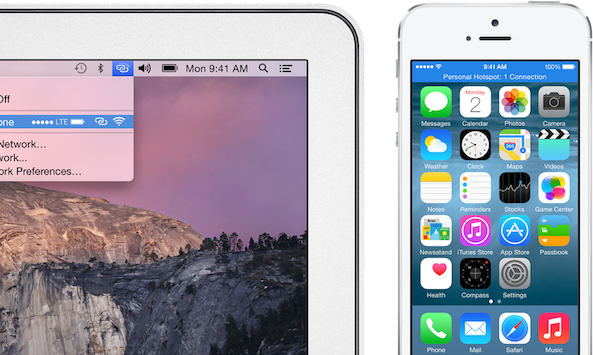
iPhones and iPads have long had a feature called Personal Hotspot for tethering your cellular data connection to a Mac or another device over Bluetooth, USB or Wi-Fi. To setup the personal hotspot, users had to navigate to settings and toggle on the feature. Then, the device would appear as a Wi-Fi network or under network services in settings if connected using USB… 

iOS 8 AirPlay broadcasts to Apple TV without Wi-Fi

Apple's current implementation of AirPlay, its media streaming technology, requires a Mac or iOS device to be on the same Wi-Fi network as an AirPlay receiver, which in most scenarios is the Apple TV. While seamless, AirPlay in its current form makes it impossible to use in places where you don't have access to a local Wi-Fi network.

Feeling your pain, Apple in iOS 8 has implemented zero-configuration peer-to-peer networking between AirPlay devices. This lets you broadcast whatever content from an iPhone, iPod touch or iPad to your Apple TV, even if these devices are not on the same local network...

OS X Yosemite lets you video capture iOS 8 devices with a Lightning cable

Capturing a real-time screencast of apps and games running on your iPhone, iPod touch or iPad used to require juggling with various devices/cables.

As our own Jeff Benjamin would explain, a typical solution would involve using a pro camcorder to physically record the screen of an iOS device and taking advantage of one of Lightning digital A/V adapters to feed live video from your iOS device to a computer or a specialized video capture device.

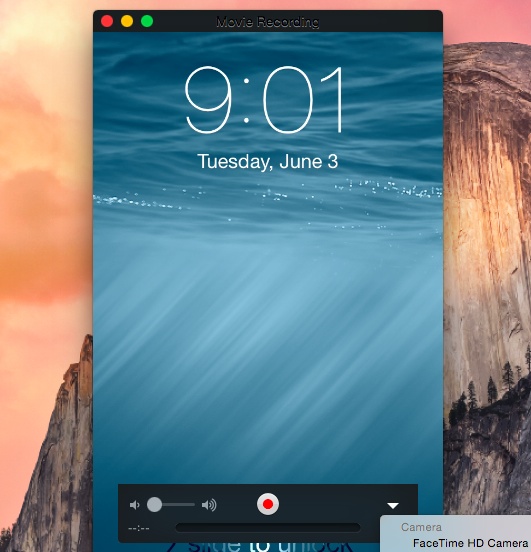
Starting this Fall, iOS 8 and OS X Yosemite will greatly simplify the process by allowing you to capture a screencast by connecting an iPhone, iPod touch or iPad to a computer using a Lightning cable, no A/V adapters or HDMI capture cards needed whatsoever...

iOS 8 adds Handoff feature for completing tasks across multiple devices

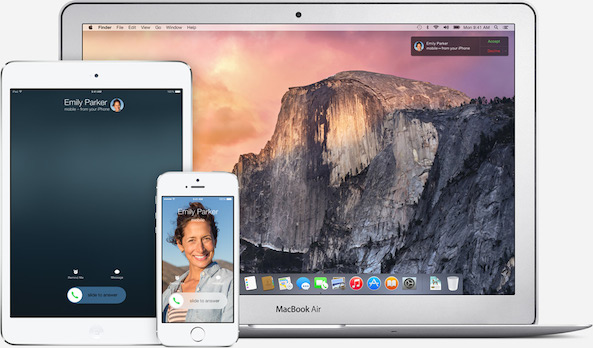
Apple has introduced a handy new feature in iOS 8 called Handoff, which lets you start a task on one Apple device and pick up right where you left off on another. For instance, you might start composing a long email on your iPhone and sit down at your desk to finish it on your Mac later. Or perhaps you are browsing the web on your Mac, and then keep looking at the same link from your iPad… 

Volvo confirms XC90 SUV is its first CarPlay vehicle

Aside from Mercedes-Benz and Ferari, Volvo is another launch partner for Apple's in-car software feature, dubbed CarPlay. After recently announcing a new version of its popular XC90 SUV, the Swedish company today confirmed the vehicle files as its first car model with native CarPlay integration.

CarPlay on the XC90 is provided alongside Volvo's built-in technology from Here and it enables familiar features like phone, navigation, music, Siri and more - all within an arm's reach via the vehicle's centre console touchscreen display...

Swype, Fleksy and SwiftKey working on custom iOS 8 keyboards as we speak

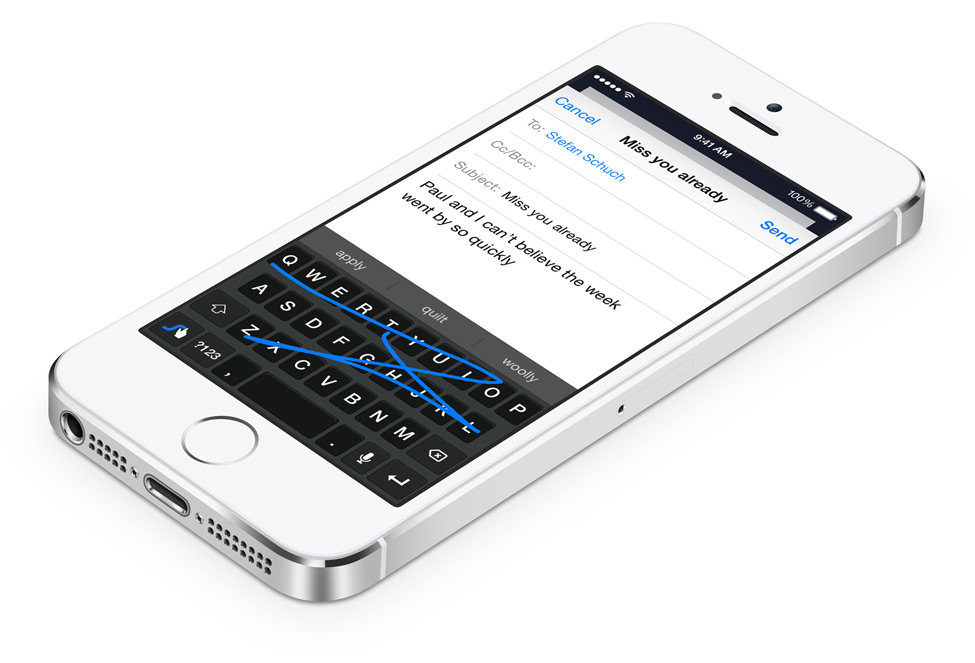
In announcing iOS 8 and Yosemite yesterday, Apple dedicated some stage time to highlighting a new system-wide keyboard with context-aware predictive typing suggestions, called QuickType. But Apple also wooed developers by relaxing its rules to permit users to install third-party keyboards distributed through the App Store when iOS 8 officially releases this Fall.

Needless to say, makers of popular Android keyboards jumped with joy. The likes of Swype, Fleksy and SwiftKey have immediately confirmed they will be releasing their software keyboards for iOS 8...

iOS 8 makes it easy to detect battery hog apps

iOS 8, when it releases for public consumption this Fall, will make it real easy to identify apps that are battery hogs.

That's because among a flurry of new iOS 8 features introduced during the WWDC keynote yesterday was a brand new per-app battery usage indicator in the Settings app.

It allows you to identify apps that suck your battery dry so you could stop using them and improve your device's battery performance...

The ultimate WWDC 2014 keynote roundup

Ladies and gentleman, we have survived the onslaught of announcements surrounding the WWDC keynote. We have already posted roundups of the major features in iOS 8 and major features in OS X Yosemite, but there is so much other news about the event that it can be overwhelming. That is why we have prepared this concise roundup of everything that has been covered since this afternoon. Take a look…

Download the iOS 8 and OS X Yosemite wallpapers

Today, Apple announced the newest version of its desktop operating system, OS X 10.10, also known as "Yosemite." With a vast array of new features, 10.10 is one of the largest departures from previous versions we have seen in many years. Sporting exciting additions like Continuity, which promises a more streamlined experience when switching between iOS devices and desktop devices, we are really enjoying getting through some of the beta testing.

Each new version of any OS includes at least one amazing wallpaper from Apple. Today, we discovered one new wallpaper with each iOS 8 and Yosemite. Inside, find the full resolution versions for your selective devices...

What did you think of the WWDC keynote?

Today was the seventh consecutive WWDC keynote that I have watched, and it easily ranks as one of my personal favorites. It might seem surprising that I feel that way, especially considering that there were no new shiny iPhones or Macs announced like there once was, but the nearly two-hour episode captured my attention for so many other reasons.

It started with the charismatic Craig Federighi, the humorous Apple executive that seemingly came out of nowhere and has become an instant hit over the past few presentations. It was not only his humor that was refreshing, but also his confidence. In fact, the entire team of Apple executives that appeared on stage this afternoon were equally confident… 

The best new features from the Messages app in iOS 8 [Video]

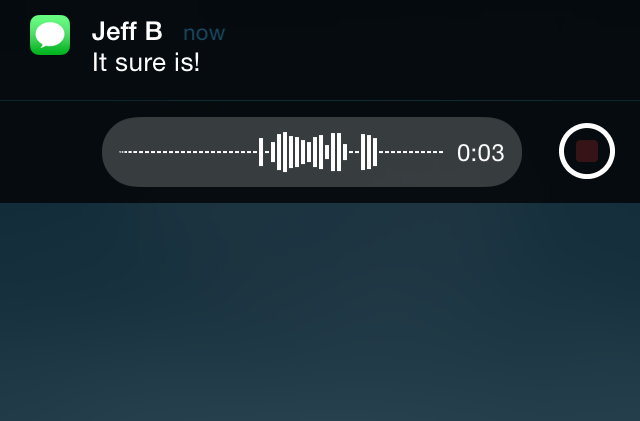
Without a doubt, I believe that quick reply for Messages was by far the most wanted feature of iOS 8 for the majority of long-time users. It's a feature that has been egregiously overlooked by Apple with seemingly little explanation.

This morning's keynote address finally brought an end to the wait, as native quick reply was revealed in all its glory on stage at the Moscone Center in San Francisco. To be honest, the keynote seemed to teeter on the side of fan service, but I'm certainly not complaining, especially when a part of that fan service is the long-awaited quick reply.

After installing the beta of iOS 8, one of the first things I've begun to play around with is the stock Message app, and of course, perhaps the most anticipated feature in iOS 8: quick reply. Have a look at our video walkthrough of some of the most prominent iOS 8 Messages app features.

T-Mobile will support Wi-Fi calling on iOS 8

Just a few hours ago, we rounded up a list of iOS 8 features that Apple simply didn't have much time to mention at its WWDC keynote this afternoon. One of them was Wi-Fi calling, which allows iPhone users to place calls over Wi-Fi as opposed to a cellular network. The feature allows for wireless customers to potentially save money on their monthly plans, which you would think is something that carriers would be against.

Not T-Mobile. Being the awesome underdog carrier that it has been as of late, the magenta-flavored company has embraced the feature with full arms. Earlier today, T-Mobile marketing chief Mike Sievert confirmed in a news release (via MacRumors) that Wi-Fi calling will be enabled for iPhone users on iOS 8, meaning that over 90% of smartphones on the network will be capable of the feature…