iOS 14

MilkyWay 3 supercharges multitasking productivity on jailbroken handsets
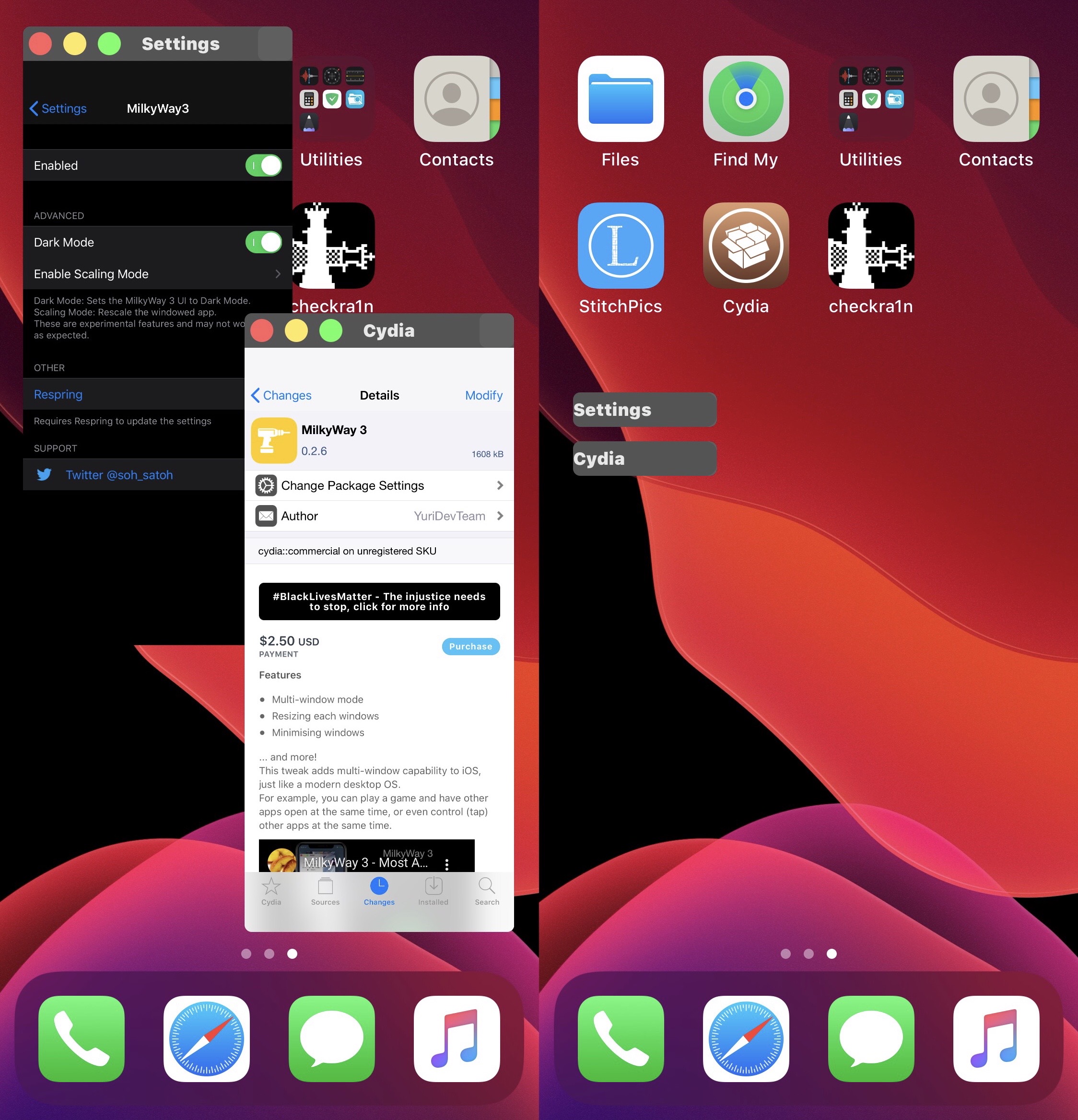
Multitasking is something that the iOS platform has always been somewhat behind the competition on. While the App Switcher provides fast access to recently-used apps, it’s nowhere near as intuitive as iPadOS’ side-by-side apps or macOS’ windowed applications. Many iPhone users have demanded similar functionality for their handsets for years, but Apple has yet to prescribe a solution.

Jailbreak tweaks of the week: FPSIndicator, Library Card, SettingsButtons, & more…

Things have felt slower than usual with regard to jailbreak tweak releases recently, but that’s to be expected when iOS & iPadOS 14 aren’t ideally jailbreakable on every available device as of yet.

Regardless, we’re back with yet another roundup encompassing all the jailbreak tweak releases and the best jailbreak news to keep you apprised as it happens. This roundup will go over everything from Monday, December 7th to Sunday, December 13th.

SettingsButtons adds useful buttons to the Navigation Bar in the Settings app

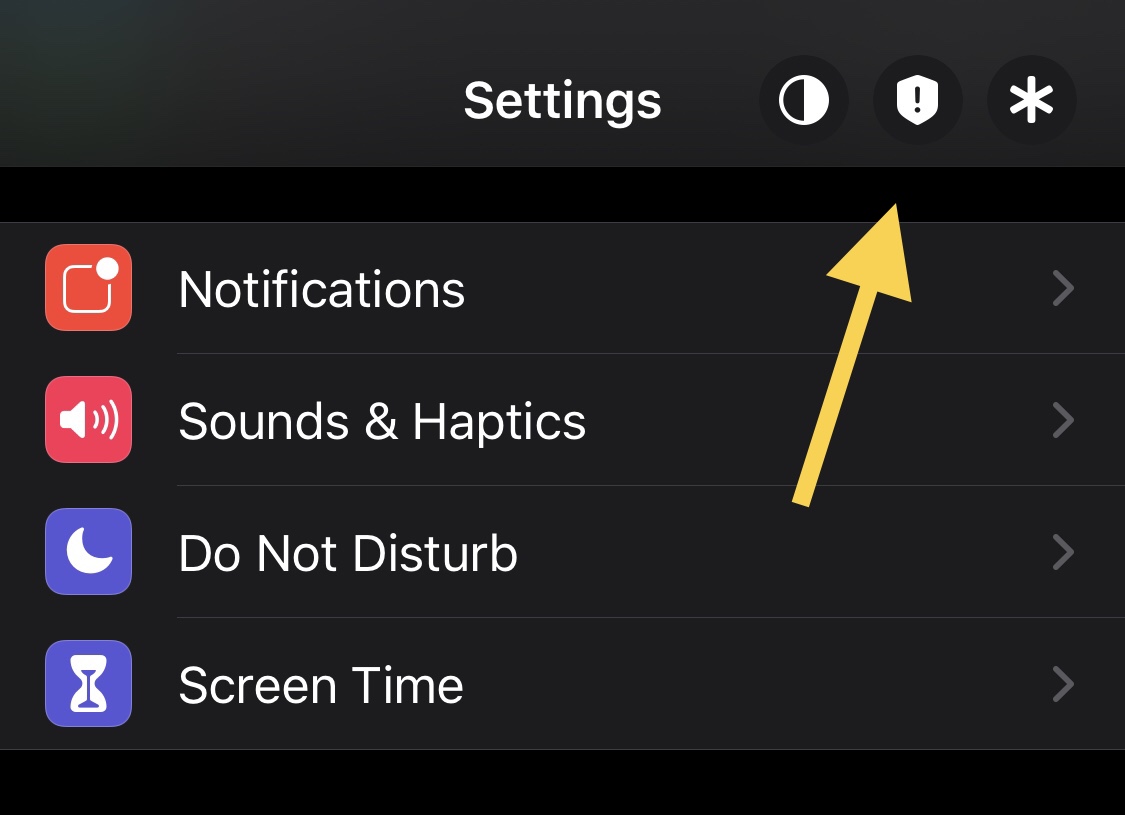
Jailbreakers with any interest or intention involving the augmentation of their iPhone or iPad’s Settings application should promptly turn their attention to a newly released and free jailbreak tweak dubbed SettingsButtons by iOS developer Ethan Whited.

SettingsButtons provides fast and easy access to commonly used toggles directly from the Settings app’s Navigation Bar, including but not limited to a Dark Mode toggle, a Respring button, and a Safe Mode button. Examples of these buttons are depicted in the screenshot example above.

Boost the aesthetics of your jailbroken iPhone’s Lock Screen with Heartlines

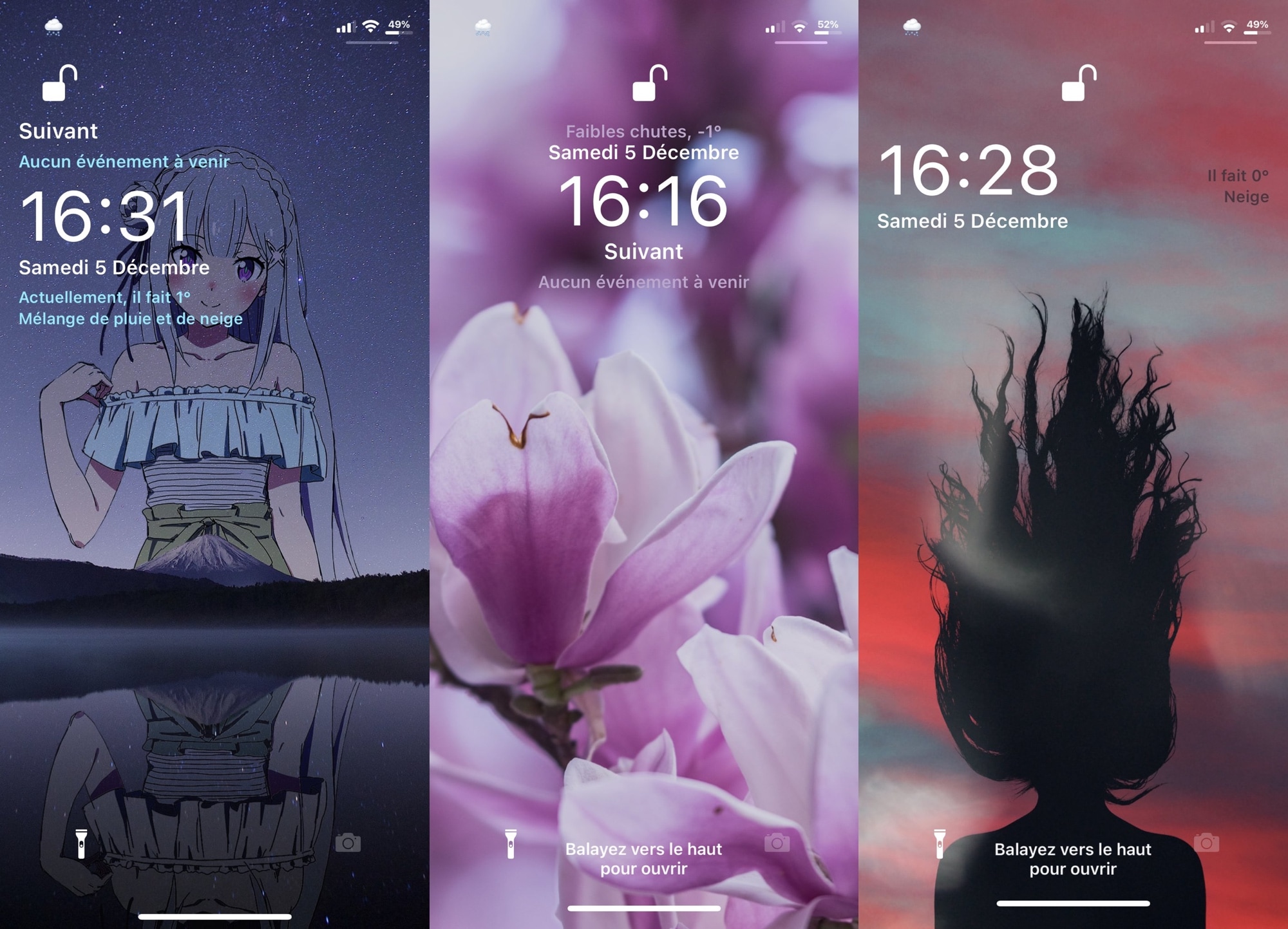
For some people, the Lock Screen is nothing more than a barrier that resides between the user and the apps on their device. For others, it’s the first interface you see every time you pick up your iPhone. Regardless of which camp you side with, wouldn’t you prefer to look at a more aesthetically pleasing Lock Screen design?

Heartlines is a newly released and free jailbreak tweak by iOS developer Litten that provides three new Lock Screen styles for the iOS platform, and beyond that, it offers a plethora of configuration options that allow users to get the most out of the first interface they see every time they pick up their handset. How’s that for awesome?

KernBypass kernel-level jailbreak detection bypass updated to v0.0.5 with iOS 14.2 support & more

Matrix code hacked iPhone.

Earlier this year, iOS developer XsF1re garnered a substantial amount of attention from the jailbreak community after releasing the FlyJB kernel-level jailbreak detection bypassafter releasing the FlyJB kernel-level jailbreak detection bypass — a tool that was basically meant to amount to a way for jailbreakers to go undetected by App Store apps that would traditionally bar access to those with pwned handsets.

Soon after, XsF1re pulled the project, citing a loss of confidence, but later reinstated it as FlyJB X upon developing improvements to make the bypass more reliable. Still, it wasn’t without its shortcomings. Over the weekend, however, iOS developer Ichitaso updated his own kernel-level jailbreak detection bypass dubbed KernBypass (unofficial) to version 0.0.5, and from what we can gather, it just might be slightly superior.

Jailbreakers can get festive with Snoverlay 2, which adds animated snowflakes to any interface

The most wonderful time of the year is rapidly approaching once more, and lots of families will be turning to festivities as a means of drowning out the absolute horrors that 2020 brought to families all over the globe.

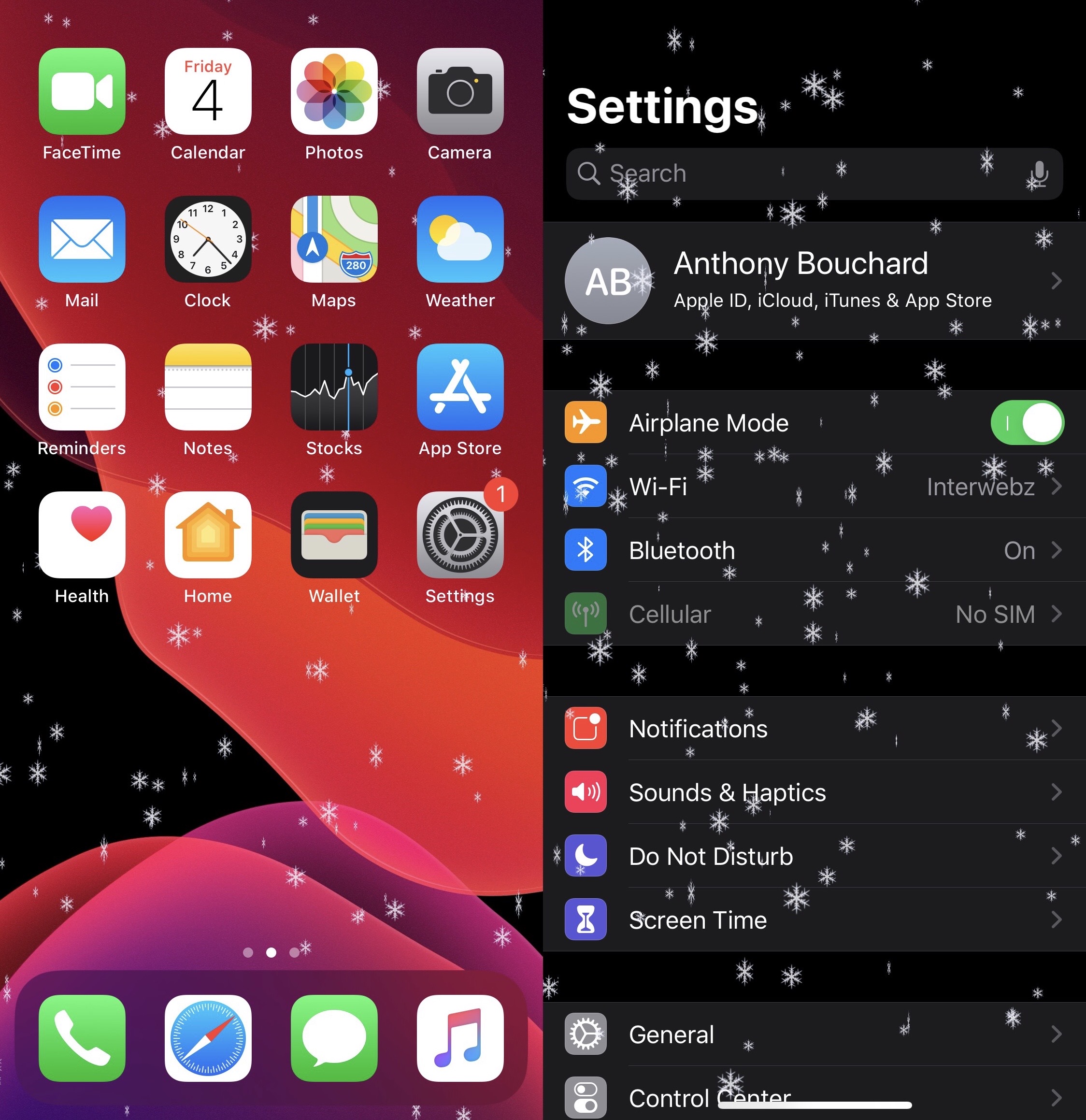
If you’re one of the millions who will be celebrating the holidays this year, then why stop at household decorations and holiday baking when you can trick out your iPhone or iPad too? Apart from setting a festive wallpaper, a newly released and free jailbreak tweak called Snoverlay 2 by iOS developer Ryan Nair can make animated snowflakes rain over the top of every interface you view on your handset.