iOS

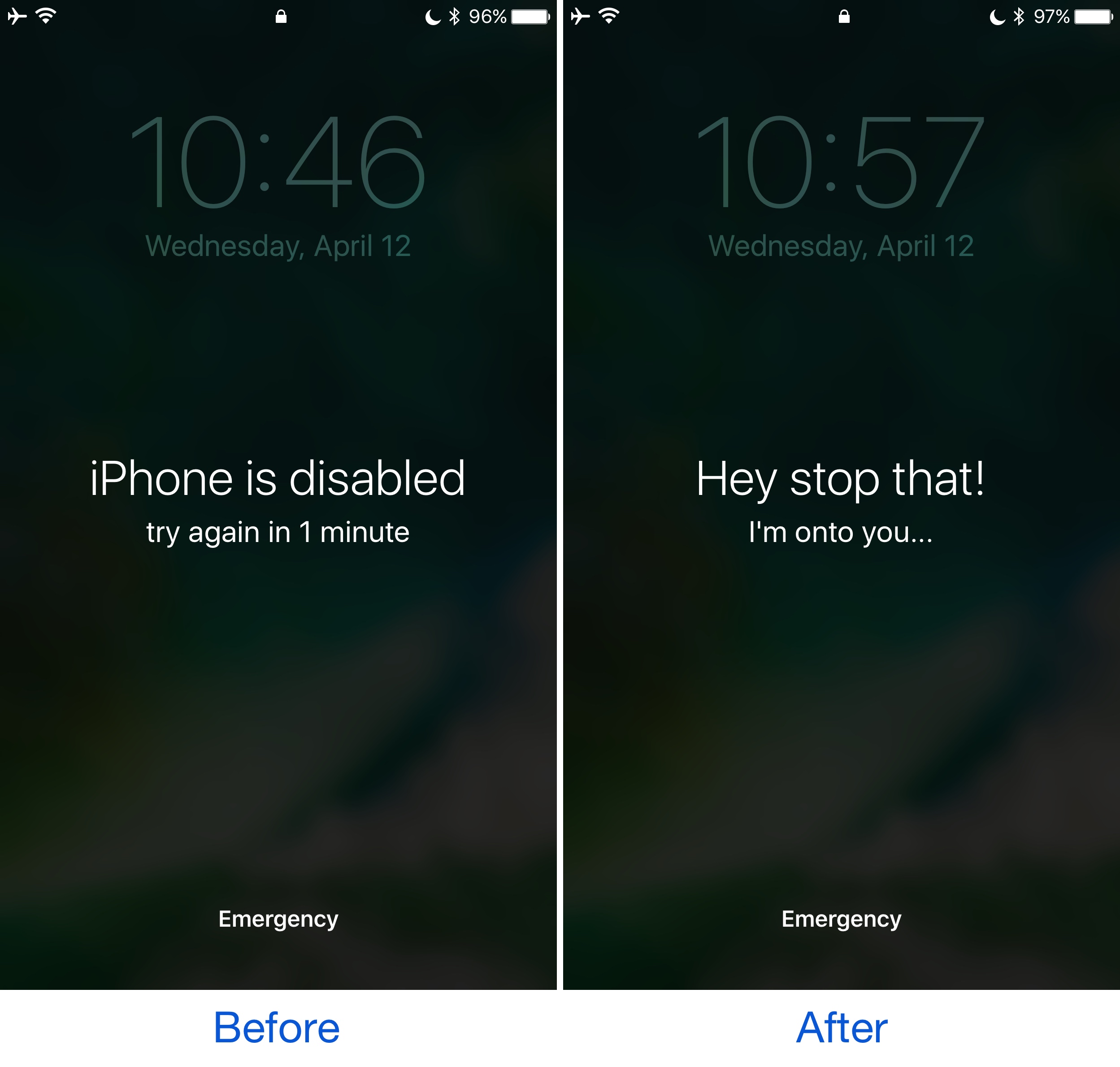
This tweak customizes the ‘iPhone is disabled’ text that appears after failed passcode attempts

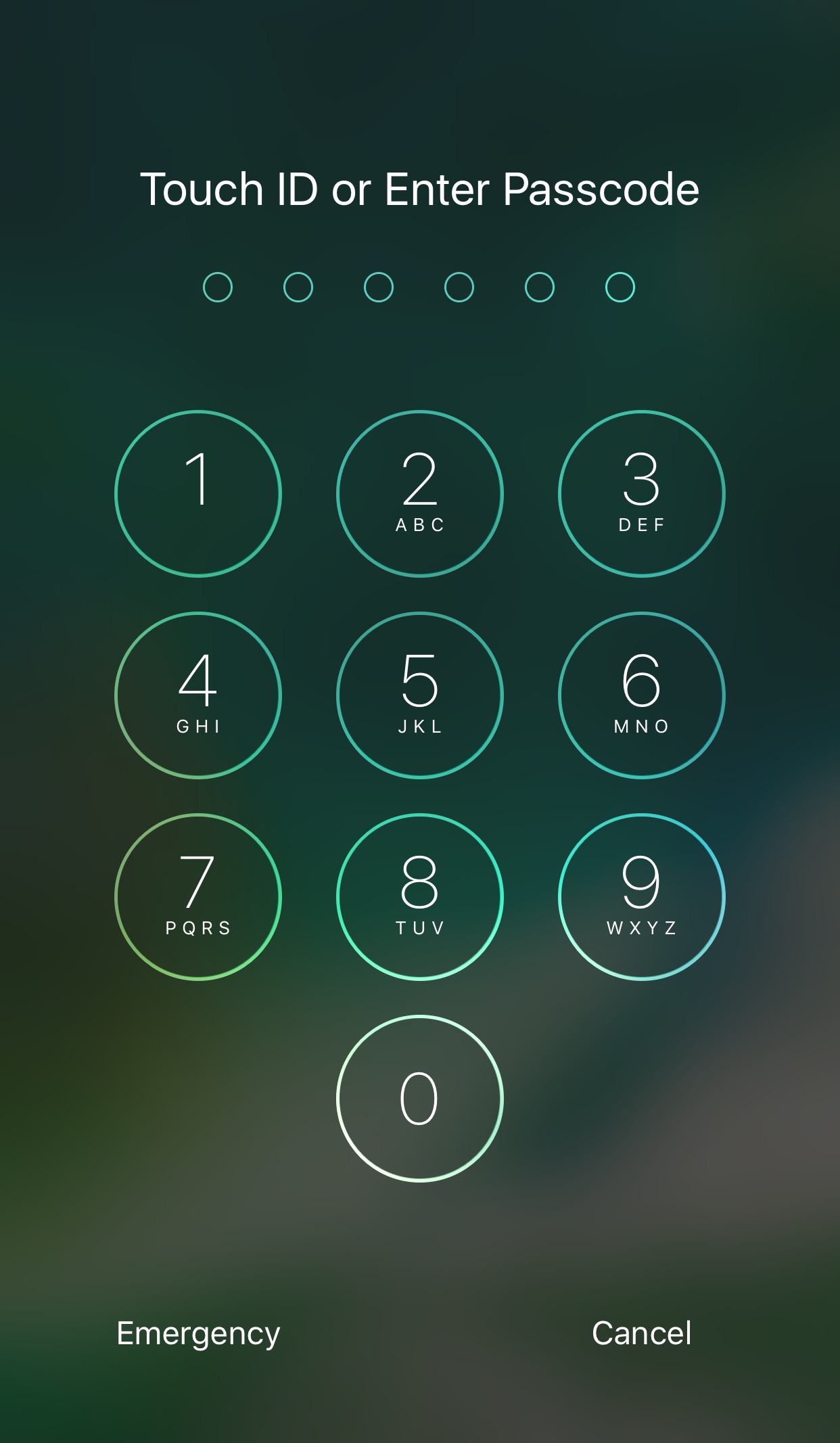
Whenever your iPhone passcode is entered incorrectly too many times, a message eventually pops up that says “iPhone is disabled.” This prevents the device from being used for a temporary period of time and is intended to deter people who try to gain unauthorized access to your device and personal information.

On the other hand, the stock message is pretty bland, and a new free jailbreak tweak called GoAway by iOS developer gilshahar7 paves the way to new ways of customization by letting you change the message and other information that gets displayed after too many wrong passcode attempts.
Researchers demonstrate passcode detection method that uses your phone’s motion sensors

A team of researchers from the United Kingdom's Newcastle University have demonstrated how criminals could steal your passcode simply by tracking the motion of your phone. Don't worry, Apple issued patches last year to prevent anyone from collecting sensor data, but Android users remain at risk of having their passcodes stolen if they visit a rogue website or tap a malware link. Although Google is aware of the issue, they're still looking into a fix.

How to disable comments on your Instagram posts

If you have problems with trolls leaving nasty comments on your Instagram posts, then it might be music to your ears to hear that you can disable commenting, a step that can prevent trolls from leaving hurtful comments on your posts while allowing you to maintain a presence on the popular media-sharing social network.

While the workaround certainly isn’t perfect, it can be effective if used correctly. We’ll show you how to disable comments on your Instagram posts in this tutorial.

The best VPNs for iPhone, iPad, and Mac

Amid all the recent conversation about ISPs retaining the legal right to sell your internet usage data, many are contemplating their VPN options so they can mask their internet activity for increased privacy and security.

In this piece, we’ll talk about some of the best VPNs for iPhone, iPad, and Mac.

NoLockScreenCam disables camera access on the Lock screen

Anyone with an iPhone should know by now that you can swipe to the left on the Lock screen to quickly access your camera. On the other hand, not everyone wants their camera to be readily accessible to anybody who picks the phone up.

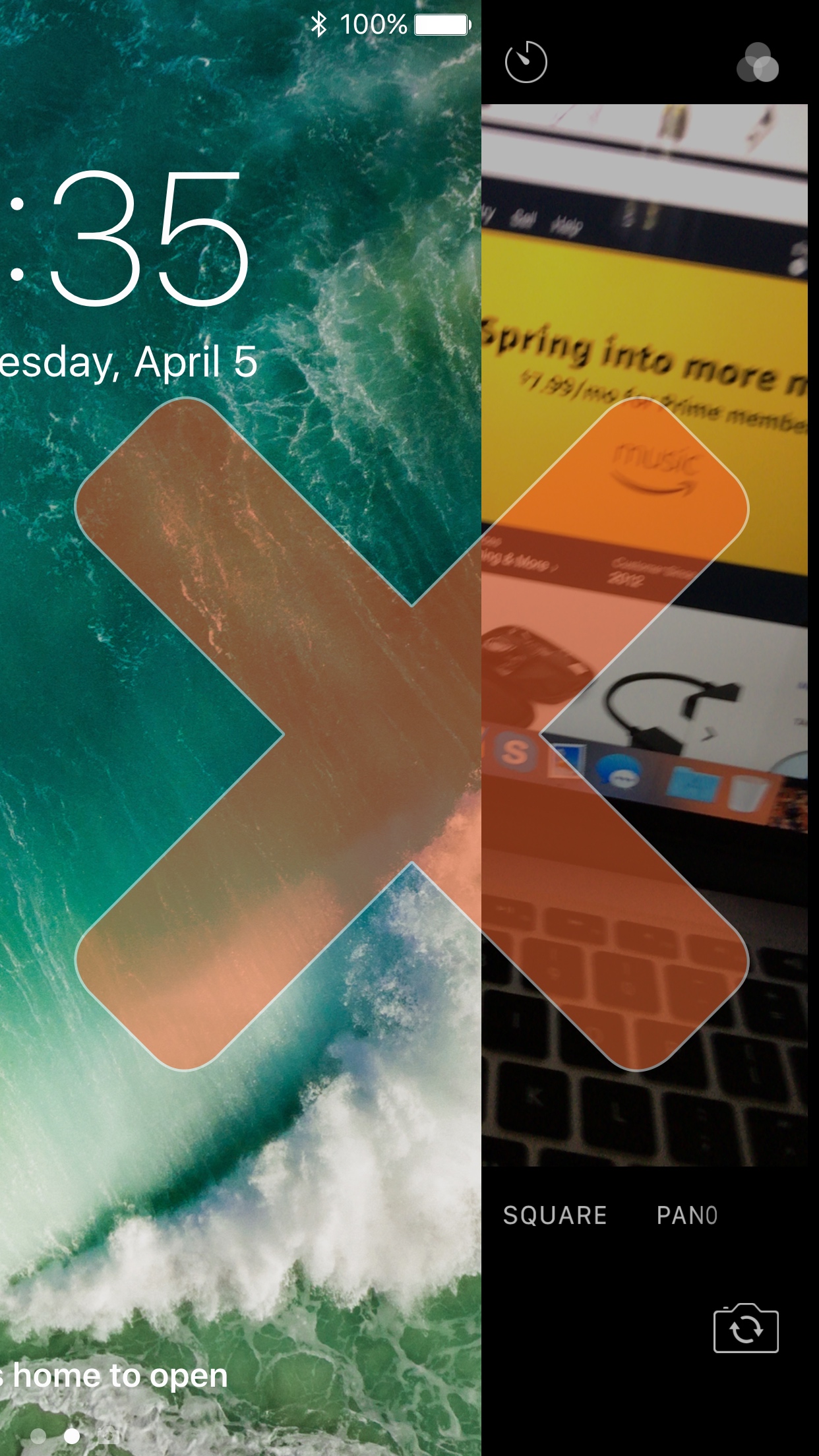
A new free jailbreak tweak called NoLockScreenCam by i0s_tweak3r is the answer to this ongoing dilemma, as it disables access to the camera from the Lock screen.

Apple releases iOS 10.3.1 with Wi-Fi vulnerability fix, brings back support for iPhone 5/5c

Apple on Monday issued a minor update to iOS 10.3, which released on March 27, 2017. The new iOS 10.3.1 software update comes with a build number of 14E304 and is recommended for all users. According to release notes accompanying the download, iOS 10.3.1 includes bug fixes and improves the security of your iPhone, iPad or iPod touch. The software update can be downloaded over-the-air via Settings → General → Software Update on your iOS device.

Don’t want internet providers to sell your browsing data? Use a VPN

While the FCC fought hard to keep your internet browsing data safe from third parties, it appears the United States government has other interests in mind. That said, your internet service provider (ISP) may soon begin selling your personal internet browsing data to third parties, putting your privacy at risk of exploitation.

On the other hand, there's still a way you can protect yourself and your data. Using a Virtual Private Network (VPN) will keep your internet browsing data hidden from your ISP, which in turn keeps it from being sold to third parties.

Apple: iPhone and Mac vulnerabilities detailed in WikiLeaks CIA dump were fixed years ago

WikiLeaks yesterday published a new batch of internal CIA documents which highlighted some of the hacks and programs that the spy organization has been developing internally for years. Those tools were specifically designed to infest Apple’s all-in-one iMac desktop and MacBook notebooks if an agent was able to gain physical access to the device.

One of the methods involved utilized patched Thunderbolt EFI exploit. Apple told TechCrunch that the documents detail old exploits fixed years ago.

Apple hires iOS security researcher and former jailbreak developer Jonathan Zdziarski

Forensic data analysis expert, iOS security researcher and former jailbreak developer Jonathan Zdziarski has officially joined Apple. Zdziarski announced today he accepted a position with Apple's Security Engineering and Architecture team, but it's unclear when he might be starting work at Apple. Zdziarski, who at times could be critical of Apple's security efforts, says he's joined the iPhone maker because he's so passionate about protecting the security and privacy of others.

Hilarious gag tweak adds government surveillance toggle switches to your jailbroken iPhone

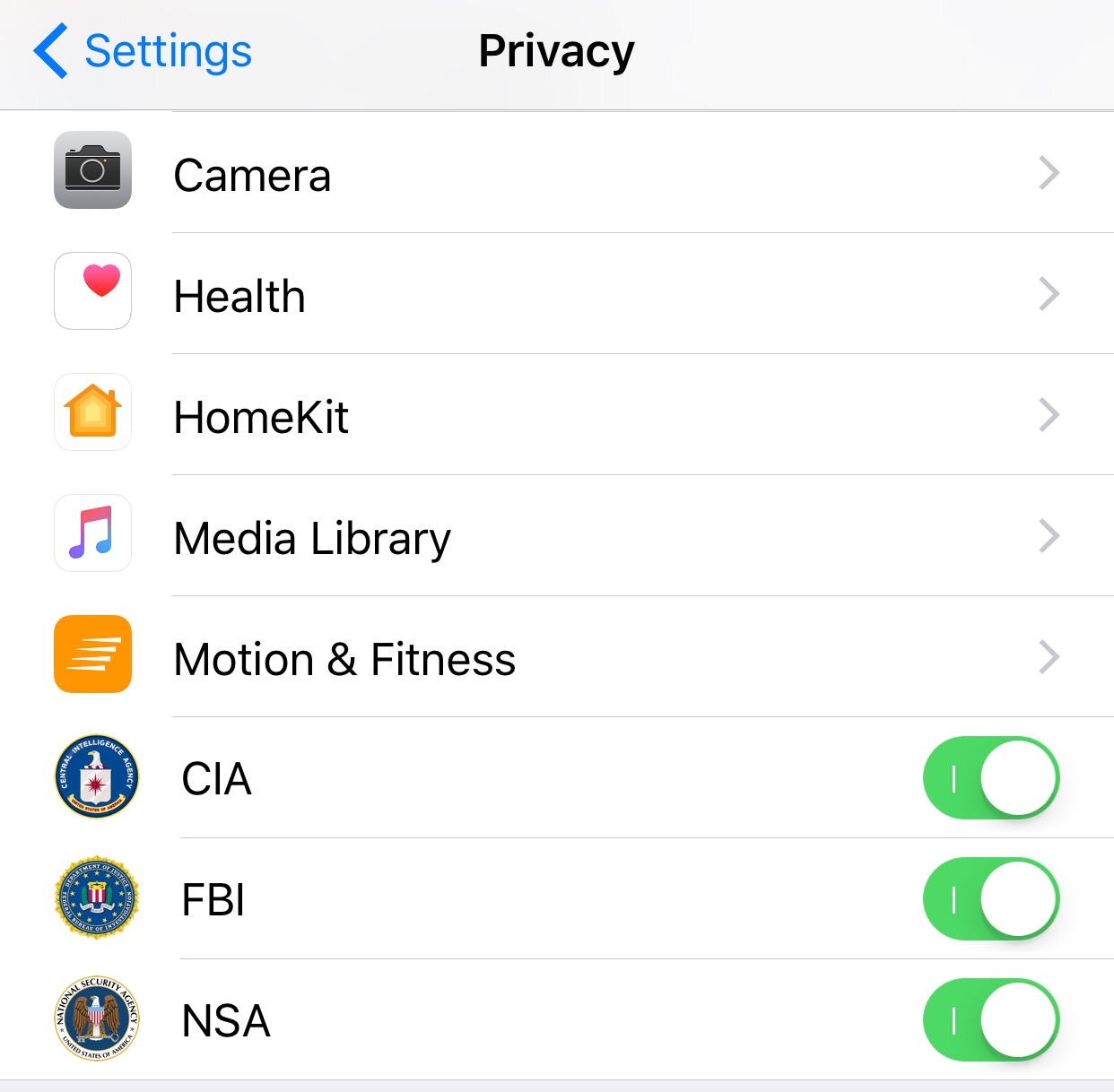
Amid all the recent buzz surrounding Wikileaks and government agencies hoarding security holes for surveillance purposes, it seemed like the perfect time for iOS developer wizages to release a fun gag jailbreak tweak dubbed Build That Wall.

This tweak adds a few new switches to your device for togging surveillance from various government agencies on or off on demand.

PreferMyFi 2 lets you designate preferred Wi-Fi networks

A lot of times, there might be more than one Wi-Fi network in a given location. Sometimes one wireless router is broadcasting multiple channels on a guest/private basis, and other times there are simply more than one wireless network. In any case, you likely have a personal preference in terms of which one you like to connect to.

For anyone in this kind of predicament, a new free jailbreak tweak called PreferMyFi 2 by DillanCodez can be very useful in ensuring you’re always connected to your network of preference whenever possible.