Learn how to stop your iPhone display from automatically dimming, locking, or turning off so it stays awake even if you don’t touch the screen.
How to prevent your iPhone screen from turning off automatically
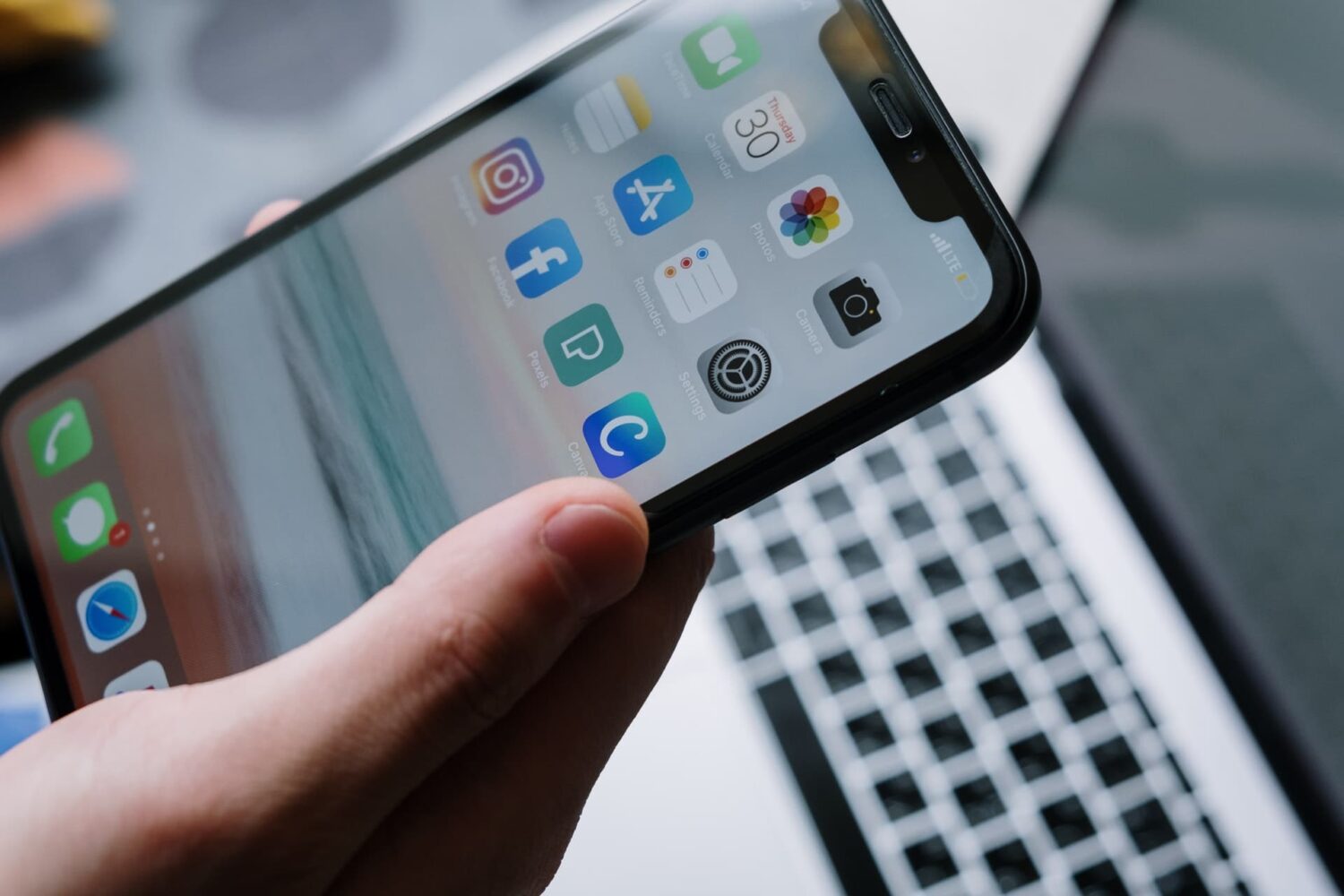
Learn how to stop your iPhone display from automatically dimming, locking, or turning off so it stays awake even if you don’t touch the screen.

If you’ve ever used Apple Pay before, then you’re likely familiar with the visually-appealing Touch ID animation that appears on the Lock screen when accessing it.
Now if you've ever thought to yourself that this animation would be nice to look at when unlocking your device, then a new free jailbreak tweak called LockGlyphX by evilgoldfish is just what you've been looking for.

Whether you’re a parent trying to filter explicit content from the limitless Google searches your child could be searching on the web, or you’re simply trying to figure out why it seems like certain images or web results are being filtered from your Google search queries, chances are Google SafeSearch is the answer.
In this tutorial, we’ll show you how you can toggle Google SafeSearch on or off, depending on whether you need to start filtering explicit search results from your queries or stop doing so when the feature is already enabled.

Many people take their security very seriously, especially when they’re connected to the internet and personal sharing information with apps and websites.
If you’re one of the people who likes to stay secure and you also have a jailbroken device, then you might find yourself really interested in a new free jailbreak tweak called SmartVPN by developer zyb.
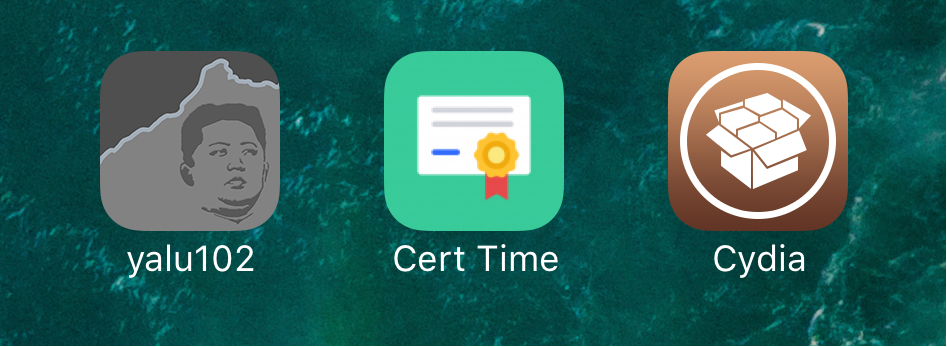
The Yalu jailbreak, just like the Pangu jailbreak before it, relies on certificates that have expiration dates. You have to re-sign the jailbreak with Cydia Impactor past the expiration date to keep your jailbroken state.
No matter what kind of certificate you have, whether it’s a regular 7-day certificate or a 1-year developer certificate, it won't last forever, and a new jailbreak app called CertRemainTime by lululombard can help you keep track of it.
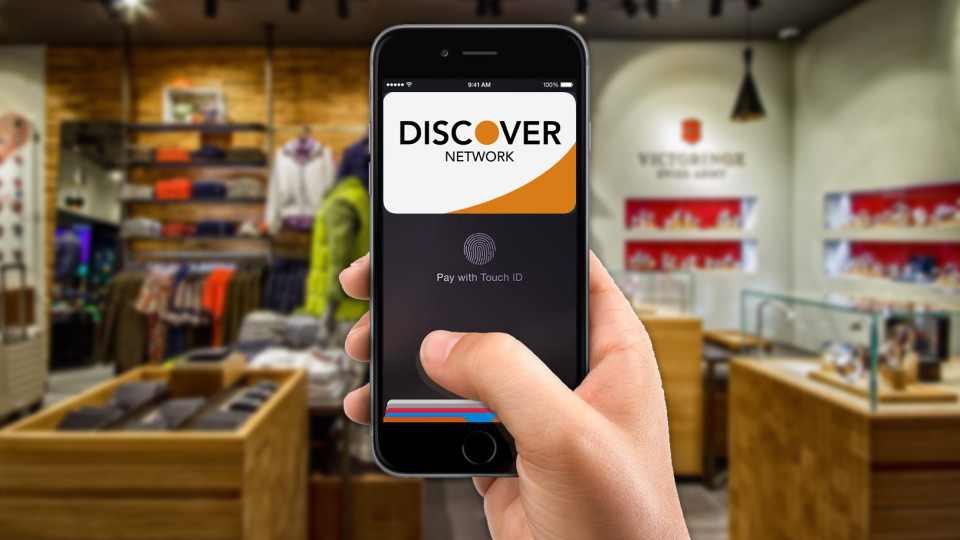
In this tutorial, we'll show you how you can remove your credit card or other payment method information from Safari, Apple ID, and Apple Pay on your iPhone or iPad.

If you have a Facebook account, then chances are you access it on more than one device. You might forget from time to time to sign out of sessions on other machines you don't intend to use again, such as those in schools or at the workplace, potentially handing over access to your Facebook account to the next person(s) who uses the machine.
Facebook fortunately comes with a feature that lets you sign out of all active sessions on your account with just a few taps. We'll show you how you can do this in this tutorial.
Depending on the VPN you’re using, your iPhone or iPad might be able to take advantage of a feature called VPN on demand (VPoD).
Essentially what this does is it connects you to your VPN automatically when it’s needed so you don’t have to toggle it on manually before accessing the internet from your device. As a result, you can have peace of mind because your information is protected once you begin using the internet.
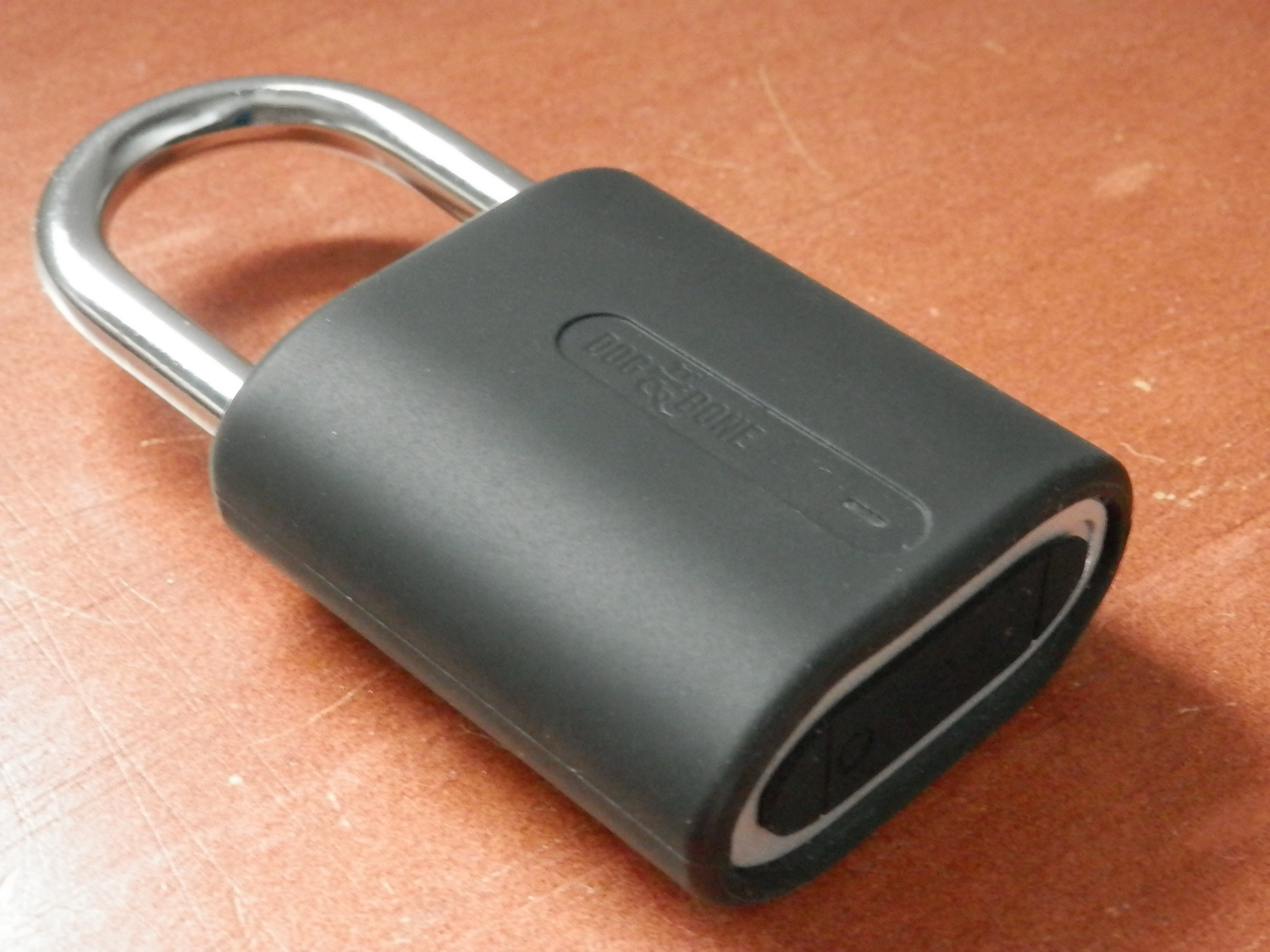
Chances are you have a thing or two that you like to keep locked away with a padlock of some sort.
Whether you need it for a locker at school or work, or to keep a gate or shed closed at home, you can bring your padlocks up to the 21st century with the Dog and Bone LockSmart Mini, which utilizes wireless Bluetooth connectivity so you can unlock the padlock with your smartphone.

While there’s still no public jailbreak for iOS 10 to date, there have been some very convincing demos of personal jailbreaks for it, most of which have come out of the woodwork from none other than well-known iOS hacker Luca Todesco.
Amid the current jailbreak situation, Todesco is now seen warning netizens that if they have any intention of jailbreaking iOS 10 in the future, they should stay on iOS 10.1.1 and refrain from updating to iOS 10.2 when it comes out.
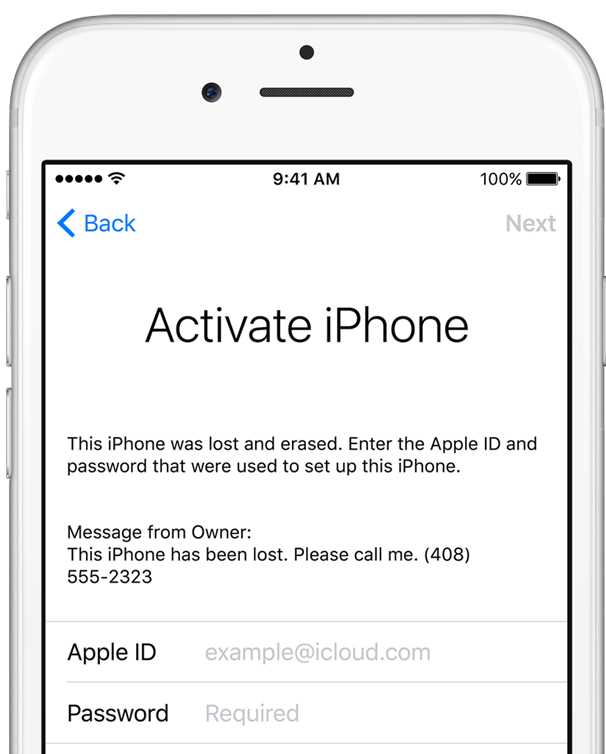
Back in November, India-based security researcher Hemanth Joseph discovered a bug in iOS 10.1 which permitted him to bypass Apple's anti-theft Activation Lock feature by entering an excessively long string of characters in the Wi-Fi setup text fields.
Apple has patched the flaw in iOS 10.1.1 but now, as noted by SecurityWeek, researchers at Vulnerability Lab have managed to find another method of bypassing Activation Lock protection on an iPhone, iPad or iPod touch with iOS 10.1.1 and they posted video evidence to prove it.