Find out what to do if your tasks and to-dos in the Apple Reminders app fail to sync between your iPhone, iPad, Apple Watch, Vision Pro, Mac, and the web.
14 tips to fix reminders not syncing between your Apple devices

Find out what to do if your tasks and to-dos in the Apple Reminders app fail to sync between your iPhone, iPad, Apple Watch, Vision Pro, Mac, and the web.
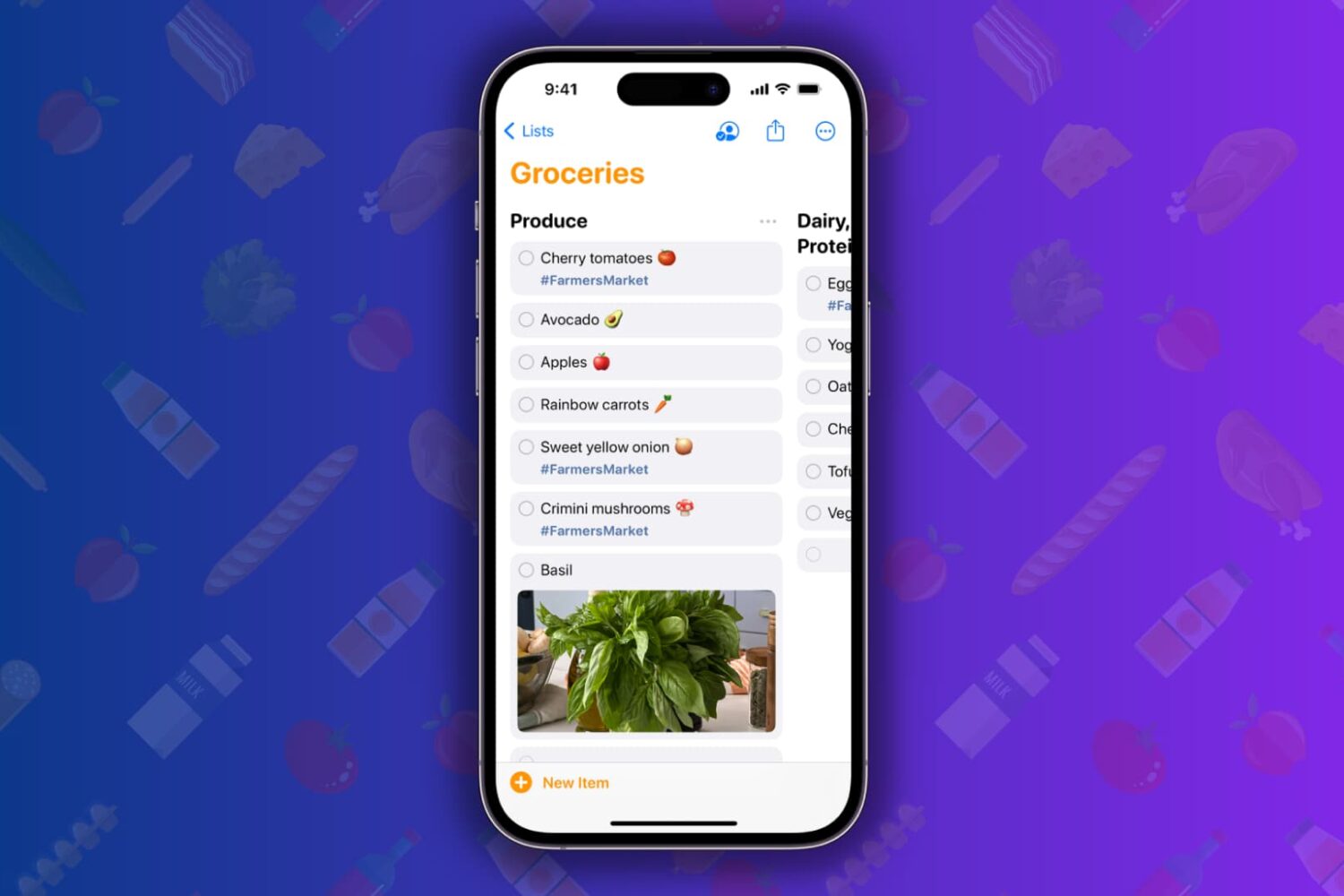
Learn how to simplify your shopping with the groceries list feature in the Reminders app, which sorts grocery items into categories on your iPhone, iPad, or Mac.
Reminders are important to help you start or finish a task on time. If reminders are not working on your iPhone or iPad, here are the reasons for this and the solutions to fix the problem.
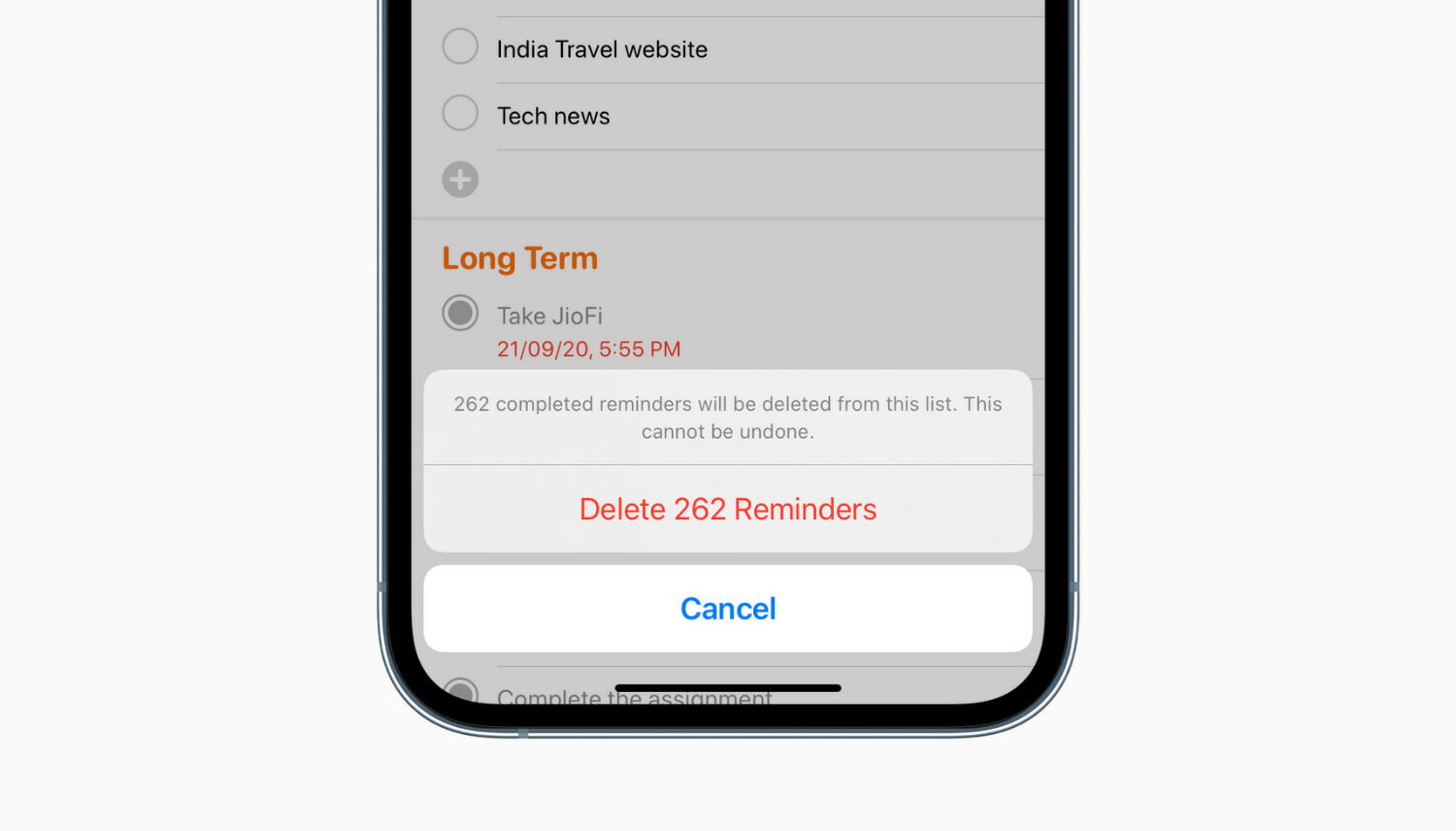
Do you have too many completed reminders that are no longer useful? In this tutorial, we’ll show you how to delete all completed reminders at once on iPhone, iPad, and Mac.
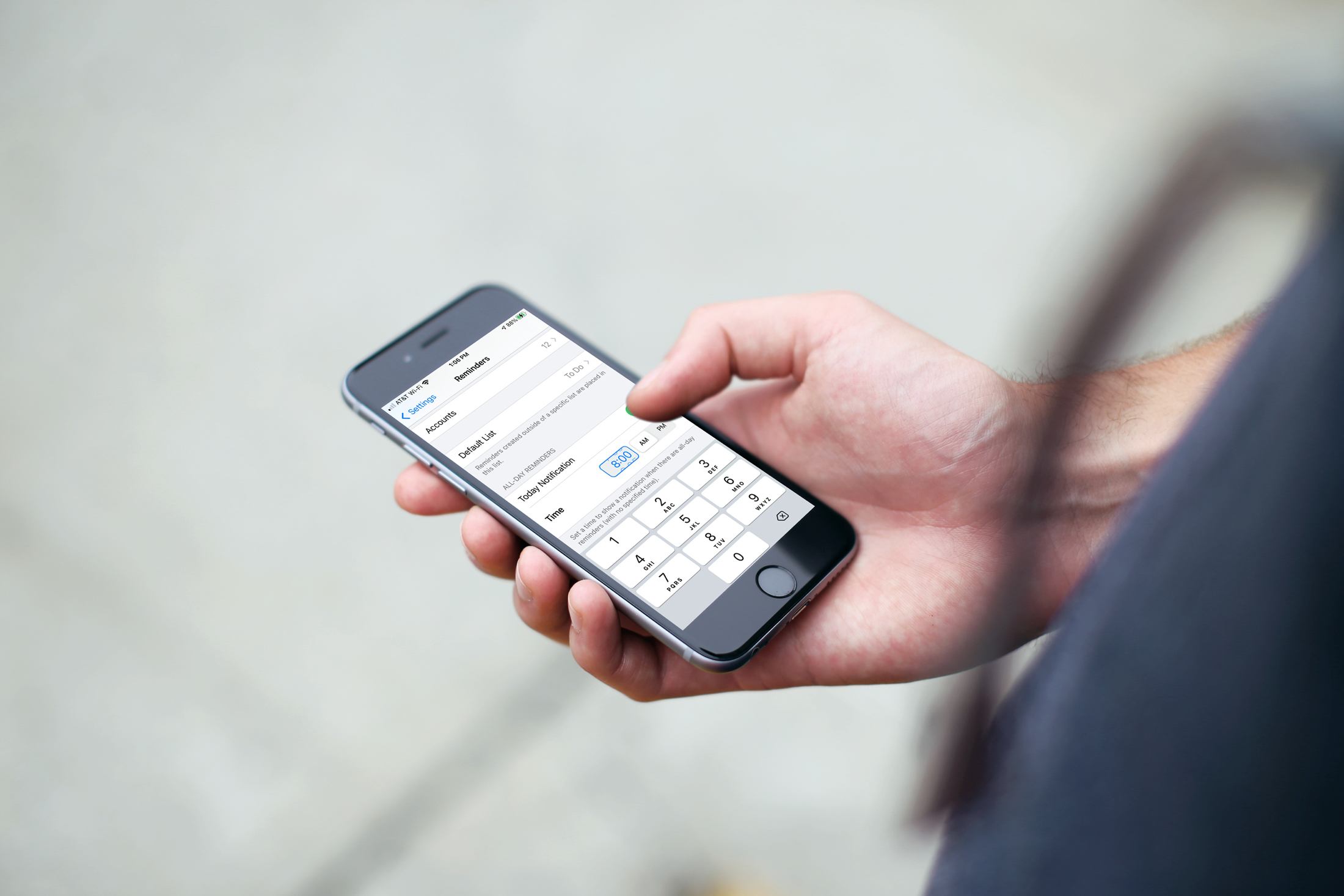
Learn how to set a default alert time for all-day Reminders on iPhone, iPad, and Mac, so you still receive notifications even if you forget to set a time.
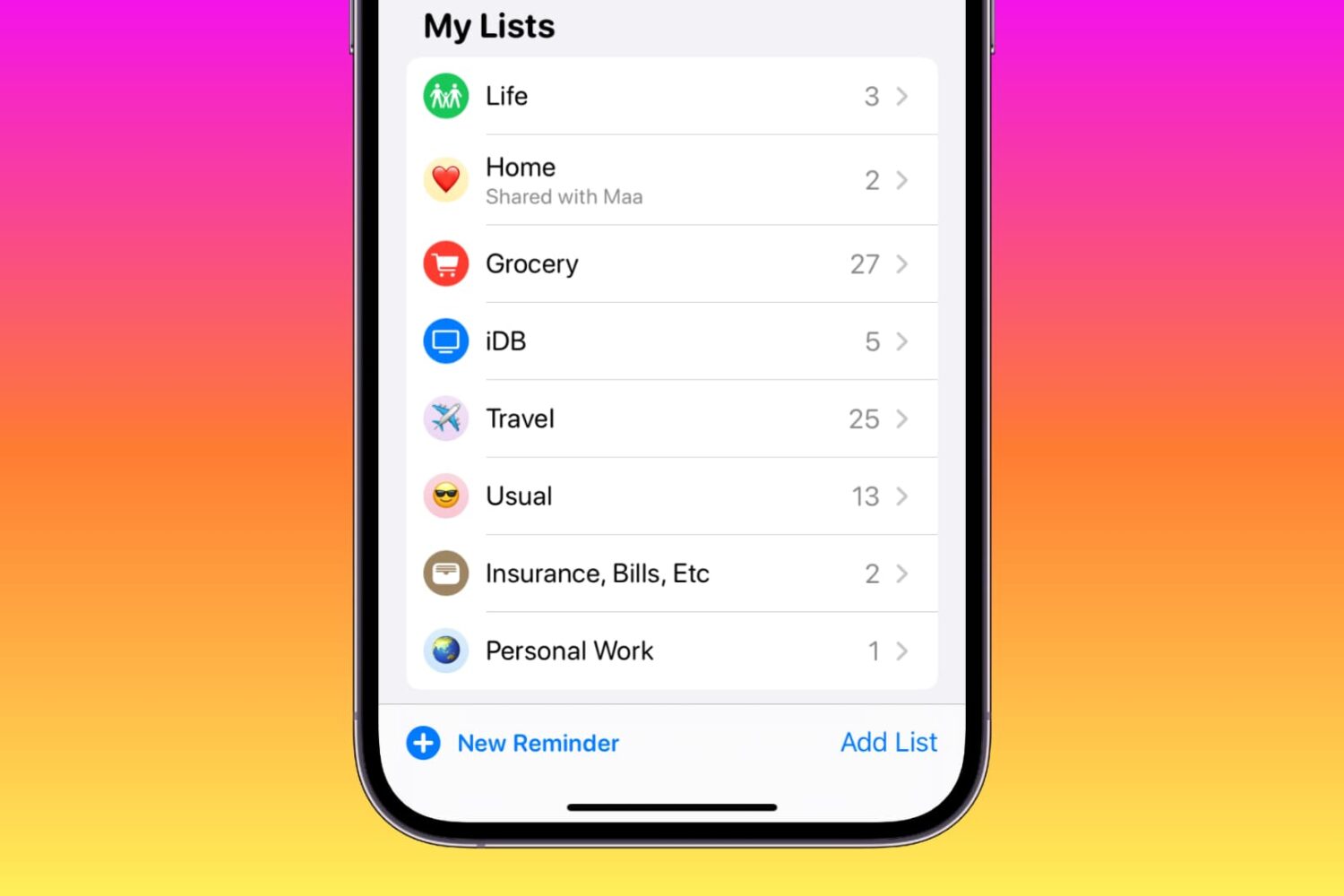
Learn how to customize your reminder lists on iPhone, iPad, and Mac using colors, emojis, and symbols to enhance usability or add a touch of style.
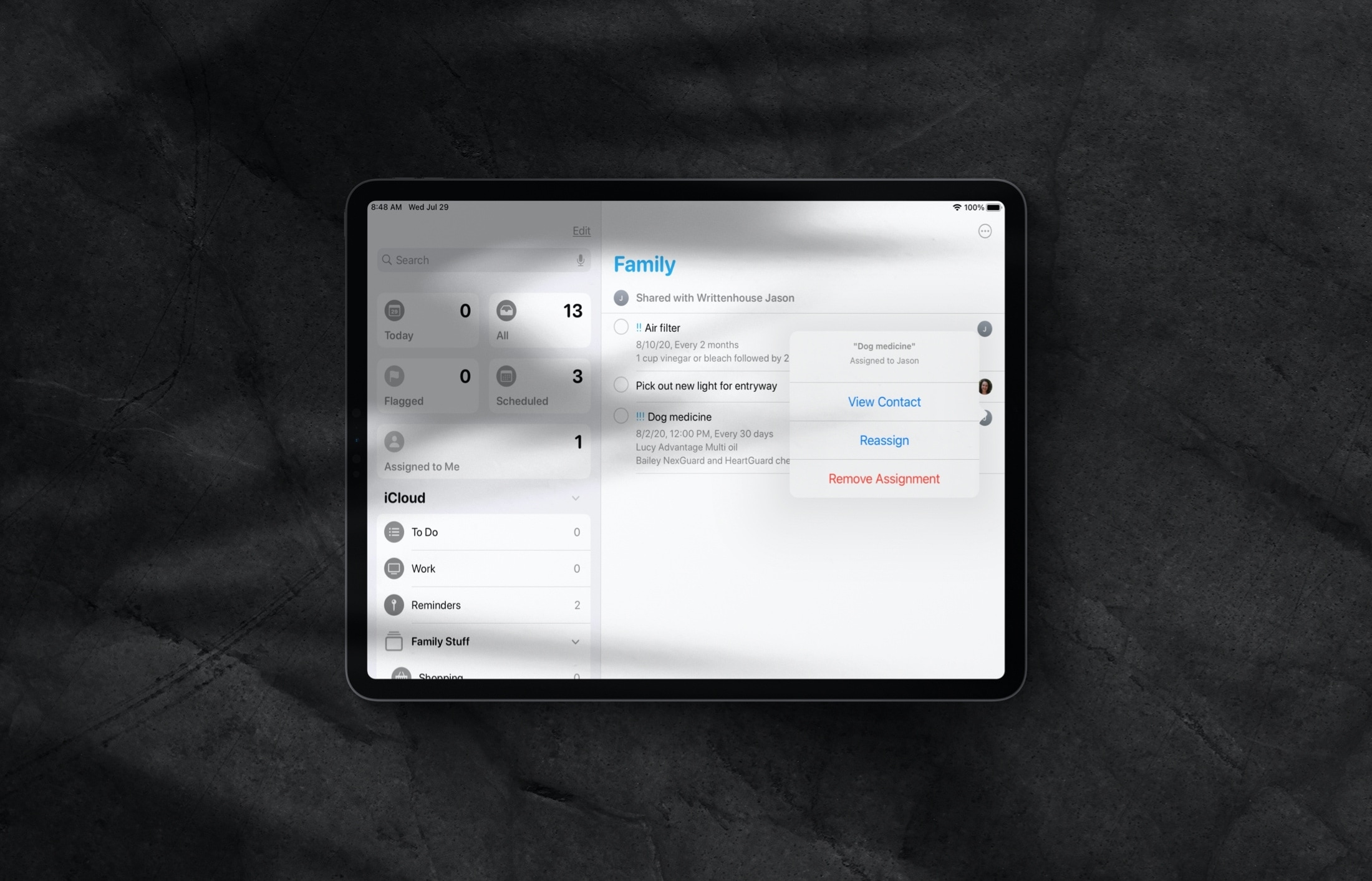
Learn how to assign reminders to different people in a shared Reminders list on iPhone and iPad so everything gets done on time by the right individuals.
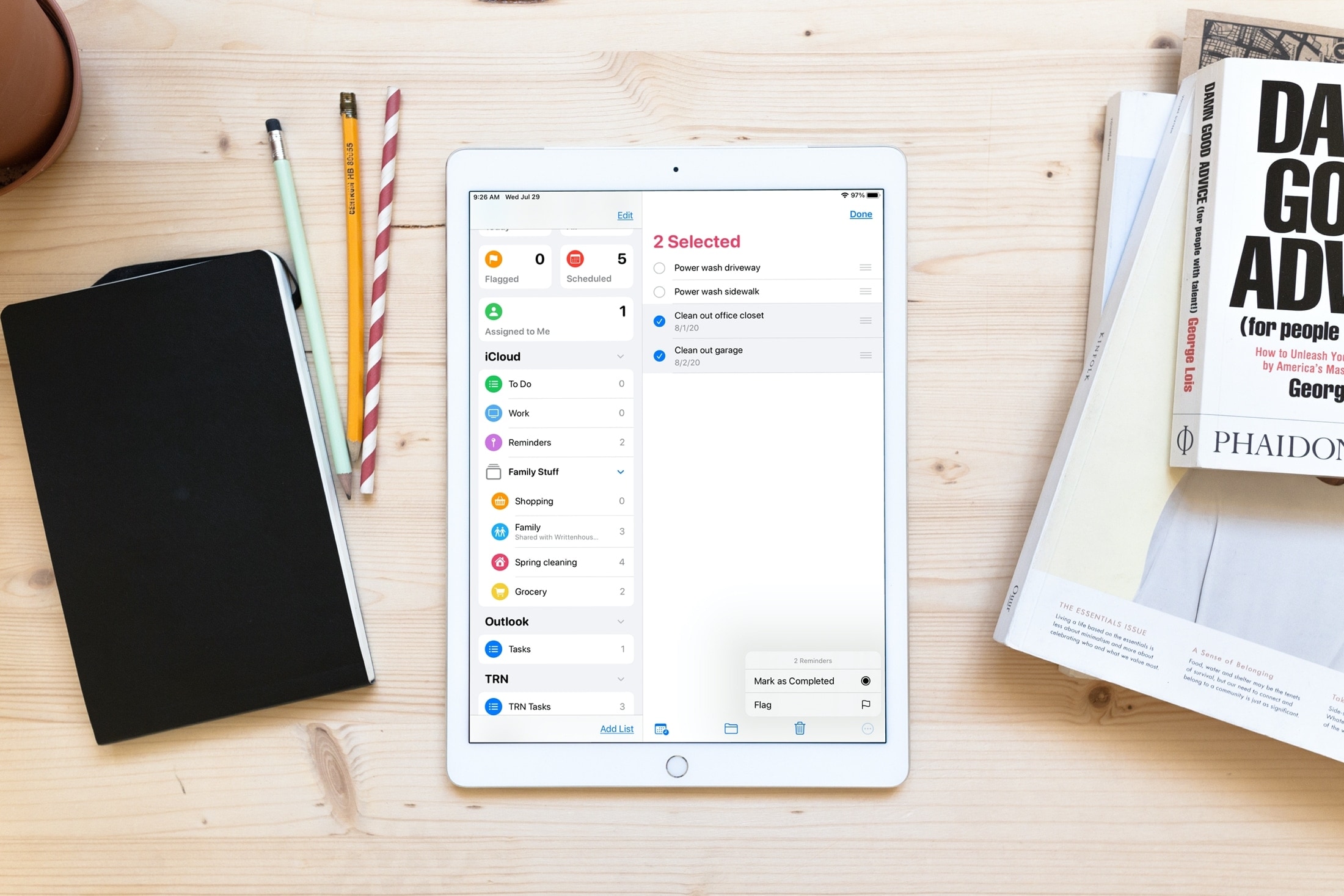
Save time and increase productivity by editing multiple reminders at once, including marking them as done or revising their due date.
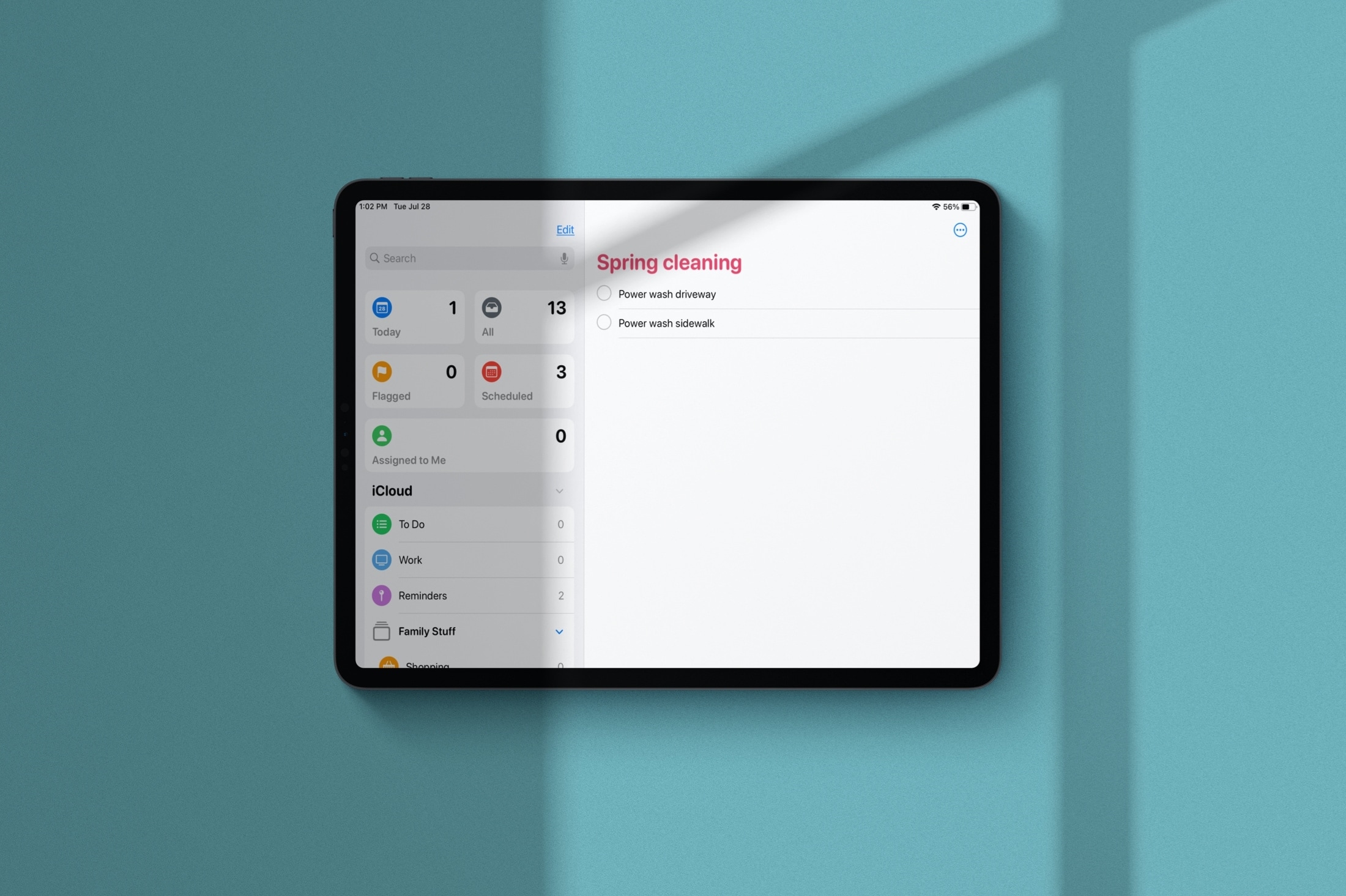
Learn how to manage Smart Lists in the Apple Reminders app and rearrange their order or hide the ones you never use.
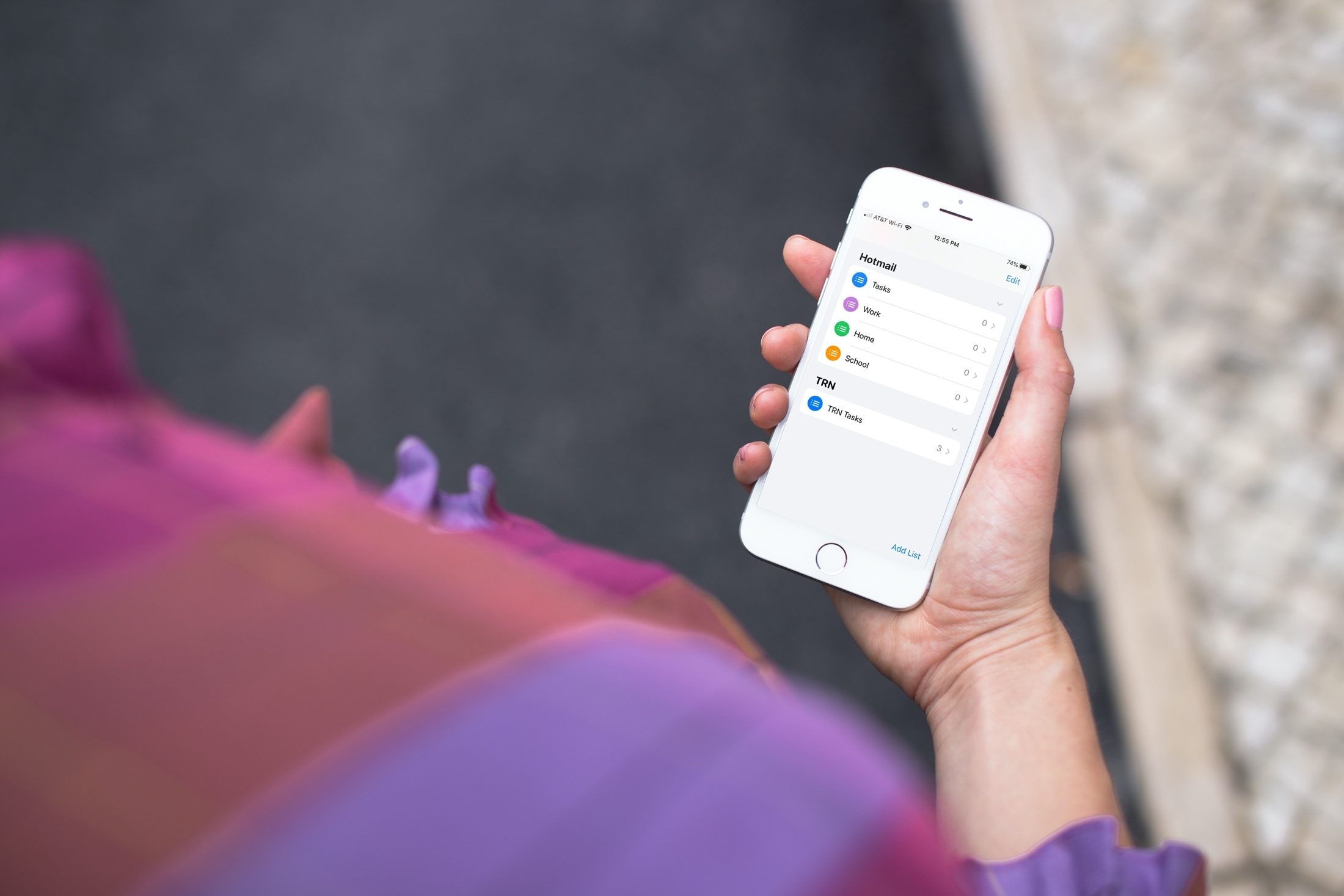
Learn how to add or remove accounts in the Apple Reminders app on your iPhone, iPad, or Mac to save your to-dos in your preferred online service.
In this tutorial, we will show you how to work with notifications in the Reminders app on your Mac so that you never miss a task, list, or to-do.
Use these handy keyboard shortcuts to move around Reminders for Mac, add new to-dos, create reminder lists, and more.