Learn a few useful tips to filter your Music library and find the songs, albums, or artists you want quicker than ever on your iPhone and iPad.
How to filter your library in the Music app on iPhone and iPad
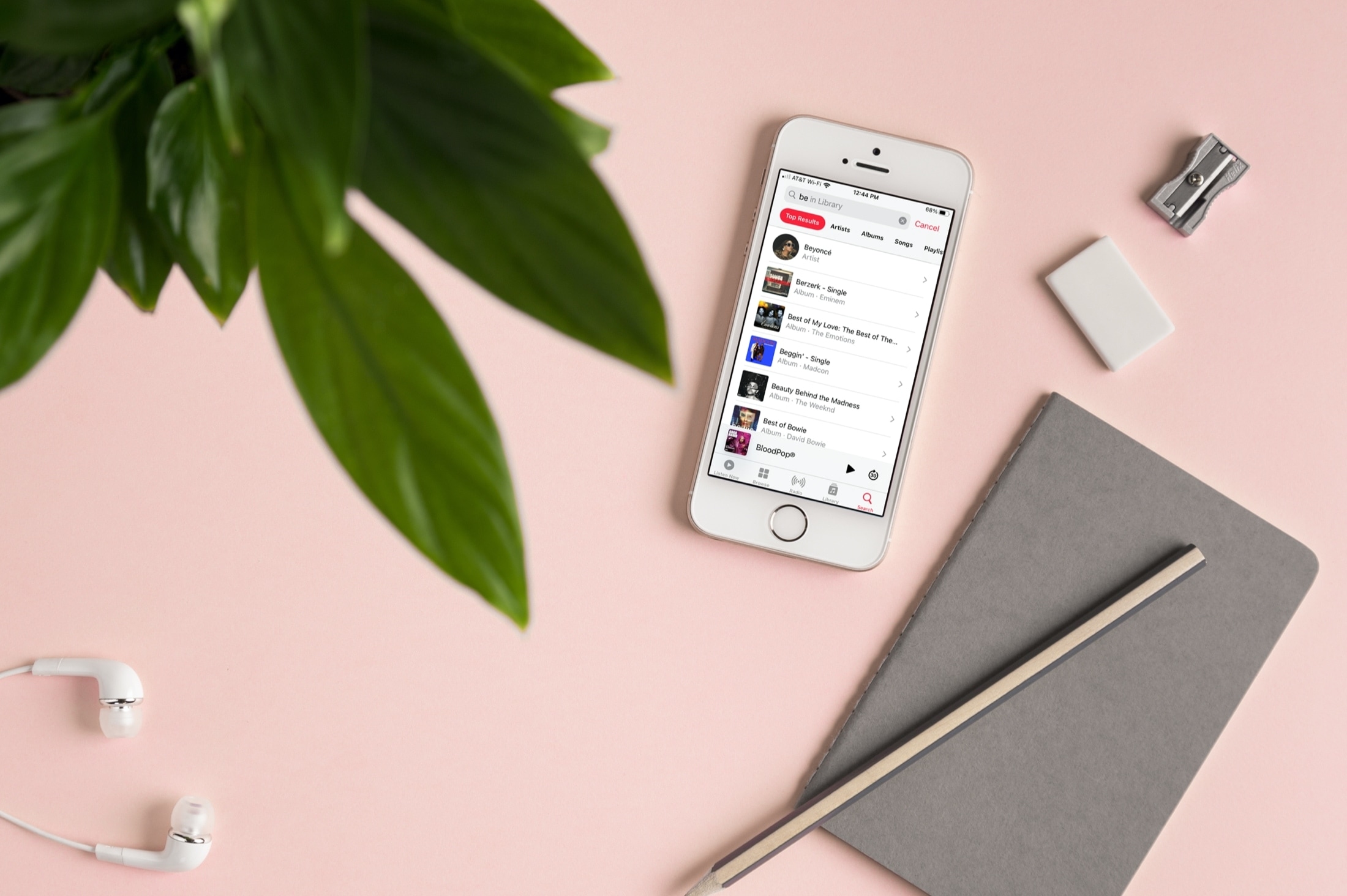
Learn a few useful tips to filter your Music library and find the songs, albums, or artists you want quicker than ever on your iPhone and iPad.
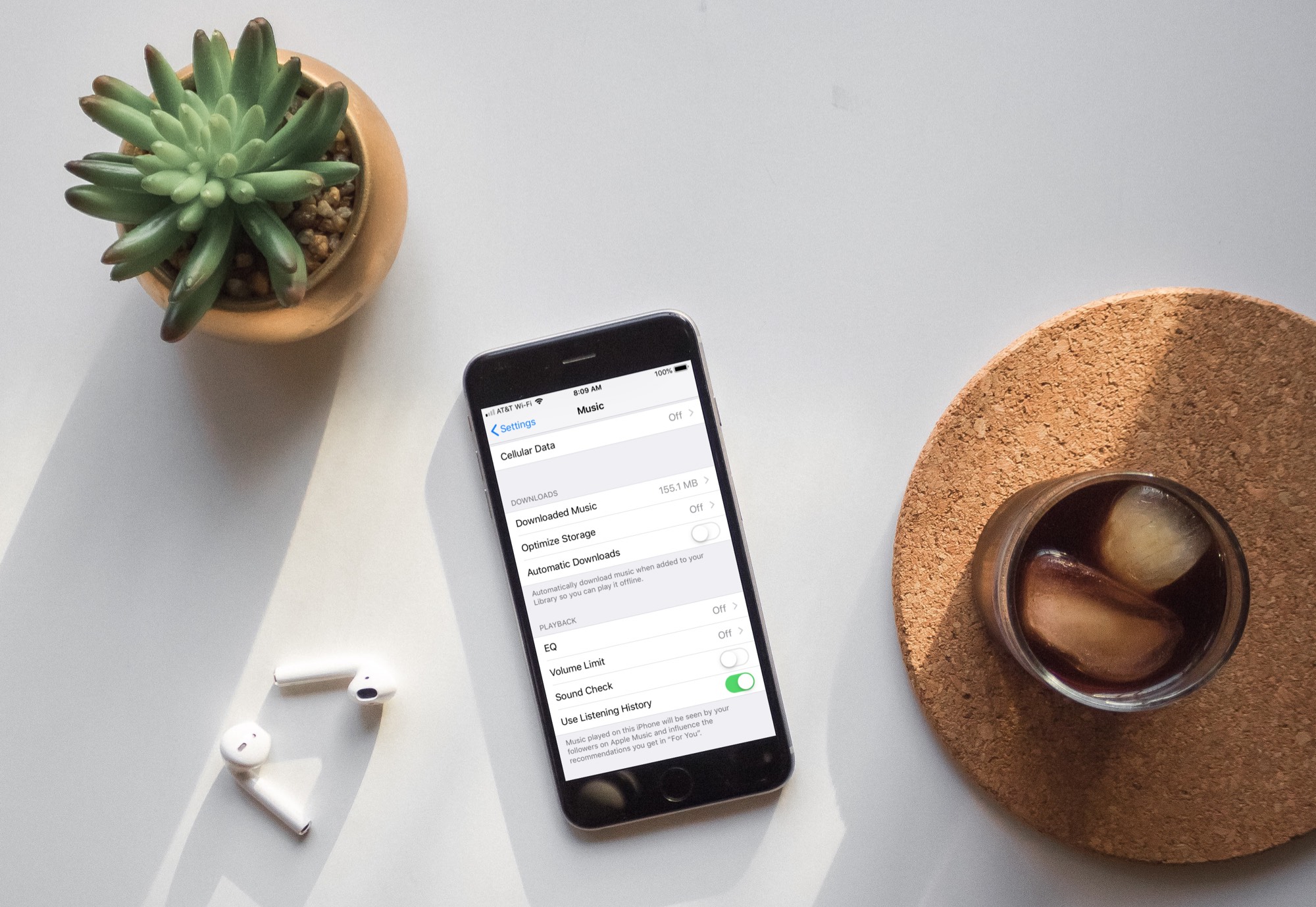
Learn how to turn off automatic downloads for Apple Music on iPhone, iPad, or Mac to stop the Music app from downloading every song, album, or playlist you add to your library.
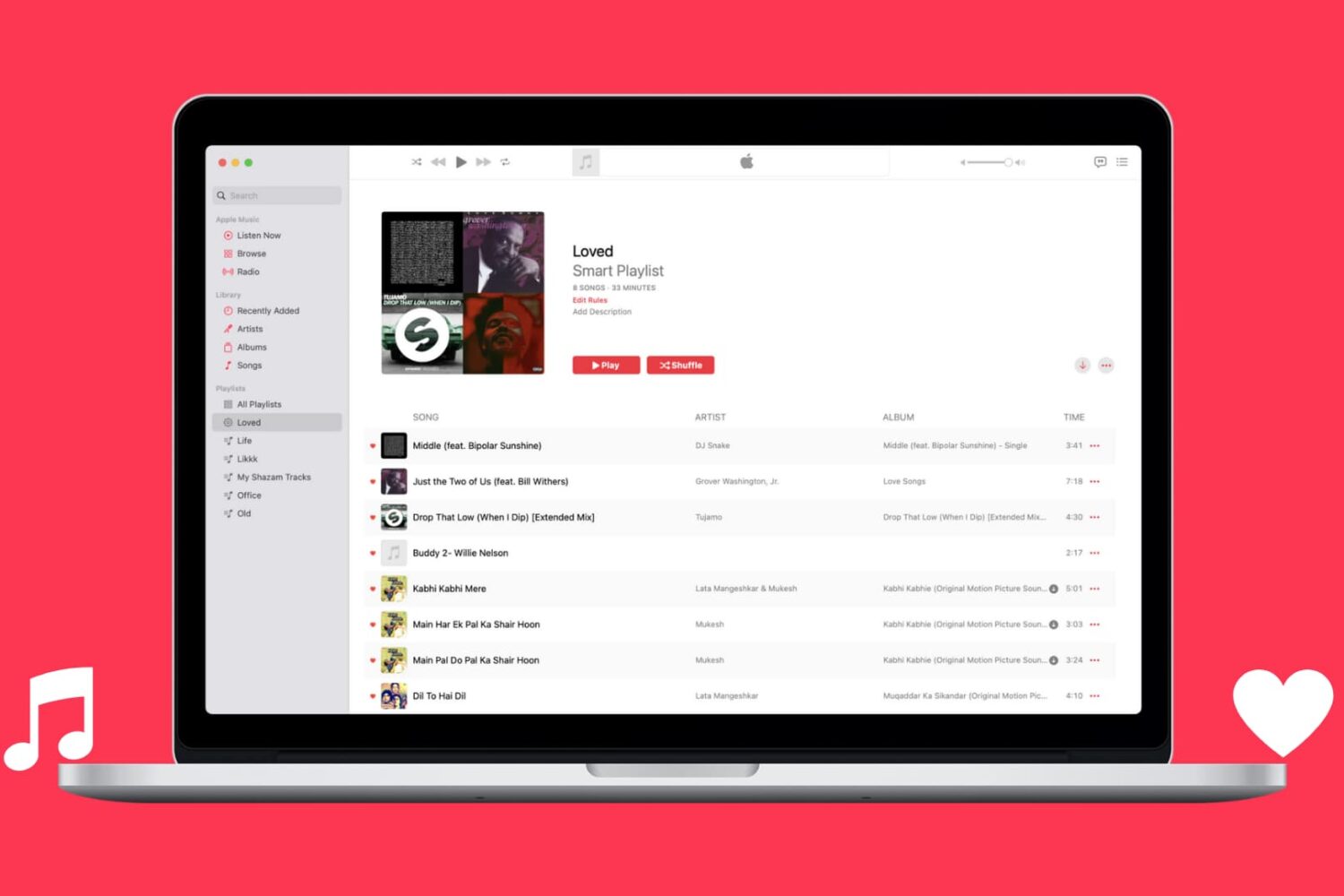
Learn how to automatically capture all Apple Music songs you've loved or favorited in a single spot by creating a special smart playlist.
There has been some major confusion lately regarding what Apple's HomePod wireless speaker can and cannot play.
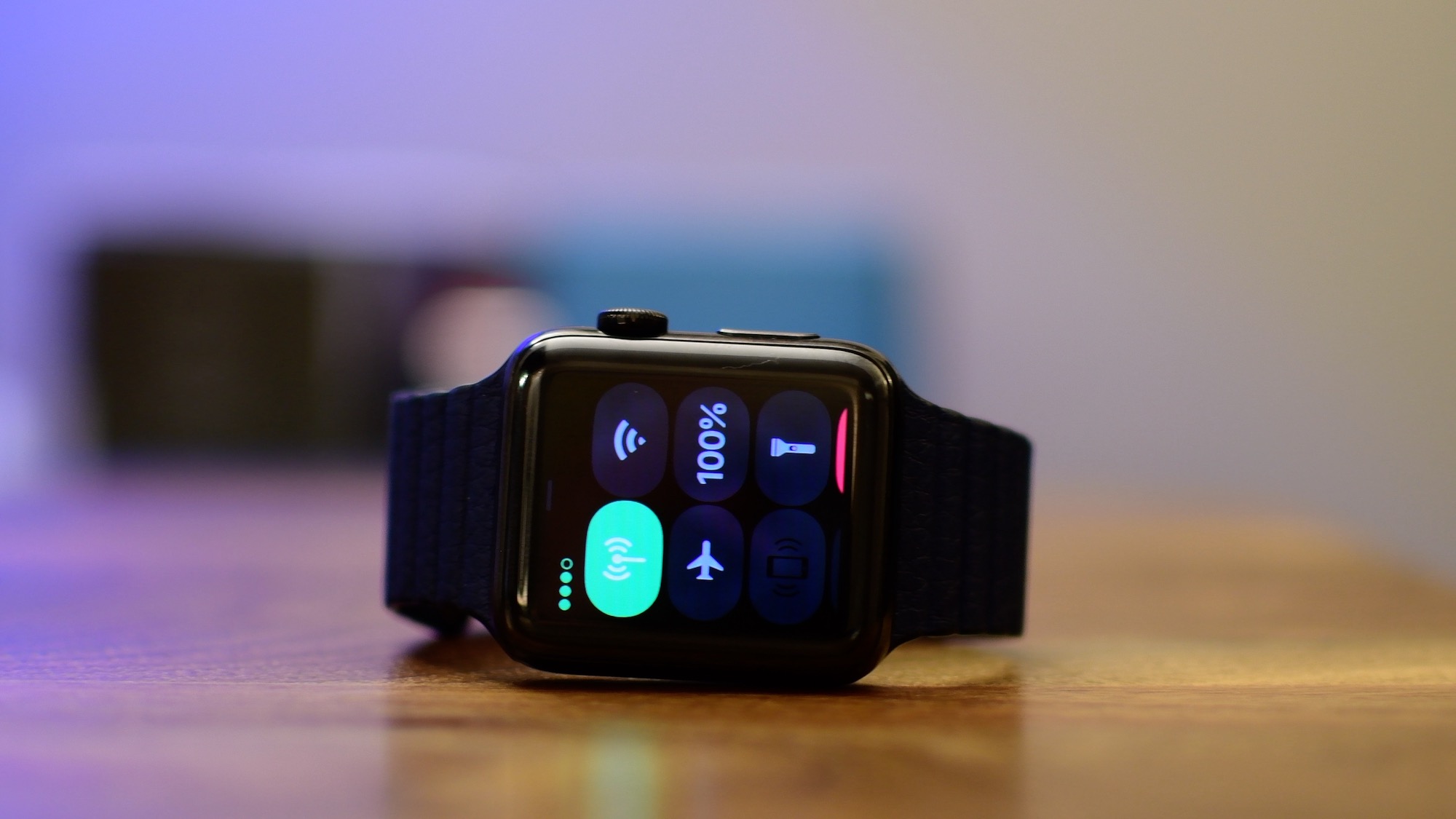
Apple on Tuesday released the watchOS 4.1 software update for all Apple Watch models.
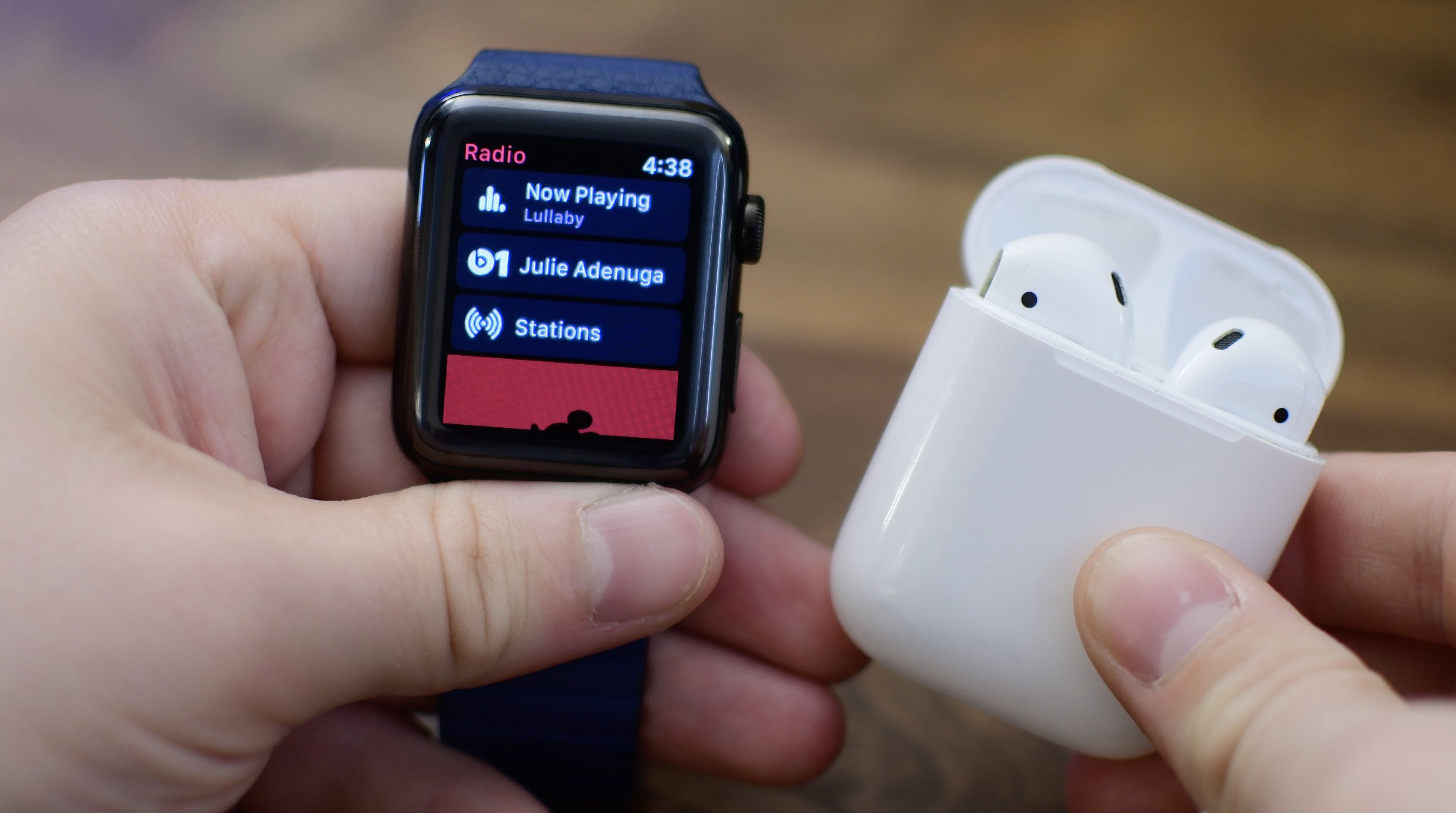
Apple's first developer beta of watchOS 4.1 that dropped today brings untethered music streaming to the wrist.
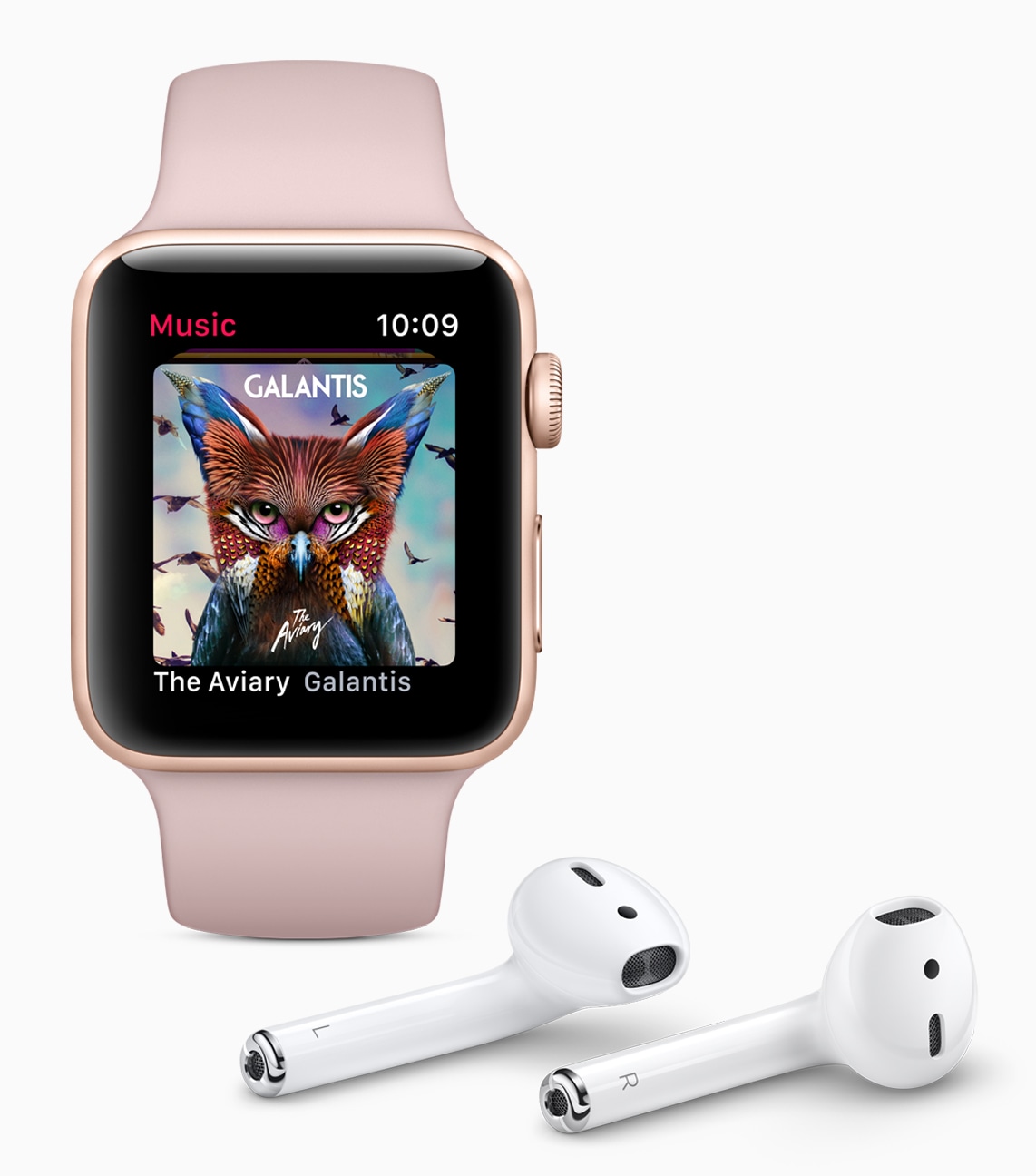
As per the official release notes for the latest developer-only watchOS 4.1 beta that can be found on Apple's Dev Center, the forthcoming software includes new capabilities like an all-new Radio app that supports cellular streaming on Series 3 models.
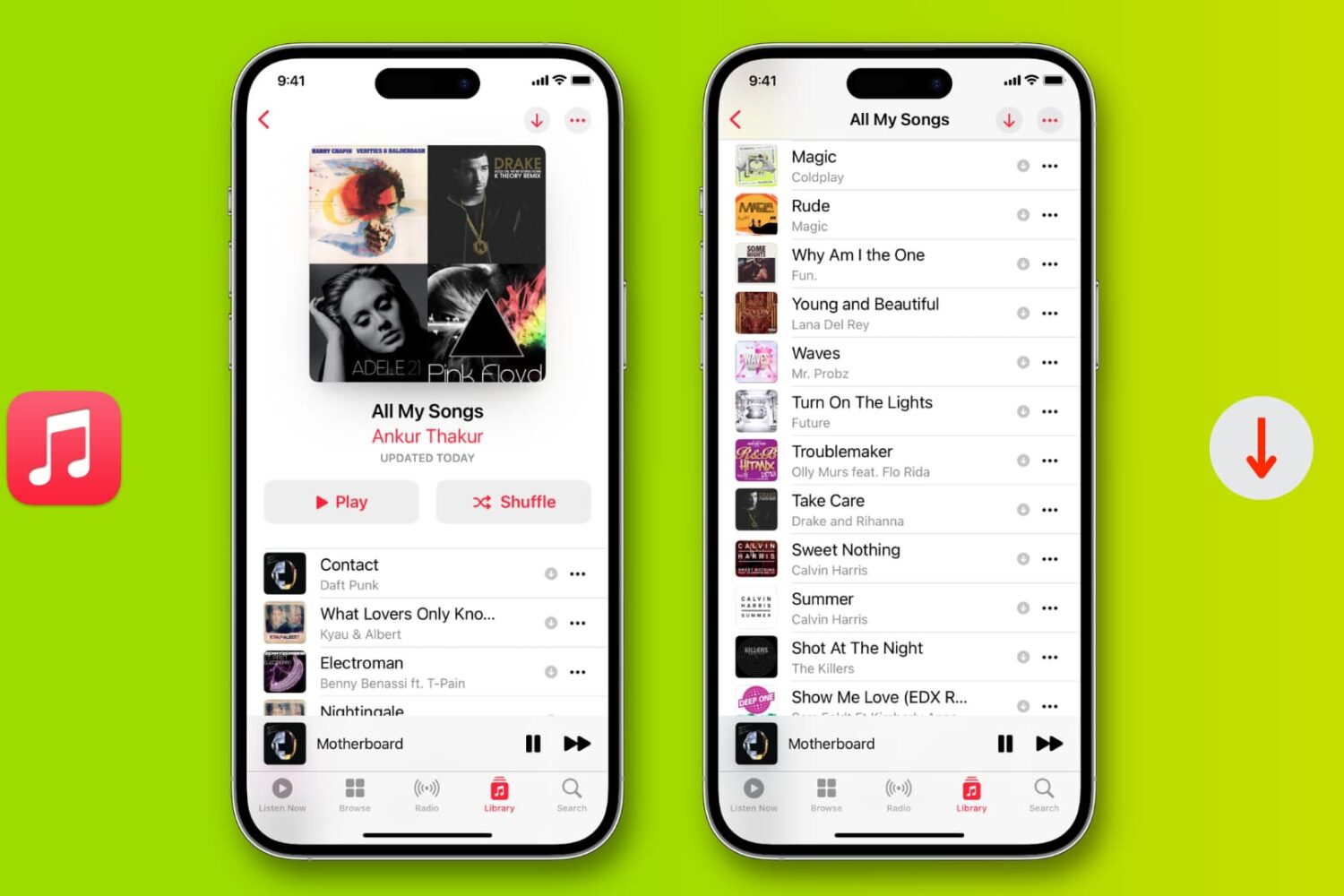
Learn how to download all songs in your Apple Music library for offline listening on an iPhone, iPad, Mac, Android phone, and Windows PC.
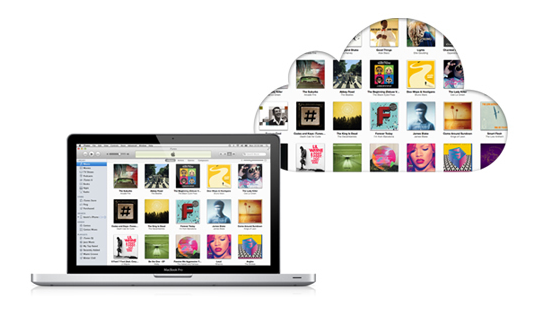
According to a report by blogger Kirk McElhearn, Apple has increased iTunes Match and iCloud Music Library track limits above the original 25,000 track threshold. This increase, while yet to be officially acknowledged by Apple, has been in the cards since at least summer.
Although Eddy Cue, who serves as Apple's Senior Vice President of Internet Software and Services, said that the limit would rise to 100,000 around the iOS 9 release, the increase hit an apparent delay, and has just now begun to roll out to users.
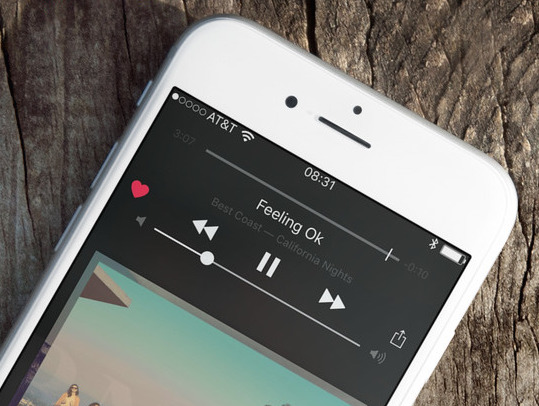
I woke up this morning to the sad realization that all my Apple Music Likes had disappeared. Hundreds of little red hearts that are supposed to make my Apple Music experience more tailored to my tastes were gone. I didn't really connect the dots right away as I assumed nothing had changed in my set up between my old iPhone 6 and my new iPhone 6s, but as it turns out, a simple tap of a button fixed everything.