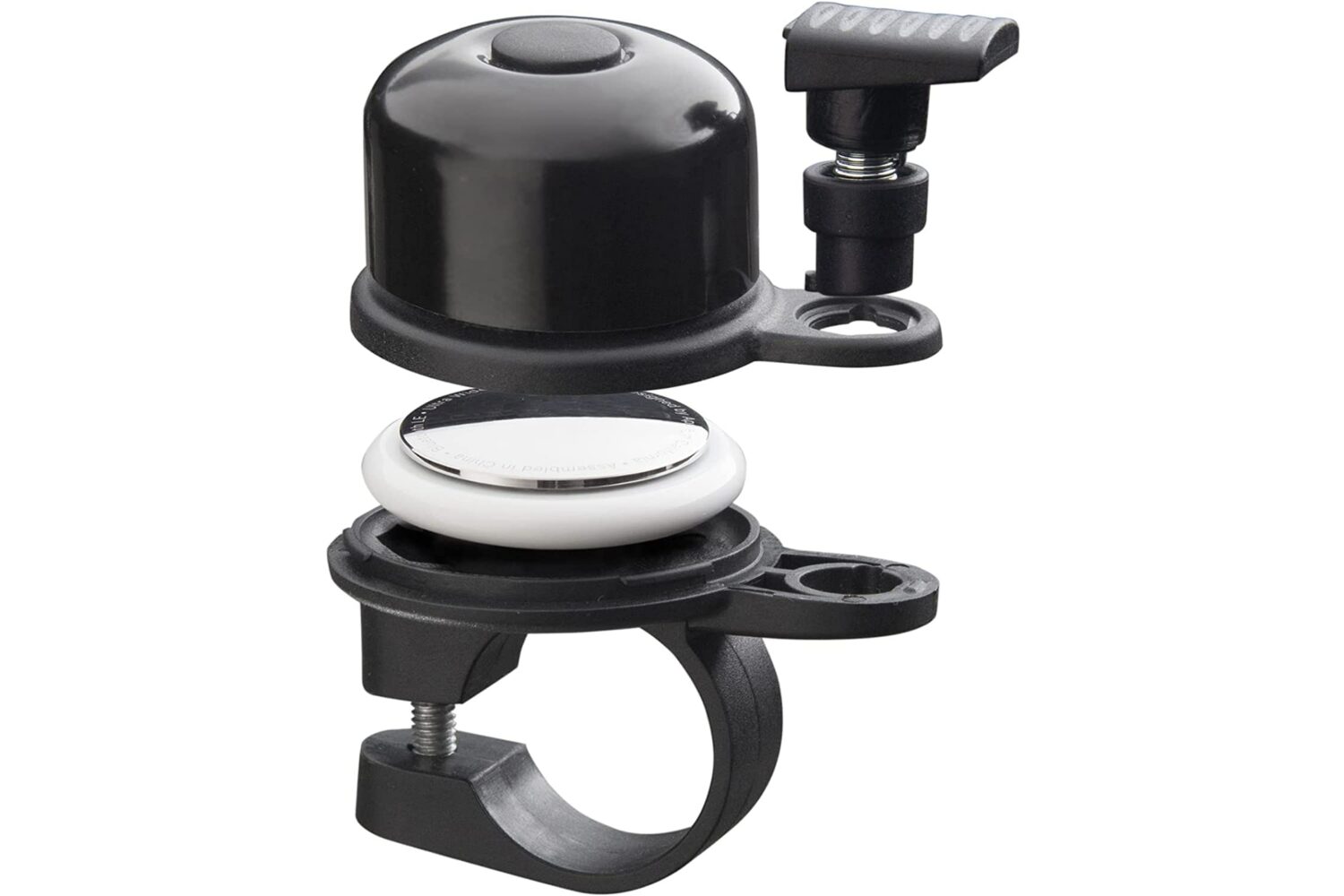
The new AirBell accessory conceals Apple's AirTag personal item tracker within a small generic mechanical bell that you can mount on any bicycle.
AirBell lets you track any bike with Find My
Stay up-to-date on the latest iPhone news and learn new tips and tricks with our comprehensive tutorials. From software updates to new features, we’ve got you covered.
The new AirBell accessory conceals Apple's AirTag personal item tracker within a small generic mechanical bell that you can mount on any bicycle.
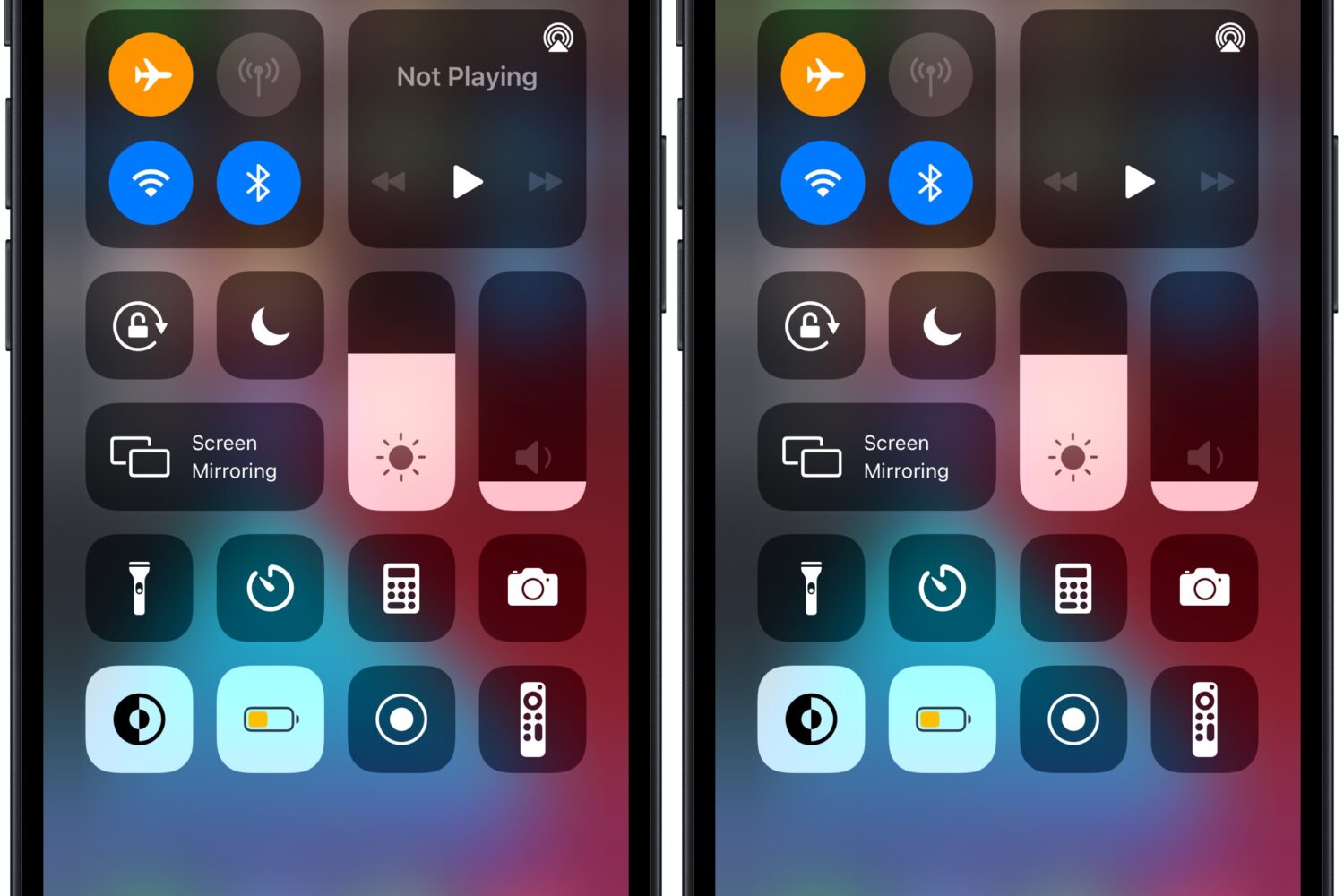
When you aren’t playing any music, you might notice how Control Center’s Now Playing widget exhibits the text “Not Playing” in the upper half.
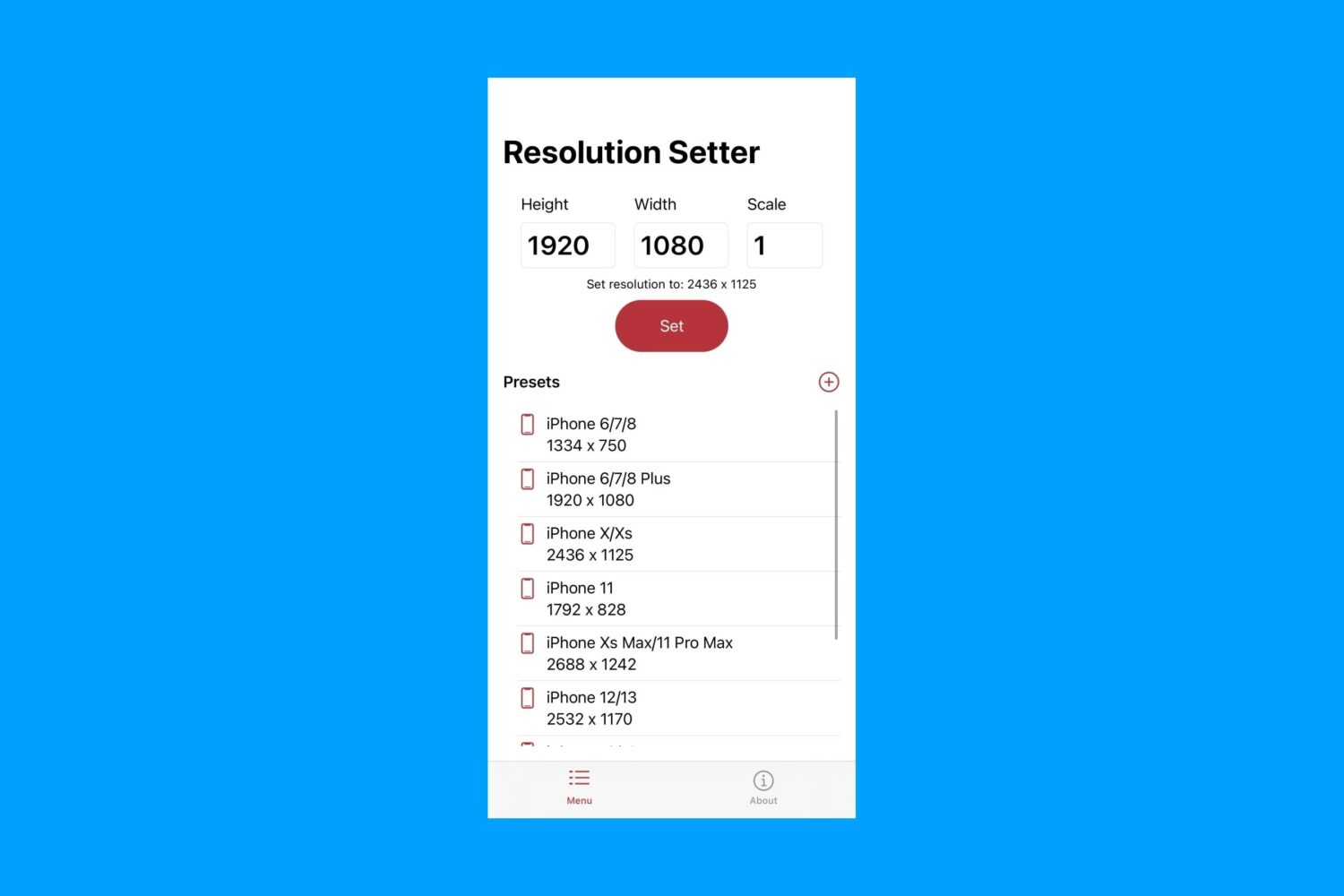
TrollStore users have yet another interesting app that they can test out starting Tuesday morning called Resolution Setter by iOS developer haoict, which just as the name implies, allows the end user to change the resolution of their iPhone’s display.
Apple released iOS 16.0.3 as a firmware update to the general public on Monday alongside watchOS 9.0.2 to address a slew of different bugs that affect various handsets, but with most of the fixes focusing primarily on the iPhone 14 lineup.
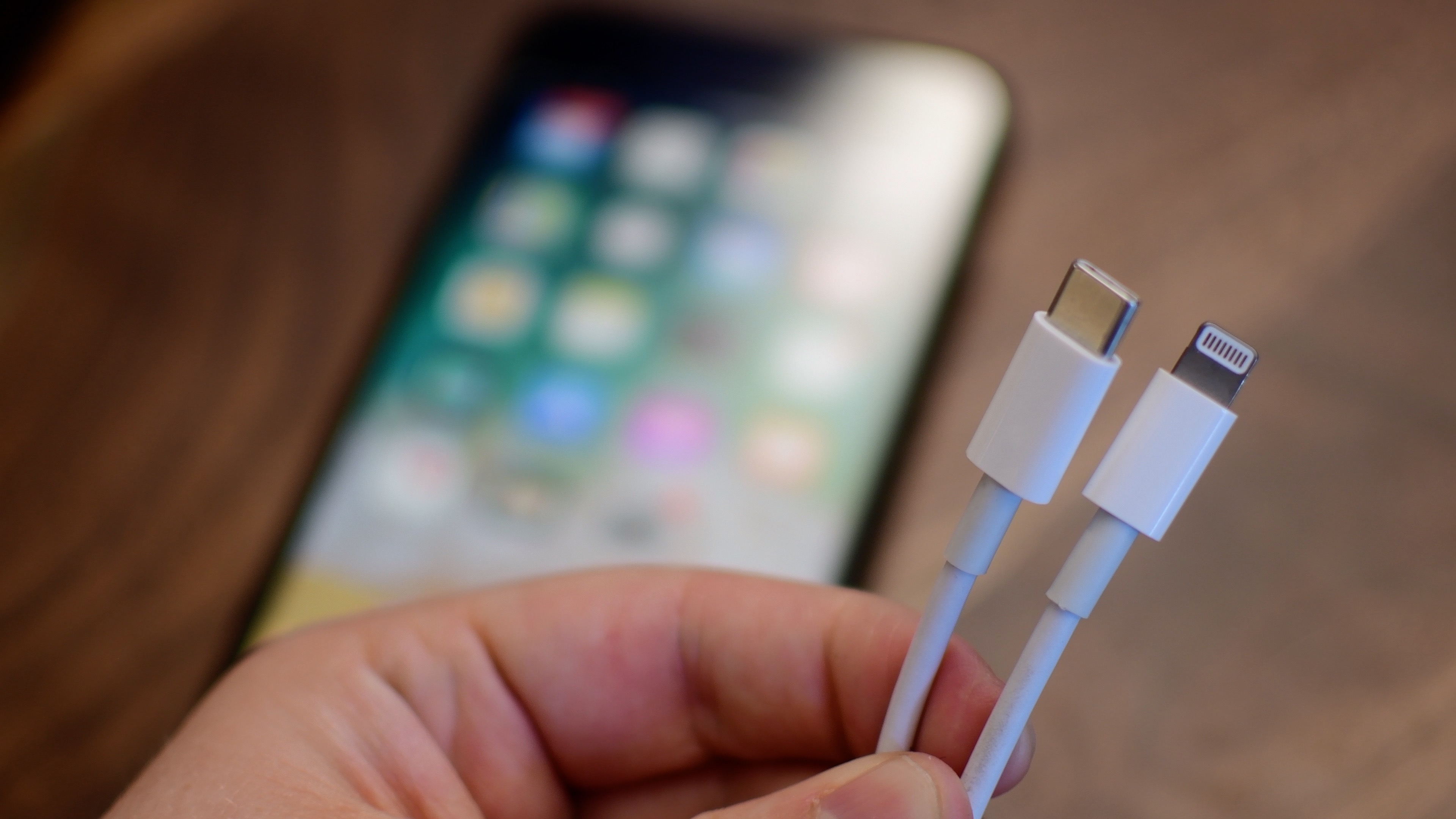
A USB-C iPhone “is essentially a lock” for 2023, claims Bloomberg's Mark Gurman, with AirPods and Magic accessories likely adopting USB-C by 2024.
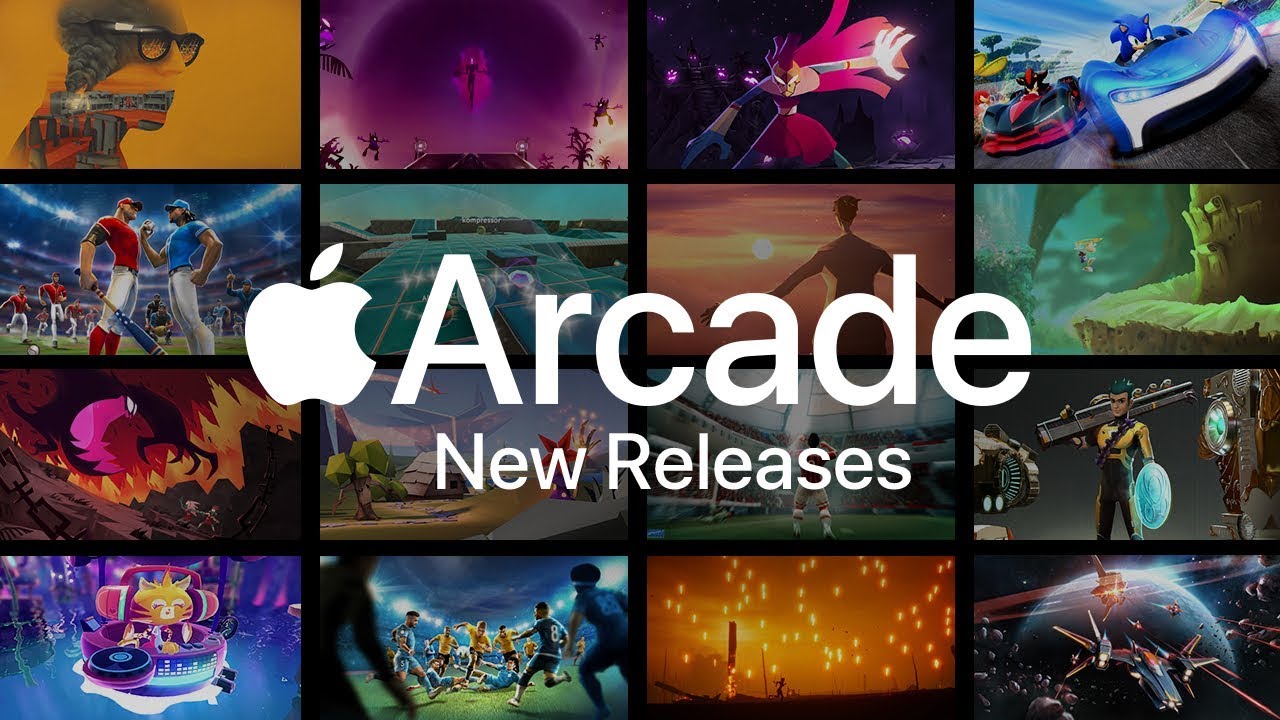
The new Apple Arcade games in October 2022 to play on your iPhone, iPad, Mac and Apple TV include Stitch, an exclusive version of NBA 2K23 and more.
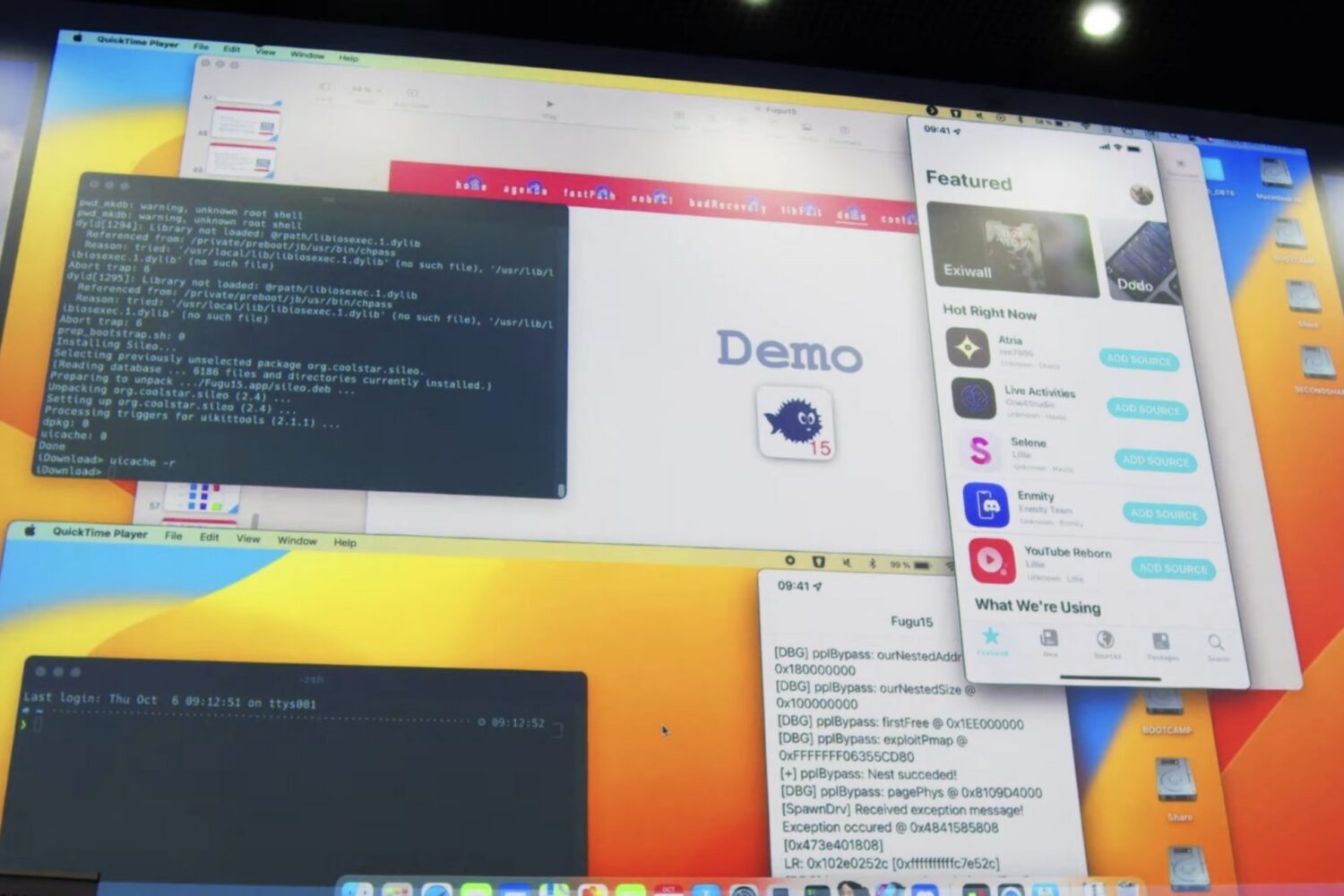
Renowned security researcher Linus Henze on Monday updated the support notes of the Fugu15 jailbreak that he demonstrated on an iOS 15.4.1 device this past Thursday at the Objective by the Sea security conference.
Jailbreak hopefuls on iOS & iPadOS 15 continue to wait for a public jailbreak release, but in the meantime, iDB continues to keep our readers up to date with respect to the latest jailbreak tweak releases and the highest-quality news content roundups.

Palera1n, the developer-focused checkm8 bootrom exploit-based iOS & iPadOS 15.x jailbreak that has been making rounds in the community as of late, was updated to version 1.1.1 late Saturday night.

Grab your iPhone and follow along with our video roundup highlighting some of the lesser-known, hidden features in Apple's iOS 16 software.
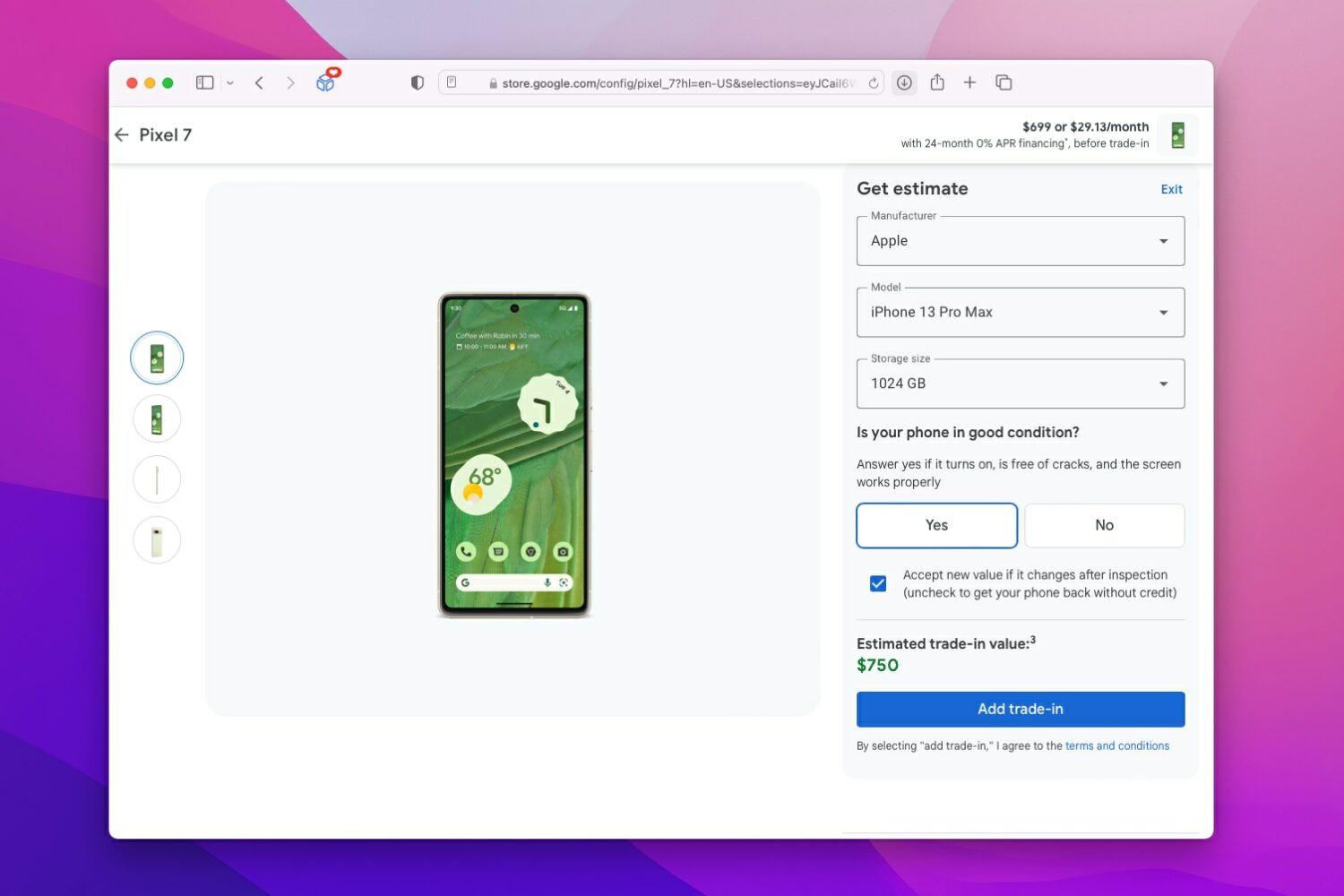
Google's iPhone trade-in offer makes the 128GB/256GB Pixel 7 ($599/$699) free provided you trade in your 1TB iPhone 13 Pro Max, originally priced at $1599.
Along with all the other exciting news shared on Thursday, the Havoc repository is joining the commotion with a fresh announcement of its own.