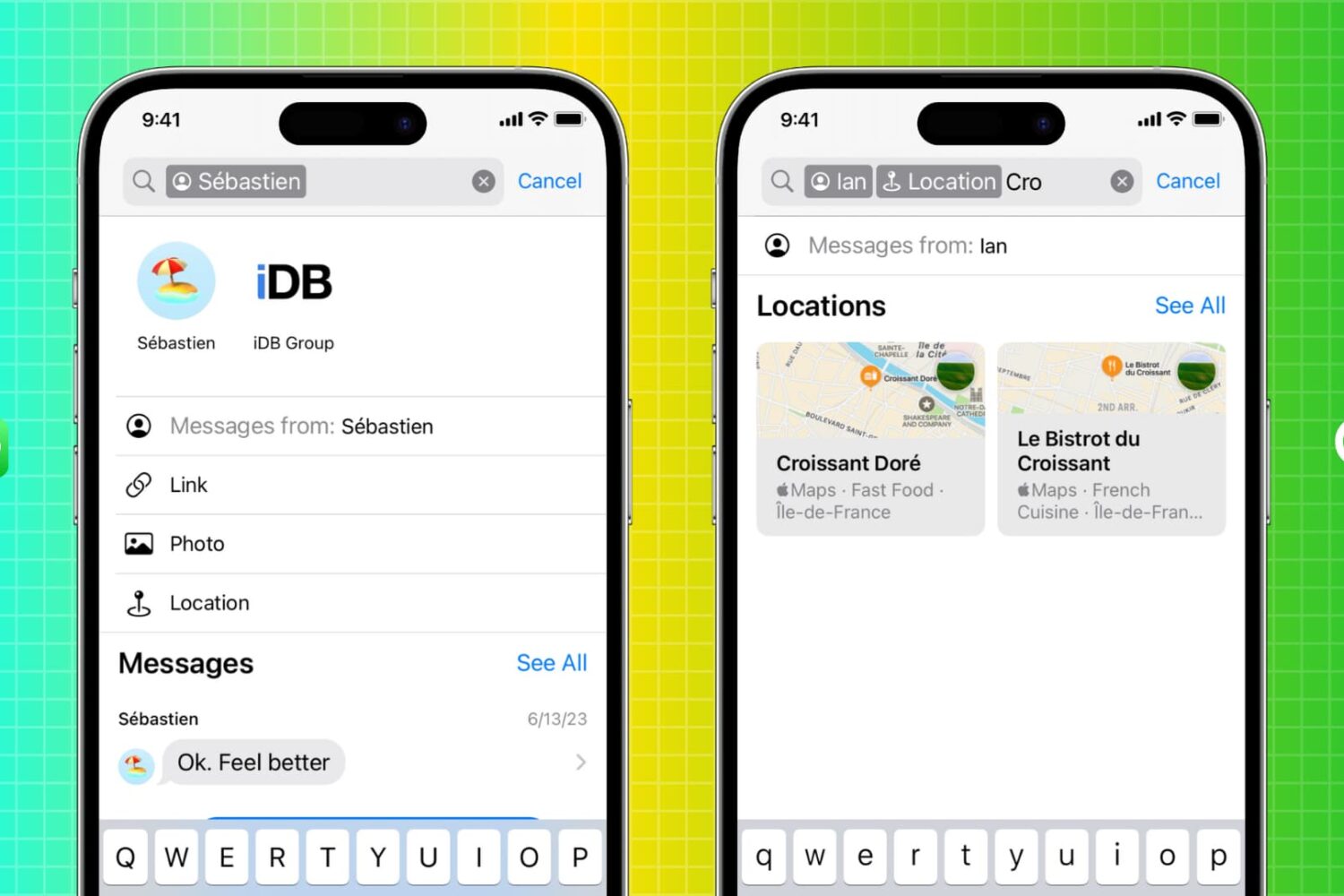
Learn how to use the enhanced search function in the Apple Messages app on your iPhone, iPad, and Mac to quickly find messages.
How to use search filters in the Messages app to instantly find text messages
Stay up-to-date on the latest iPhone news and learn new tips and tricks with our comprehensive tutorials. From software updates to new features, we’ve got you covered.
Learn how to use the enhanced search function in the Apple Messages app on your iPhone, iPad, and Mac to quickly find messages.
Apple has temporarily pulled the latest Rapid Security Response update due to a bug preventing some websites from working correctly in Safari.
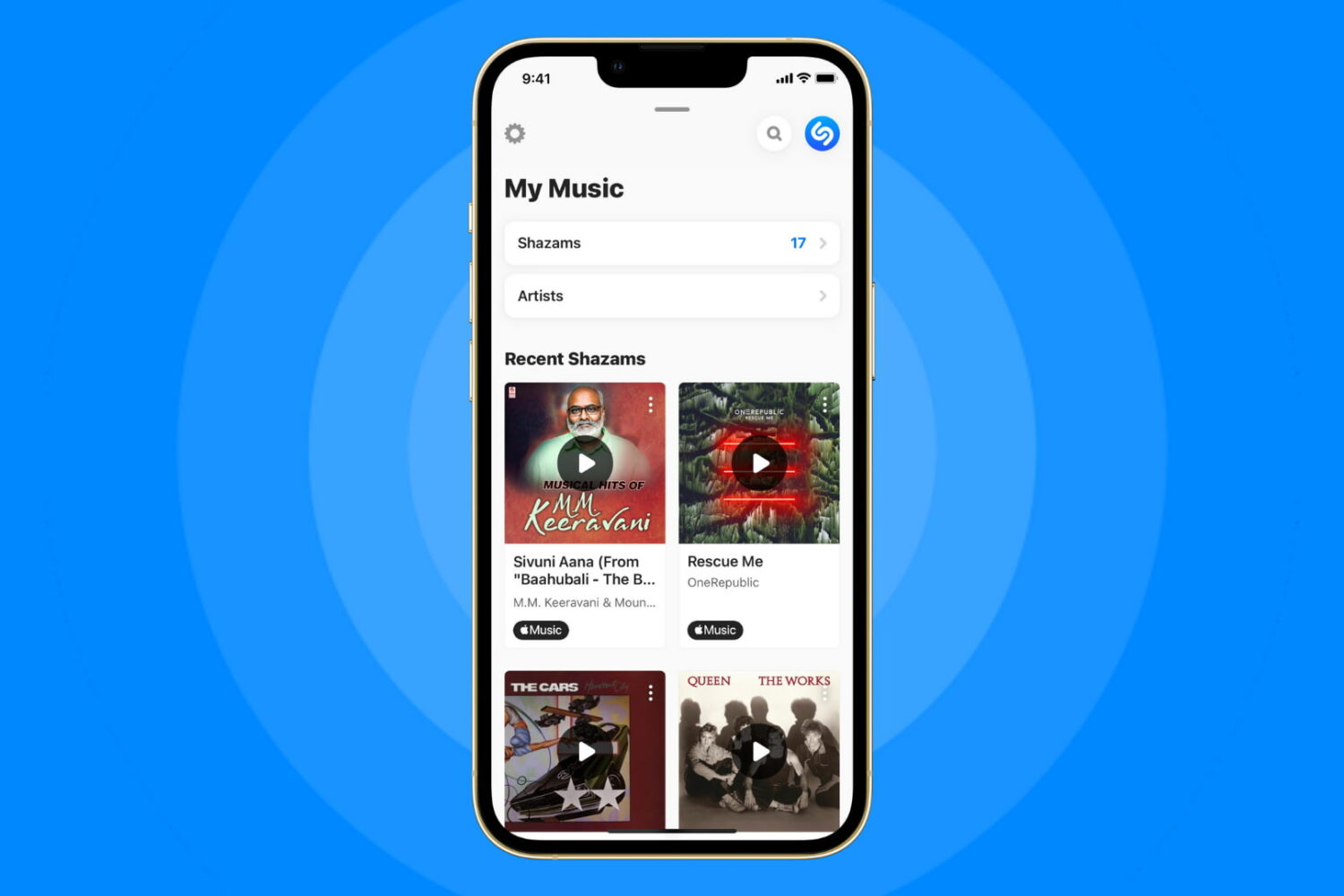
The Apple-owned Shazam app has been updated with the ability to recognize songs playing in any app, including TikTok, Instagram and YouTube.

Any jailbreakers out there who might be interested in enhancing their Instagram app user experience should think seriously about trying a new jailbreak tweak called Nyx for Instagram by iOS developer Sezo.
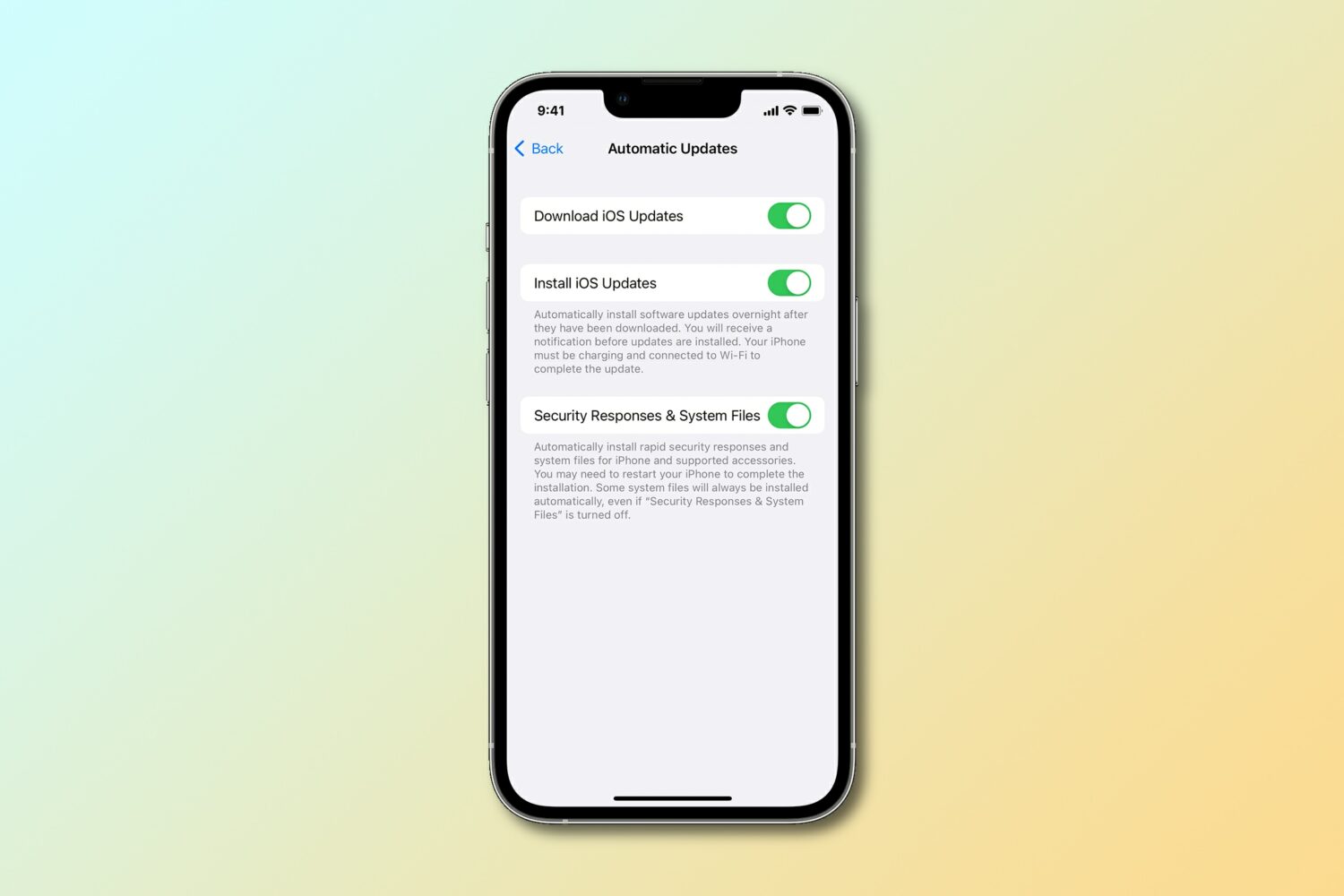
Apple has released a new Rapid Security Response update for the iPhone, iPad and Mac to fix an actively exploited vulnerability discovered in its WebKit engine.
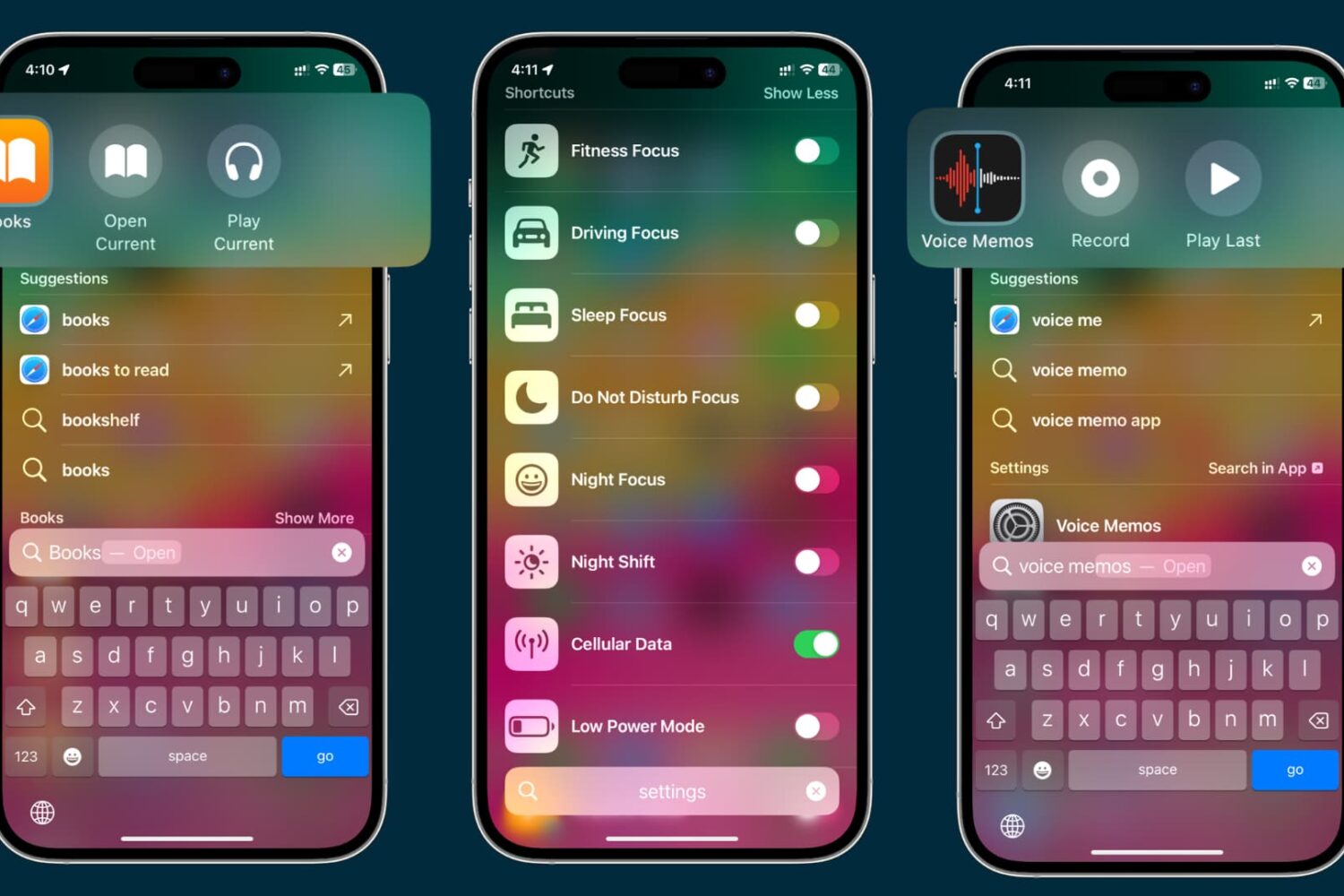
Learn everything about App Shortcuts in Spotlight to enhance your search experience and quickly trigger actions or navigate to specific sections of apps on your iPhone or iPad.
The iPhone 15 Pros could come in a new shade of blue that might be pretty similar to the blue finish on the iPhone 12 Pros, only darker.
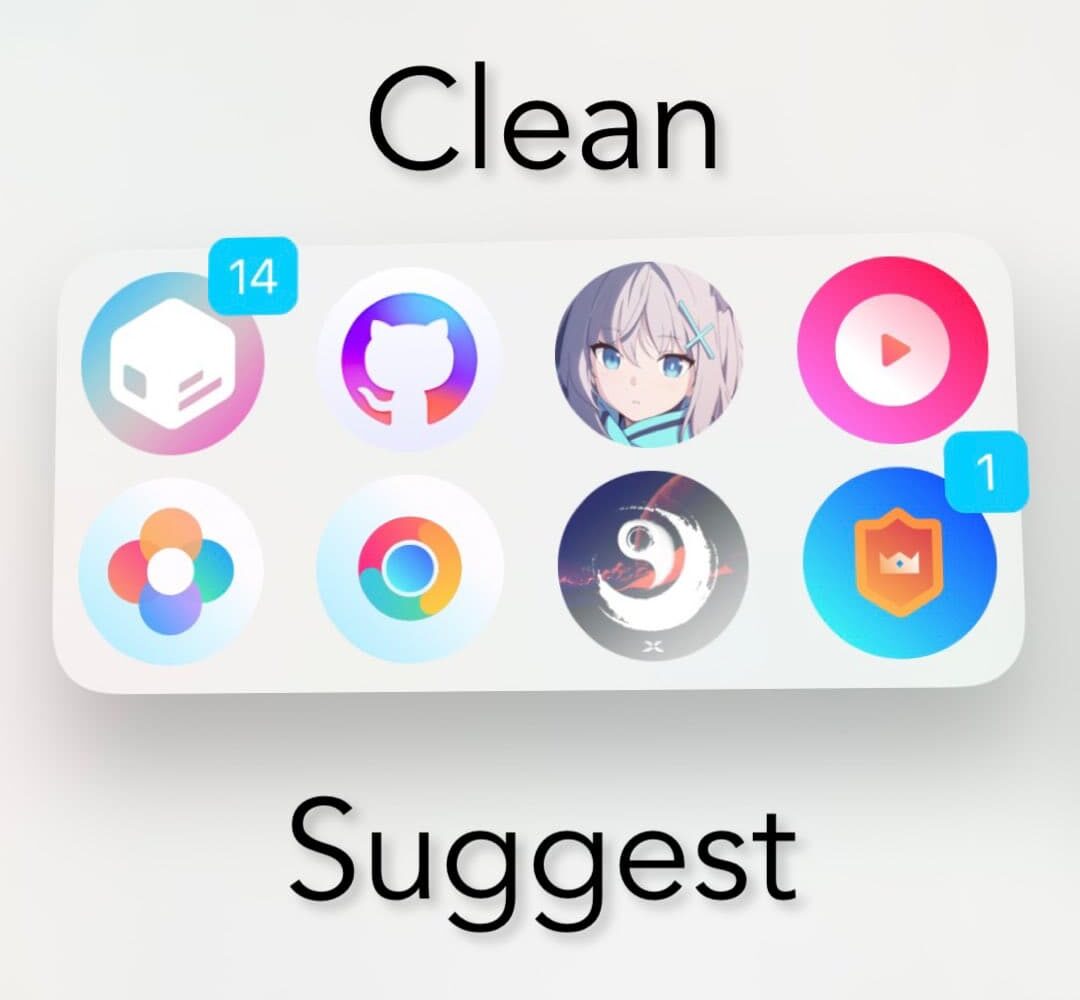
If you take advantage of the Siri Suggestions widget on your iPhone’s Home Screen, and you’re interested in hiding the app icon labels from it for the sake of minimalism, then you may want to turn your attention to a newly released and free jailbreak tweak dubbed CleanSuggest by iOS developer uz.ra.
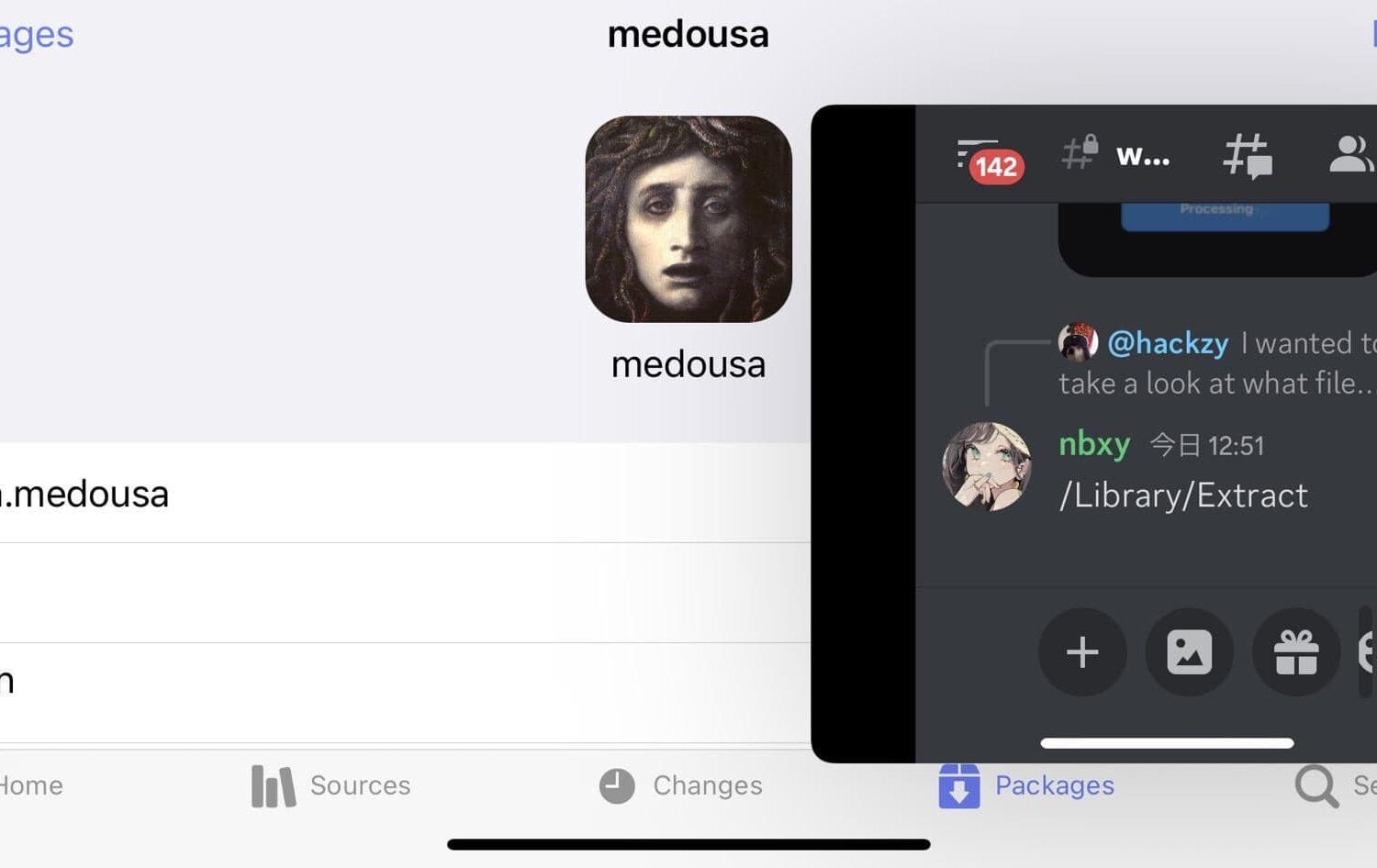
If you like how fluid and capable that multitasking feels on the iPad, then you probably wish your iPhone’s multitasking capabilities were up to par. Sadly, they aren’t; but with a new and free jailbreak tweak called medousa by uz.ra, you can get the multitasking experience that you’ve been hoping for on your iPhone.
The iDownloadBlog team works tirelessly throughout the week to bring you the latest jailbreaking news as it happens, but since a lot of our readers lead busy lives, we understand if you find it tough to keep up.
Jailbreak developer Lars Fröder launched an updated version of the Dopamine jailbreak tool on Saturday, July 8th, officially bringing the tool up to version 1.1.1.
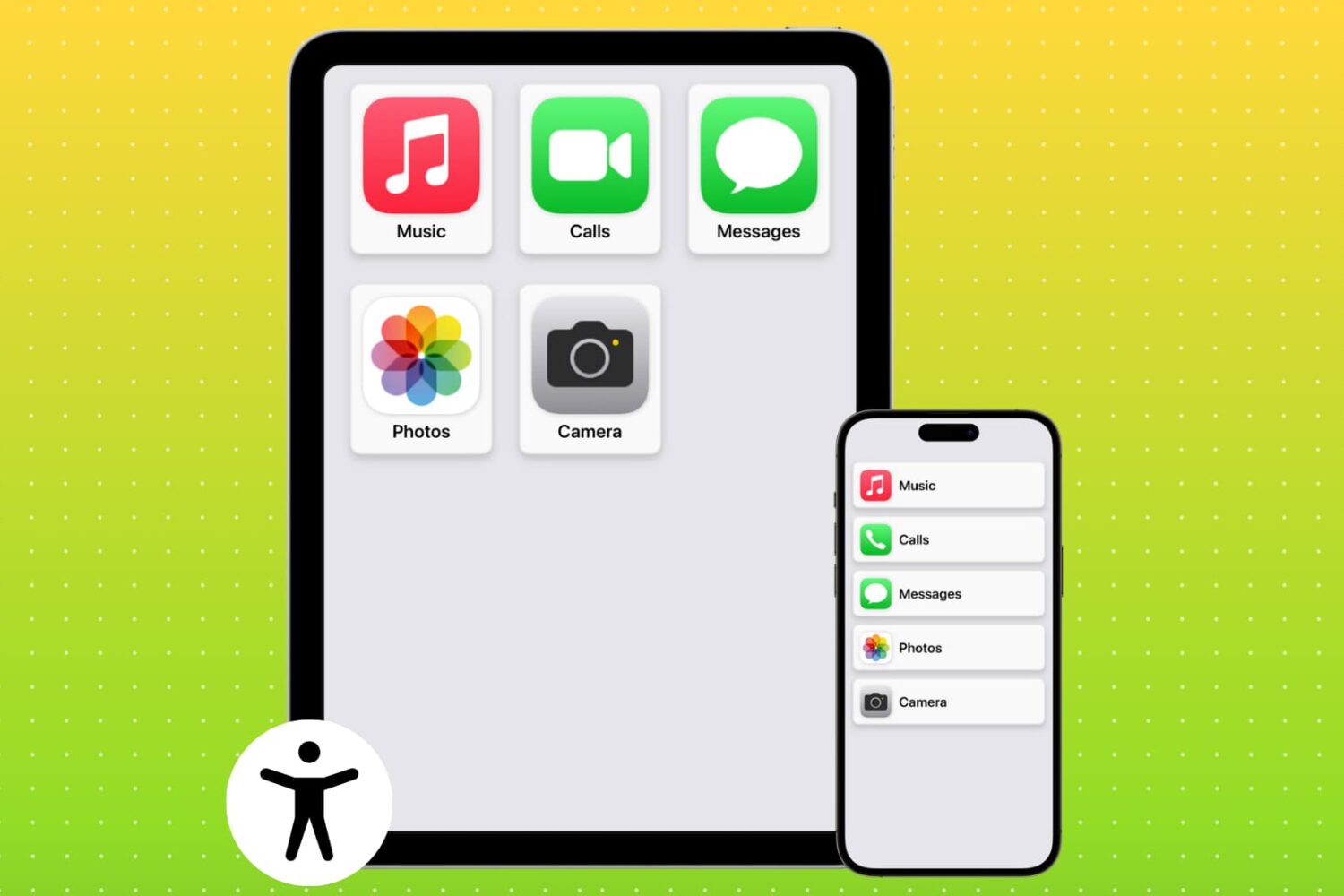
Learn how to set up Assistive Access on an iPhone or iPad to simplify the device for individuals with cognitive disabilities (or to just turn your iPhone into a minimalistic phone for your kids or yourself).