iPad

From the latest news to the most comprehensive tutorials, learn how to get the most out of your iPad with our step-by-step guides and expert tips.

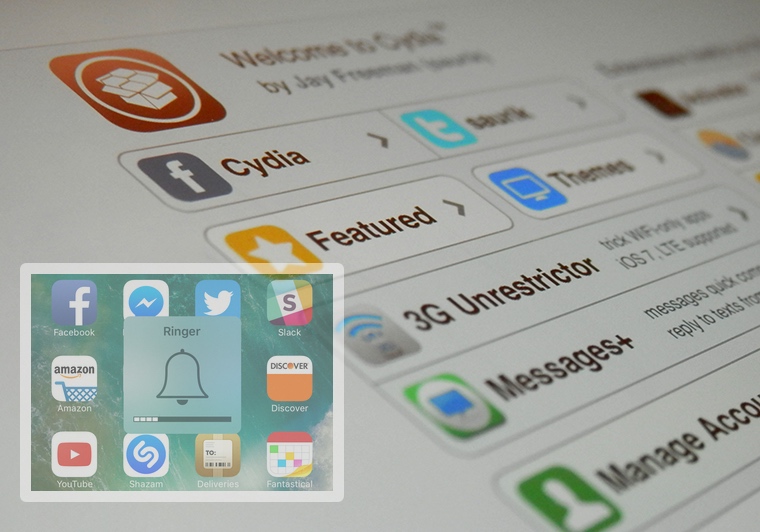
The best jailbreak tweaks for the Volume HUD

Perhaps one of the worst experiences in iOS out of the box is the volume HUD; it's clunky and appears right in the middle of the screen as you try to get things done.

Since it gets in the way so much, jailbreak developers have been creating alternative solutions for years, and in this roundup, we'll be talking about the best volume HUD-based jailbreak tweaks that work great with the Yalu jailbreak for iOS 10.

New ARKit demos: Tesla Model 3, food ordering & inter-dimensional portal

With the new ARKit framework for building augmented reality (AR) apps, Apple is turning existing iOS devices into the largest AR platform in the world.

We previously shared a bunch of interesting ARKit demos showcasing the possibilities of the framework, including an upcoming furniture-ordering app from Ikea, a measuring tape, an ARKit-powered VR mode in Maps and more.

Today, we're highlight three more examples of ARKit-driven apps: a Tesla Model 3 app by an impatient fan, an example of an inter-dimensional portal in the middle of the street and an app that promises to change how we order food.

First up, a demo app by an impatient Tesla fan who couldn't wait for his ordered Model 3 so he made this ARKit-powered app that lets him drive around a virtual Model 3 in his real world, activate the headlights and so forth.

@elonmusk Couldn't wait 4 my #Model3, so made this AR app, what do you think? #ARkit pic.twitter.com/lIRLTZox7N

— Jelmer Verhoog (@JelmerVerhoog) July 1, 2017

Food ordering will never be the same, says developer Alper Guler who created an ARKit-driven app which renders various foods on your table that you can pan around, zoom in and out, rotate and more.

https://www.youtube.com/watch?v=oFdgVNg4ryM

And last but not least, we have French consulting agency Nedd which came up with a great example of AR+VR, via iPhoneAddict.fr.

https://www.youtube.com/watch?v=rIPfpGCxONQ

Before signing off, here's a quick volumetric capture example with ARKit.

hint pic.twitter.com/WOuqVer1Ph

— Made With ARKit (@madewithARKit) June 27, 2017

Very impressive so far, don't you think?
Apply new cosmetics to Control Center with CCSmooth10

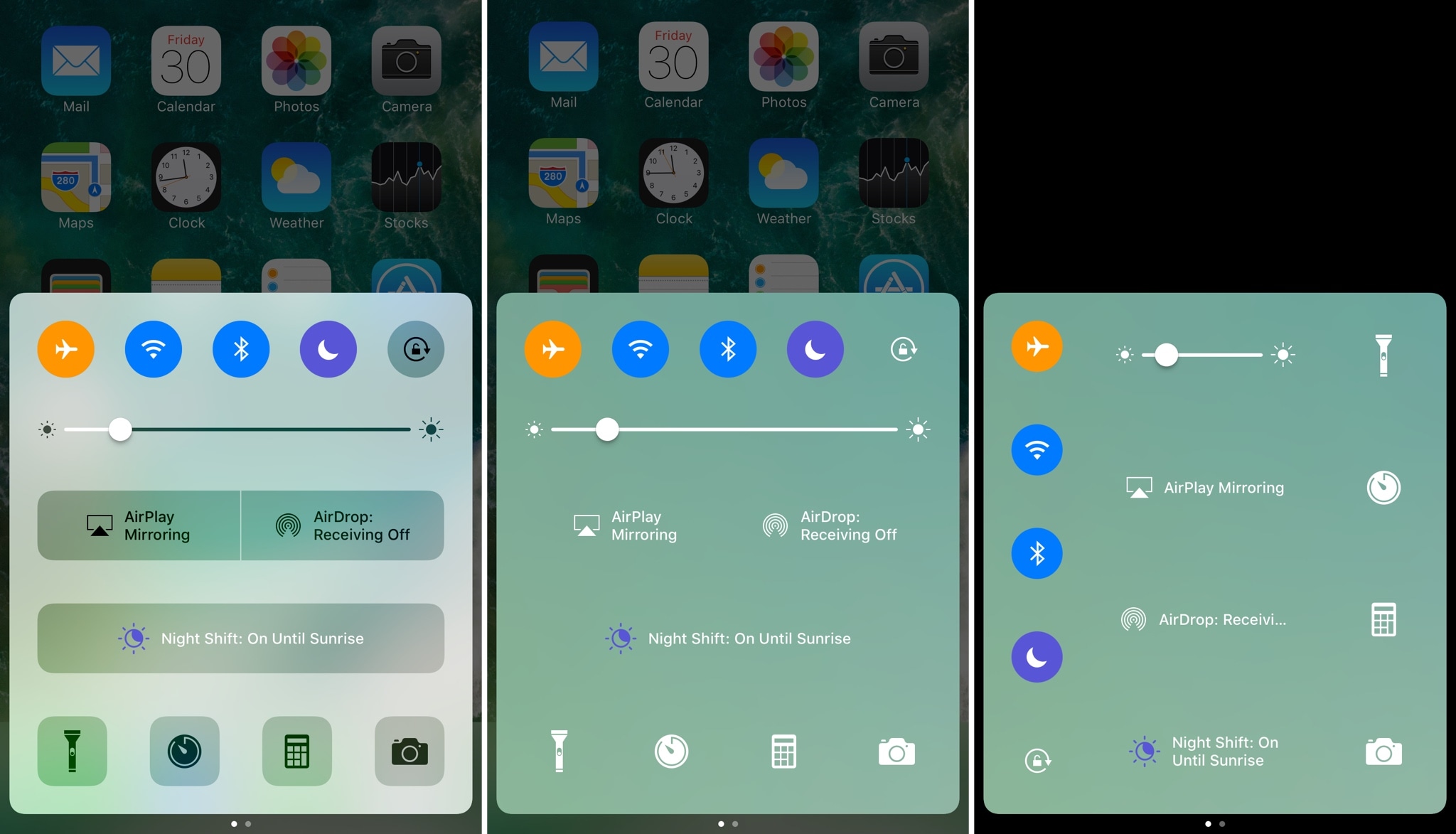
One of the benefits of having a jailbreak is being able to give your iPhone a new look and feel that's different from every other average Joe on the block. A new free jailbreak tweak dubbed CCSmooth10 by CydiaGeek takes aim at the Control Center interface with this concept in mind.

This tweak comes with a host of options that can make Control Center look totally different than it does out of the box. Its effects are purely cosmetic rather than functional, but to say you can get some awesome effects out of the tweak is an understatement.

BetterPhotoCrop keeps the Notification Center grabber from appearing as you crop images

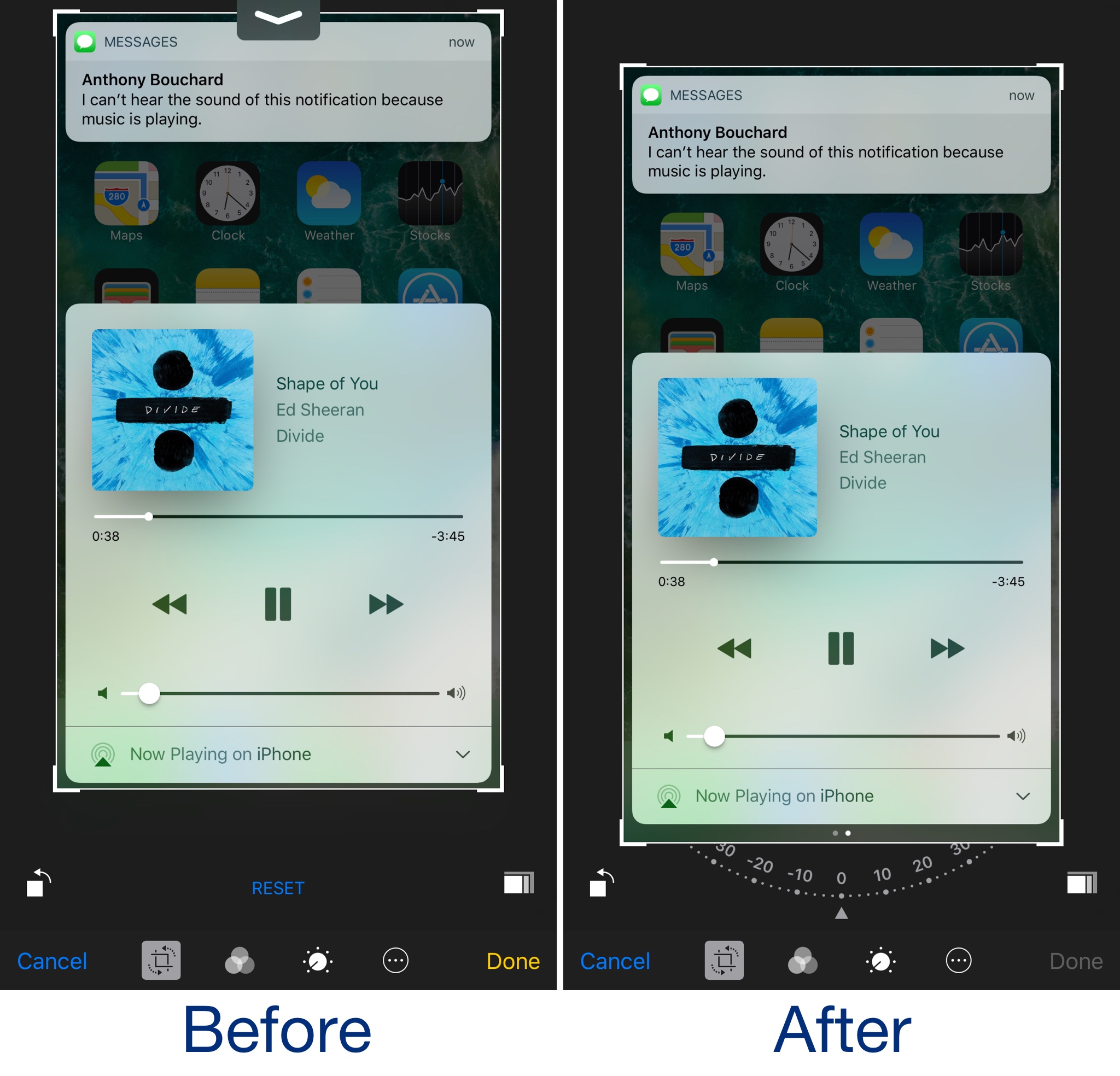
I use the image-cropping tools from my iPhone's Photos app on a daily basis, and I've noticed that I accidentally invoke the Notification Center grabber quite a lot while cropping when I attempt to drag down from the top of the image.

BetterPhotoCrop by iOS developer Andreas Henriksson is a new free jailbreak tweak that moves the cropping interface down enough to prevent the Notification Center grabber from being invoked when you drag down from the top of an image to crop it.

AlternateControls 2 brings an Android-style bottom navigation bar to iOS

Available on a wide variety of Android handsets is the bottom navigation bar, and with a jailbreak tweak called AlternateControls 2 by iOS developer Ian Burns, you can bring this functionality to your iPhone as well.

Once installed, the button to the far left will act as a back button, letting you move backwards between interfaces you’ve visited previously, while the center button acts as a virtual Home button and the button to the far right acts as an App Switcher shortcut.

QuietWhilePlaying prevents notifications from interrupting your music playback

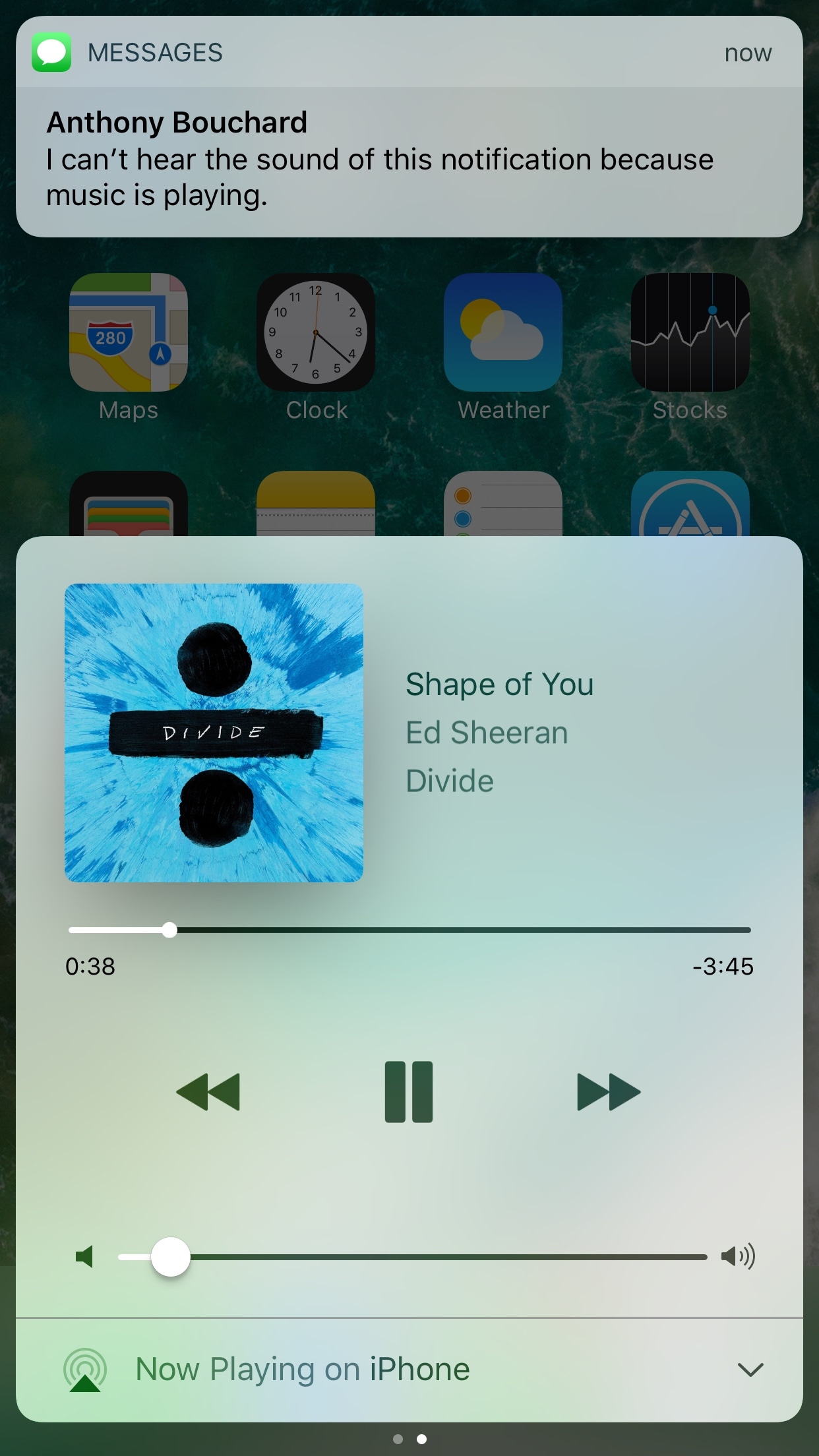
If you have a pet peeve for incoming notifications interrupting your music when you’re trying to sit back and enjoy a song, then installing a new free jailbreak tweak called QuietWhilePlaying (iOS 10) by iOS developer ijapija00 should be next on your to-do list.

This tweak silences the alert sounds and vibrations associated with incoming notifications, no matter which app they're coming from, whenever you’re actively listening to media.

Ambiance lets your Phillips HUE bulbs take full advantage of your jailbroken iPhone

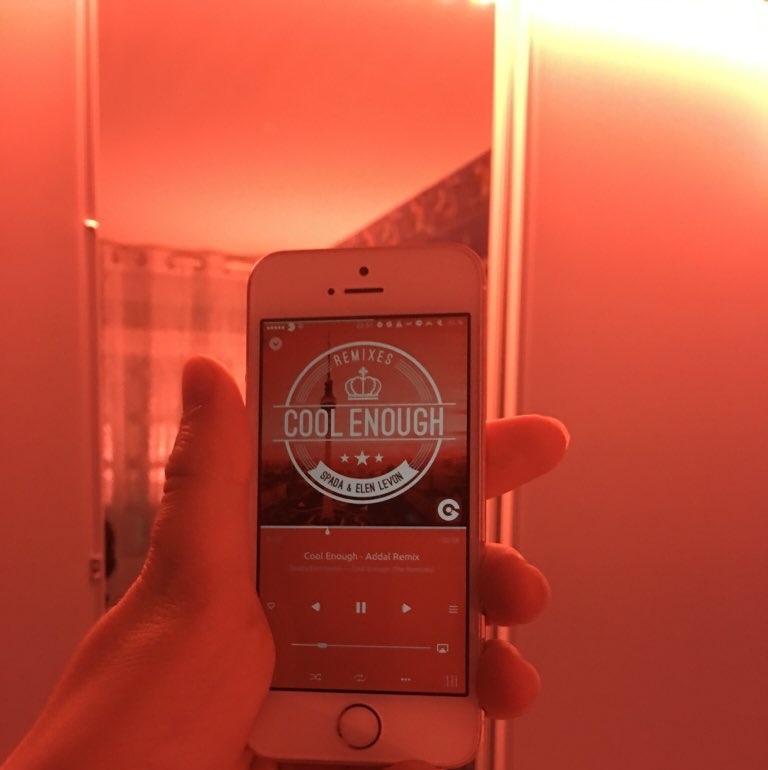
Every so often, a jailbreak tweak emerges that lets you do something out of the ordinary with your iPhone, and a new release called Ambiance by iOS developer Ziph0n is a testament to such tweaks.

Ambience links your jailbroken iPhone and Phillips HUE smart light bulbs together in new and exciting ways, immersing your entire room with color effects based on what you’re doing on your device at a given time.

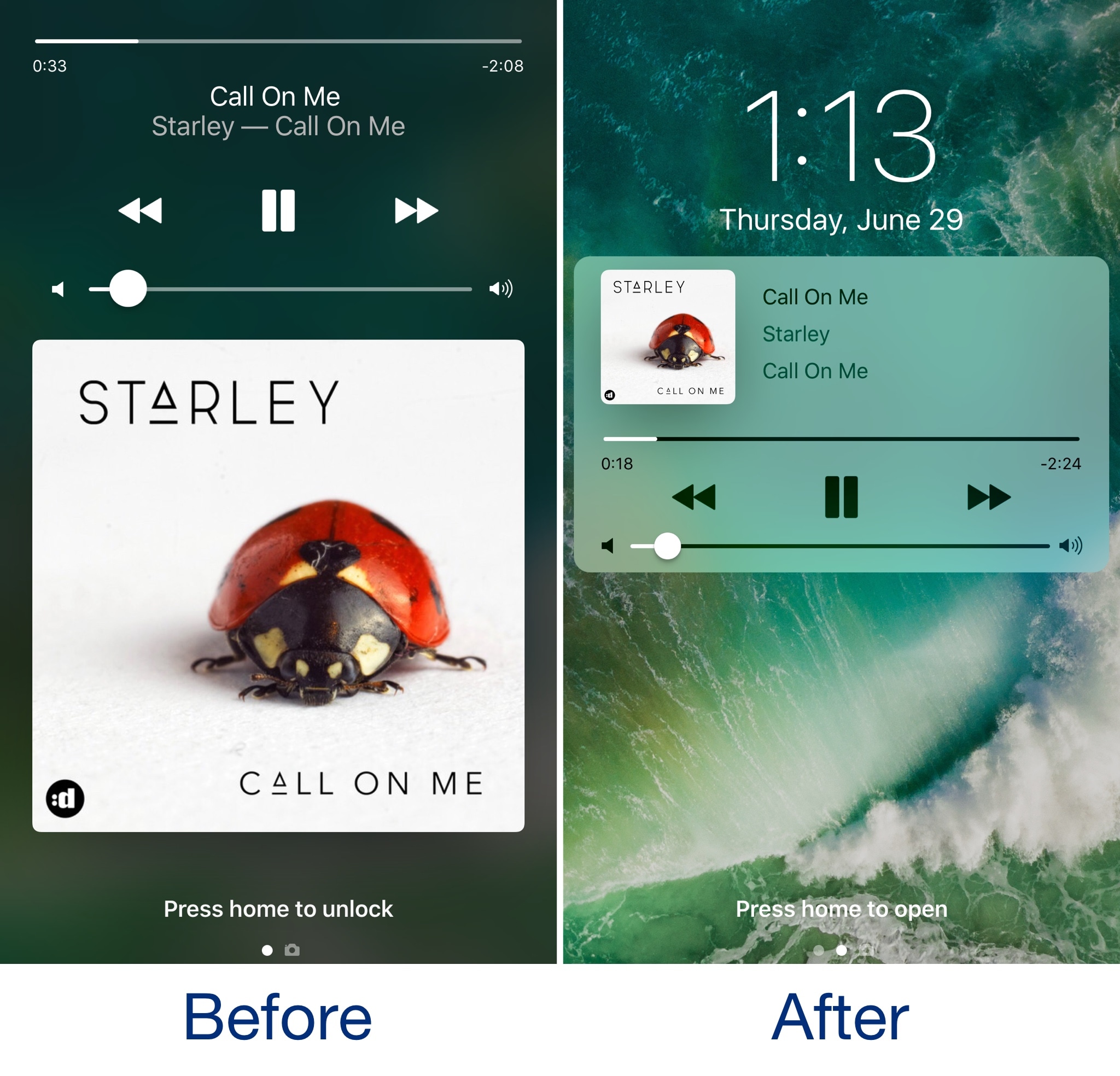
Lysithea X brings iOS 11-esque Lock screen music controls to iOS 10

In case you haven’t seen it yet, iOS 11 comes with a redesigned Now Playing Lock screen interface. It’s sleeker and takes up less space so you can manage your music playback and see missed notifications in the same place more easily.

Now, a new jailbreak tweak called Lysithea X by iOS developer ijapija00 brings this iOS 11 Now Playing Lock screen interface to jailbroken iOS 10 devices.

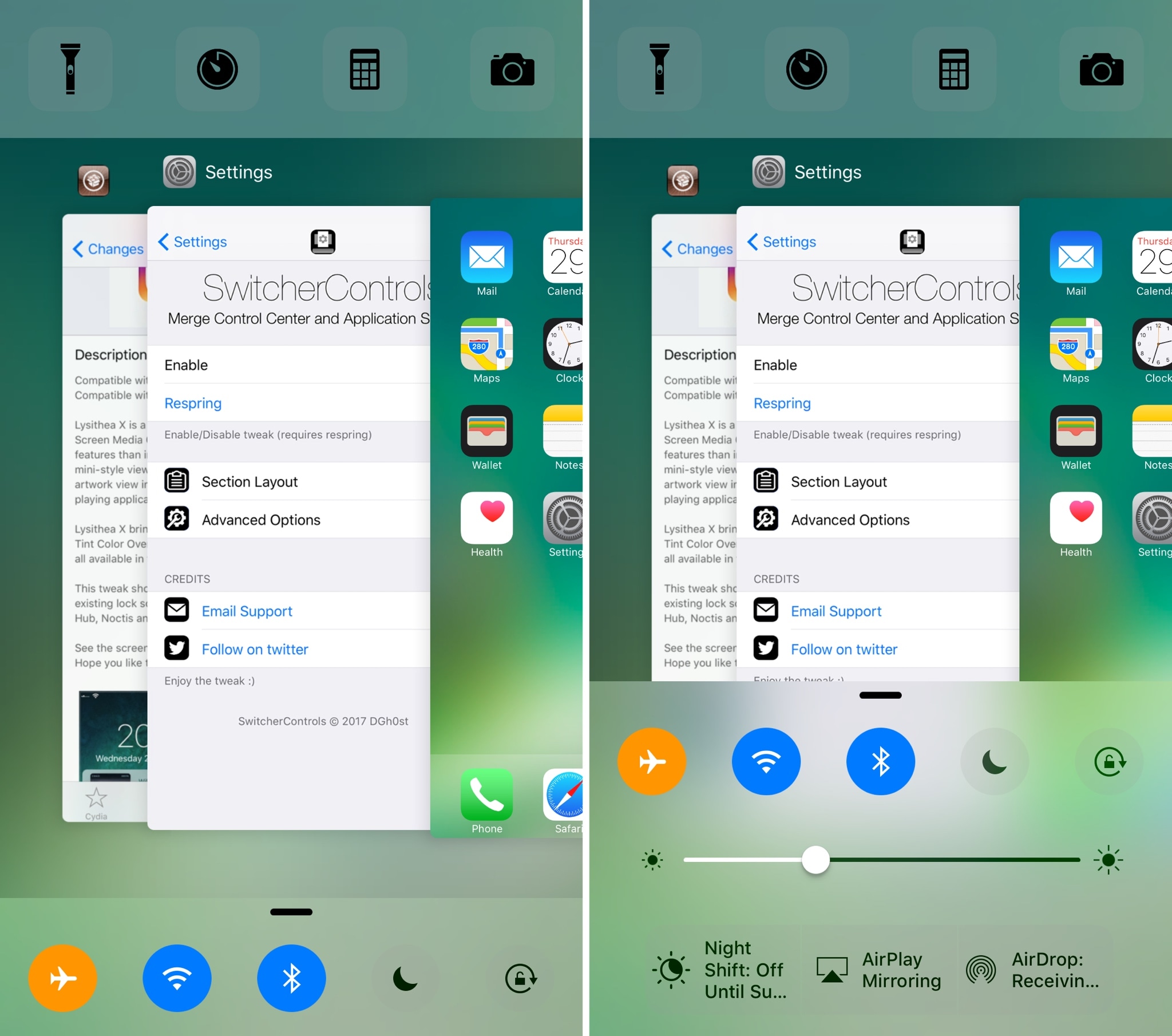
SwitcherControls merges the App Switcher and Control Center interfaces into one

If you want a more powerful App Switcher, then perhaps a good place to start is with a new jailbreak tweak called SwitcherControls by iOS developer DGh0st.

Immediately reminiscent of the multi-center feature from a prior jailbreak tweak release known as Auxo 3, SwitcherControls combines both the App Switcher and Control Center interfaces into one, yielding what you see above.