Learn how to block specific email senders in the Apple Mail app on iPhone, iPad, and Mac to make sure you never see an email from that person or company again.
How to block people from emailing you on iPhone, iPad, and Mac

From the latest news to the most comprehensive tutorials, learn how to get the most out of your iPad with our step-by-step guides and expert tips.
Learn how to block specific email senders in the Apple Mail app on iPhone, iPad, and Mac to make sure you never see an email from that person or company again.
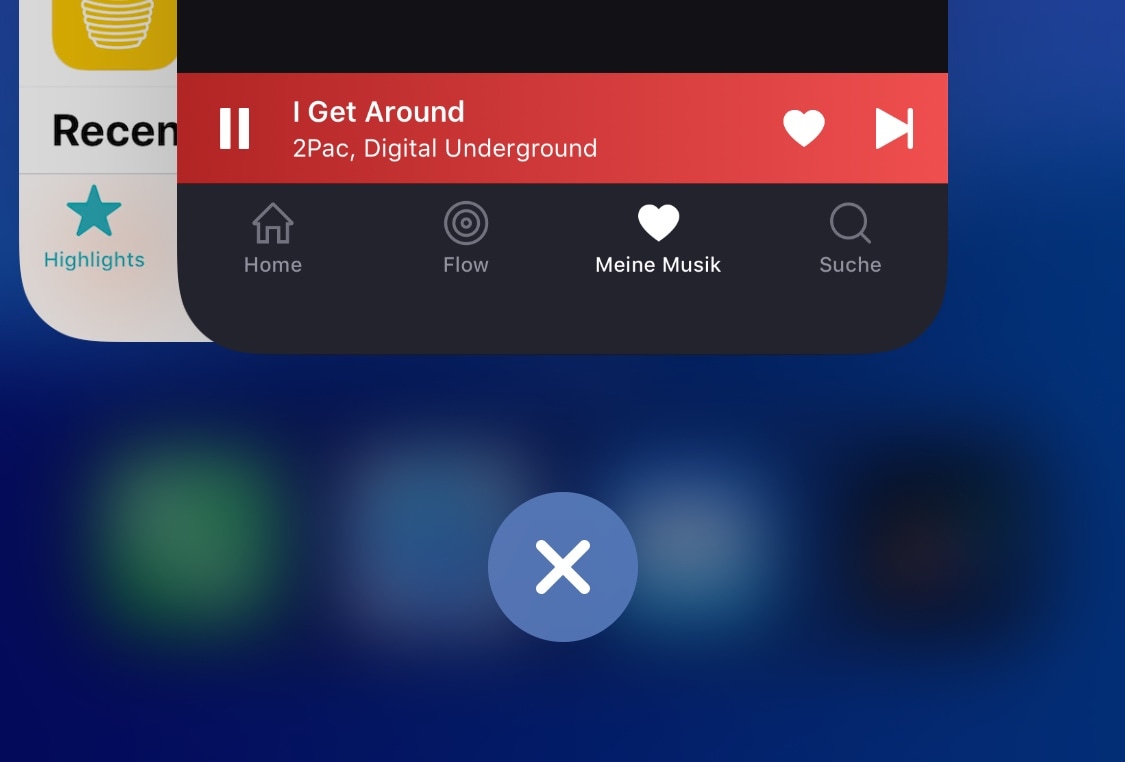
If you’re the type of person that likes to kill all the apps in your App Switcher when you’re finishing using your iPhone, then chances are you’ll come to appreciate a newly released jailbreak tweak dubbed KillX Pro by iOS developer cemck.
Like the name implies, KillX Pro lets users kill every app from their App Switcher in one fell swoop without having to swipe on each app preview card individually to accomplish the same effect. Instead, as shown in the screenshot examples above, KillX Pro adds a single button to the bottom of your App Switcher to do this with just a tap.
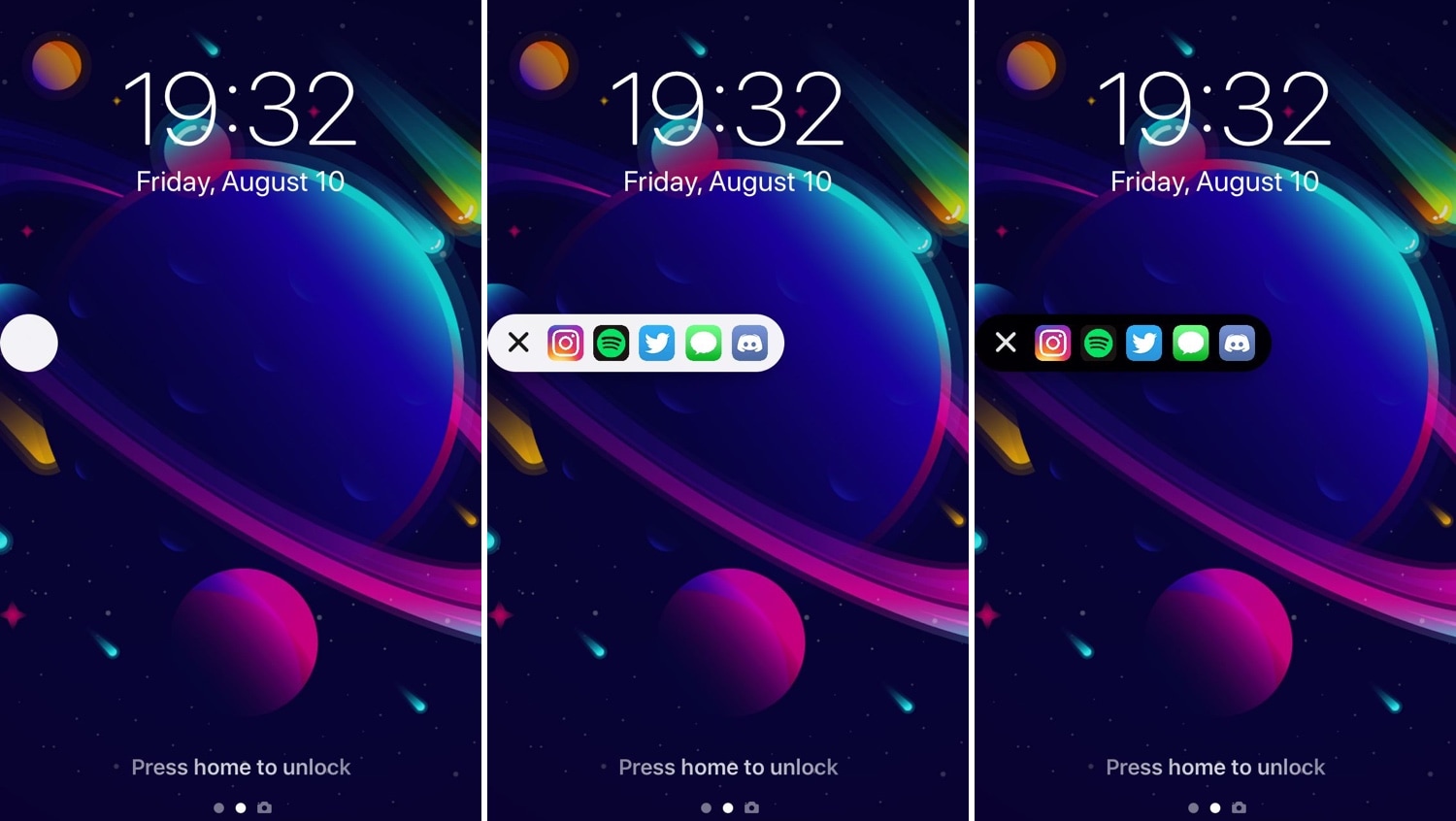
Some people are more anal than others in terms of keeping their Home screens neat and tidy, but those who install too many apps to keep track of can probably benefit from a jailbreak tweak dubbed AppShortcut by iOS developer db89.
As shown in the screenshot examples above, AppShortcut is precisely what you’d expect it to be: an app launcher that provides faster access to some of your favorite applications. The interface appears everywhere in iOS and can be collapsed or expanded depending on your needs at any particular time. Additionally, AppShortcut supports both dark and light UI modes.
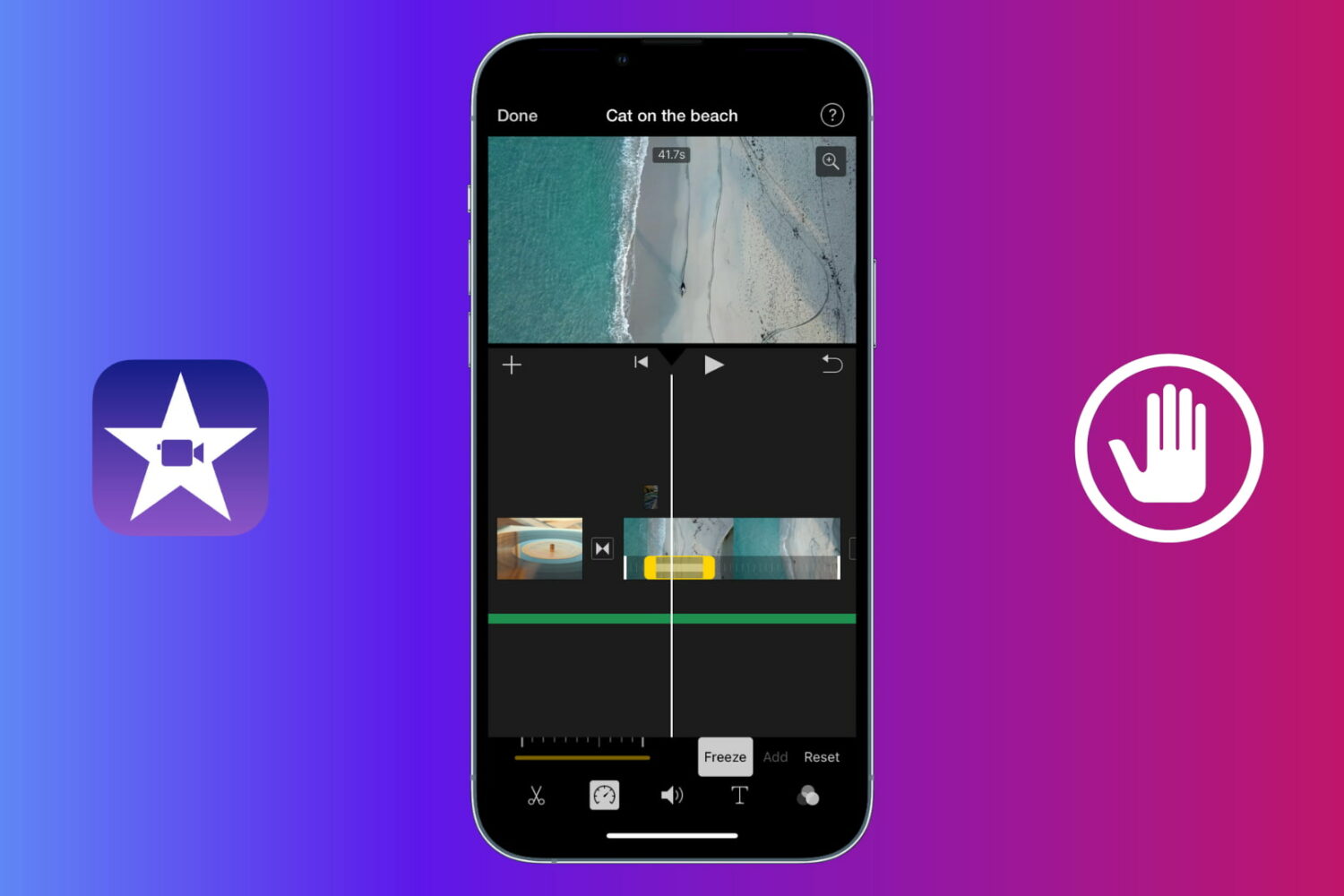
Learn how to use a freeze frame effect in iMovie to pause a scene briefly and direct the viewer's attention to something.
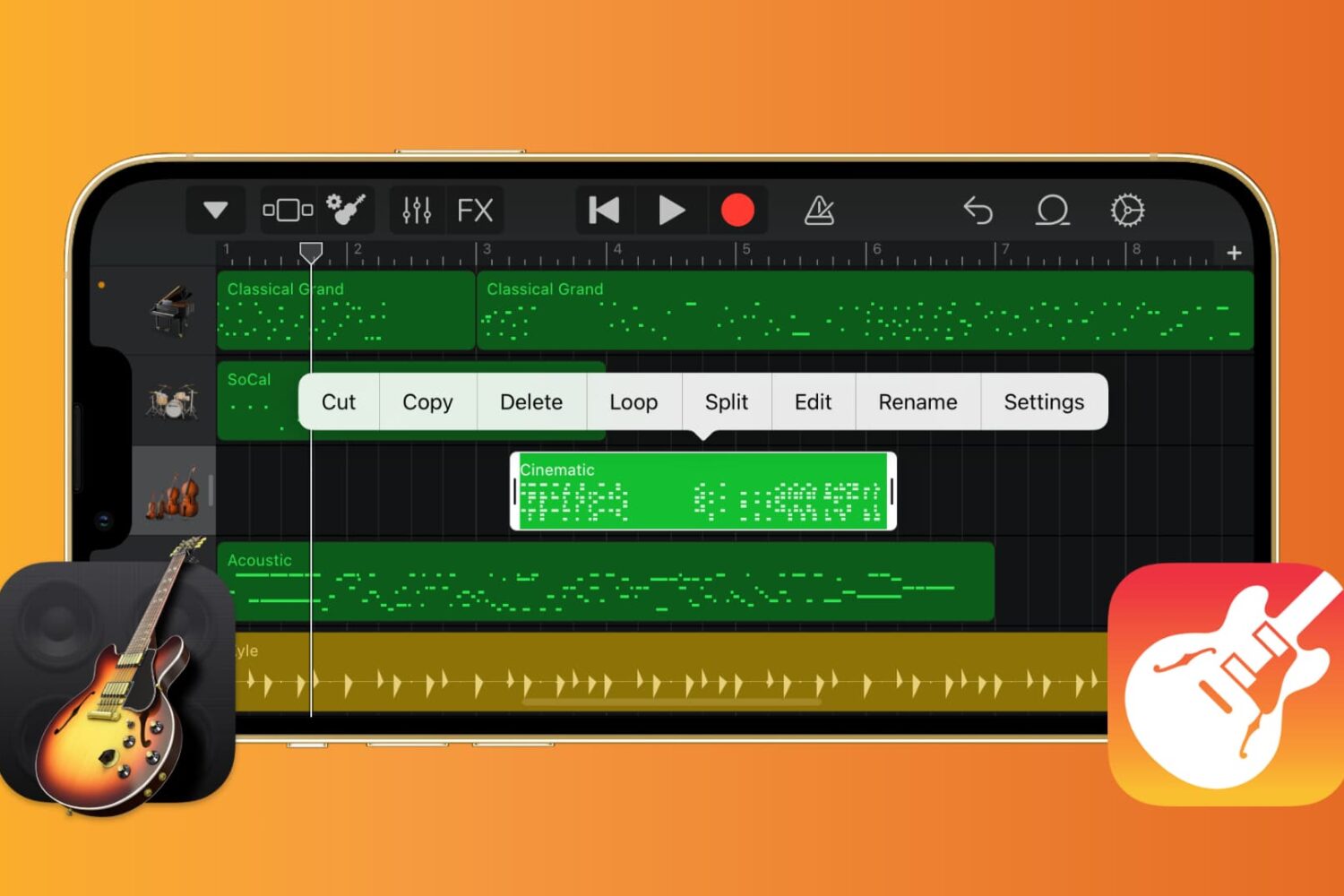
If you want to work with the musical notes in GarageBand for your song, you can show, add, and edit notes. In GarageBand on Mac, you can work with notes for MIDI regions, and on iOS, you can work with them for green touch instrument regions.
Here’s how to show, add, and edit musical notes in GarageBand on Mac, iPad, and iPhone.
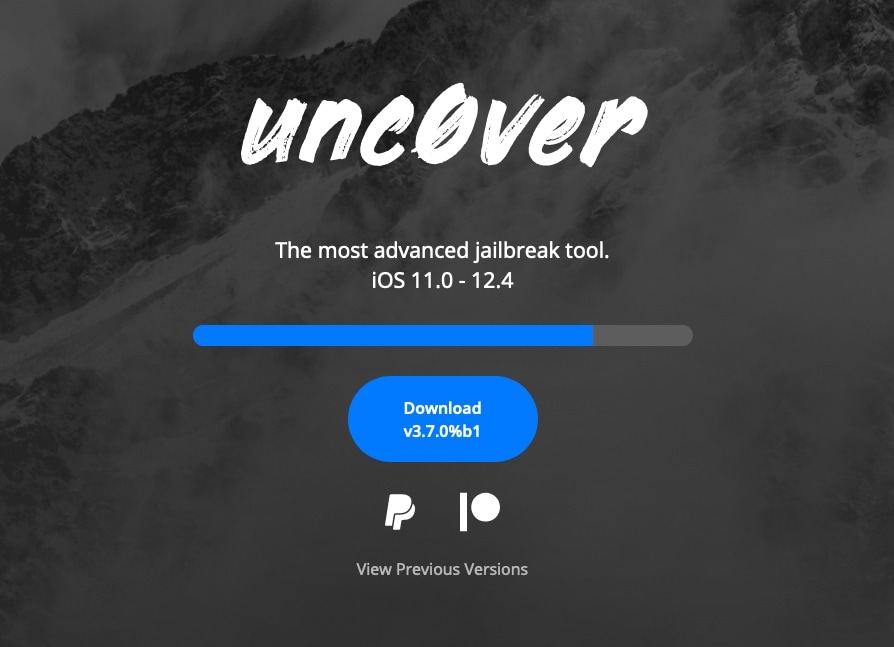
After a much-anticipated wait, hacker Pwn20wnd has incorporated full-fledged A12(X) device support into the unc0ver jailbreak tool and released it for public testing in the form of unc0ver v3.7.0 beta 1.
The new beta was made available for public testing Sunday afternoon following a series of suspenseful Tweets shared by Pwn20wnd himself along with some of his internal beta testers:

Apple officially dropped iOS 13 to the general public this week, but for those happily jailbroken on iOS 11 or iOS 12, it's possible to obtain many of the software update's new features with the right combination of jailbreak tweaks.
In this roundup, we’ll showcase all the latest jailbreak tweaks to be released from Monday, September 16th to Sunday, September 22nd. As usual, we’ll kick things off by discussing our favorites first and then wrap things up with an outline of the rest afterward.
iOS’ automatic screen rotation feature can be great when you’re indulging in activities during which landscape orientation would offer an improved reading or viewing experience, but some instances exist in which it becomes more of a headache than it’s worth.
If you’re a chronic Rotation Lock user because you feel that iOS’ auto rotation feature needs improvement, then we have a hunch you’ll come to appreciate a newly released jailbreak tweak dubbed I’mLyingDownDamnit by iOS developer CardboardFace.

It was only a few days ago that Pwn20wnd teased that significant progress had been made on adding full A12(X) device support to the unc0ver jailbreak tool, and as it would seem, we’re now closer than ever to a public release.
Pwn20wnd took to Twitter this afternoon to share that unc0ver with A12(X) device support had entered the internal testing phases, and assuming everything goes smoothly with this phase of testing, the first official public release could follow shortly after:
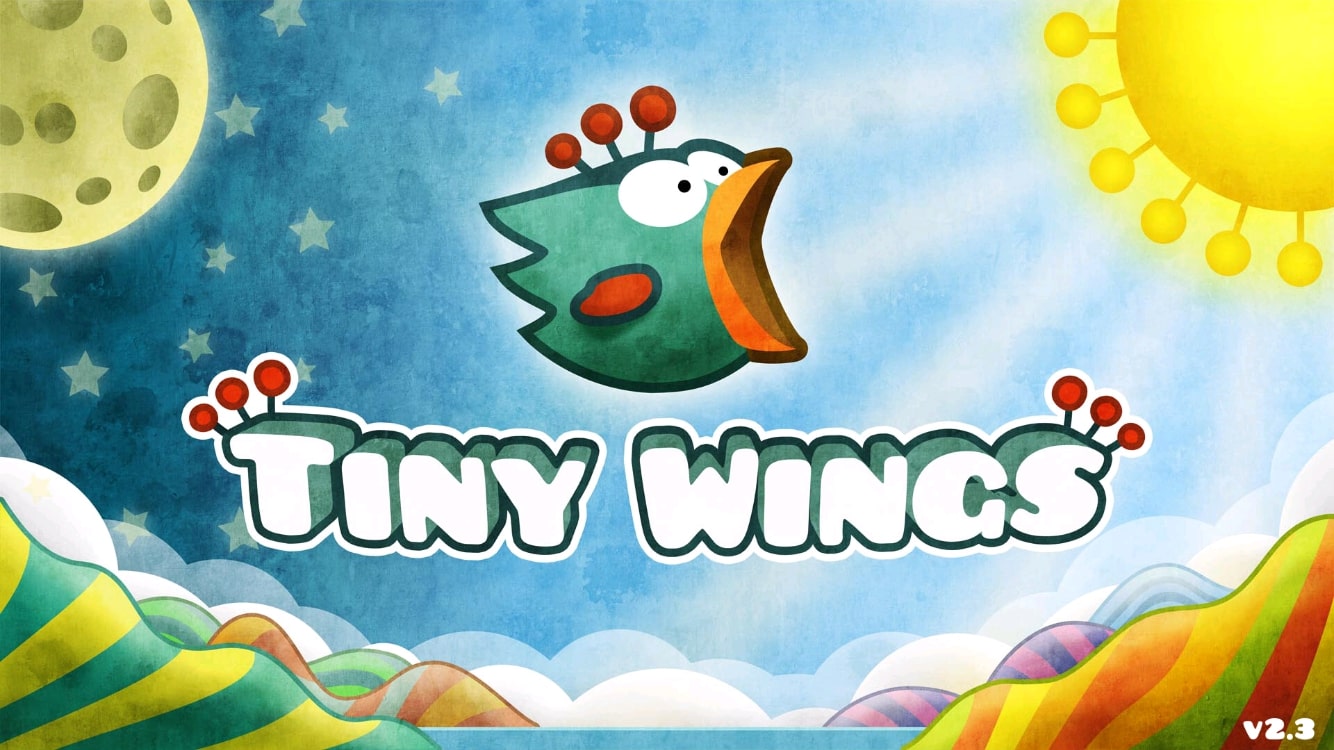
Who would've thought a tiny bird who couldn't fly would end up being such a popular mobile game. Keep in mind this was before Flappy Bird. I'm talking about Tiny Wings, a game that released back in 2011 on the App Store. This game was really successful, becoming the highest-grossing game for a couple of weeks after its release.
It has sold over 12 million copies for the iPhone and iPad. What's more impressive is that this game was developed by a single person, Andreas Illiger. Nowadays, Tiny Wings is not getting many updates, and it seems like there won't be more content in the future.
Apparently, the game has been forgotten by its developer, but does that mean we should forget about it too? That's what we'll discuss in today's retro review of Tiny Wings.
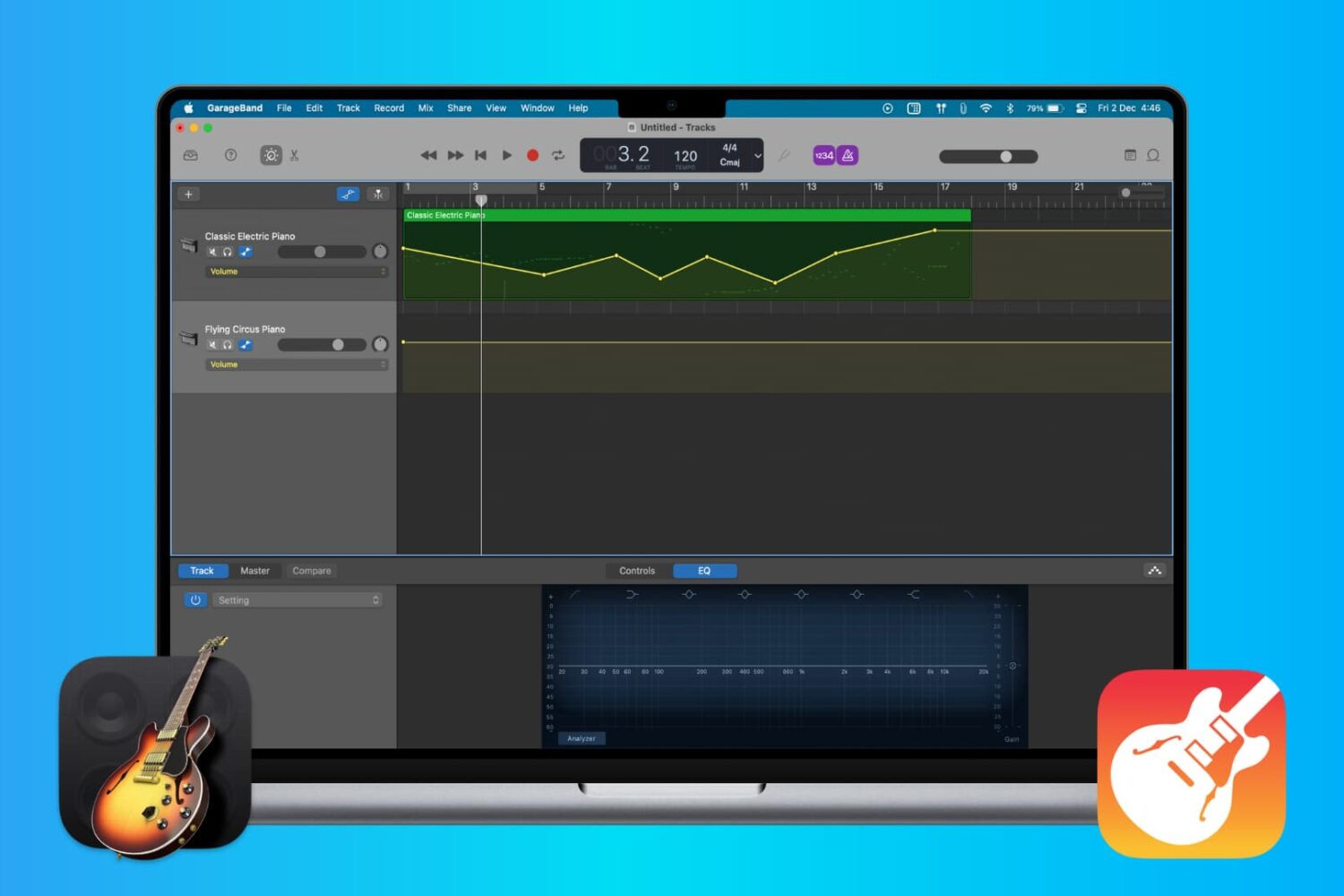
When you’re making music in GarageBand, you’re mixing regions and tracks to create your song. Whether you’re using vocals or instruments, not every track needs to have the same volume. You might want an instrument to play subtly in the background while emphasizing vocals, for example. Or you may want the volume of a track to increase and decrease at certain points.
Here’s how to adjust the track volume in GarageBand on Mac, iPhone, and iPad.
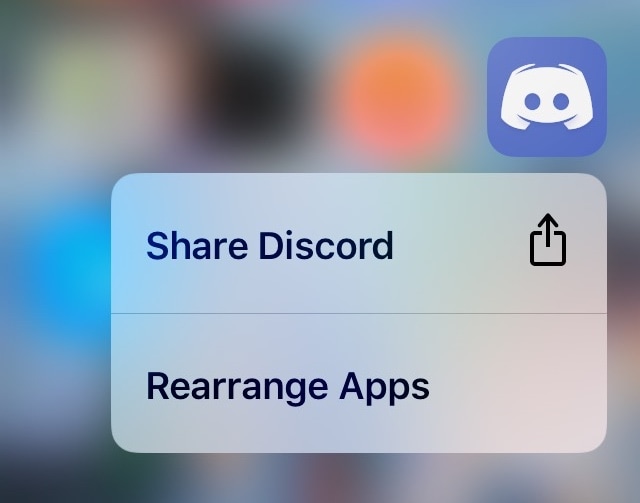
In case you didn’t already know, iOS 13 brings a new ‘Rearrange Apps’ option to those 3D Touch/Haptic Touch Home screen menus that we all know and love. Fortunately, those with jailbreaks can already enjoy this feature ahead of the official iOS 13 release.
Edit3d is a newly released and cleverly named jailbreak tweak by iOS developer Wh0ba that ports a similar feature to the native 3D Touch/Haptic Touch Home screen menus on jailbroken iOS 11 and 12 devices.