iPad

From the latest news to the most comprehensive tutorials, learn how to get the most out of your iPad with our step-by-step guides and expert tips.

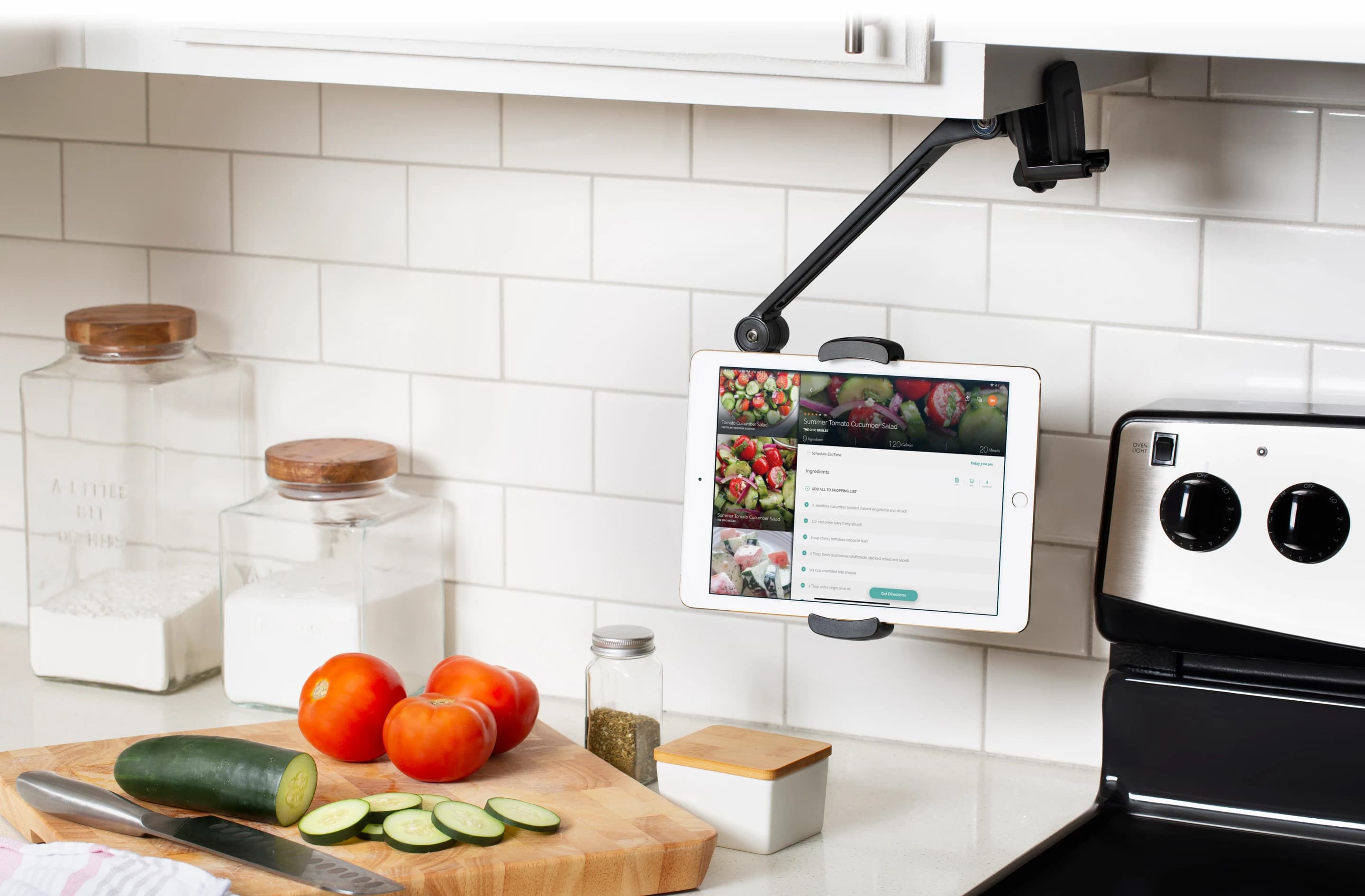
How do you use your iPad mini?

2012 feels so long ago, right? Forever, even. That's the year Apple introduced its smallest iPad to date, the iPad mini. And, since then, Apple has refreshed the device more than a few times, but it's kept its primary selling point: the small size.

Got a checkra1n’d iPhone X with iOS 14 without a passcode? This tweak is for you

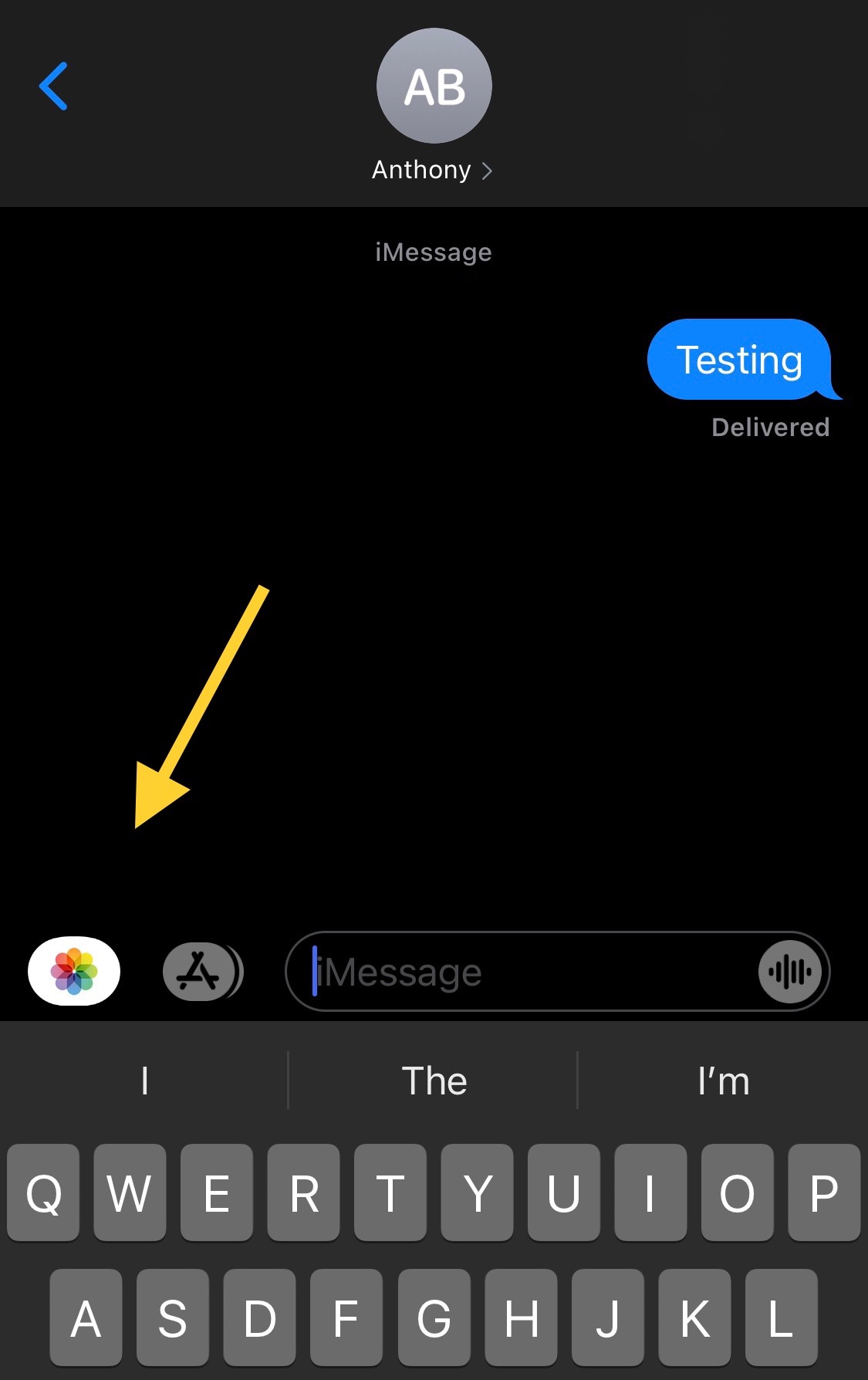
If you’re using a Face ID-enabled handset without a passcode, which might very well be the case if you’re using the checkra1n jailbreak on the iPhone X with iOS 14, then you may notice how interacting with notifications from the Lock Screen takes more effort than it needs to.

More specifically, if you don’t have a passcode, then tapping on a notification banner from the Lock Screen reveals an Open button that must be tapped before you’re brought to the app’s interface to interact with the missed notification.

With the cicuta_verosa exploit now out for iOS 14.3 and lower, what happens next?

Jailbreak loyalists have unquestionably heard about the brand new cicuta_verosa kernel exploit for all devices capable of running iOS & iPadOS 14.3 and below, and for what it’s worth, this is excellent news for the jailbreak community.

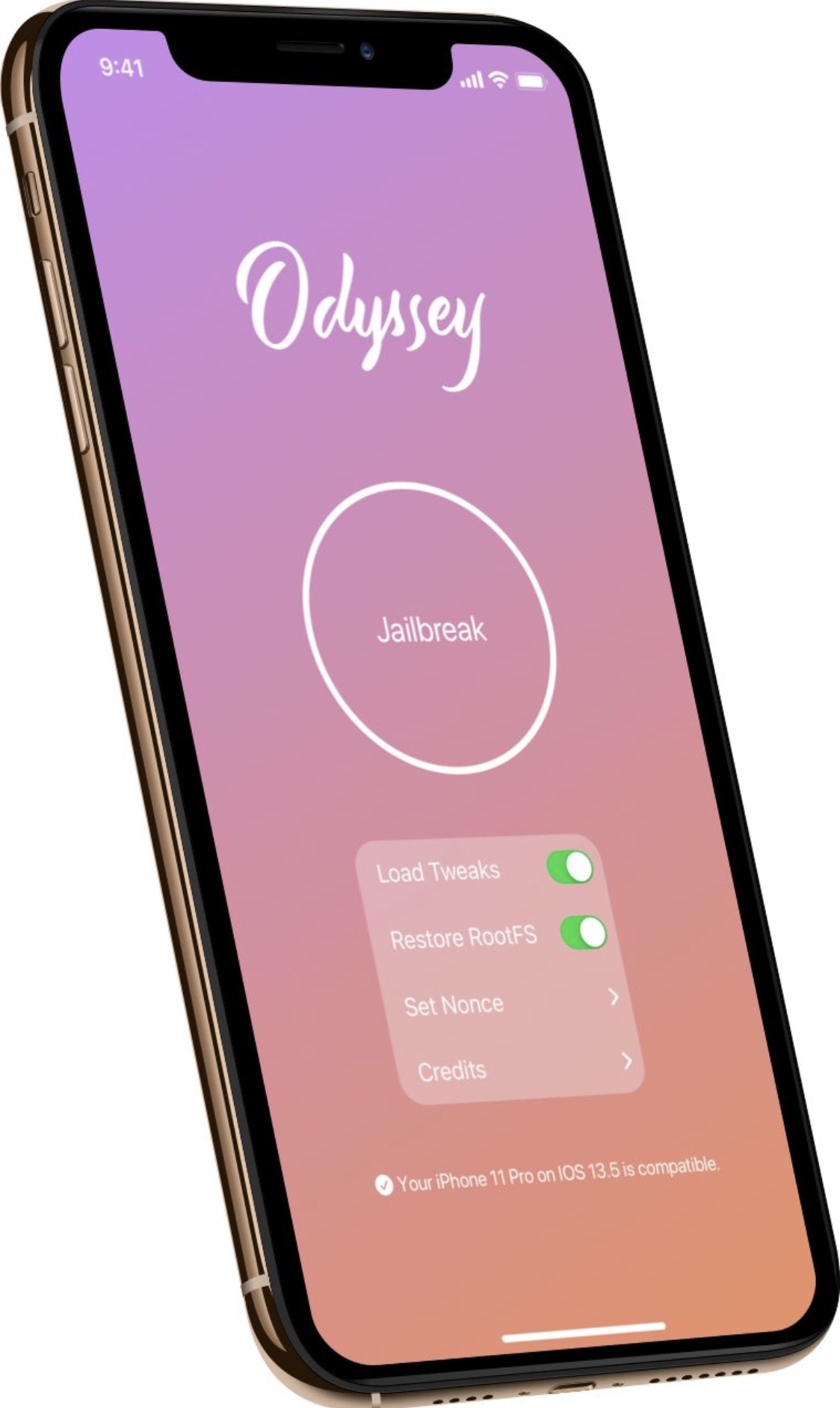
Given that most recent jailbreak developments have been either for that of iOS 12 or iOS & iPadOS 13-centric jailbreaks such as Chimera and Odyssey, or for the hardware-limited checkra1n jailbreak that only supports A7-A11 devices up to iOS & iPadOS 14, the announcement of this exploit’s release harbored much-needed positivity in the midst of what could only be described as a lengthy lull for jailbreak hobbyists.

How to use Screen Curtain on iPhone, iPad, Watch, and Mac

Screen Curtain Setting on Apple Watch

There’s a feature called Screen Curtain you can use along with VoiceOver for increased privacy. Screen Curtain turns off your display while keeping it active. So, you can still control it with VoiceOver, but keep what you’re viewing private. This is convenient when you’re in a public place and have personal information on your screen.

ReProvisionFix fixes crashes associated with apps signed via ReProvision after January 28th

Many avid jailbreakers were left disappointed when ReProvision developer Matt Clarke formally announced that the popular side-loaded application re-signing mechanism wouldn’t receive an update to fix crashes affecting apps installed after January 28th.

Fortunately, the jailbreak community is no stranger to third party patches, and that’s one of the reasons why we think many jailbreakers will be excited to learn about a new and free jailbreak tweak release called ReProvisionFix by iOS developer nyuszika7h.

Hope rises for jailbreaking iOS 14 following release of new cicuta_virosa kernel exploit by ModernPwner

If you’re using iOS or iPadOS 14 right now, then your only means of jailbreaking would be with the checkra1n jailbreak on older A7-A11-equipped handsets up to and including the iPhone X.

Fortunately, the tides may change in the relatively near future as a newly released kernel level local privilege escalation (LPE) dubbed cicuta_virosa looks particularly promising for all handsets capable of running iOS or iPadOS 12.0-14.3.

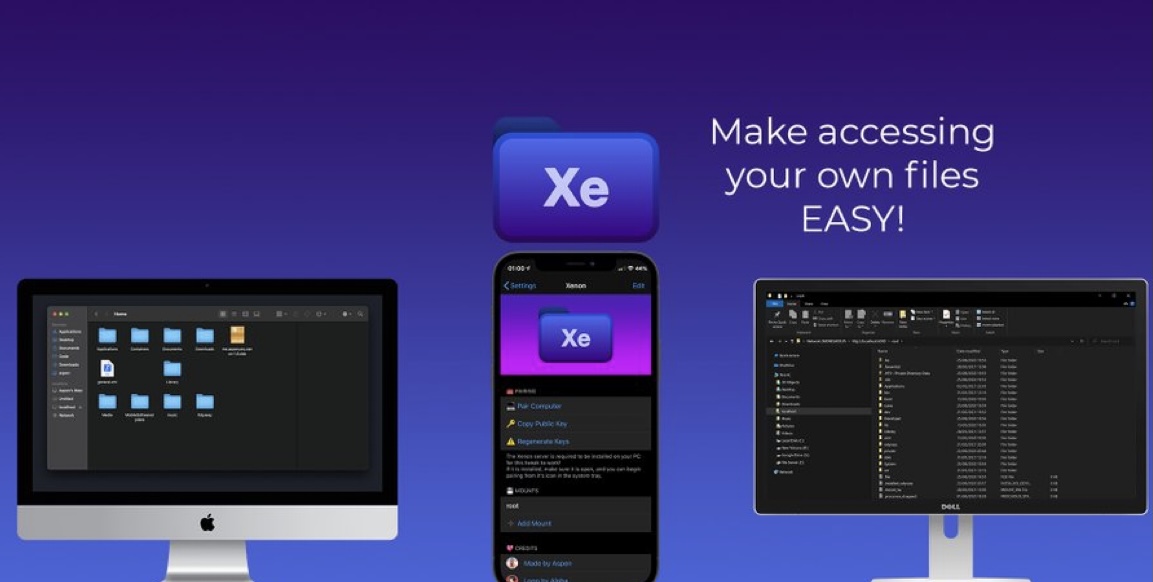
SendToDesktop enables SSH-based file transfers between jailbroken iPhones and computers

One of the small things I appreciate the most about being a Mac user is that I can easily AirDrop files from my iPhone to my computer and vice versa in some instances. Unfortunately, this process isn’t so cut and dry if you’re a Linux or Windows user, as both of these operating systems lack AirDrop support.

For the reason mentioned above, I would highly recommend a newly released and free jailbreak tweak called SendToDesktop by iOS developer Sudhip for both Linux and Windows users, as it can make sharing files from your iPhone or iPad to your personal computer a breeze.

This tweak can convert text to sPoNgEcAsE with the tap of a button

Texting fanatics know that there’s more than one way to get your point across. In addition to simply typing out short strings of text or adding a high volume of Emojis after a statement, one might use different text effects to help convey a message with a specific type of tone.

One common example that has gained substantial traction recently is something called sPoNgEcAsE, which as you can see for yourself, inverts the case of every other letter in a word or sentence to provide a sarcastic mocking tone to anything it gets applied to.