iPad Pro

Google Docs, Slides and Sheets gain native support for iPad Pro’s 12.9-inch screen

The Internet giant Google today refreshed its mobile productivity apps in the App Store—Google Docs, Google Sheets and Google Slides—adding support for the iPad Pro's 12.9-inch screen along with other minor improvements.

Although Google's word processor, spreadsheet and presentation apps now take full advantage of the iPad Pro's increased screen size and resolution, these apps are yet to support iOS 9's new iPad multitasking modes, like Split View and Slide Over.

Vimeo now streams 4K video on iPad Pro, gains a bunch of other new features in 6.0 update

Thursday, Vimeo pushed a significant update to its free of charge app in the App Store which lets you record, upload and share high-quality, ad-free clips on the service.

The new app packs updated navigation tools, has richer uploading options and sports a brand new player with support for 4K streaming and enhanced Picture-In-Picture viewing on compatible devices such as the 12.9-inch iPad Pro.

Search is now faster than ever and you can browse new curated categories like Animation, Documentary, Travel and more. Saving videos to watch offline is now easier than before, you can now upload clips from your smartphone and tablets and more.

Upcoming 9.7-inch iPad Pro may feature 12MP camera

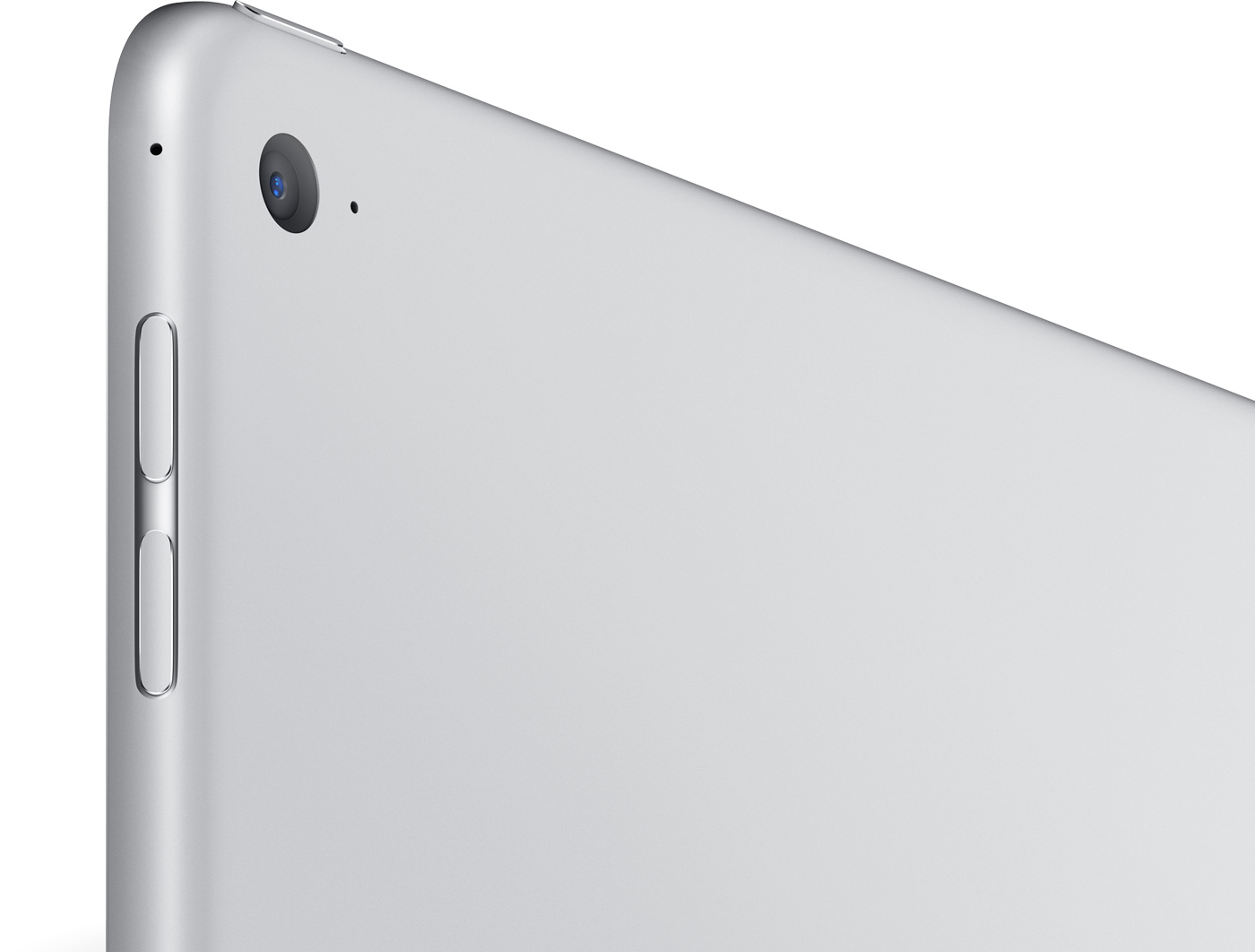
The upcoming 9.7-inch iPad Pro will likely feature a 12-megapixel rear camera, reports 9to5Mac. The site claims that prototypes of the rumored tablet being used inside Apple have a rear camera comparable to the sensor in the iPhone 6s.

This would mark an improvement over the larger 12.9-inch iPad Pro, which debuted in November with an 8MP camera. The reasoning behind the move is the smaller iPad is more portable, thus more folks will likely use it to take photos.

iPad Air 3 will be a smaller iPad Pro with Smart Keyboard, Pencil support

The rumored iPad Air 3 will actually bear iPad Pro branding when it lands next month, reports 9to5Mac. Citing sources familiar with the matter, the site claims that Apple plans to carry its MacBook Pro strategy over to its Pro tablet line.

"Much like the MacBook Pro comes in 13-inch and 15-inch sizes, the iPad Pro will soon come in 9.7-inch and 12.9-inch variations." The move makes sense, considering that the new iPad is expected to feature most of the Pro's internals.

Popular Spark email client is now available on iPad

Spark, a powerful email client from Ukrainian developer Readdle, has received a much-needed refresh in the App Store today, finally bringing out a native user interface on the iPad, so now you can experience Spark's email magic on all your devices, including the 12.9-inch iPad Pro.

Spark 1.6 also includes other refinements and improvements, such as an even better wrist app with fully native watchOS 2 support, landscape mode across all iOS devices, nine new languages, the ability to keep your email accounts and settings synced across all devices via iCloud and more.

The update is being rolled this morning so don't panic if you don't see it yet in your local App Store as these things take time to propagate.

Apple releases first over-the-air firmware update for iPad Pro’s Smart Keyboard

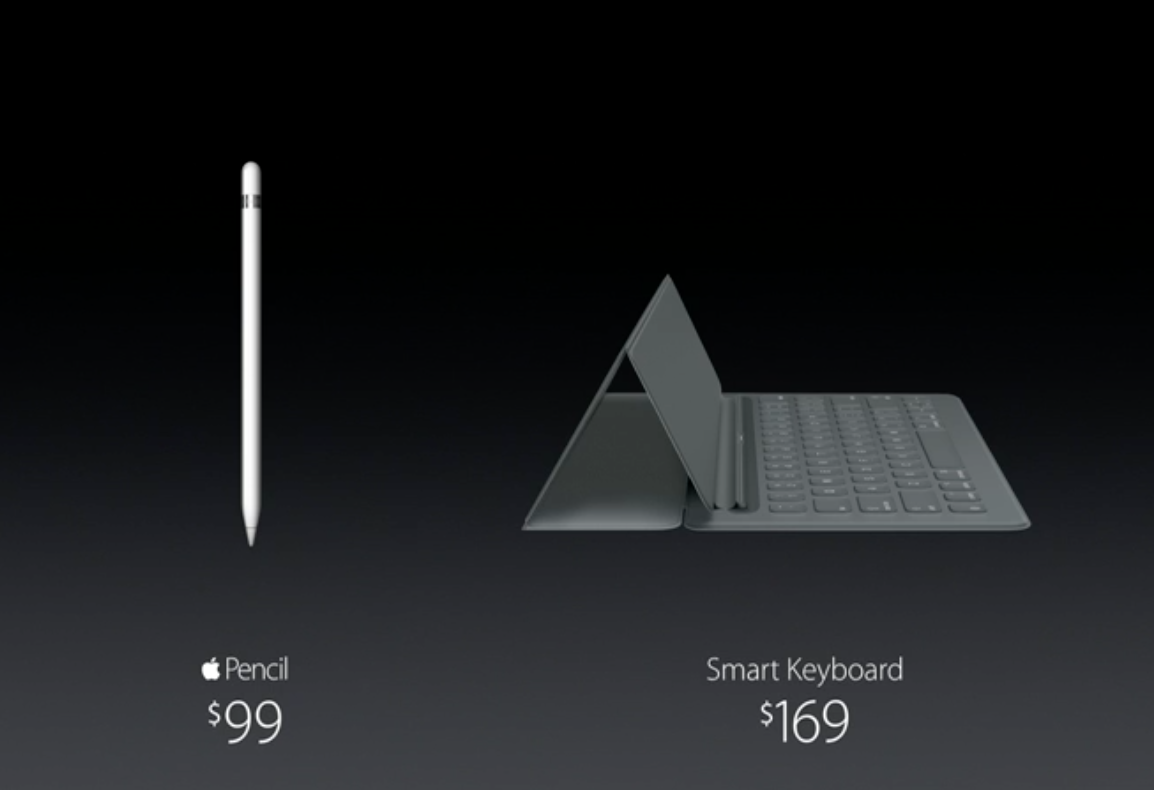
Apple has issued its first firmware update for the iPad Pro's $169 Smart Keyboard accessory. After attaching a Smart Keyboard to their iPad Pro, users will see an iOS prompt informing them of the availability of the new software. They can postpone updating the Smart Keyboard update or select to apply the new firmware immediately.

As reported by AppleInsider, the new firmware software for the accessory is delivered as an over-the-air download and is transferred to the Smart Keyboard through Apple's new magnetic Smart Connector on the iPad Pro.

Apple will bring back UI navigation with Apple Pencil in the next iOS 9.3 beta

Well, that didn't take long. In response to concerns that it is taking features away from the iPad Pro's Pencil, Apple confirmed in a statement to The Verge that the next iOS 9.3 beta will reinstate the Pencil's ability to be used as a finger replacement for the user interface navigation.

“We will add this functionality back in the next beta of iOS 9.3,” said a company spokesperson. Earlier today, MacRumors discovered that the most recent beta of iOS 9.3 has removed the ability for iPad Pro customers to use the Pencil to navigate the entirety of the iOS user interface.

Viber gains more 3D Touch goodies, Split View and Slide Over multitasking on iPad Pro and other perks

Viber, the popular instant messaging application, has received an update in the App Store. Bumped to version 5.8, the app now works side-by-side with other apps in iOS 9's new Split View and Slide Over multitasking on the iPad Pro.

On the iPhone 6s and iPhone 6s Plus, your most recent chats are now available right from the app's 3D Touch shortcut menu on the Home screen.

This edition of Viber also packs in some other improvements related to 'read' and 'liked' icons in group chats and an all-new media browser for chats.

YouTube picks up native resolution support on iPad Pro

Google on Tuesday issued a small update to its YouTube client in the App Store, adding support for the iPad Pro's 12.9-inch 2,732-by-2,048 pixel resolution screen, bringing the app's version number to 11.0.6.

Unfortunately, advanced iPad-only features provided by iOS 9 are not yet supported in YouTube for iOS, namely the new Slide Over and Split View multitasking modes.

This edition of YouTube also fixed a bug that caused the keyboard to freeze while commenting and another one which caused the app to crash after adding a Google or YouTube account on iOS 7.

It seems Apple might intentionally remove important functionality from its stylus

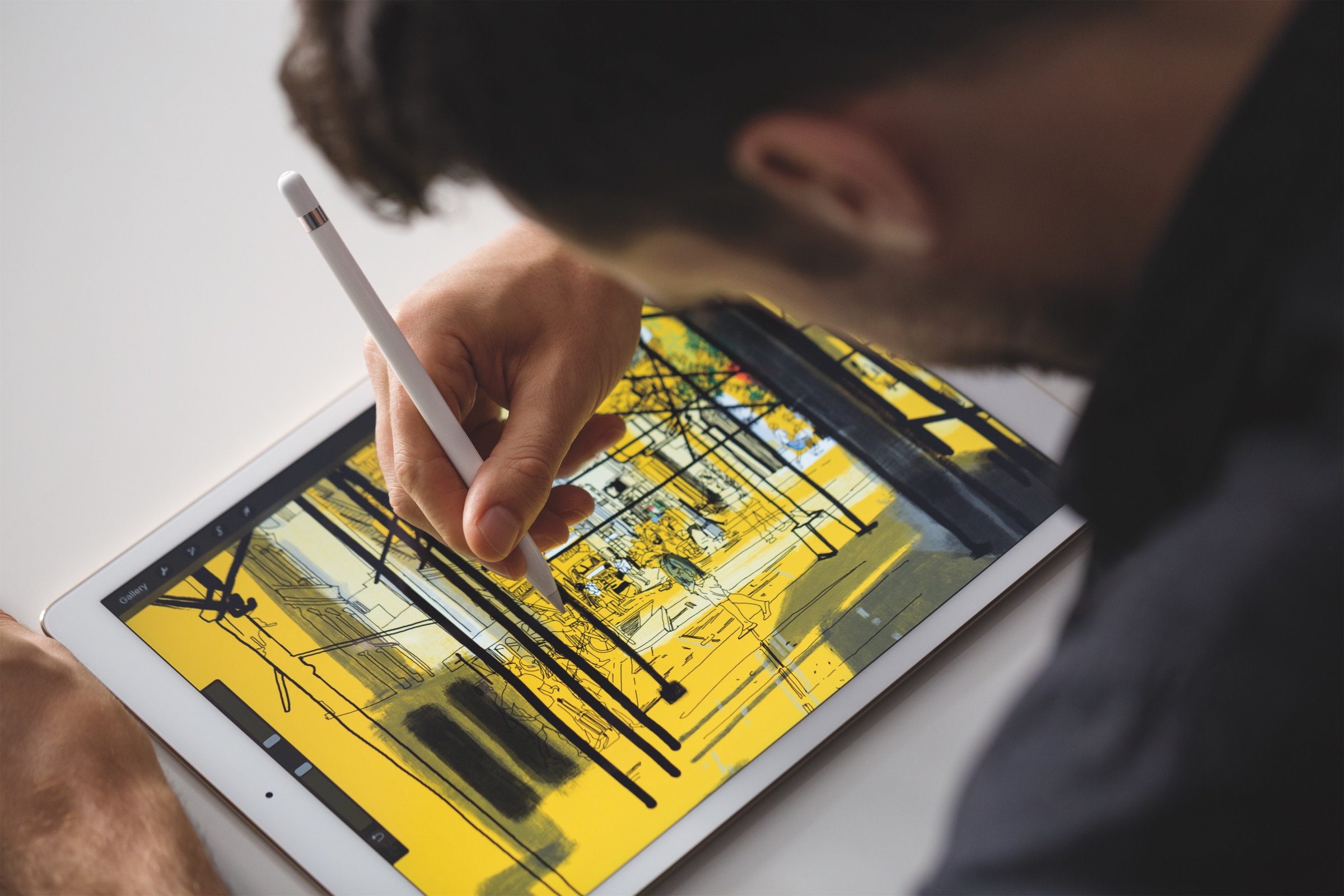
The most recent beta of iOS 9.3 has removed the important functionality for the Apple Pencil: the ability to use the stylus accessory as a finger replacement to select options and menus in apps, swipe between apps, tap on buttons and use the Pencil for general navigational purposes throughout iOS.

If Apple does not change its mind and re-add this functionality in a final version of iOS 9.3, people who rely on the Pencil to edit content on their iPad Pro will be forced to use their hand to select tools in apps like Pixelmator, for example, marking a major usability regression.

As first noted by MacRumors, the disturbing feature removal which limits the Pencil's functionality has enraged users who have grown accustomed to using the stylus for navigational purposes.

Bloomberg profiles Apple’s silicon chief, gives a peek at secret chip-testing lab in Cupertino

Bloomberg Businessweek has published an interesting profile of Johny Srouji, Apple's silicon chief (official title: Senior Vice President of Hardware Technologies), who joined the company back in 2008 to lead development of the A4, the first Apple-designed system-on-a-chip that made its debut in the iPhone 4 and the original iPad.

Apple is now widely praised by critics and fans alike for taking its chip destiny in its own hands. The article tells an in-depth story of how then CEO Steve Jobs had the foresight and courage to take Apple on a risky path to make it a fabless silicon designer.

Apple-designed mobile chips went on to differentiate iPhones and iPads on the  hardware level from competing devices using off-the-shelf parts. The story also gives us our very first peek at chip-durability testing at an unmarked Apple lab in Cupertino.

GarageBand: a beginner’s guide to Live Loops [video]

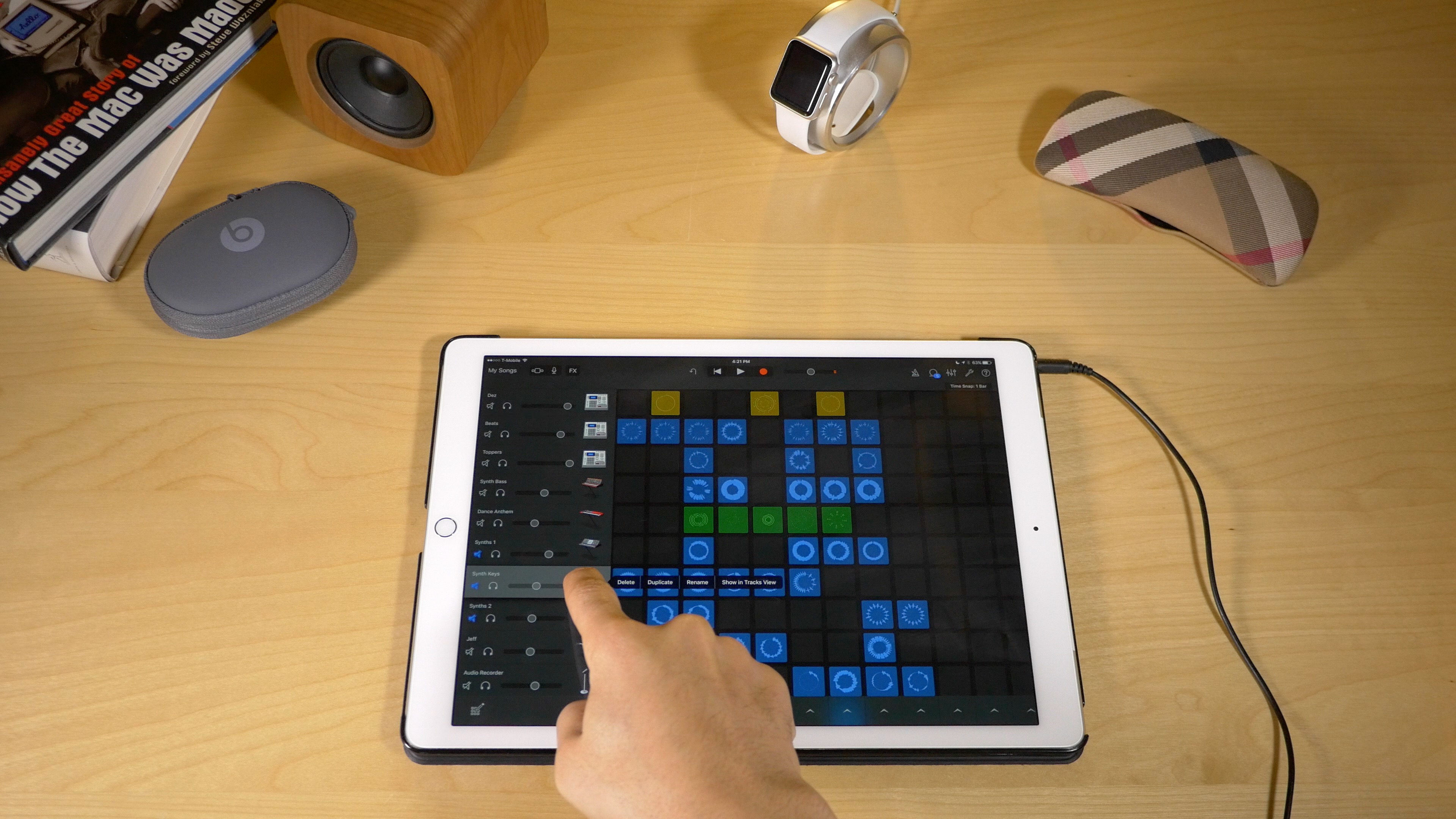
In addition to the iPad Pro support brought forth in the GarageBand 2.1 update, the app comes with a new killer feature called Live Loops. Live Loops makes music creation accessible to anyone. Creating songs using Live Loops features a low barrier to entry, but a high ceiling and virtually endless possibilities.

In this video walkthrough, I'm going to share with you 20 basic GarageBand Live Loops tips for getting started with this awesome new feature. I'll even make a song, and rap to it on the fly! If GarageBand has always seemed intimidating to you, then I guarantee that after watching this video, you'll be ready to roll your sleeves up and start creating your own musical masterpieces.