iOS 13

Fuji brings desktop-like windowed multitasking to jailbreakers at no extra charge

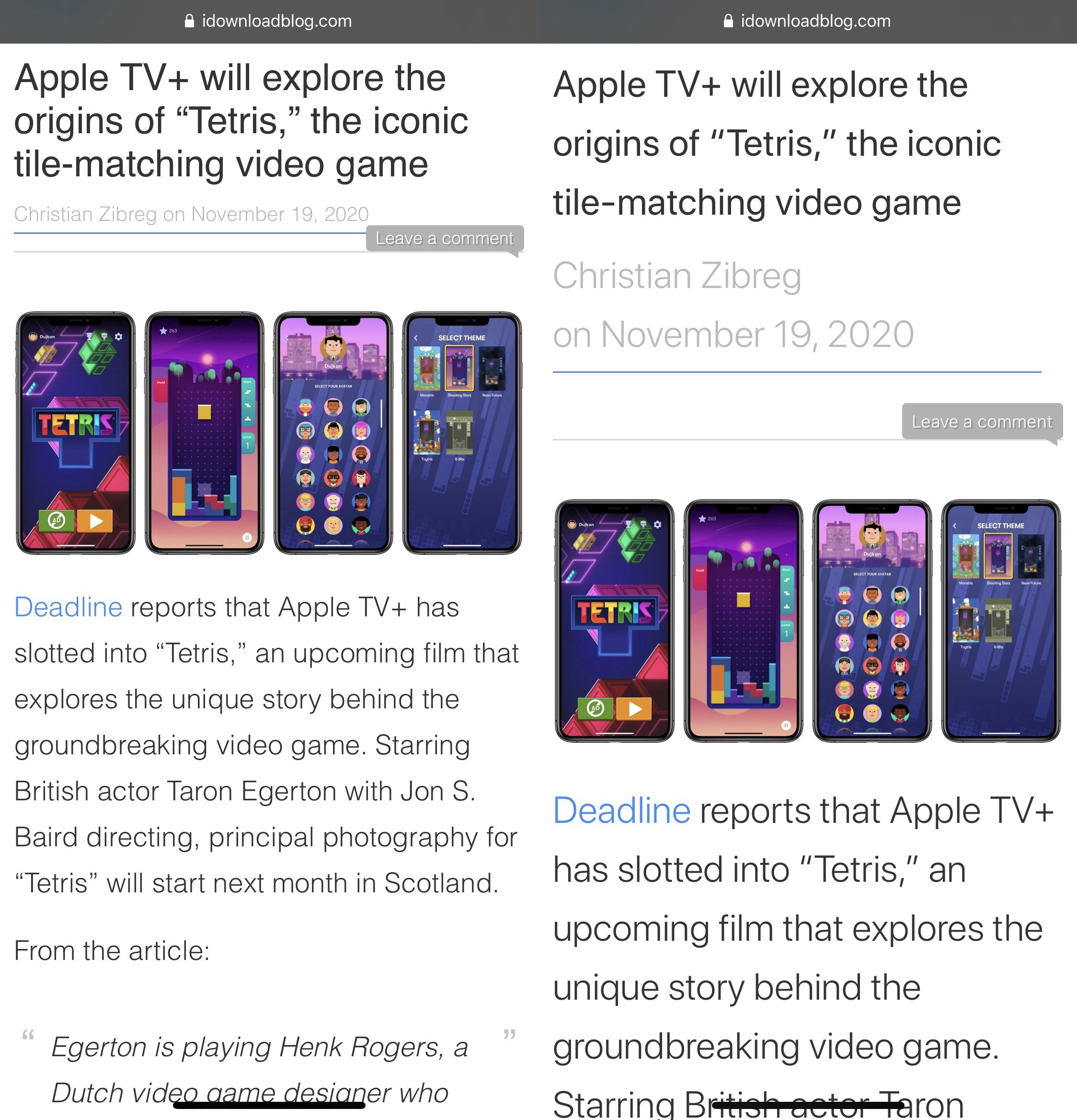
Apple has improved the multitasking experience on the iPad by leaps and bounds over the years – quite literally going from an iPhone-style App Switcher to side-by-side apps over the course of just a few years. But for whatever reason, multitasking on the iPhone still bestows upon users what some might consider to be a cumbersome experience.

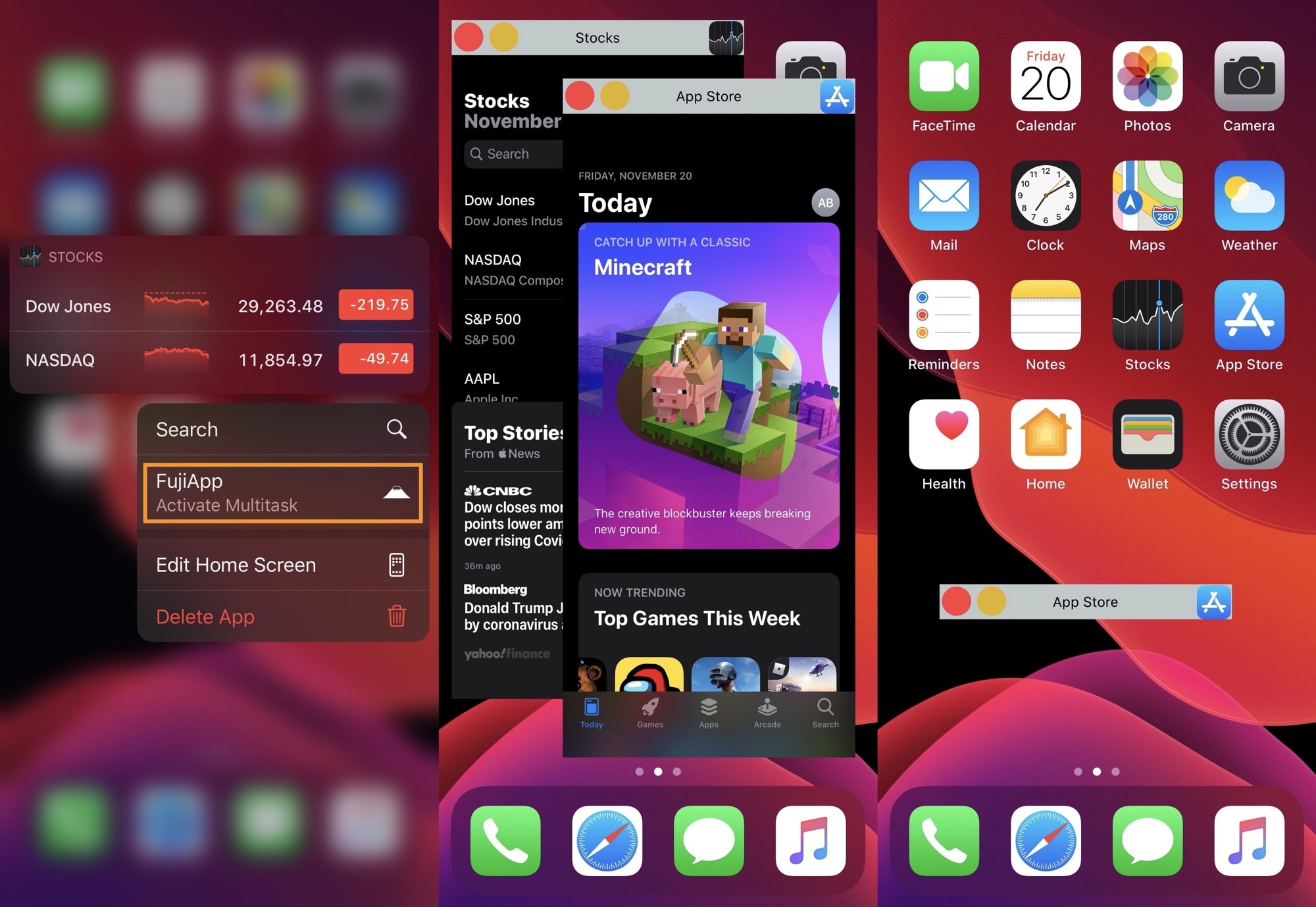
Those wishing that they could simply run windowed applications on their iPhone just as they can on their Mac or Windows PC might take a liking to a newly released and free jailbreak tweak called Fuji by iOS developer dcsyhi, because as depicted in the series of screenshot examples above, that’s precisely what this tweak allows iPhone users to do.
BattRate provides jailbreakers with real-time battery discharge info and more

Lots of iPhone users take their handset’s battery performance very seriously, and given just how much of our lives appear to be driven by the apps we use every day, this doesn’t come off as much of a surprise.

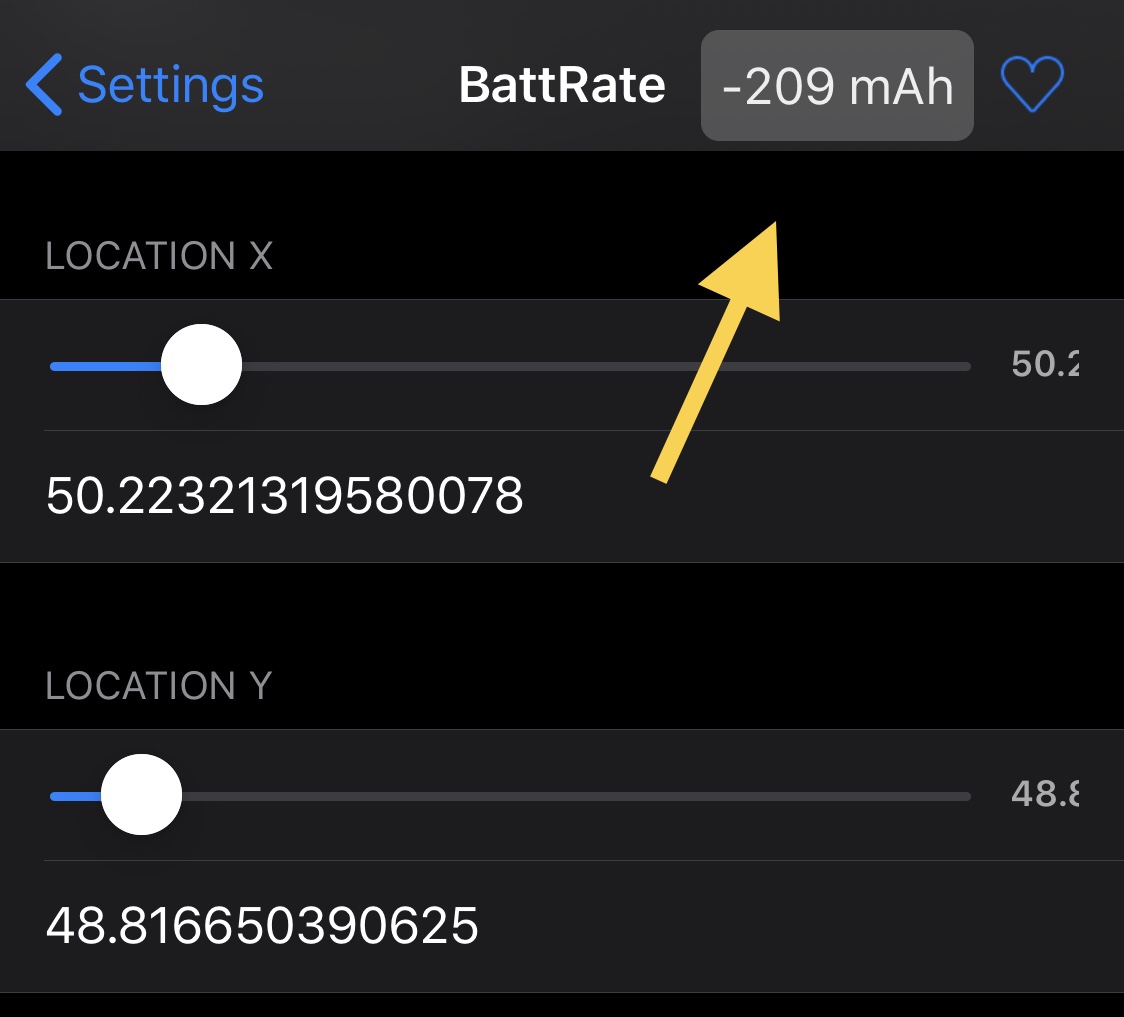
While the iPhone’s Status Bar displays a persistent battery level indicator to alert users to the current charge state of their device, one thing it doesn’t do is provide users with an adequate understanding of the current load on their battery. That’s where a newly released and free jailbreak tweak dubbed BattRate by iOS developer Julio Verne comes into play.

Checkra1n jailbreak update adds Safe Mode improvements, partial HomePod support, & more

Hot off the heels of everything going on with the Odyssey jailbreak and the newly released exploit for iOS 13.5.1-13.7, the checkra1n team seemingly appeared from out of nowhere Friday evening with an unexpected update for its bootrom exploit-powered jailbreak tool, checkra1n.

The checkra1n team announced the release of the new update, dubbed version 0.12.1, via Twitter just minutes ago:

Odyssey Team planning to update jailbreak soon with improvements to new exploit

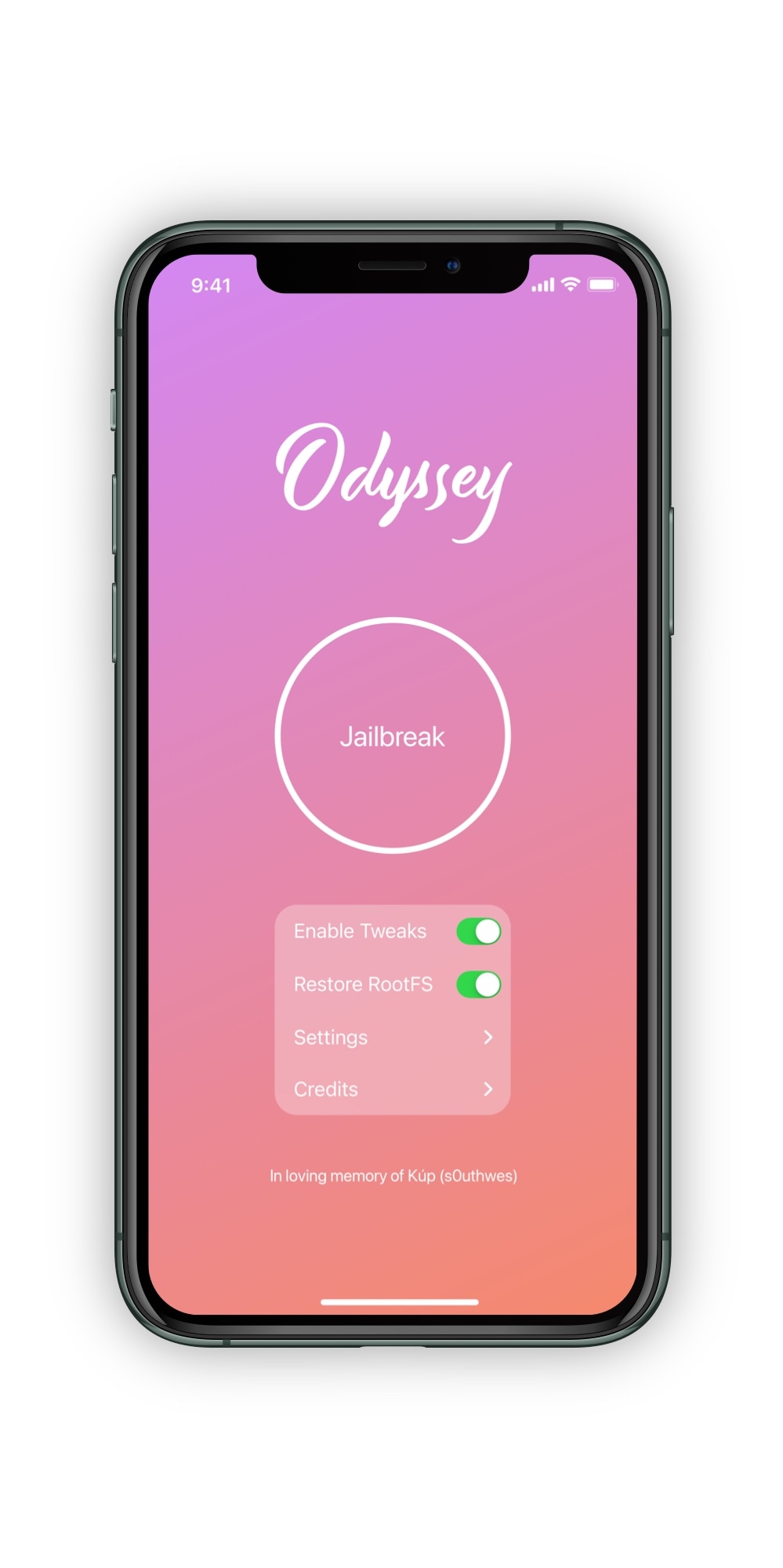
The Odyssey Team updated its jailbreak tool on Friday to add support for the newly released iOS 13.5.1-13.7 exploit, and while the updated tool attracted a lot of positive response from the community, some avid jailbreakers were left disappointed after learning that handsets equipped with A8 or A9 chips and running the newly supported firmware versions weren’t supported – at least not at the time of this writing.

A Tweet shared by the Odyssey Team this Friday afternoon, offered some transparency into the current situation:

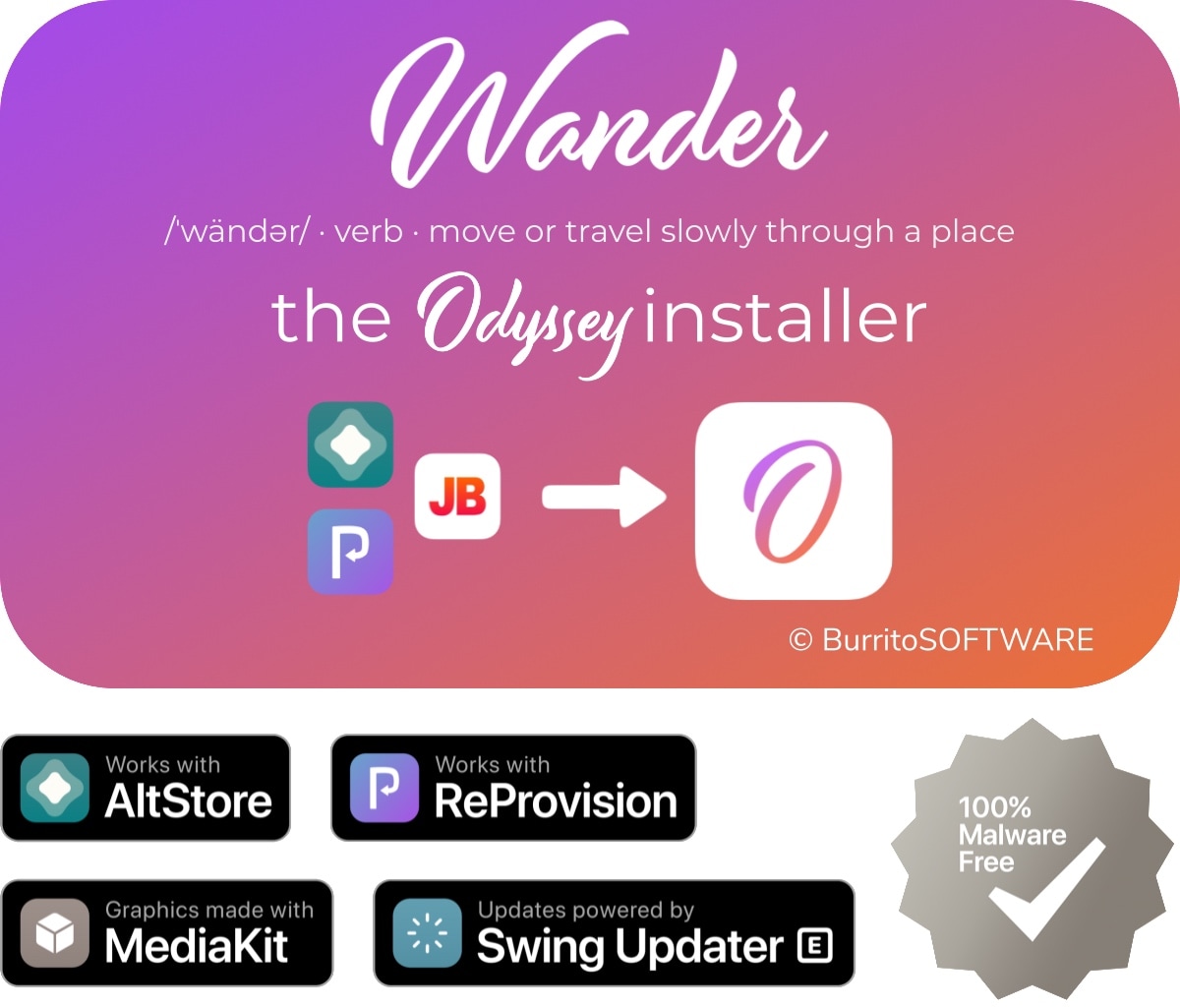
Wander Shortcuts-based Odyssey jailbreak installer updated to v1.2.1

Odyssey jailbreak loyalists were excited to learn about the Wander Shortcuts extension when it launched just under three months ago. With it, Odyssey users could install and update their jailbreak on-device directly through Apple’s native Shortcuts app.

Following the news that the Odyssey jailbreak tool had been updated to version 1.2 early Friday morning with support for a newly released tfp0 exploit for iOS & iPadOS 13.5.1-13.7, Wander developer BurritoSoftware likewise launched an update for the popular Shortcuts extension, bringing it up to version 1.2.1:

Odyssey jailbreak picks up support for iOS 13.5.1-13.7 thanks to new exploit

The Odyssey Team updated its iOS 13-centric Odyssey jailbreak tool at the crack of dawn Friday morning to version 1.2, adding support for the new iOS 13.5.1-13.7 exploit that was released by FreeTheSandbox in collaboration with ZecOps just yesterday.

An announcement about the release was Tweeted by the Odyssey Team’s official Twitter account this morning with a link for avid jailbreakers to download the tool for themselves:

Jailbreakers who have trouble seeing tiny website text may find SafariReader useful

Those suffering from impaired vision may find it more challenging to read web pages in the Safari web browser on the iPhone and iPad. While pinch to zoom offers a viable short-term solution, it doesn’t necessarily make reading websites with tiny text any less cumbersome because users would still need to pan and scroll around on the website to keep zoomed text in sight while reading.

SafariReader is a newly released and free jailbreak tweak by iOS developer ljinc that sets out to offer a more ideal solution to the aforementioned qualm. It does so by empowering the user to adjust the website’s text zoom level with nothing more than a double-tap.

ProjectX lets jailbreakers colorize various apps’ user interfaces

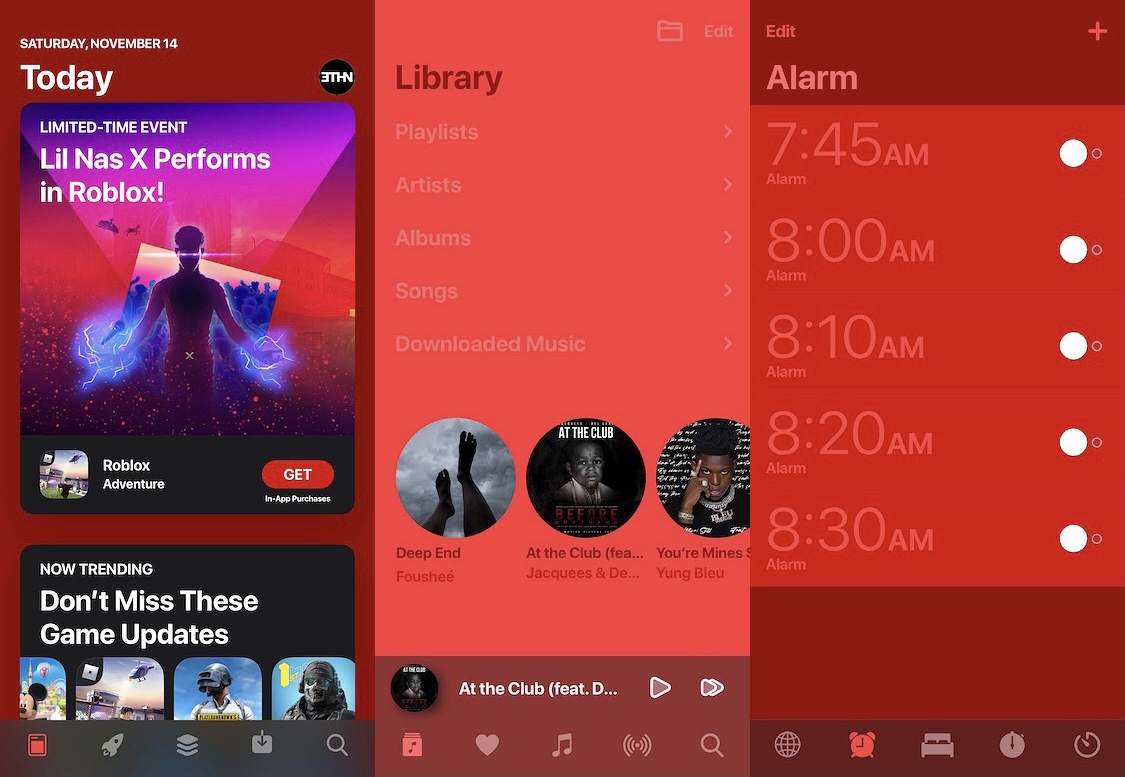
Perhaps you’ve got a jailbroken iPhone or iPad and you’re looking to personalize your handset’s user interface more than you can out of the box. Or perhaps you’re happy with the user interface, but simply wish that you could use different colors than the ones Apple provides to you.

If either of the aforementioned circumstances sounds like it applies to you, then we think you’re going to enjoy a newly released jailbreak tweak dubbed ProjectX by iOS developer Ethan Whited, as it can make colorizing the iOS or iPadOS user interface, regardless of the app, possible with just a few taps.

ZecOps & FreeTheSandbox release tfp0 exploit for iOS 13.5.1-13.7

As promised, following security researcher 08Tcw3BB’s much anticipated presentation at HITB CyberWeek 2020, affiliated software security firm ZecOps has officially released an exploit for iOS & iPadOS 13.5.1-13.7.

The announcement, shared this Thursday afternoon via the ZecOps Twitter account, links to a blog post on the firm’s own website that discusses the exploit, how it works via a proof of concept, and how an attacker could use it:

iOS 13.5.1-13.7 exploit to be discussed by 08Tcw3BB at HITB CyberWeek 2020

Those paying close attention to the jailbreak community as of late would already know that there’ve been a number of recent developments that could eventually spell out the jailbreakability of iOS 13.5.1-13.7. If you missed the news, FreeTheSandbox is working on a public jailbreak supporting these firmware versions while security researcher @08Tc3wBB plans to release a dedicated exploit for use by the jailbreak community.

Neither of the aforementioned things have happened yet, but for those trying to keep tabs on everything as it happens, it might be worth mentioning that @08Tc3wBB plans to discuss his iOS 13.5.1-13.7 exploit on November 19th via HITB CyberWeek in a talk entitled “Jailbreaks Never Die: Exploiting iOS 13.7.”

Eliza gives the Status Bar’s battery icon a wider array of colors to use

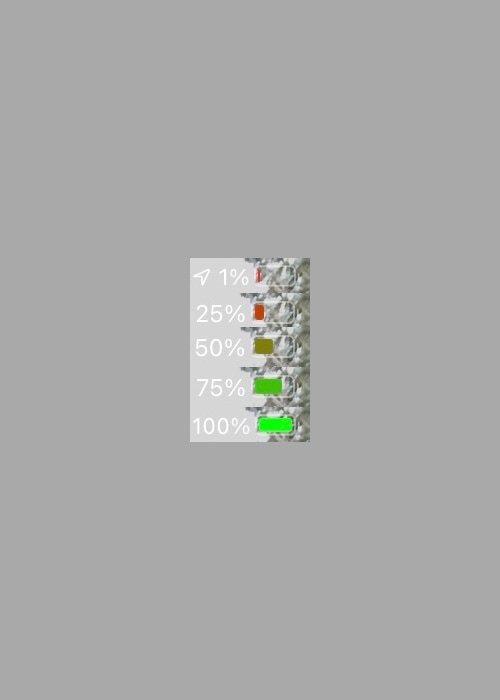
Apple makes it easy to discern the state of your iPhone’s battery, not only with a convenient icon in the Status Bar that depicts the current charge level, but also with unique colors that hint about its current condition. For example, a green battery icon indicates a good charge, while a yellow battery icon means that Low Power Mode is turned on and a red battery icon suggests a low charge.

Apple has used the same colors to depict battery states for as long as I can remember, and so it tends to be somewhat monotonous. Fortunately, a newly released and free jailbreak tweak dubbed Eliza by iOS developer WilsontheWolf provides the Status Bar’s battery icon with a wider range of colors to help it express your current battery state.