If you have the OLED edition of the Nintendo Switch, then you’ve got a larger and more vibrant gaming display that looks better than that of the traditional LCD display model.
How to tone down the vivid gaming colors on the Nintendo Switch OLED
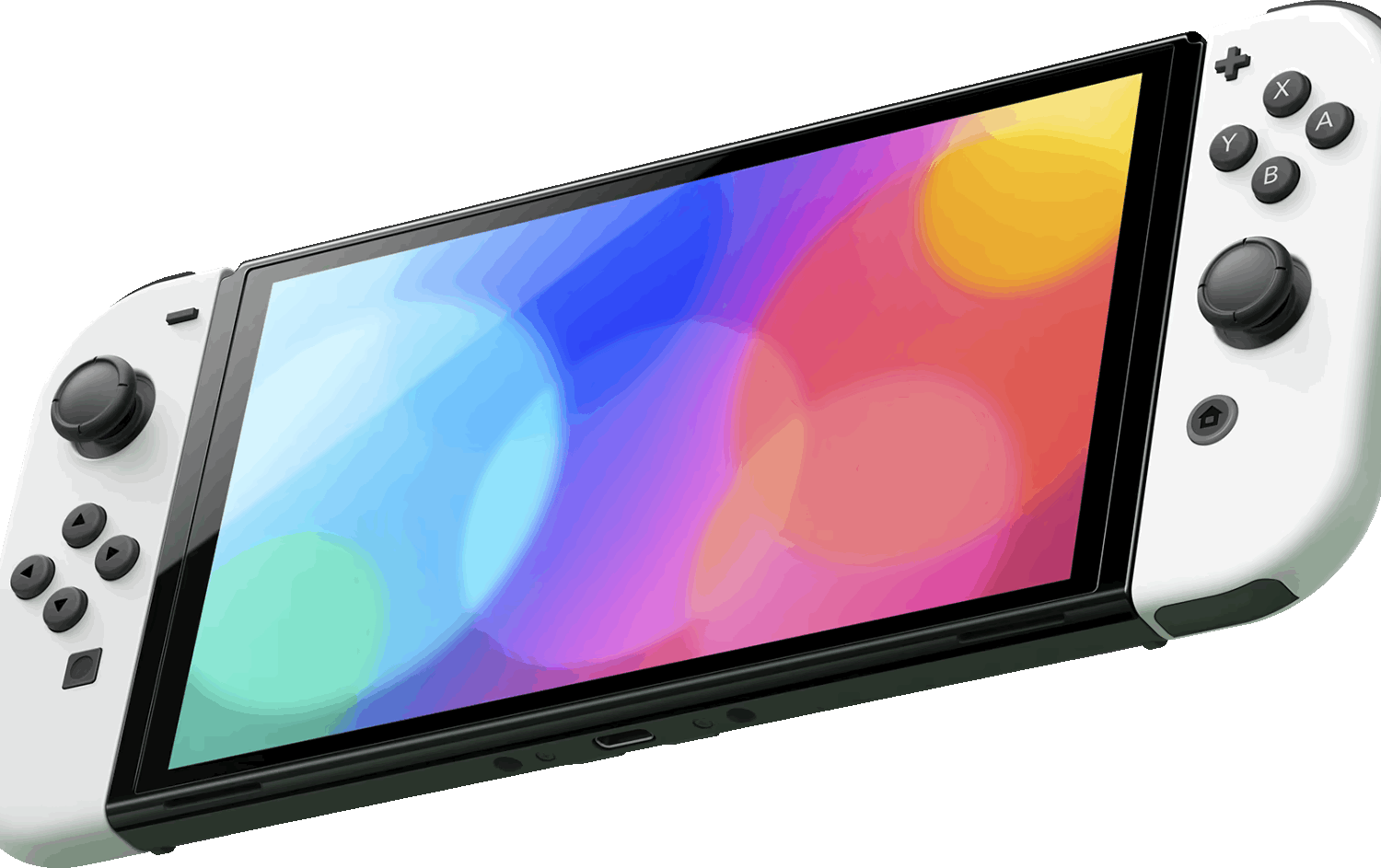
If you have the OLED edition of the Nintendo Switch, then you’ve got a larger and more vibrant gaming display that looks better than that of the traditional LCD display model.
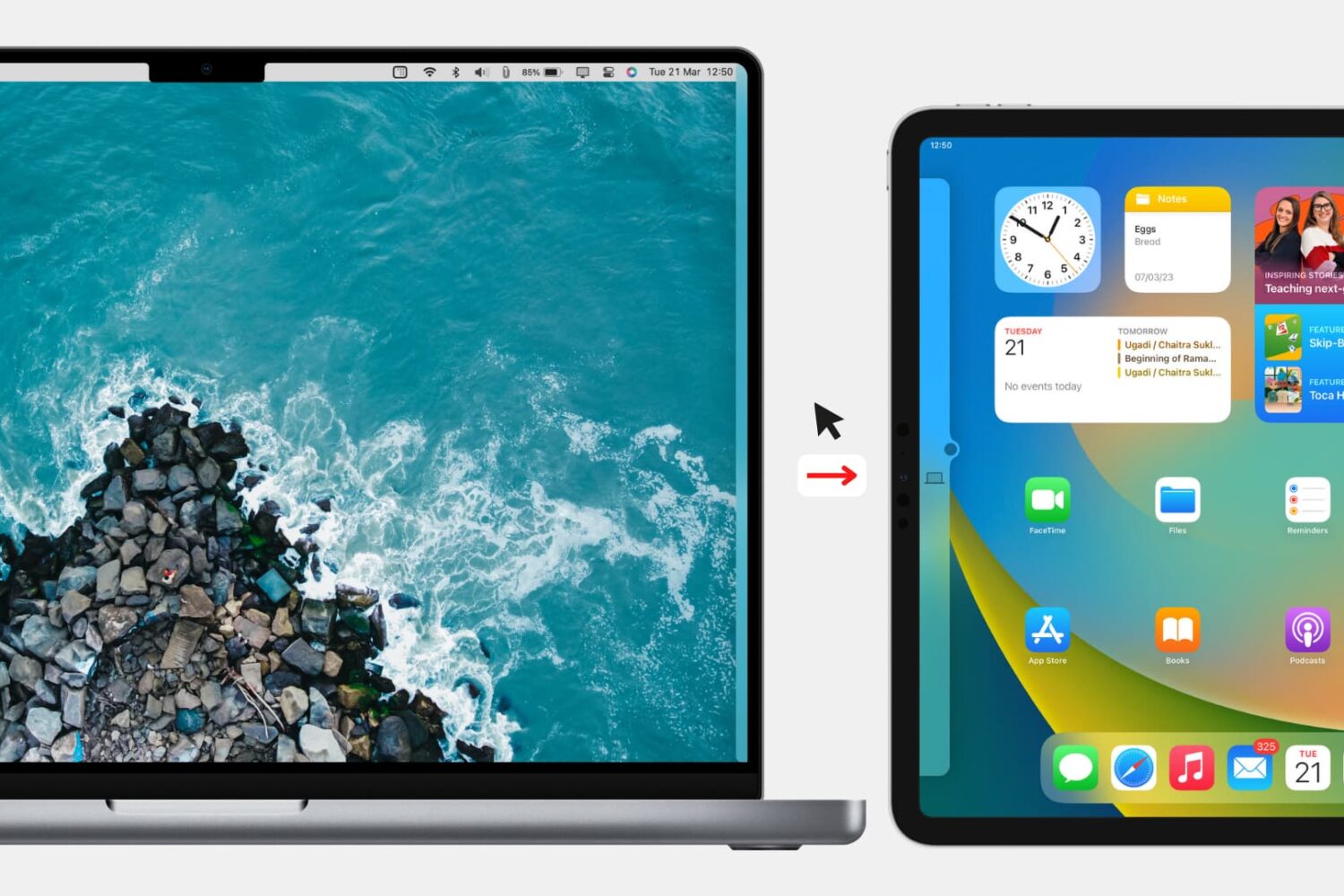
Check out the quick steps to block your Mac’s keyboard, mouse, and trackpad from being used on a nearby iPad or other Mac.
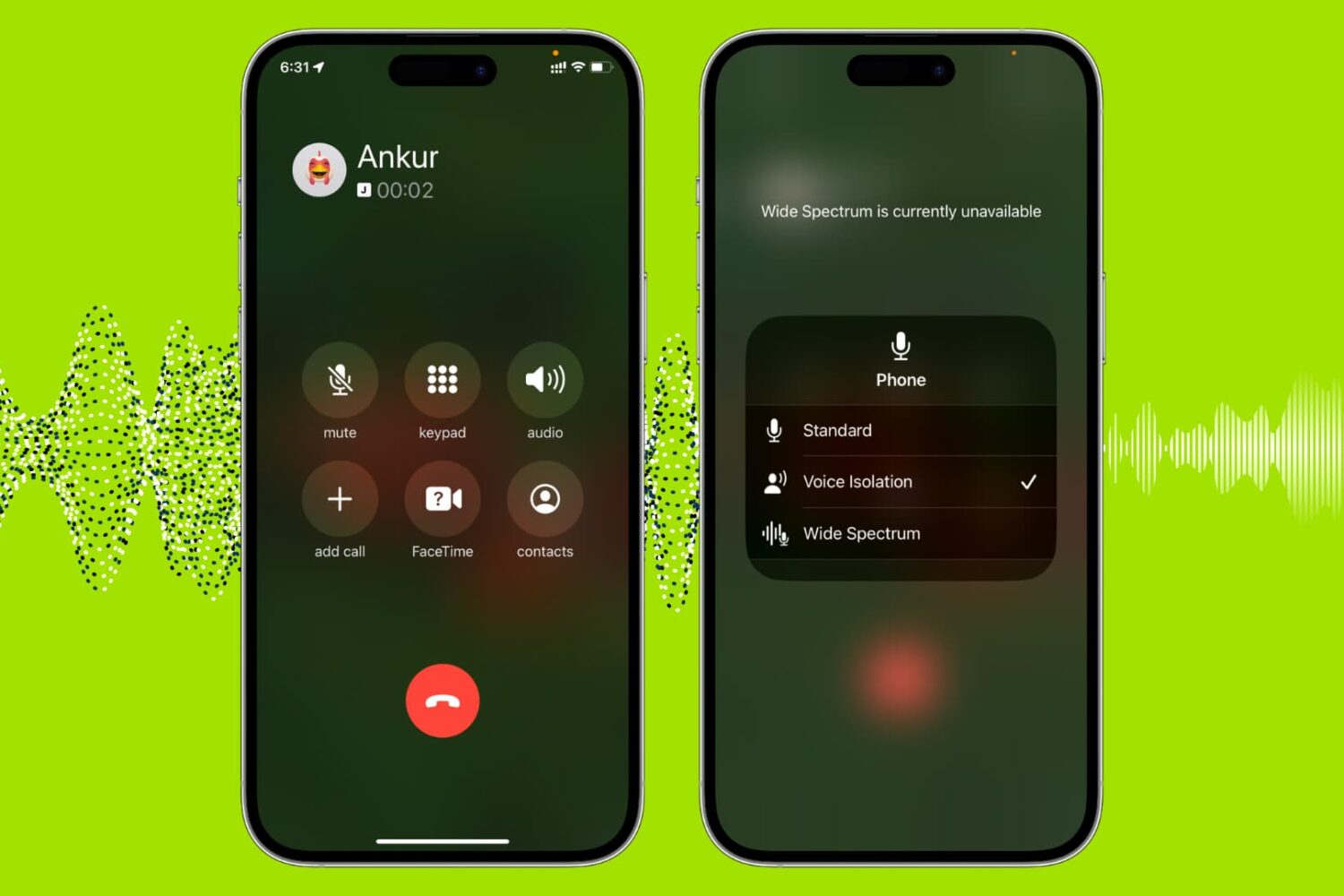
Use the built-in Voice Isolation feature to filter out background noises and make your voice clearer during phone, FaceTime, WhatsApp, and other calls on your iPhone, iPad, and Mac.
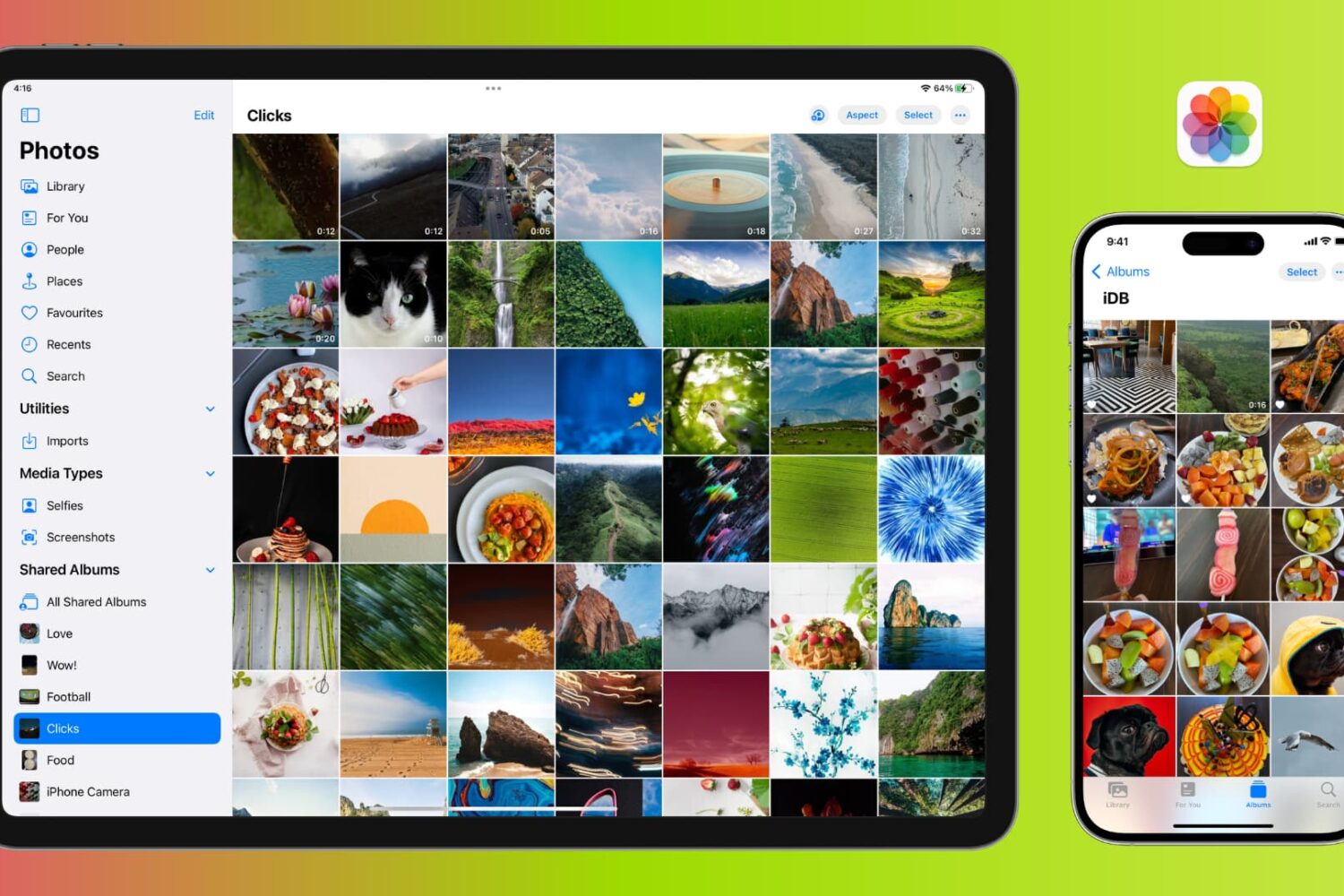
Learn how to manage photos and videos to efficiently optimize your iPhone or iPad's storage and free up valuable space.
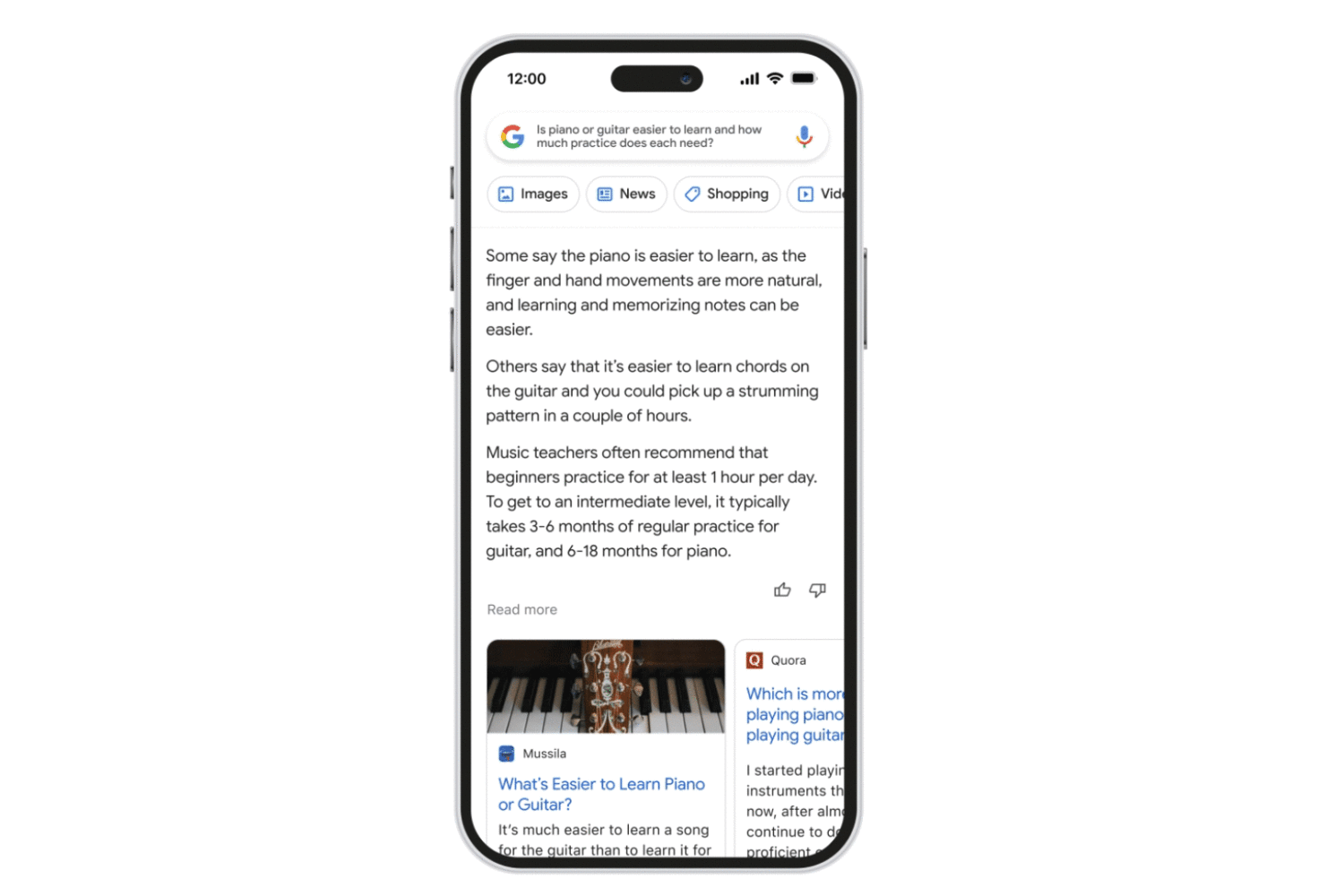
Follow these steps to access the Bard AI chatbot, Google’s ChatGPT rival, using a browser on your iPhone, iPad, Mac or other compatible devices.
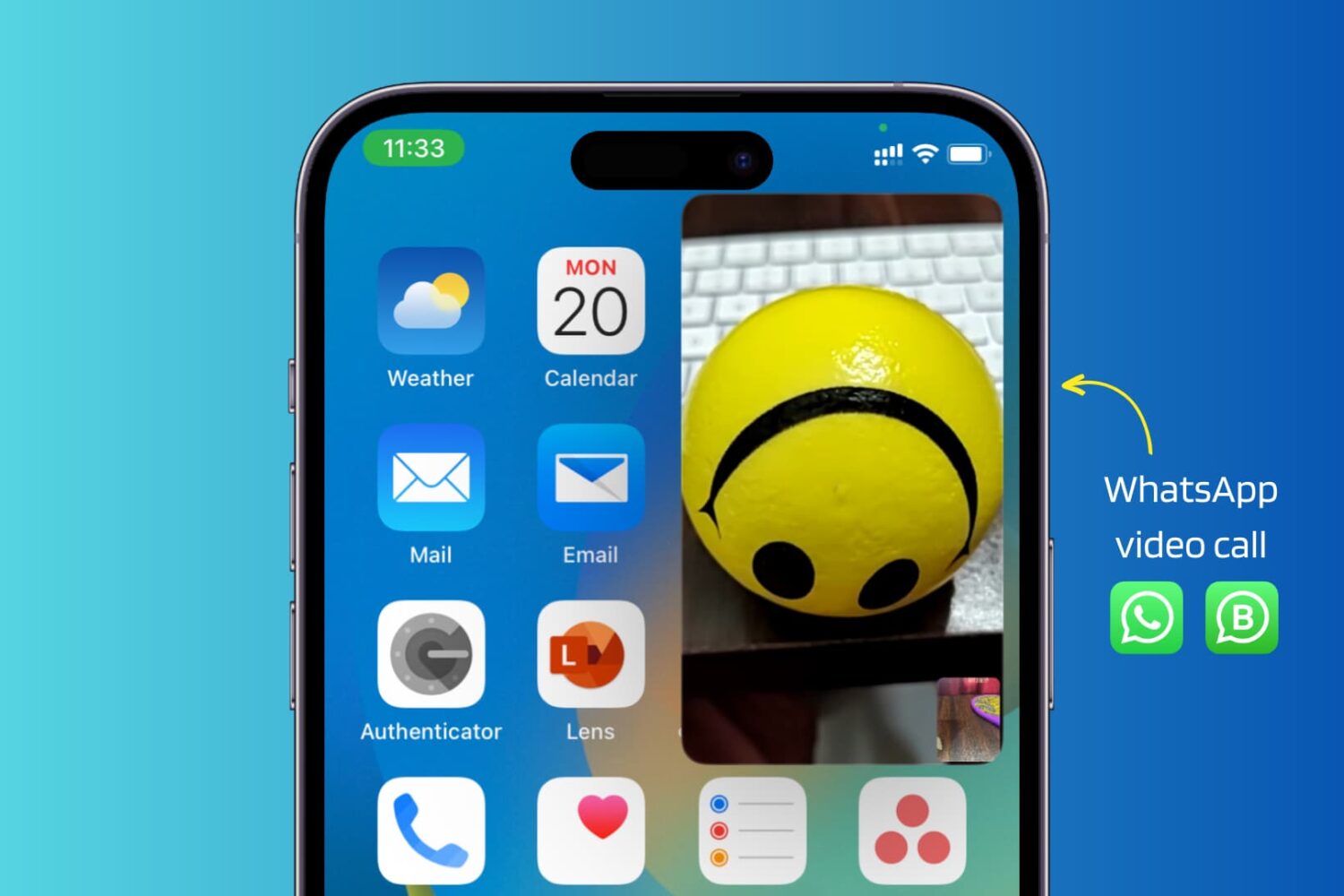
Use these troubleshooting tips to fix WhatsApp video calls not working in picture-in-picture (PiP) multitasking mode on your iPhone.
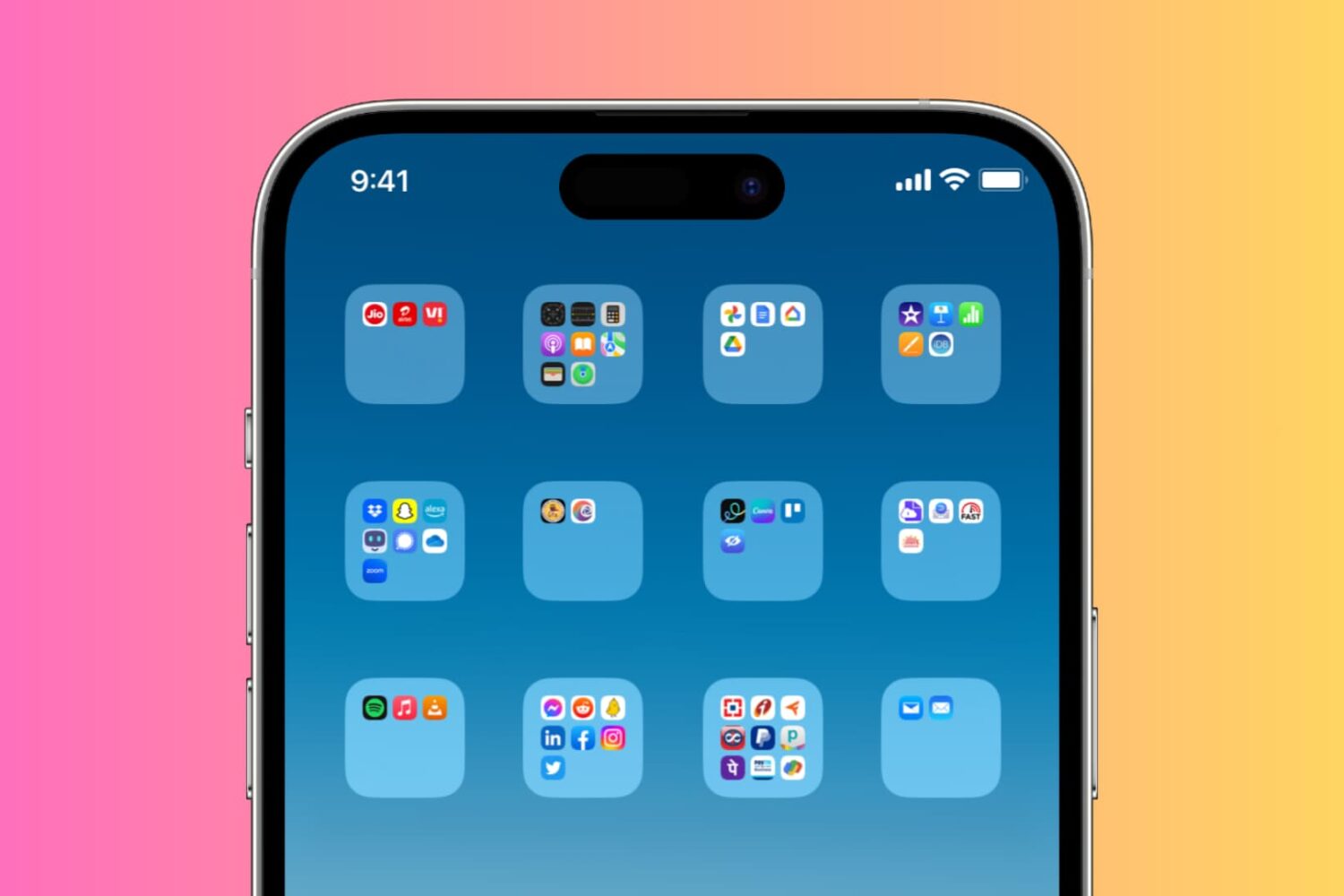
Check out two simple ways to create blank or invisible app folder names on your iPhone or iPad Home Screen, giving it a clean and distinctive appearance.
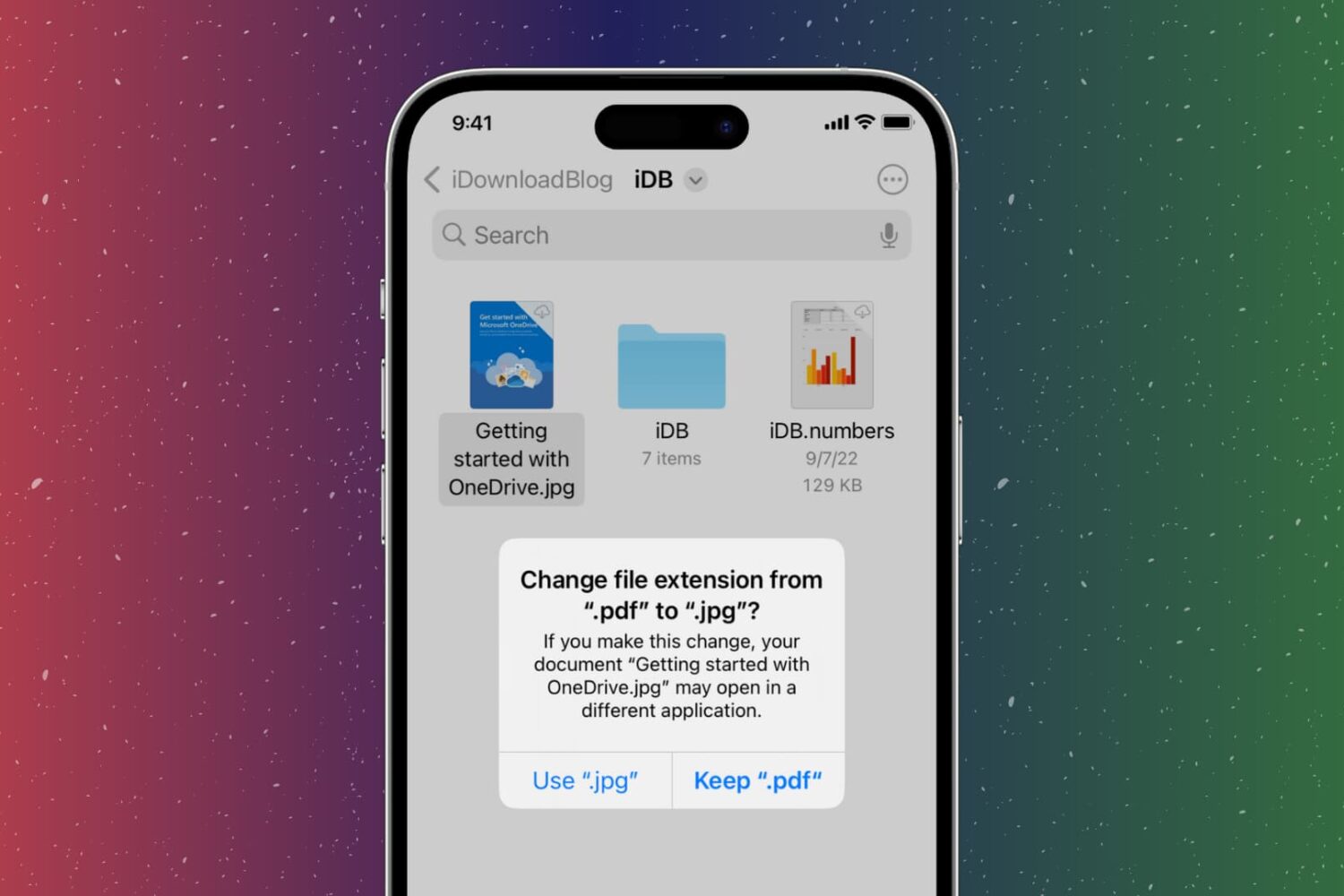
In this step-by-step tutorial, we show you how to change the extension of an image, video, audio, document, or other file on your iPhone, iPad, or Mac, why you might want to do that, and potential issues to avoid.
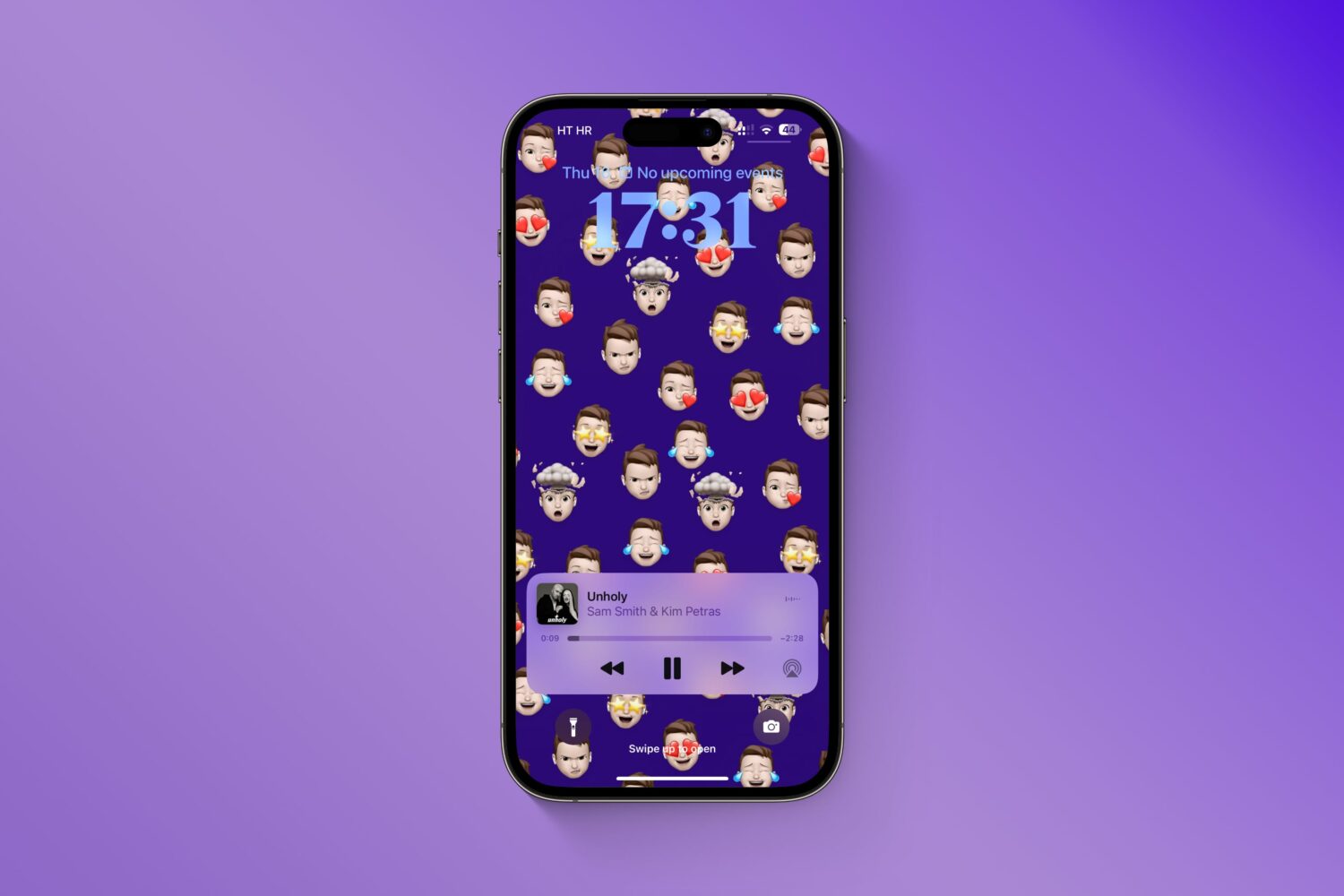
Give your iPhone's Lock Screen and Home Screen a unique look by creating wallpapers from your personalized Memoji, Genmoji, and photo stickers instead of using the same old emoticons.

Learn how to change the default audio and subtitle languages on your Apple TV and in the TV app across iPhone, iPad, Mac, and Windows PC.

Previously, we showed you how you could jailbreak any A9-A11 chip-equipped handset using the checkm8 bootrom exploit-based palera1n jailbreak, but since then, a newer version of palera1n has been released.