Learn how to use WhatsApp’s Star feature (★) to bookmark important messages for quick and easy access later.
How to star (★) messages on WhatsApp on iPhone
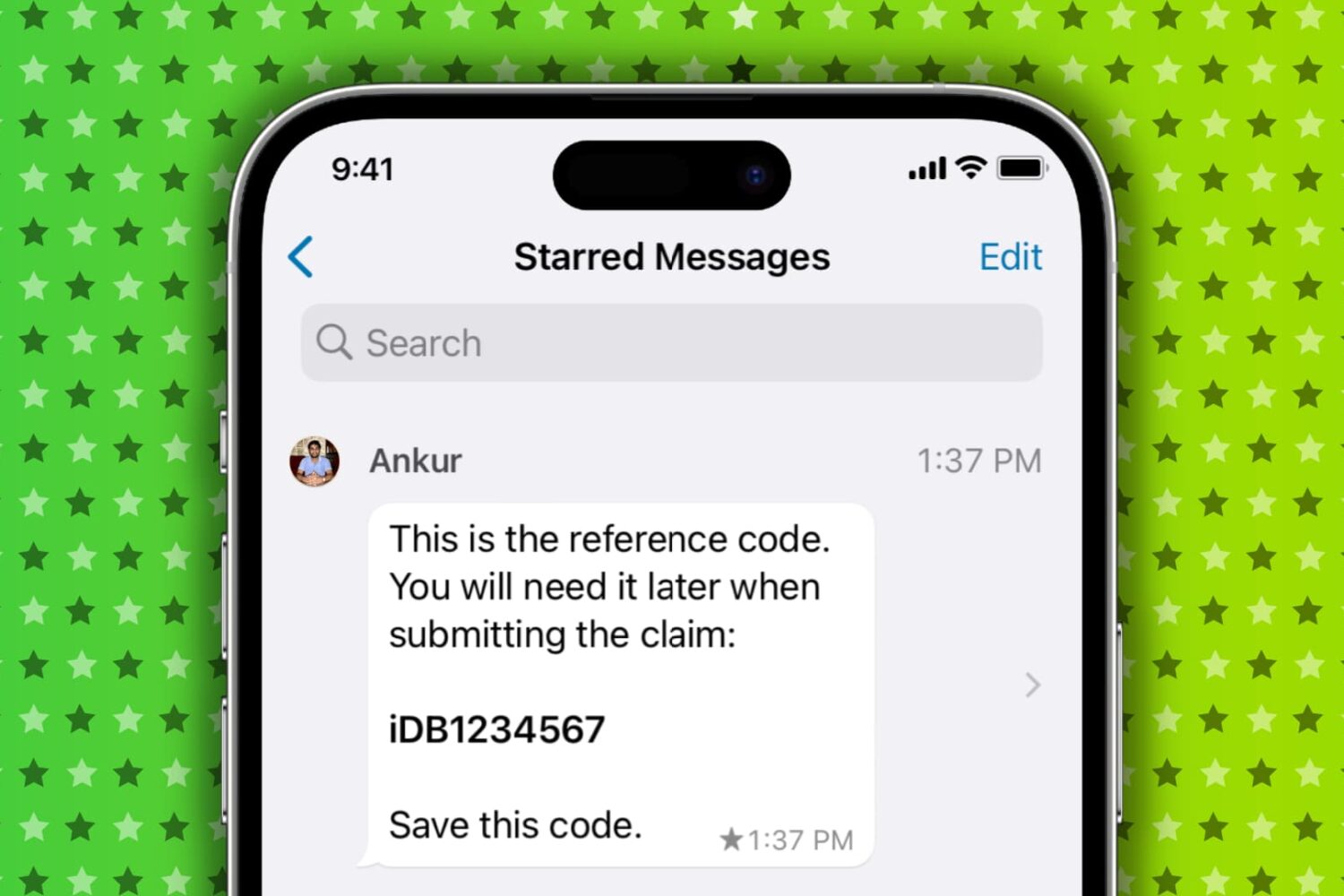
Learn how to use WhatsApp’s Star feature (★) to bookmark important messages for quick and easy access later.
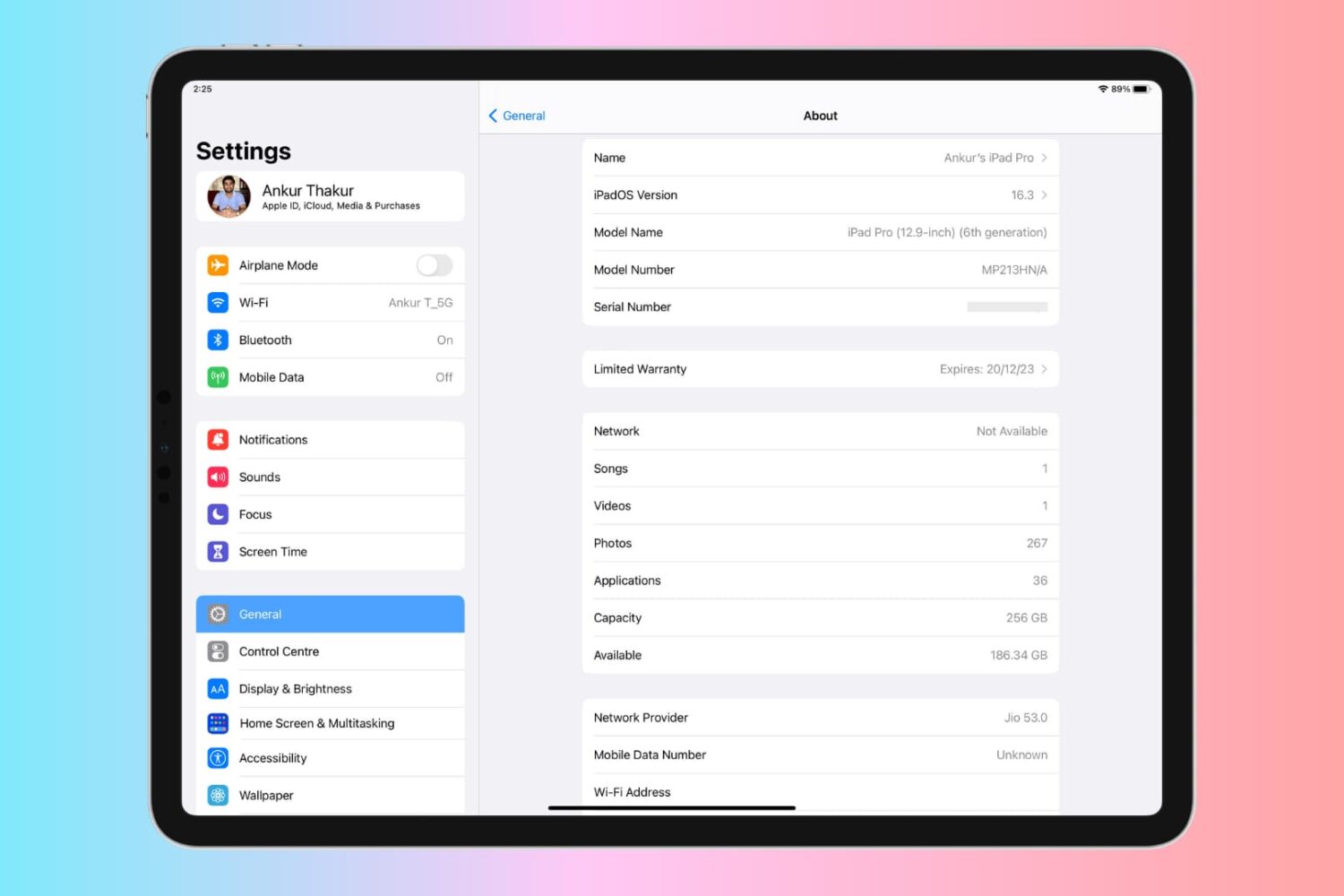
Learn why you may need the serial number of your Apple device and how to find it for your iPhone, iPad, Apple Watch, Apple Pencil, and Vision Pro, even if the device is lost, stolen, or not powering on.
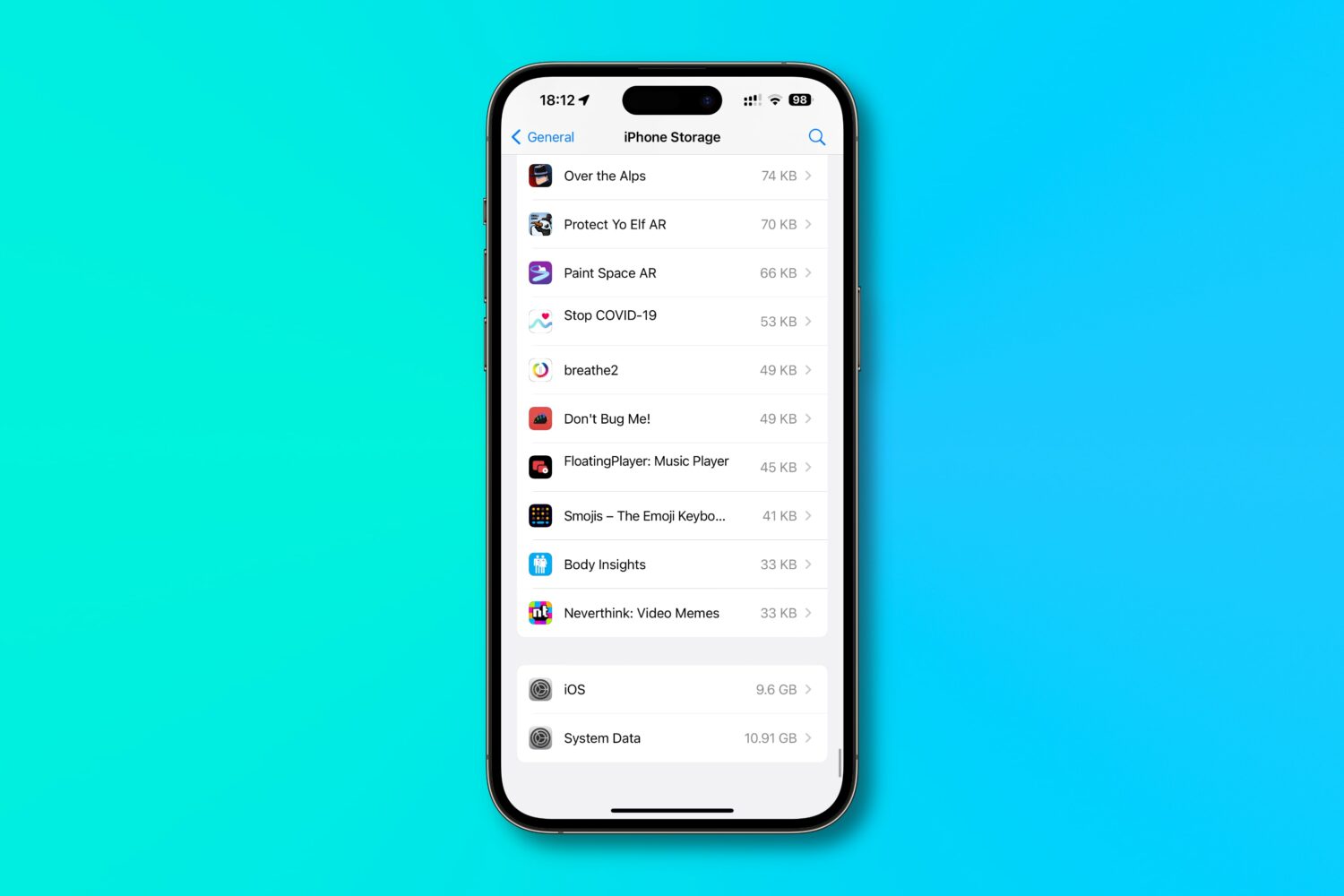
Find out how much of your iPhone’s storage space is lost to system files and how much of it is taken up by the iOS operating system itself, and then follow a quick trick to reclaim some space!

Learn how to prevent your iPhone messages, Phone & FaceTime calls, emails, and app notifications from showing up on your shared Mac to enhance your privacy.
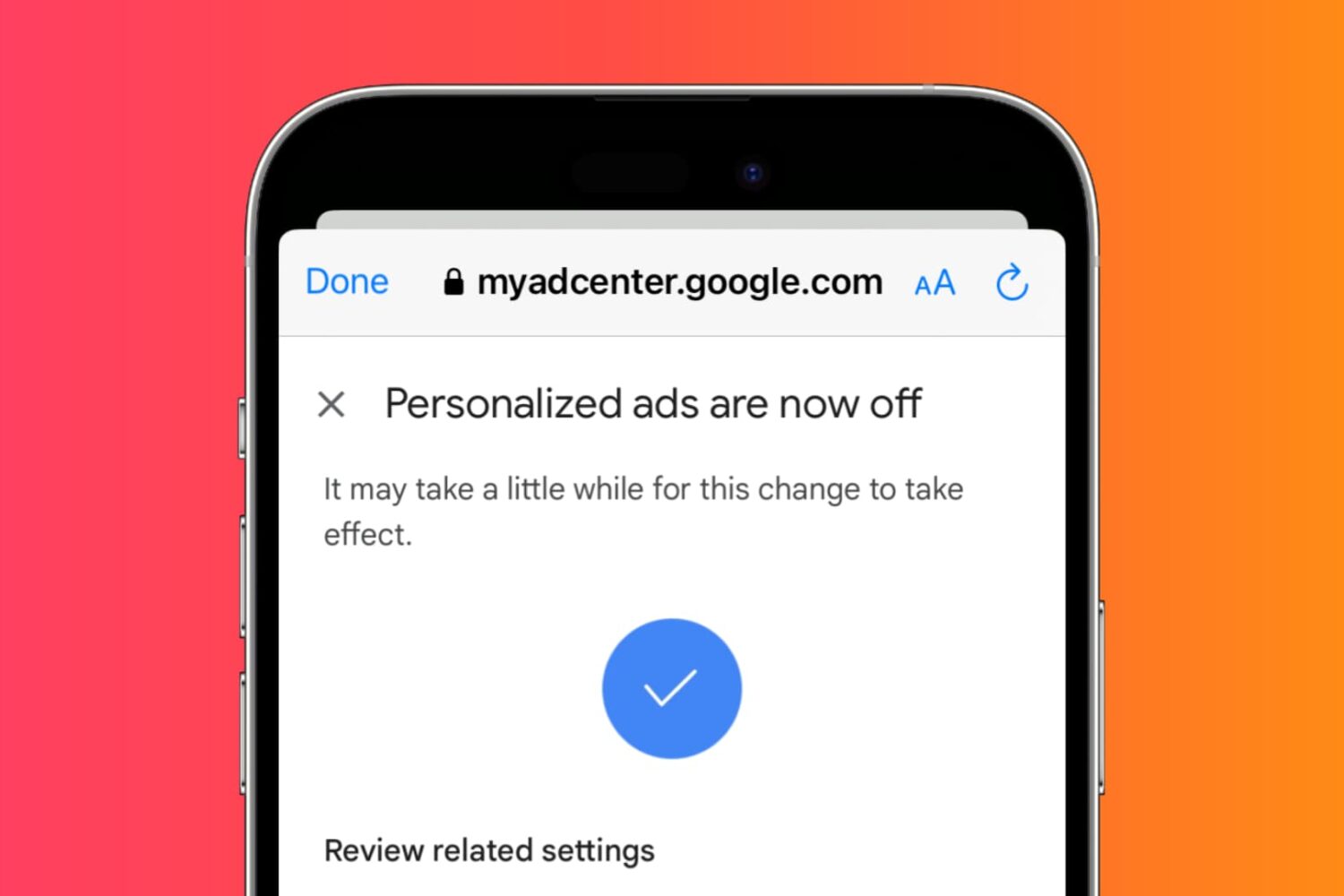
Learn how to adjust settings to prevent YouTube from tracking your activity and watch videos anonymously and privately on your phone or computer.
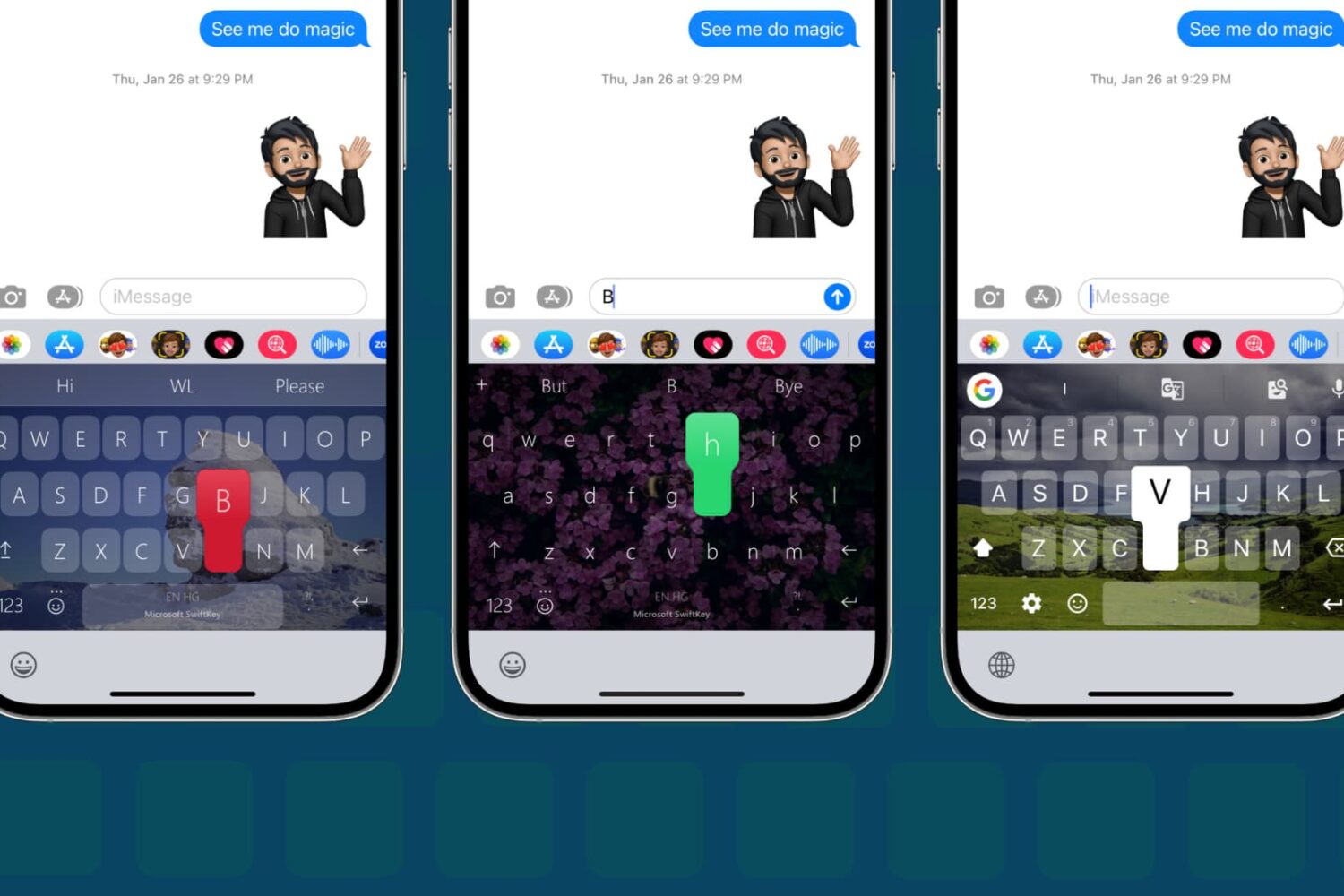
In this step-by-step tutorial, we show you how to change the default keyboard on your iPhone or iPad to a third-party option, such as SwiftKey or Gboard.
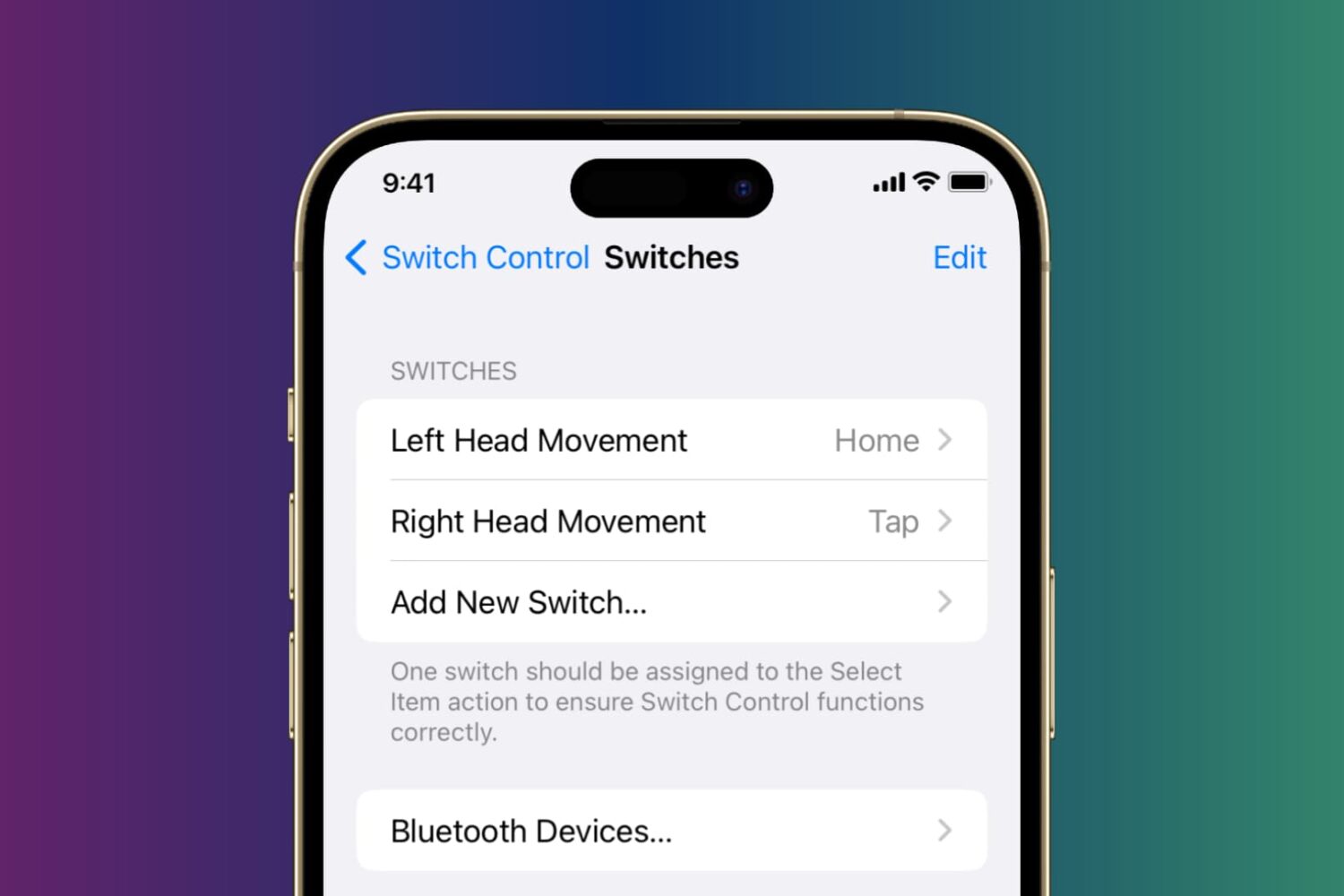
Learn how to control your iPhone or iPad using head tilts and hand pinch gestures by enabling the Switch Control accessibility feature.

Learn how to use a built-in karaoke feature in Apple Music on iPhone, iPad, and Apple TV to sing along with time-synced lyrics and adjustable vocals.
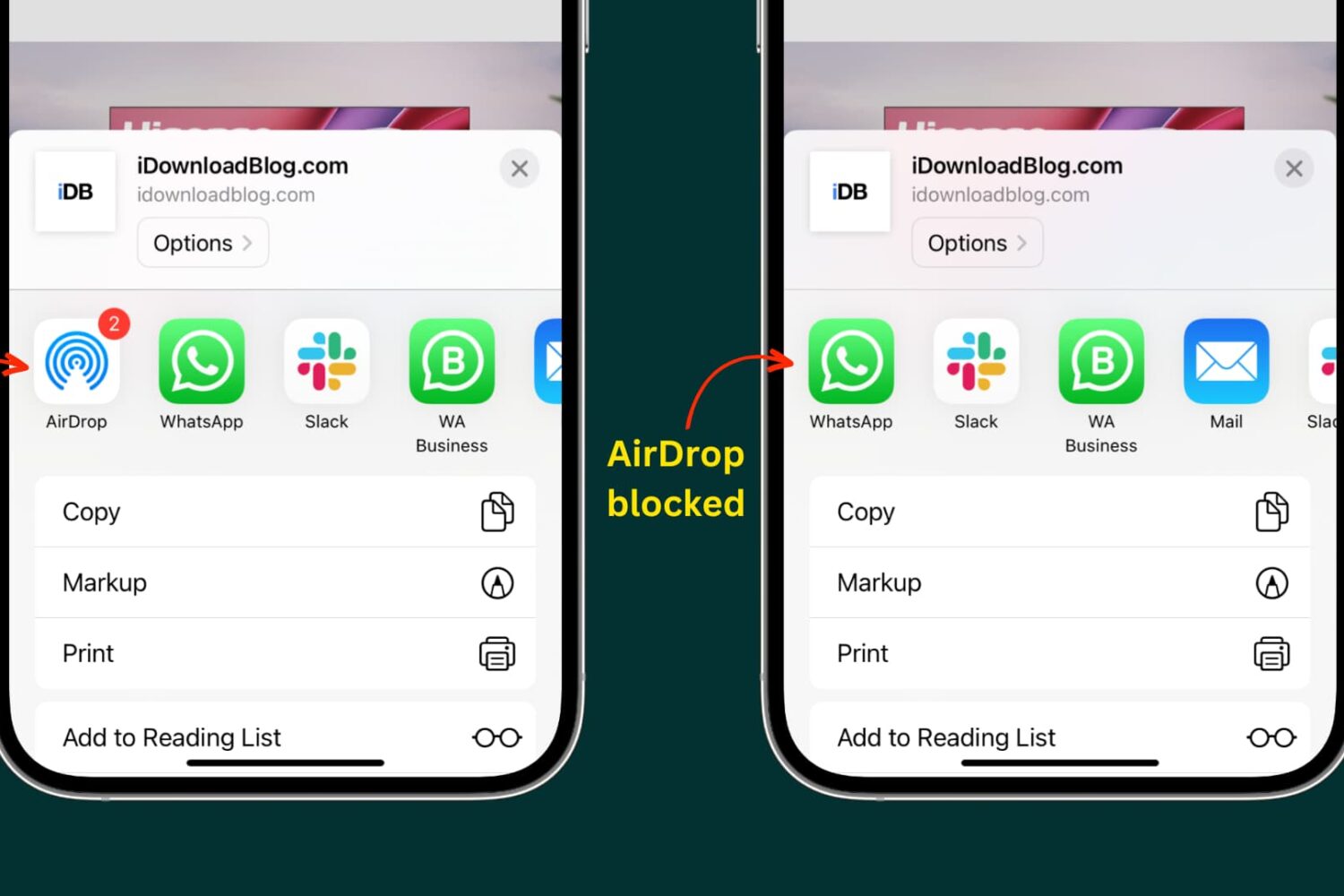
Learn how to turn off or fully block the built-in AirDrop feature on your iPhone, iPad, and Mac to control who can send you files for better privacy and security.
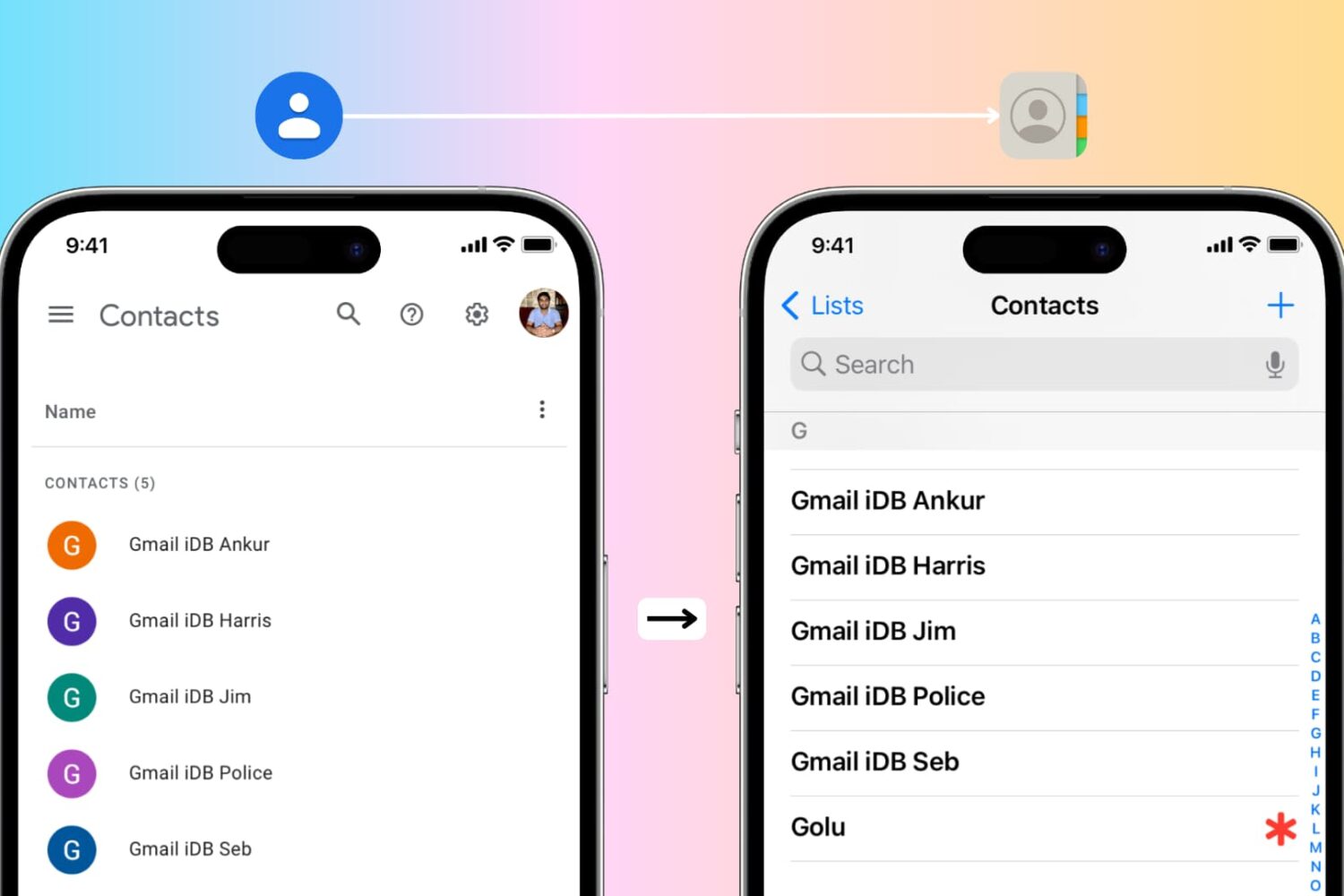
In this guide, we cover the easiest ways to transfer all your Google contacts to your Apple iCloud account using either your iPhone or a computer. This is especially useful if you’re switching from an Android phone to an iPhone.

Learn how to connect AirPods and other Bluetooth devices with your Nintendo Switch to enhance the audio aspect of your gaming experience.
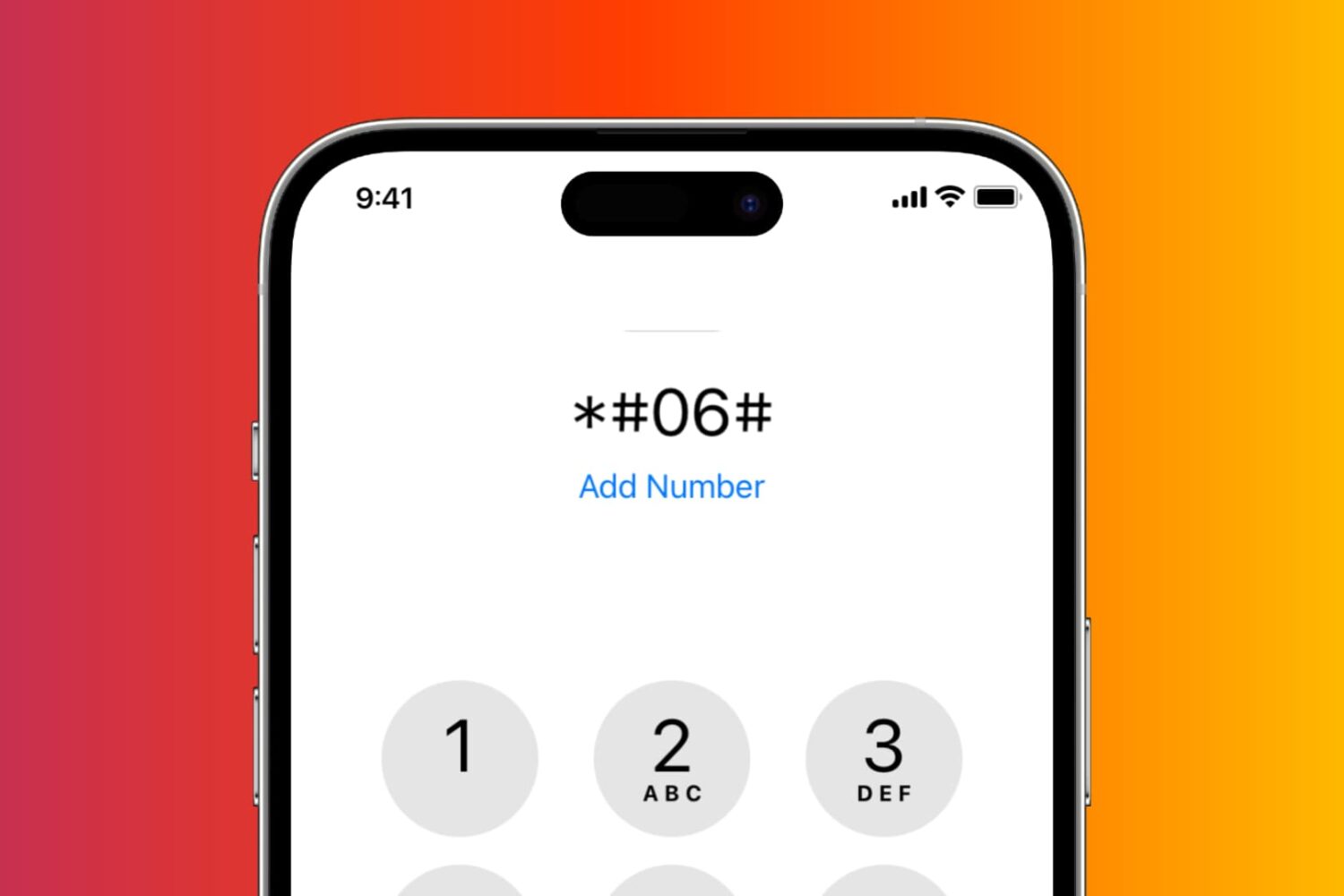
Here are 8 ways to find your iPhone’s IMEI number, which you’ll need to access detailed warranty information, report the device as lost, and more.