How to

Podcasting basics part III: software

This is the third entry into my podcasting basics series. In part I, I discussed some of the preliminary steps needed before starting a podcast. In part II, I talked about the hardware that I personally use to record shows like Let's Talk iOS and Let's Talk Jailbreak.

After going through the preliminary conceptualizing and picking out the hardware that works for your particular scenario, it's time to mate the hardware with the right software. Software choices for producing podcasts can vary significantly, but I've come up with a formula that works for me.

Of course, your decision to use a piece of software may boil down to your particular needs. For example, if you're not a Mac user, then many, if not all of your software will differ. That being said, the basic recording techniques that I employ will more or less be the same, and can be used regardless of the software you decide on using. In this post, I break down the software that I use for recording and producing our podcasts.

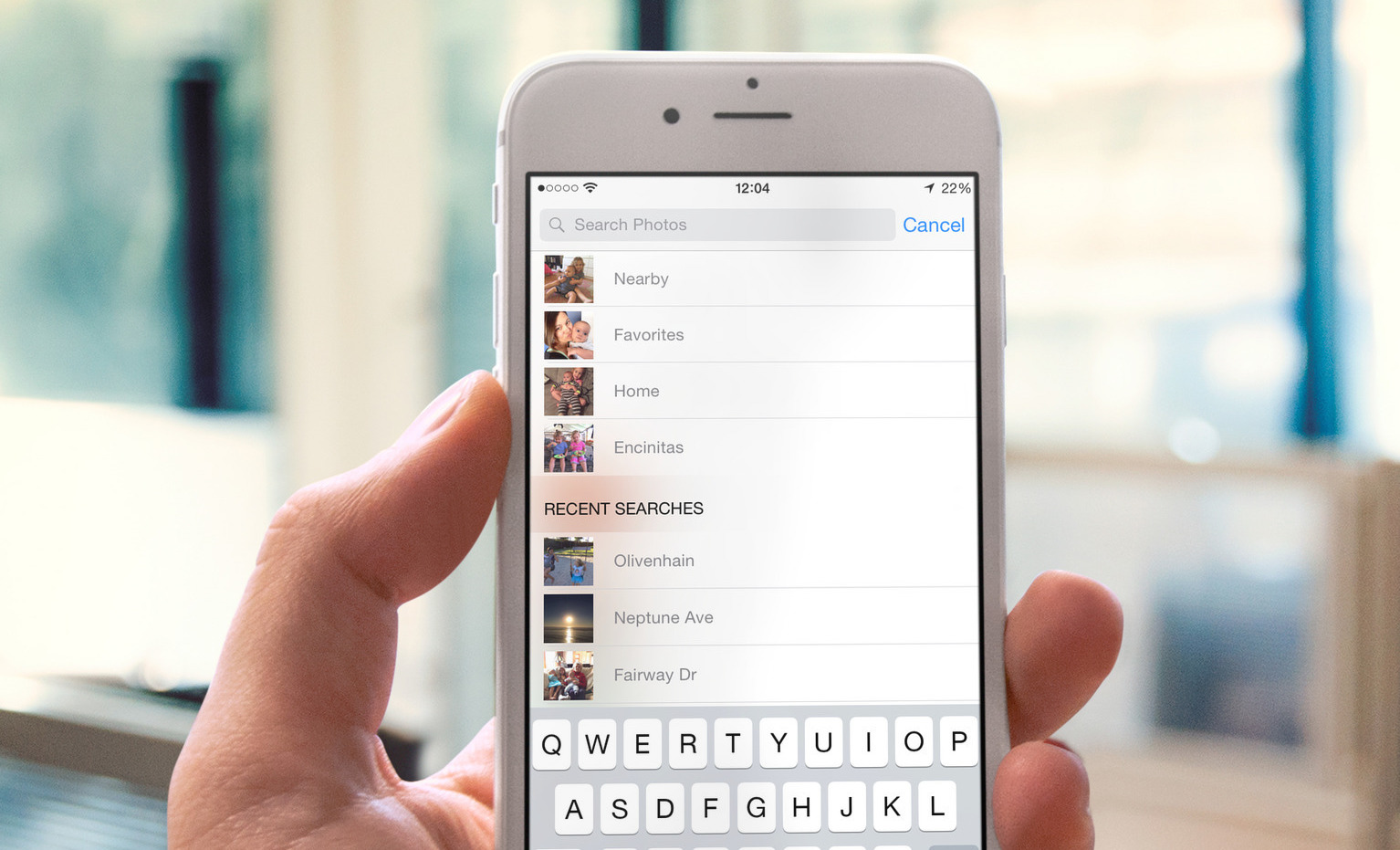
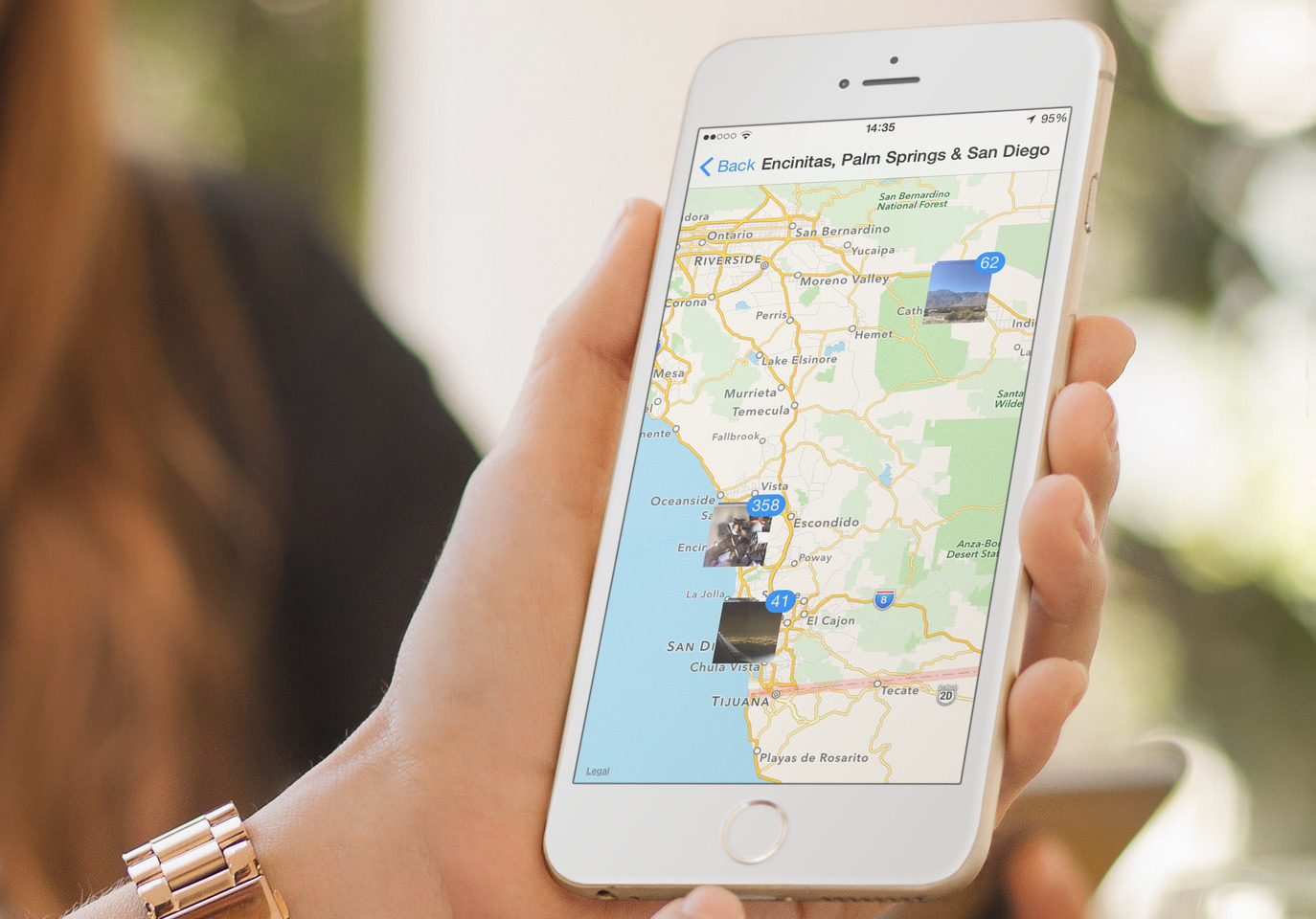
Photos app and the power of search

You'd think that searching through your photos should be an impossible task. Unlike a text document, there are no actual words you can look for in a photo. But your photos can hold very precious information that can help surface some details about your shots. If you have Location Services enabled for your iPhone camera app, then all your shots contain location metadata, allowing you to perform very specific searches in the stock Photos app of iOS.

And with the release of iOS 8, Apple has included some very powerful features to help you find that one photo you were looking for.

Podcasting basics part II: location, voice, microphones and hardware

In the previous podcast basics post, we talked about some of the preliminary steps that need to be taken before proceeding with creating a podcast. Those steps involved finding the right subject, format, hosts, etc.

Now that you have a good idea about the subject you'd like to podcast about, the show format, the co-hosts, and the scheduling, it's time to start thinking about your podcast hardware. I like to include location as a part of the hardware, because the location where you record your podcasts can play a huge role in how the end product sounds.

In this post, I'll talk about what hardware I use for podcasting, along with other general recommendations on hardware. If you're still mulling about the subject, or co-hosts, then I urge you to read part I of this series; it covers the stuff you should consider before even getting started.

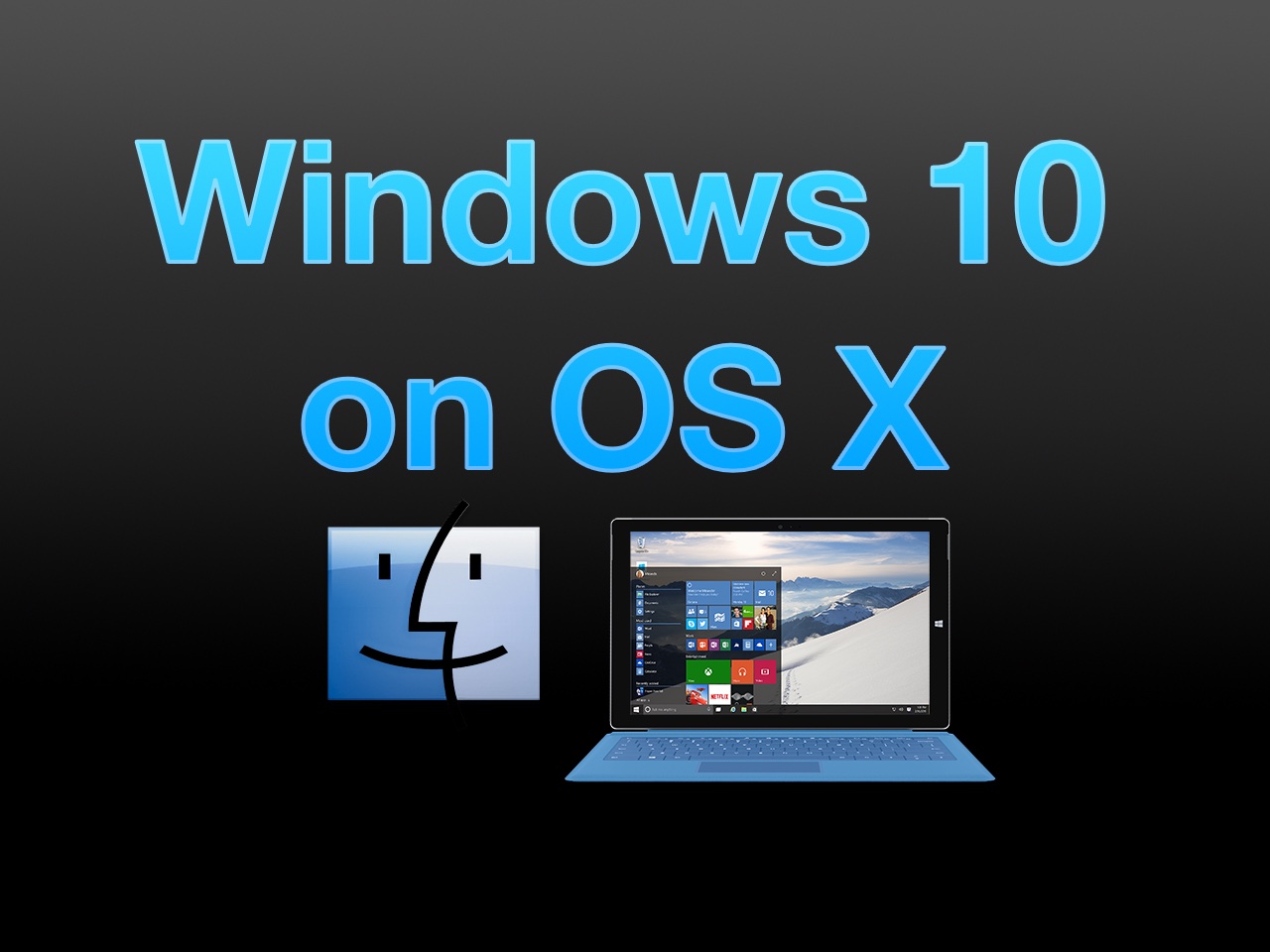
How to install Windows 10 Technical Preview on your Mac with VMware Fusion

The Windows 10 Technical Preview is now available for free download and trial, but just because you're on a Mac doesn't mean you have to be left out of the fun. Windows 10 brings new features to the table like Cortana voice assistant integration, improved multitasking, and more.

In this full tutorial, I'll show you how to install Windows 10 Technical Preview on your Mac using VMware Fusion. In the video walkthrough, I show you how to install Windows 10 on your Mac in less than 15 minutes.

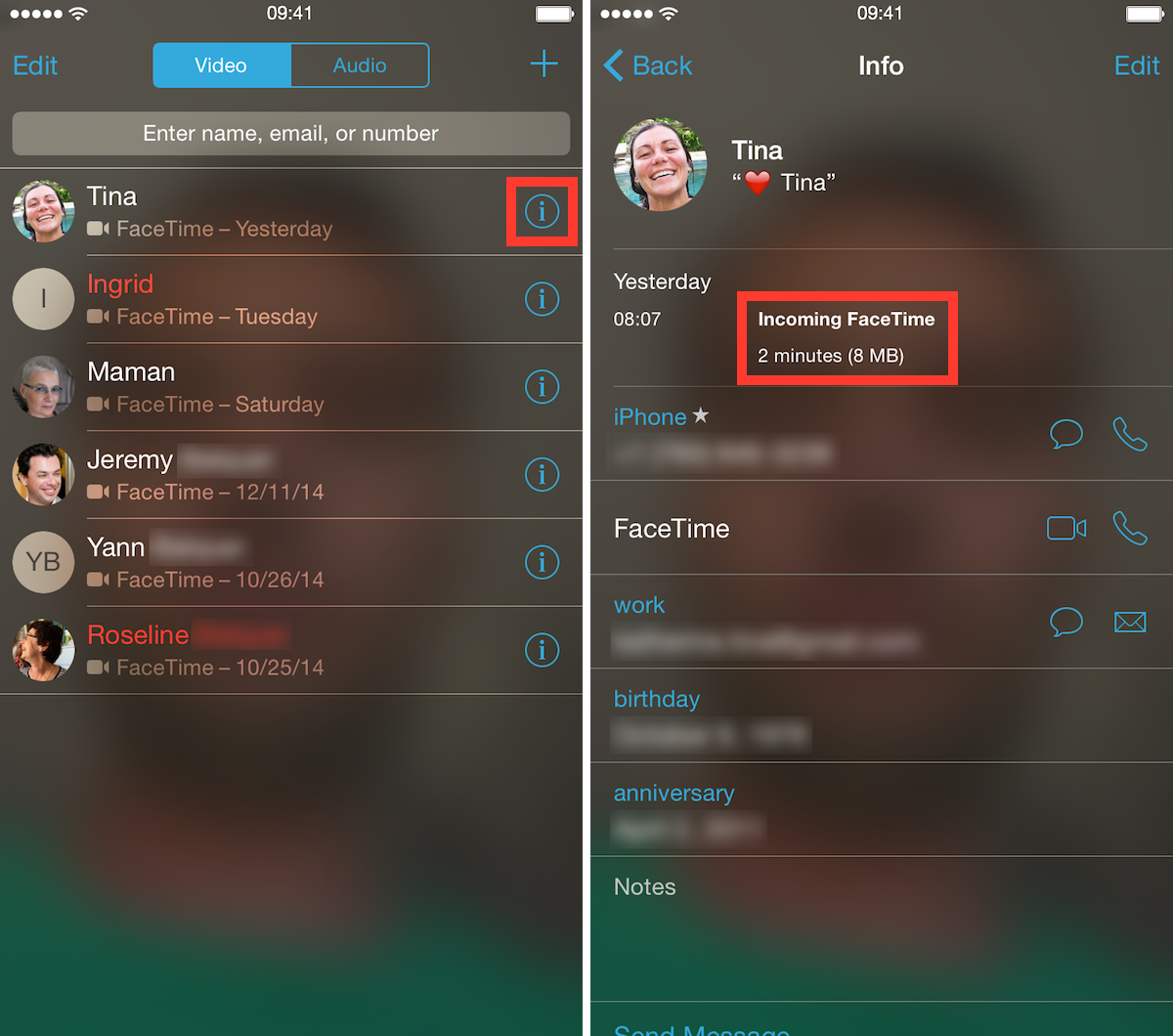
How to see how much data your FaceTime calls use

Unlimited data plans are a thing of the past, and while some users have been grandfathered into these plans, most of us now have capped data plans, forcing us to be a little more conservative with our data, or at least be more aware of our usage. For the data-conscious people out there, we have a simple tip that will show you a quick and easy way to see how much data specific FaceTime calls use.

How to reclaim ‘Other’ storage on your iOS device

If your iPhone or iPad is running out of space, manually removing unwanted photos, videos, songs, apps and stuff like Safari's Reading List is a good way of freeing up some store space. But more often than not, this isn't enough.

The devil, as they say, is in the detail — in this case, the mysterious ‘Other’ category that iTunes displays after connecting your iOS device to a computer.

‘Other’ storage is a section iOS uses to store temporary data, cache files inside apps and items retrieved through the iOS Background Refresh feature to make apps load faster. ‘Other’ storage balloons over time and can quickly add up to anywhere between a few hundred megabytes to a couple gigabytes of wasted on-device storage.

Aside from performing a clean install of iOS or restoring your device as new, there's no easy way of manually reclaiming your ‘Other’ storage. But thanks to a brilliant new Mac app in town, created by Nice Mohawk, anyone — even novice users — can free up storage space on their iPhone and iPad in minutes. Not only does the app let you reclaim your ‘Other’ storage, but also delete caches, back up your photos and videos, as well as remove large apps and music.

Podcasting basics part I: finding the right topic and hosts

Last week, we recorded episode 92 of Let's Talk Jailbreak and episode 66 of Let's Talk iOS. That's 158 episodes under our belts, or over three years of shows if each show was spread out on week-to-week basis. While I wouldn't dare claim to be the supreme podcast expert, I can say that I have learned a lot as both shows have grown from humble beginnings.

Podcasting isn't exactly rocket science, but it does take some effort to make a show sound decent. My goal has always been to simply create the best sounding show that I possibly can within reason. That reason includes, of course, money, equipment, environment, and the podcast participants.

At the end of the day, a podcast will only sound as good as your worst piece of equipment, software, mixing technique, or participant. The goal should be to make everything sound good enough to where you'll derive satisfaction from the end result.

In this first part of my podcasting basics series, I'll talk about what it takes to get your podcast off the ground. In subsequent entries, I'll discuss the equipment we use, the software we use, the techniques we employ, and other tidbits along the way.

How to watch Super Bowl XLIX on iPhone, iPad and other devices

We are now just a few days away from Super Bowl XLIX, one of the most highly anticipated sporting events of the year. At 6:30 (EST) on Sunday, more than 110 million people are expected to tune in to watch the Seattle Seahawks take on the New England Patriots in a battle for the NFL Championship.

For those of you who don’t plan to spend the day huddled around a television set, we’ve put together a list of ways to follow the action on other popular devices. Live streaming will be available this year on iPad and PC/Mac, courtesy of NBC, no cable subscription required, and on iPhone via NFL Mobile.