How to

Slow UI animations on Yosemite? Try this simple tip
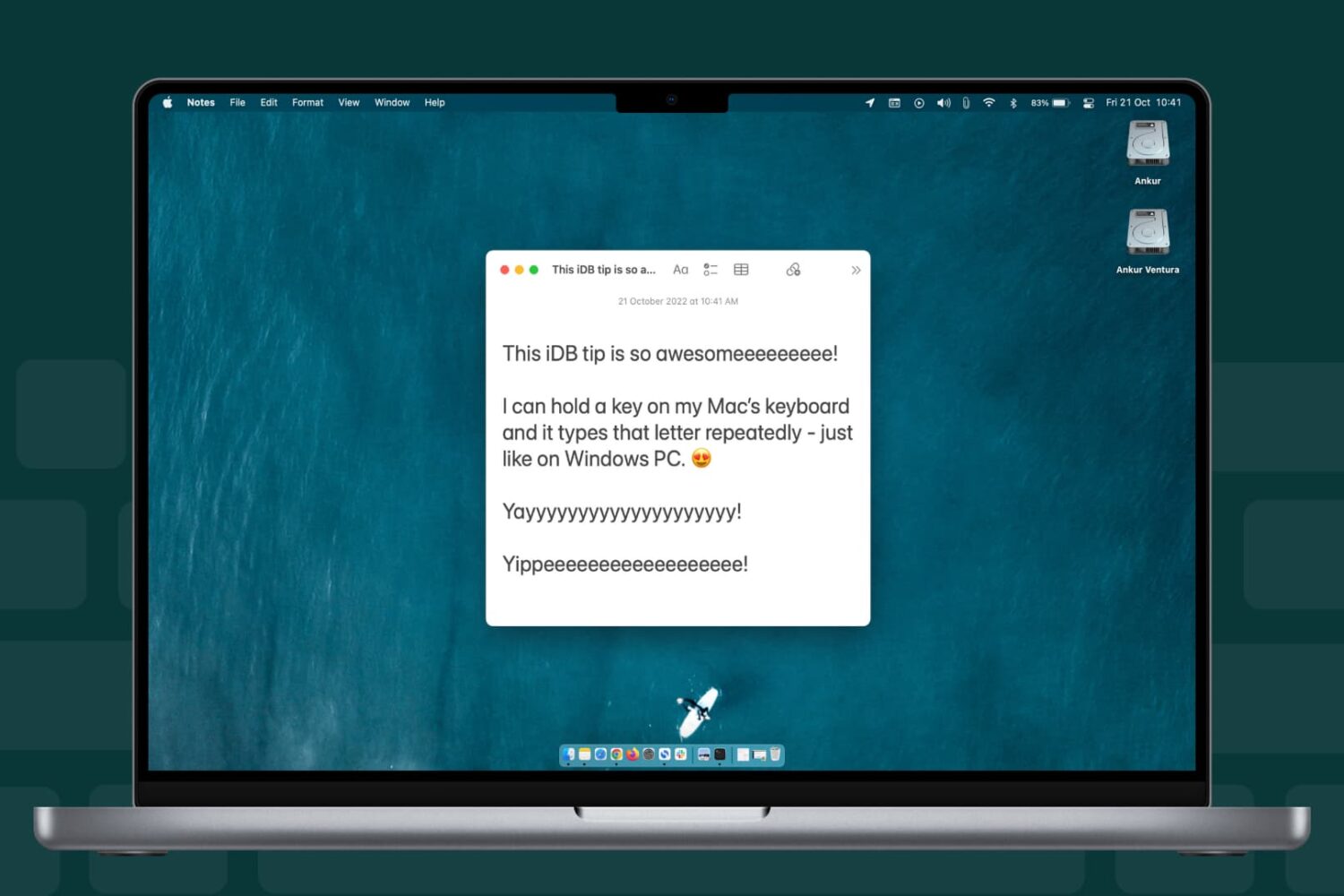
I currently have two machines running Yosemite: one is a brand new Retina iMac, and the other is an older MacBook Air. Both these machines have been feeling incredibly slow in regards to general animations of the User Interface. One obvious way to test this is to bring up Exposé, which then turns both my Macs into stuttering slugs. While I can kind of understand why my old MacBook Air would behave like this, there is absolutely no excuse for my iMac to. Talking about this issue with someone at the Apple Store, I was offered an original workaround.

How to jailbreak iOS 8.1.2 using Mac OS X

It is now possible to jailbreak iOS 8.1.2 using a Mac, and this has been confirmed by iDownloadBlog. Up until this point, no Mac option existed for jailbreaking iOS 8.1.2, but that is no longer the case. A new tool entitled PP jailbreak for Mac has surfaced, allowing Mac users to enjoy what Windows users have been enjoying for some time now. Inside, we have a tutorial that shows how to jailbreak iOS 8.1.2 using OS X with the PP jailbreak for Mac.

How to enable text selection in Quick Look on Mac

Anyone who has used a Mac for more than a minuscule amount of time has more than likely come across Quick Look, the pop-up window that is invoked with a press of the space bar when a file or folder is highlighted on the desktop or in Finder. Quick Look's usefulness becomes evident when file names aren't descriptive enough by allowing users to view the contents of many different types of files without having to open them in a full-fledged application like Pages for documents or Preview for images.

By default Quick Look can only display a static view of a file that only grants users a peek at the contents without any real function. Imagine, however, being able to copy a document's text without having to open it in TextEdit or Pages. This is incredibly useful in a variety of situations, from dealing with templates to Word documents to code snippets, where having multiple applications and documents opened shouldn't be necessary for copying from one location and pasting to another. The good news is that this functionality is completely possible and perfectly easy to enable.

How to watch The Interview on your iPhone, iPad, or Apple TV

Although The Interview won't be screened in most theaters around the country, you can still show your support for this over-hyped movie by watching it online. The movie is available for rent or purchase right now from several places, including, YouTube, Google Play, and Xbox.

If you have an iPhone, iPad, or Apple TV, this is the best way to watch The Interview.

How to jailbreak iOS 8.1.2 with TaiG 1.2

TaiG has released version 1.2 of its iOS 8 jailbreak tool, and it's now capable of jailbreaking iOS 8.1.2. As has been the norm with the past few jailbreak releases, this is a Windows only jailbreak tool. If you're running Windows, you can follow our step-by-step tutorial. If you're on a Mac, you can use our virtual machine tutorial to run Windows on OS X and jailbreak.

How to jailbreak iOS 8.1.1 or iOS 8.1.2 on Mac OS X using a virtual machine

As has been the norm as of late, OS X releases of the latest jailbreak tools have lagged behind their Windows counterparts. The TaiG jailbreak, which released to much surprise early this morning is no exception.

But what if you're an OS X only user who doesn't have access to a Windows machine? Are you left out in the cold waiting until TaiG decides to release an OS X version of its tool? Not necessarily.

Inside, I'll show you how easy it is to run a Windows virtual machine on OS X absolutely free of charge. Doing so will allow you to jailbreak iOS 8.1.2 even if you only have a Mac. Best of all, it's absolutely free to do so. Check out our video tutorial after the break for the full how-to.

Update: this post was originally created for iOS 8.1.1, but you can follow the same steps to jailbreak iOS 8.1.2 using the latest version of TaiG.

How to jailbreak iOS 8.1.1 and iOS 8.1.2 with TaiG

iOS 8.1.1 is now officially jailbroken, and it's one of the easiest jailbreaks that I've experienced in my long history of jailbreaking. As we first noted, the TaiG team, not the Pangu team, is responsible for the iOS 8.1.1 jailbreak, which was released for Windows users early this morning.

I've personally tested out the TaiG jailbreak tool for iOS 8.1.1, and can report that it works. In fact, it installs Cydia straight out of the box, and it's super easy to follow along, even though the tool hasn't been translated to English. In this tutorial, we will show you how to use TaiG to jailbreak iOS 8.1.1.

Update: This tutorial was written for iOS 8.1.1, but you can follow the same directions to jailbreak iOS 8.1.2. Simply make sure you use the latest version of TaiG.

Black Friday guide: how to separate the deals from the duds

It's that time of year again. Thanksgiving is tomorrow, which means we are now less than 48 hours away from Black Friday. On this day, thousands of retailers will be hosting flash sales in an effort to lure customers into their stores. Some even plan on starting their promotions tomorrow, and others have already begun.

For many people, the whole thing is execrable—unruly shoppers standing in long lines just to save a measly couple of dollars on useless items—but it doesn't have to be. If you know what to look for, you can actually save good money on good products, and in many cases avoid the crowds.

How to downgrade to iOS 8.1

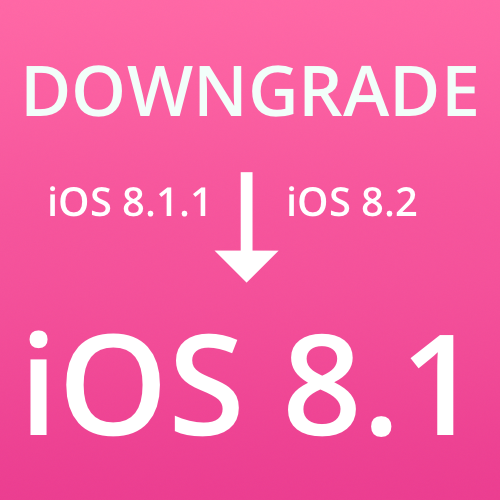
If you want to jailbreak iOS 8.1, but you're running iOS 8.1.1 or the new iOS 8.2 beta, you can downgrade your firmware to iOS 8.1 and jailbreak as long as Apple is still signing the iOS 8.1 firmware. As of this post, 8.1 is still being signed, but that will change in the future, so use this post to determine whether or not this tutorial is still valid.

If Apple is signing iOS 8.1, it's extremely easy to downgrade your device, even if you're running the iOS 8.2 beta or iOS 8.1.1. Neither of those firmwares are jailbreakable at the moment, but iOS 8.1 is jailbreakable, hence the need to downgrade. Follow our simple tutorial after the break to downgrade your device back to iOS 8.1.

How to access Google’s Inbox service on Safari

A month ago, Google launched a new iPhone app called Inbox, a different take on email which uses Sparrow-like gestures to help you achieve Inbox Zero nirvana and surface the most relevant items that tend to get lost in an avalanche of unwanted emails users get bombarded with.

Available on iOS, Android and Chrome, Inbox leaves fans of Apple's Safari browser in the dark. It's fortunate that there's a quick workaround to that, let me show you how.

Inbox is available free in the App Store.