How to

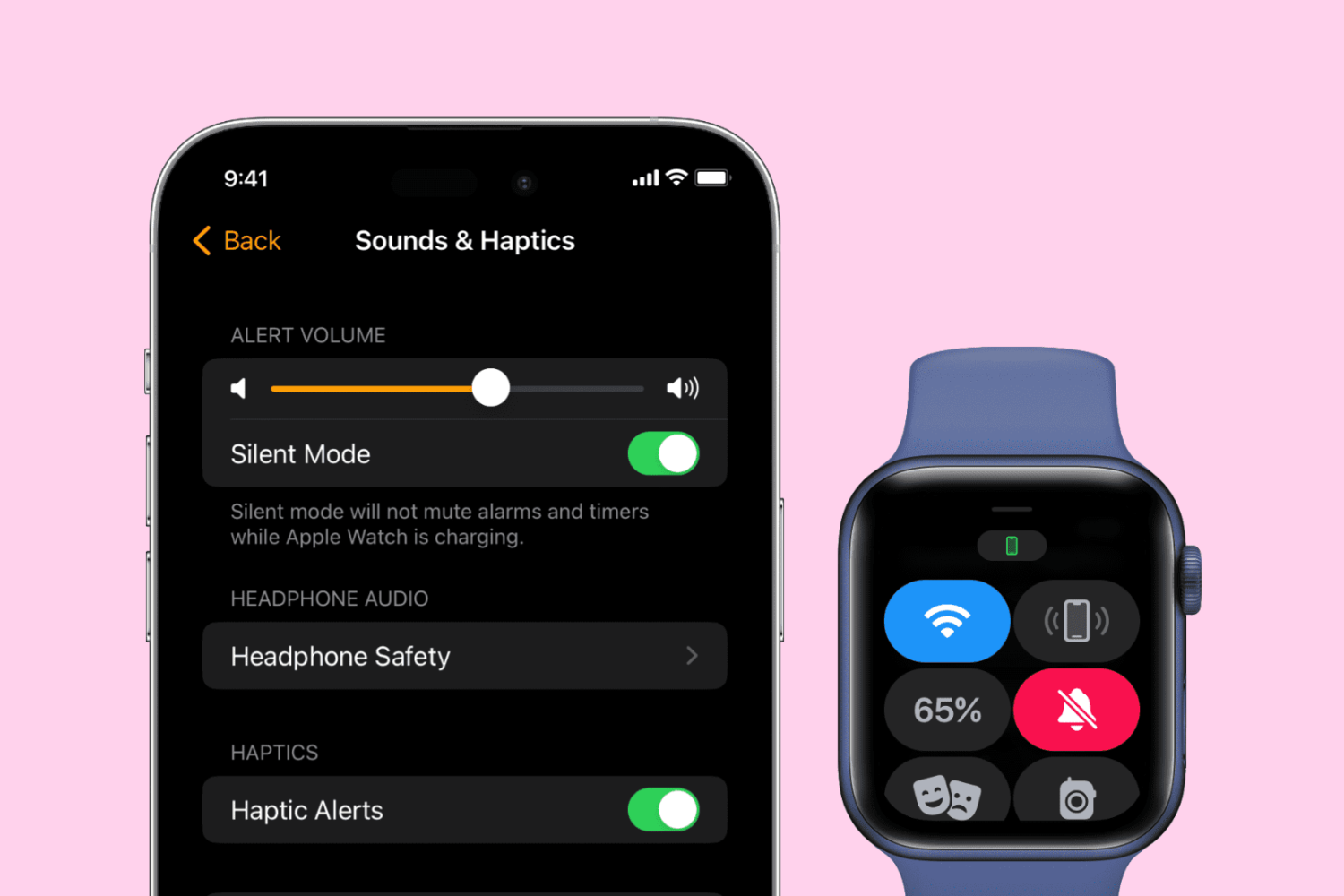
How to toggle Airplane mode on Apple Watch

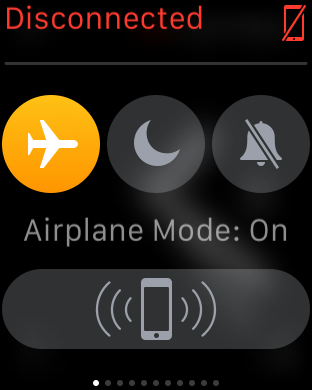
Airplane mode disables all of the Apple Watch radios, which is handy when you want to disconnect from all devices, or when you're flying and are requested to do so by an airline. There are several ways to enable Airplane mode on Apple Watch, as we show you in this continuation of our Apple Watch Guide series.

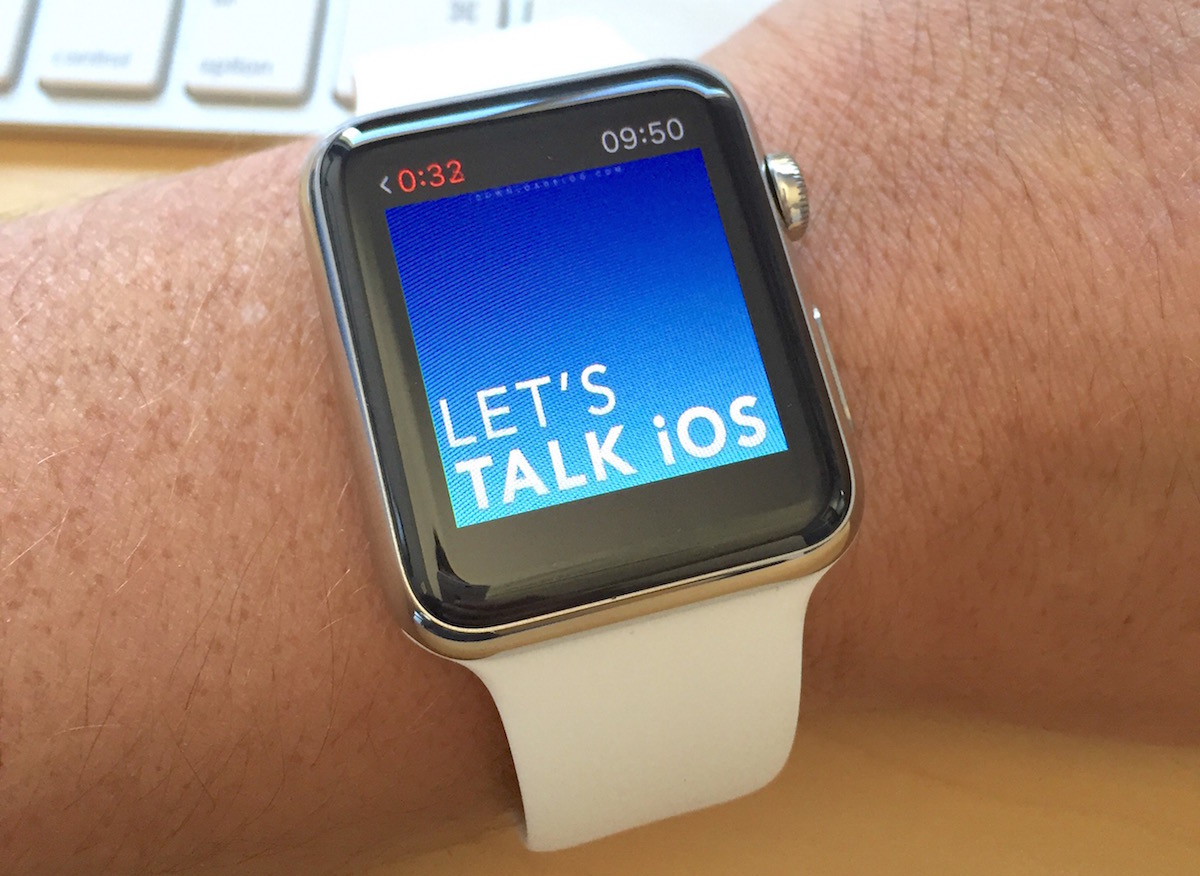
How to sync podcasts with Apple Watch

While you can sync music from your iPhone library to your Apple Watch, there is currently no way to sync podcasts, which is something Apple will likely address in a future update. In the meanwhile, podcast listeners must still be tethered to their iPhones to enjoy podcasts on the go with the help of Overcast, which apparently is the only podcast app with support for Apple Watch at this time. But again, it's not really a solution as you have to have your iPhone nearby to listen to podcasts via Overcast on Apple Watch.

However, there is a workaround that allows you to sync podcasts with Apple Watch. Like all workarounds, it's not very straightforward, and to be honest, a bit cumbersome, but if you want to listen to podcasts on your Apple Watch without an iPhone, this is currently your only option. In this post, we'll show you how to sync podcasts with your Apple Watch.
How to take a screenshot on Apple Watch

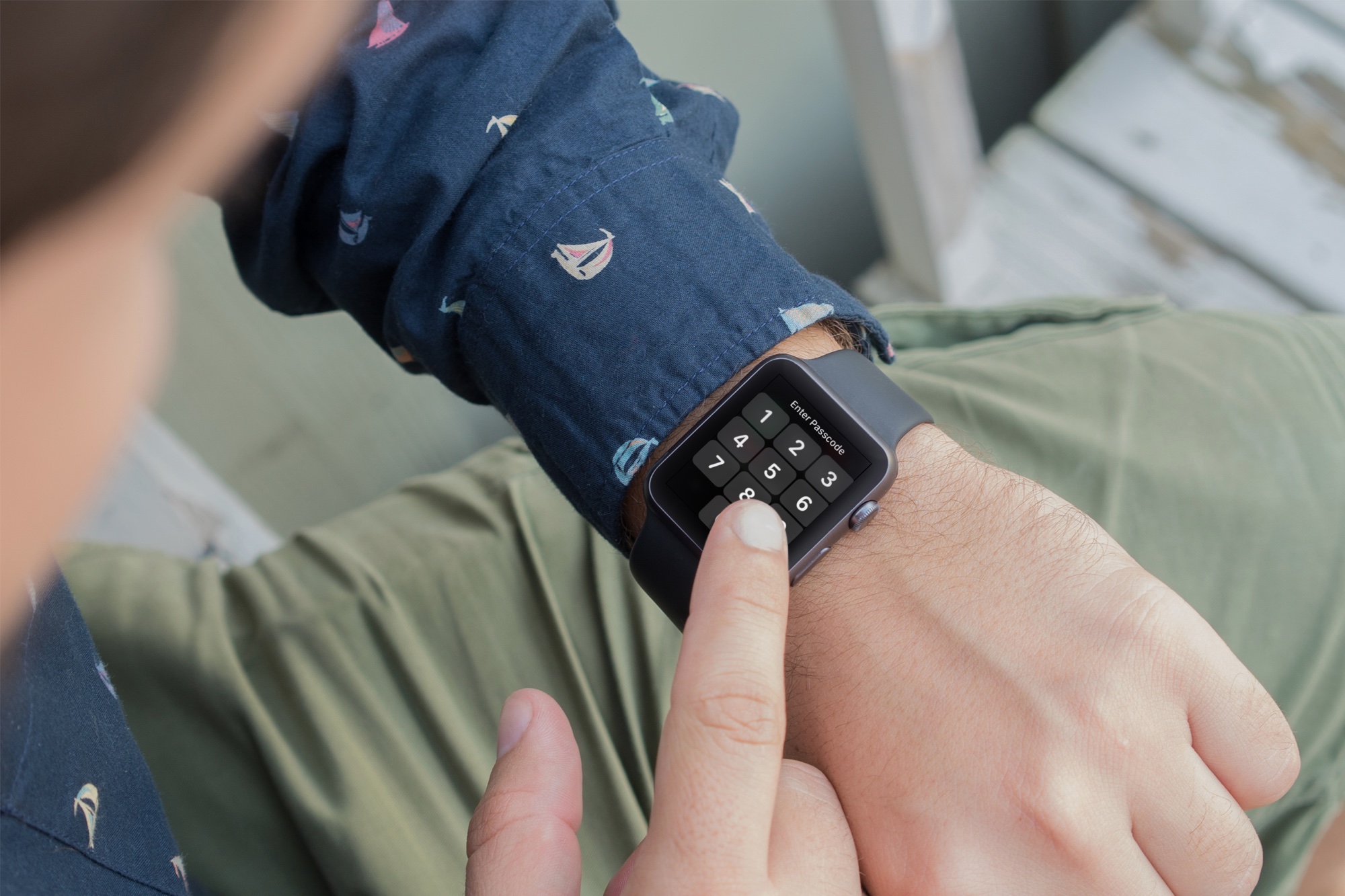
Apple Watch showing how to take screenshot

If you want to take screenshots of your Apple Watch screen, you must first turn this feature on. Here are the steps to enable screenshots. And after that, we will show you how to take a screenshot on the Apple Watch running any version of watchOS.

Getting to know the Status icons on the Apple Watch screen

Although the Apple Watch doesn't feature a traditional status bar like the iPhone or the iPad, from time to time you will notice a status indicator icon at the top of the screen. Apple Watch contains a variety of status indicator icons, and they all mean different things. In this post, we'll talk about some of the status icons that you may encounter during your usage of Apple's new wearable.

Seven cool things Apple Watch can do without its paired iPhone

Designed as a versatile companion to the iPhone, the Apple Watch uses the GPS and Wi-Fi in your iPhone to give you the full experience. That's why the very first step before you can start using the Watch is pairing it to an iPhone in iOS's Apple Watch application.

But even though the wearable device wasn't conceived as a standalone product, it can still do a few tricks on its own, without having a paired iPhone in range. Here are seven different things the Apple Watch can do without being tethered to an iPhone.

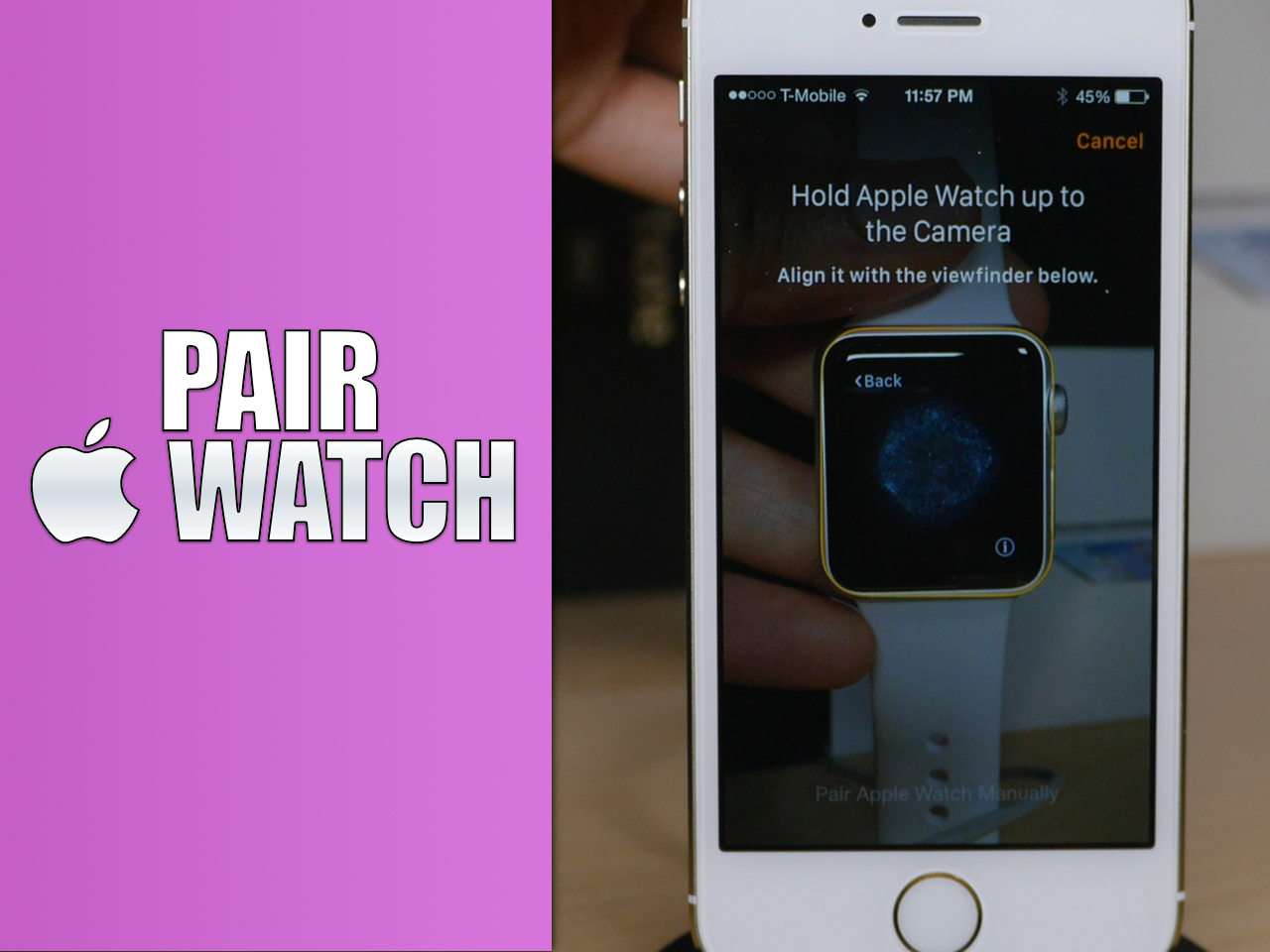
How to pair and set up an Apple Watch with your iPhone

Before you can begin using your Apple Watch as it was meant to be used, you'll need to pair it with an iPhone. Keep in mind that you must have an iPhone 5 or later in order to pair with an Apple Watch. You'll also need to make sure that the iPhone is running iOS 8.2 or later, since this firmware includes the Apple Watch companion app needed to initiate the pairing process.

In this tutorial, I'll show you how to identify your iPhone's firmware, and how to pair your Apple Watch using the Apple Watch companion app.