Learn how to turn off Siri-suggested events in Apple Mail and Calendar apps on iPhone, iPad, and Mac to remove unwanted entries from your schedule.
How to disable Siri suggested calendar events on iOS and Mac

Learn how to turn off Siri-suggested events in Apple Mail and Calendar apps on iPhone, iPad, and Mac to remove unwanted entries from your schedule.

I had this issue for a while on my MacBook Air where there would constantly be a progress bar below the LaunchPad icon. Typically, this progress bar means something is downloading, but after checking, I couldn't find anything being installed on my Mac, so I figured the problem had to be deeper than that. In this post, I will share with you a few things you can try if you are facing the same issue.
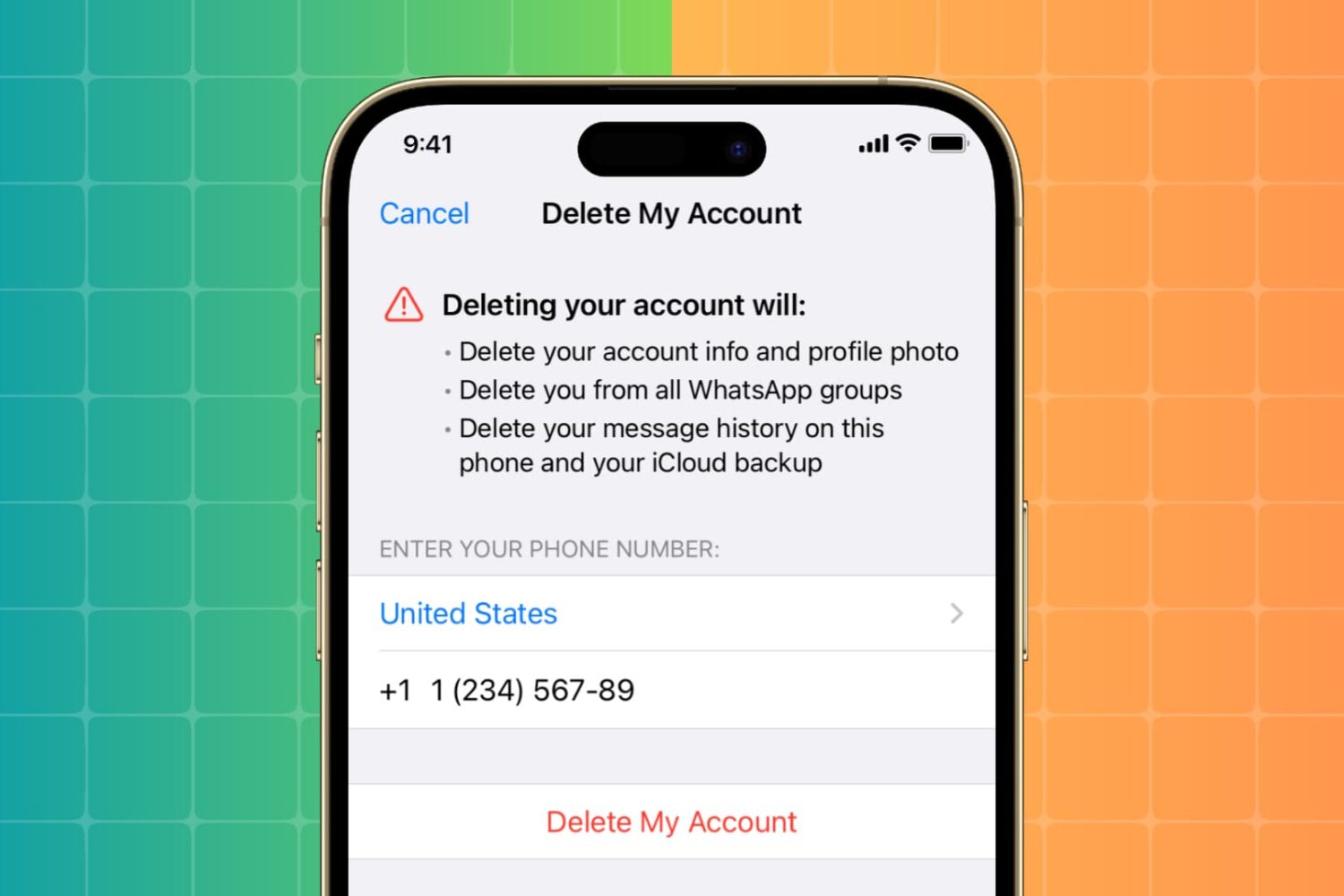
Learn how to permanently delete your WhatsApp account from your iPhone or Android phone if you no longer need to use this Facebook-owned messaging service.
You don’t need a dedicated app to turn web pages into PDF documents on your iPhone or iPad. That’s because Apple has built-in options that let you do just that right out of the box.

When you're in a meeting or at the movies and a phone call comes in or a loud alert starts dinging, nothing compares to the social awkwardness after realizing you've forgotten to silence your watch. While you can mute the alerts on your Apple Watch with a couple of taps, by the time you fumble through the menus, you'll have already embarrassed yourself.
Thankfully, there's a better way: the Apple Watch includes a nifty little feature for silencing incoming phone calls and other audible alerts with a super quick gesture.

Owners of an iPhone, iPod touch, iPad, or Mac can quickly look up flight status information found in Notes, Messages, and Mail using a rich interface with flight trajectory, flight status, arrival times and other information.
In this tutorial, you'll learn how to quickly preview the current status and other information pertaining to an airline and flight number, with or without leaving the context of what you're currently doing.
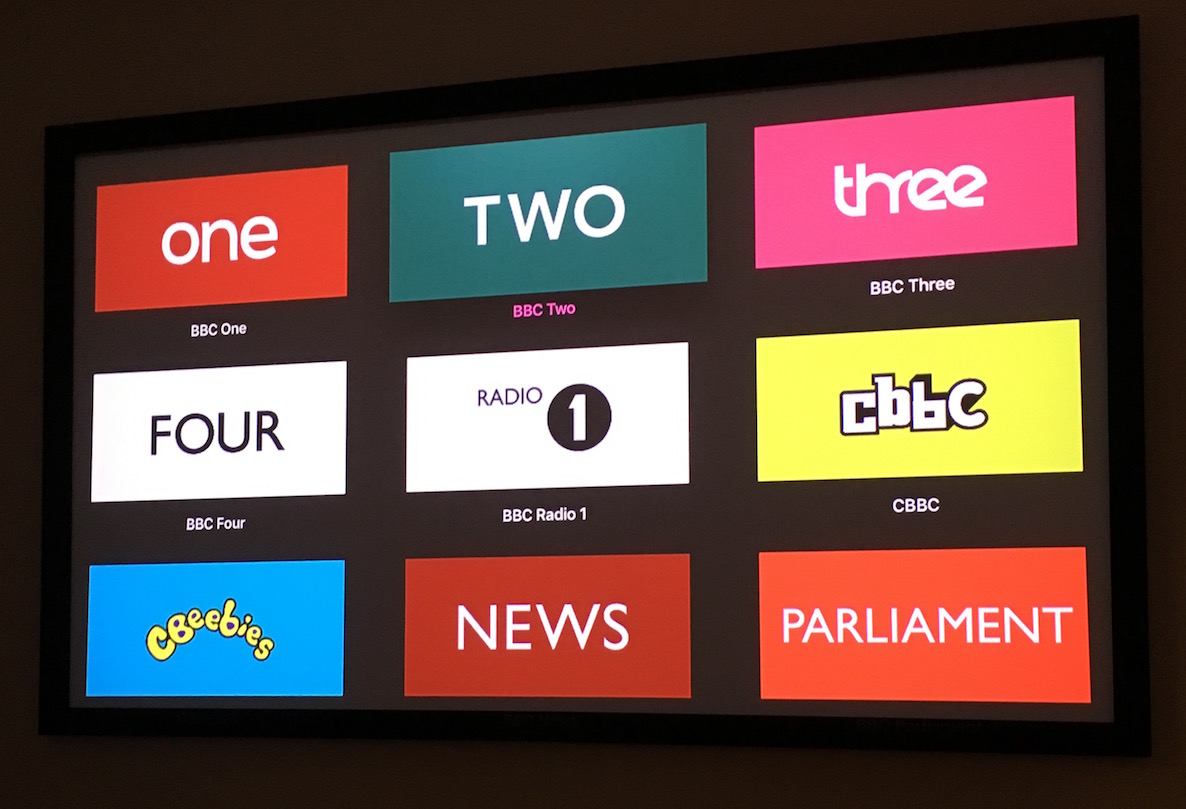
Last month, an open source app called Auntie Player was released to access on demand programs from the BBC. This app can be sideloaded on an Apple TV and used to watch BBC on demand content and even live content.
I tested out Auntie Player today, and it worked as expected. Keep in mind, however, that you're supposed to be in the UK in order to properly access its content. There are ways to access BBC iPlayer outside of the UK, but we cannot endorse those methods.
Still, we understand that many of our UK-based readers would be interested in accessing BBC iPlayer on the Apple TV, so in this post we're going to show you how.
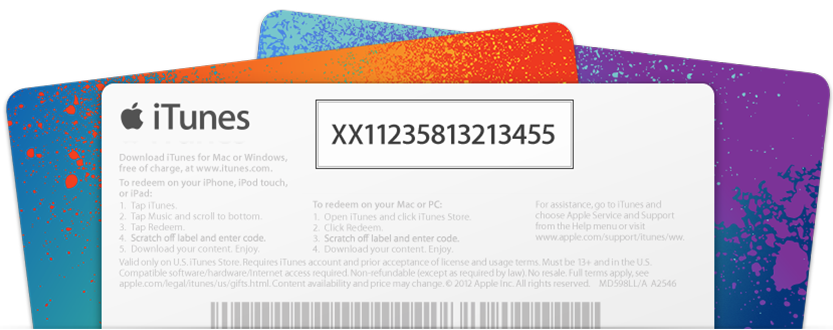
While it's possible to receive promo codes for Apple TV apps, it's not possible to redeem such codes directly from the Apple TV interface itself. Even though the newly released Apple TV is the first iteration of the device capable of running native apps, Apple is keeping the process of promo code redemption limited to iOS or the Mac.
Have you received a promo code for an Apple TV app or game? In this post, we'll show you how to redeem it.

There are lots of reasons why you might invest in a USB Type-C cable for the new Apple TV. One of the most compelling reasons is because a USB Type-C cable allows you to record Apple TV video output. Via QuickTime's video capturing capabilities, first introduced in OS X Yosemite, it's possible to record and save direct-feed footage from the Apple TV to your Mac.

In this tutorial, we will help you figure out how much free space is available on your Apple TV, and discover which apps are taking up the most space.

Learn how to quickly delete all emails at once from the Apple Mail app on iPhone and iPad and reach inbox zero in no time.
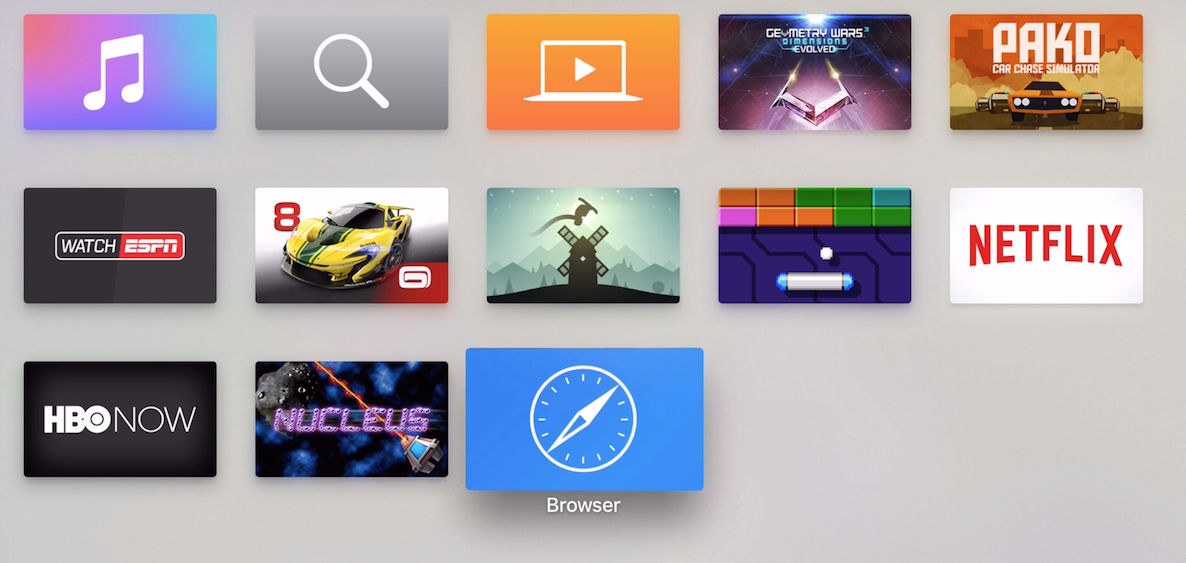
Sideloading the tvOSBrowser that we reported on earlier is easy, it just takes a bit of massaging to make it all work. You'll need to be familiar with our standard sideloading tutorial for sideloading apps, but there's one additional step that you'll have to take before it all comes together. In this tutorial, we'll show you all that's involved in a hands-on step-by-step video.