Learn how to identify Apple silicon Macs and determine whether your computer is running an Intel processor or Apple’s in-house chip, such as M1, M2, M3, M4, M5, or one of its variants.
How to know if your Mac has Apple silicon or Intel processor
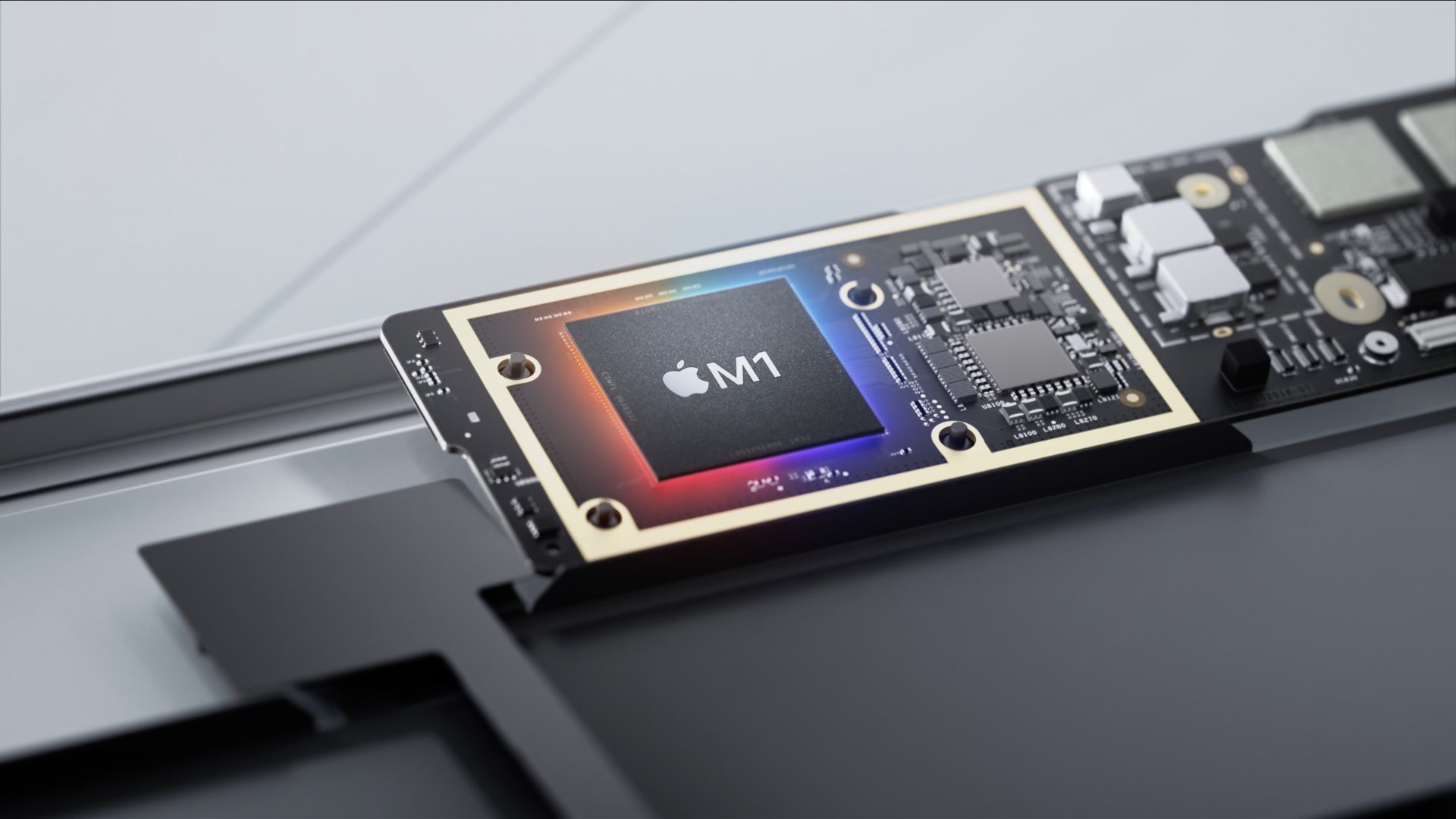
Learn how to identify Apple silicon Macs and determine whether your computer is running an Intel processor or Apple’s in-house chip, such as M1, M2, M3, M4, M5, or one of its variants.

Maybe you just purchased your first Mac, or maybe you only perform certain tasks on it each day. In these situations, it can be difficult to find items you’re unfamiliar with when you need them. From big things like applications to small ones like the trash, we’ll help you find the most commonly looked-for items on your Mac.

Changing the Lock and Home screen wallpapers on your iPhone or iPad requires using the Settings app. Wouldn't it be great if you could change your wallpaper automatically, with a single tap? With wallpaper automation that's now available in iOS 14.3 and iPadOS 14.3, you can do just that. In this tutorial, we'll show you how to use a custom workflow in Apple's Shortcuts app to automate changing wallpaper with a single tap of a Home screen icon.

This guide goes over some of the most common things that people, especially new users, look for on their iOS devices and where to find them.
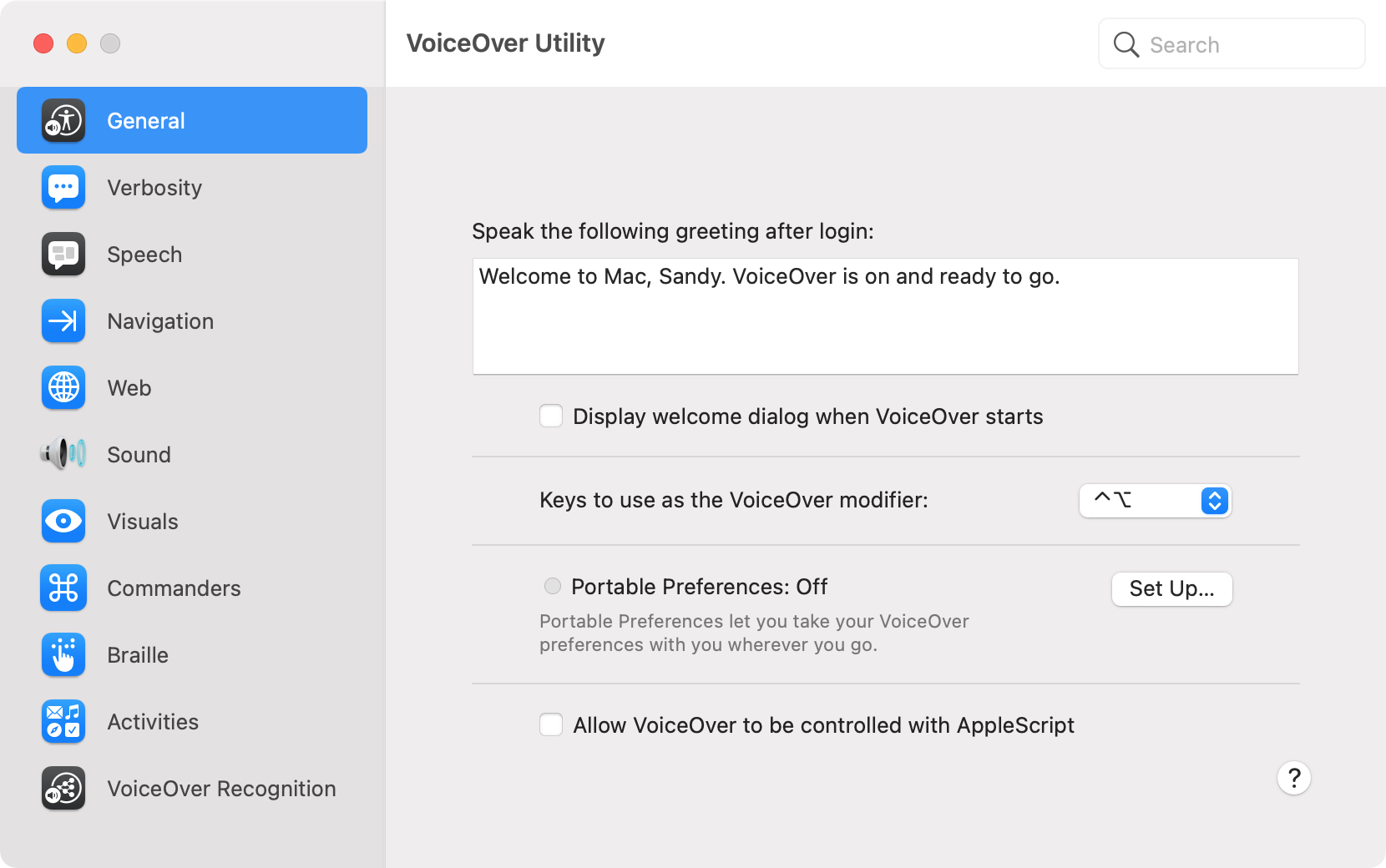
With VoiceOver on your Mac, you can perform tasks, take actions, and do everything you need to do while experiencing a visual impairment. We’ve walked you through the basics like turning VoiceOver on and off, setting up your modifier keys, and working with app windows.
Here, we’re going to explore customizing VoiceOver on your Mac with a tool called VoiceOver Utility. In this one handy spot, you can change the voice, magnify your cursor, and adjust the announcements you hear. And since many of our upcoming VoiceOver how-tos will direct you to this location, it’s good to become familiar with it. Ready? Here’s how to use VoiceOver Utility to customize VoiceOver on Mac.

Power users usually prefer to start a fresh new installation of Big Sur rather than upgrade the existing copy of the macOS operating system on their Mac. If you're among them, you'll need to perform a clean install of Big Sur. The process entails doings things such as backing up your Mac, wiping off the current operating system and creating a bootable installer. Follow this tutorial for detailed instructions on how to perform a clean install of macOS Big Sur.
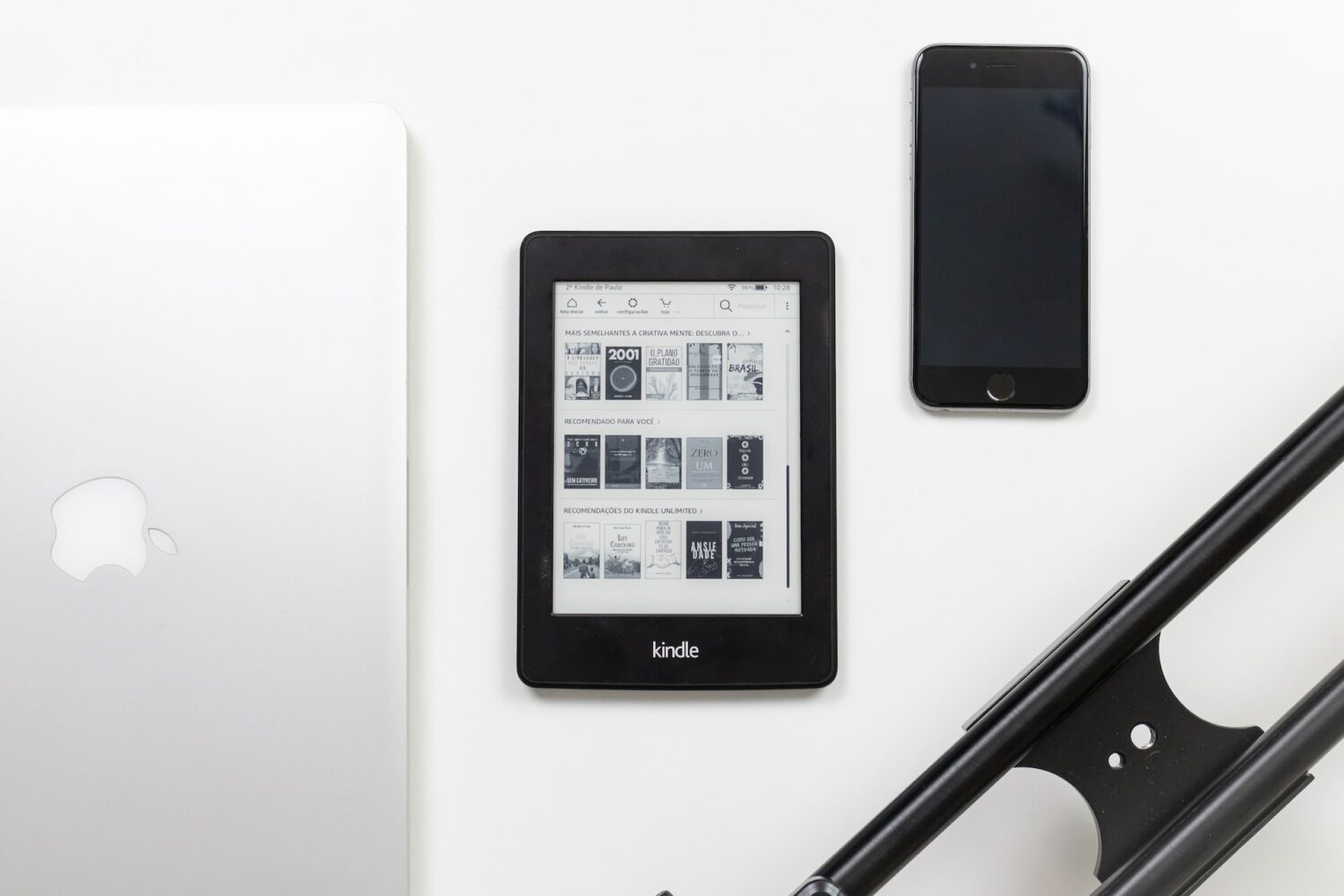
The nice thing about an eReader like the Kindle Paperwhite is that you aren’t stuck with how a book is formatted. You can adjust the font size and style, and to go along with that, you can change the spacing and margins. This makes reading without the need for reading glasses wonderful.
Here, we’ll show you how to adjust the page layout for a book on your Kindle Paperwhite.
Apple provides the enhanced Universal 2 binary feature to its developers who wish to ship macOS apps that pack in code for both Intel and Apple Silicon systems. In other words, a universal binary runs natively on both Apple M1 and Intel-based Mac computers because it contains executable code for both architectures. However, certain edge cases may justify running a native Apple Silicon app under Rosetta emulation, and we show you how it's done.
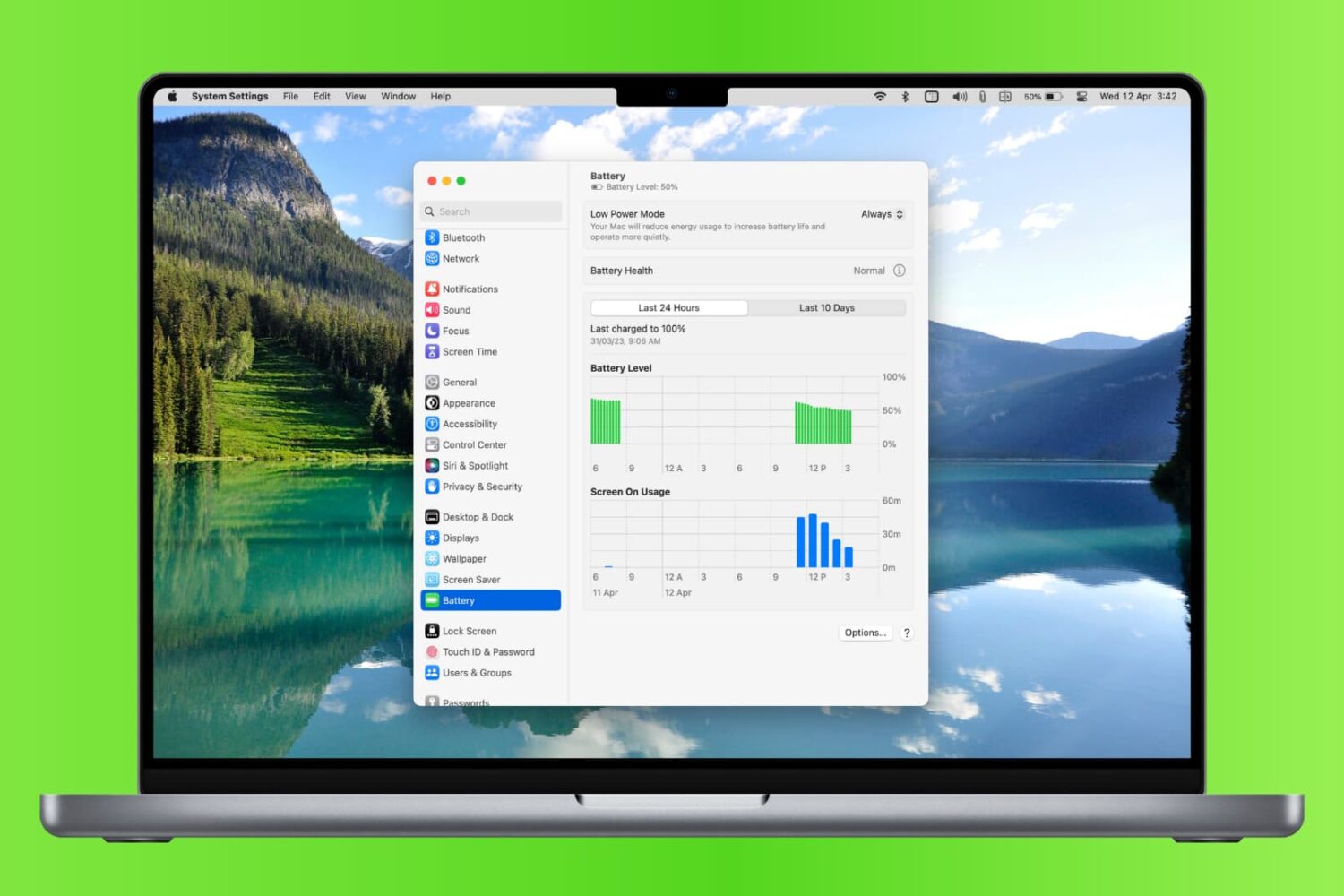
Learn how to check your MacBook’s battery usage history so you can compare charging accessories, view days with heavy use, and more.
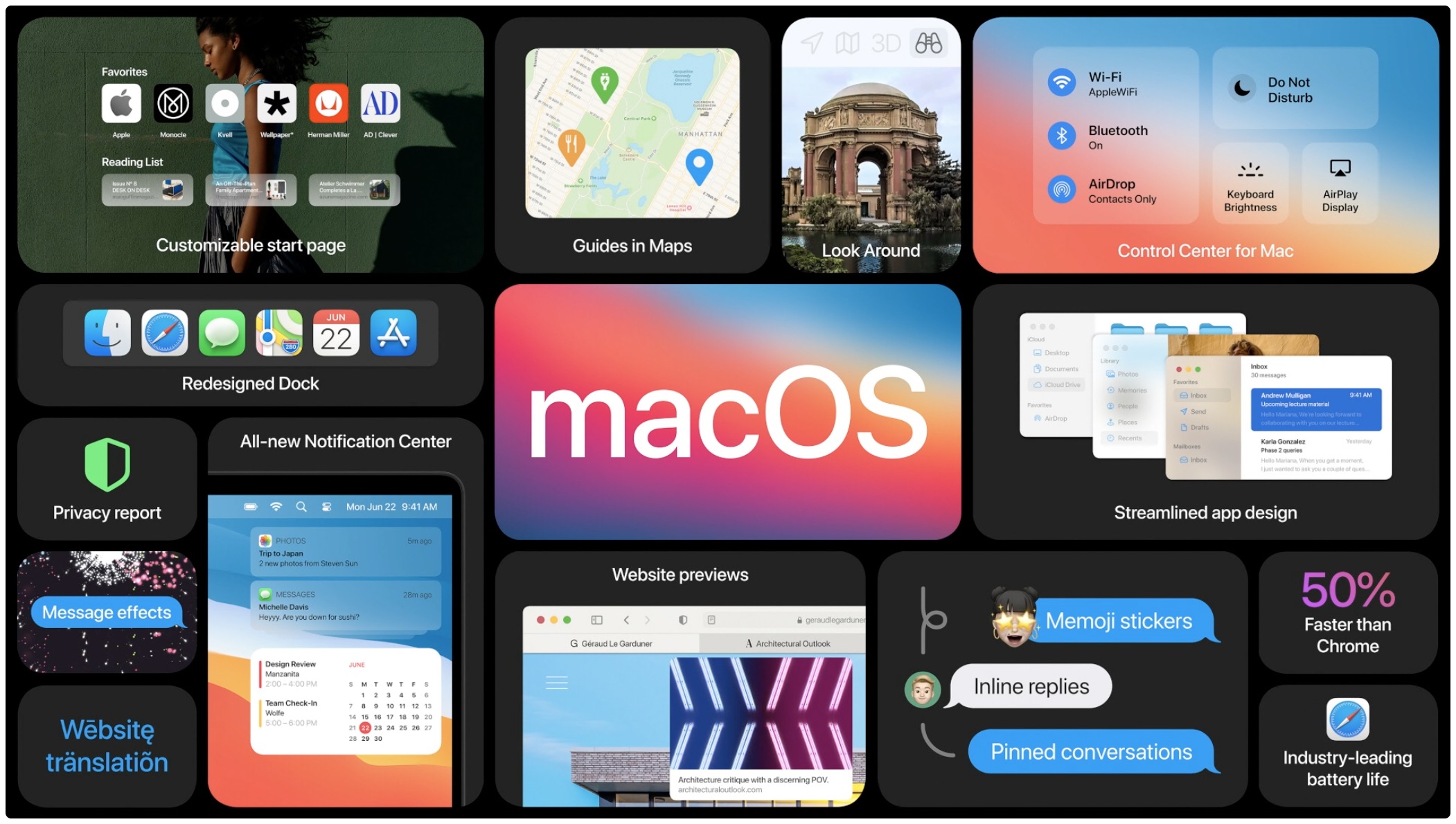
macOS Big Sur, Apple's latest software powering Macs, has been available for more than a week now. As some people have reported problems when trying to update their late-2013 or mid-2014 13-inch MacBook Pro notebook to Big Sur, Apple has now offered a fix.
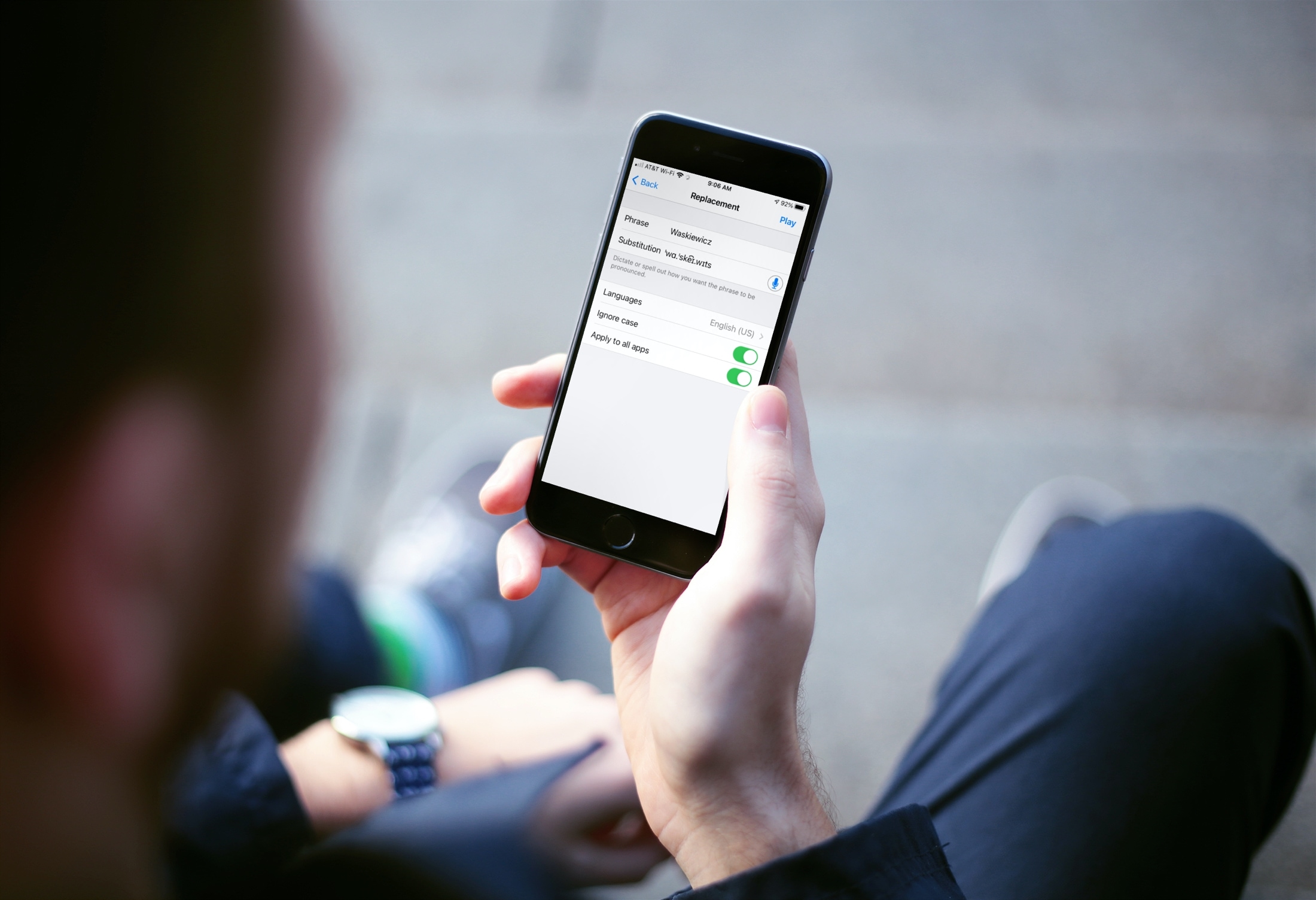
Learn how to add your own pronunciations on iPhone and iPad for words or phrases you want spoken a certain way.
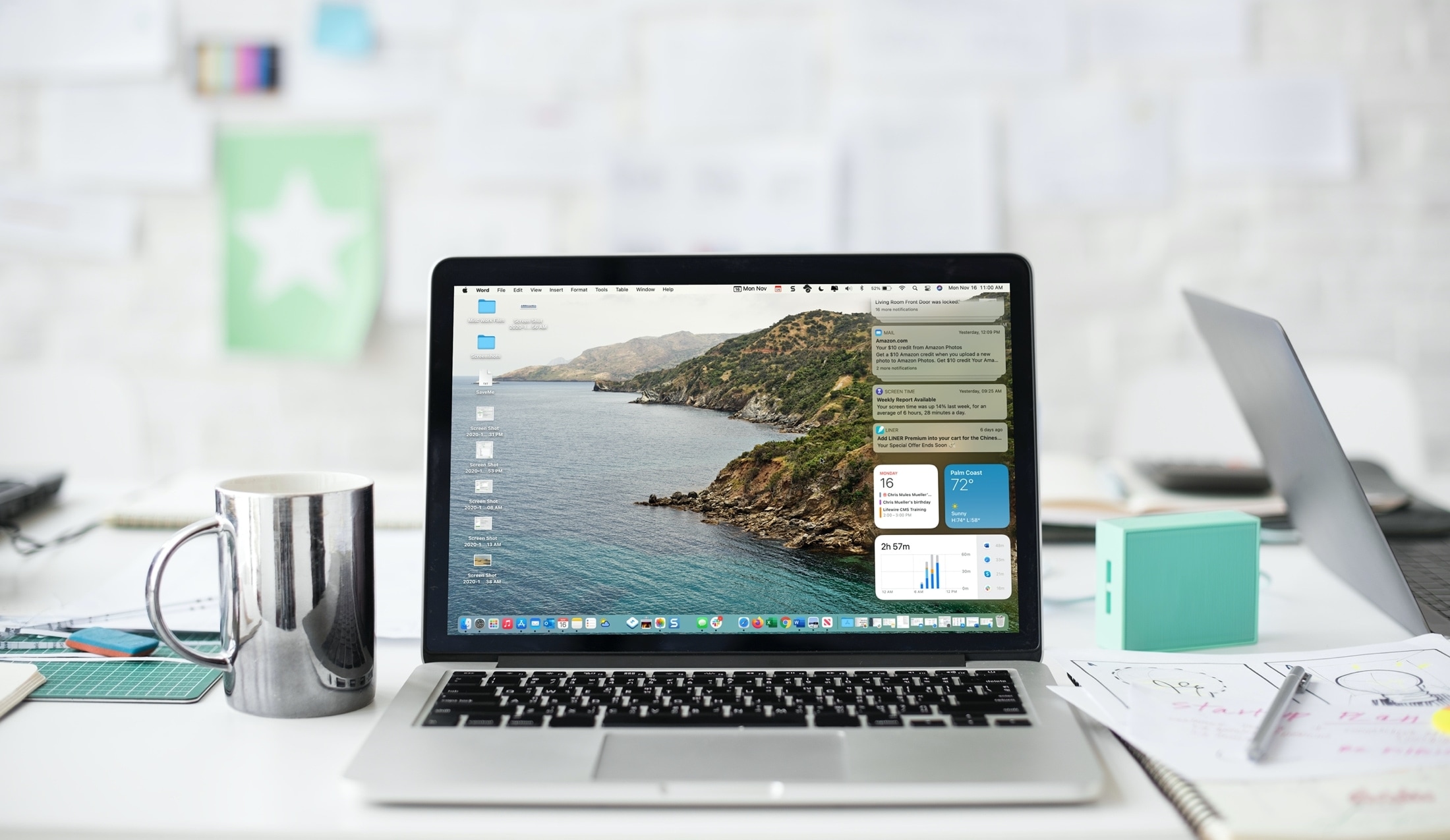
Learn how to customize and use the Notification Center on your Mac so you can see the stacked notifications the way you like, interact with them, and work with macOS widgets.