Check out these specific instructions on how to clean Apple’s polishing cloth to prevent damage when removing dust or smudges from your nano-texture glass screen.
How to clean your Apple Polishing Cloth the right way
Check out these specific instructions on how to clean Apple’s polishing cloth to prevent damage when removing dust or smudges from your nano-texture glass screen.
Released just over two years ago, the checkra1n jailbreak has proven to be particularly resilient because of the hardware-based checkm8 bootrom exploit that powers it. The checkm8 exploit targets A7-A11 devices (up to and including the iPhone X), and due to being hardware-based, Apple can’t patch it for those devices already in circulation.
Too many Home Screen pages? Check out this quick tip to hide, rearrange, or delete Home Screen pages on iPhone and iPad.
In this tutorial, we’ll show you how to prevent WhatsApp from saving media to your iPhone if unnecessary images and videos sent from friends, family, and businesses are filling up the iOS Photos app.
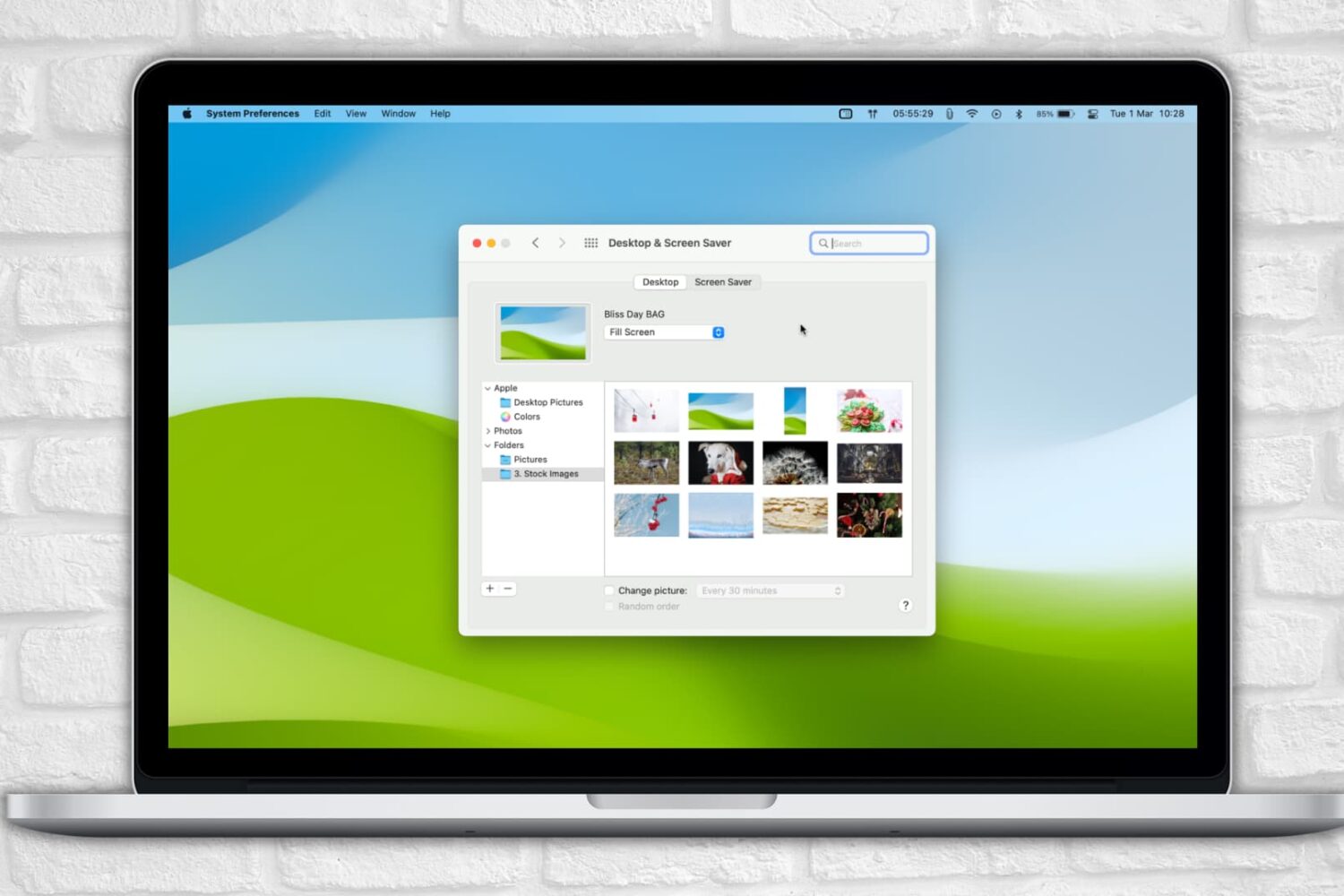
Learn what to do if your Mac is stuck on the screen saver screen and is refusing to let you go in.
Learn what to do if your iPhone screen is too dim or the brightness fluctuates abruptly, affecting your ability to use your phone properly.
Power Reserve mode allows you to use certain features when the battery is low or the device is completely turned off. It runs your device on low energy until the battery is fully depleted, letting you access features like Apple Pay that don't require the operating system to be up and running. In this guide, we're going to explore how Power Reserve works, see which devices support this handy feature and learn what you can do with it.
App Library was introduced on iPhone with iOS 14 and iPad with iPadOS 15. Since then, it has stayed on all future versions, including iOS 16. If you aren't a big fan of App Library, you might want to disable it temporarily or turn it off entirely.
The bad news is you can't disable or toggle off App Library on iPhone. But there are some things you can do to make sure you do not have to use it ever. So you can't get rid of App Library, but we show you how to ignore it.
In this tutorial, we will show you how to set your Mac to automatically start playing music when it starts up or after a reboot.
Learn how to add, edit, change, manage, and delete watch faces directly from your Apple Watch or iPhone to keep the look fresh and suitable for different occasions.