How to

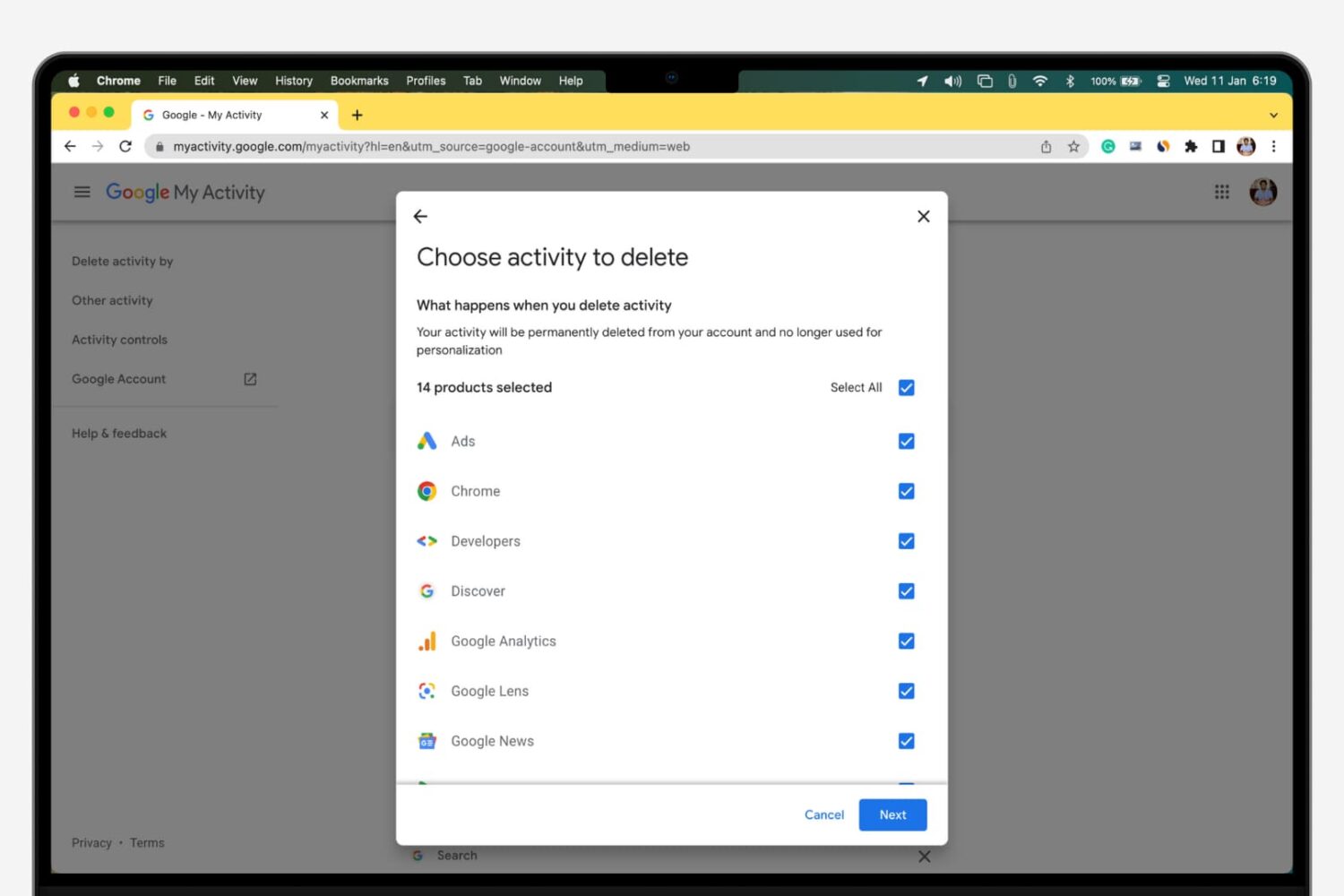
How to view and delete your Google search history

Delete your Google activity

Whenever you make a Google search while being logged in to any service from the company, your search is saved to your Google account’s activity. This is designed to help improve your search experience by increasing the amount of relevant results you'll see.

In this tutorial, we’ll show you how to view and delete your Google search query history, a step you can take to increase your privacy by preventing others from seeing what you’ve searched for.

How to play YouTube and other web videos inline in Safari on iPhone

With iOS 10, Safari didn't receive a major facelift like some other Apple apps did. That's not saying Safari didn't have a few tricks up its sleeve that make browsing the web a more pleasing experience for everyone. One of the little things about iOS 10 that I'm sure many folks appreciated was the ability for Safari to play videos inline on the iPhone and iPod touch, too.

This feature has been present on iPads for years.

Thankfully, you can watch most web videos inline on your iPhone and iPod touch, even while multitasking in Safari. Telling Safari to play a video inside the webpage isn't as obvious as it could have been, so here's a little tutorial to get you up to speed.

How to disable Direct Message read receipts on Twitter

Twitter has made some new changes to the Direct Message system that lets its users communicate with one another privately. Among those changes is the addition of sending and receiving read receipts.

In this tutorial, we'll show you how you can disable those read receipts so you're not letting everyone know when you see their Direct Messages.

How to delete a contact group from iCloud

Contact groups can be useful, but as your list of contacts changes over time, you may outgrow the need for some you already have, or develop a need to make more. In this tutorial, we'll show you how you can delete a contact group from iCloud.com.

Spring-cleaning your contact group list helps reduce clutter in the Contacts app and makes it easier to find the contacts you want right when you need them.

Importing data to Safari from another web browser

Love it or hate it, Apple's Safari is a zippy web browser that performs well on the Mac, and it continues to get more and more competitive with other web browser platforms.

Since Apple wants you to use Safari on your Mac, it's a no-brainer they're going to make it easier to migrate your web data from one web browser to another.

In this tutorial, we're going to show you how to import bookmarks to Safari, along with your other web data, from a different web browser.