Learn how to set Safari on your Mac to automatically reopen all windows from the last session so you can continue browsing where you left off without skipping a beat.
How to have Safari on Mac always open with all windows from your last session
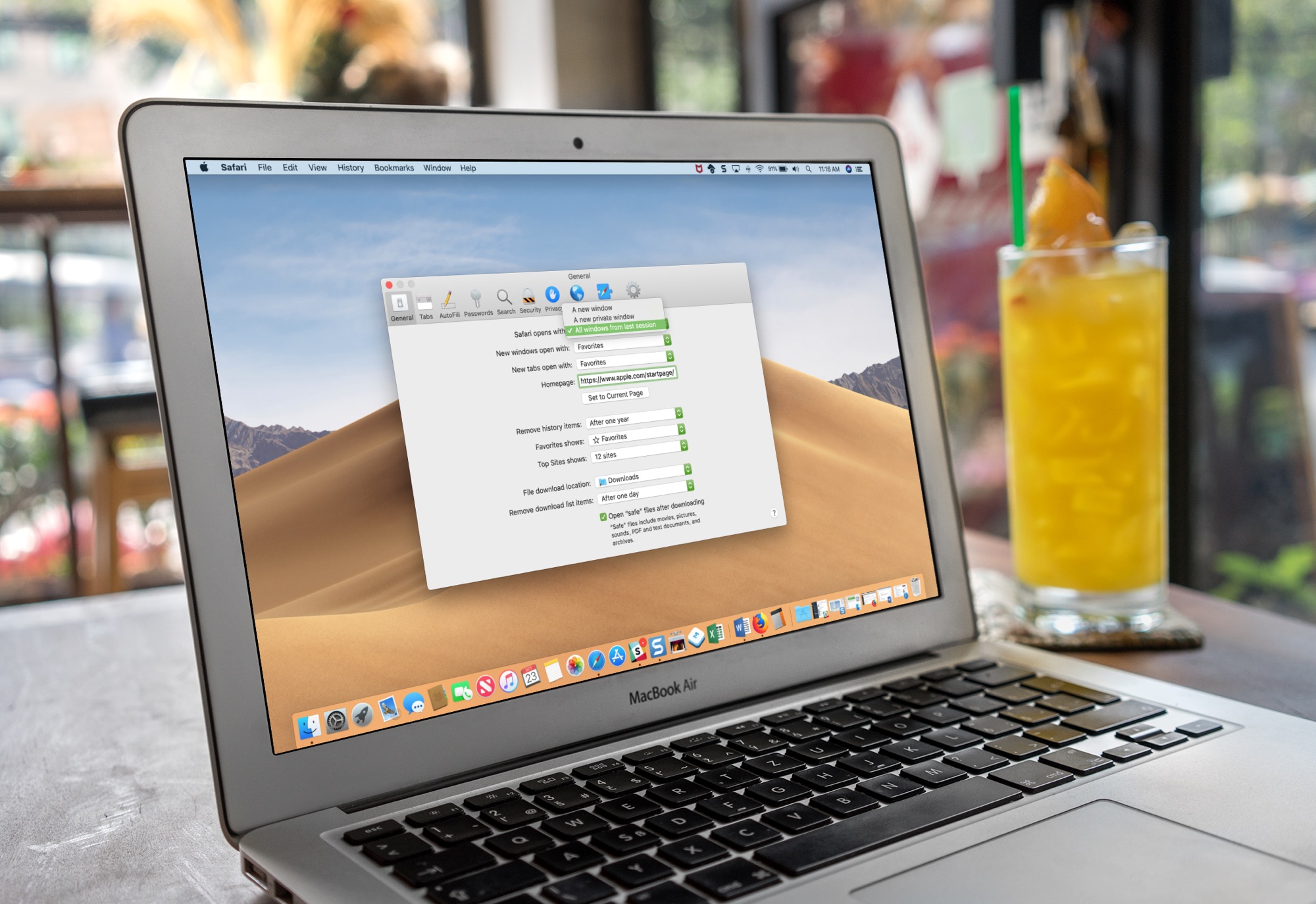
Learn how to set Safari on your Mac to automatically reopen all windows from the last session so you can continue browsing where you left off without skipping a beat.

Learn how to view real-time word count in Apple's Pages app on your iPhone, iPad and Mac for the whole document or just an arbitrary block of text.
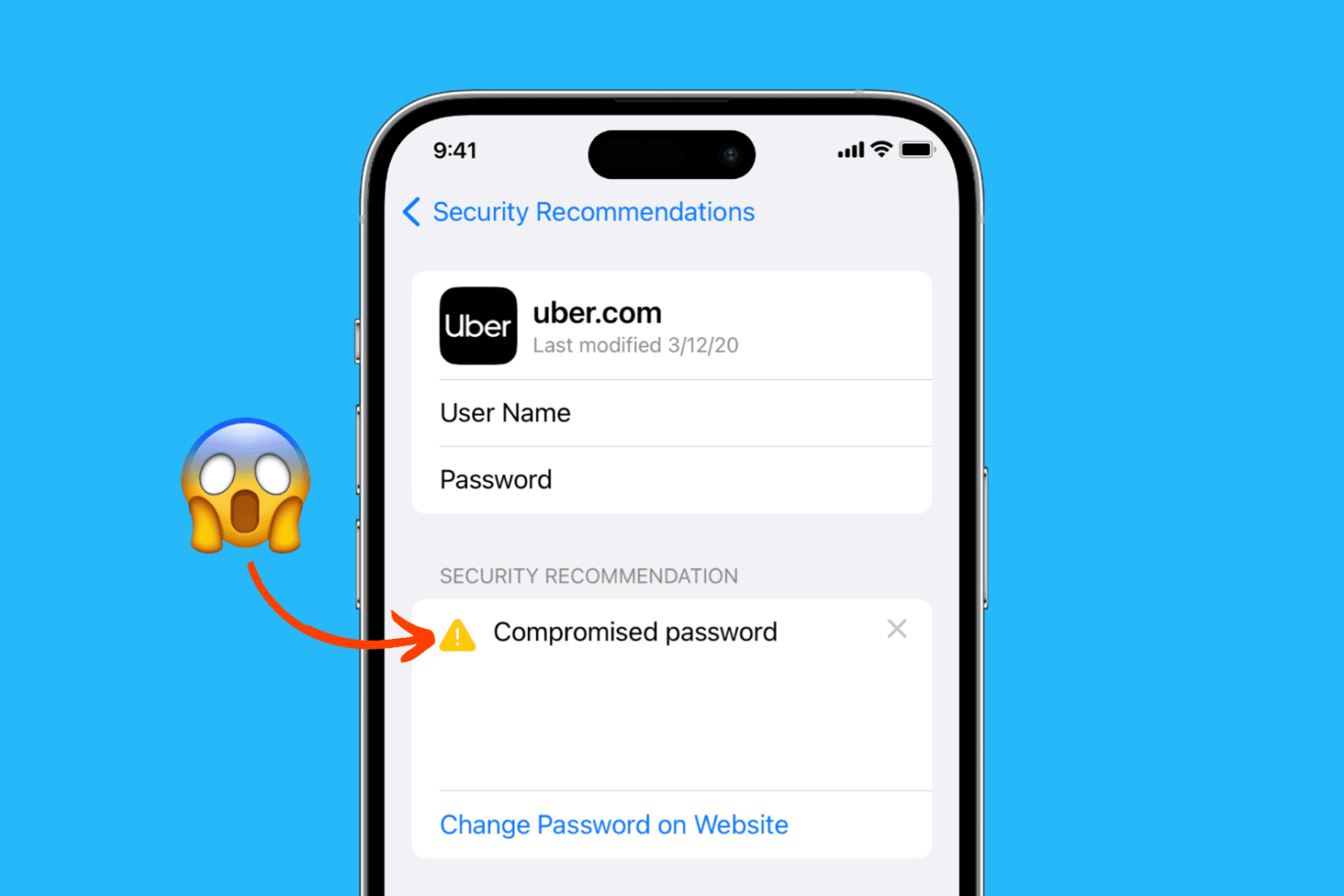
Learn how to easily identify your account passwords that are compromised, unsafe, weak, or reused, and change them to increase your security on iPhone, iPad, and Mac.
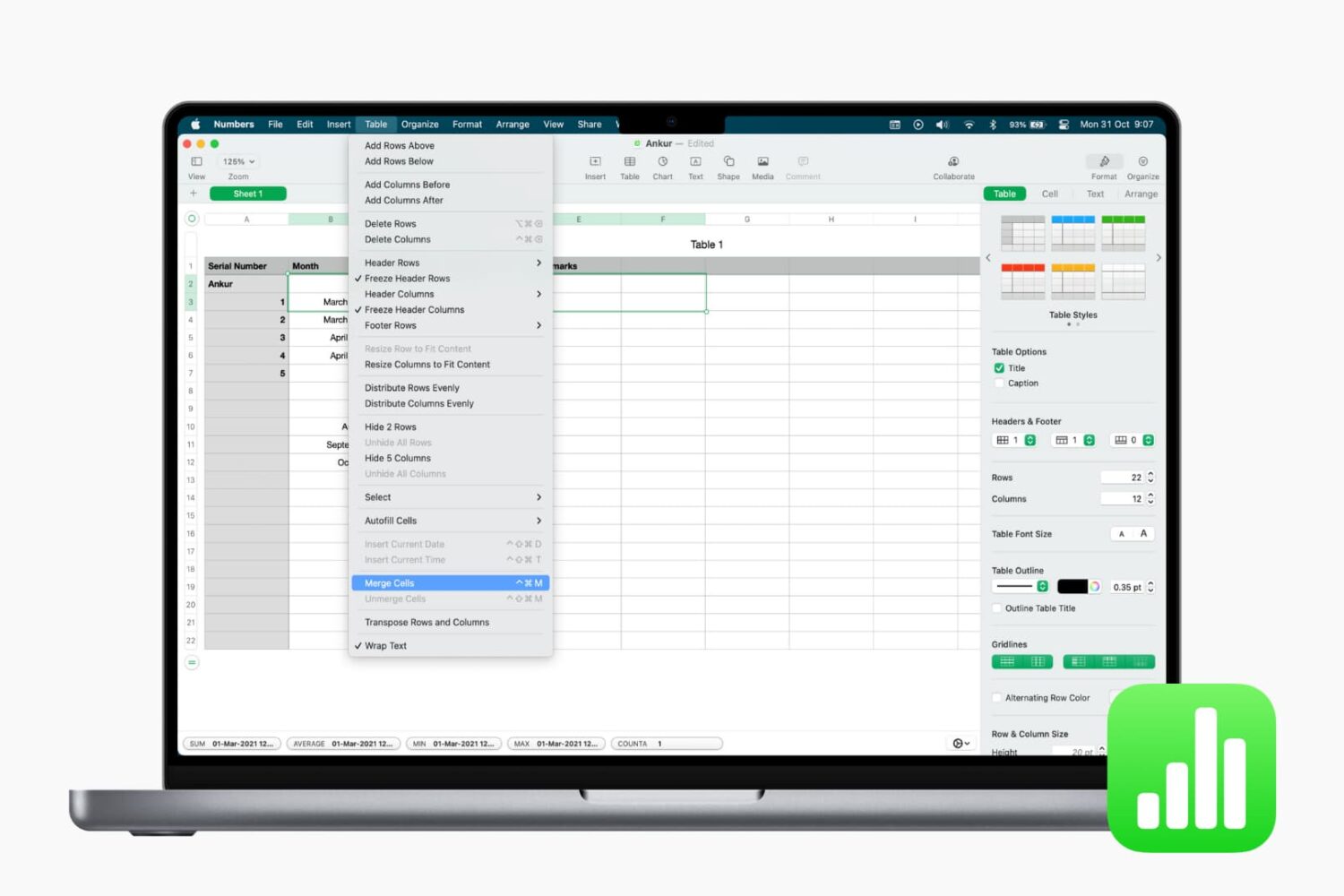
Learn how to merge cells in Apple Numbers on your iPhone, iPad, and Mac to combine multiple columns, rows, or adjacent cells into one.

Learn how to sort your contacts by their first name followed by their last name in the Contacts app on iPhone, iPad, and Mac.

Learn how to seamlessly integrate your iPhone calls with your iPad and Mac, ensuring you never miss a call across devices.
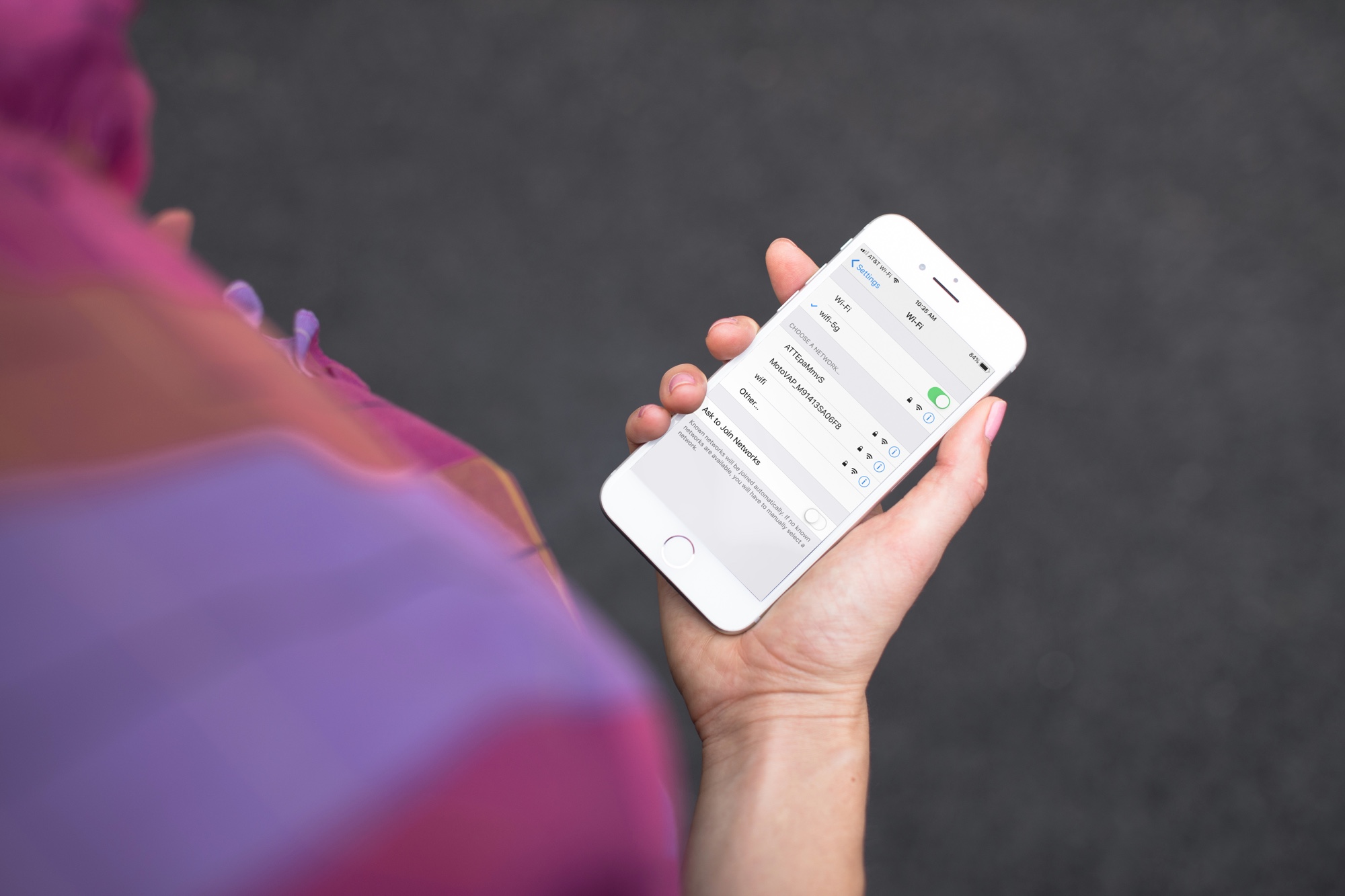
Have you noticed that your iPhone or Mac is showing an alert to join new Wi-Fi networks?
By turning off one simple setting, you can prevent this from happening, and this short tutorial shows you how to do that.
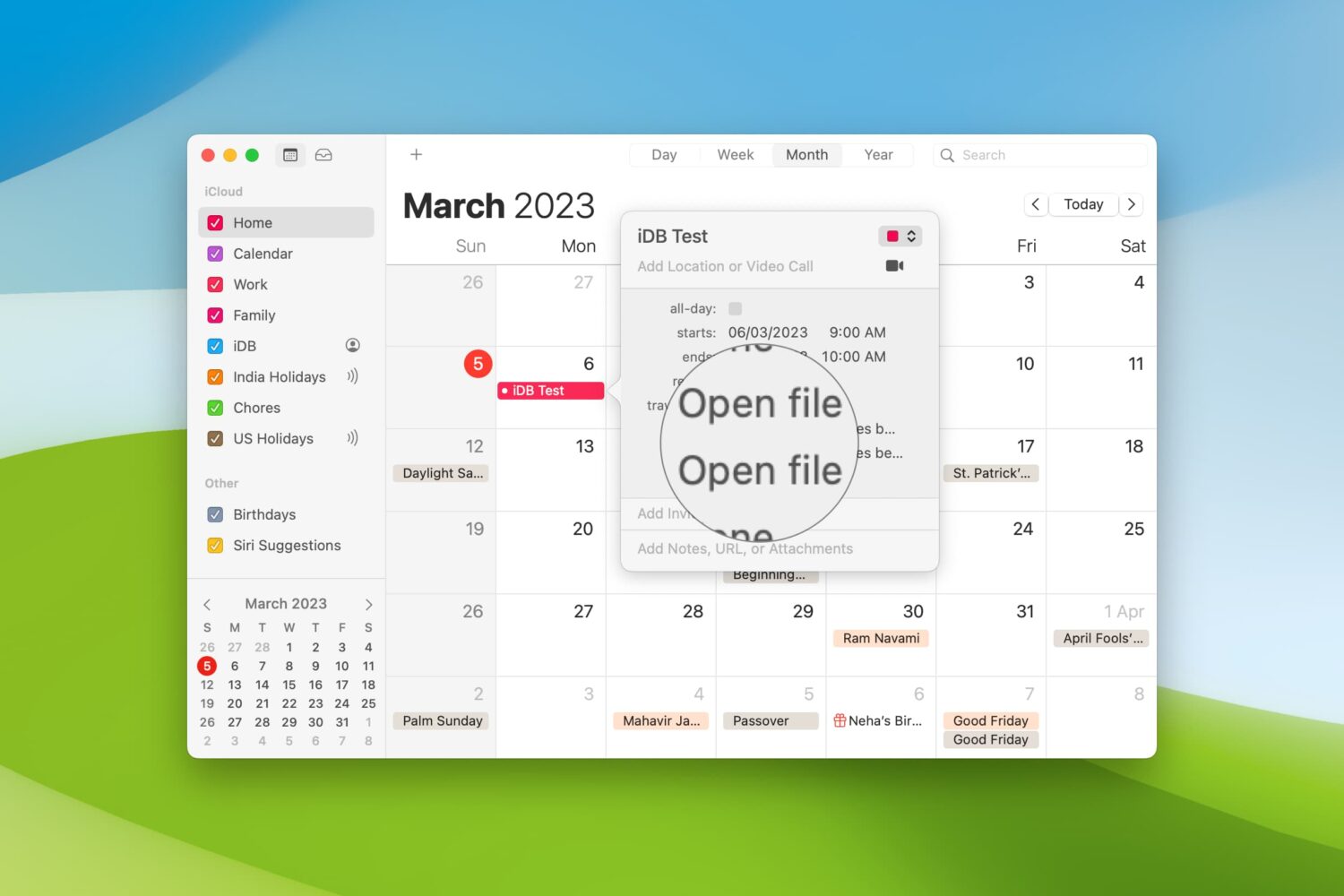
When you’re getting ready to join a meeting, whether it’s a web conference, conference call, or in-person meeting, you often have at least one file you need for it.
One way to ensure you don’t forget that important document is by including it with the event on your Calendar. This can help ensure you have all the necessary documents or notes in front of you and minimize the chance of forgetting something important.
Here’s how to set your Mac Calendar app to open that file right before your meeting.

Learn how to hide the floating thumbnail preview of screenshots you take on your Mac so it doesn't appear on any subsequent screenshots you take seconds later.

Learn how to quickly convert rows to columns or vice versa in your spreadsheet in the Apple Numbers app on iOS and macOS if you want to format the table differently.
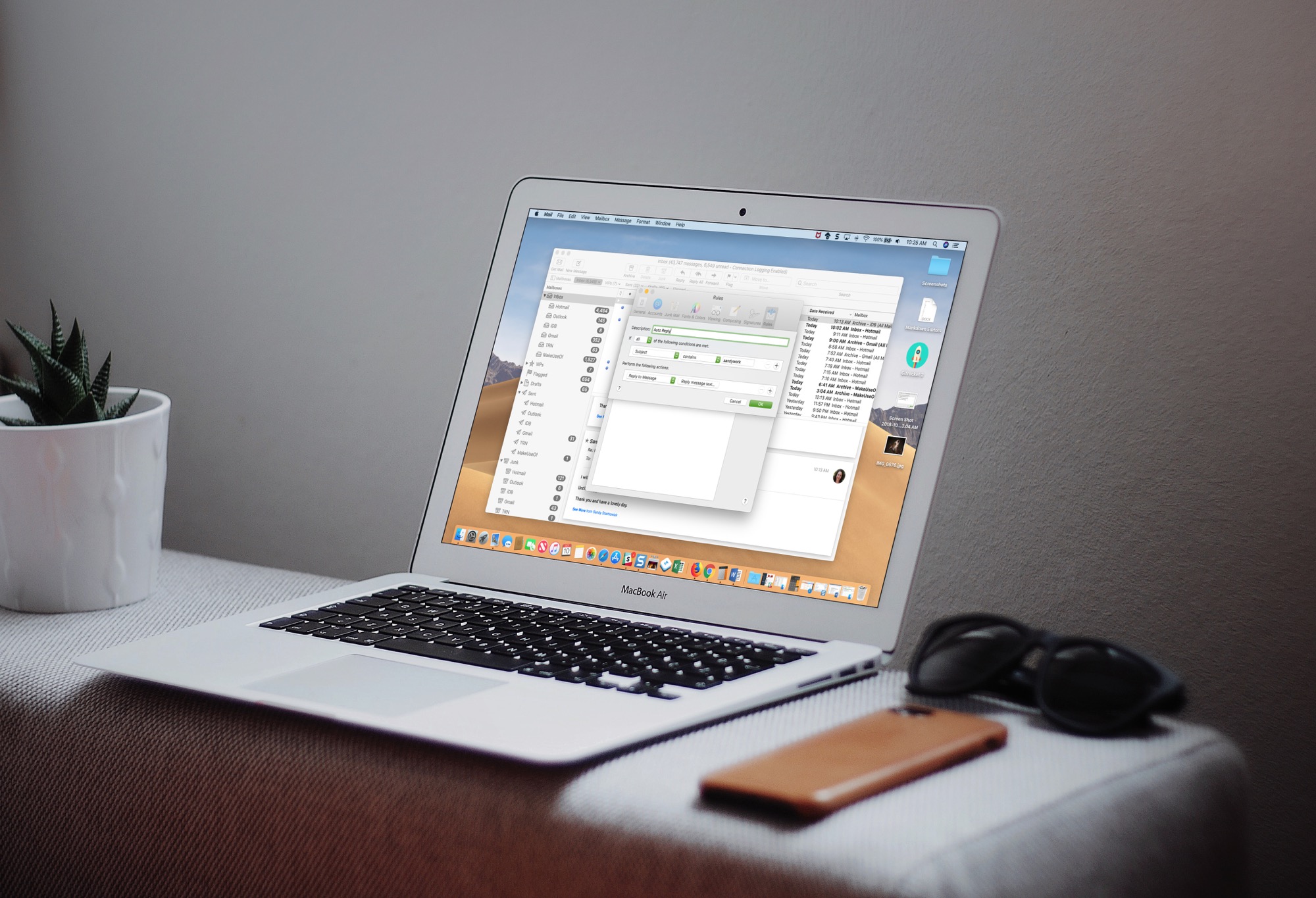
Learn how to set up an automatic email reply in the Apple Mail app on Mac to keep your contacts in the loop, even when you’re away from your computer.
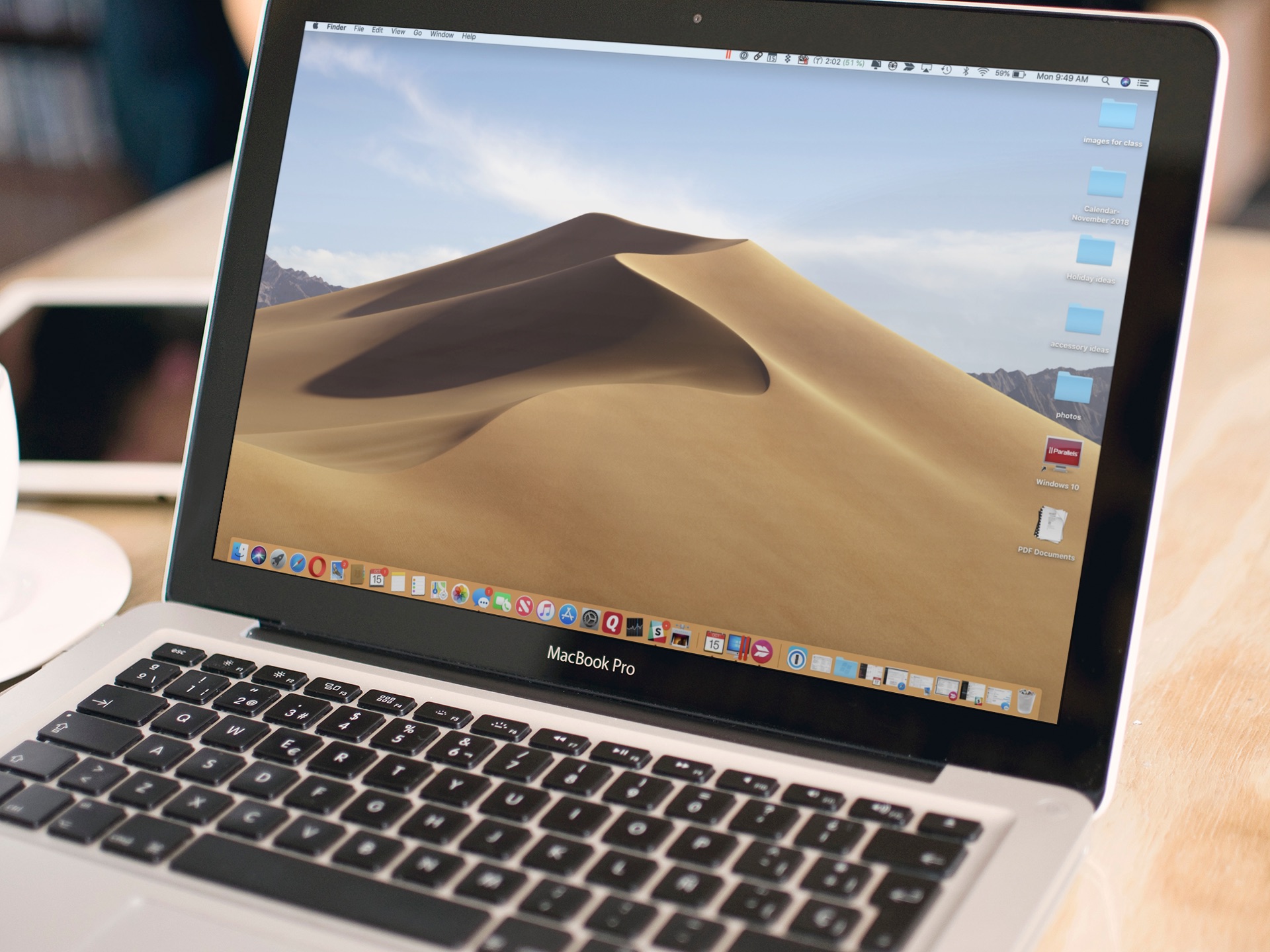
Do you have a hard time finding a folder on your Mac? Do you wish there was an easier way to access your data? A simple feature of macOS makes it simple to keep folders on top of your Desktop or Finder windows. Here's how to do it.