Learn how to merge all windows in Safari for Mac if you'd like to use tabbed browsing in a single window instead and instantly declutter your desktop.
How to merge separate Safari windows into one on Mac

Learn how to merge all windows in Safari for Mac if you'd like to use tabbed browsing in a single window instead and instantly declutter your desktop.
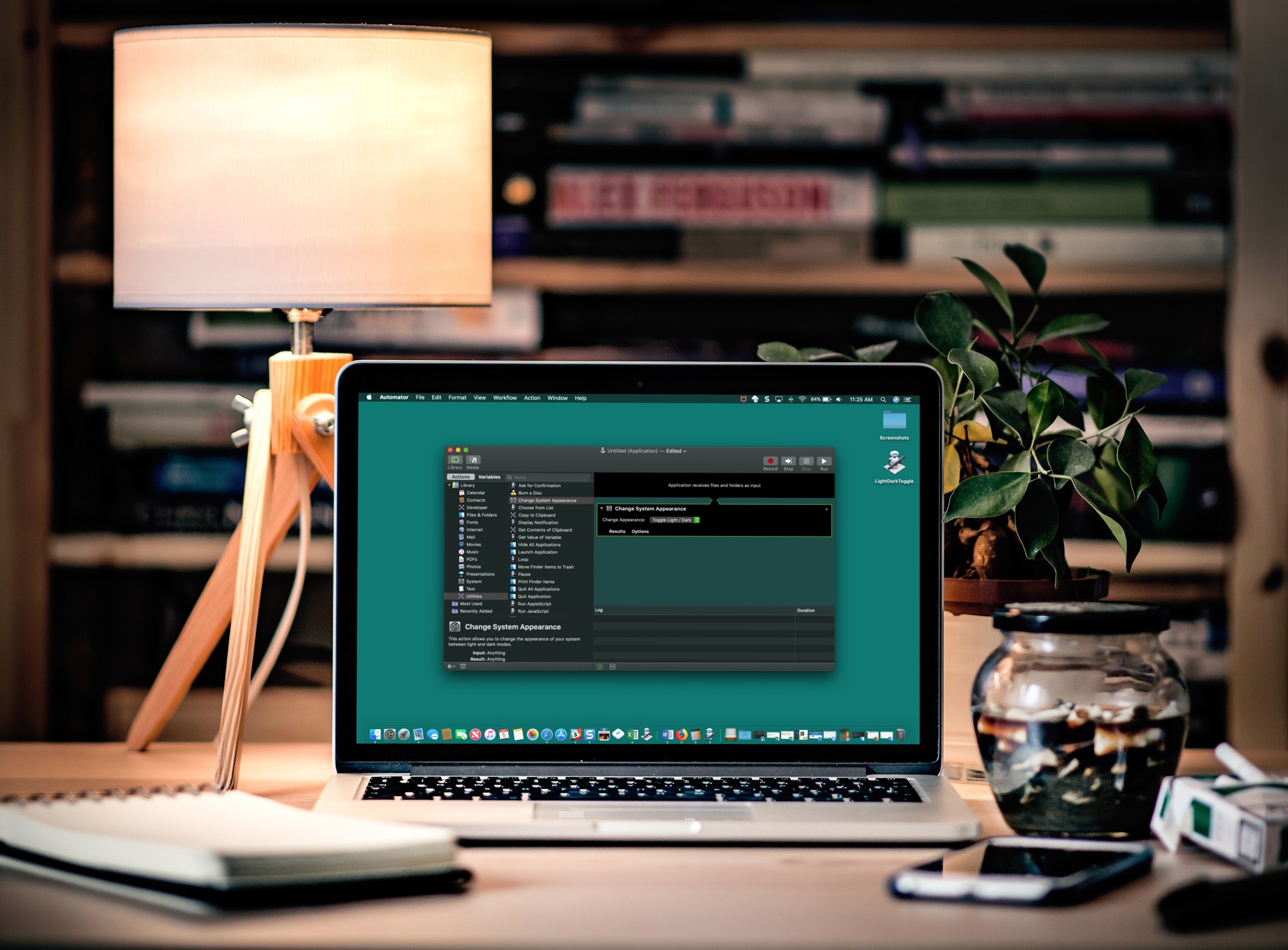
If you like switching back and forth between Light Mode and Dark Mode on your Mac but get tired of going through the process to do so, there’s an easier way.
In just a few minutes, you can create and add a Light/Dark Mode switch to your Mac Dock. It’s super simple, and here’s how.
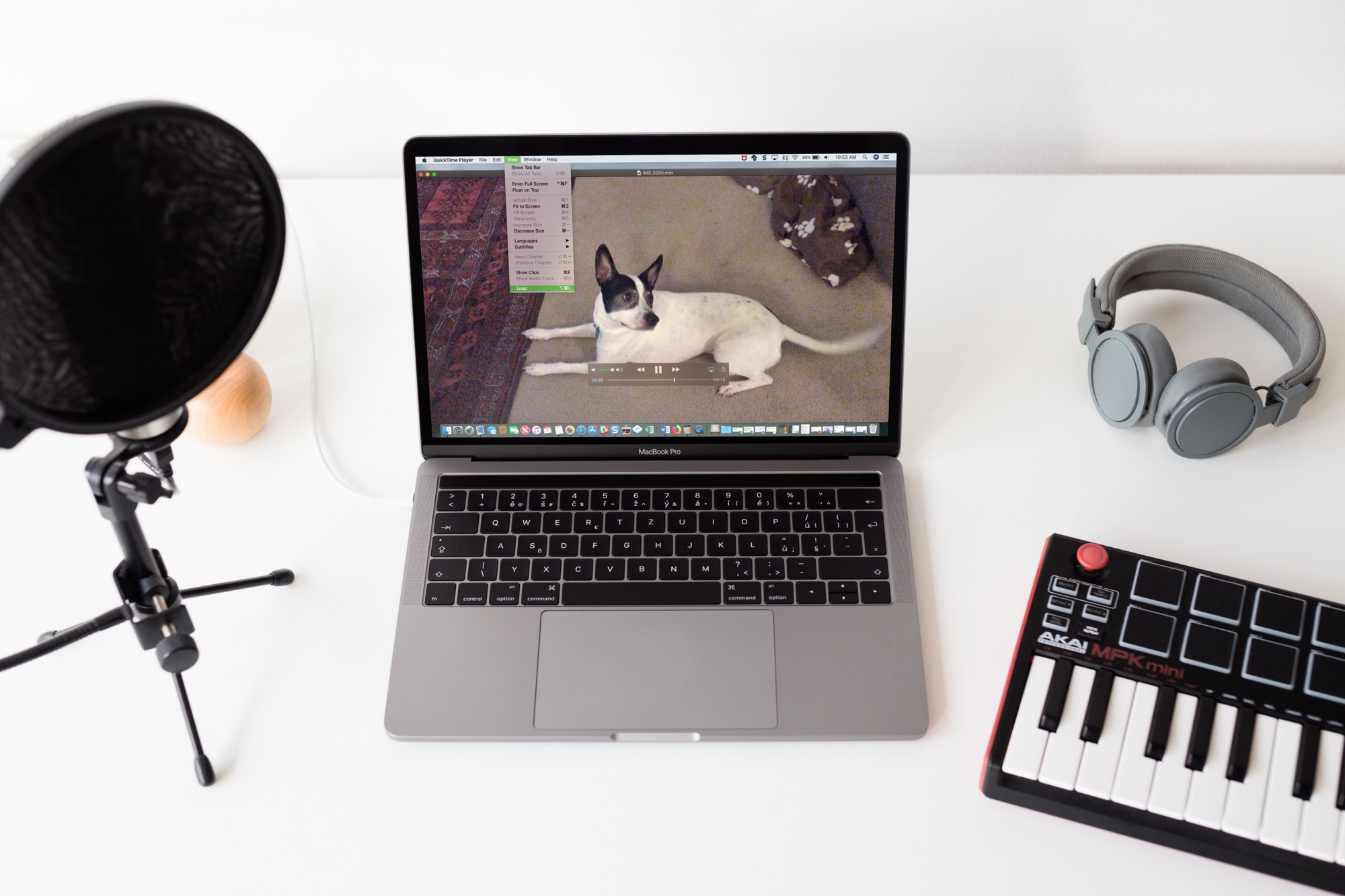
Sometimes you just can’t get enough of a video. Whether it’s one you created or one that someone shared with you, whether it's audio or visual, you can easily play it over and over without hitting a button. If it can be played in QuickTime, it can be looped in QuickTime. And you can do this in just a few clicks.
Here’s how to loop a video in QuickTime Player on Mac.

Learn how to make the Mac's Mail app play a custom sound notification for emails containing specific phrases, or keywords like “Urgent,” “Notice,” or any custom text.

The Spark email app by Readdle has a lot of great features that users find helpful on both iOS and Mac. And, the company recently added one more to the list; email templates. This terrific addition to the app makes composing emails that you create on regular basis much simpler.
This tutorial shows you what’s available and how to use Spark email templates.

Learn how to create a table of contents in Apple Pages on your Mac to navigate lengthy documents and jump to various sections and specific page numbers.
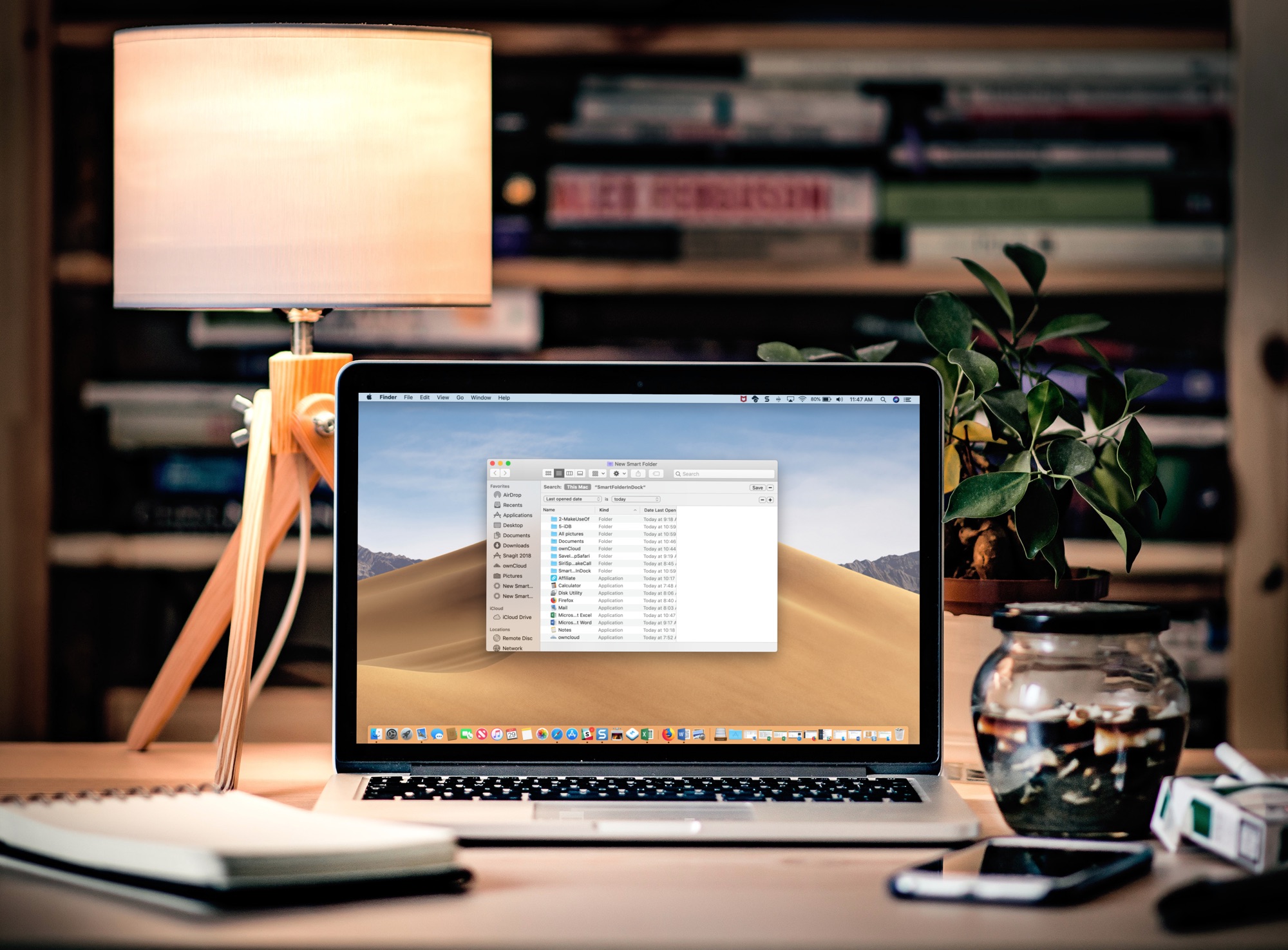
Learn how to add a folder to the Dock of your Mac that automatically gathers your recently opened files in real-time for convenient one-click access.
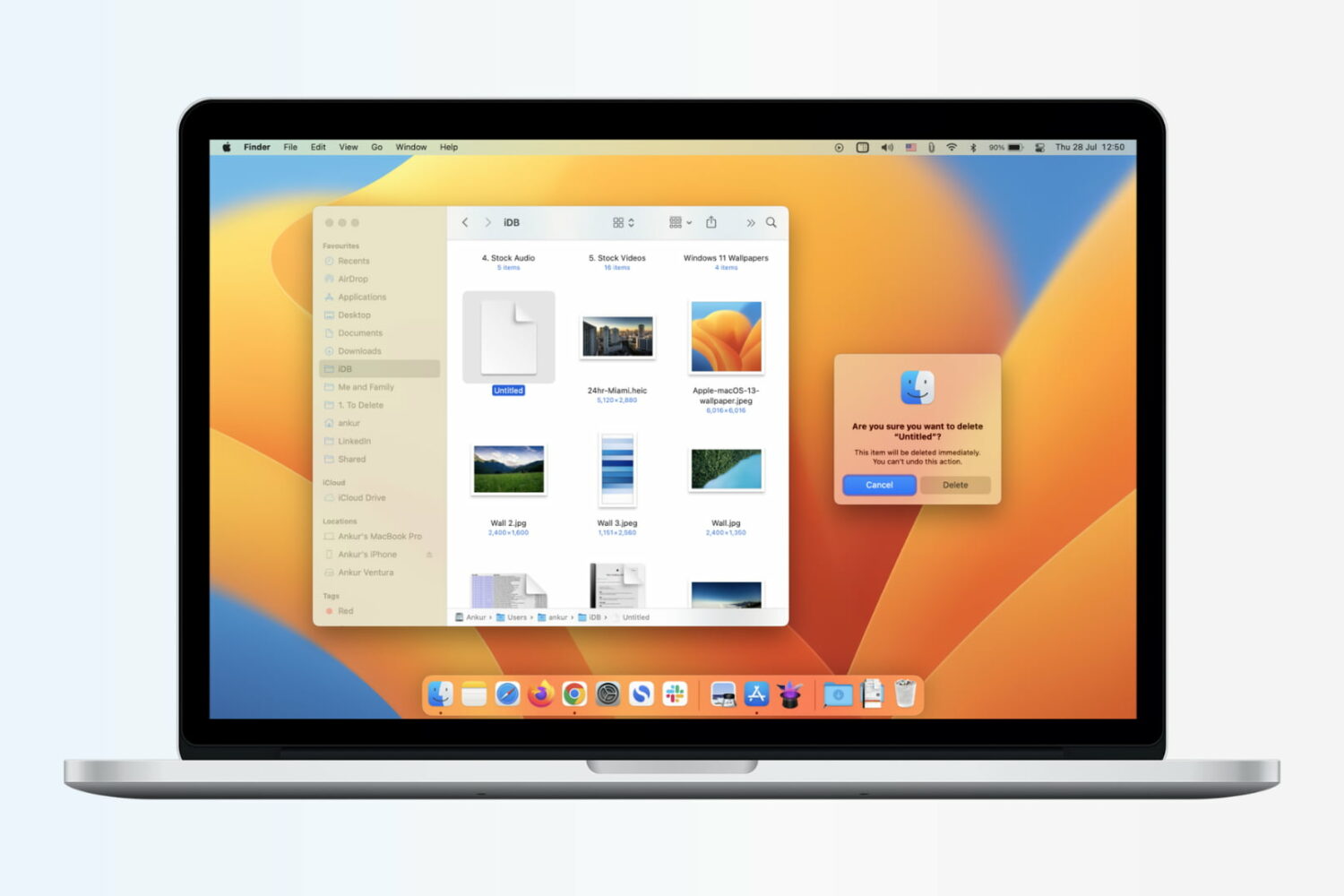
Learn how to immediately delete files on your Mac and skip the Trash altogether, which will permanently erase the items without a chance of undeleting them later.

Find out how to securely send an account login username and password from your iPhone, iPad, or Mac to another Apple device using AirDrop.

One of the first things I looked for when I started using a MacBook Pro for work was how to navigate web pages faster. Being able to move to the top, to the bottom, or both in small increments and without lifting my fingers from the keyboard was essential.
If you’re like me and want to navigate sites you visit quicker, this list is for you. Here are several keyboard shortcuts to move up, down, and sideways on web pages on Mac.
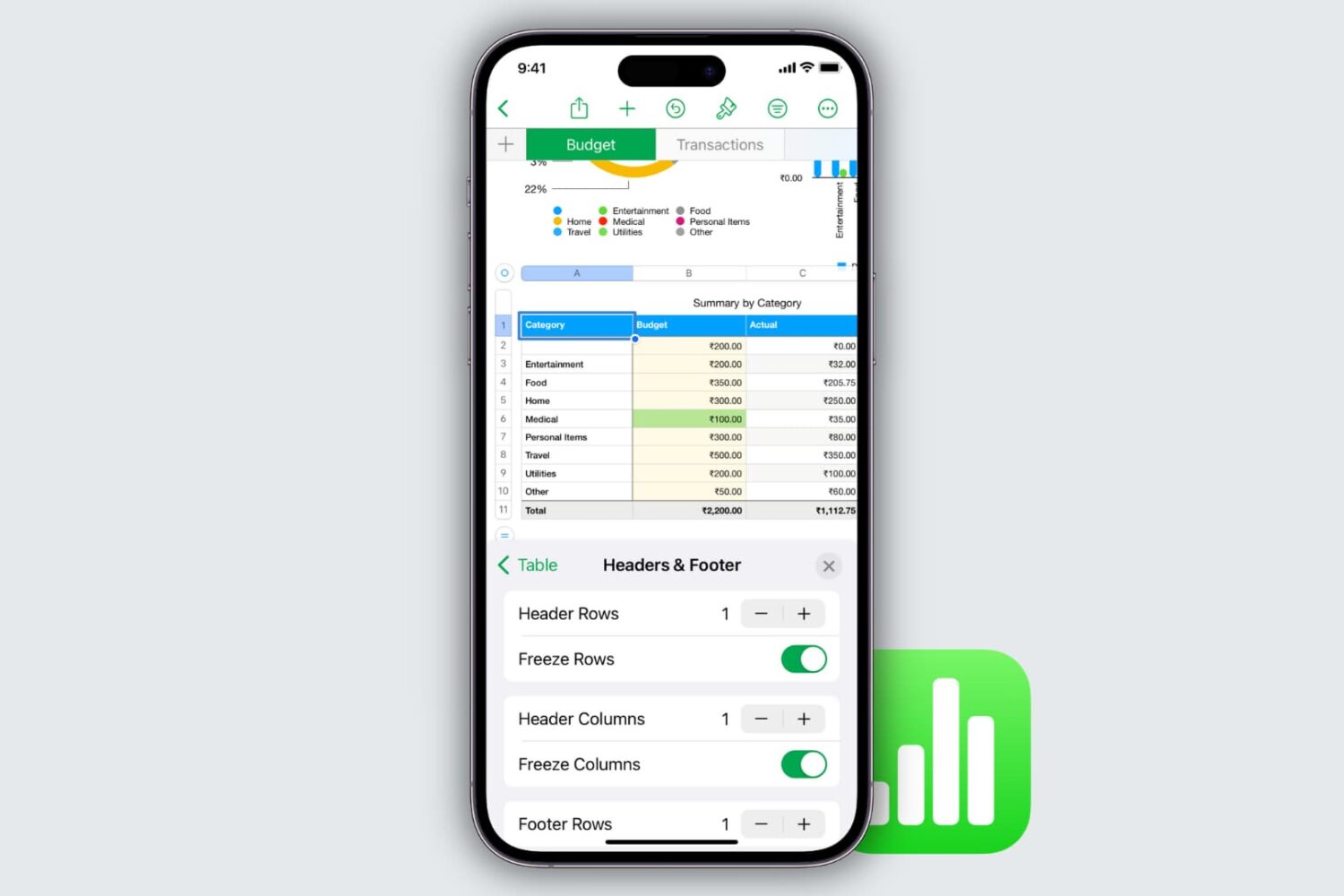
Learn how to freeze columns and rows in the Apple Numbers app on your Mac, iPad, and iPhone to keep important data in view as you scroll.