In this tutorial, we’ll show you how to scan your Mac’s drive to find and delete all duplicate files. This will help free up space and reduce clutter.
How to quickly find and delete duplicate files on your Mac
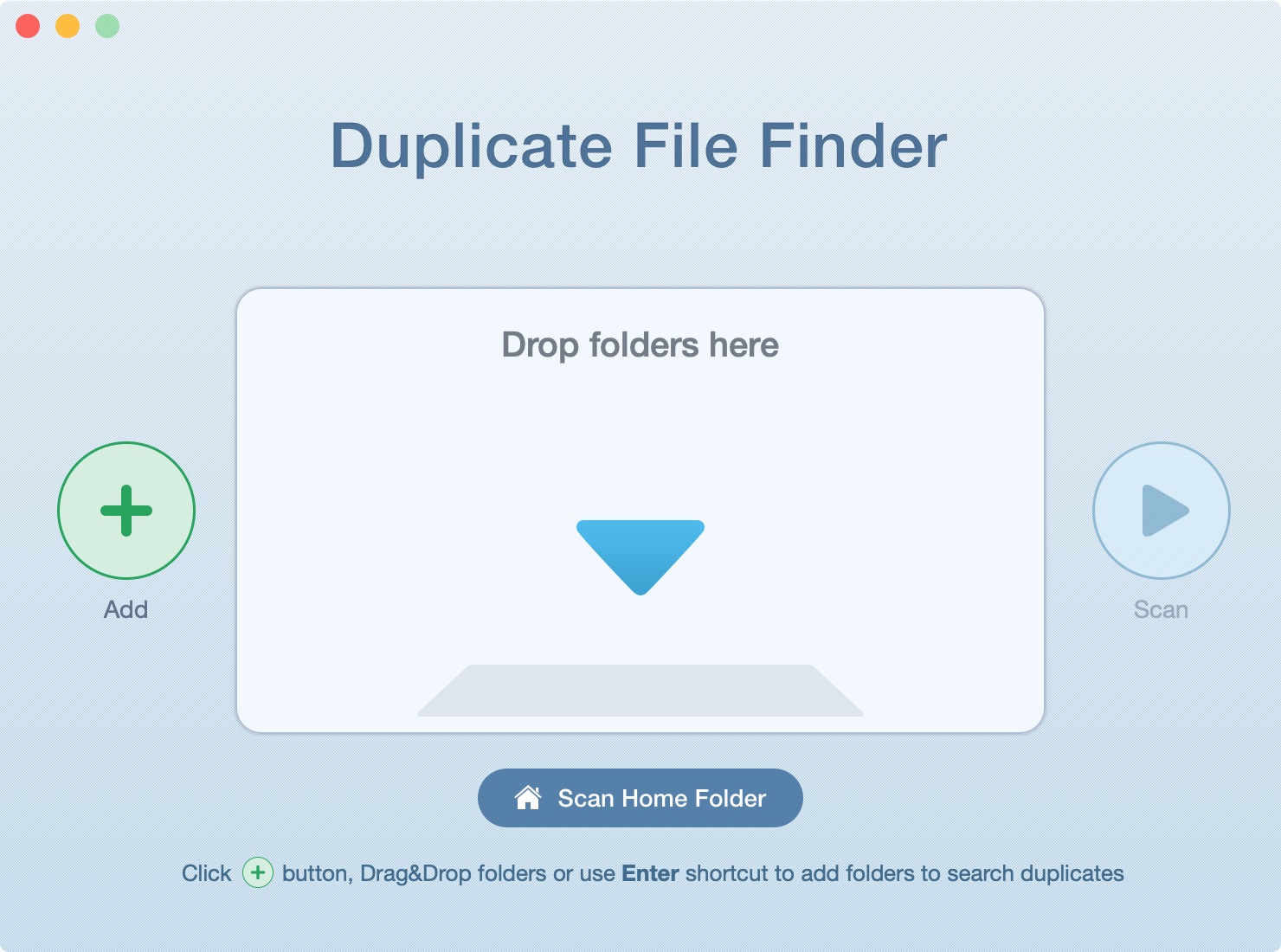
In this tutorial, we’ll show you how to scan your Mac’s drive to find and delete all duplicate files. This will help free up space and reduce clutter.
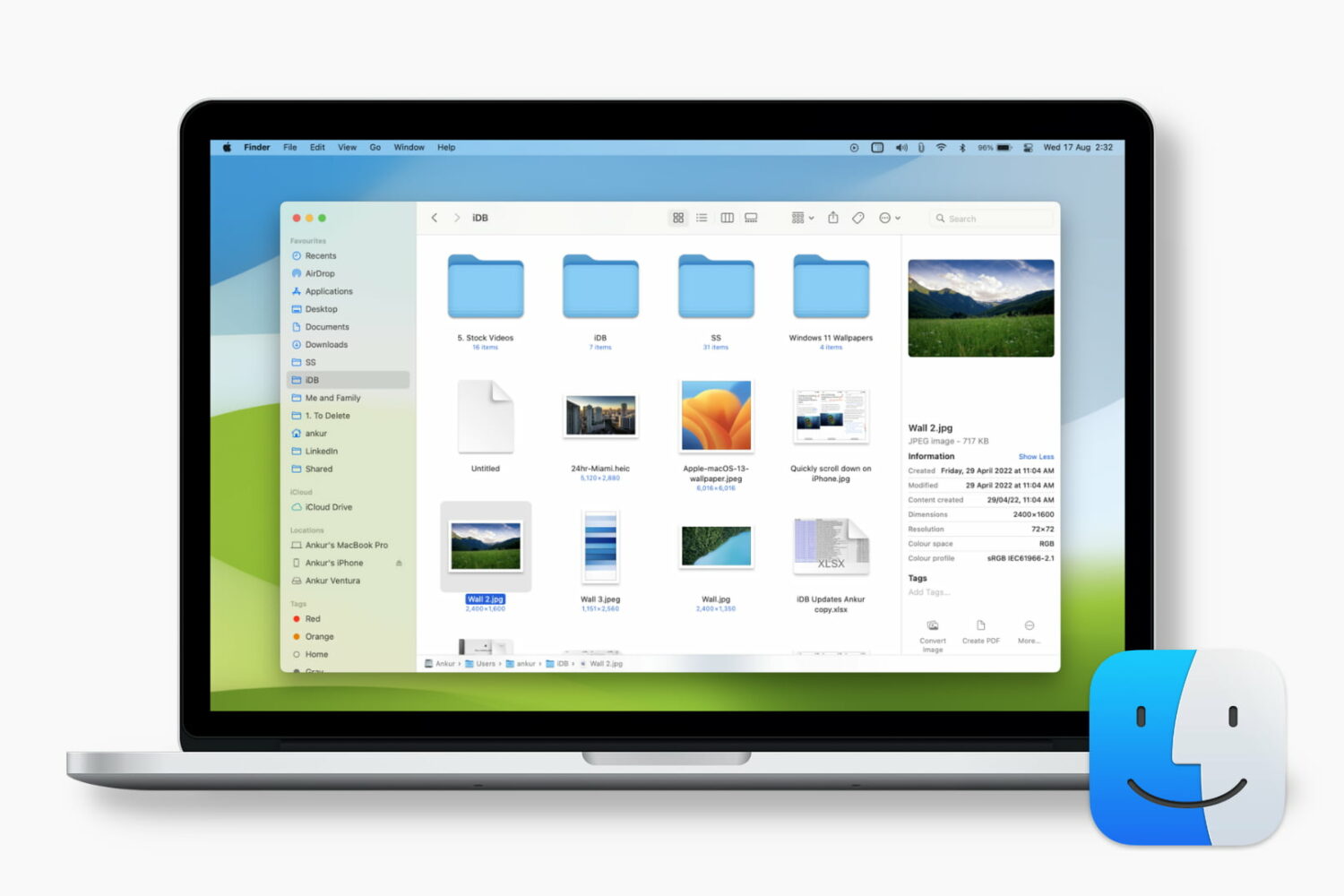
Learn how to customize the Finder's preview pane by choosing specific glanceable details to show when browsing files on your Mac.
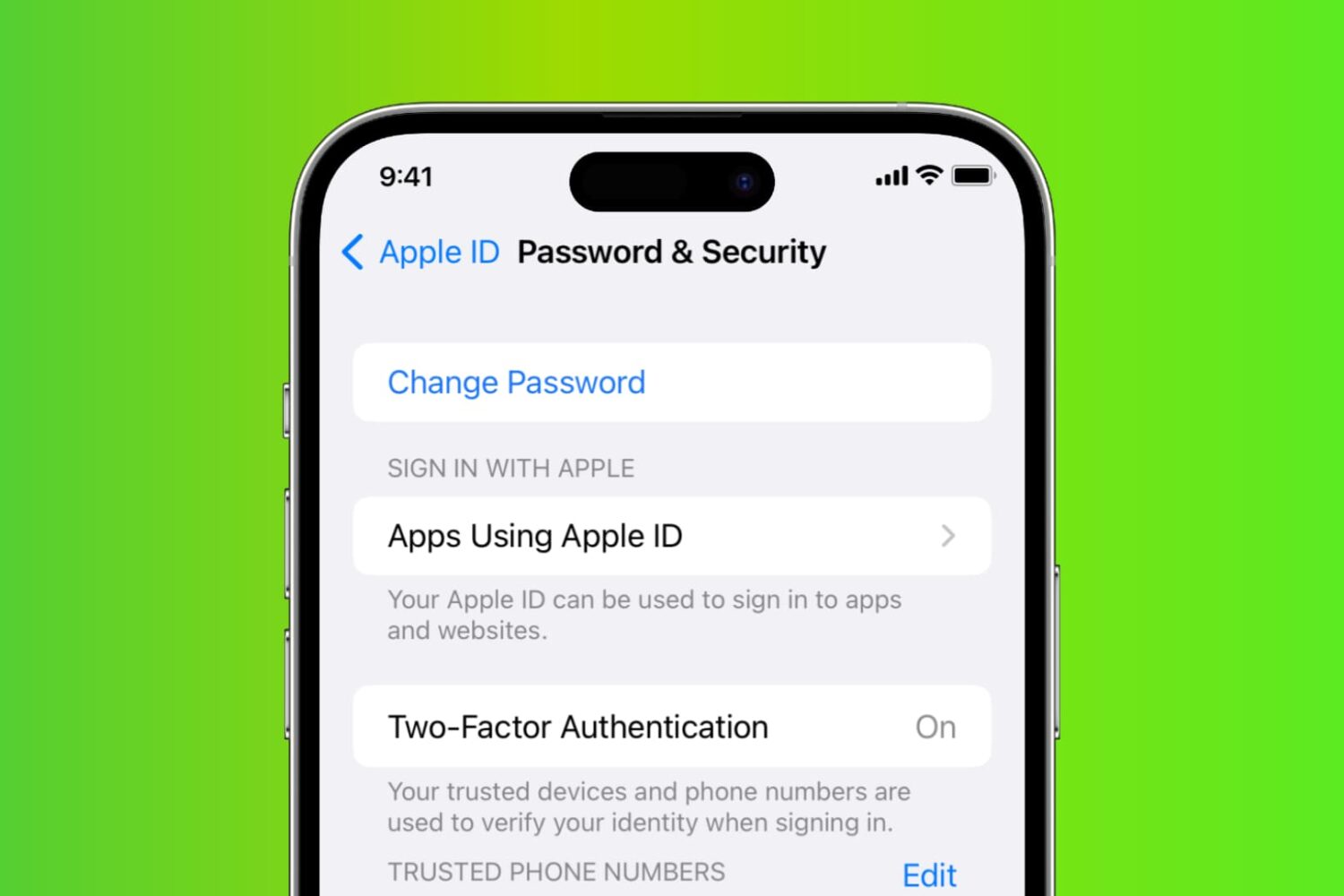
Learn how to reset your Apple account password if you forgot it to regain access to your account, along with your files in iCloud, Photos library, Messages chats, etc.

Explore these 12 essential Mac tips designed to streamline your workflow and enhance productivity.
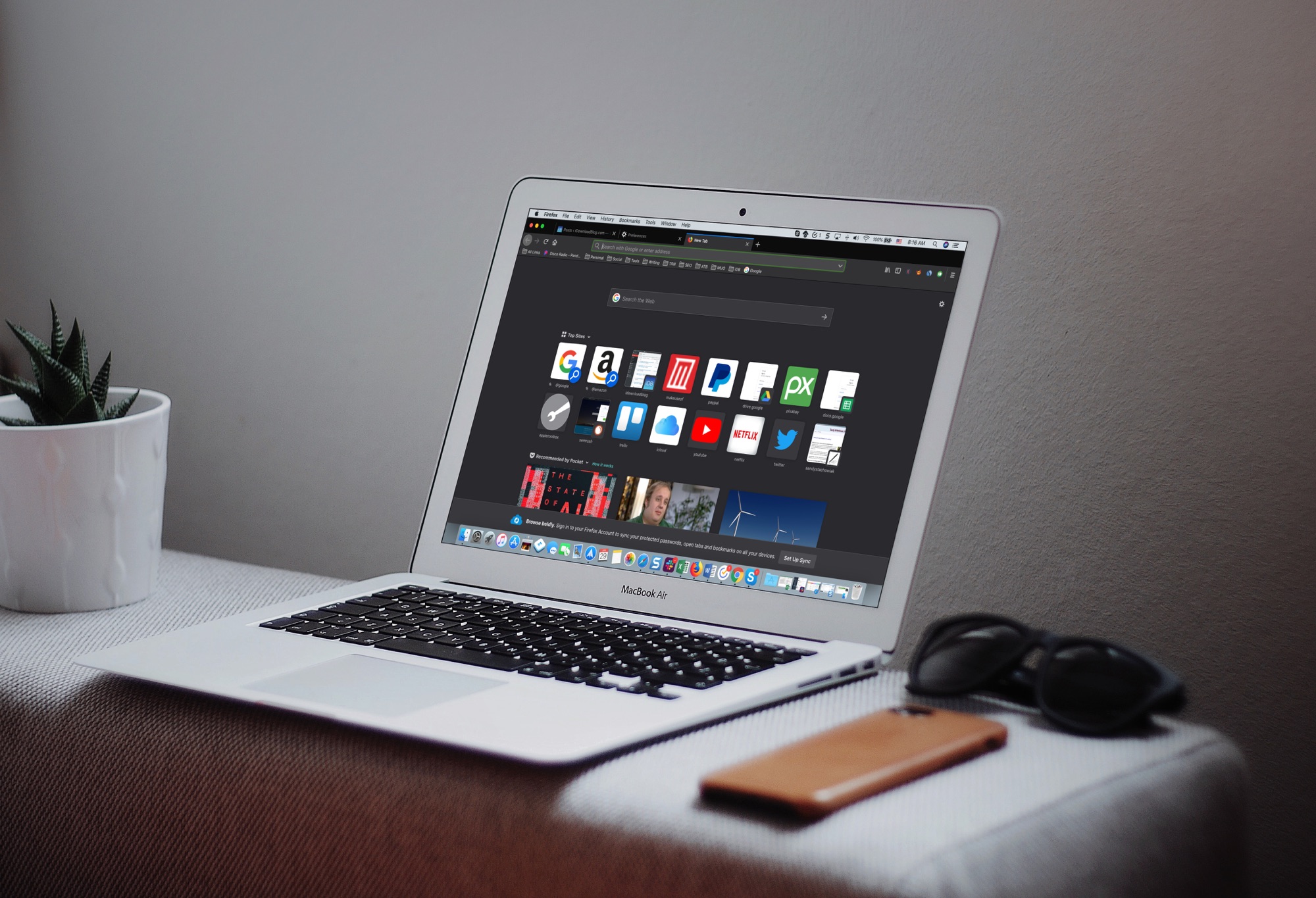
The Dark Mode on Mac is a cool feature, not just for the look and feel, but can be helpful for toning down the bright screen, especially in the evening. So, using a dark mode on your apps can be just as useful.
If you use Firefox in addition to or instead of Safari, you can set this up there too. Here’s how to enable the Firefox Dark Theme on Mac.
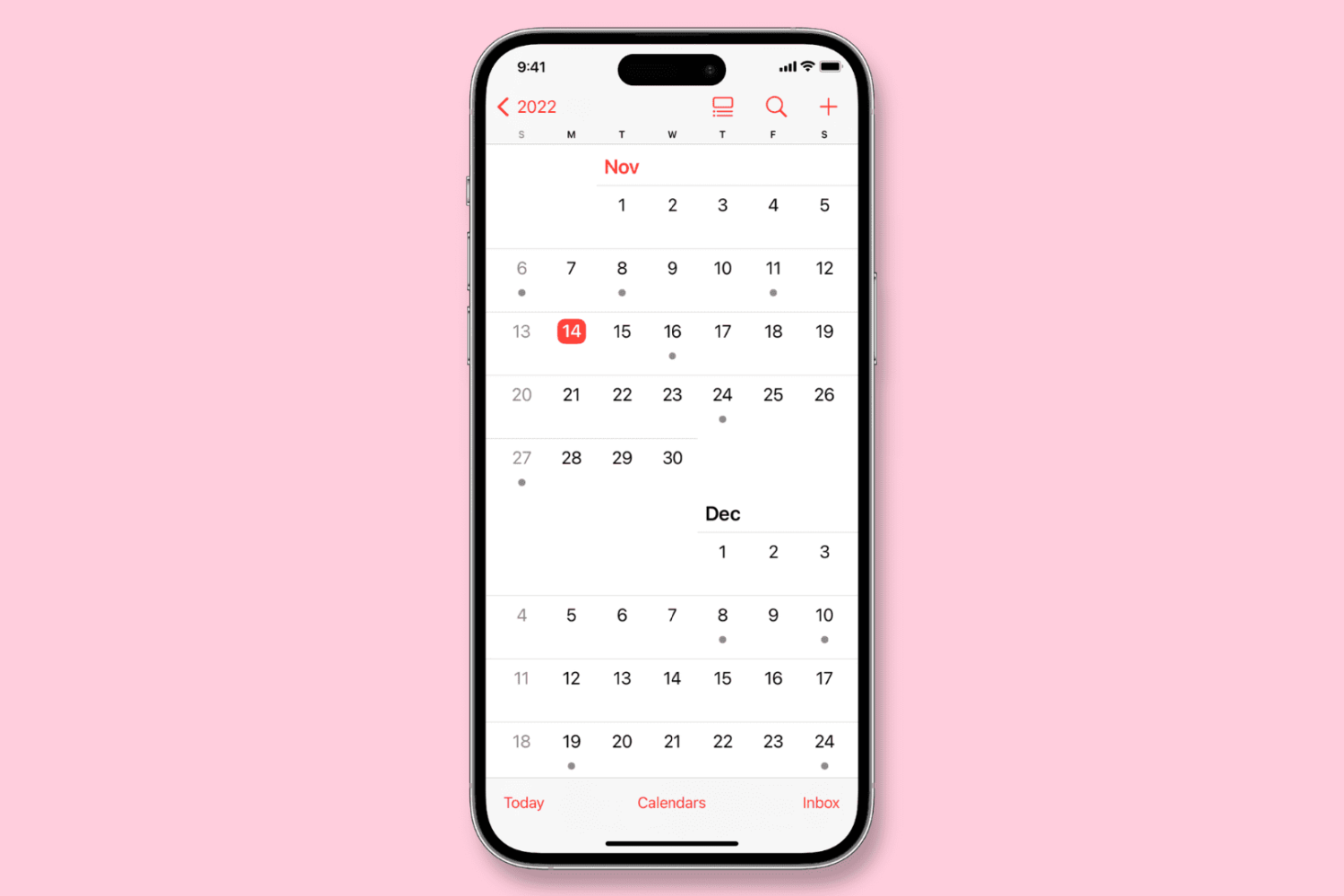
Learn how to configure the Calendar app on your iPhone, iPad, or Mac to start the week on a day other than Sunday, if that’s your preference.
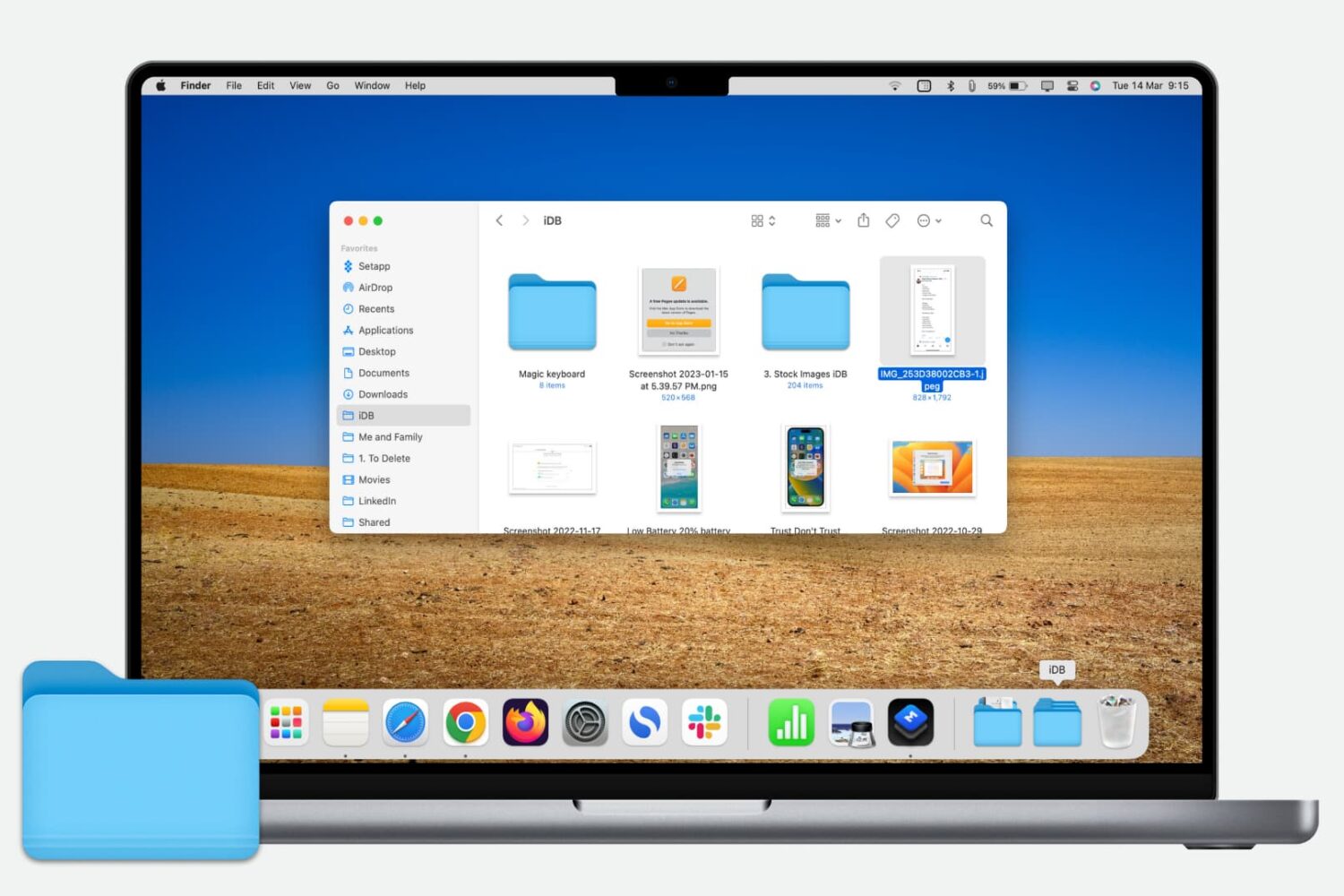
Learn how to quickly add a folder from your Finder’s Sidebar to the Dock on your Mac for even faster and easier access to those folder files.
You’ve received a Photoshop file (.PSD) that you need to look at, but you don’t have Photoshop. Here are three free ways you can view PSD files on Mac.

Learn how to stop people from logging into macOS using a guest account, which will protect your privacy and prevent unauthorized access to your Mac computer.
Every Mac owner should peruse this list comprising 50 super useful keyboard shortcuts in macOS that let them do things faster, increasing productivity.