Quickly mark all unopened emails as “read” in the Apple Mail app on iPhone, iPad, and Mac to clear the unread messages in your inbox.
How to mark all your emails as Read on iPhone, iPad and Mac
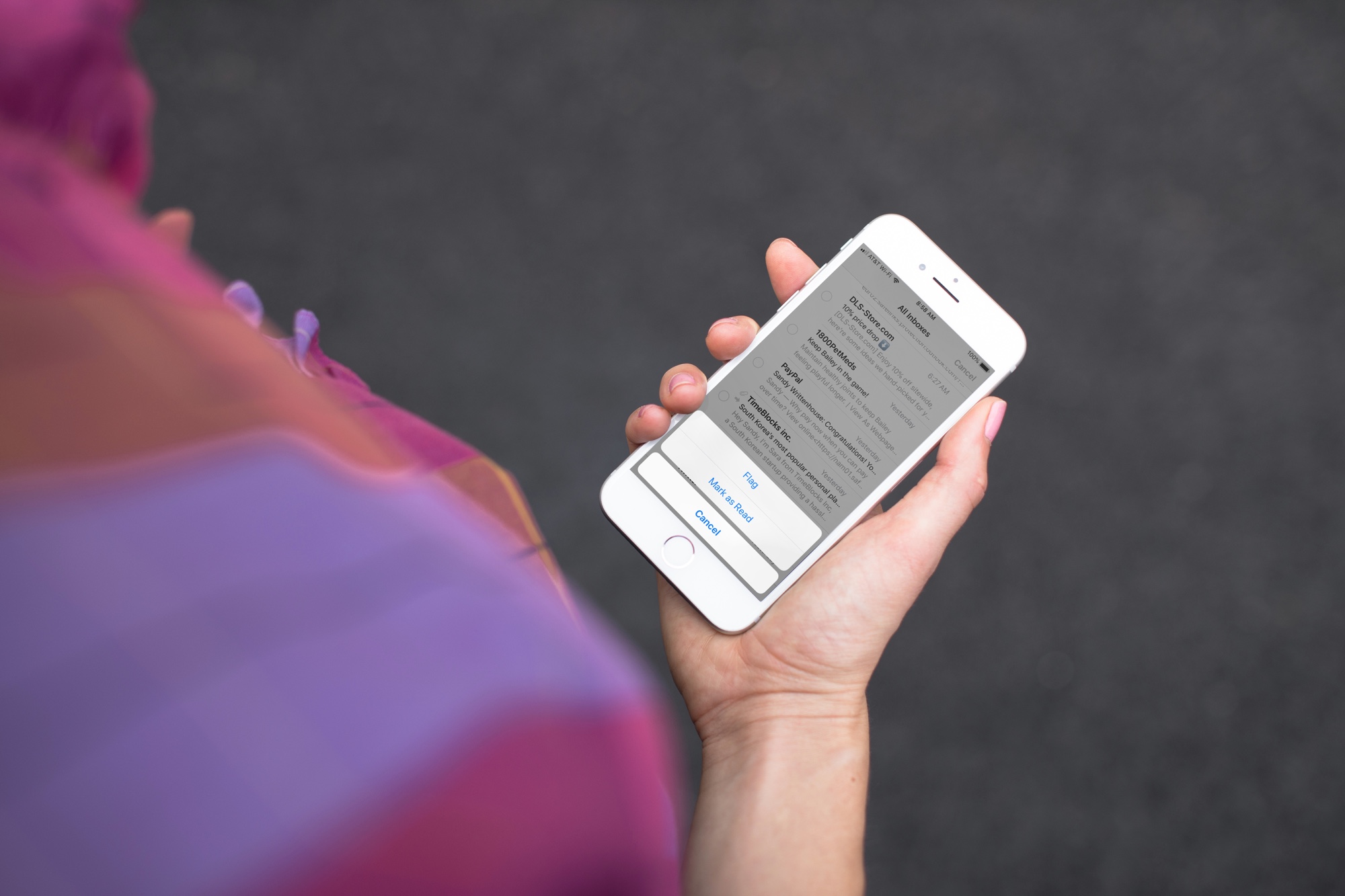
Quickly mark all unopened emails as “read” in the Apple Mail app on iPhone, iPad, and Mac to clear the unread messages in your inbox.
Learn how to protect your Apple Pages, Numbers and Keynote documents with a password on the iPhone, iPad and Mac to keep your files secure and private.
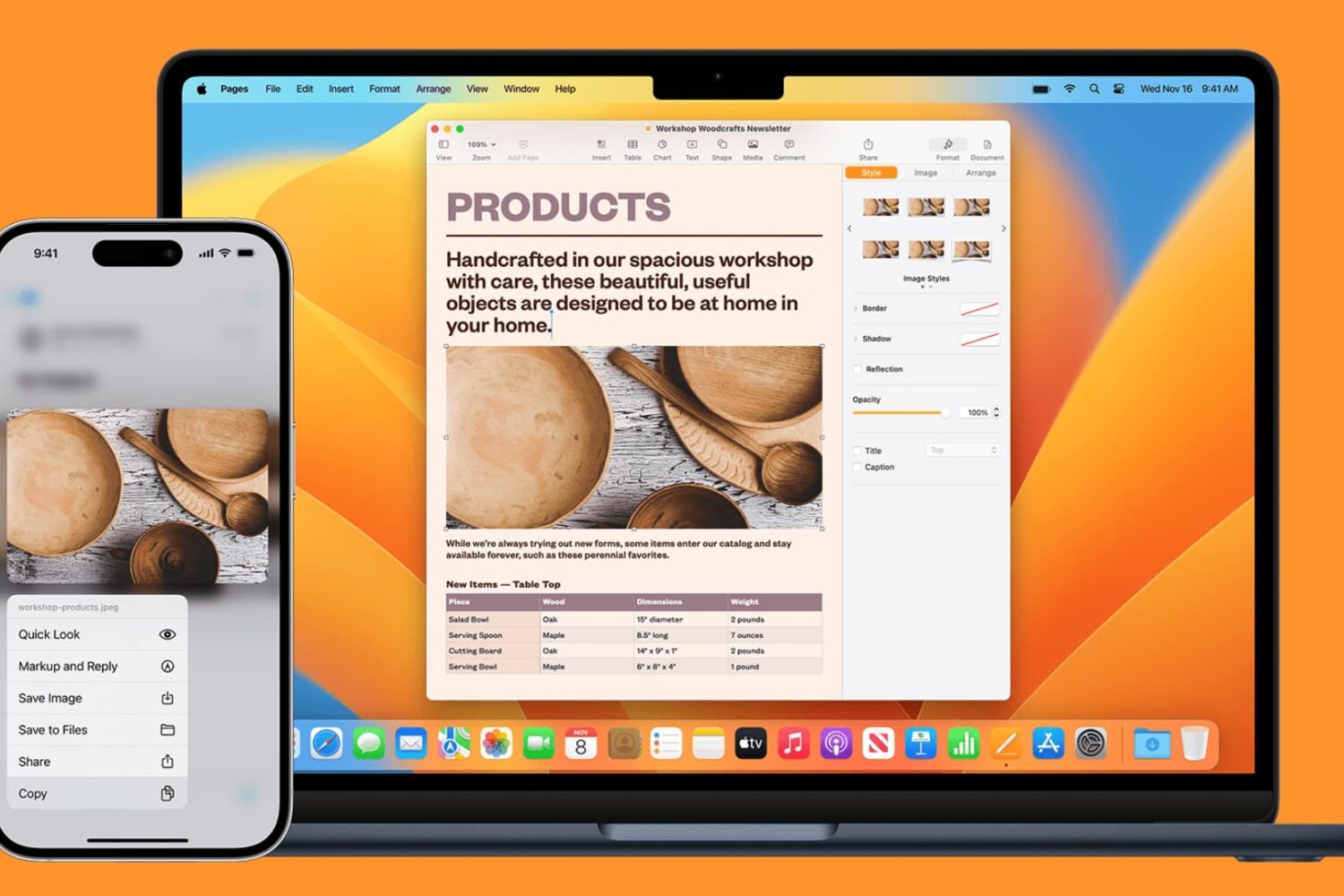
Learn how to seamlessly copy and paste text, images, links, and files across your iPhone, iPad, and Mac using Universal Clipboard.
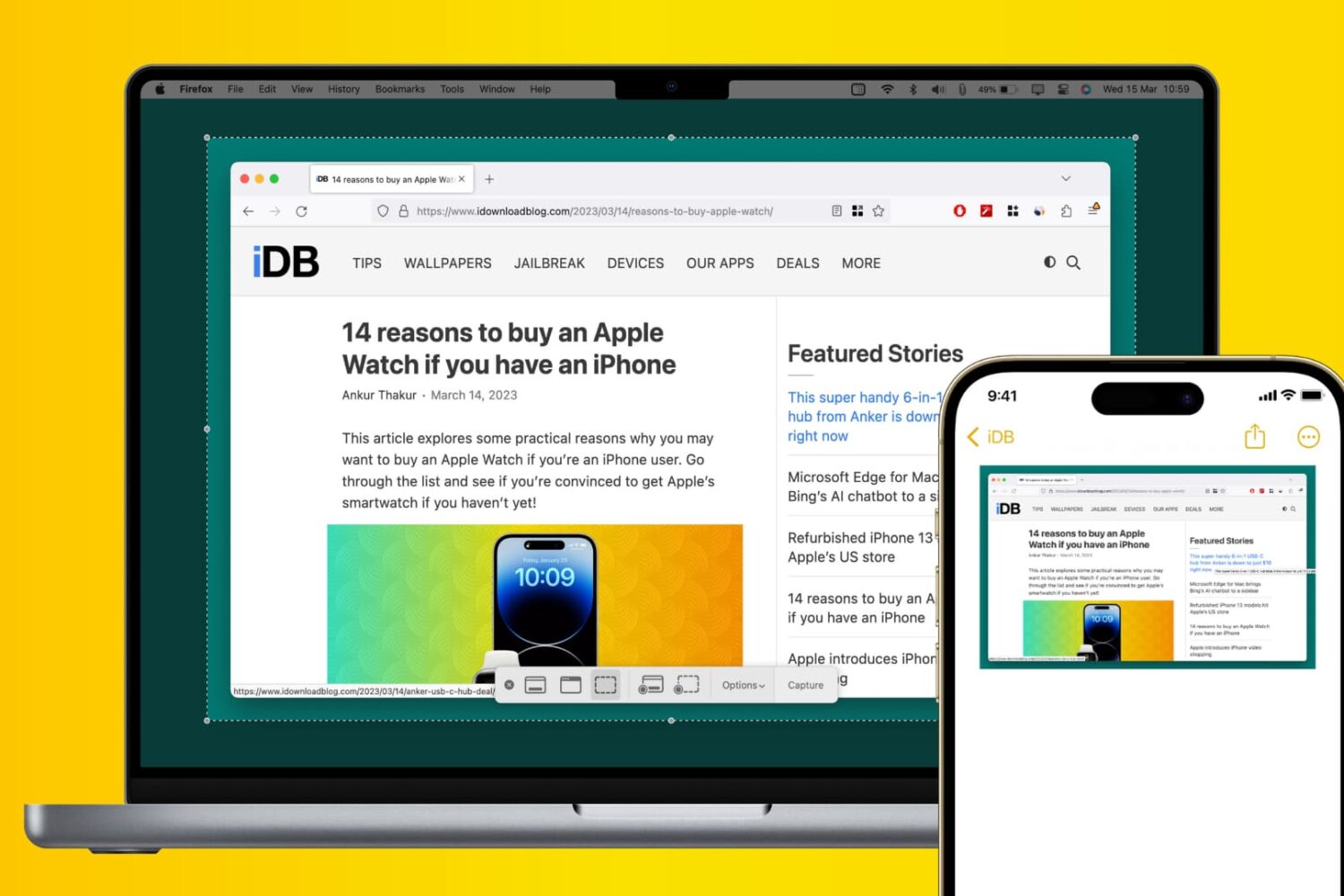
Learn how to use Apple’s Universal Clipboard to copy and paste Mac screenshots into iPhone apps like Notes, Mail, or social media, boosting your productivity.
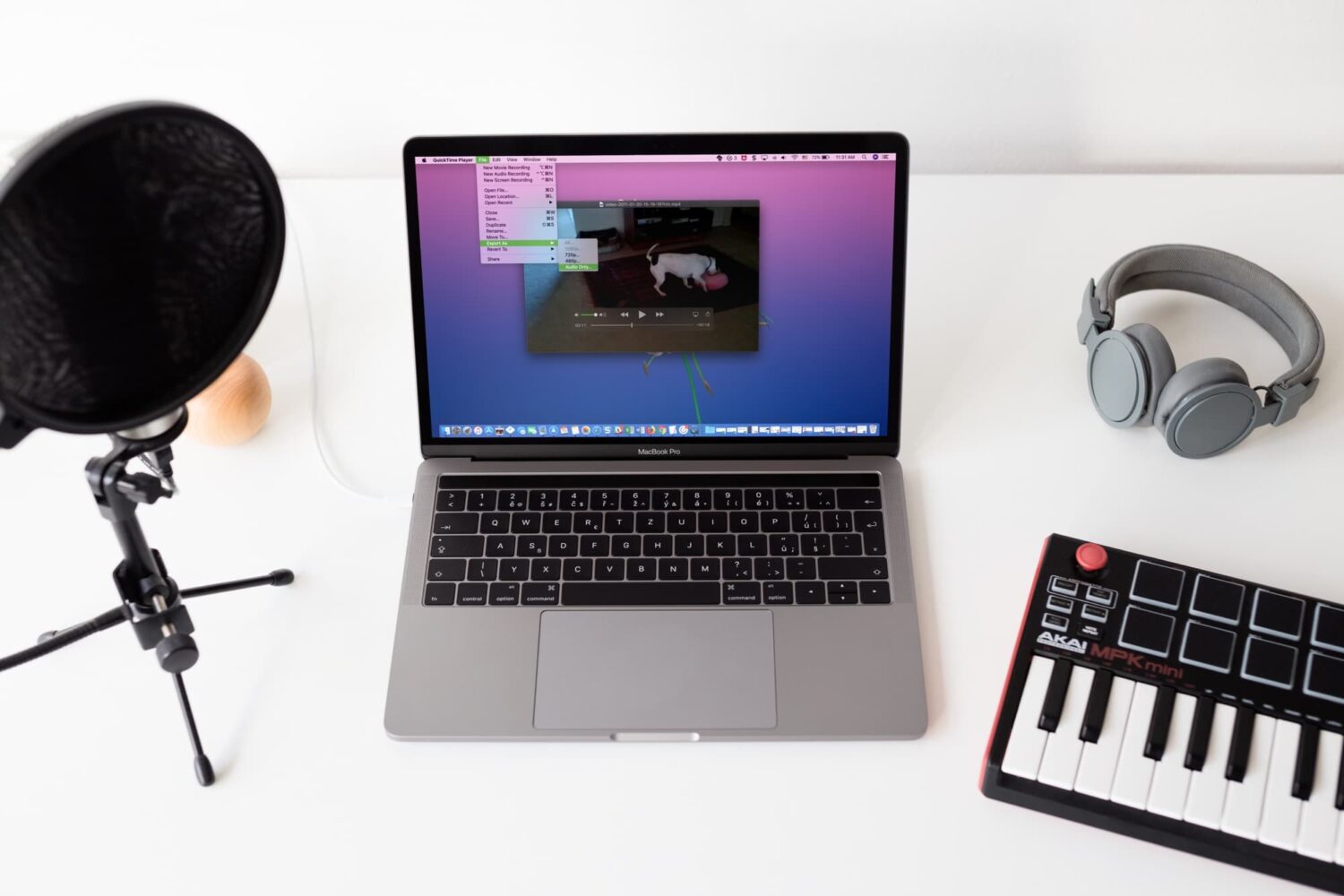
Check out four free methods to extract an audio track from a video clip on your iPhone, iPad, or Mac and save it as a separate file in the MP3 or M4A format.
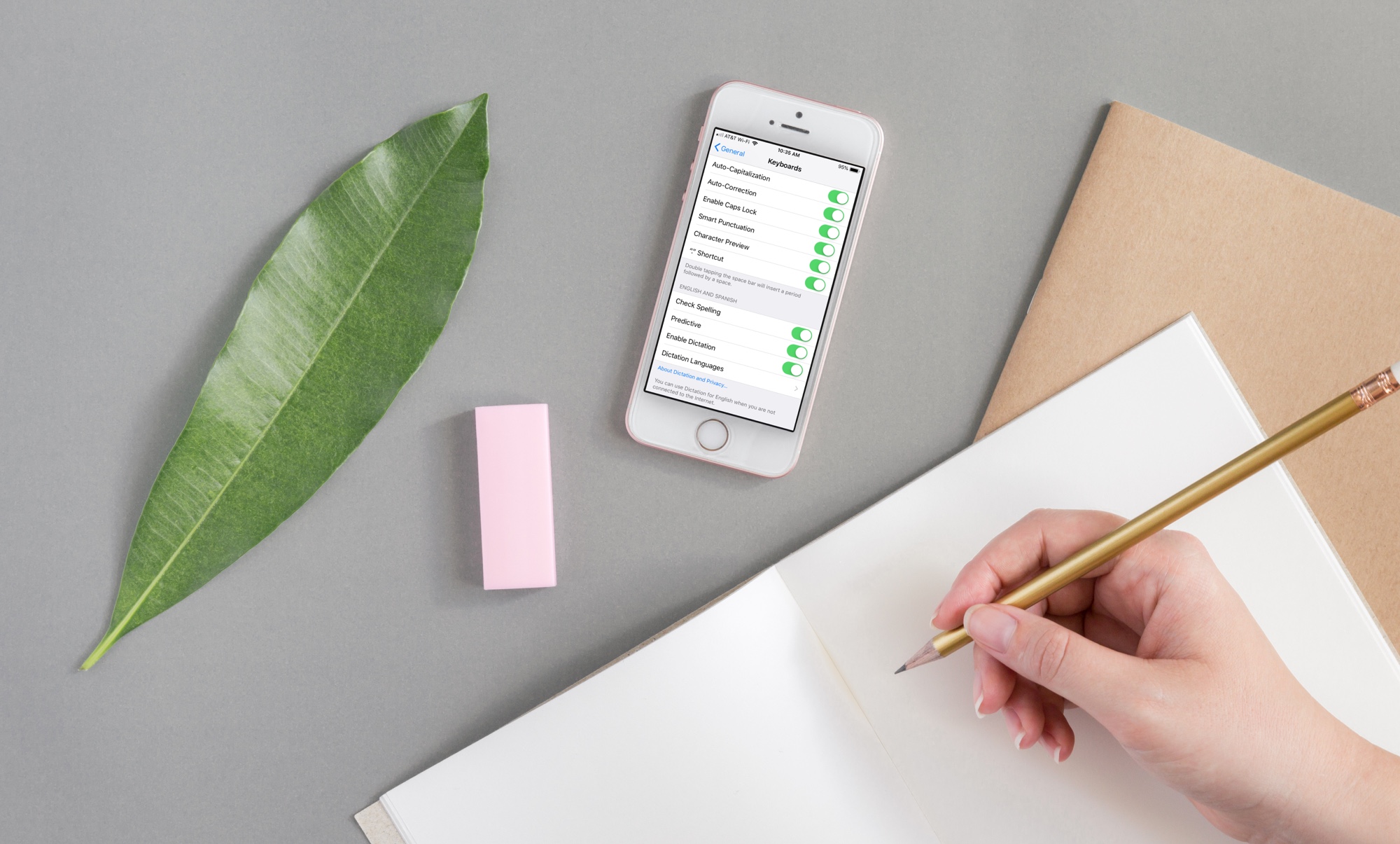
If you need to write in another language that you also speak yourself, using spell check in that other language is convenient for avoiding errors.
Here’s how to use a different spell check language on iPhone, iPad, and Mac.
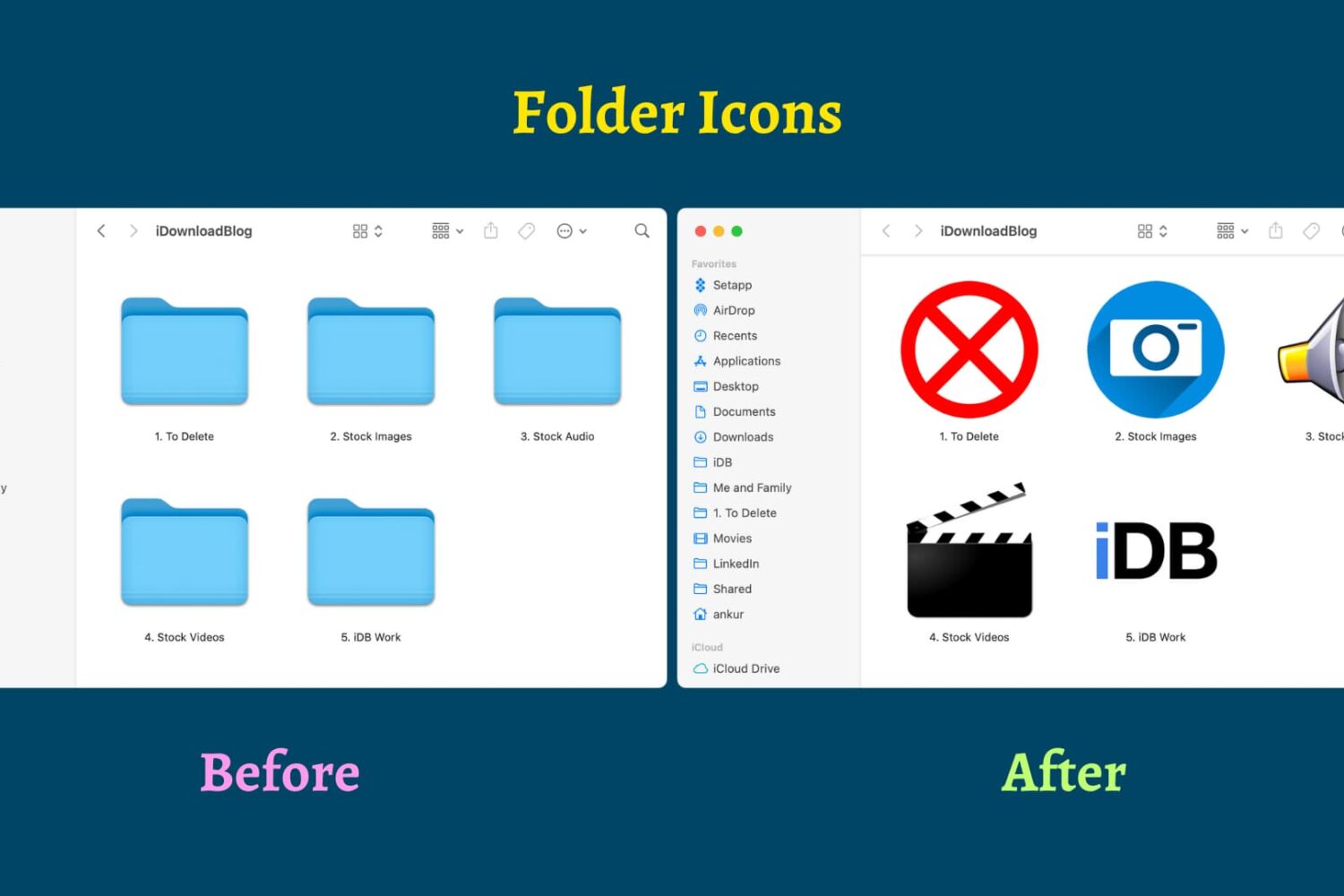
Find out how to replace the default folder icon with a custom photo or logo to personalize your Finder experience on Mac.

Learn how to pinpoint exact dates and times when you updated Mac apps or installed macOS updates, to know when an issue first started occurring.

Learn how to switch your Mac keyboard layout from QWERTY to AZERTY or even Dvorak so you can type faster and more comfortably in a layout that you’re familiar with.
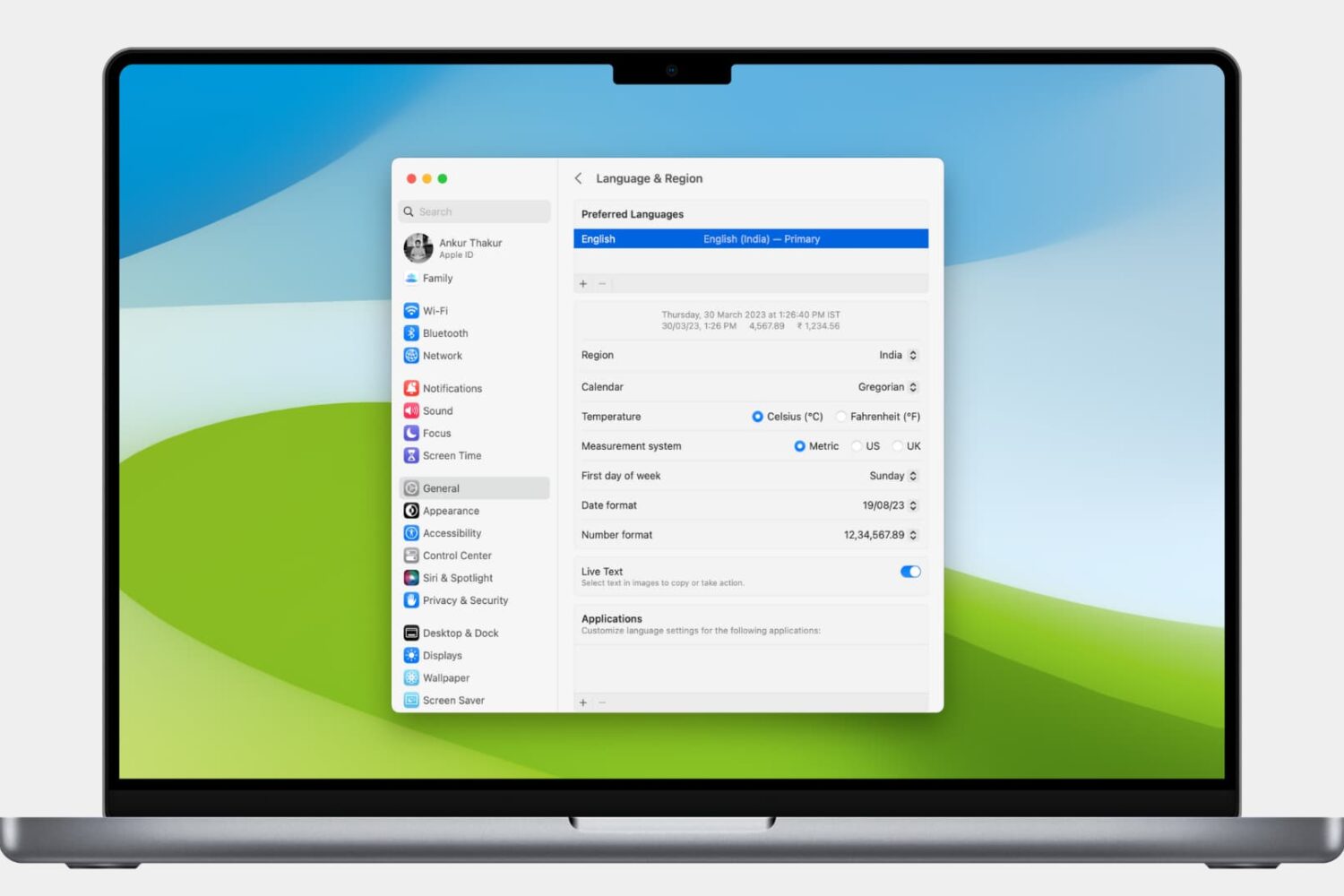
Learn how to customize the date and time formats on your Mac, and change the currency type or measurement units for a localized macOS experience.