Find out how to clear the DNS cache on your iPhone, iPad, Mac, Google Chrome, Firefox, and Opera to speed up your web browsing experience and troubleshoot related issues.
How to clear the DNS cache on your iPhone, iPad, Mac, and web browser
Find out how to clear the DNS cache on your iPhone, iPad, Mac, Google Chrome, Firefox, and Opera to speed up your web browsing experience and troubleshoot related issues.
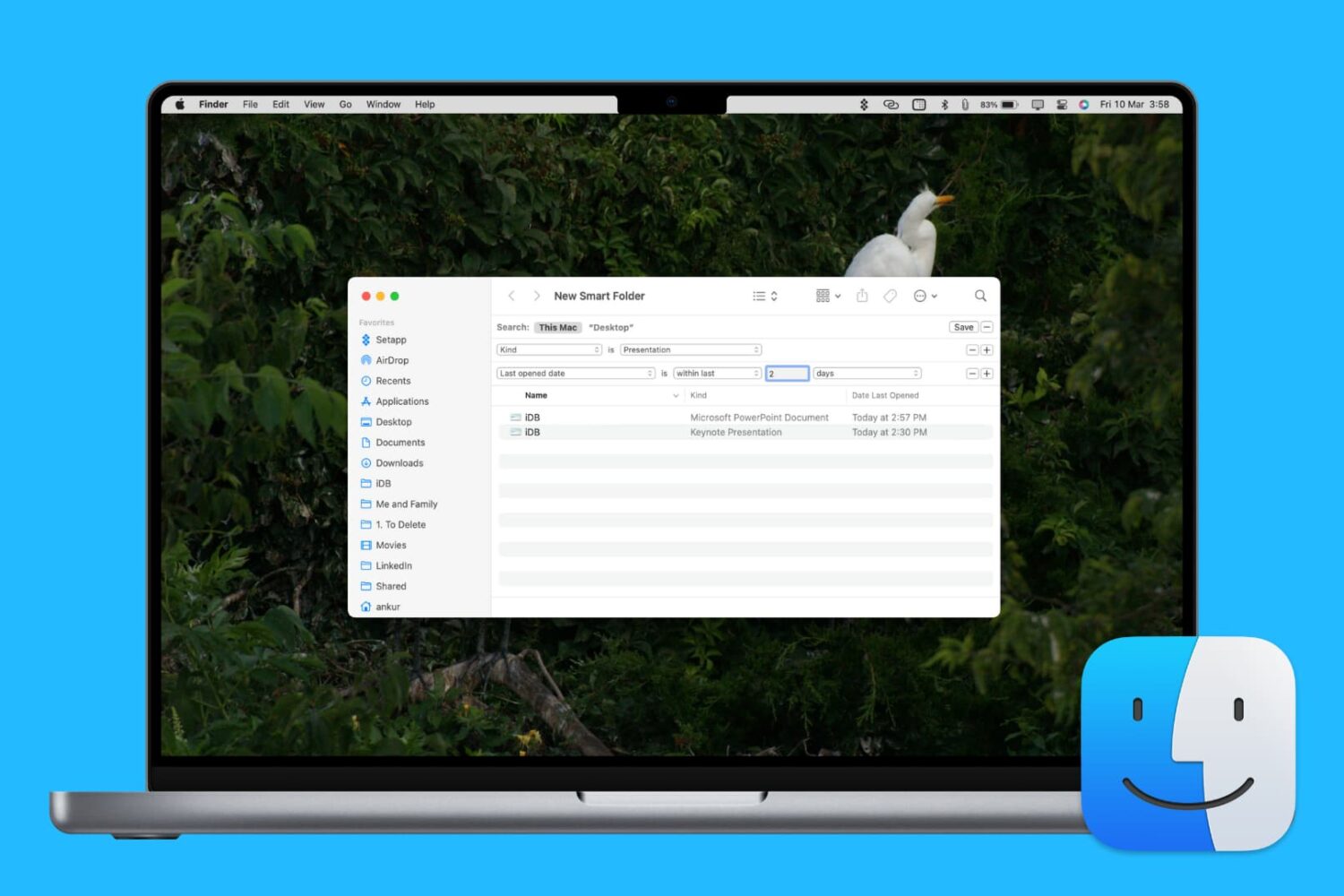
Learn how to enhance your Mac’s organization and boost productivity by creating and using Smart Folders in Finder.

Learn how to type accented letters on Mac keyboards to accurately spell out international names and write foreign words in your documents, emails, messages, and more.
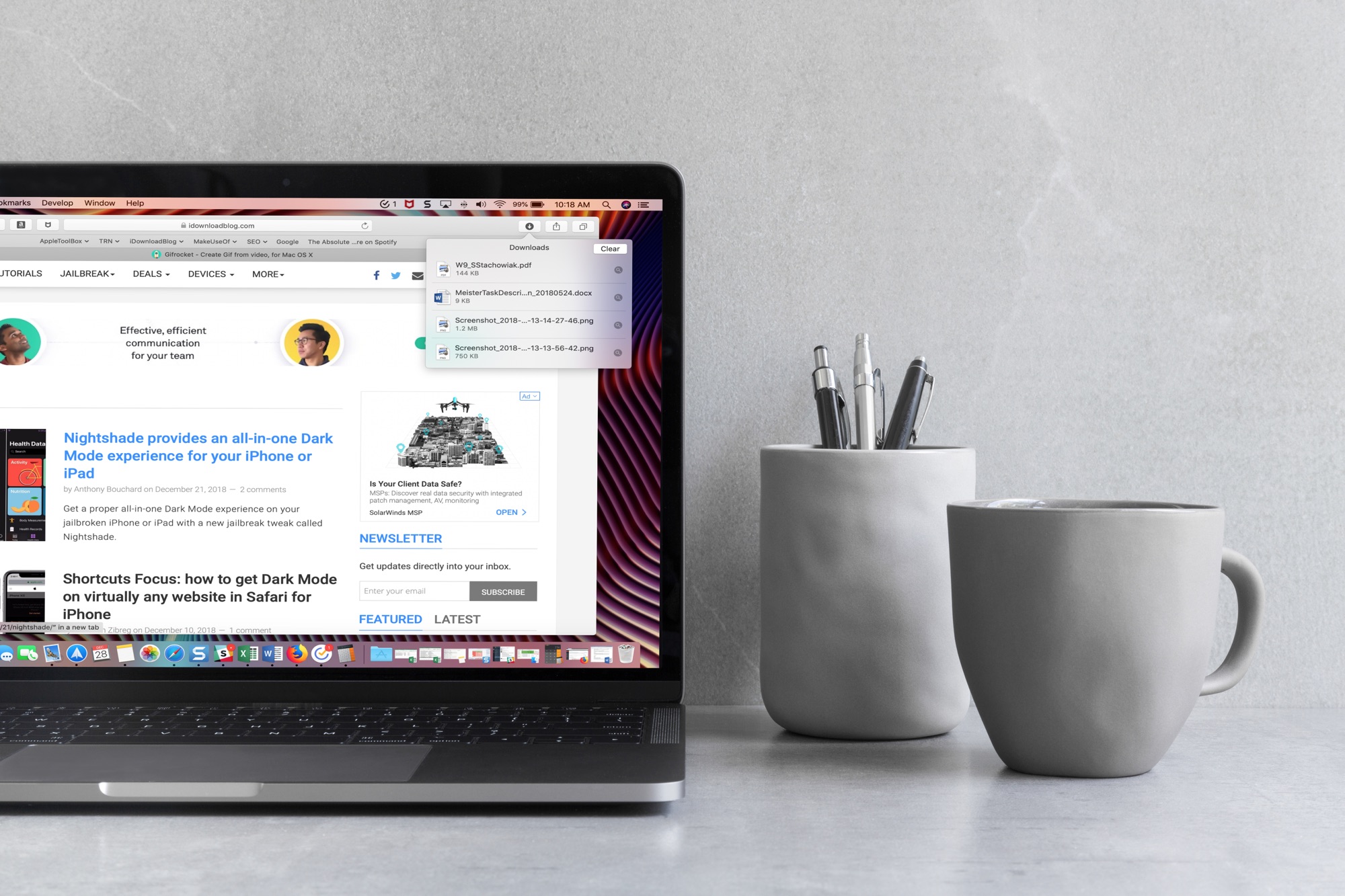
When you download items in Safari, they are all easily accessible from the toolbar. You can see them, pause and resume them, and clear them away.
Here’s how to manage and remove download items in Safari for Mac.
While you may work and create your spreadsheets in Numbers, there may be a time when you need one of those documents in the Microsoft Excel file format.
You can easily export spreadsheets into different formats for viewing and editing with other applications. Here’s how to convert a Numbers file to Excel on Mac, iPhone, and iPad.
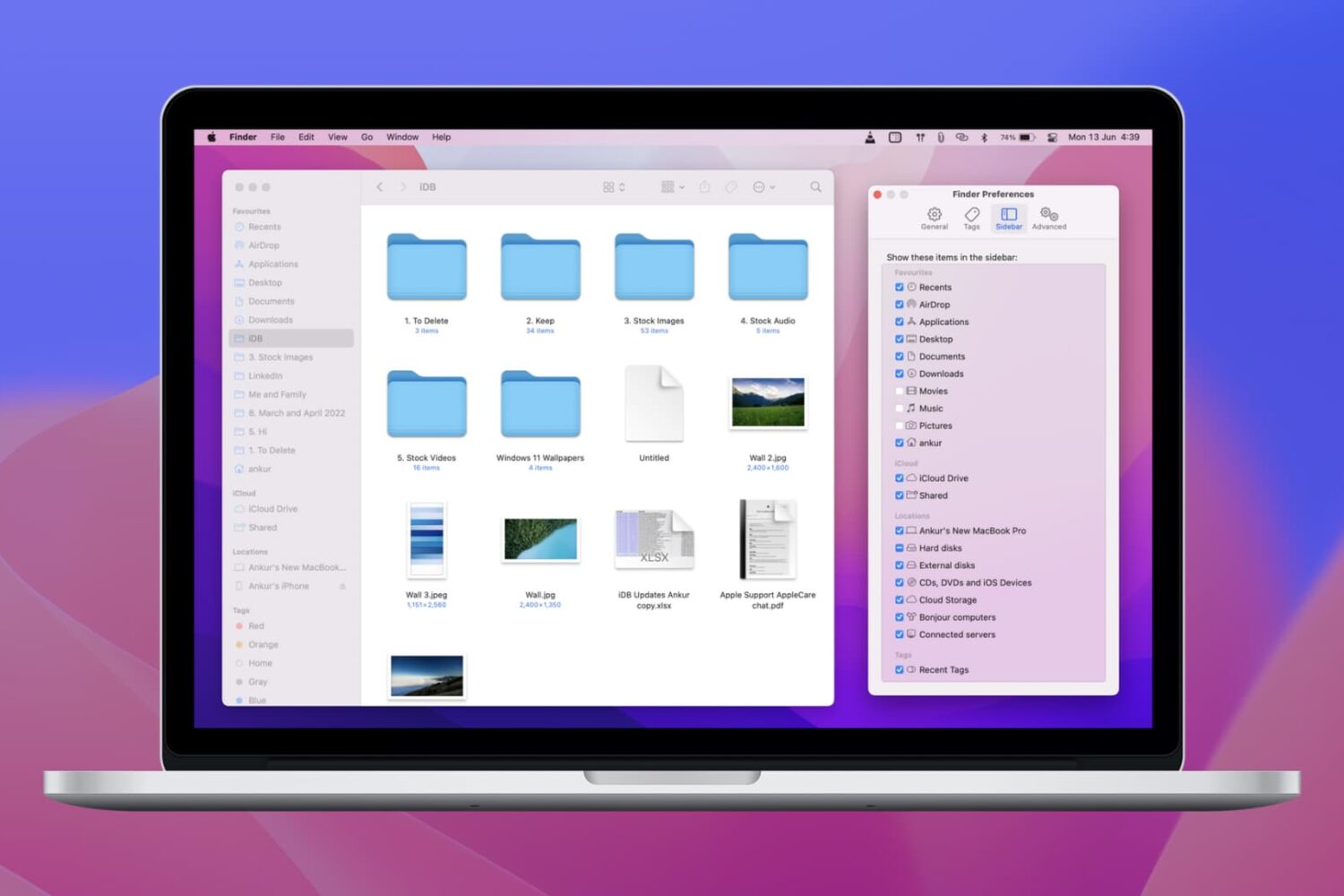
Learn how to customize the Finder sidebar on your Mac and make it your own with handy shortcuts to your drives, folders. network shares and more.
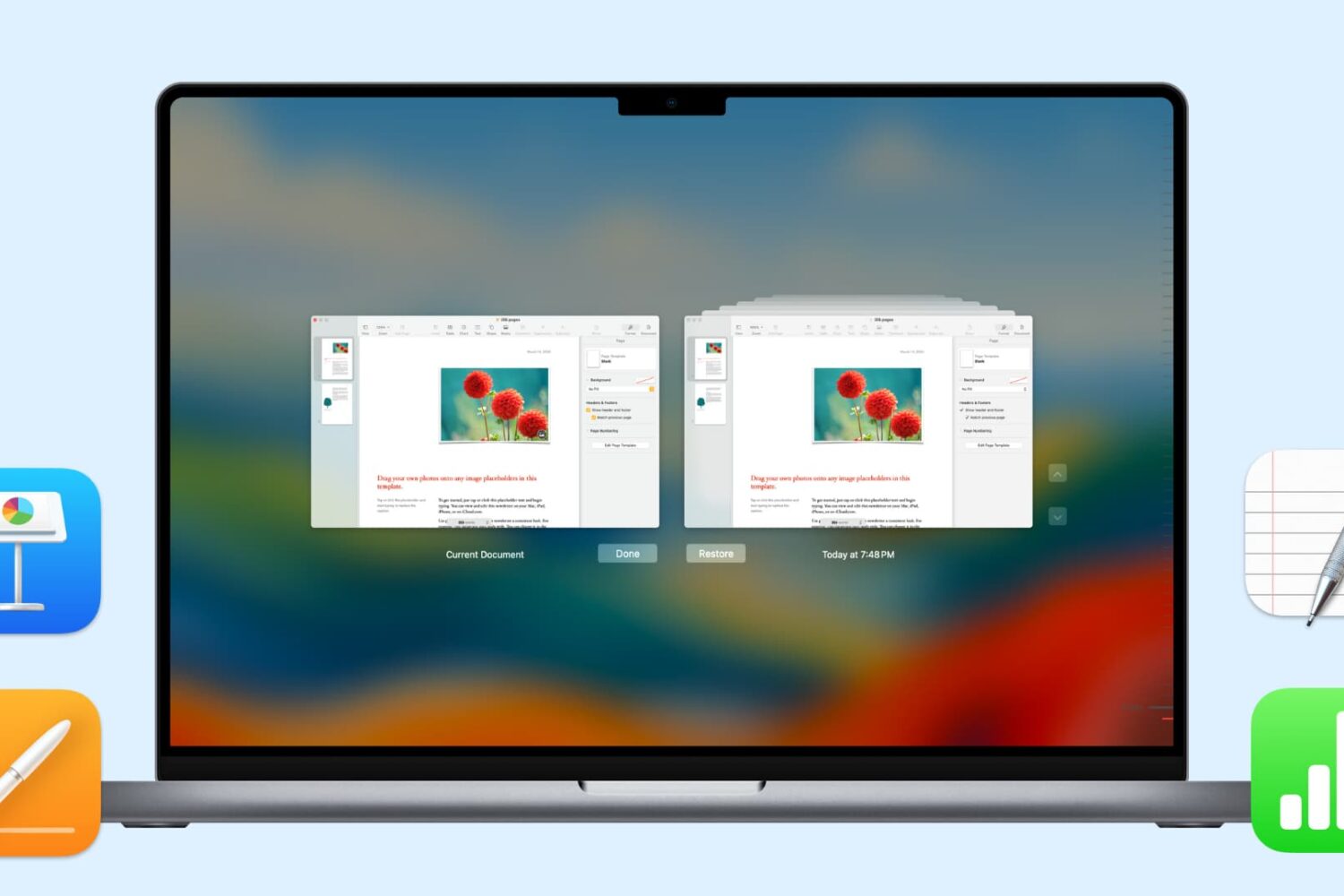
In this handy tutorial, we’ll show you how to browse and restore previous versions of documents in Pages, Numbers, Keynote, Text Edit, and Preview on your Mac.

Find out how to add an iCloud Drive shortcut to your Mac desktop and Dock for faster access to your online files, folders, and documents.

Whether you’re preparing to jump on a plane or just waiting for a friend to fly in, you may think that you have to download a special app to track those flights. And, while a specific flight tracking app is certainly a great way to go, especially if you’re a frequent traveler, there is another way.
Here’s how to quickly track flights from anywhere with your iPhone and all you need is the flight number.

Learn how to add one or more quick-access shortcuts for specific websites to the Dock of your Mac, letting you open them with a single click anywhere in macOS.
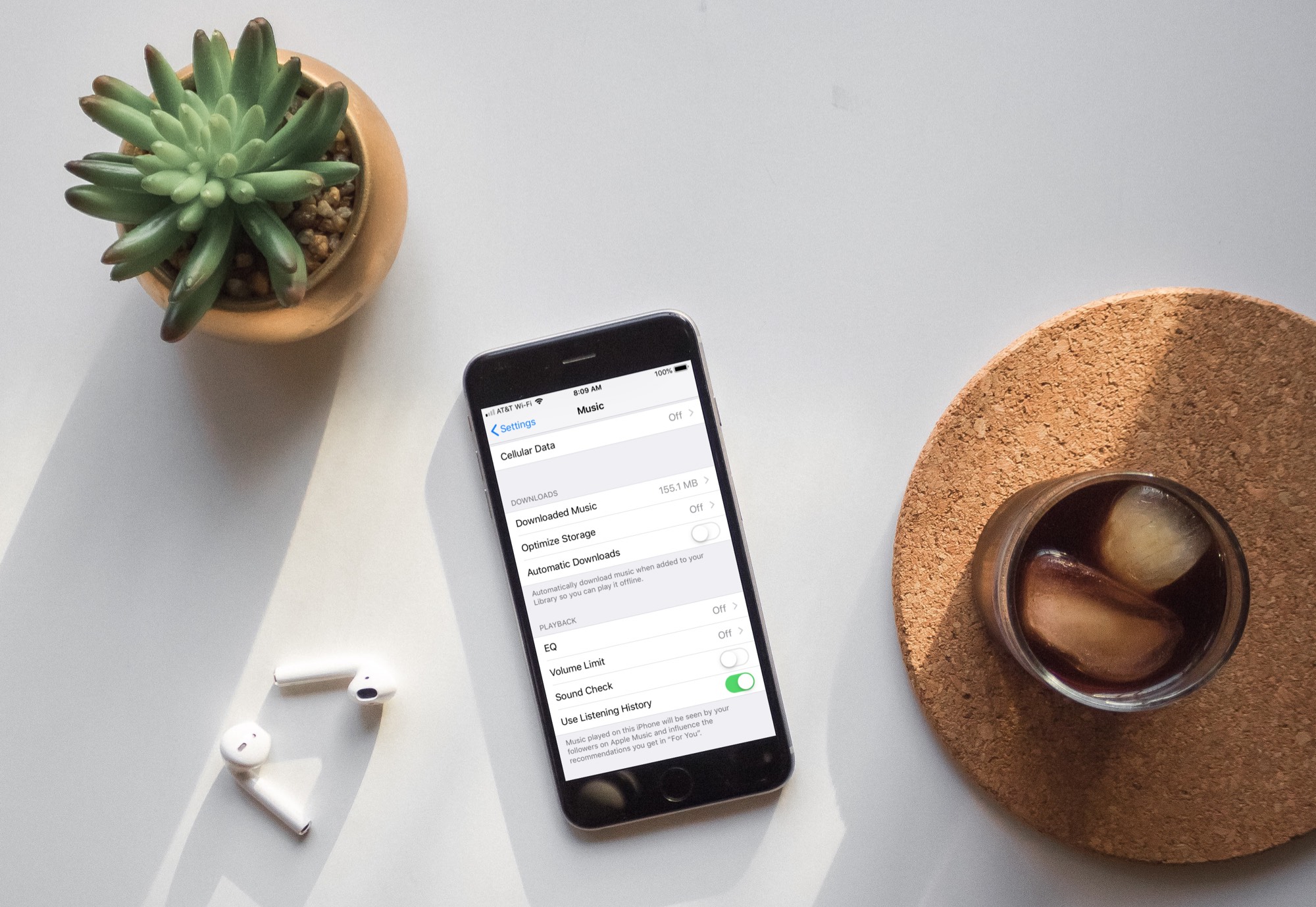
Learn how to turn off automatic downloads for Apple Music on iPhone, iPad, or Mac to stop the Music app from downloading every song, album, or playlist you add to your library.
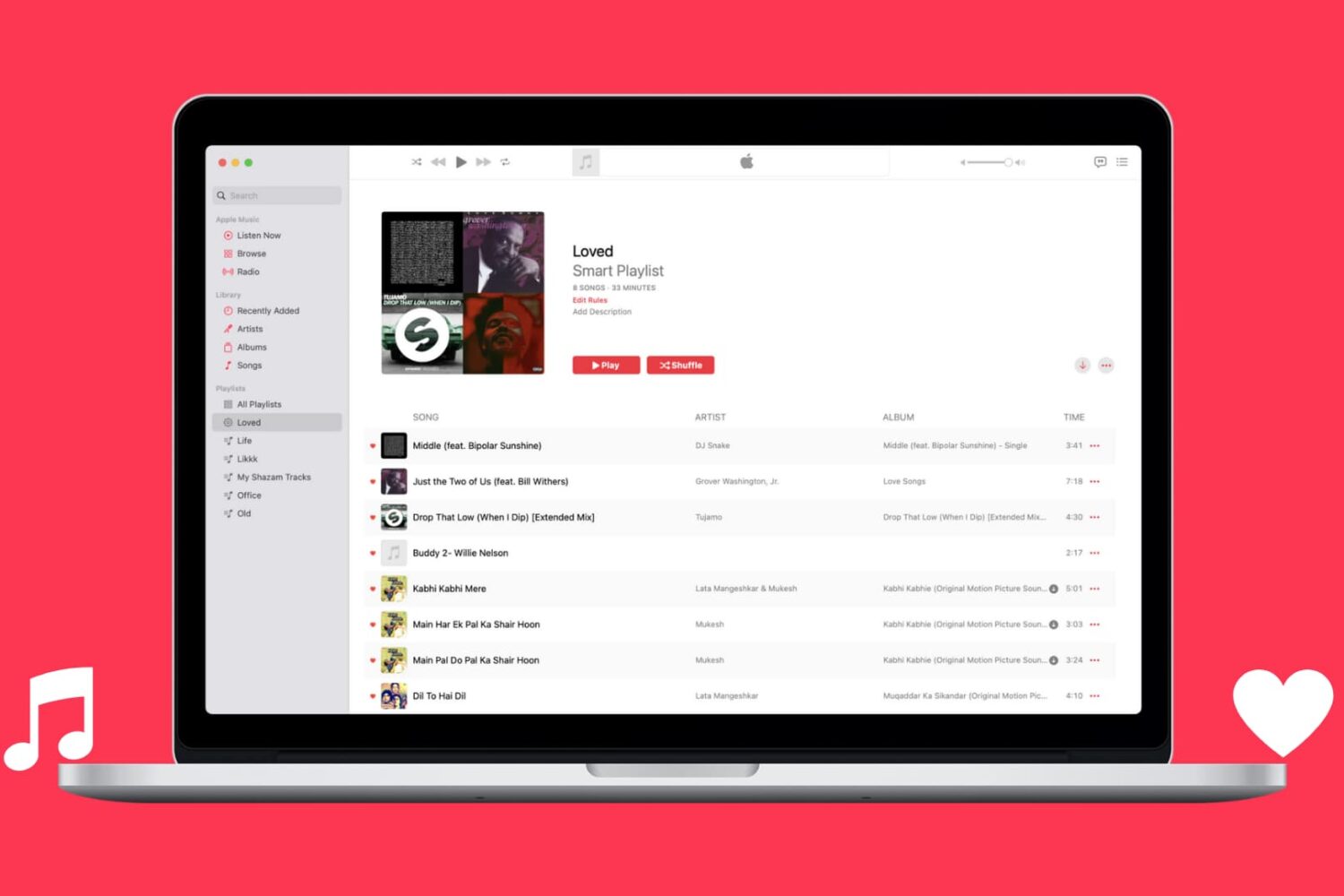
Learn how to automatically capture all Apple Music songs you've loved or favorited in a single spot by creating a special smart playlist.