Learn how to change the document background color in Apple Pages to customize designs of your flyers, posters, brochures, newsletters and more on an iPhone, iPad, or Mac.
How to change the document background color in Pages

Learn how to change the document background color in Apple Pages to customize designs of your flyers, posters, brochures, newsletters and more on an iPhone, iPad, or Mac.

Learn how to remove unnecessary apps from your Mac to free up space and keep your system organized.

Learn how to delete albums your no longer need in Apple Photos on an iPhone, iPad, or Mac to clean up and organize your image library.

Learn how to redownload previously purchased free or paid apps on iPhone, iPad, and Mac without having to pay again.
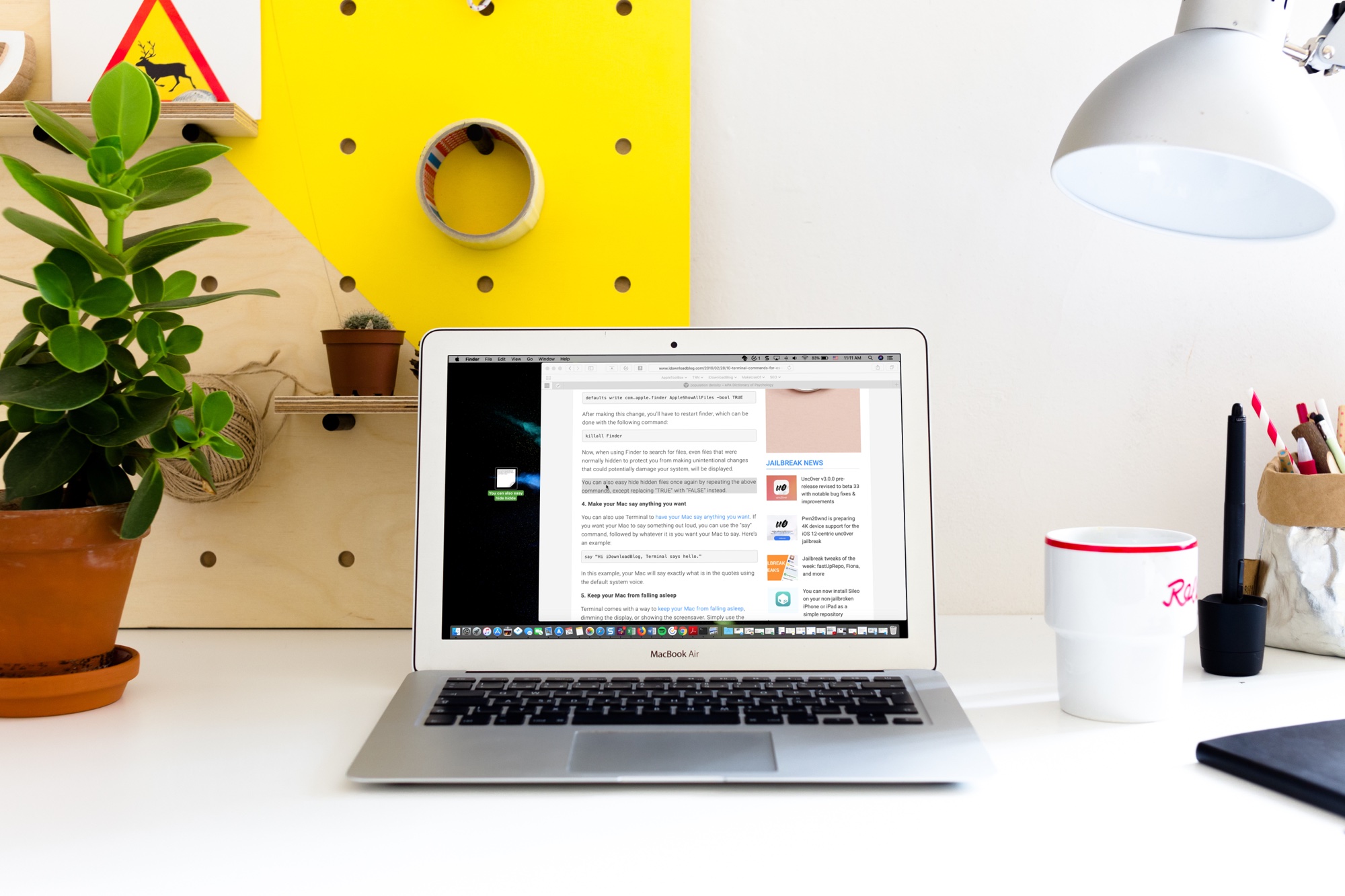
Learn how to use the handy Text Clippings feature on Mac to save a snippet of text from a website, document, Terminal, email, message, or elsewhere.
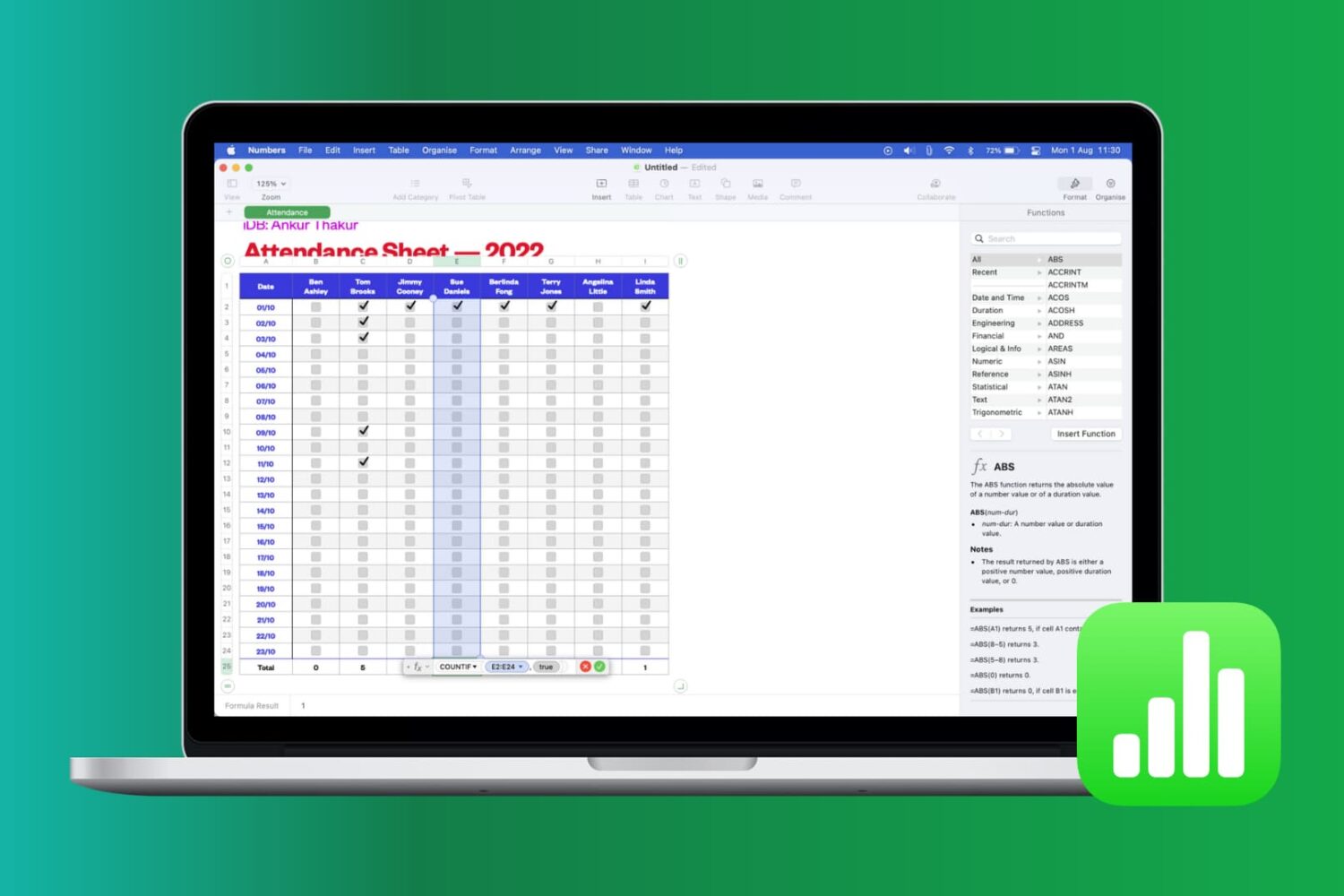
Learn how to work with common functions and formulas in Apple Numbers spreadsheets on your iPhone, iPad and Mac, saving time and reducing errors.

Learn how to use headers and footers when working with a document in the Apple Pages app to add page numbers, date, your name, and other helpful information on all pages.
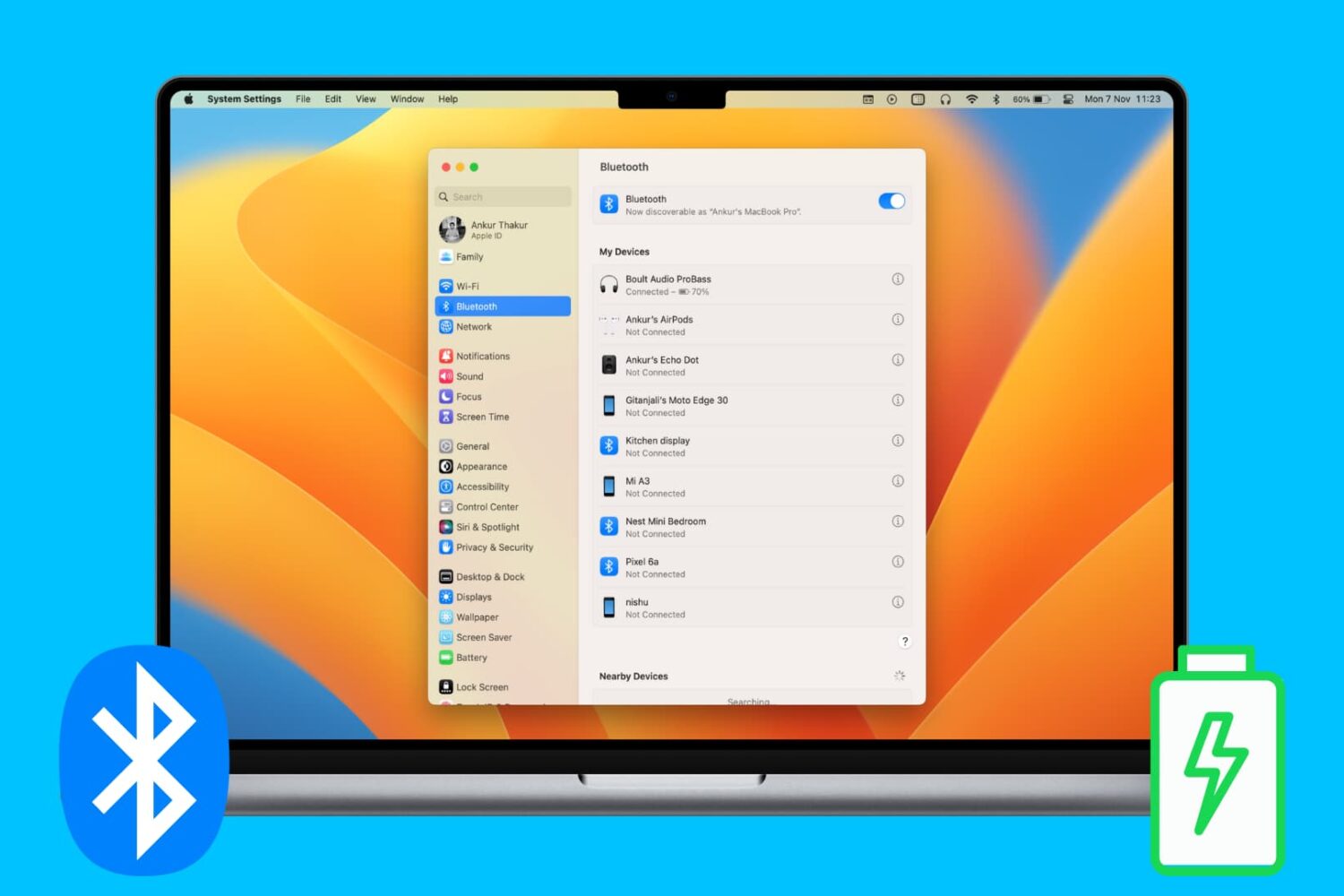
Check out various ways to see and keep track of the battery percentage of your wireless keyboard, trackpad, mouse, AirPods, and other Bluetooth devices on your Mac.

Bookmarking your favorite websites in Safari on your iPhone, iPad, and/or Mac is handy for accessing the pages you need with a tap. But bookmarks can also quickly get out of control. So for the best experience, you can organize your bookmarks in folders, rearrange them, edit them, and of course, delete those you end up never using.
To help you get control of your saved pages, here's how to manage bookmarks in Safari on iOS and Mac.
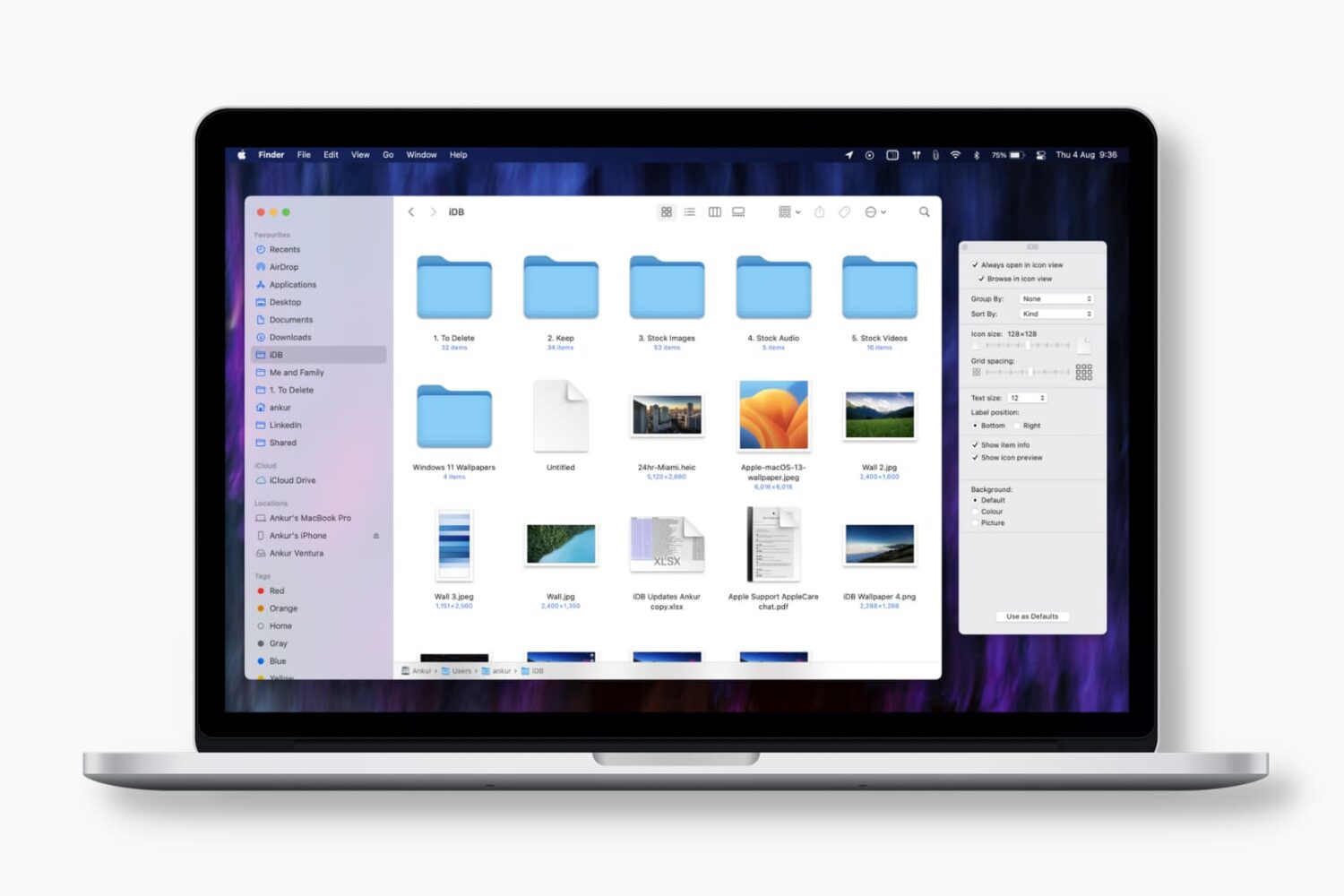
Learn how to set the Finder on your Mac to always open a specific folder in your favorite view, with the files sorted and grouped in the order of your choosing.