Learn how to turn your iPhone or iPad into a wired or wireless thumb drive to store and transfer files between your Mac or Windows PC.
Use your iPhone or iPad as a USB drive on Mac or PC
Learn how to turn your iPhone or iPad into a wired or wireless thumb drive to store and transfer files between your Mac or Windows PC.
In this step-by-step tutorial, we’ll show you how to quickly rename multiple files at once on a Mac without having to download a third-party app.
Learn why your Mac’s screen flickers, flashes, or shimmers randomly and explore troubleshooting solutions to fix the issue.
There are many ways to open an app on your Mac, and in this tutorial, we’ll cover 14 easy methods, including some you probably don’t know.
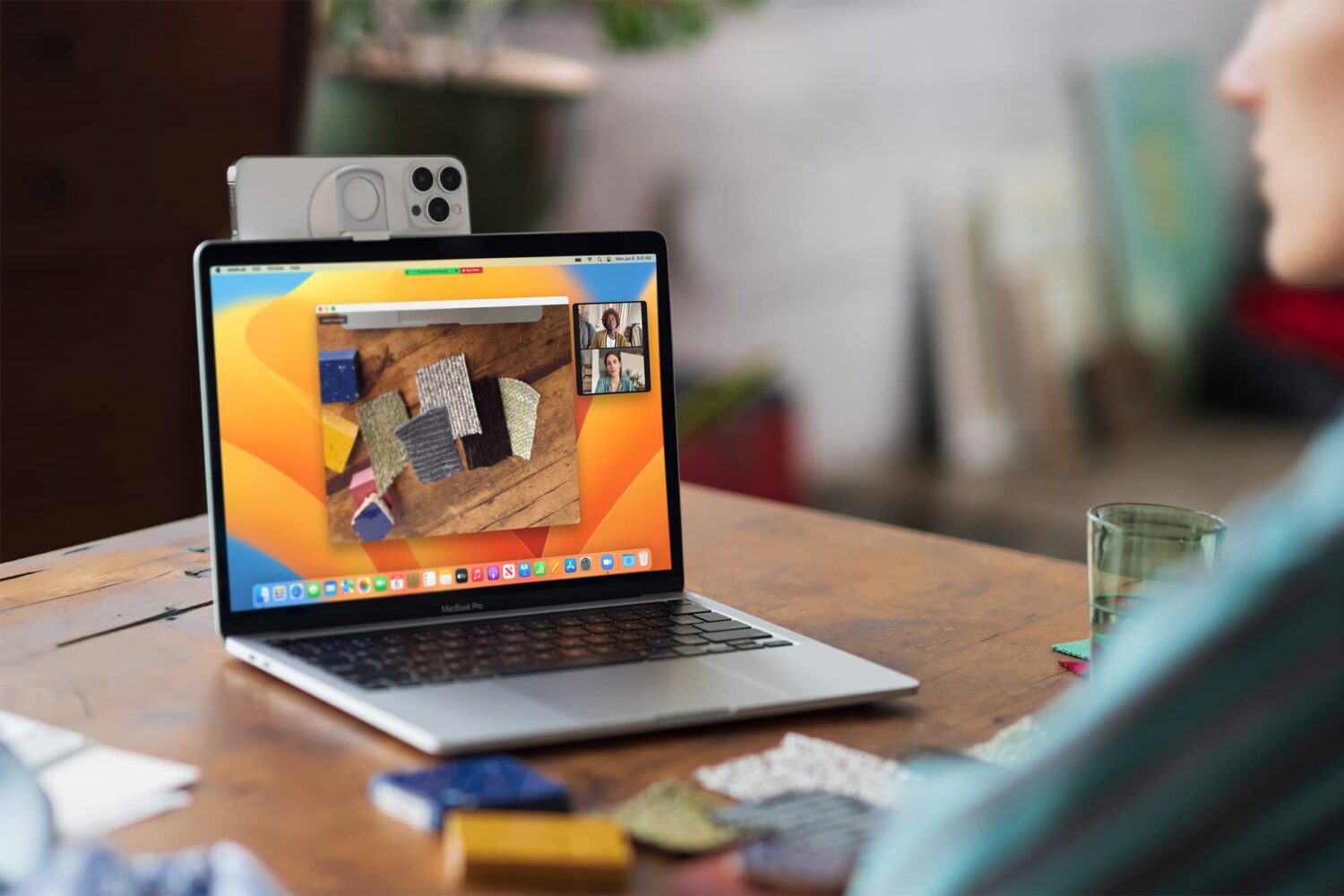
Learn how to use your iPhone as a high-quality webcam and microphone for your Mac for making FaceTime, Zoom, Slack, and other video calls.
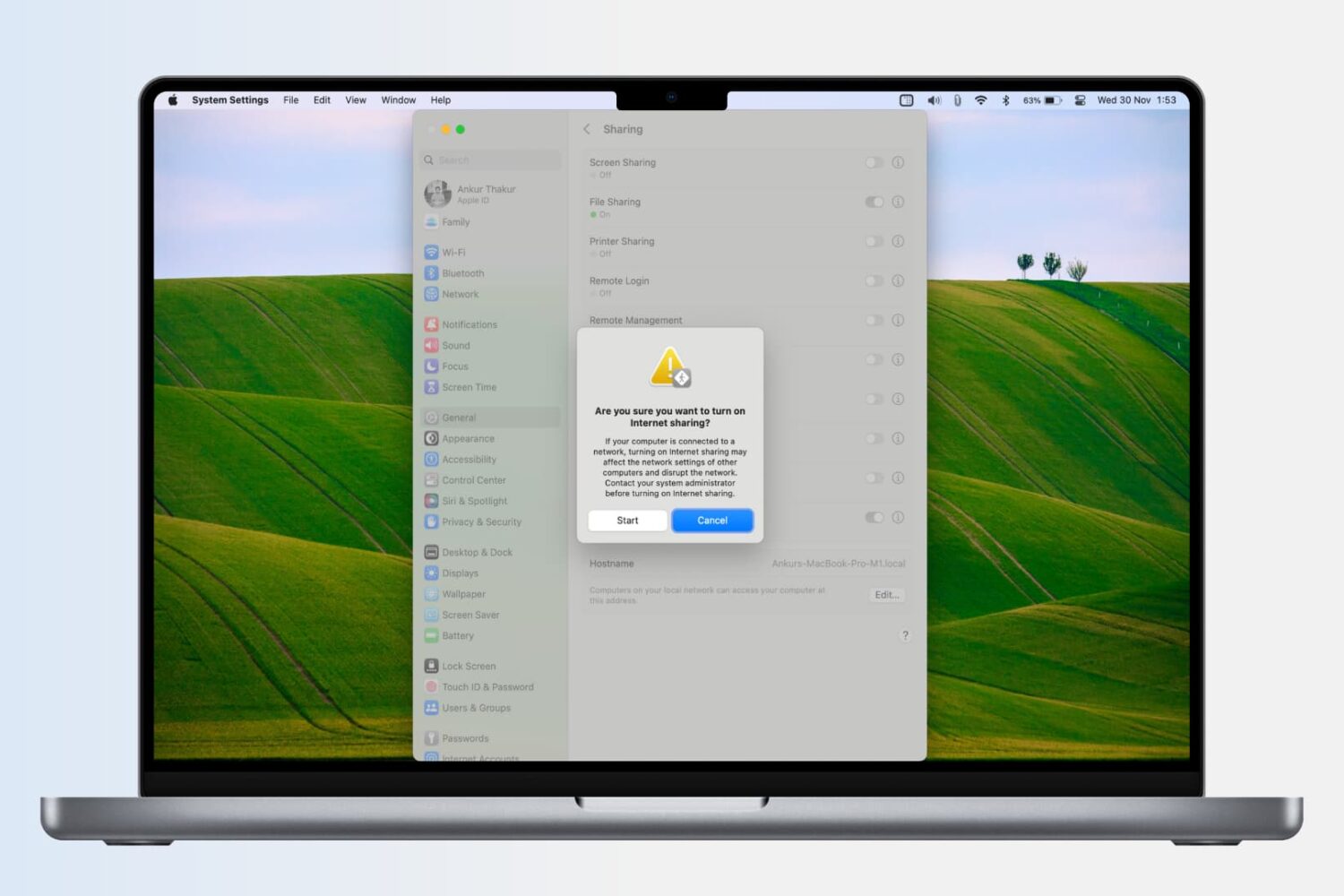
Learn how to turn your Mac into a wireless Wi-Fi router and share its Internet connection with other devices, or to share your Mac’s Wi-Fi with an iPhone or iPad via a USB cable or Bluetooth.

Check out these free methods to convert WebP images that many websites use to JPG, PNG, or other formats on your Mac.
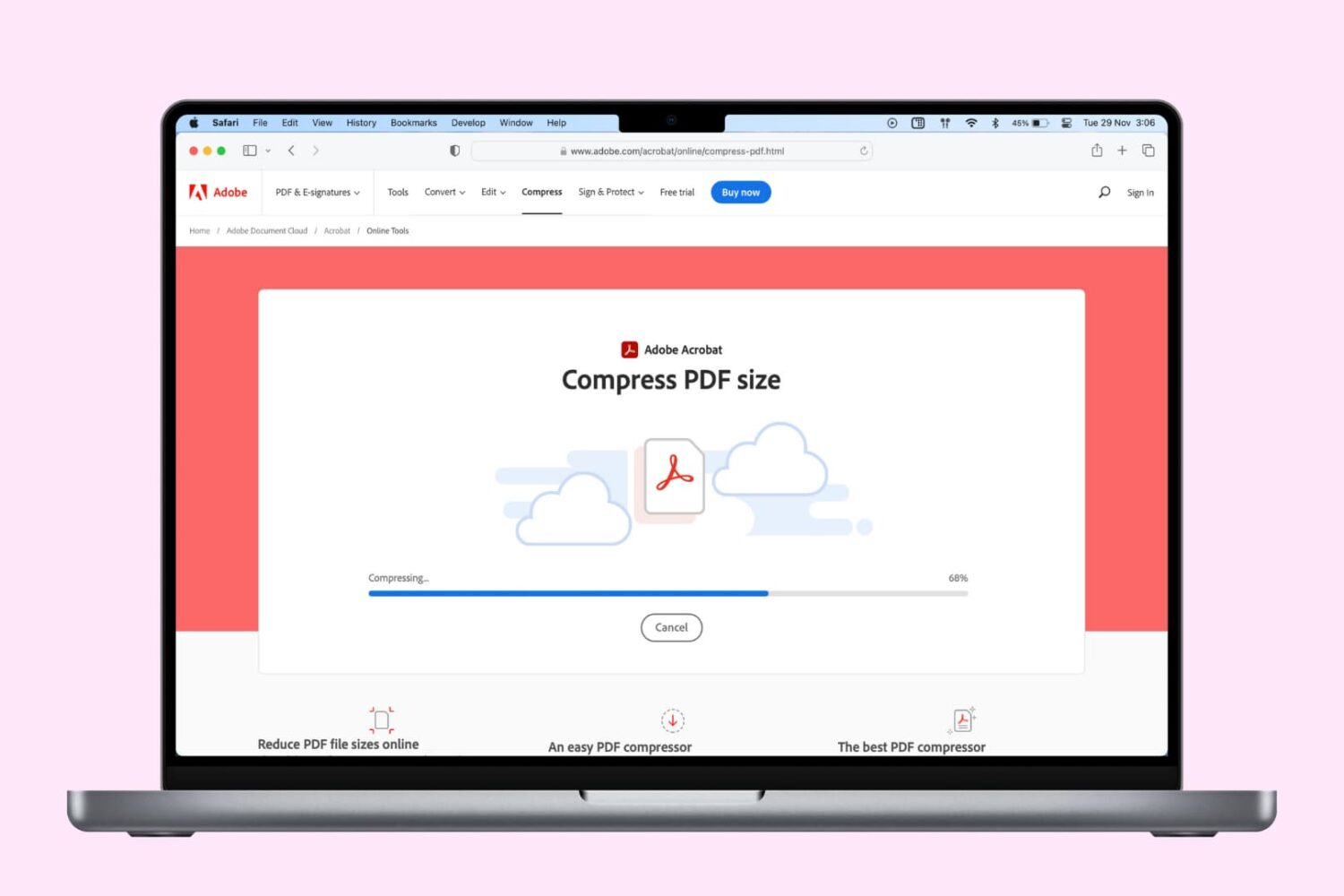
Check out these free solutions to compress PDF documents and reduce their file size on iPhone, iPad, and Mac, then pick ones that work best for you.
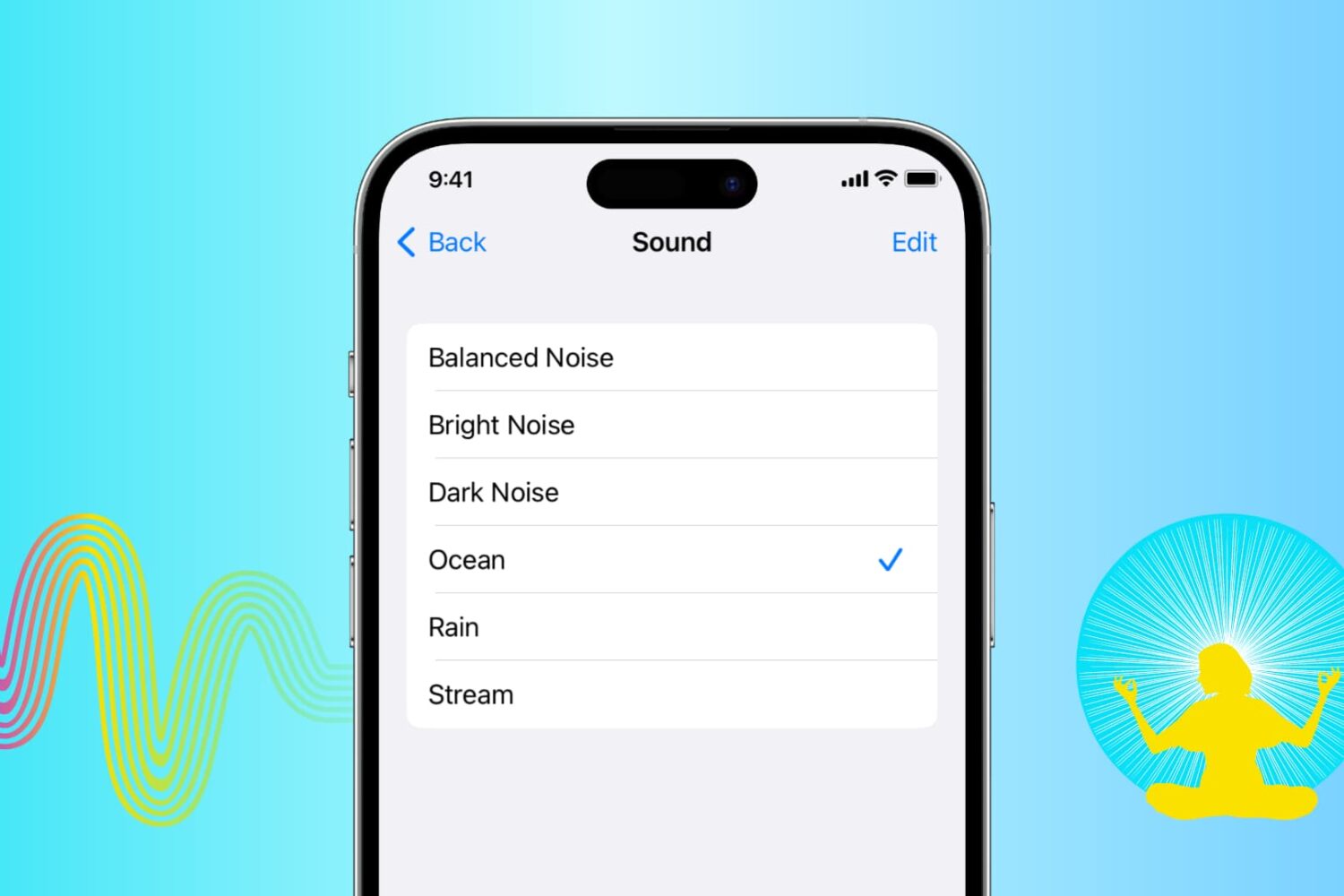
Learn how to play soothing sounds of nature or relaxing white noise right on your iPhone, iPad, or Mac without downloading extra third-party apps.
In this tutorial, we’ll show you the best ways to transfer photos, videos, PDFs, and more between a Mac and an Android phone.
In this tutorial, we show you how to use two or more WhatsApp accounts on your iPhone or computer for seamless communication across your personal and business contacts.
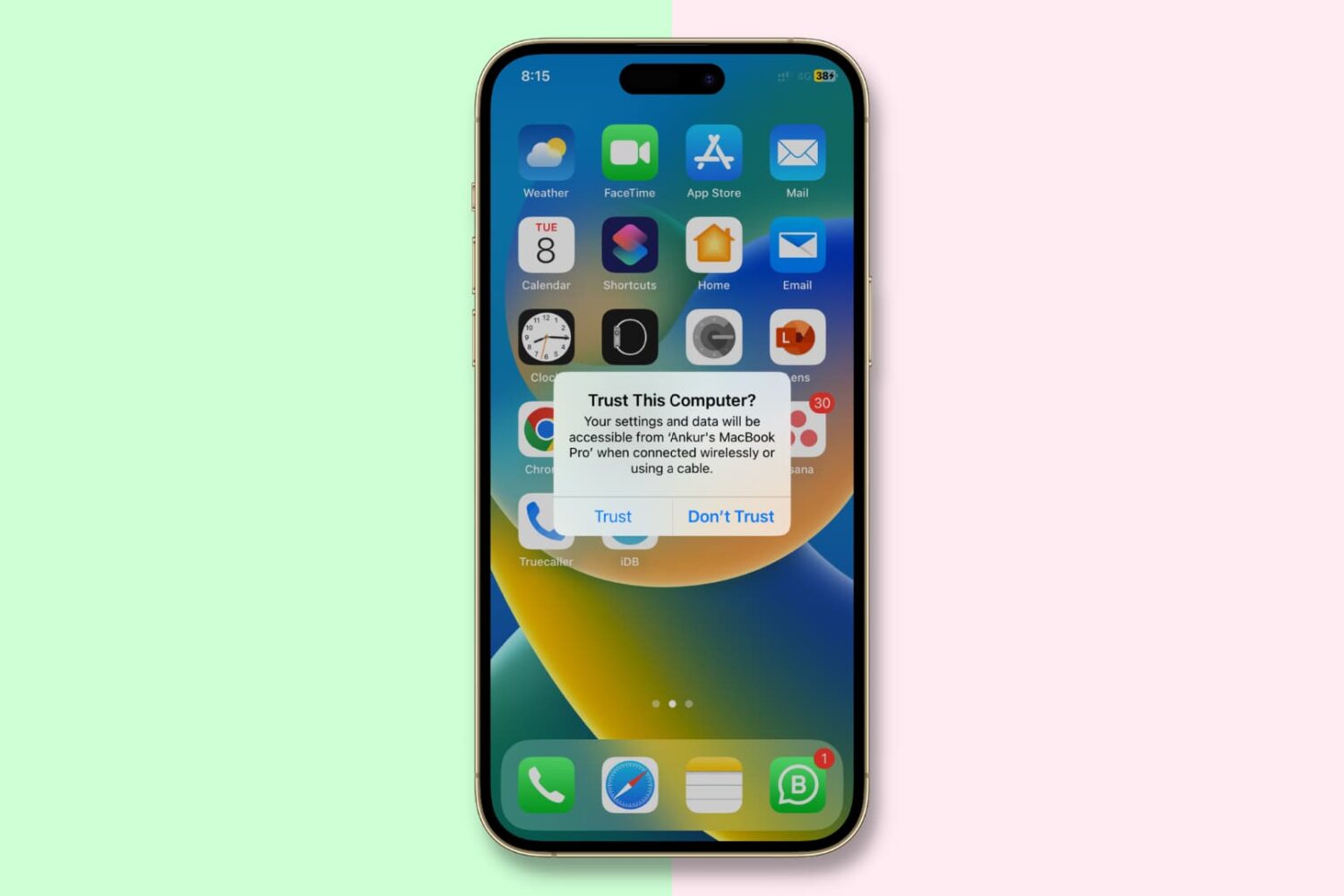
In this important guide, we tell you about the “Trust This Computer” alert on your iPhone or iPad and how to revoke access for previously trusted Mac and Windows PC.