In this tutorial, we’ll show you how to locate where songs, videos, and Apple Music files from the Music app are saved on your Mac.
How to find where the Music app saves songs on your Mac
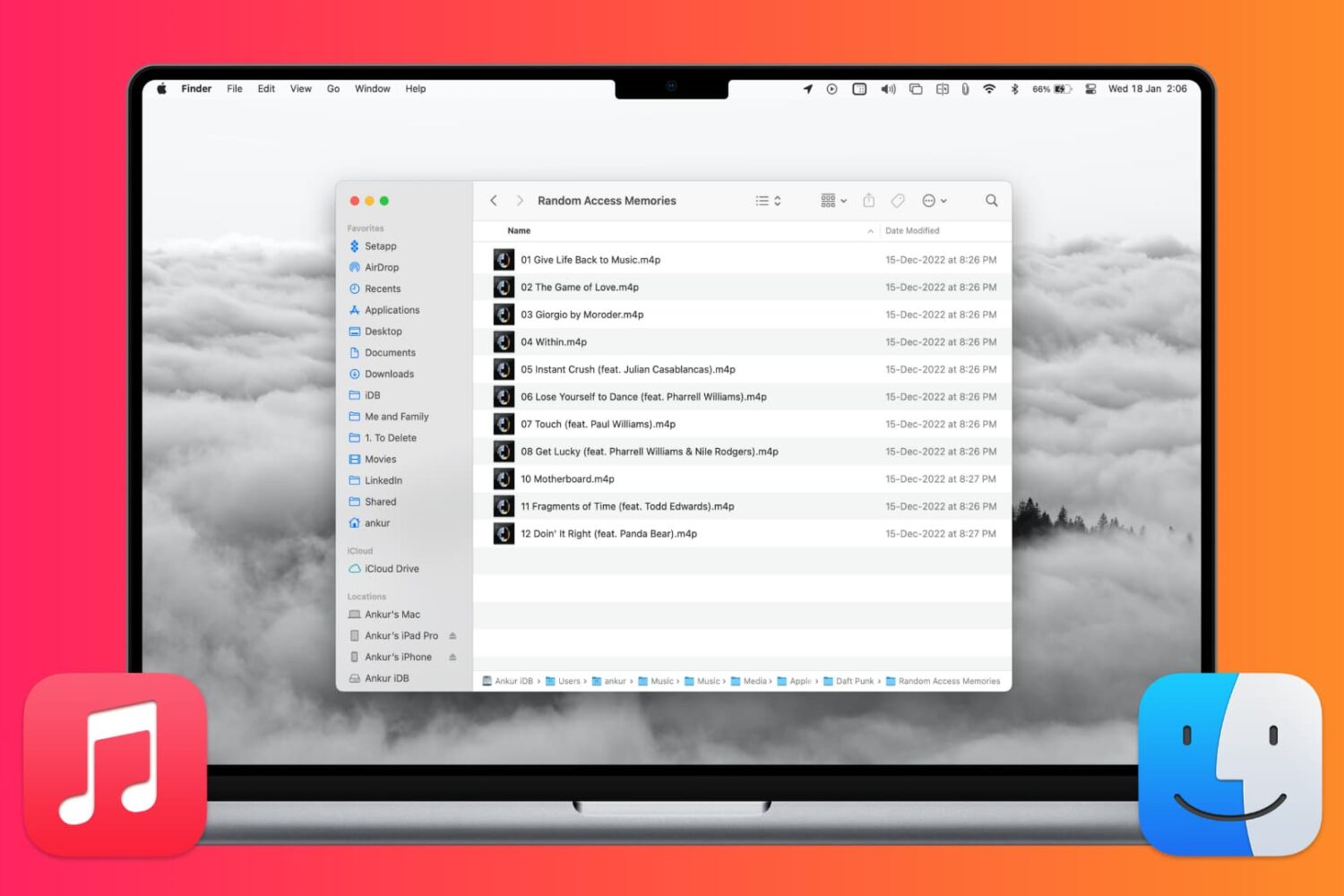
In this tutorial, we’ll show you how to locate where songs, videos, and Apple Music files from the Music app are saved on your Mac.
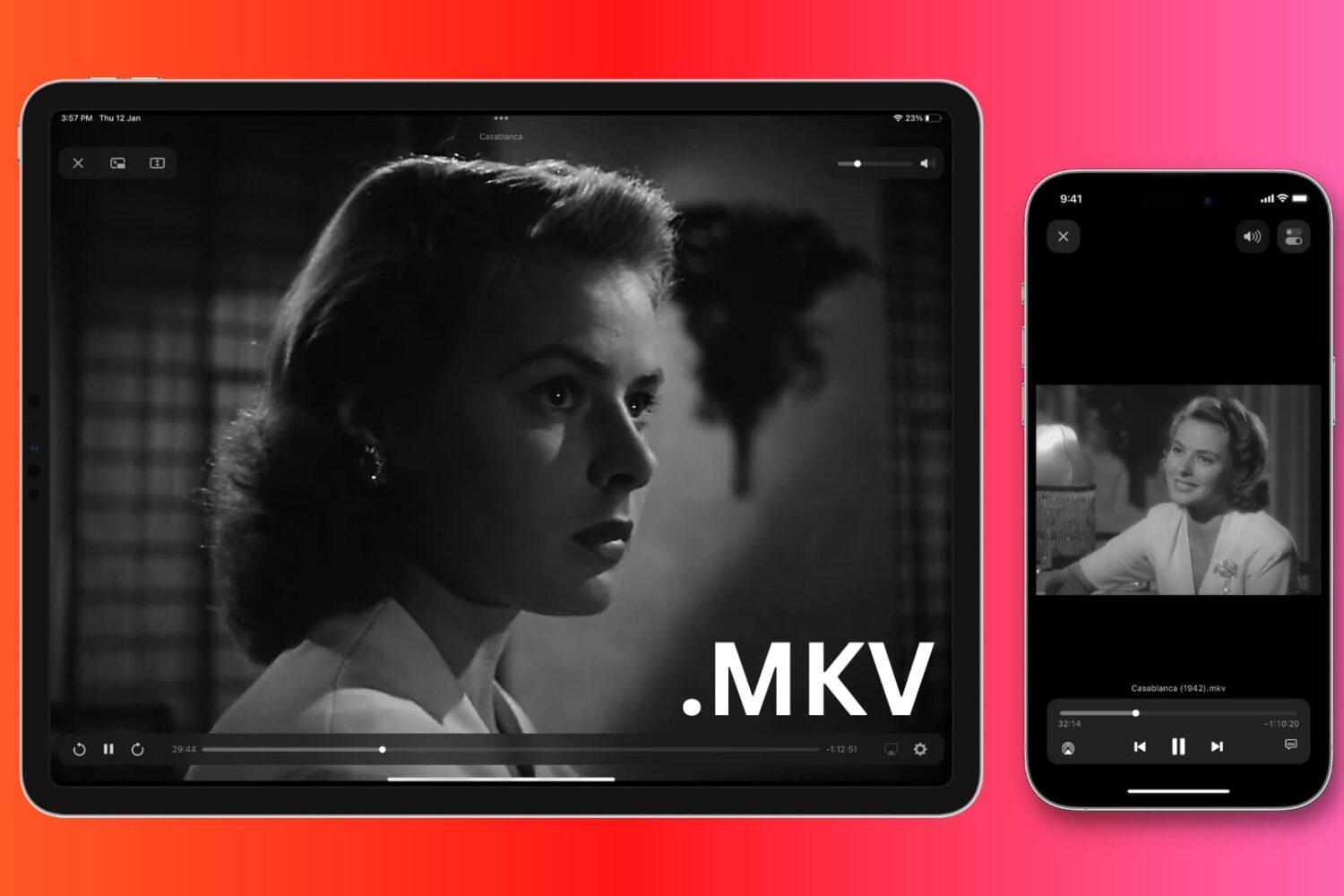
In this tutorial, we’ll show you how to watch MKV video files on your iPhone, iPad, Mac, Android (phone, tablet, TV), and Windows PC without converting the MKV file first!
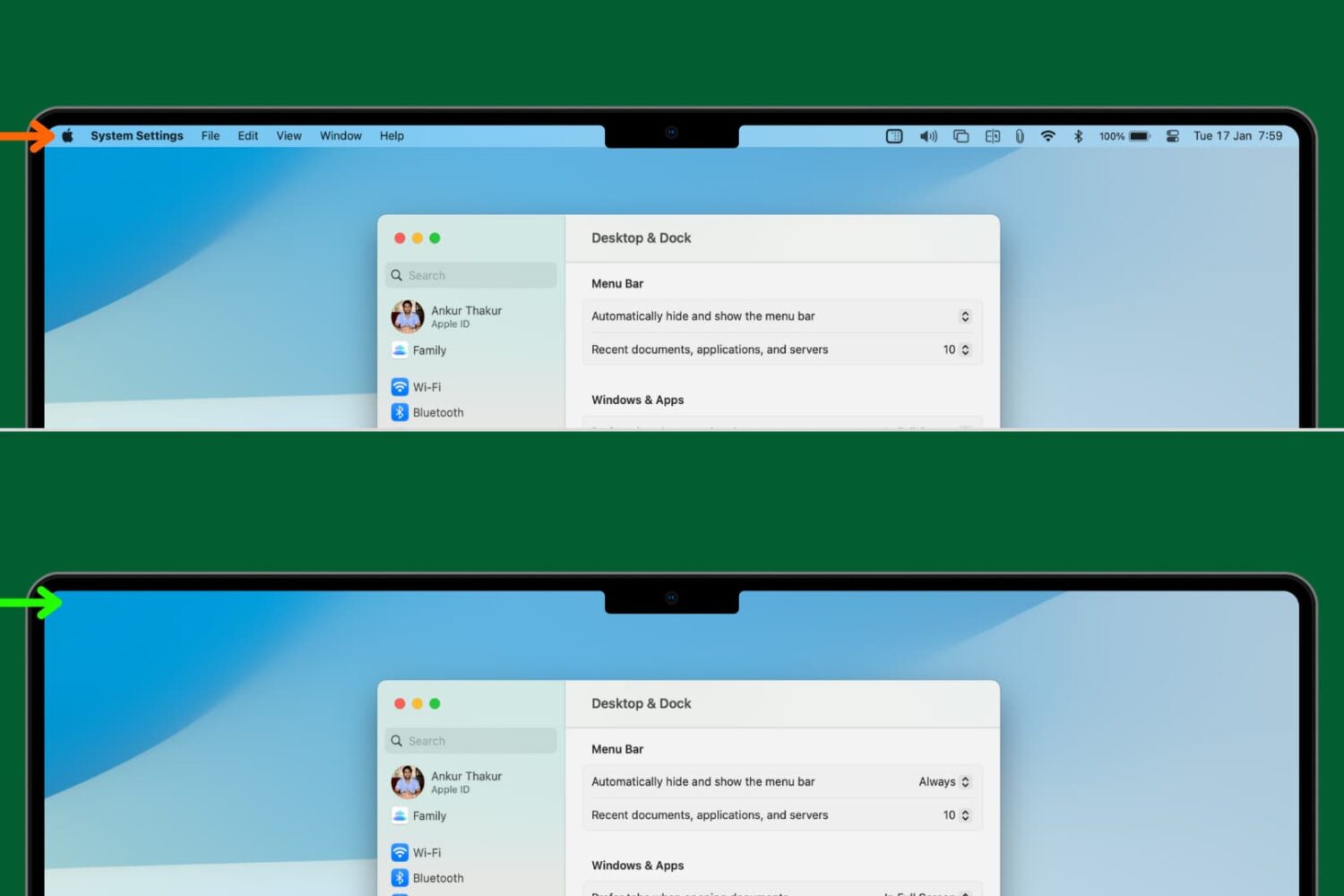
Learn how to set your Mac to automatically hide and show the menu bar, making a little more space for your apps and windows.
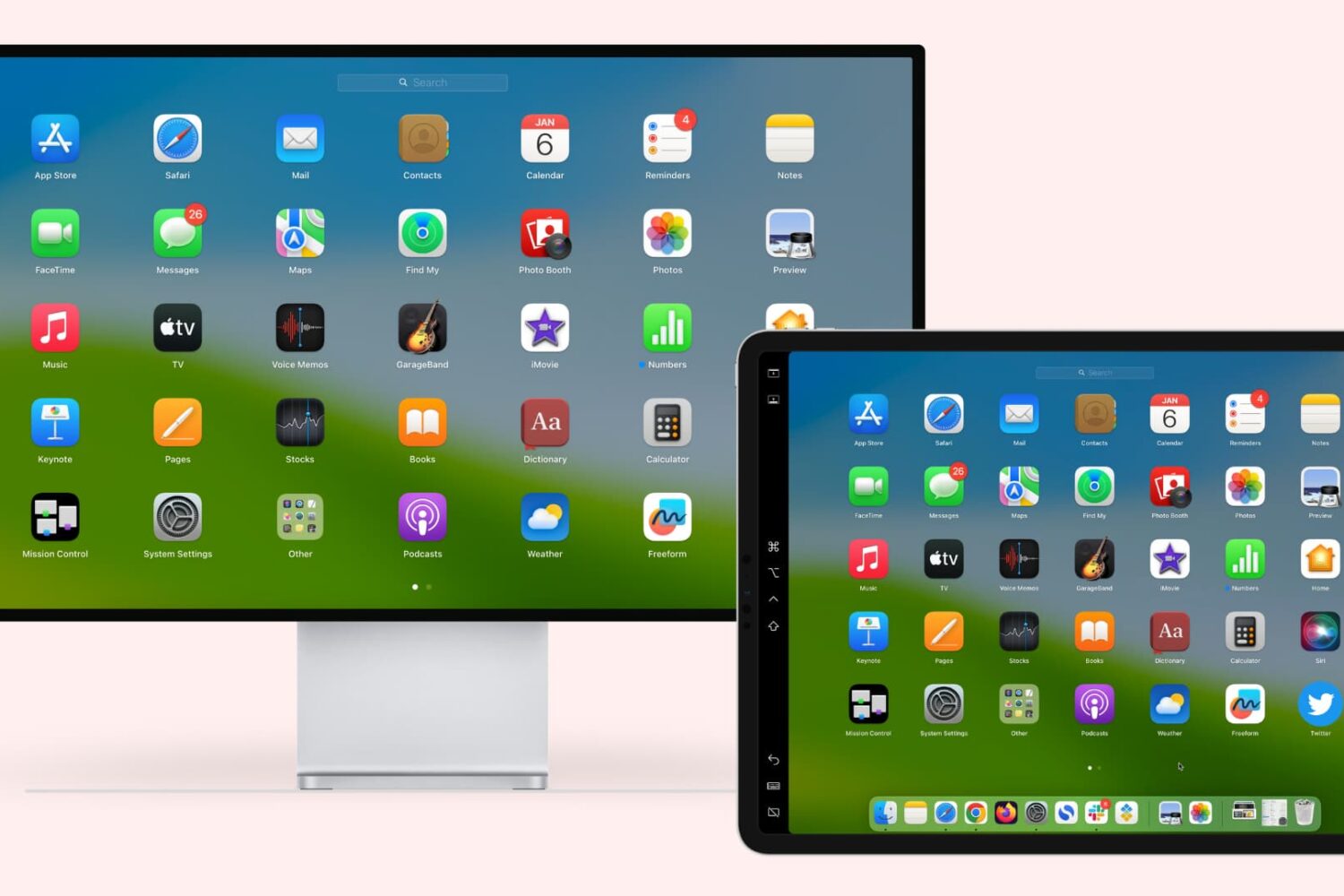
Learn how to extend or mirror your Mac’s display to your iPad wirelessly or via USB, without requiring third-party apps!
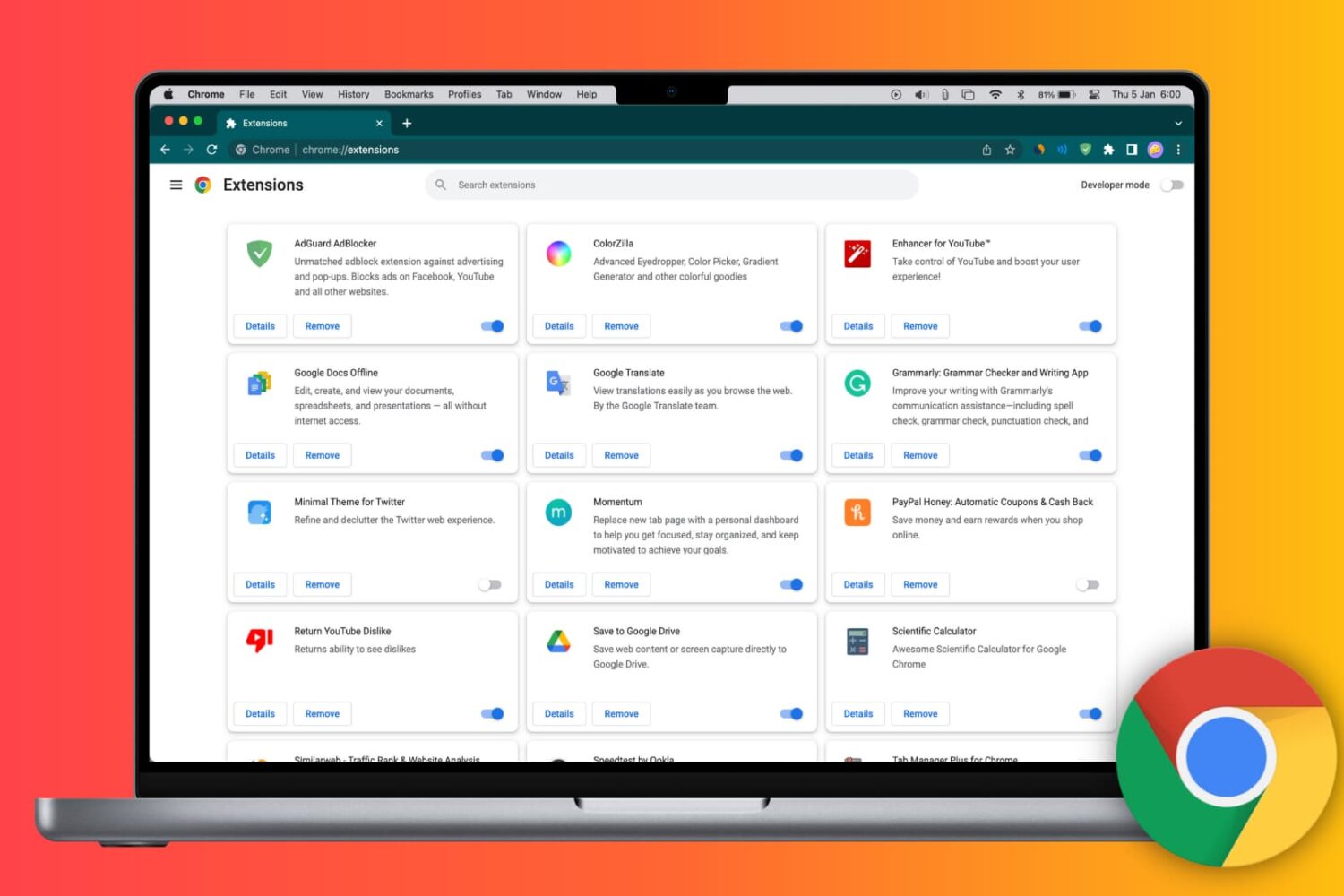
Learn how to install Google Chrome extensions on your Mac or Windows PC to get extra features, as well as manage, update, or remove them.
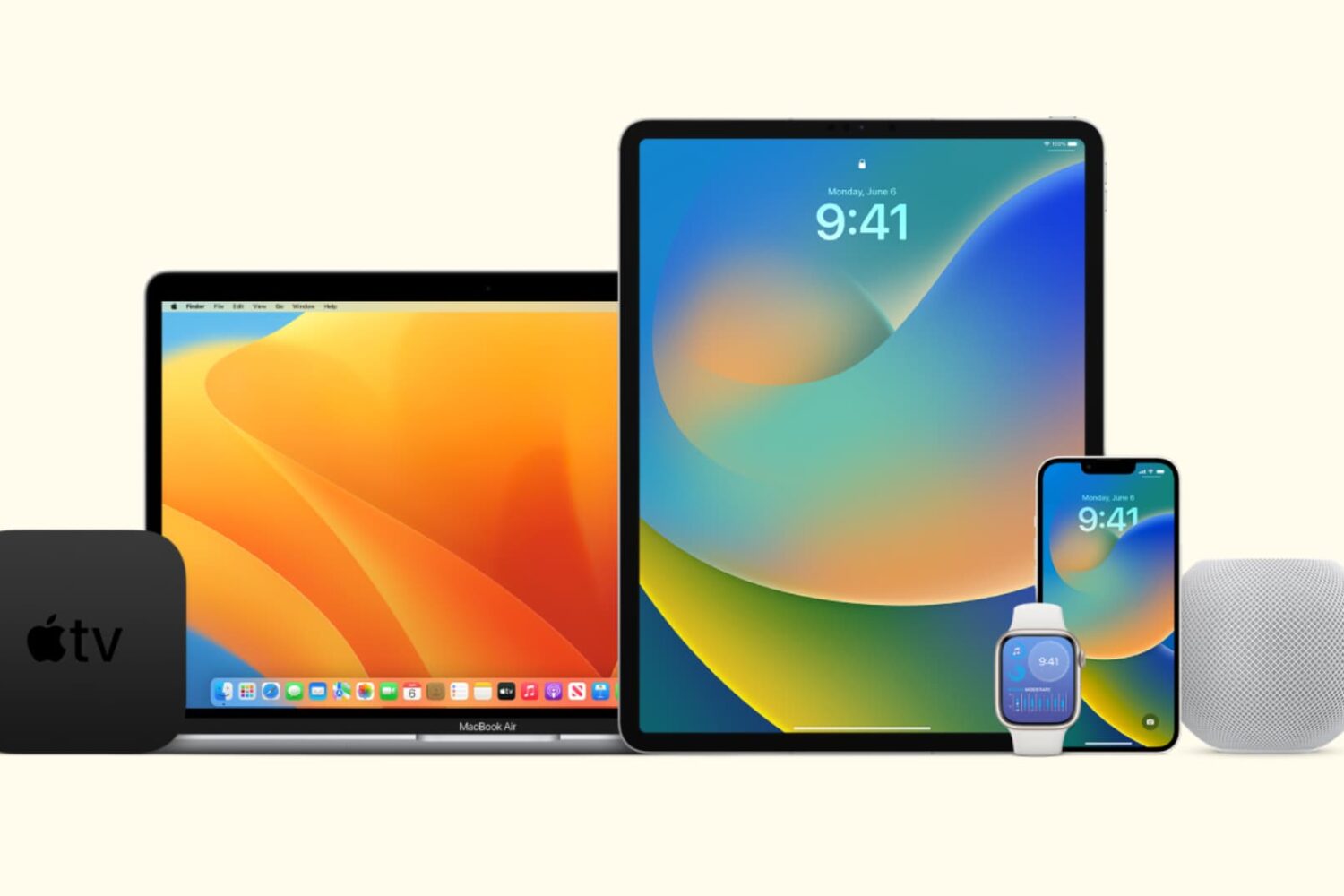
In this tutorial, we’ll show you how to stop all your Apple devices (iPhone, iPad, Mac, Apple Watch, HomePod, Apple TV, and Vision Pro) from automatically downloading and installing software updates.
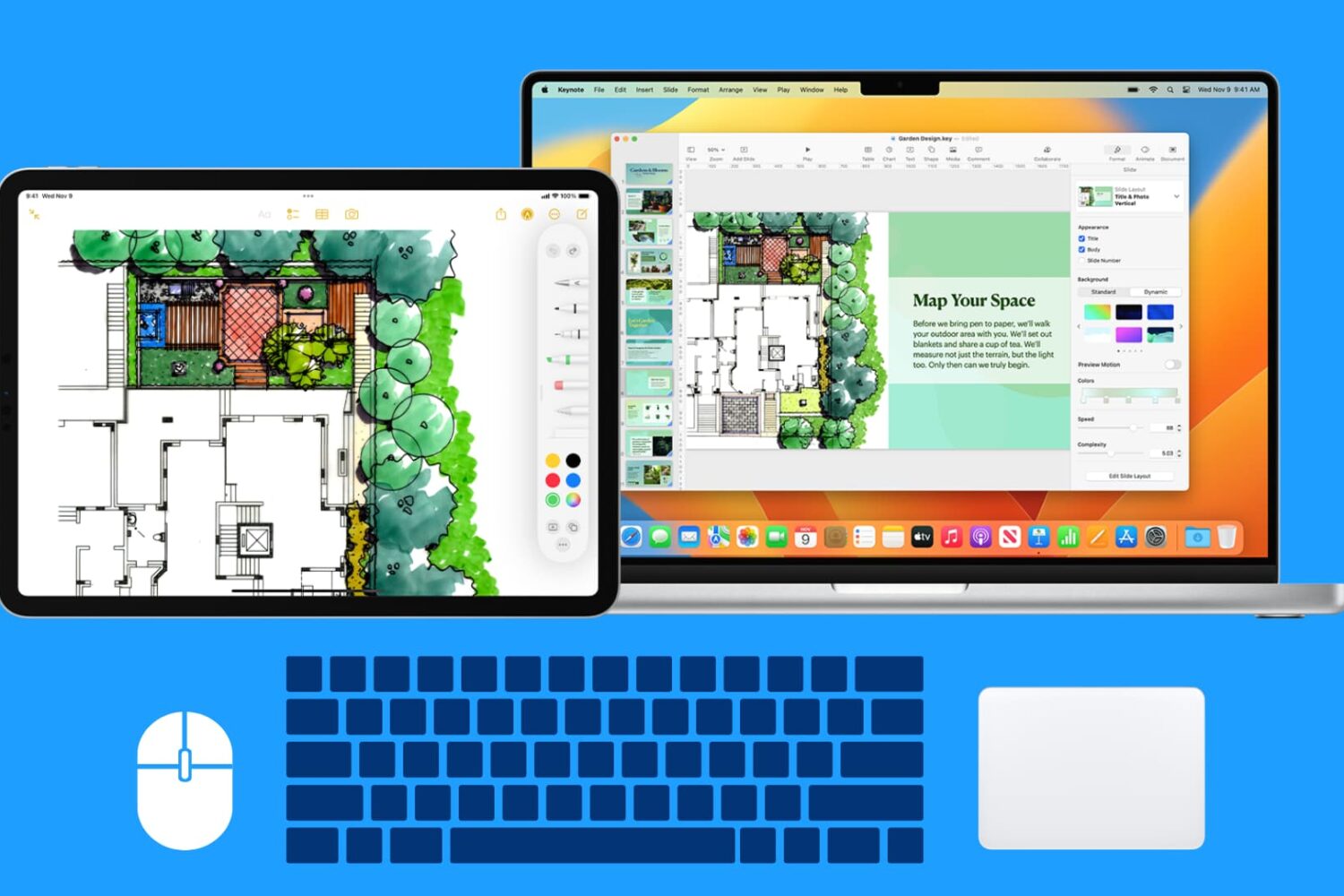
Learn how to use your Mac’s wireless or wired mouse, trackpad, and keyboard with your iPad at the same time, thanks to the Universal Control Continuity feature.
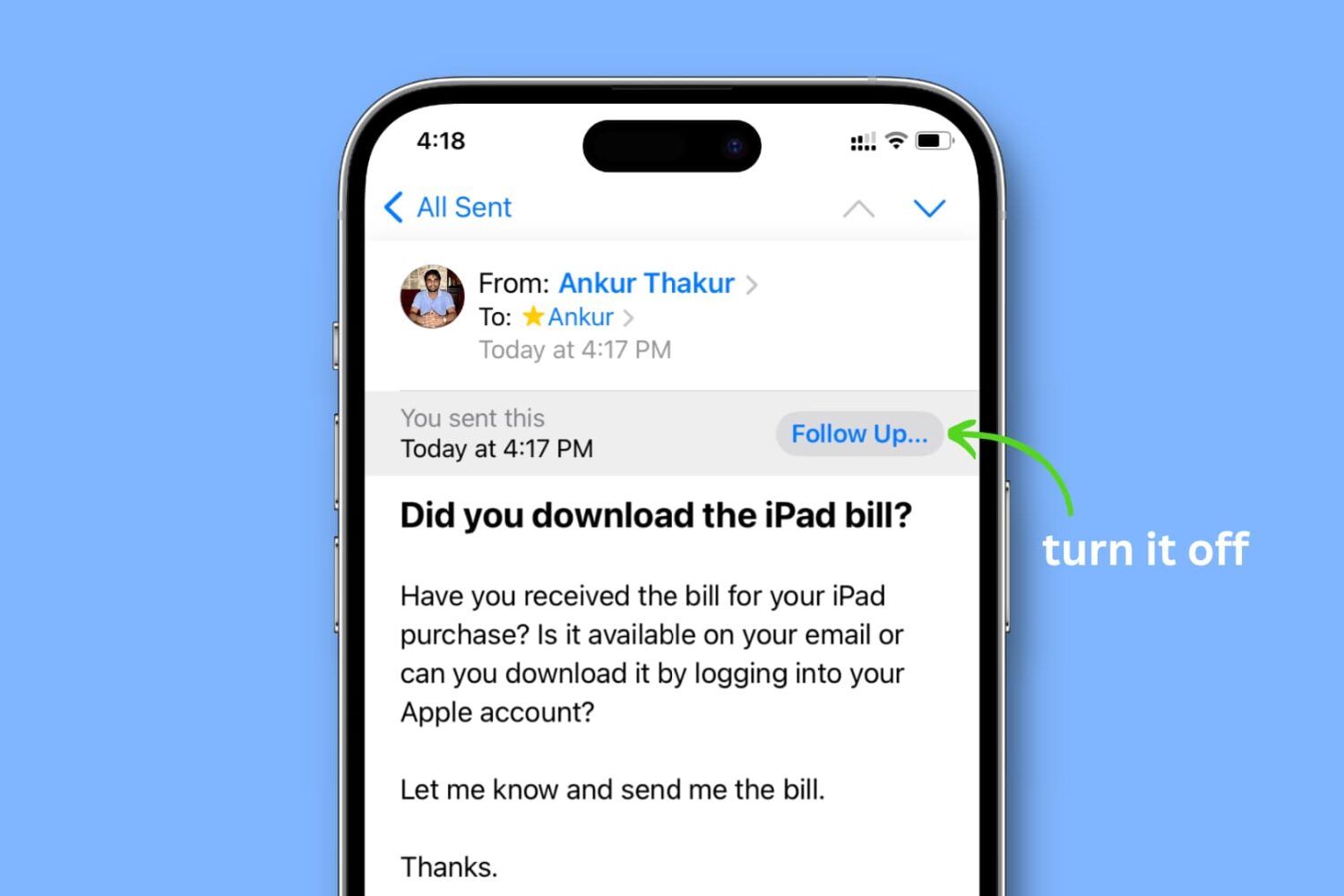
Learn how to turn off the ‘Follow Up...’ banner for emails you’ve sent in the Apple Mail app on your iPhone, iPad, and Mac.
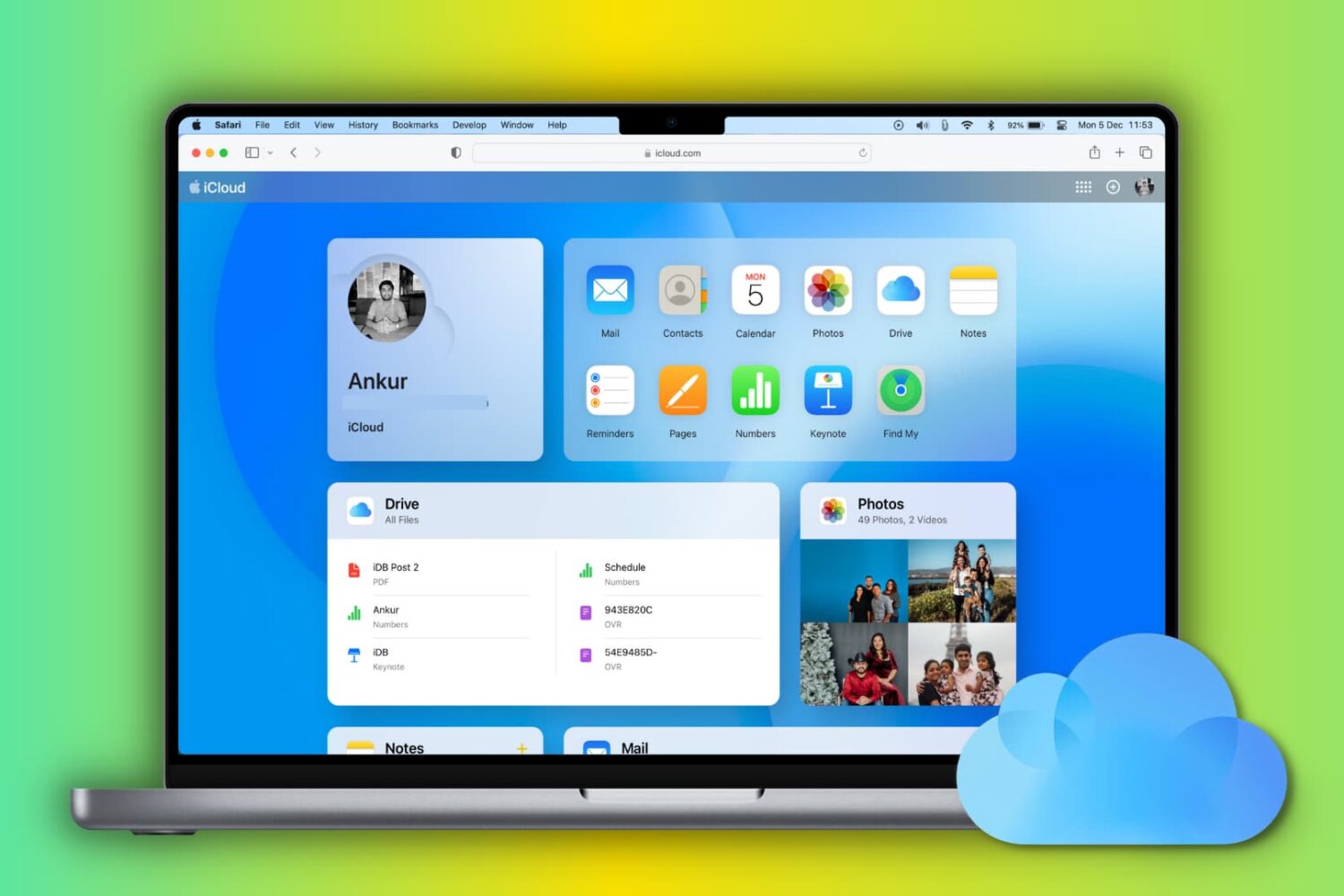
Learn how to set up and use iCloud and iCloud Drive on your Mac to store and sync data across your various Apple devices.
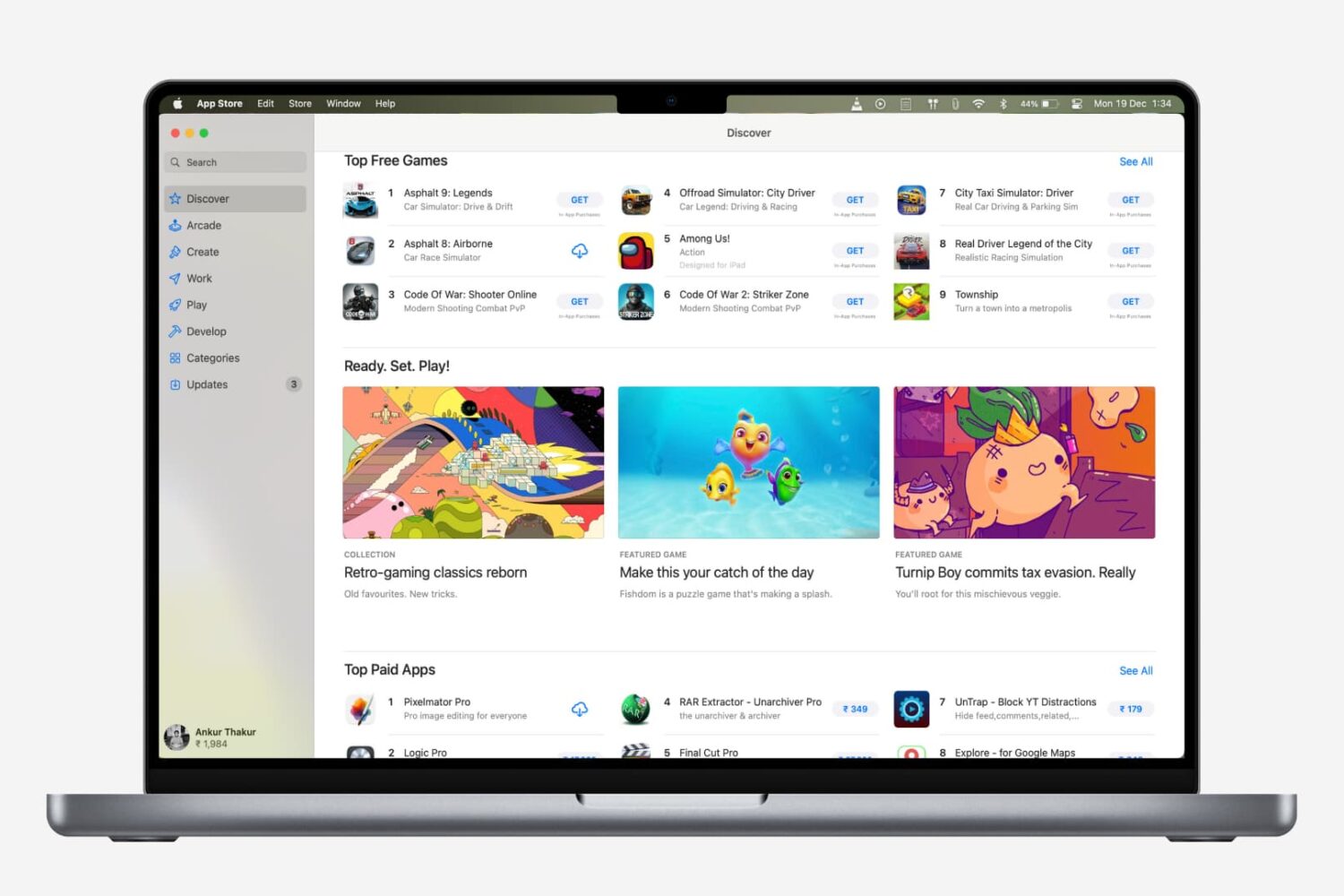
Are you new to a Mac? Check out all the ways to update apps on your Mac, regardless of where you downloaded them from.
Check out some quick tips to boost file download speeds on your Mac, so you can avoid slow downloads and save time, all while increasing your productivity.
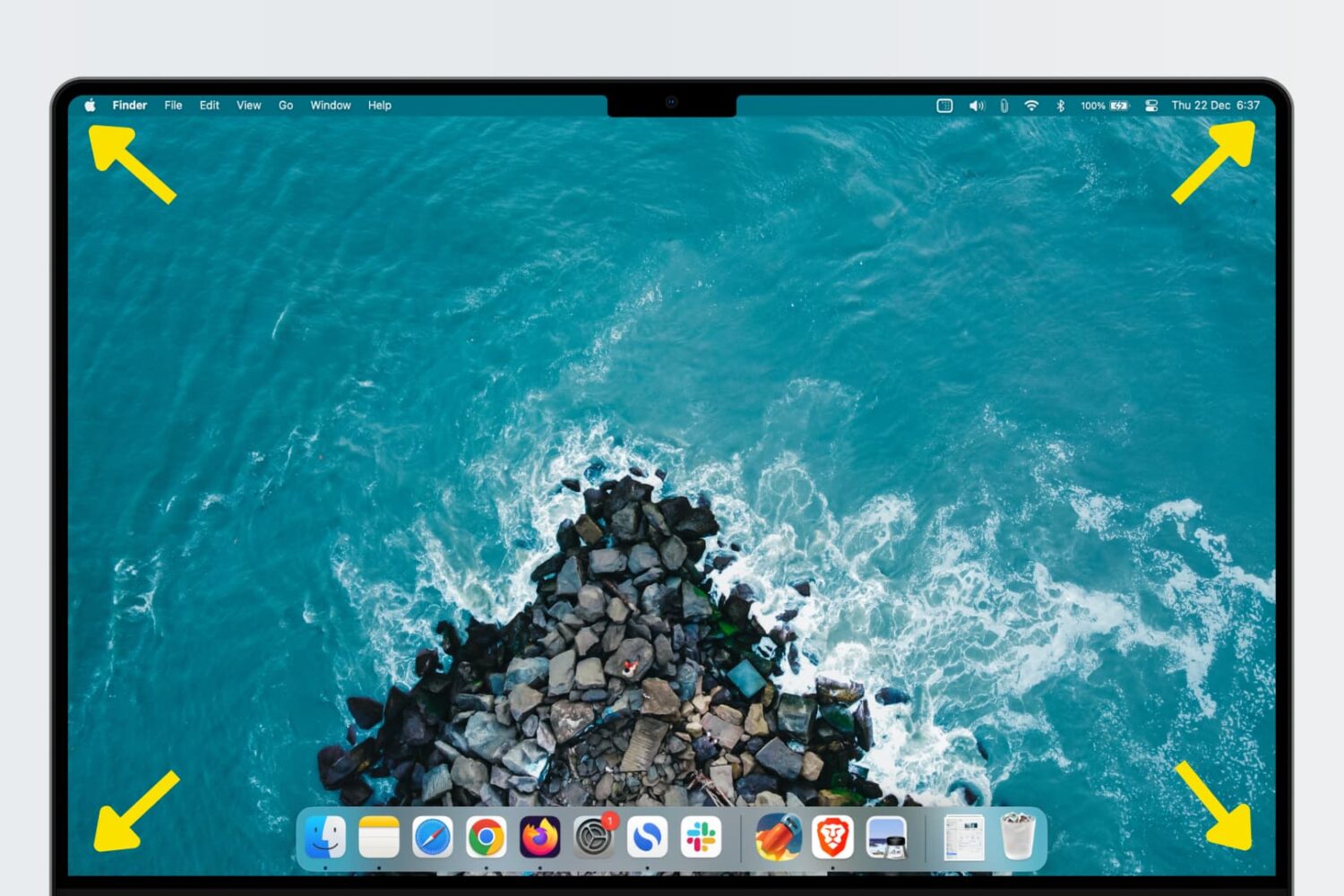
Learn how to use Hot Corners, a feature that allows you to trigger specific actions quickly by moving the mouse/trackpad cursor to any of the four corners of your Mac’s display.