Learn how to find your Mac’s serial number, model number, part number, model name, and launch year, and why you might need this information.
How to find the serial number, model name, part number, and launch year of your Mac
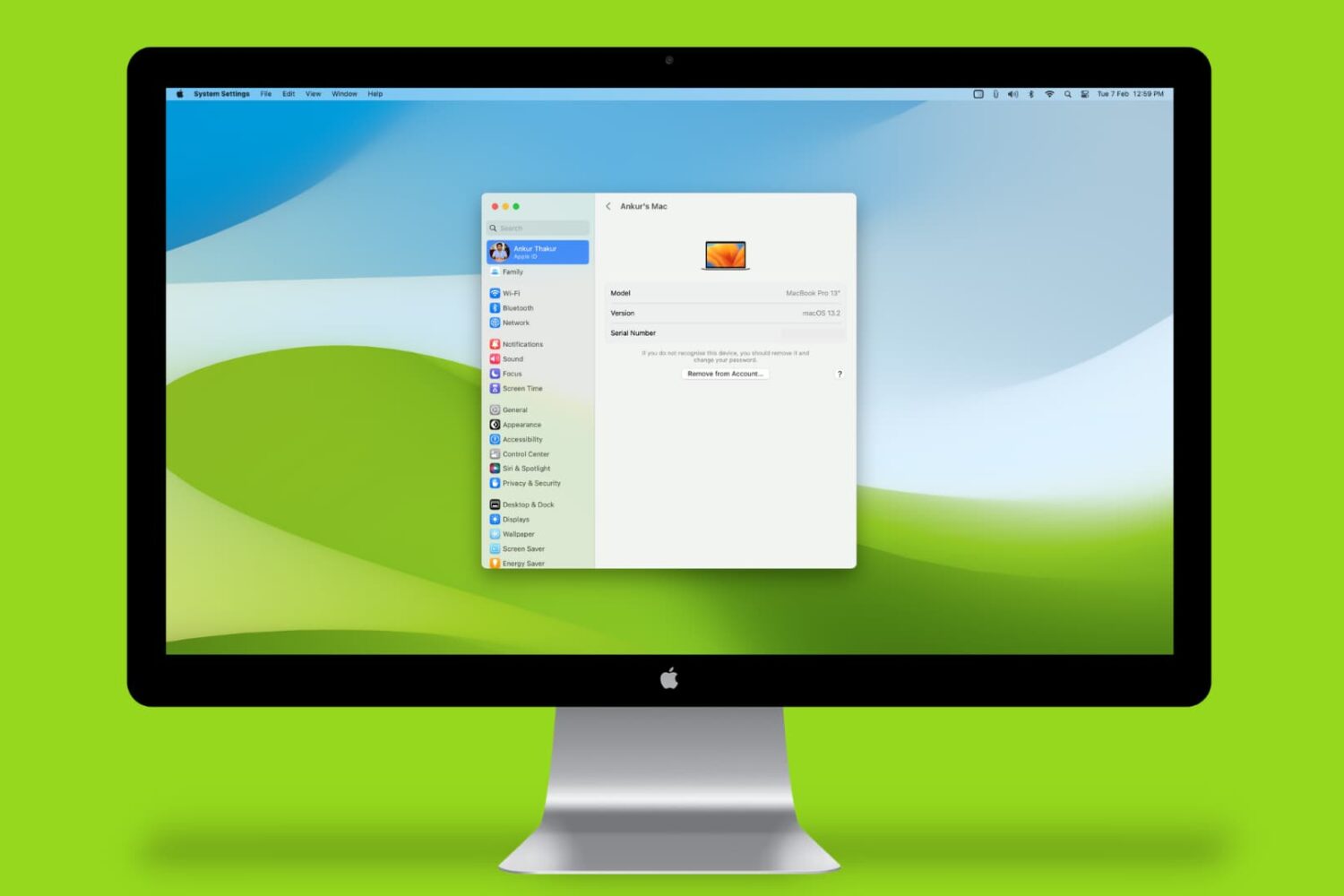
Learn how to find your Mac’s serial number, model number, part number, model name, and launch year, and why you might need this information.
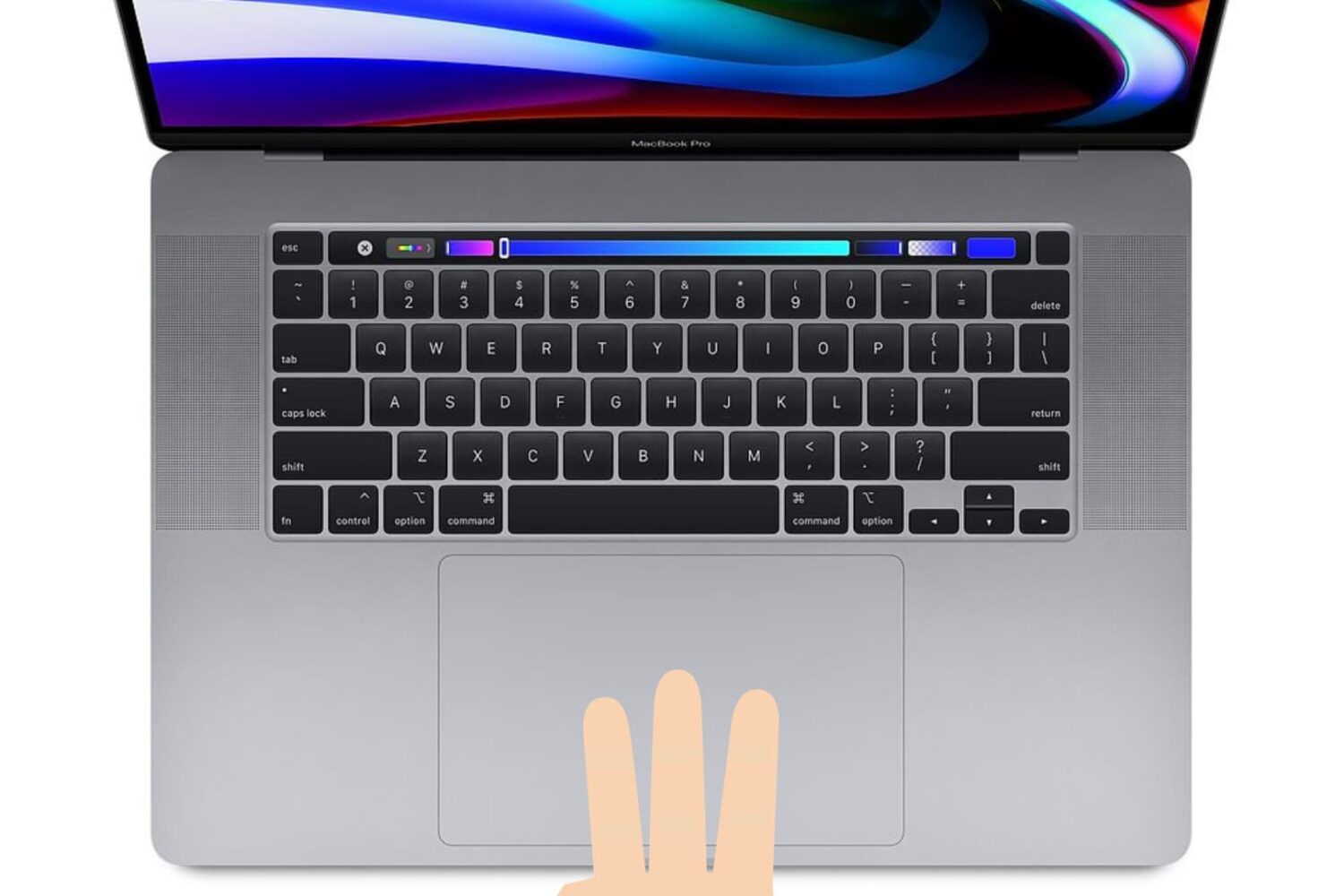
Learn how to enable three-finger drag on your MacBook’s built-in trackpad or a Magic Trackpad to make it easier to move windows and select text.
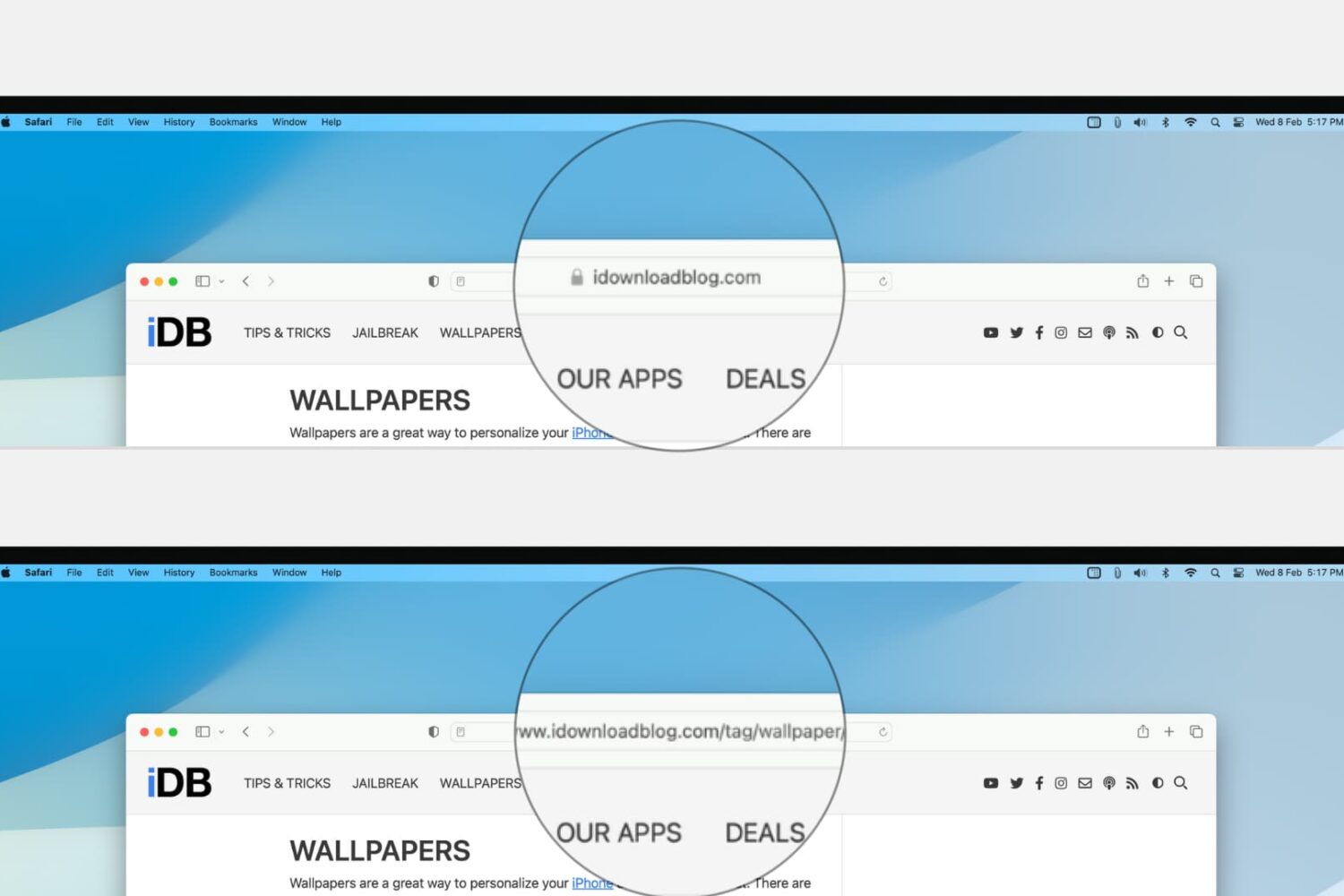
Learn how to configure Safari on your Mac to display the full website URL in the address bar, making it easier to distinguish between open tabs.
Learn how to prevent your iPhone messages, Phone & FaceTime calls, emails, and app notifications from showing up on your shared Mac to enhance your privacy.
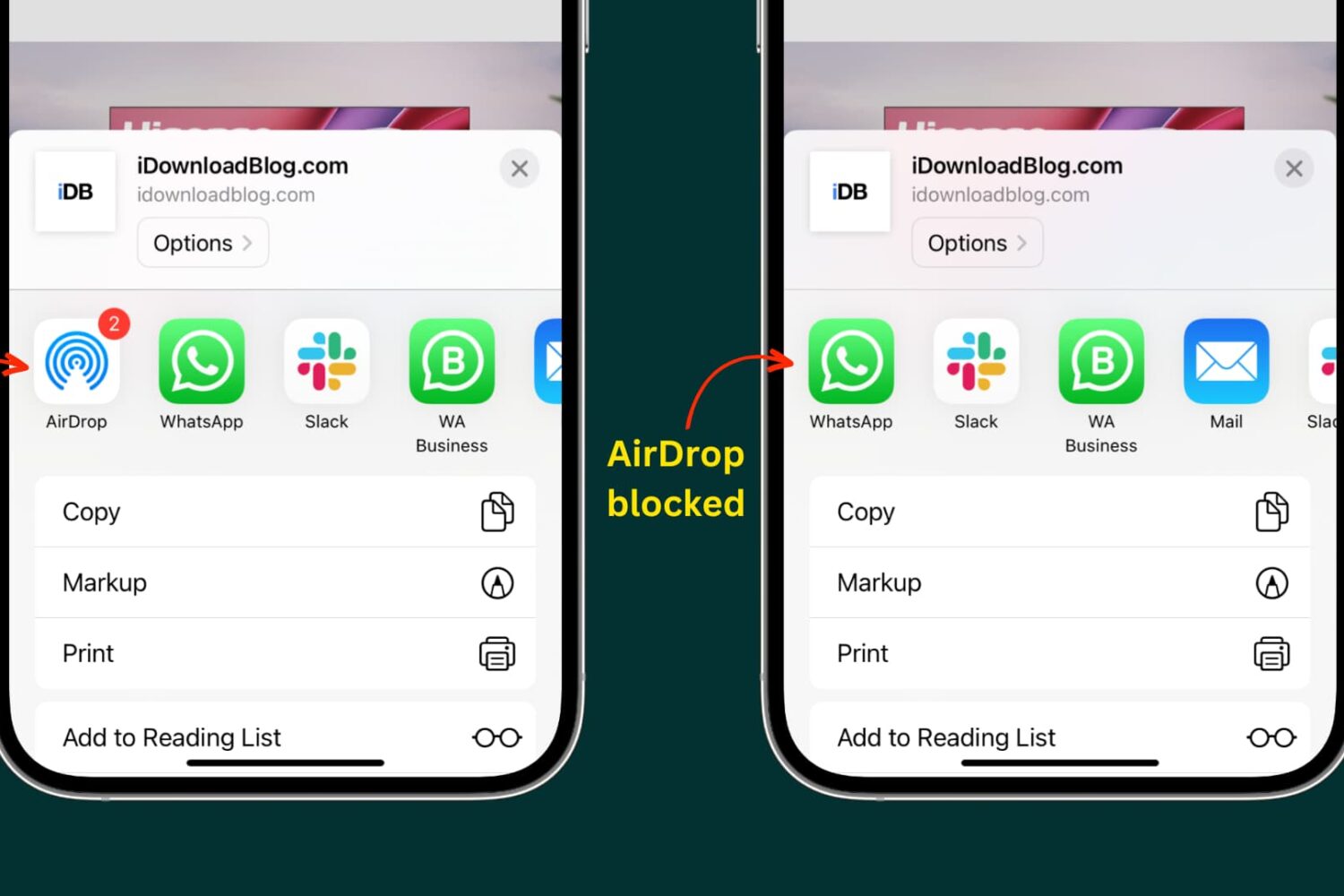
Learn how to turn off or fully block the built-in AirDrop feature on your iPhone, iPad, and Mac to control who can send you files for better privacy and security.
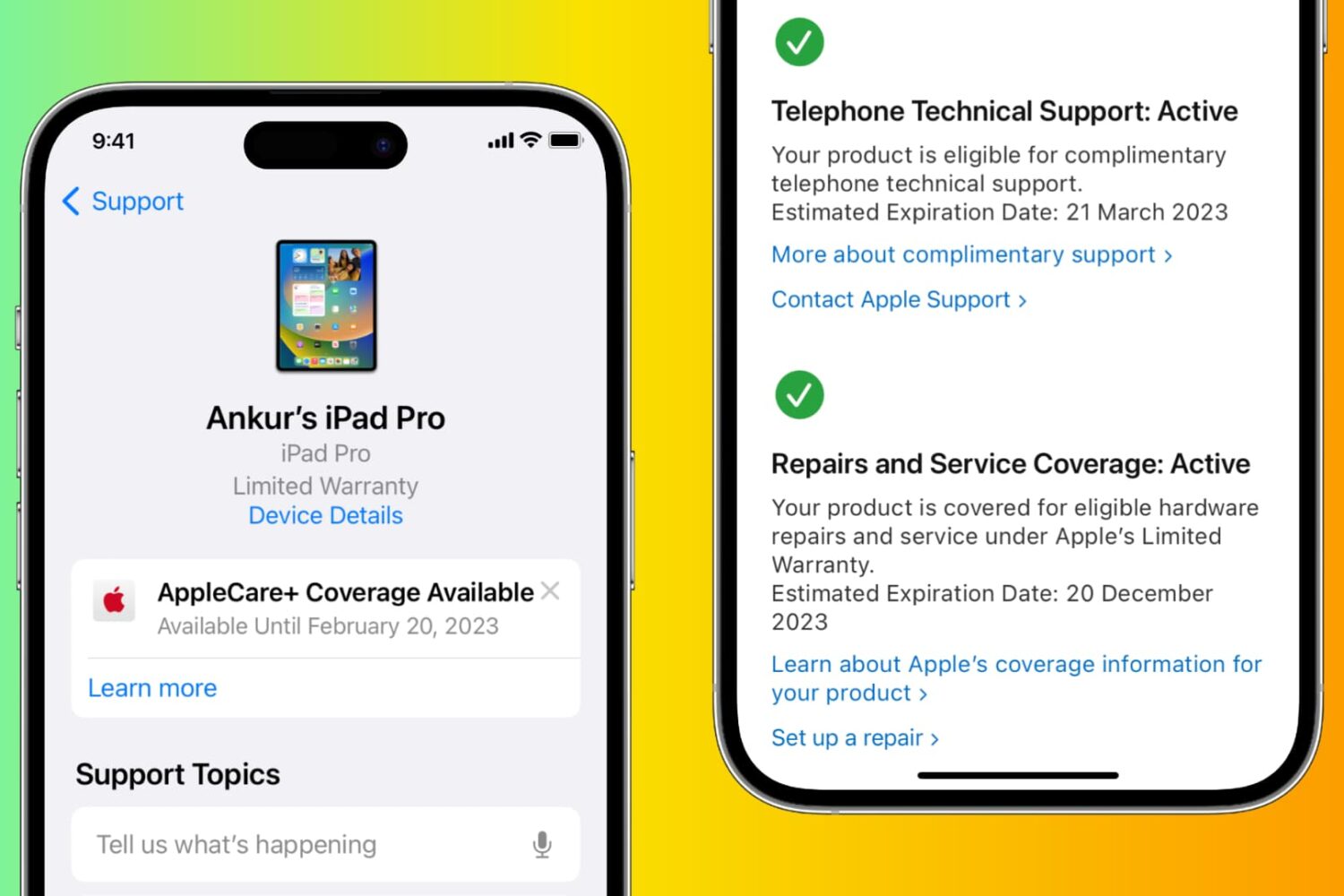
Whether you’re thinking about filing a claim or just curious about your device’s coverage, this article will show you how to quickly check the warranty status of your iPhone, iPad, Mac, Apple Watch, HomePod, and any other Apple device using official methods.
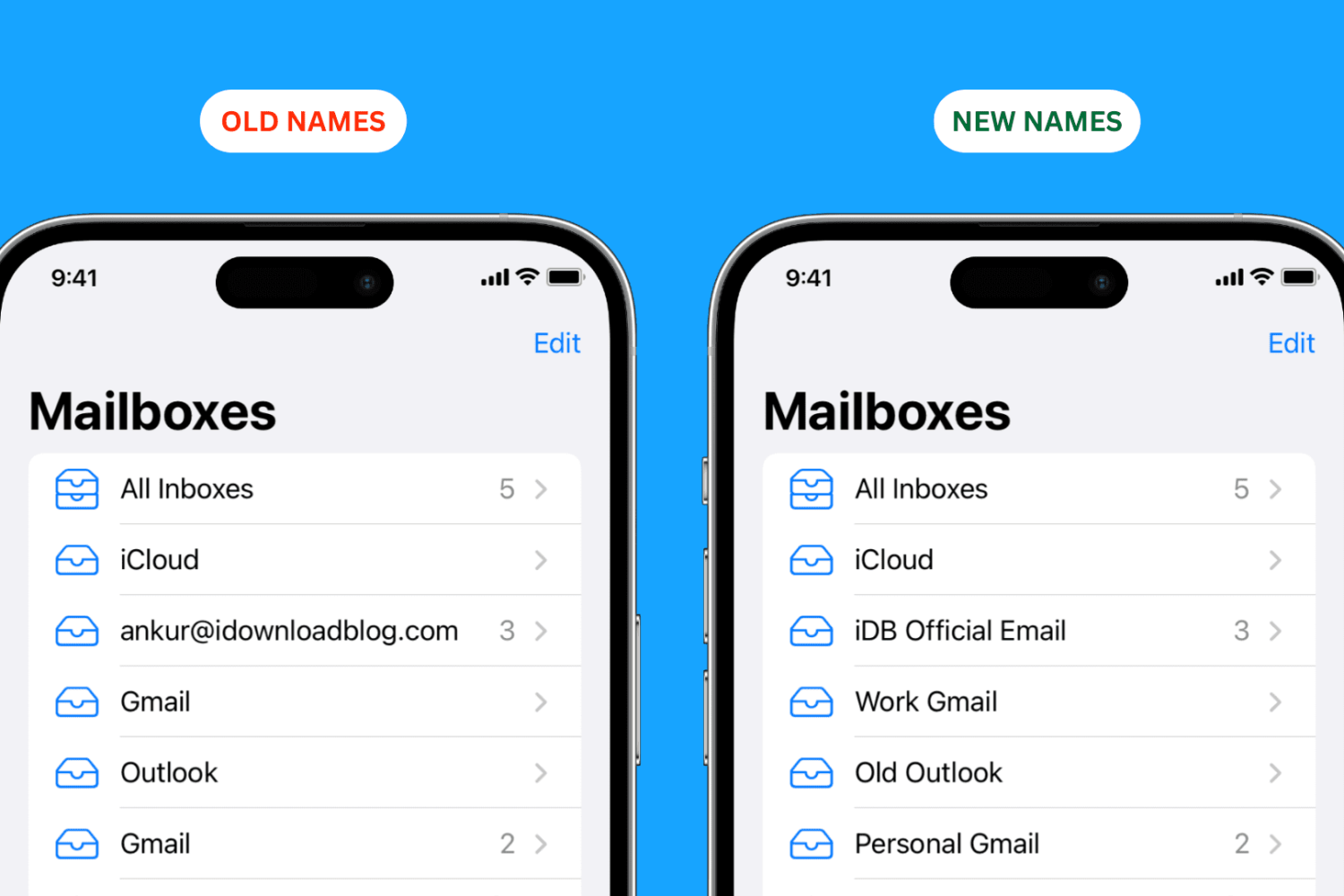
Check out these quick steps to change the name of your email account mailboxes in the Mail app on iPhone, iPad, and Mac for improved organization.
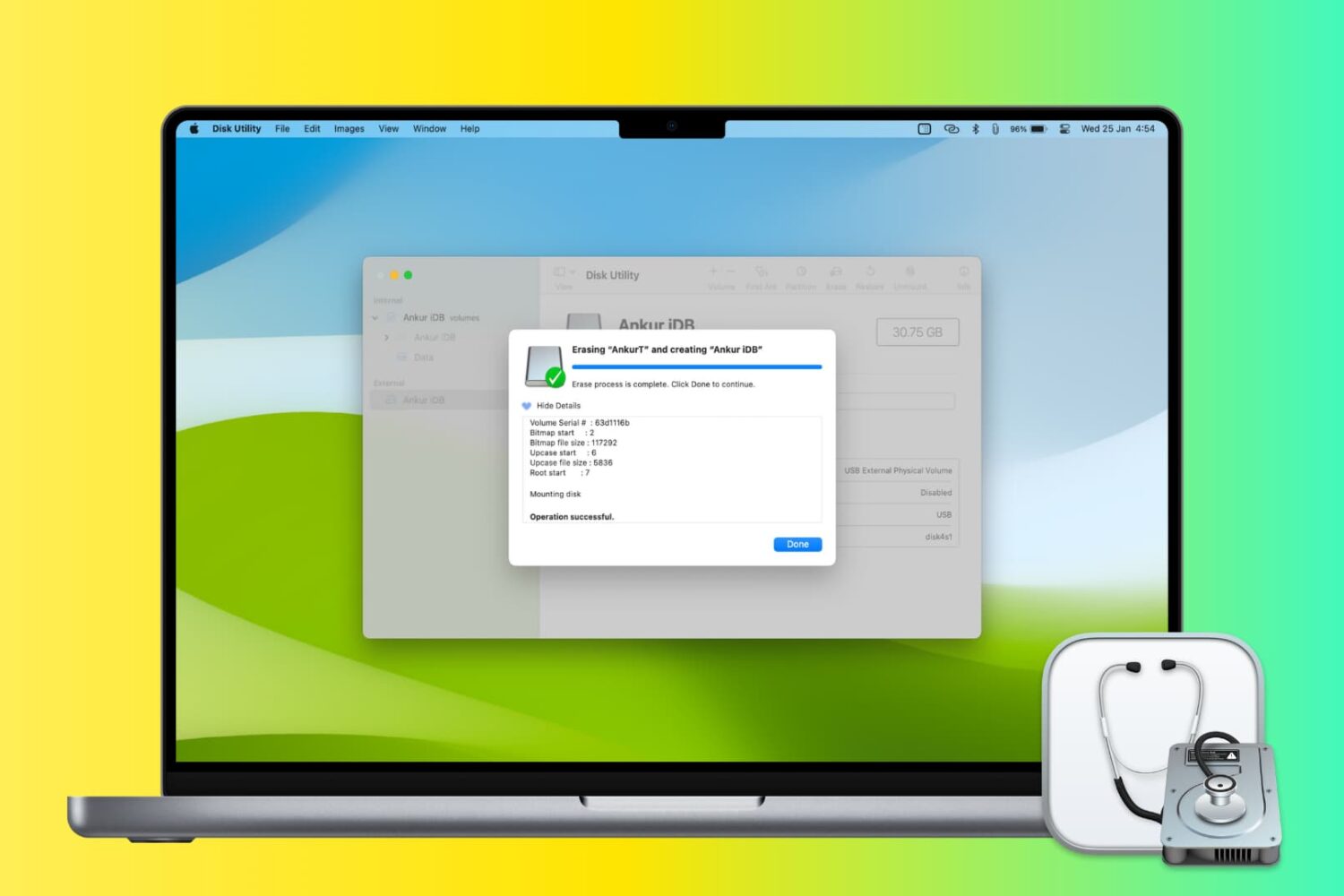
In this step-by-step tutorial, we’ll show you how to erase and format a flash drive, hard disk, thumb drive, or other external drive using the built-in Disk Utility app or a quick desktop shortcut on your Mac.
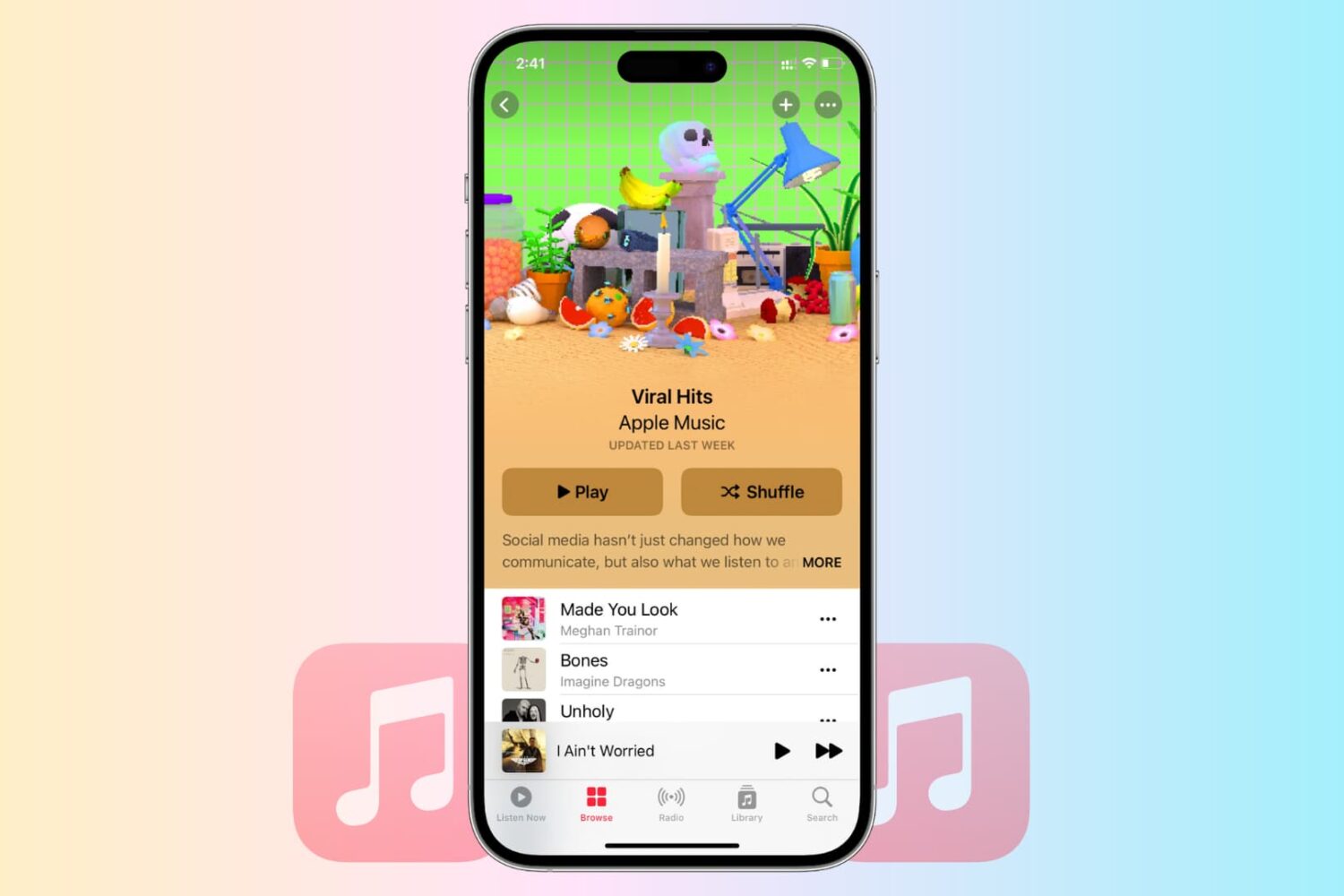
Learn how to troubleshoot and fix common issues that are causing Apple Music to malfunction on your iPhone, iPad, Mac, PC, or Android phone. Whether you’re experiencing issues with streaming, syncing, or playback, we’ve got you covered.
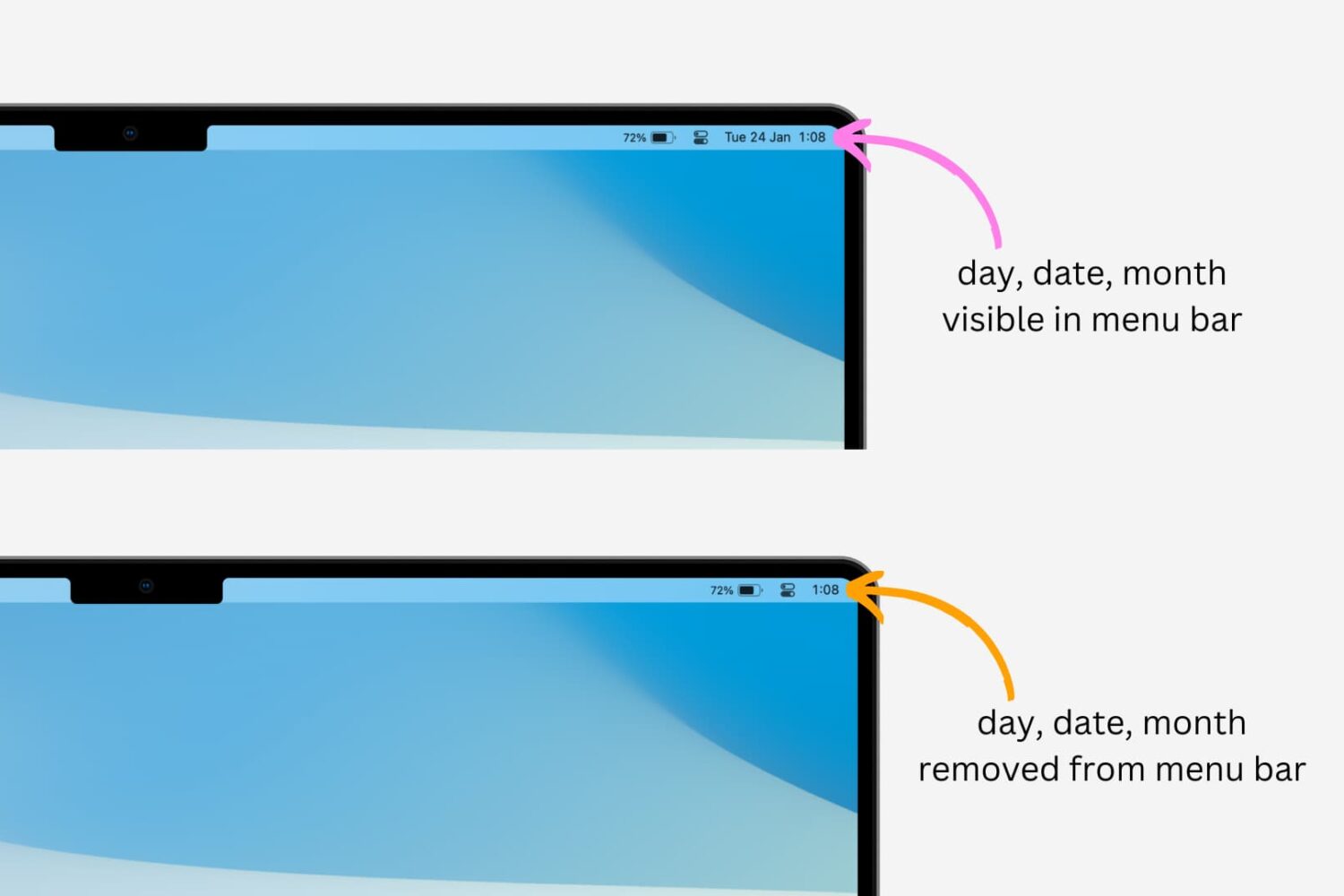
Learn how to easily remove the day and date from your Mac’s top menu bar and customize your display to suit your preferences with this simple guide.
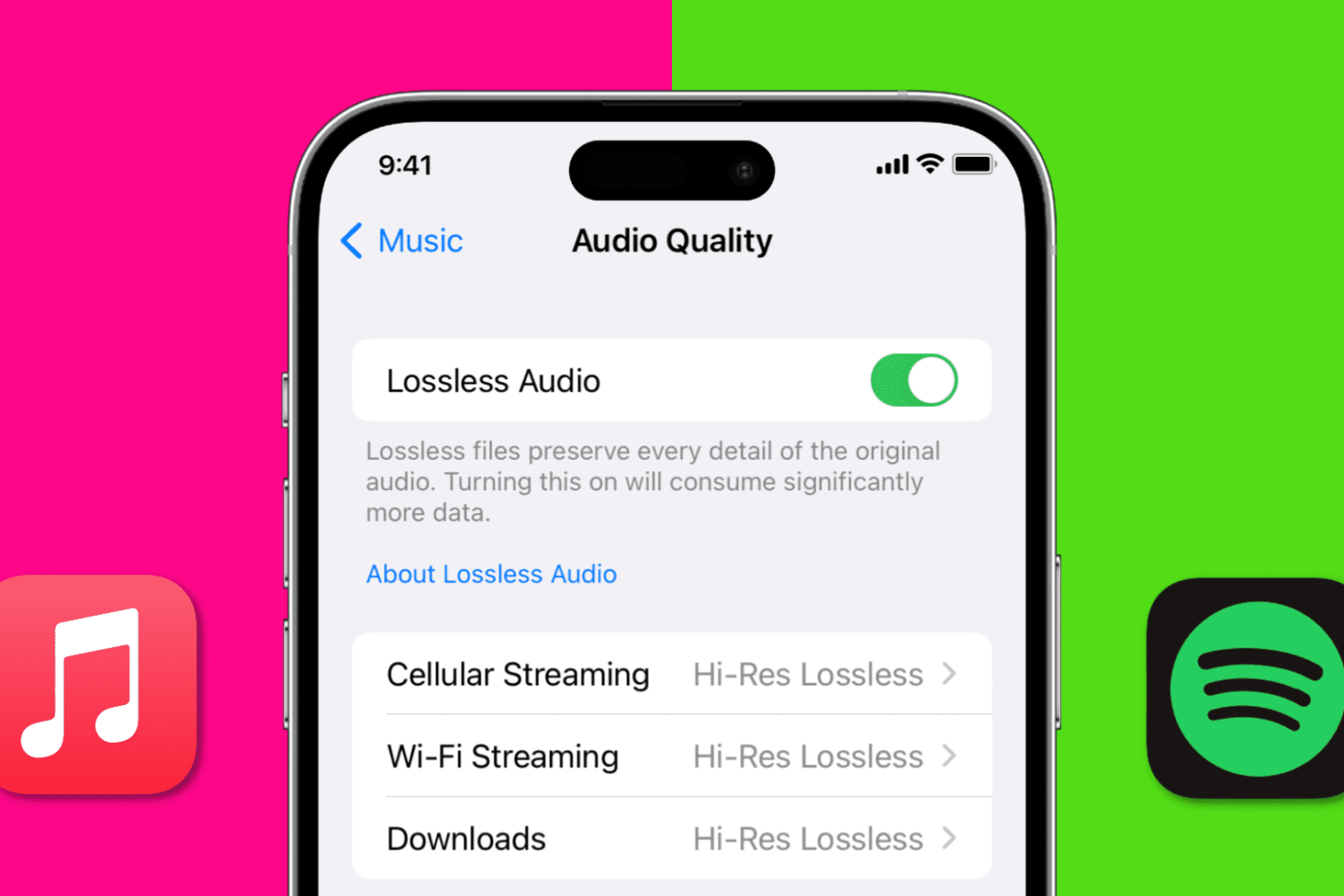
In this quick guide, we show you how to stream Apple Music and Spotify at the best possible audio quality, covering everything from settings to equipment to best practices.
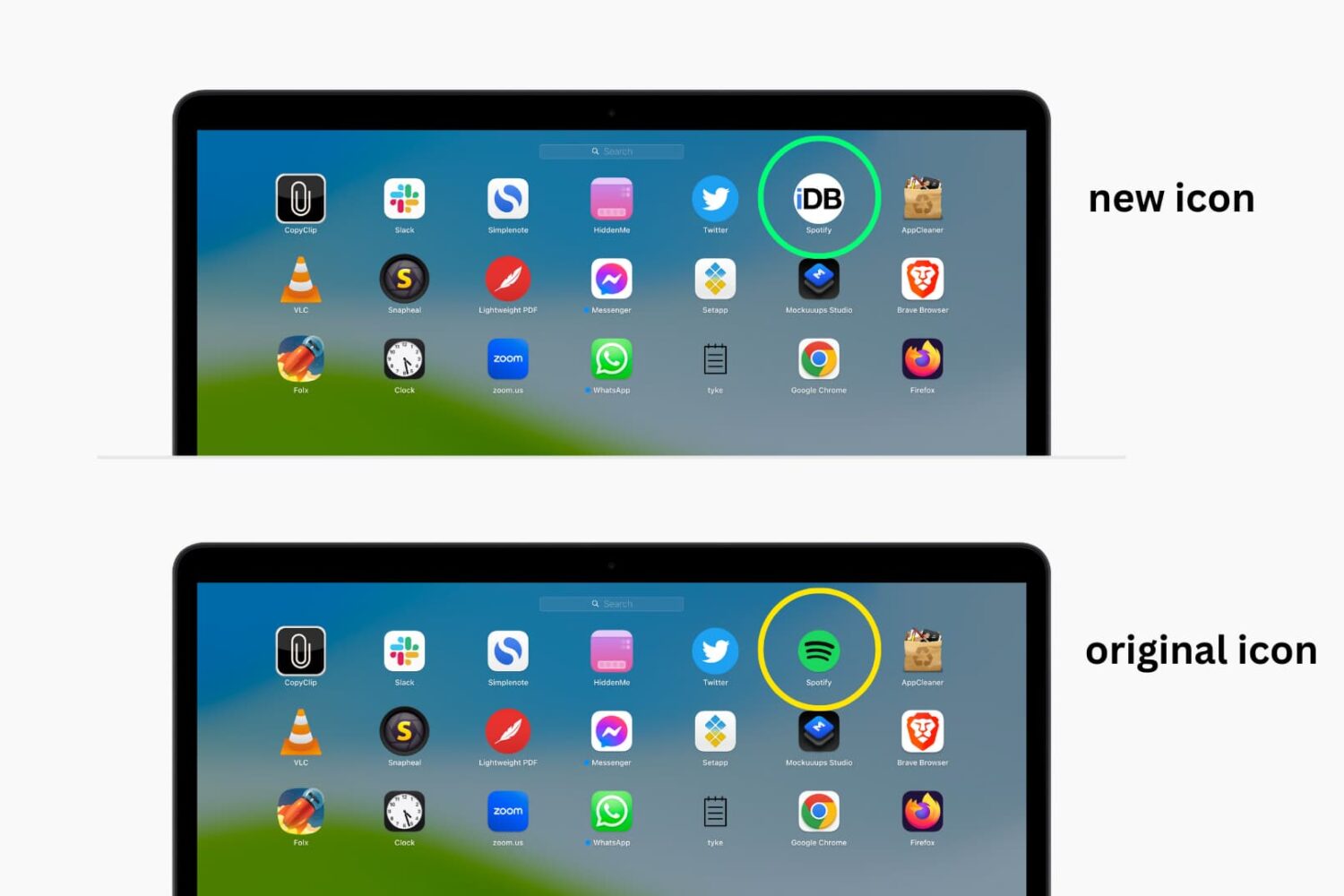
In this tutorial, we’ll walk you through the steps to change the default icons for your Mac apps to something more custom and unique.