Find out how to remove a paired Bluetooth device from your iPhone, iPad, or Mac.
How to force remove a paired Bluetooth device from your iPhone, iPad, or Mac

Find out how to remove a paired Bluetooth device from your iPhone, iPad, or Mac.
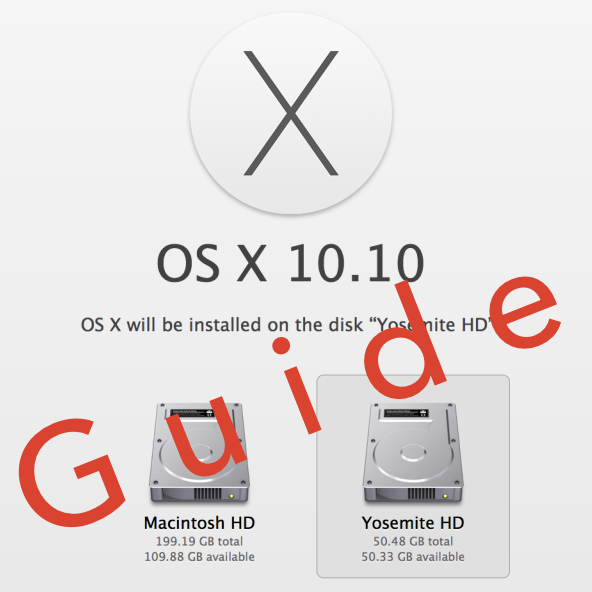
When Yosemite was first announced with all of its awesome features, I exclaimed on iDB's group chat session that I would be installing the OS as soon as it was available for download. Sebastien quickly rebuffed my excitement and told me how unreasonable it was to install a beta OS on my main machine, and especially so while I'm out of the country. After being a bit disappointed (that wasn't what I wanted to hear at all...I mean, SMS texting on OS X!) I eventually came to the realization that he was right.
But then, I remembered that I didn't need to settle. I could easily create a partition on my Mac and keep Yosemite completely separate from my main (and stable) Mavericks install. It had been a while since I had last messed around with disk partitioning in OS X, but it didn't take long before I was installing the Yosemite beta on the same Mac where my primary Mavericks install lays its head down at night.
The benefits are multi-faceted. Number one, you get to try out Apple's new OS right now. Number two, you don't have to worry about buggy beta software cramping your style; after all, you're still running your main OS on the a separate partition. Number three, it can be done quickly, and with little to no downsides (as long as you have the disk space to spare). Check inside for our full tutorial that shows you how to install OS X 10.10 Yosemite on a separate partition on your primary Mac.

Learn how to stream music, videos, and movies from your Mac to your iPhone, iPad, or another Mac using Apple’s built-in Home Sharing feature.
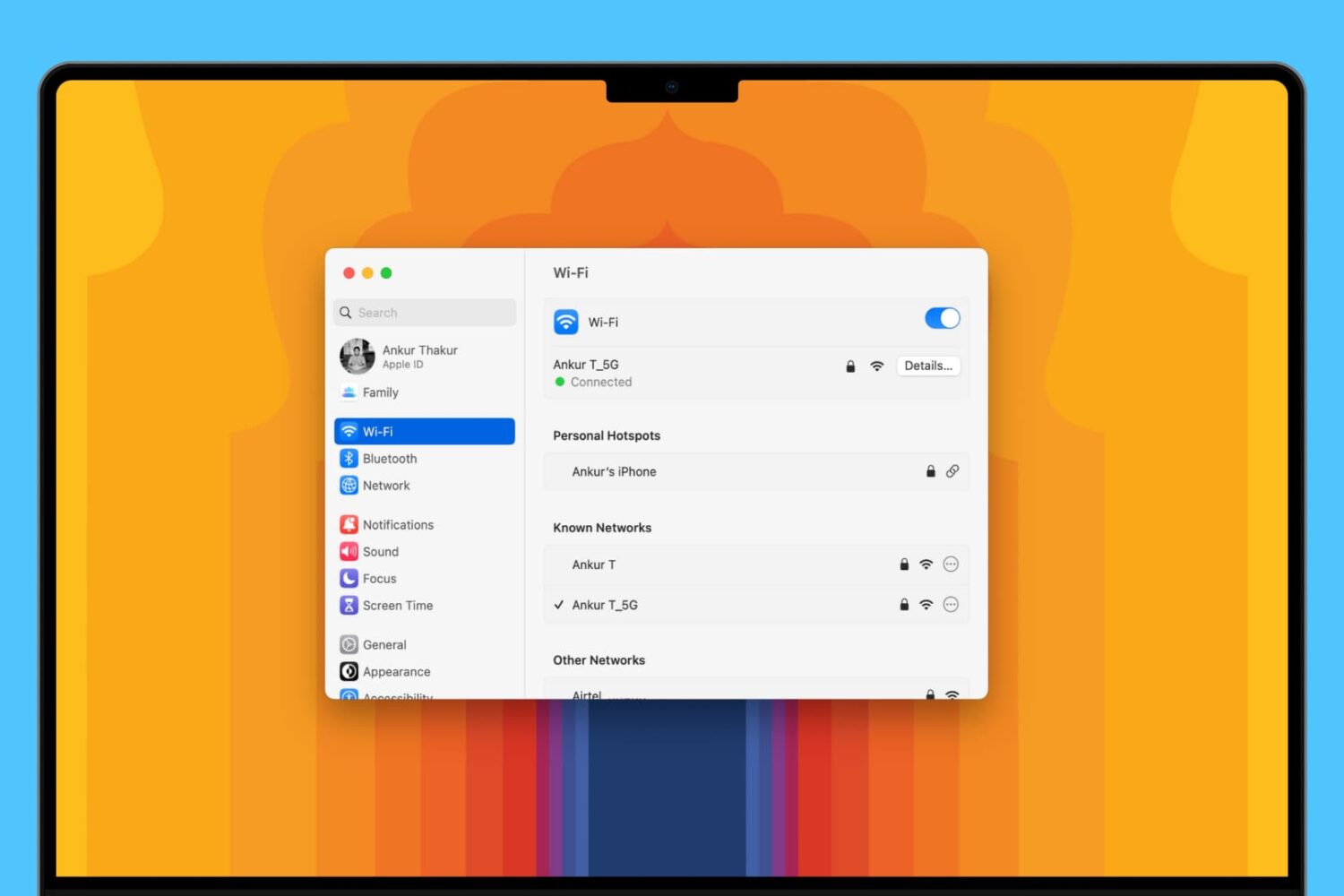
Learn about 5 quick ways to see the saved Wi-Fi passwords on your Mac if you need to connect a new device or simply want to share the password with someone else.

Apple yesterday released the OS X Mavericks 10.9.3 Software Update and some of the people who have installed it reported that their /Users folder has seemingly disappeared from the Finder.
The /Users folder is located at the top level of your hard drive and holds sub-folders for specific user accounts so some feared 10.9.3 has messed up their system. Turns out the folder is there, it’s just hidden and here's how to unhide it...

Recently I ran into a problem that I found to be quite annoying. Flash video playback in Safari began suffering from major stuttering and choppiness. It was so bad that videos essentially became unwatchable while using Safari.
For someone who's constantly watching and editing video like me, this proved to be a big problem. I even pondered switching to Chrome for a bit, but quickly dismissed that thought and set out to find a solution to the problem.
Fortunately, the solution to fixing choppy video playback in Safari is an easy one. Have a look inside and we'll show you how.

Learn how to easily export your Mac contacts for easy sharing and backup purposes in this comprehensive guide.
Creating a group email can be a real time saver as you don't have to manually enter each recipient's email address. Instead, you can quickly type in the name of a group of contacts that you want to send an email to and have the "to:" field of your email client populated for you automatically.
In this post, we will show you how to send group emails from your Mac. As you will soon be able to verify, sending messages to a group from your Mac is a fairly simple and quick process.

In this comprehensive guide, we’ll show you multiple ways to delete one, several, or all pictures and videos from your iPhone or iPad to clean up your photo library.
In this post, we will guide you through the steps of creating contact groups on your Mac using manual or smart group creation methods, and also teach you how to edit or delete these groups for efficient contact management.
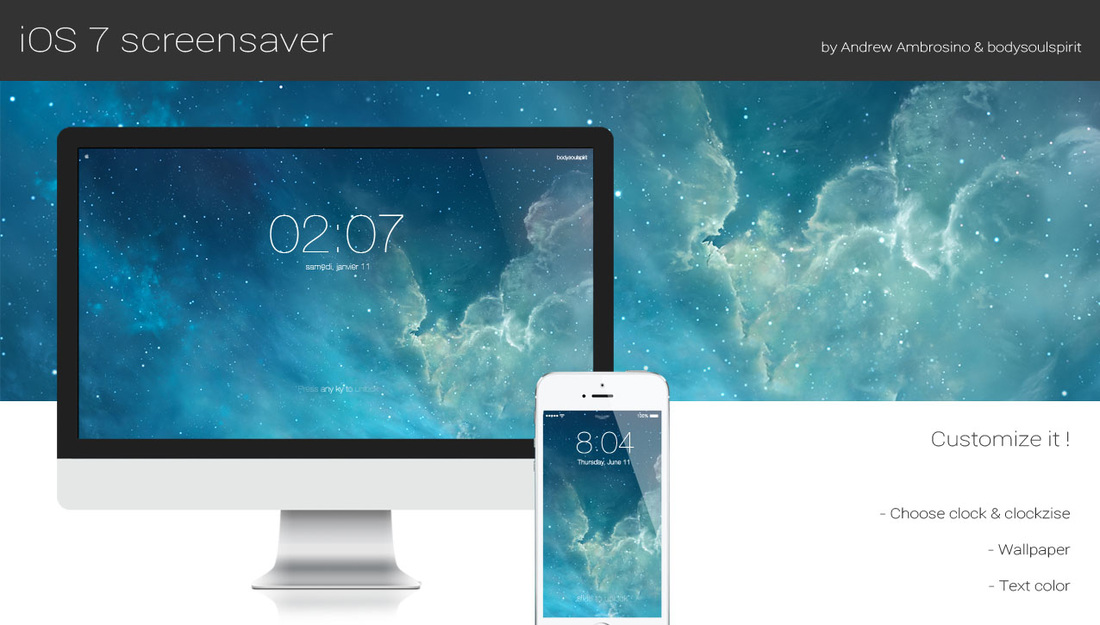
With the release of OS X Mavericks, Apple reaffirmed that it is in no hurry to bring the design of iOS over to the Mac—the two have little in common when it comes to UI. But there are ways to customize your Mac to look more like iOS such as utilities, icon packs, and now this.
What you see above is a new screensaver for OS X that resembles the iconic iOS 7 Lock screen. It features an oversized, 4-digit clock, an animated background, and the text 'Press any key to unlock.' The screensaver is totally customizable and fairly easy to install. Take a look...

Learn how to summarize text on a Mac to read a short version of any document without using Apple Intelligence, other AI tools, or any apps at all.