How to

How to use your new Mac Pro on its side

So you've shelled north of $3,000 for a brand spanking new Mac Pro so you could edit 4K video in real-time and I imagine that, as a bonus, the machine would help declutter your desktop due to its drastically reduced footprint (MacWorld has a nice gallery comparing the system to every day objects).

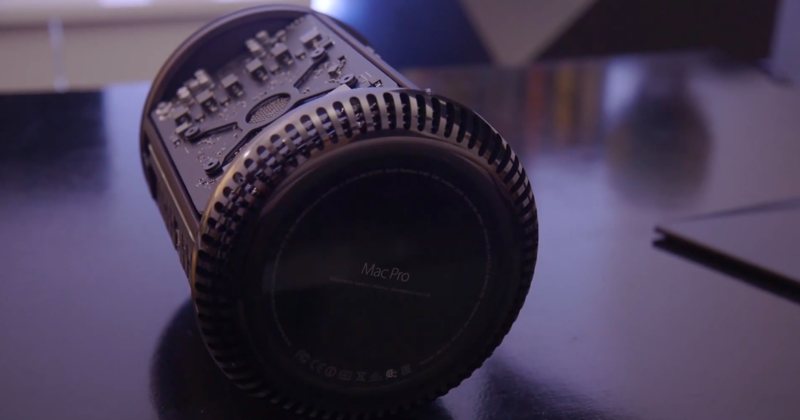
If for some reason you prefer to use your Mac Pro on its side instead of its default upright position, you can do so because Apple's engineers have designed a fan system to support cooling in both orientations, provided you follow the company's guidelines listed in a newly published support document...
How to jailbreak iOS 7 using evasi0n7 [Mac tutorial]

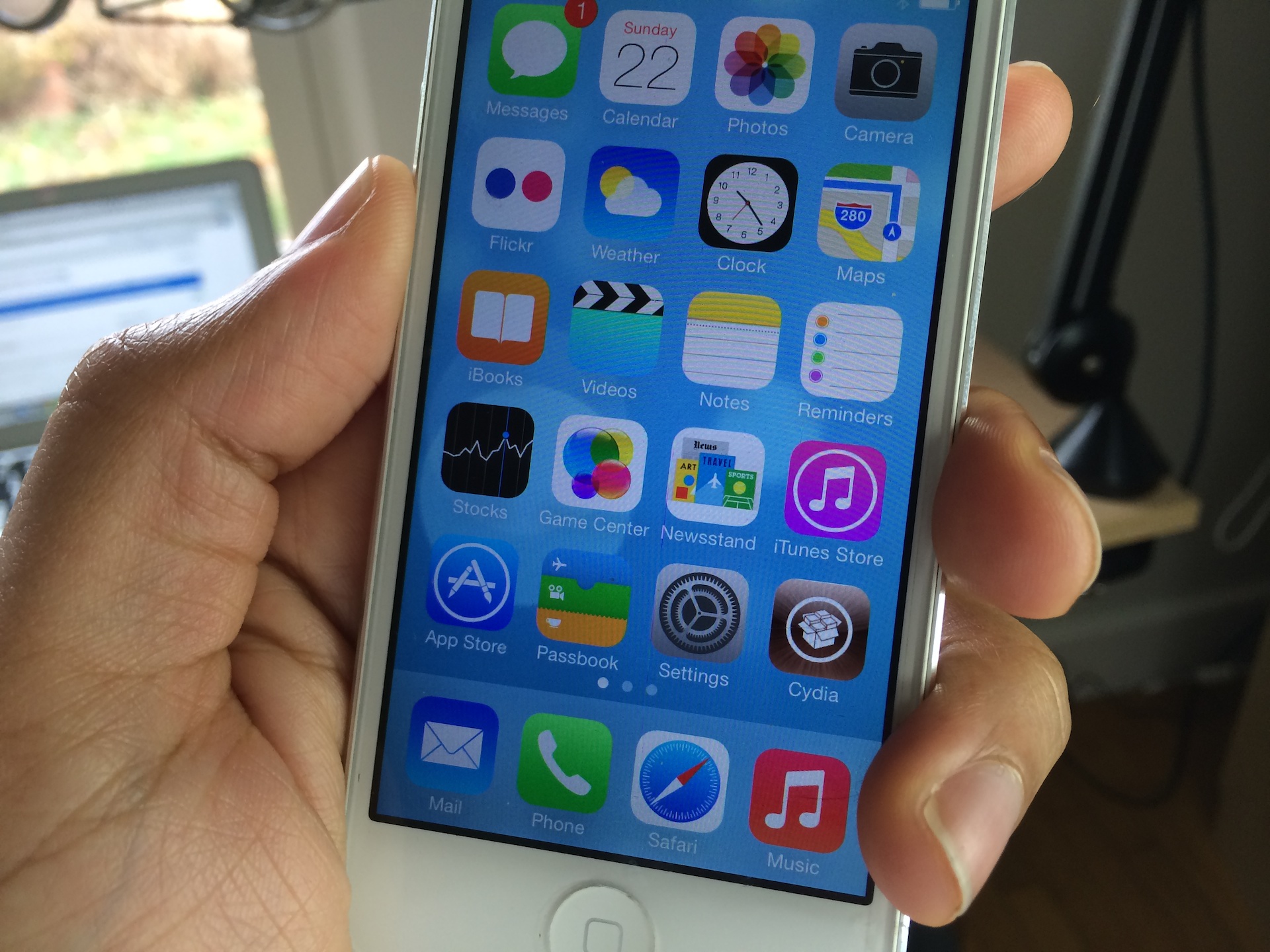
As we just told you, the evad3rs have released a new jailbreak tool called evasi0n7, and it allows you to easily jailbreak iOS 7. The good news is that the hack works with all flavors of iOS 7, which includes iOS 7.0.1, iOS 7.0.2, iOS 7.0.3, 7.0.4, 7.0.5, and 7.0.6. (no jailbreak for iOS 7.1 at this time).

As usual, the evad3rs have made the utility fairly easy to use. But also as usual, we know there will be folks out there looking for a bit of help using it. So we’ve created an easy-to-follow tutorial to show you how to jailbreak iOS 7 on your iPhone, iPad, and iPod touch...

How to record direct feed footage from iOS to a Mac or PC

Lots of people have asked me how I go about recording footage directly from the iPad, iPhone, or iPod touch. The process is one that is simple and straightforward with the help of a couple of hardware and software tools.

From time to time I will record footage directly from an iOS device, while at other times, I like to record the screen using an external camera so that you can see my hands as I work with the device. Depending on the circumstances, I've been known to switch up my methods for doing so.

The bottom line is that there are times in which you should definitely go the direct feed route as opposed to recording the screen externally. As the saying goes, there are many ways to skin a cat, but the method that I've been using has been working quite well for me. Have a look inside as I spill the details on what makes a successful iOS device recording setup.

How to clear duplicates from Open With menu on Mac

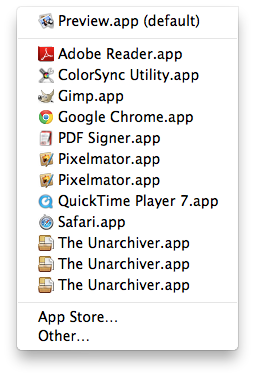
I love my Mac but sometimes it does some strange things, such as showing me duplicate entries in the "Open With" contextual menu you get when you right click on a document. While I'm not sure why it happens, I hear it's due to the Launch Services database.

Of course, there probably is a valid explanation as to why and how it happens. Some people might even be able to convince me it's more of a feature rather than a bug, but the fact of the matter is that it drives me absolutely insane.

If like me, you are annoyed by this, I'll show you how to delete duplicates from the "Open With" menu on your Mac.

How to jailbreak iOS 6 using evasi0n [Mac tutorial]

As we just told you, the evad3rs have released their jailbreak tool called evasi0n, and it allows you to easily jailbreak iOS 6. As we always do, we’ve created an easy to use written and video walkthrough to show you how to jailbreak iOS 6 on your iPhones, iPads, and iPod touches.

The good news is that evasi0n works with all flavors of iOS 6. That includes iOS 6.0, iOS 6.0.1, iOS 6.0.2, and of course, iOS 6.1. The evad3rs have worked hard to create easy to use tools, which allow you to jailbreak iOS 6 using Mac OS X, Windows, and even Linux.

We have personally confirmed that this tutorial works on every iOS 6 compatible device outside of the Apple TV 2 and Apple TV 3. This includes the iPhone 5, iPhone 4S, iPhone 4, iPhone 3GS, iPad 2, iPad 3, iPad 4, iPad mini, iPod touch 4G, and iPod touch 5G. This first tutorial will show you how to jailbreak any of those devices using evasi0n on Mac OS X, and we will shortly follow up with Windows and Linux tutorials.

How to have iOS screenshots automagically appear in your Mac’s Finder

I've always loved the simplified iOS approach to screenshot taking just by pressing the power and home button simultaneously. This oft-used feature works in absolutely any app and, as an added bonus, iOS stores my screenies in the Camera Roll as crisp, lossless PNG files.

An indispensable part of my daily blogging workflow, I grab app graphics on a daily basis for use in reviews, news articles and guides such as this one. The old-school approach to syncing iOS screenshots (along with your photos) entails connecting your device to a Mac or PC via USB. But if you're anything like me, you've long cut the cord to enjoy the benefits of wireless sync.

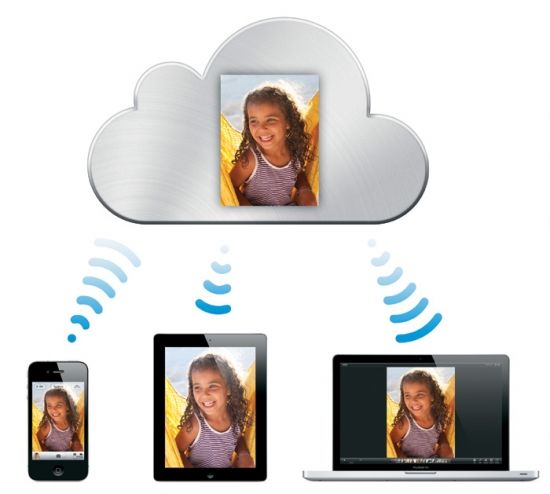
Now, iCloud makes photo sync a no-brainer: that is, unless the very thought of firing up iPhoto or Aperture on your Mac just to access your Photo Stream drives you nuts.

There must be a better way to bypass these resource-intensive apps and have the screenshots taken on your iPhone, iPad or iPod touch automagically appear just a mouse click away in your Mac's Finder. Read on for the full breakdown...

How to access iCloud docs on Mac via Plain Cloud

iCloud is great. I use it everyday to keep data synced across all of my devices and, especially, have important docs in perfect sync across my favorite Mac and iOS apps. By design, those files are tied to their creator apps so problems arise when you just wanna access them quickly in your Mac's Finder, without having to go through the tedious export/re-import process. That's where Plain Cloud jumps in. Plain Cloud is a free Mac app that acts as a simple front-end to apps that store documents in iCloud...

How to add a keyboard shortcut to any Mac app menu command

Don't you just hate it when one of your favorite Mac apps is missing an obvious keyboard shortcut for an often used menu command? I recently ran into that issue with Pixelmator.

I made the switch to Pixelmator, because it is one of the few decent image editing apps that features support for the MacBook Pro with Retina Display. Normally I'm a CS5 user, but since Adobe's suite lacks Retina support, I felt compelled to make the switch.

Although I don't find Pixelmator to be as intuitive as Photoshop, making the switch hasn't been all that bad. It's snappy, features a bevy of options, and best of all, it looks gorgeous on the Retina Display. If I had to pick a flaw, I'd say that one of the most glaring miscues is the lack of a dedicated keyboard shortcut for exporting your work. Fortunately that can be remedied with a quick trip to System Preferences...

Forget iPhoto, save all of your Photo Stream photos to a folder on OS X

One of my favorite components of iCloud is Photo Stream. I love having instant access to all of my photos on both my iPhone and iPad. Having instant access to my photos on my laptop is awesome too, but there is one major caveat.

You see, to access your Photo Stream photos on your Mac computer, you have to go through iPhoto — which I hate. It takes forever to load and the UI is terrible. Luckily, I've just come across a software-free way to access my Photo Stream photos on my computer...

Having Problems With Your Jailbreak? Try These Tips

Lots of happy people have successfully jailbroken their iPhone 4S and iPad 2 over the last 24 hours or so, but some are still having problems pulling off a successful jailbreak on both Mac and Windows.

We understand the frustration that some of you have been experiencing, and we really want to help you. True, the Windows Command Line Utility isn't exactly the easiest tool to jailbreak with, but it can be done, and has been done successfully by many of our viewers and readers.

That being said, there are still quite a few that seem to be having issues, so if that describes you, step inside, and let's discuss some things that might help...