Apple TV

Stay up-to-date on the latest Apple TV news and learn how to get the most out of your device with our comprehensive tutorials and guides. Discover new features, troubleshoot issues, and explore the best apps and games for your Apple TV.

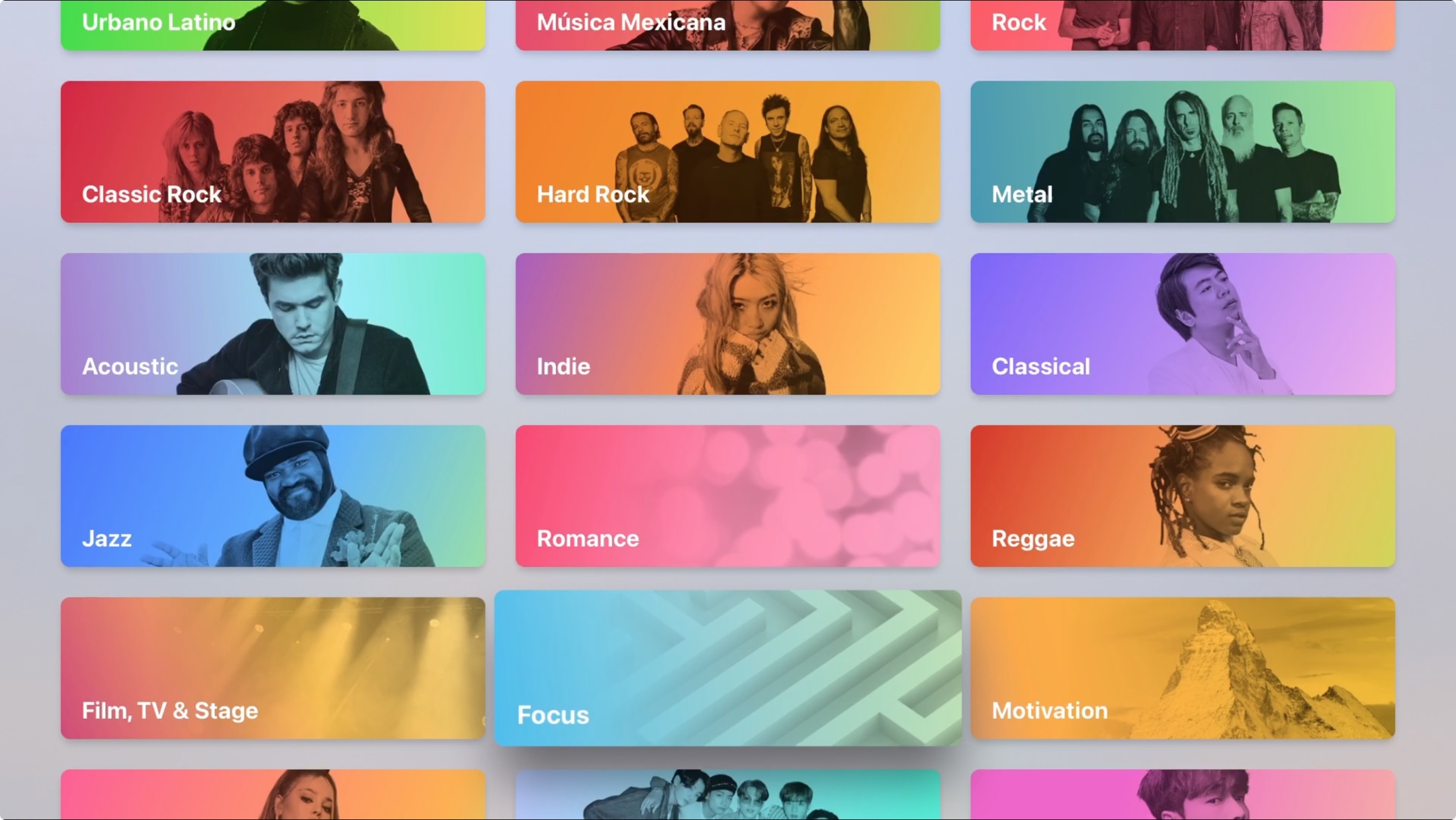
Guide: How to use the Apple Music app on Apple TV

Apple Music Search Categories on Apple TV

Maybe you just bought your first Apple TV or perhaps you’ve only used it for shows and games. The Music app on Apple TV works very much like it does on your other devices. You can discover something new, manage your library, and search for a particular song, album, or artist.

Don’t take the Apple Music app on your Apple TV for granted. Use it for background music as you work or pump up the volume for a get-together with this guide to using Music on Apple TV.

How to customize the settings for Music, TV, Shows and Podcasts on Apple TV

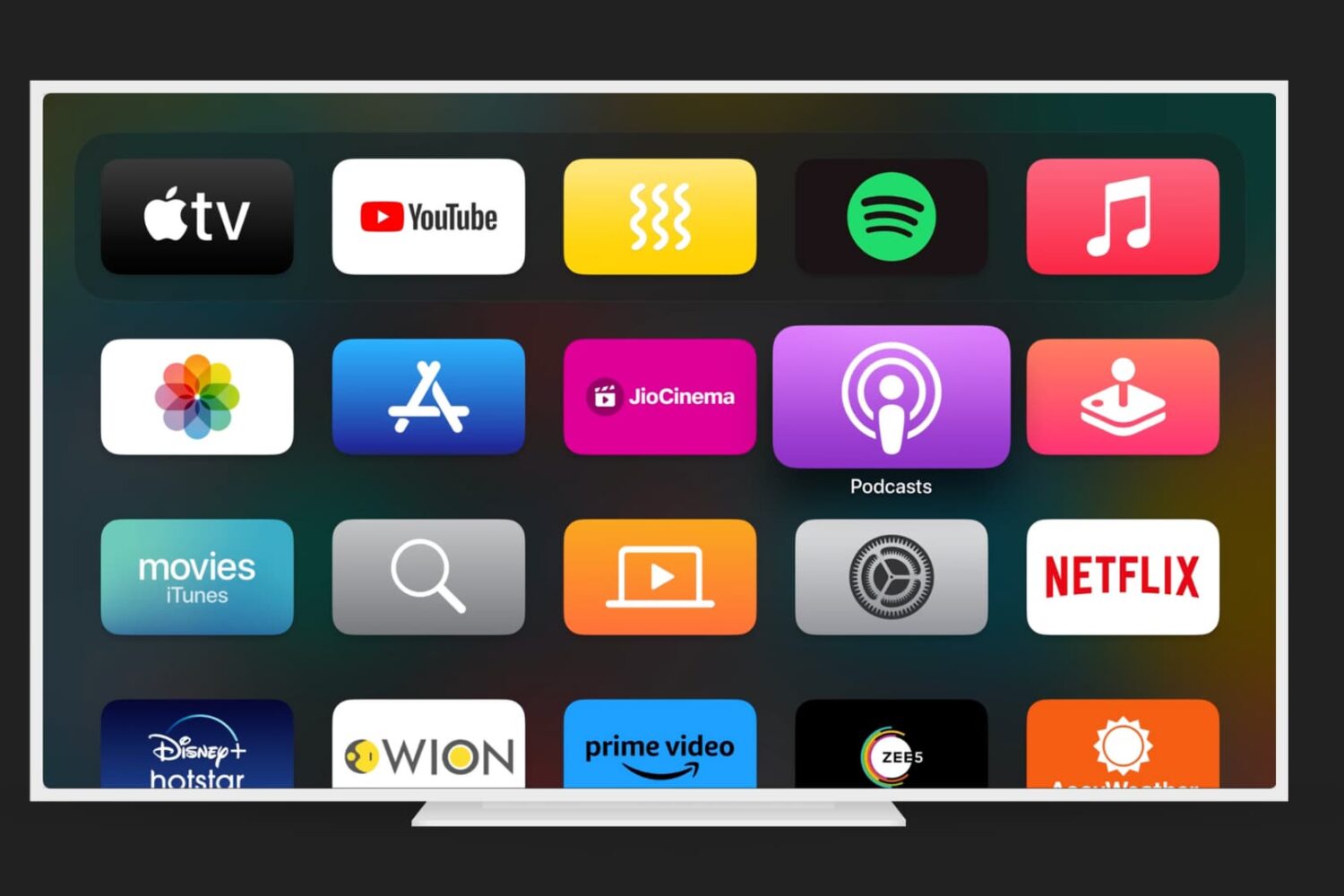
Apple TV Home Screen with Podcasts app highlighted

Just like on your iPhone, iPad, and Mac, your Apple TV lets you customize certain settings for the Music, TV, and Podcasts apps. Whether you want specific playback options, certain views on the main screen, or want to turn on or off syncing, you can do it on Apple TV.

If you’re ready to take a few minutes to use these apps exactly as you’d like, here’s how to customize the TV, Music, and Podcasts apps on Apple TV, along with iTunes show settings.

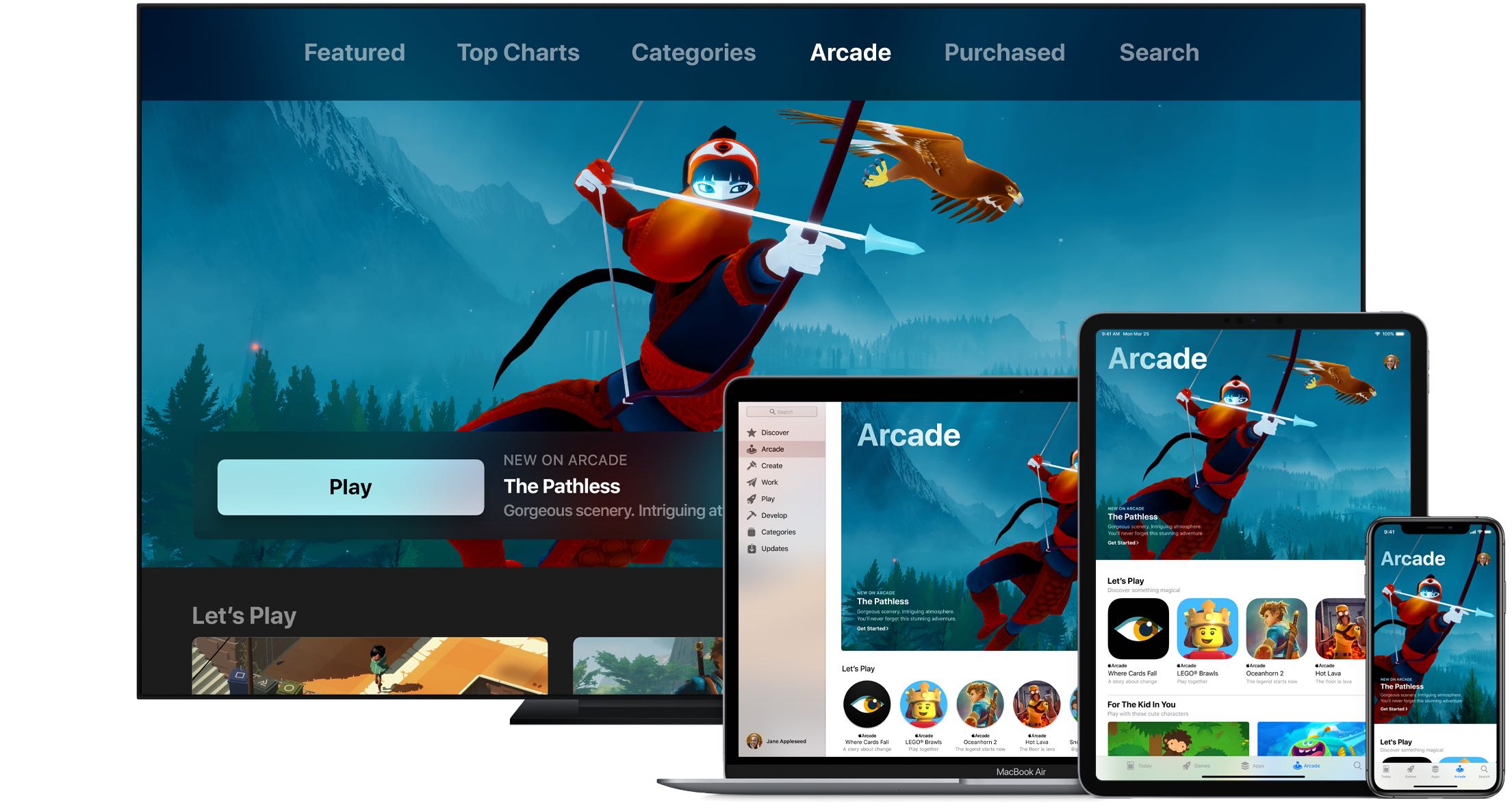
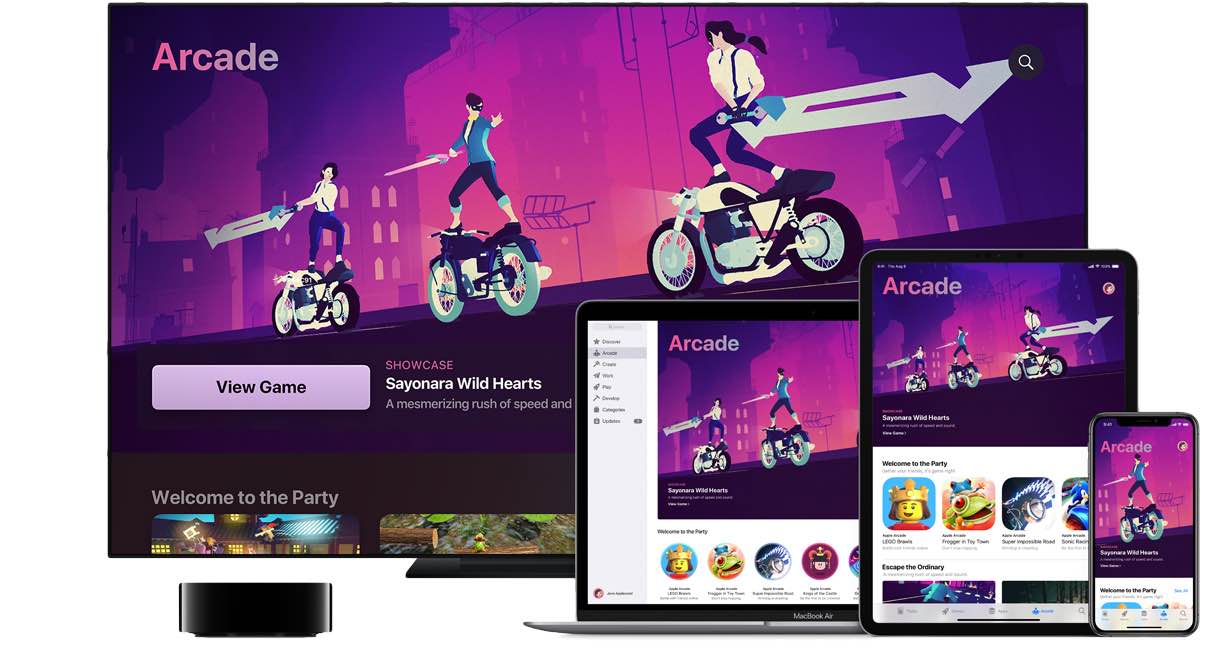
How to get 12 months of Apple Arcade for the price of 10

If you're paying for your Apple Arcade subscription month to month, it might be a good idea to switch to the annual subscription and save money by getting twelve months of access for the price of ten, provided you pay upfront. Follow our quick tutorial to learn how you can switch from the $5 per month subscription to its $50 per year annual counterpart.