Learn how to listen to Apple Music songs in Dolby Atmos on your iPhone, iPad, Mac, Apple TV, HomePod, Vision Pro, and Android phone to enjoy an immersive, three-dimensional audio experience.
How to listen to Apple Music in Dolby Atmos

Stay up-to-date on the latest Apple TV news and learn how to get the most out of your device with our comprehensive tutorials and guides. Discover new features, troubleshoot issues, and explore the best apps and games for your Apple TV.
Learn how to listen to Apple Music songs in Dolby Atmos on your iPhone, iPad, Mac, Apple TV, HomePod, Vision Pro, and Android phone to enjoy an immersive, three-dimensional audio experience.

Learn how spatial audio dynamically tracks your head movement on your Apple TV or Mac when using your AirPods or Beats headphones.

In this tutorial, we'll show you how to configure your Apple TV the right way by adjusting a few important audio and video settings that are to improve your experience.

In this tutorial, we'll show you how to cancel this subscription from your iPhone, Mac, or Apple TV.
Learn how to configure your Apple TV to automatically remove unused apps to save on precious local storage space.
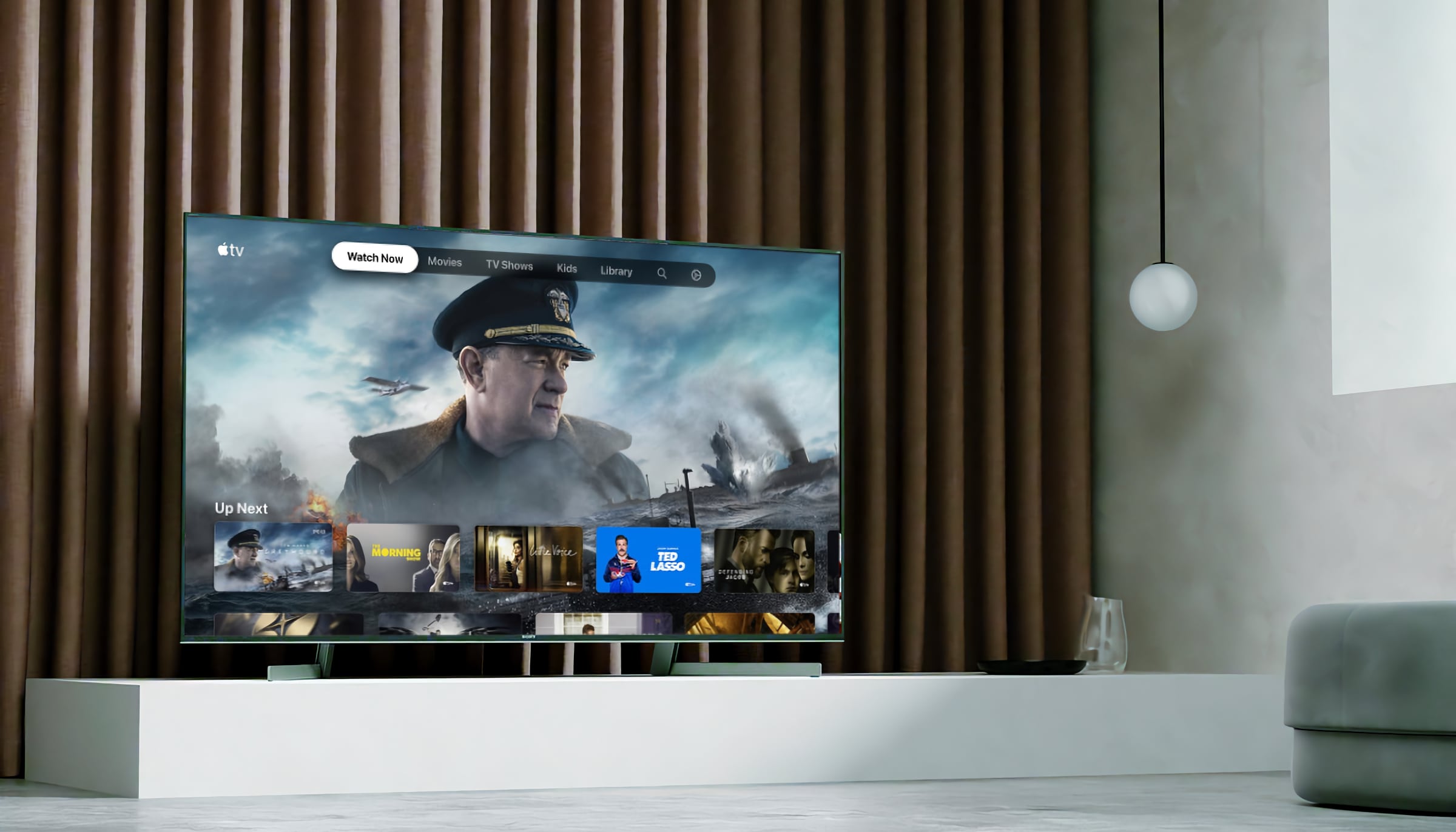
Learn how to adjust the color balance of your Apple TV using your iPhone in just a few seconds to enhance your movie-watching experience.
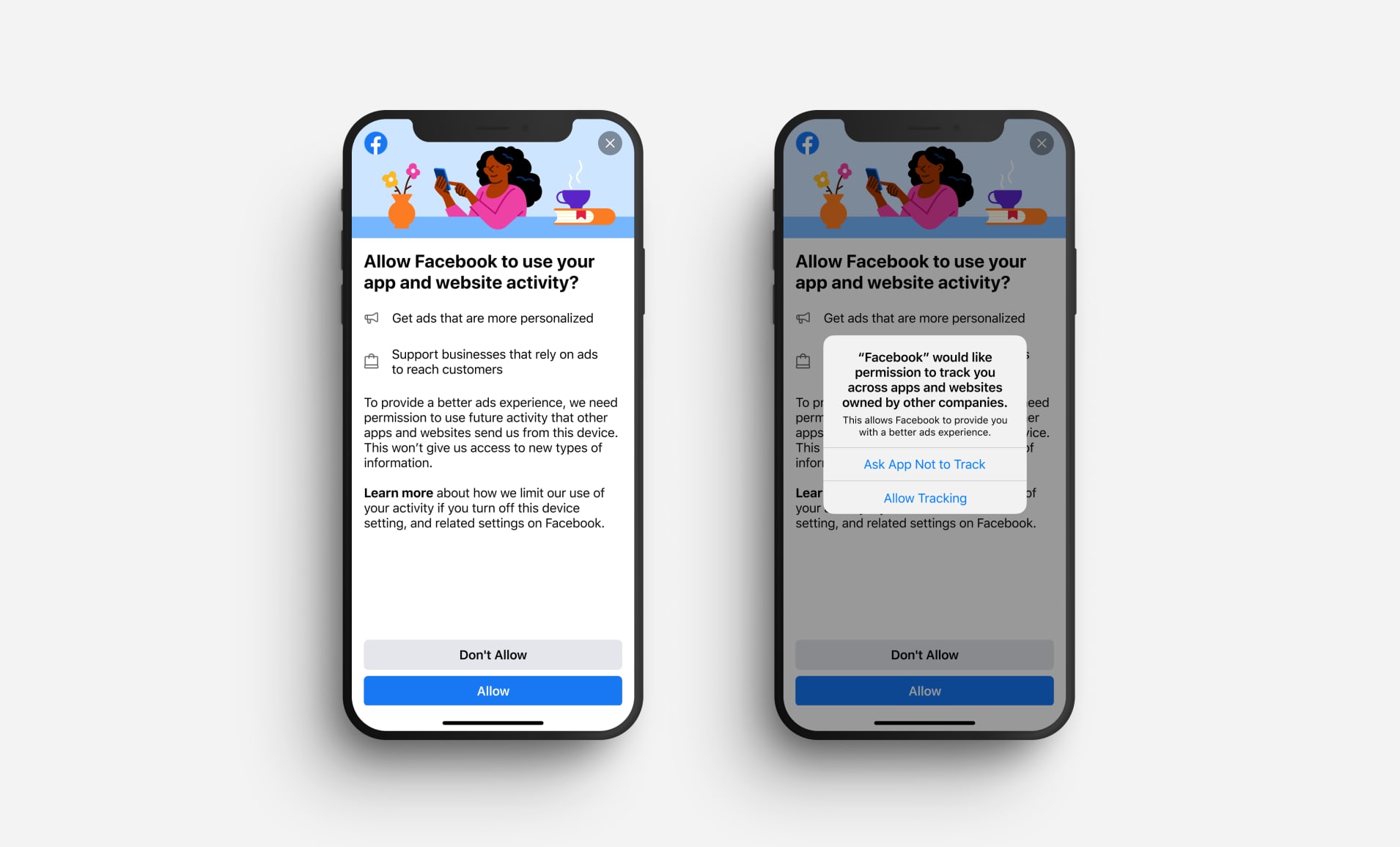
Boost your privacy by preventing specific apps from tracking your activity or preventing all iPhone, iPad, and TV apps from asking to track you in the first place.

In this guide, we list all the handy accessibility features available on your Apple TV that you can use to fine-tune your TV viewing experience.

In this tutorial, we’ll show you how to turn off the Apple TV navigation click sounds if you don’t want to hear audio feedback while working your way around the tvOS interface.

Learn how to change the language or region on your Apple TV with this simple guide, customizing your viewing experience in a few easy steps.
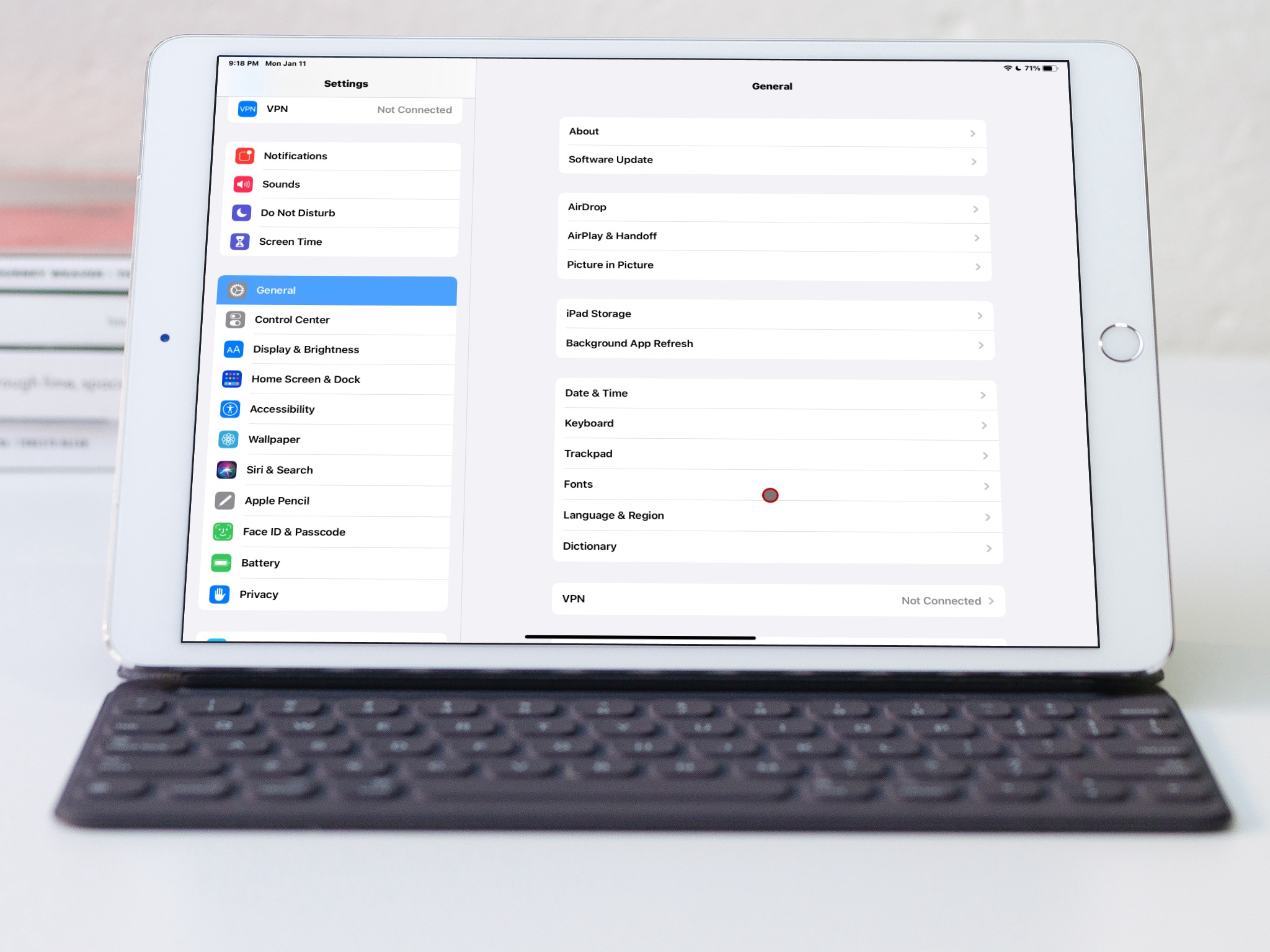
Learn how to switch to bold text on iPhone, iPad, Apple TV, and Apple Watch to display all system text in boldface characters.

If you use the Disney+ video-streaming service on your devices, you probably know that it attempts to deliver the highest-quality experience possible as a default setting. To preserve your bandwidth when using Disney+, however, you must limit video quality over cellular and Wi-Fi. Follow along with us as we show you how to manage Disney+ data usage.