Apple TV

Stay up-to-date on the latest Apple TV news and learn how to get the most out of your device with our comprehensive tutorials and guides. Discover new features, troubleshoot issues, and explore the best apps and games for your Apple TV.

How to change how often Apple TV downloads screen savers

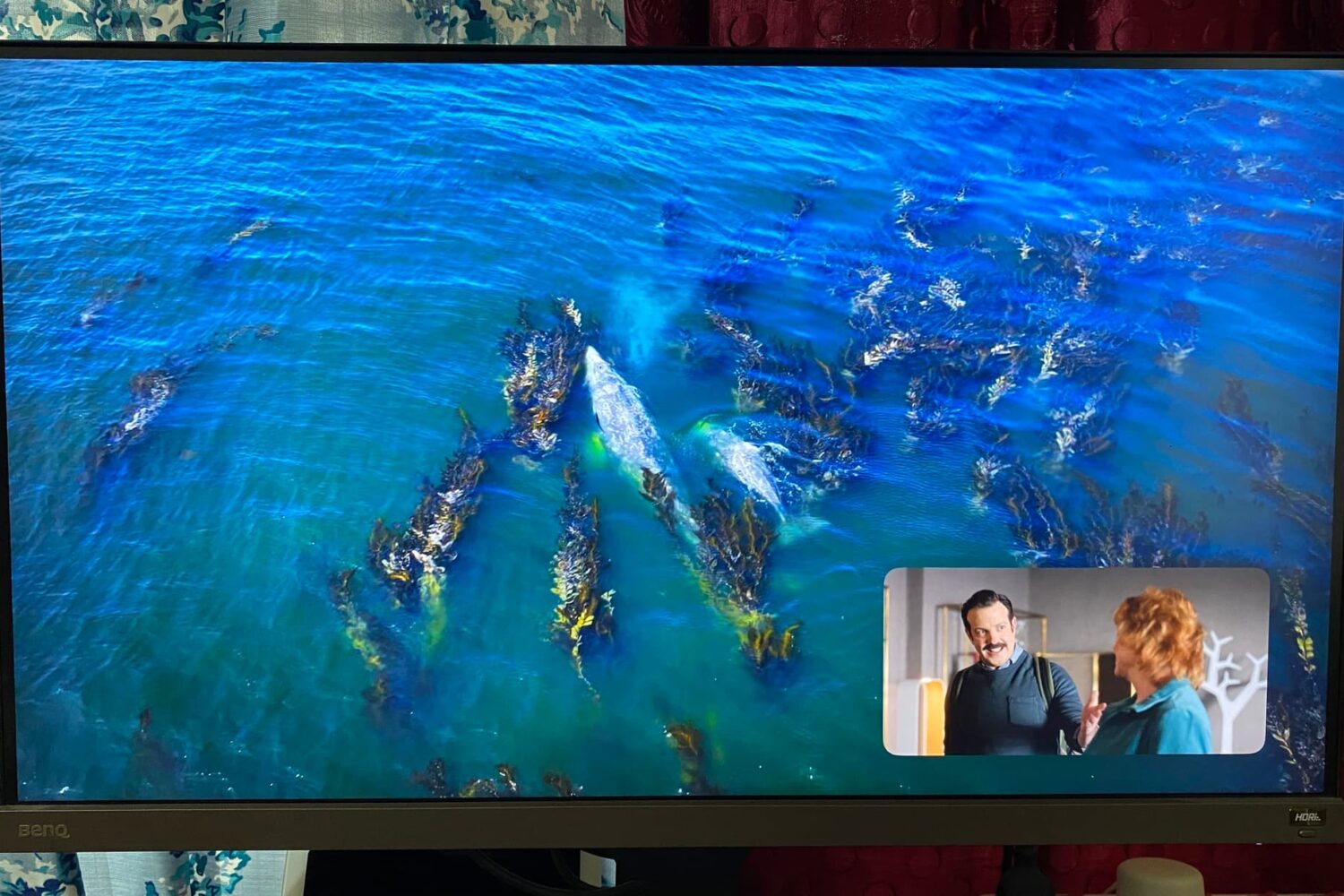
Apple TV showing its aerial screen saver

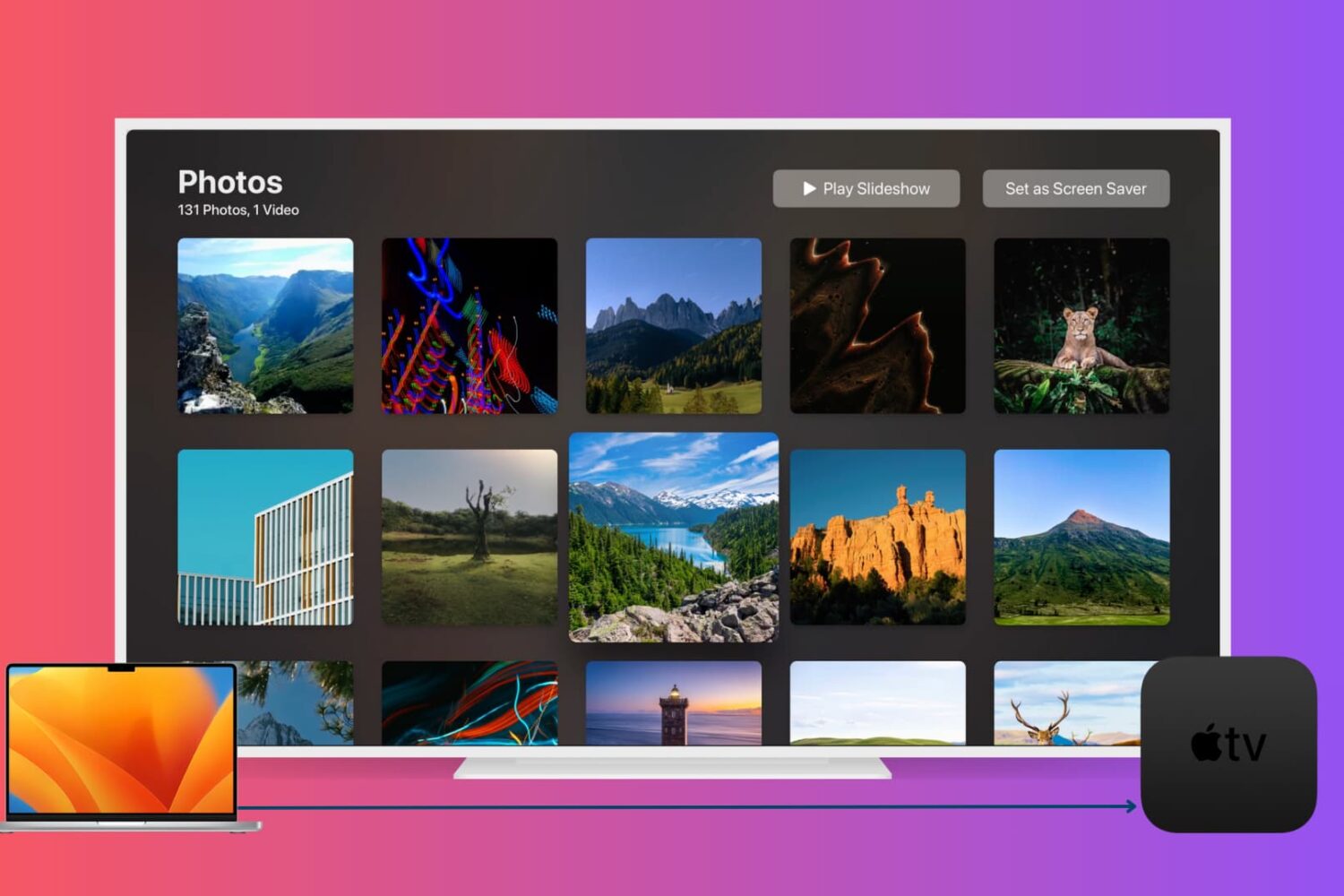
If you use a screen saver on your Apple TV that displays your own photos or those from Apple, then you don’t worry about getting new images on a regular basis. But if you use the Aerial screen savers that Apple offers, you can decide for yourself when to receive new ones.

You may only want new aerial screen savers every month due to their size, or perhaps you want them every day. Either way, here’s how to change how often your Apple TV checks for new screen savers to download.

How to pair and use Xbox and PlayStation controllers with iPhone, iPad, Mac & Apple TV

A photograph showing a young male sitting at their desk, holding a red PlayStation DualShock controller in their hand and playing an Apple Arcade game on their Apple Thunderbolt Display

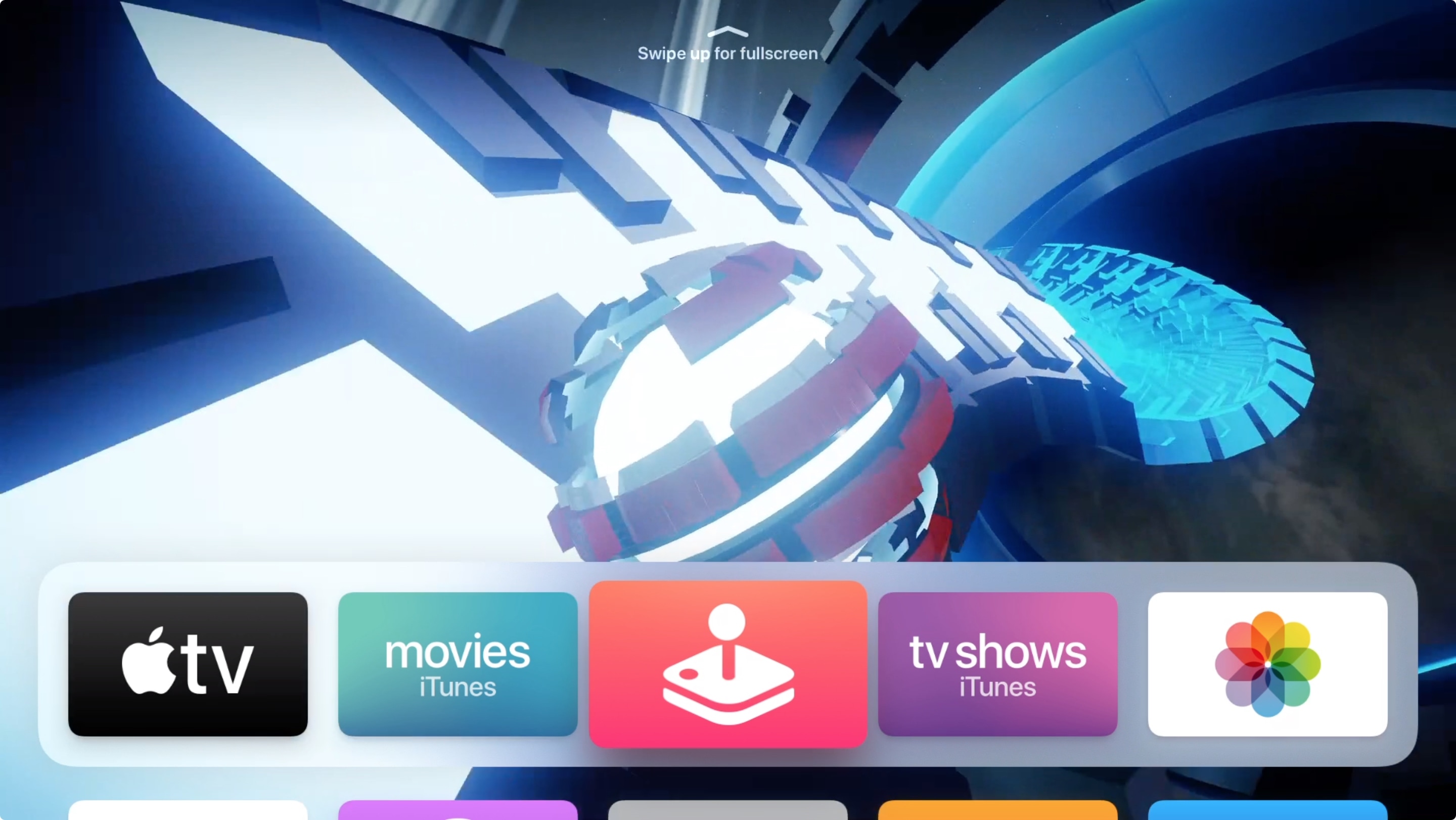
Apple has ramped up its gaming chops by announcing at its annual developers conference in the summer that iOS 13, iPadOS, tvOS 13 and MacOS Catalina 10.15 software updates bring support for the wireless Xbox and PlayStation game controllers, namely Sony's DualShock 4 controller and Microsoft's Xbox Wireless Controller with Bluetooth. In this tutorial, we'll show you how to pair your Xbox or PlayStation controller and use it to play games on your iPhone, iPad, iPod touch, Apple TV and Mac, navigate the user interface on your Apple TV and more.

How to hide and unhide purchased music, movies, and TV shows on Mac

Apple TV app on Mac

You may buy items in the Music app, TV app, or iTunes that you want to keep to yourself from time to time, especially if you use Family Sharing. It could be a movie, song, album, TV show, or audiobook. You can hide purchases and keep them hidden on all devices that use the same Apple ID.

If you need to keep something you buy away from prying eyes, here’s how to hide and unhide your purchased media on Mac.

How to AirPlay or mirror your iPhone or iPad display to an Apple TV

Mirror iPhone to Apple TV

You can easily send your Mac screen to your Apple TV and either mirror it or use it as a second display. So, if you want to show something you have on your iPhone or iPad up on your Apple TV, this is just as simple.

You can use AirPlay if you have a video on your iPhone you want to show everyone in the room. And if you want to see a bigger picture of something on your device and interact with it, you can use Screen Mirroring.

Here’s how to both AirPlay and mirror your iPhone or iPad display to Apple TV.