Learn how to turn on subtitles for Apple TV app and iTunes Store shows for a better viewing experience with these clear instructions.
How to enable subtitles for the Apple TV app and iTunes Store shows

Stay up-to-date on the latest Apple TV news and learn how to get the most out of your device with our comprehensive tutorials and guides. Discover new features, troubleshoot issues, and explore the best apps and games for your Apple TV.
Learn how to turn on subtitles for Apple TV app and iTunes Store shows for a better viewing experience with these clear instructions.
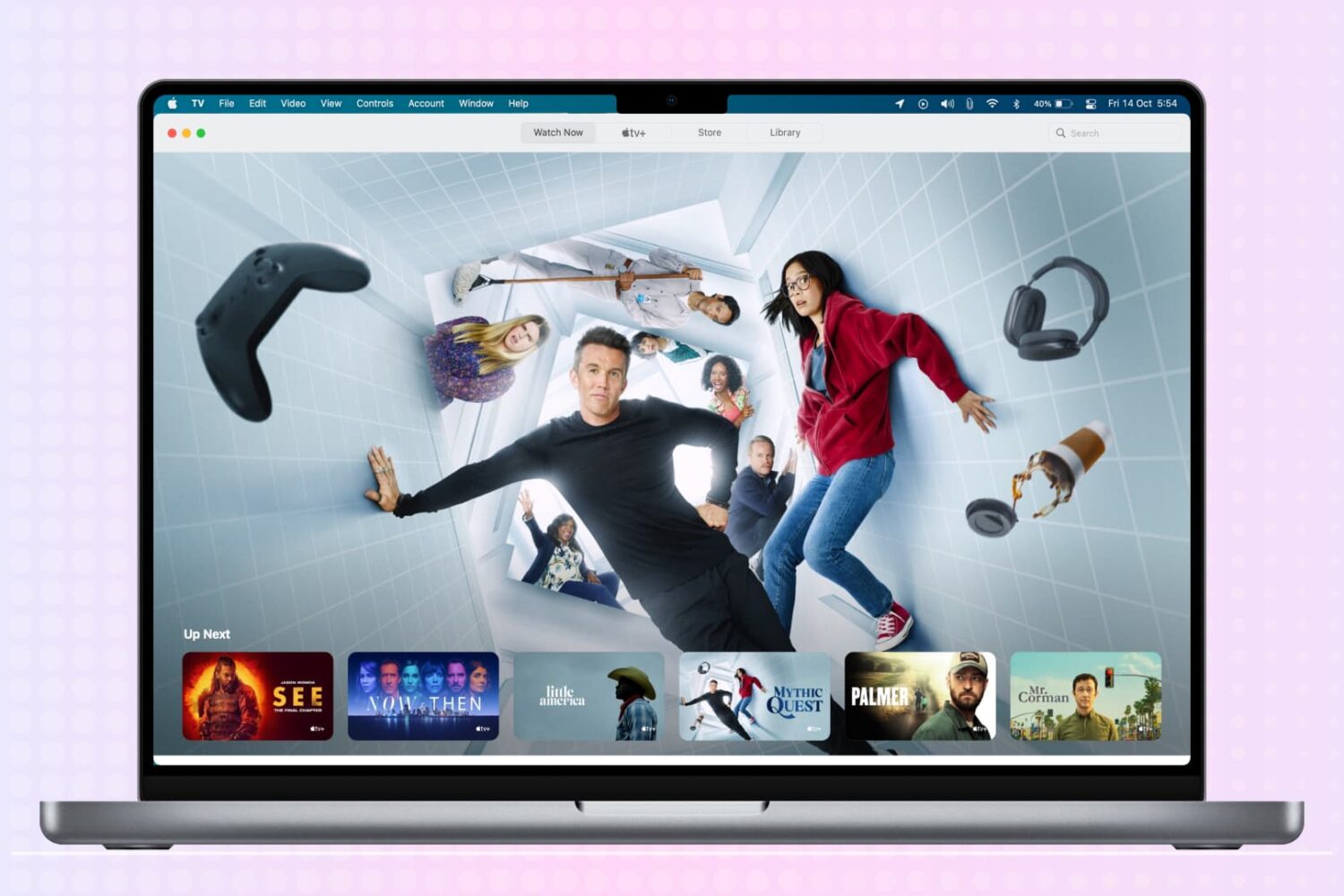
You may buy items in the Music app, TV app, or iTunes that you want to keep to yourself from time to time, especially if you use Family Sharing. It could be a movie, song, album, TV show, or audiobook. You can hide purchases and keep them hidden on all devices that use the same Apple ID.
If you need to keep something you buy away from prying eyes, here’s how to hide and unhide your purchased media on Mac.

You can easily send your Mac screen to your Apple TV and either mirror it or use it as a second display. So, if you want to show something you have on your iPhone or iPad up on your Apple TV, this is just as simple.
You can use AirPlay if you have a video on your iPhone you want to show everyone in the room. And if you want to see a bigger picture of something on your device and interact with it, you can use Screen Mirroring.
Here’s how to both AirPlay and mirror your iPhone or iPad display to Apple TV.
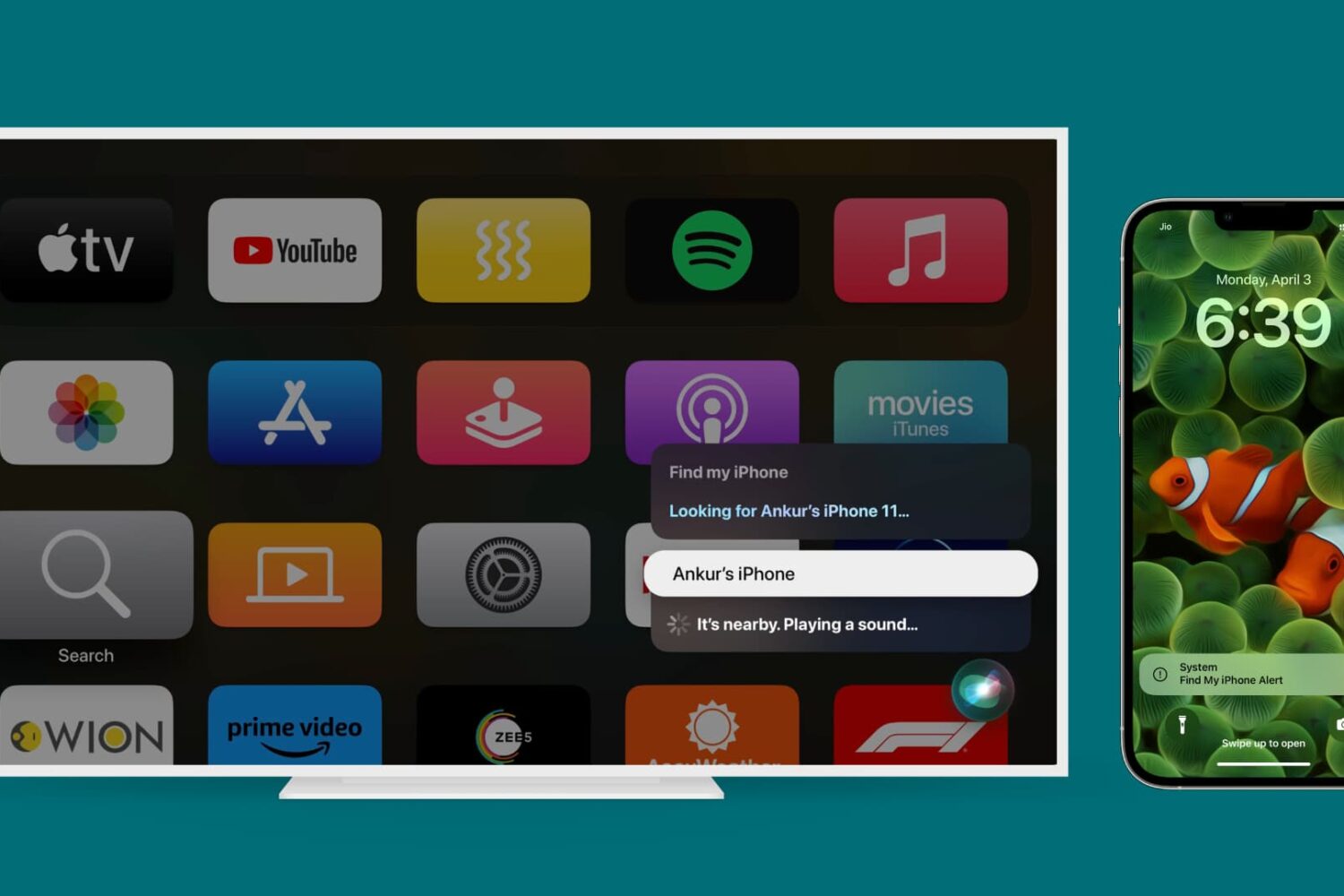
Learn how to find a missing iPhone, iPad, or Mac with your Apple TV. You can use your voice to locate a nearby device and play a sound to track it faster.
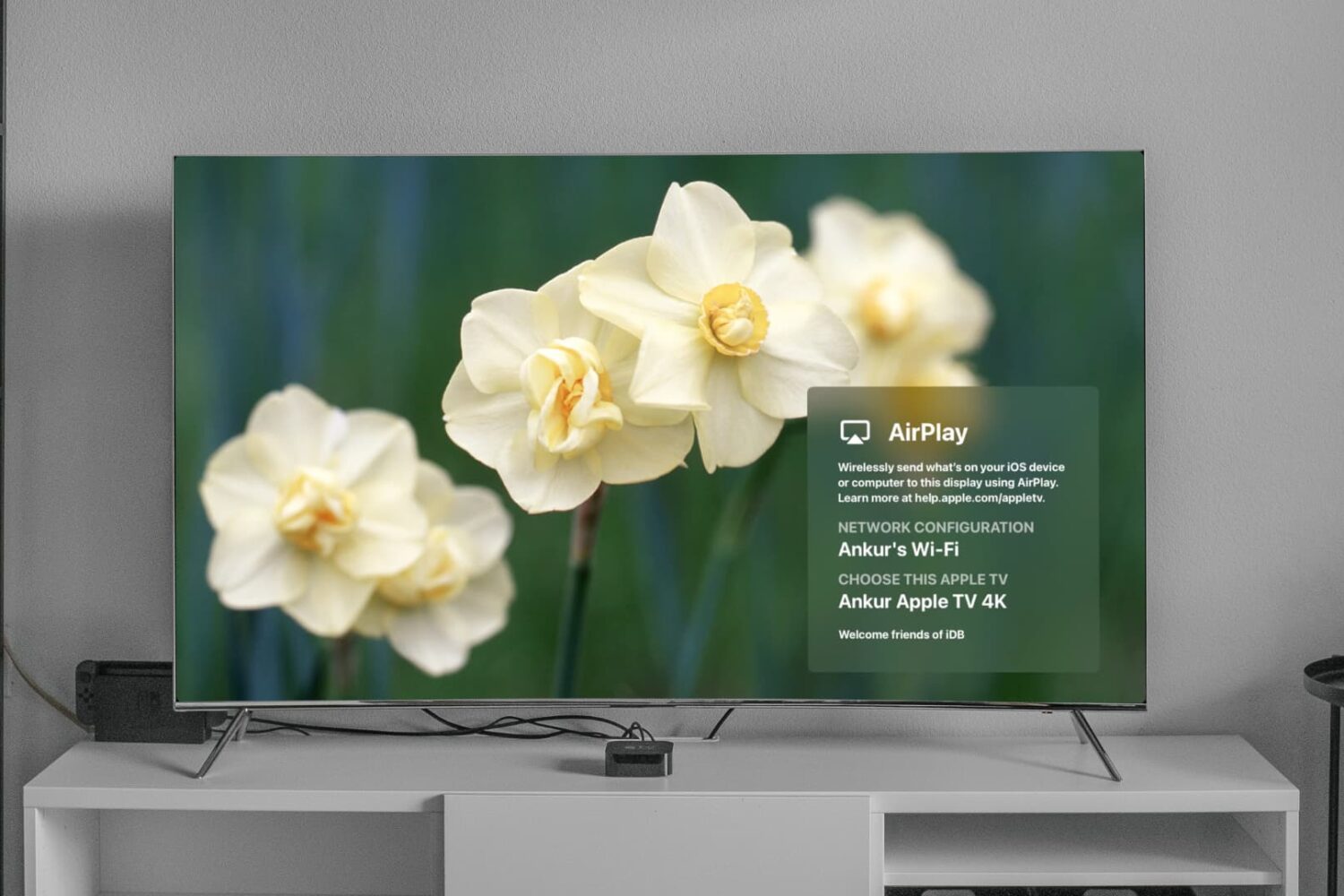
Learn how to turn on and use the Apple TV Conference Room Display mode for your business or classroom so you and others in your team can AirPlay from their iPhone, iPad, or Mac onto the big TV screen.
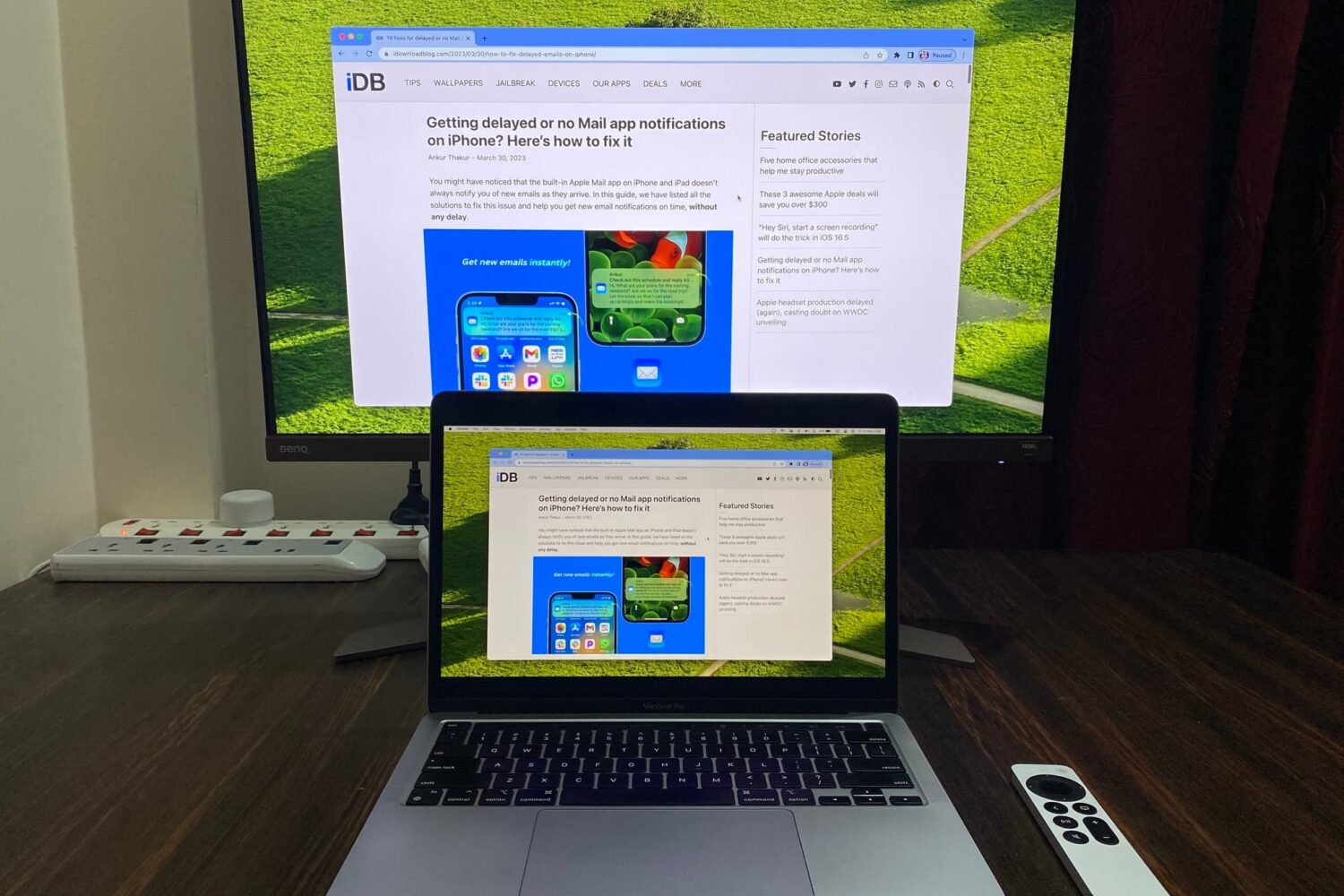
Learn how to mirror your Mac’s screen to your Apple TV to see the same things on the big screen or use the television as a separate, secondary display.

Want to control your TV from your wrist? Here’s how to use your Apple Watch as your Apple TV remote for those times when you just don't want to use the Siri Remote.
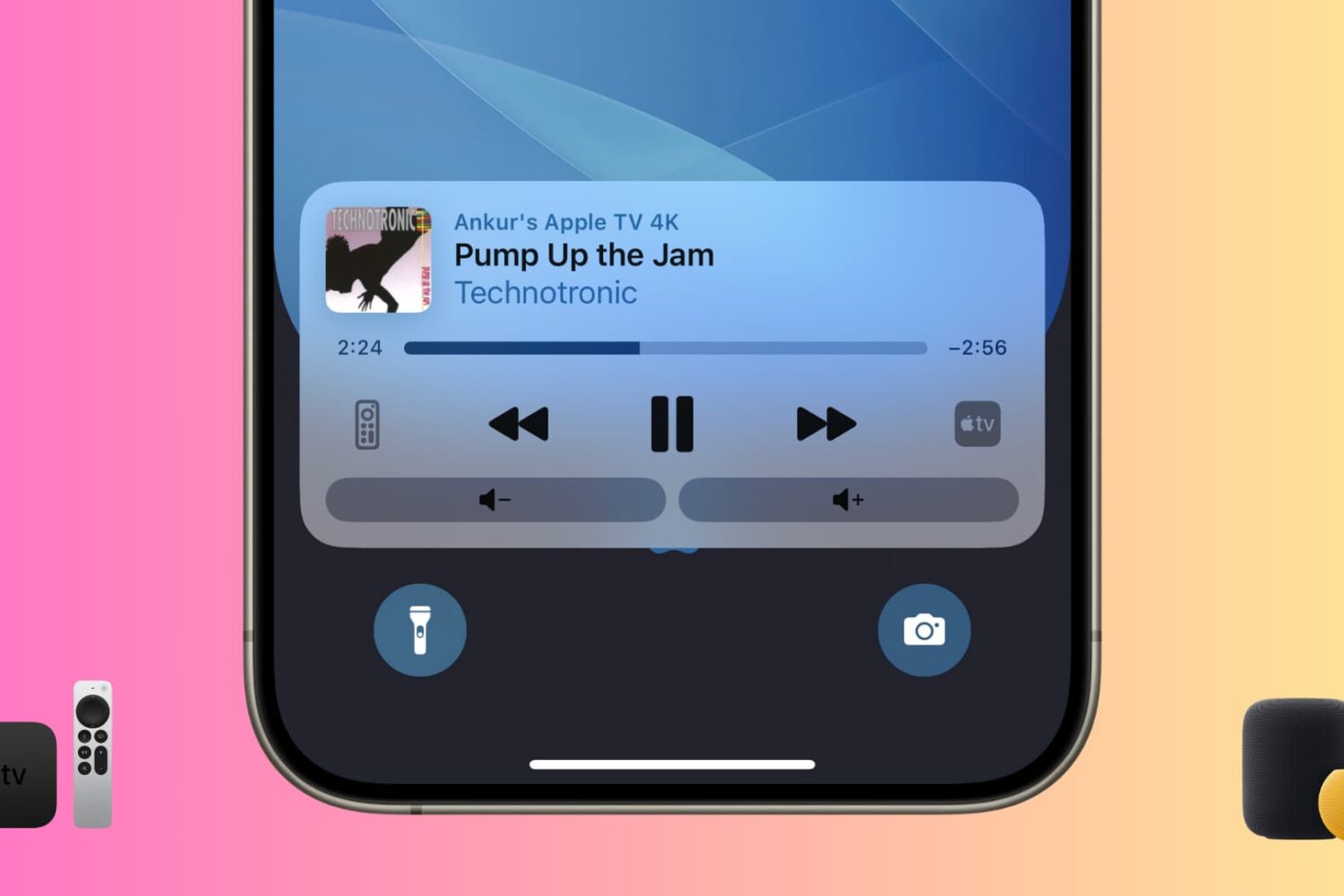
Learn how to manage your Apple Music playback and see your Up Next queue for your Apple TV and HomePod directly on the device or your iPhone and iPad.
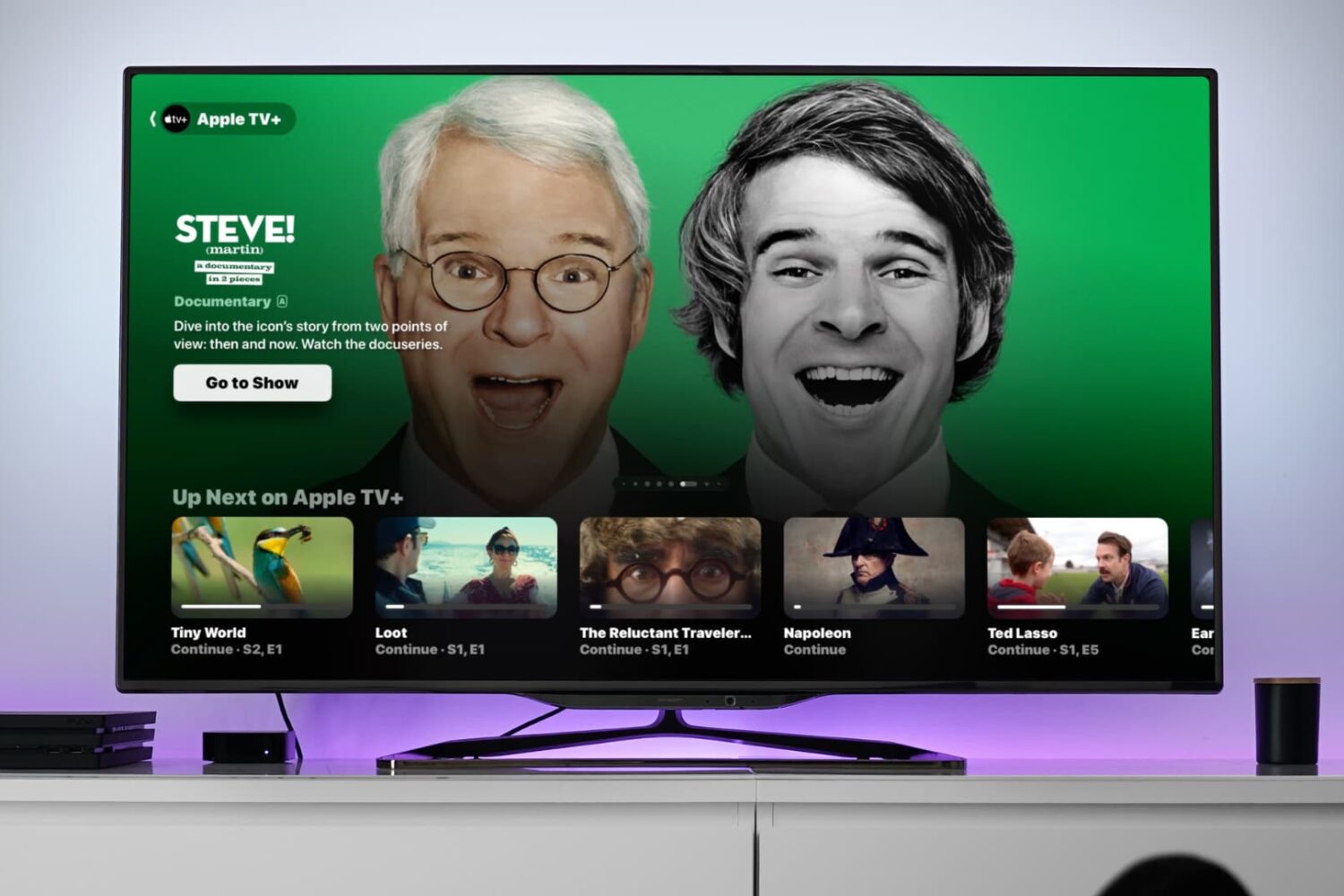
Learn how to use the video scrubber on your Apple TV to see not only the time remaining until the show ends but also the time it will be when you finish watching.
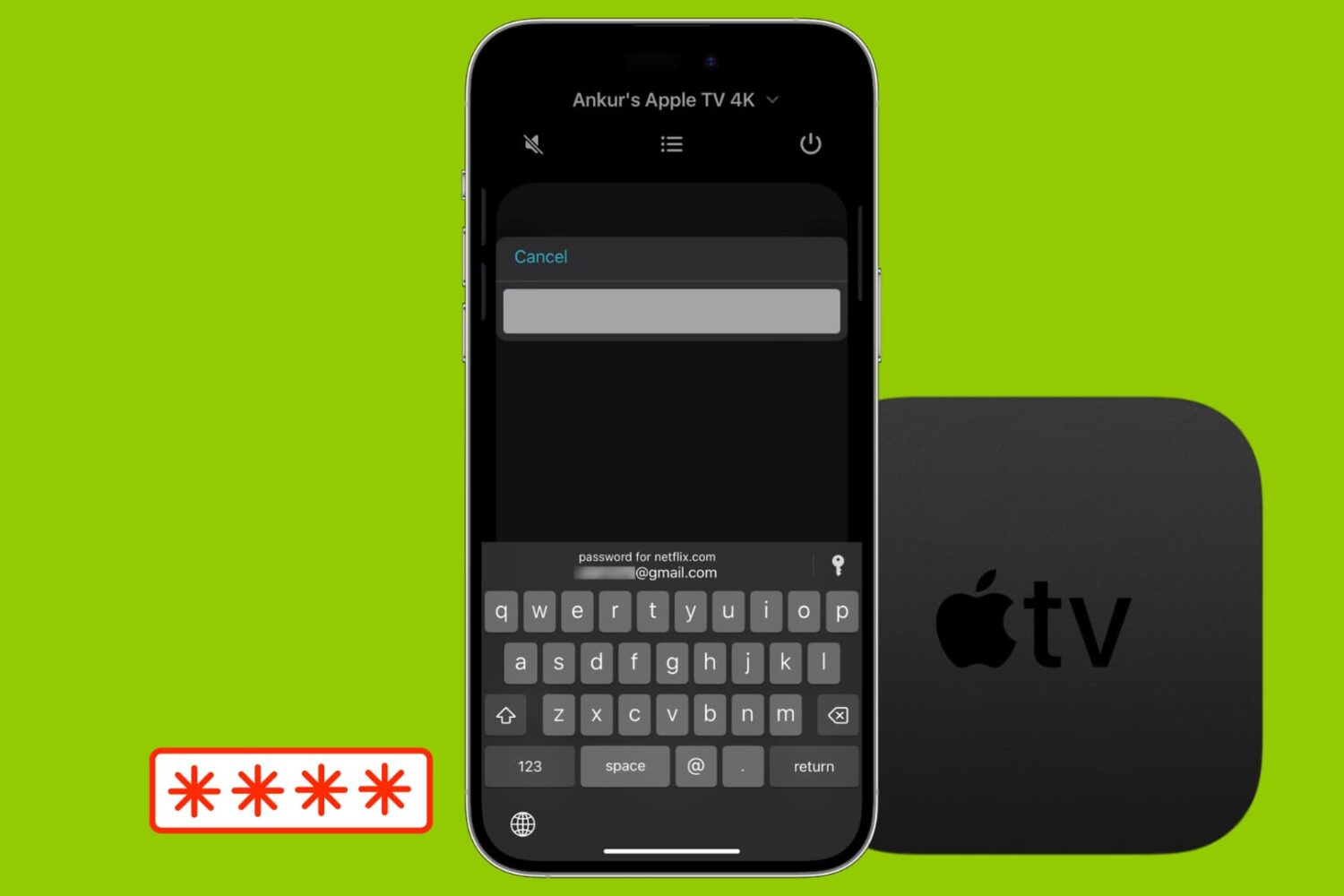
Most likely, you're already familiar with the password autofill on your iPhone and iPad. But this feature goes one step further, and you can use AutoFill Passwords to log into apps on your Apple TV straight from your iPhone or iPad.
Curious? Here’s how to use that AutoFill Passwords feature on your Apple TV.
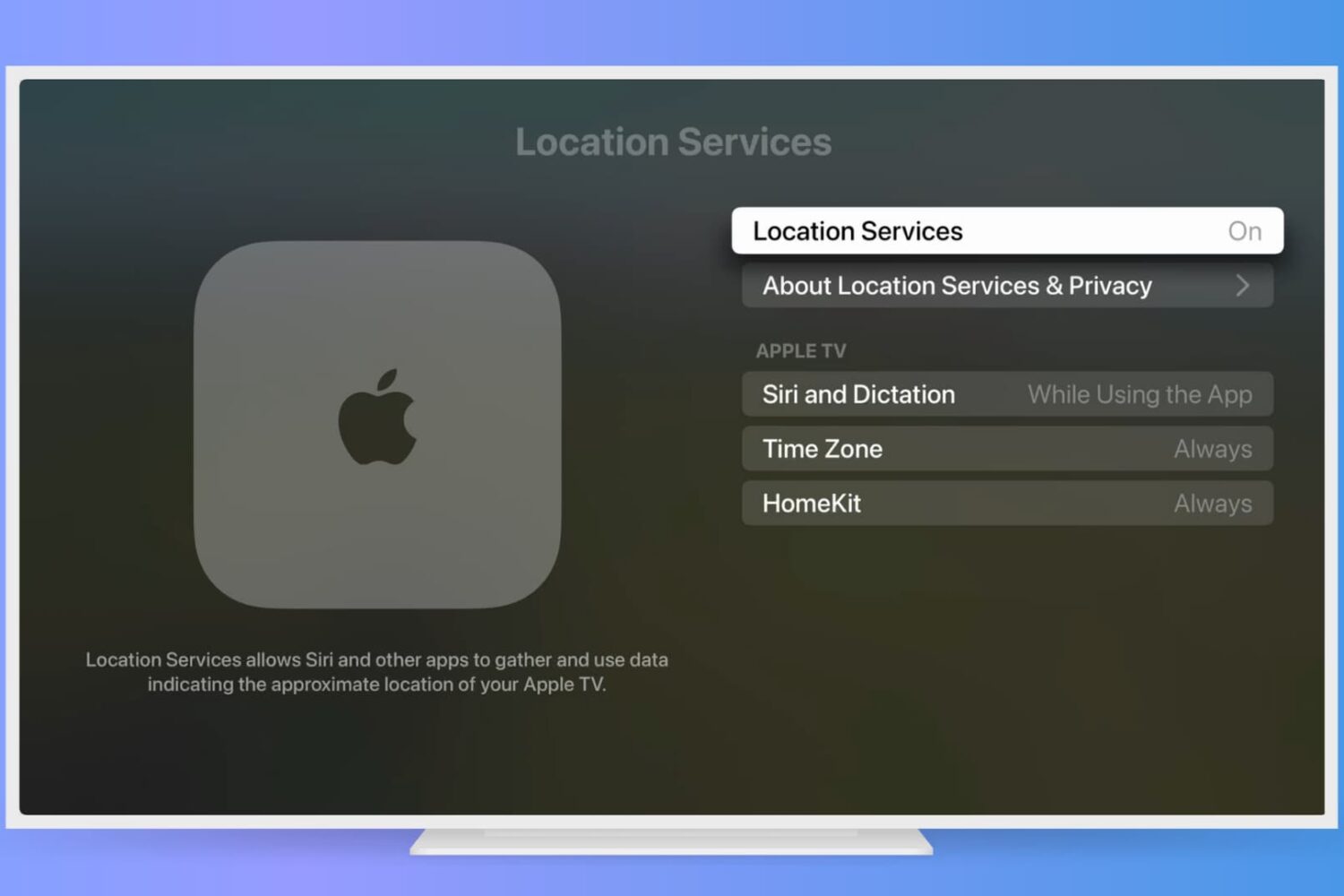
If you find the Location Services feature on your iPhone or iPad useful, you can use this on your Apple TV too. See movie times at your local theater, order pizza delivery, or get your current temperate with apps and other services using your location.
Here’s how to enable and adjust your Apple TV Location Services settings.
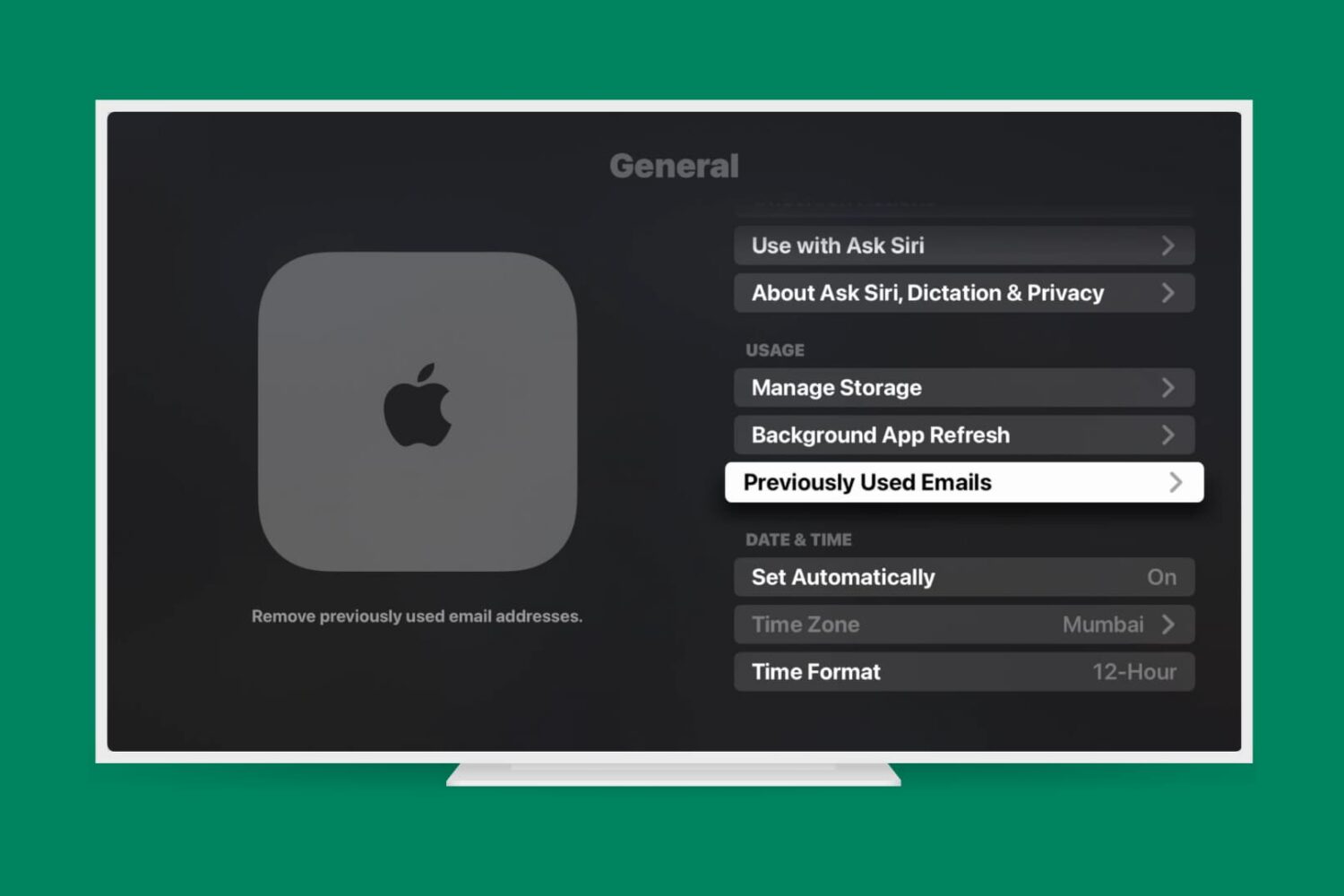
Learn how to remove previous Apple accounts and email addresses from your Apple TV to ensure privacy, security, and a personalized entertainment setup.