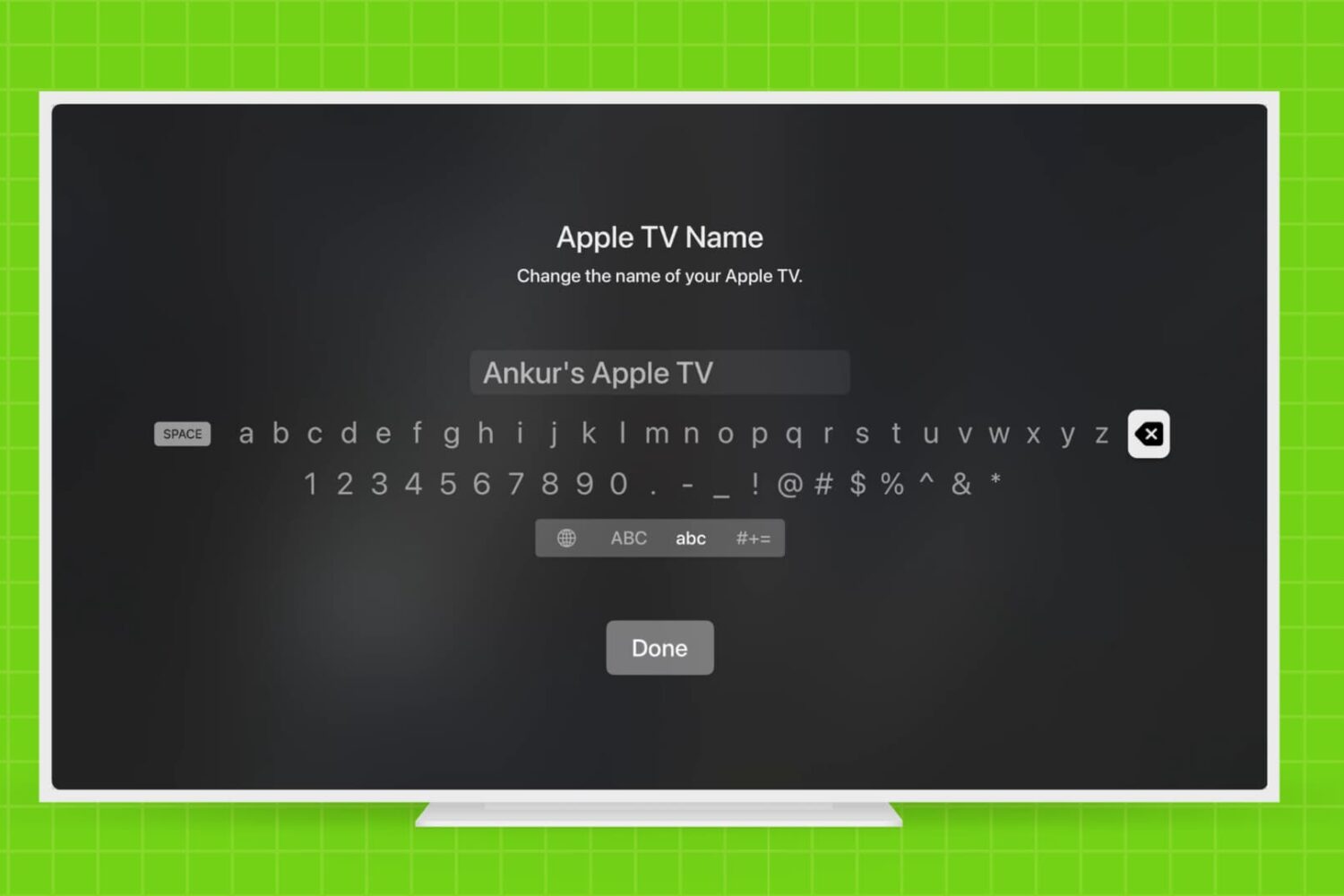
Learn how to rename your Apple TV and make it easier to identify, especially if you have multiple Apple TVs in your household.
How and why to rename your Apple TV
Stay up-to-date on the latest Apple TV news and learn how to get the most out of your device with our comprehensive tutorials and guides. Discover new features, troubleshoot issues, and explore the best apps and games for your Apple TV.
Learn how to rename your Apple TV and make it easier to identify, especially if you have multiple Apple TVs in your household.
By now, you have learned how to use the new Apple TV's task switcher, rearrange and delete apps on the set-top box, take screenshots, disable password prompts for free and paid downloads and more.
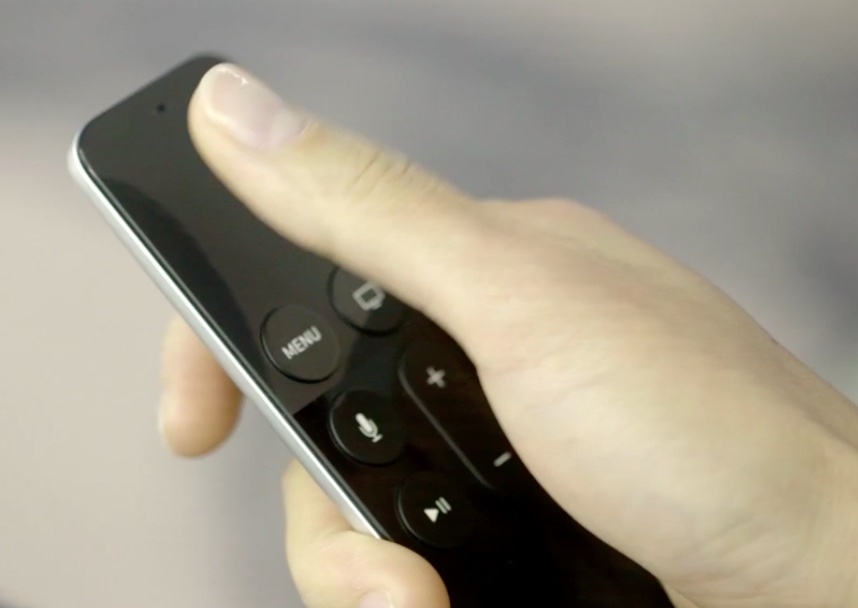
Our coverage of the device continues with this tutorial which will teach you how to restart your Apple TV or put it into sleep or standby mode using either its remote or by selecting an option in the Settings menu.
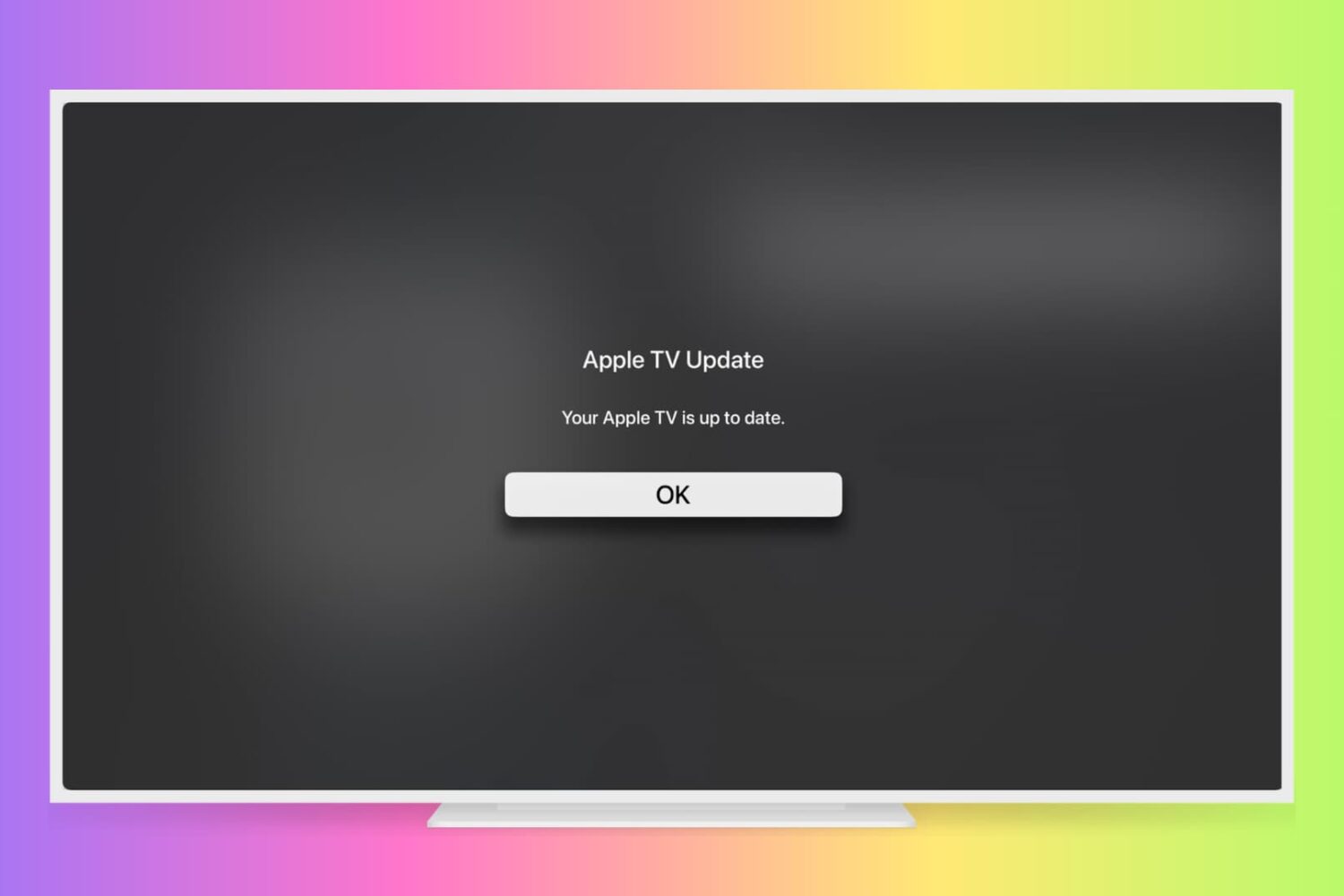
Learn how to manually check for Apple TV software updates and install the latest version of tvOS so it has all the latest available features and can run without hiccups.
You are probably aware that you can disable password prompts altogether for free downloads made on your iPhone, iPod touch, iPad and Mac. As an added layer of protection, iOS and macOS will either require your Apple ID password for each paid download or after fifteen minutes of making your last purchases in the iTunes Store, App Store, Books Store or Mac App Store, depending on your preference.
What you cannot do on iOS and macOS is disable password prompts for both free and paid downloads. On the Apple TV, however, it's possible to turn off password protection for both free and paid items and this tutorial will help you do just that.
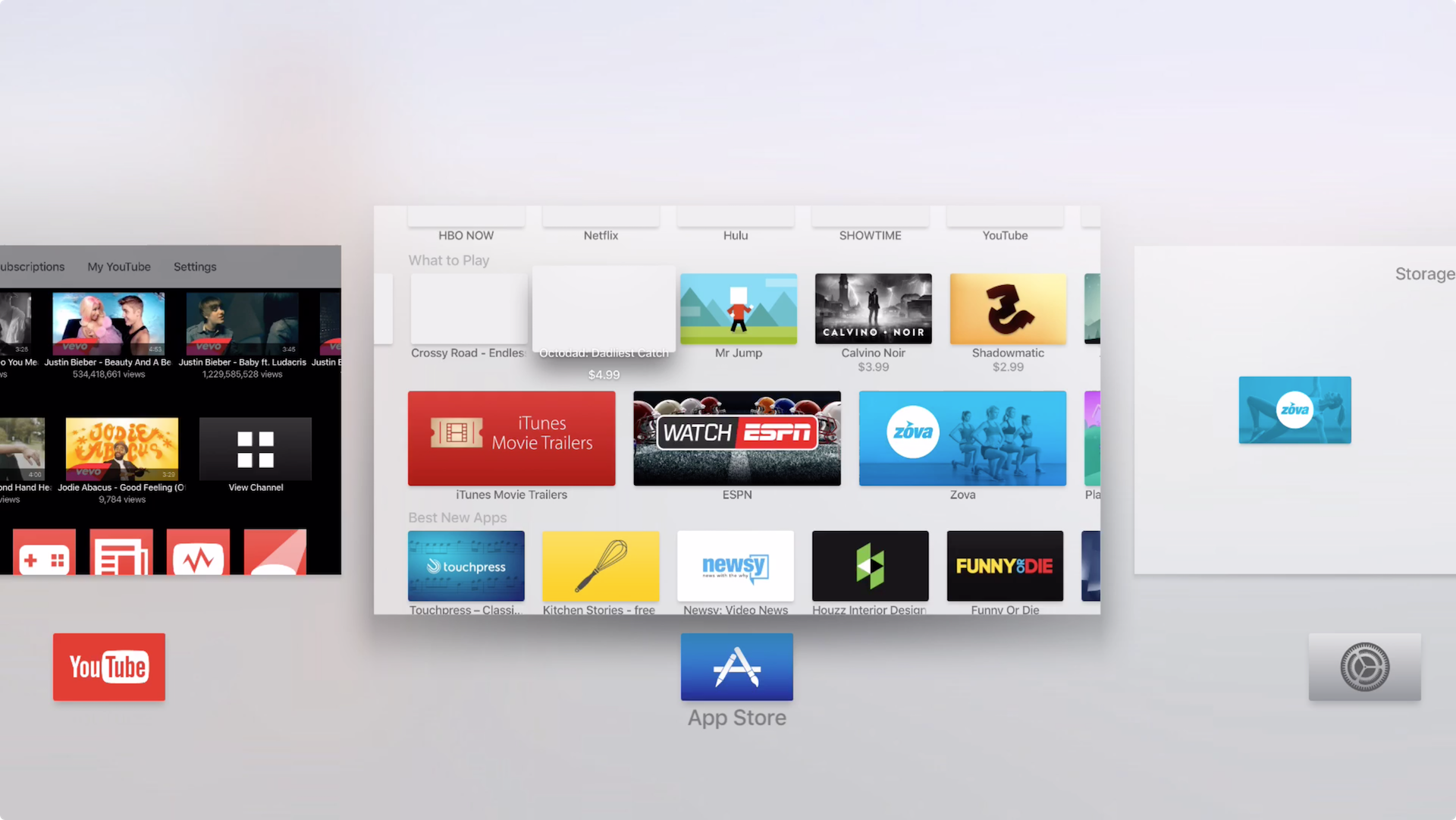
Did you know that you don't have to go back to the Home screen every time you wish to switch between an app on the Apple TV? Unlike the Apple TV of old, the new version allows you to quickly switch between apps similar to how its done on iOS. In the brief video tutorial that follows, we'll show you how it's done.
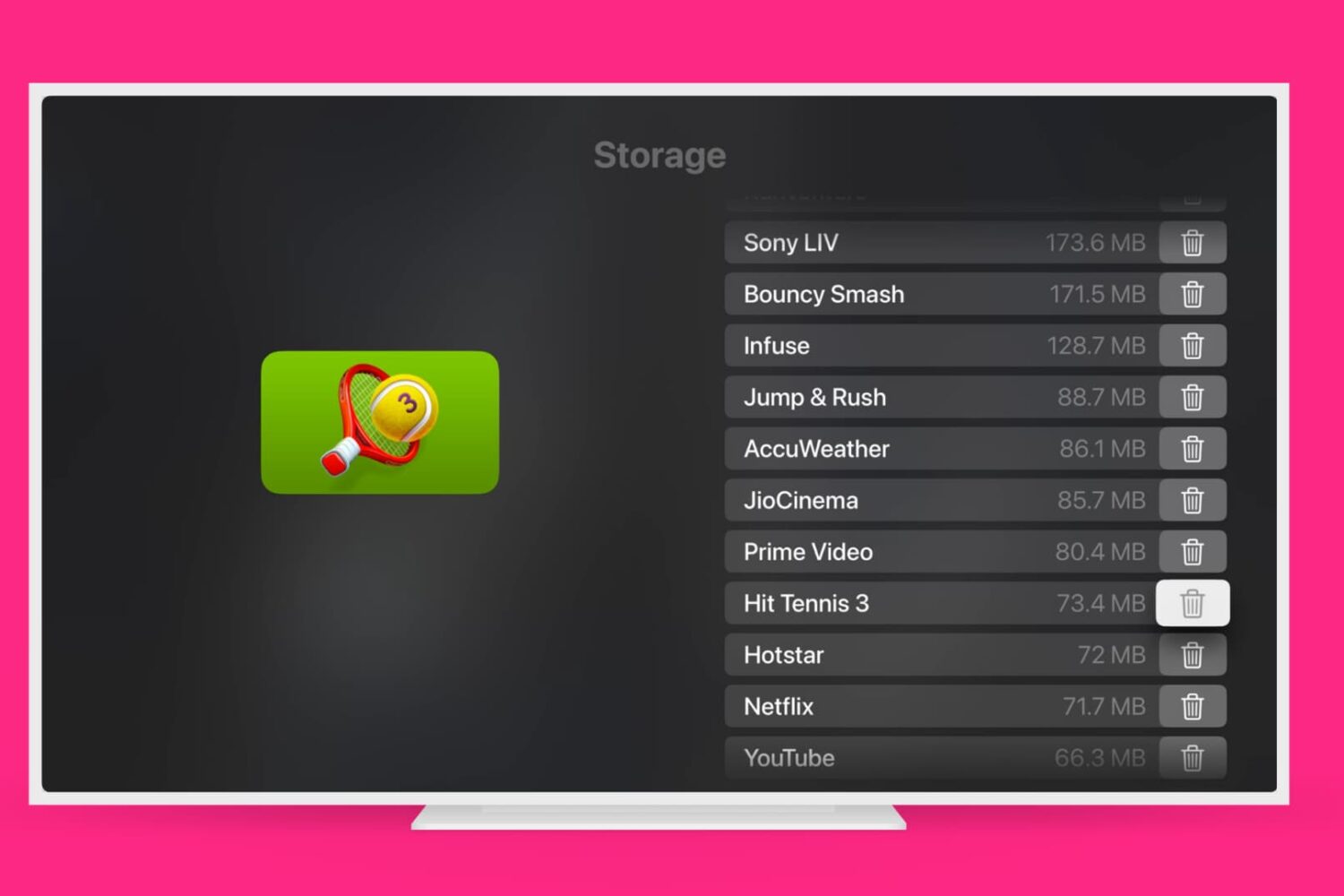
Learn how to remove those Apple TV apps you no longer need to have a tidier Home Screen and free up local storage space.
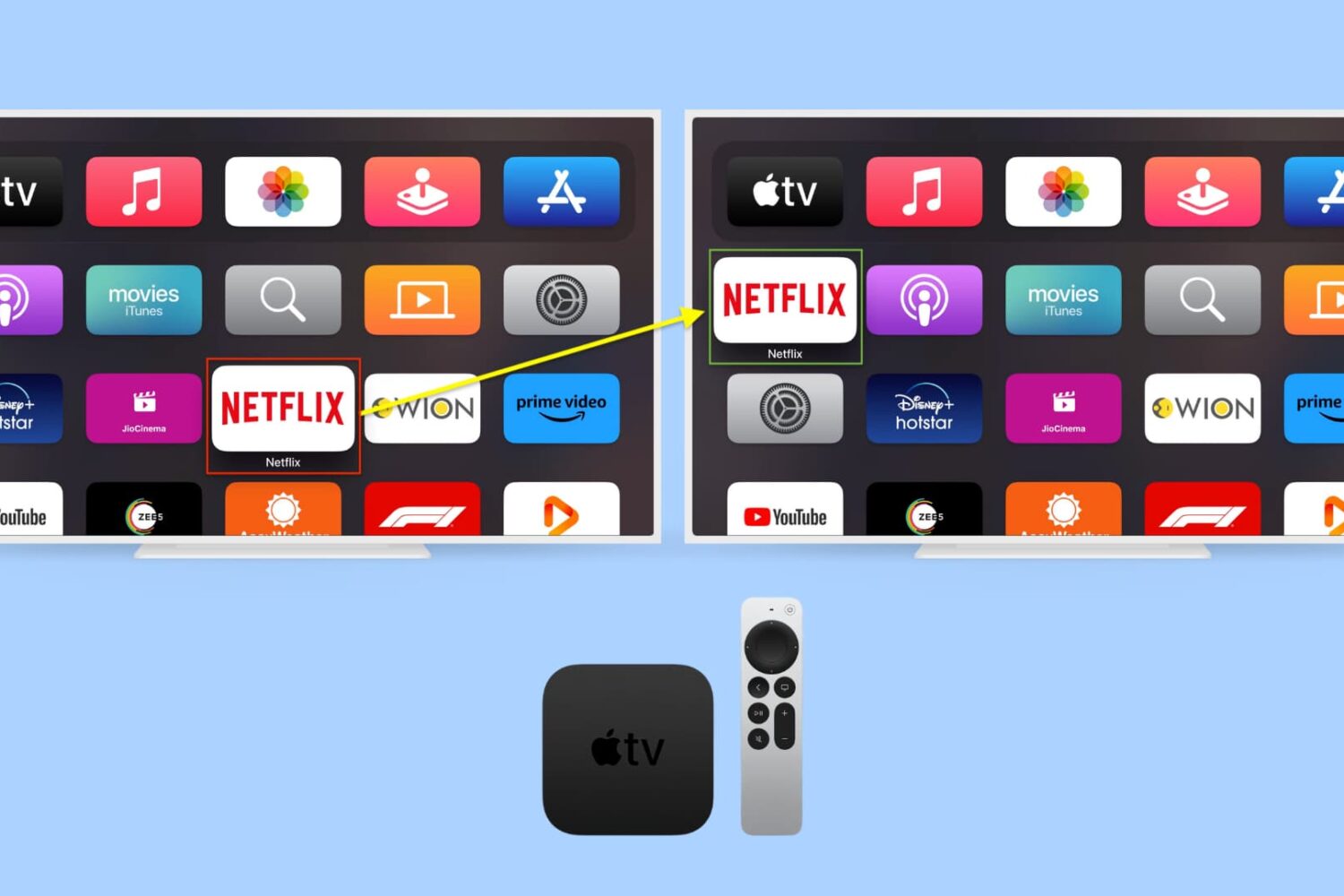
Rearranging apps on the Apple TV works much as it does on iPhone or iPad. First, you enter into "jiggle mode," and then you move the user-installed apps to your preferred location. This written tutorial, along with a video, shows you how to change the position of installed apps on your Apple TV Home Screen.
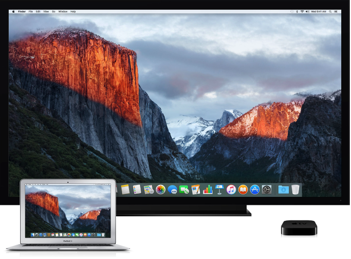
Since OS X 10.9 Mavericks owners of the Apple TV have been able to wirelessly mirror their Mac screen to the big screen TV with an AirPlay feature called AirDisplay. There was just one slight problem: you couldn't stream individual videos without mirroring the whole screen.
Apple has solved this annoyance with OS X 10.11 El Capitan, which introduced richer AirPlay support permitting you to send video from Safari and other apps to the Apple TV.
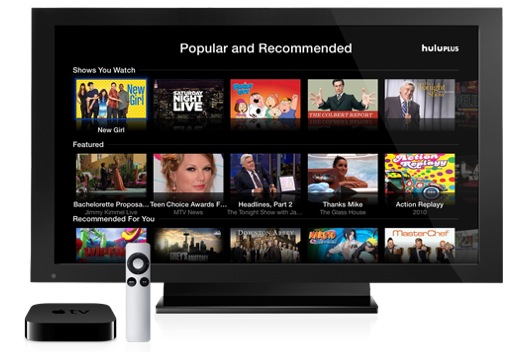
Yesterday, I let you in on a trick to selectively show or hide unwanted app icons from your Apple TV's Home screen. Today, I want to talk about another great Apple TV enhancement, one just implemented as part of the newly-released Apple TV 6.0 software update: tap-to-setup. In a nutshell, you can now use an iOS device to quickly set up your $99 hockey puck.
Sure, the third-generation Apple TV does allow for greater flexibility by letting folks pair a Bluetooth keyboard in order to quickly type in any pertinent information during the setup procedure (or afterwards). Tap-to-setup, however, takes easy to the next level by automatically transferring common settings from your iOS device...
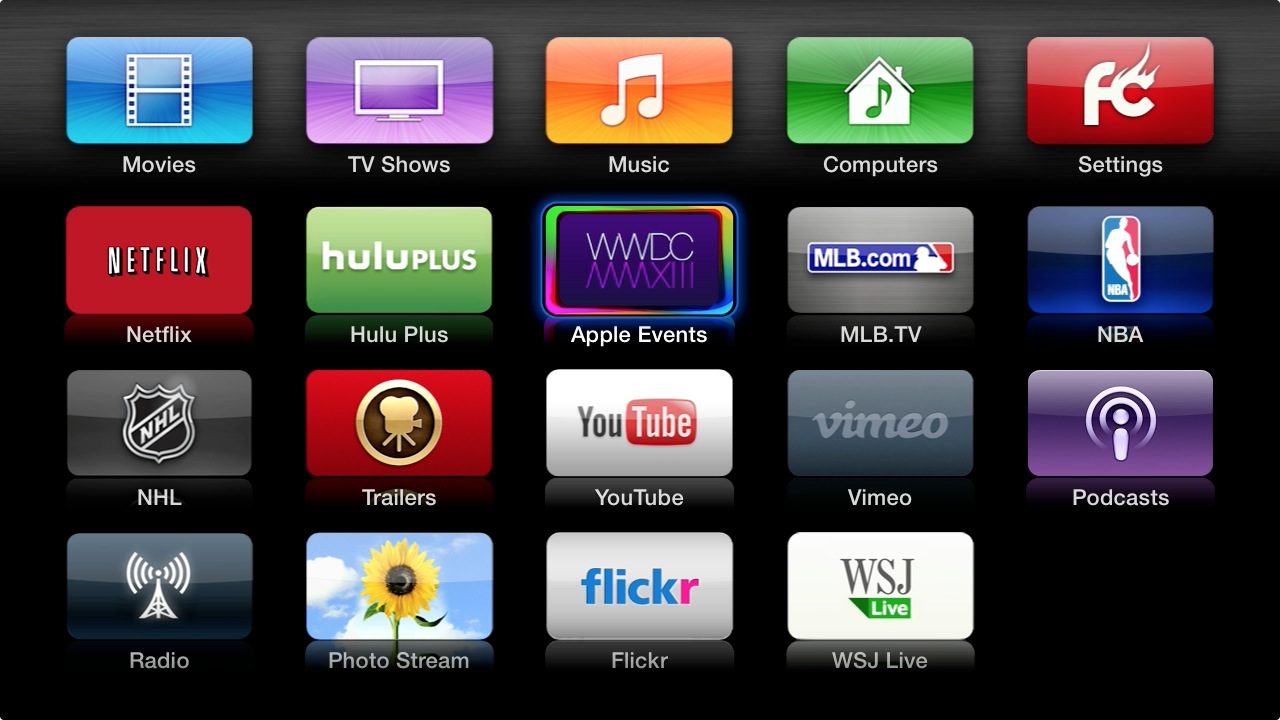
I'm loving my Apple TV a lot, even more so after the past few updates have made the set-top box way more useful by bringing out a host of cool features and new content sources such as Disney, Vevo, iTunes Music Festival, HBO Go and more.
On the downside, each new channel brings with it a brand new icon. And just like that - before you know it, your Apple TV becomes littered with a bunch of icons. Wouldn't it be great if you could somehow declutter the interface? While Apple makes it easy to re-arrange the icons by holding down the Select button on the remote until they start wiggling, there's no straightforward option to remove unwanted ones from the Home screen.
Assuming you're willing to dive into the Apple TV's Settings menu and flip a few switches, you can do just that. Jump past the fold and I'll tell you all about it...

Although the Apple TV's remote control looks sleek, it leaves a lot to be desired. The tiny buttons on the awkward-shaped directional pad can make it difficult to browse through iTune's library of thousands of movies and TV shows.
As you know, you can easily replace the remote with your iPhone using Apple's Remote app. But did you know there's another option? You can control your Apple TV with a third-party remote. And it's actually fairly easy to setup...
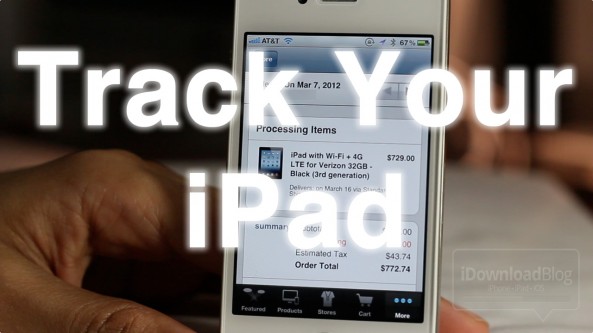
It's that time of the year again. We're all waiting on pins and needles until March 16th when the new iPad is officially available to the public.
As Cult of Mac's Killian Bell points out, Apple's own Apple Store app is a great way keep tabs on your new iPad and/or new Apple TV shipment.
It's not going to make your new iPad hit your doorstep any faster, but it's a nifty way to ease some of the anxiety of waiting...