Learn how to create rooms, zones, and add a new house to the Apple Home app so you can seamlessly control your smart accessories.
How to create rooms and zones in Home app on iOS and Mac

Learn how to create rooms, zones, and add a new house to the Apple Home app so you can seamlessly control your smart accessories.
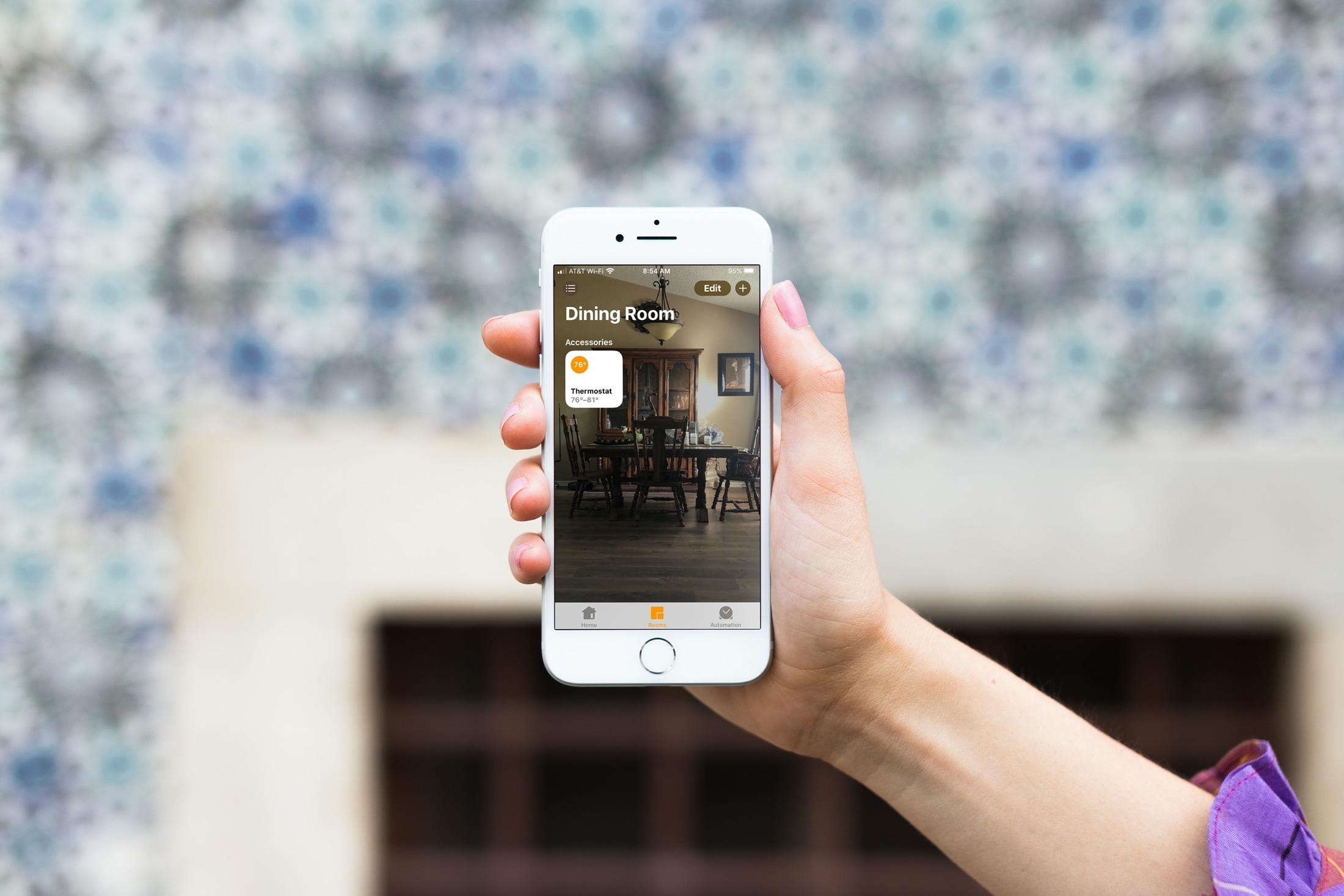
Macworld writer Jason Snell published today a thought-provoking piece titled "It’s time for new hardware at the center of Apple’s home strategy" that's well worth a read, especially if you belong to the camp that believes it's high time for Apple Home.
Learn how to change the wallpaper for your home and the rooms in the Home app on your iPhone, iPad, or Mac to give each of them a more personalized appearance.

When you decide it’s time to do something different in your living space, you need ideas. Whether you want to redesign a single room or remodel an entire area, getting inspiration for the right look and feel is important.
One terrific place to look for home design and remodeling ideas is on your Apple TV and these are the best apps for it.
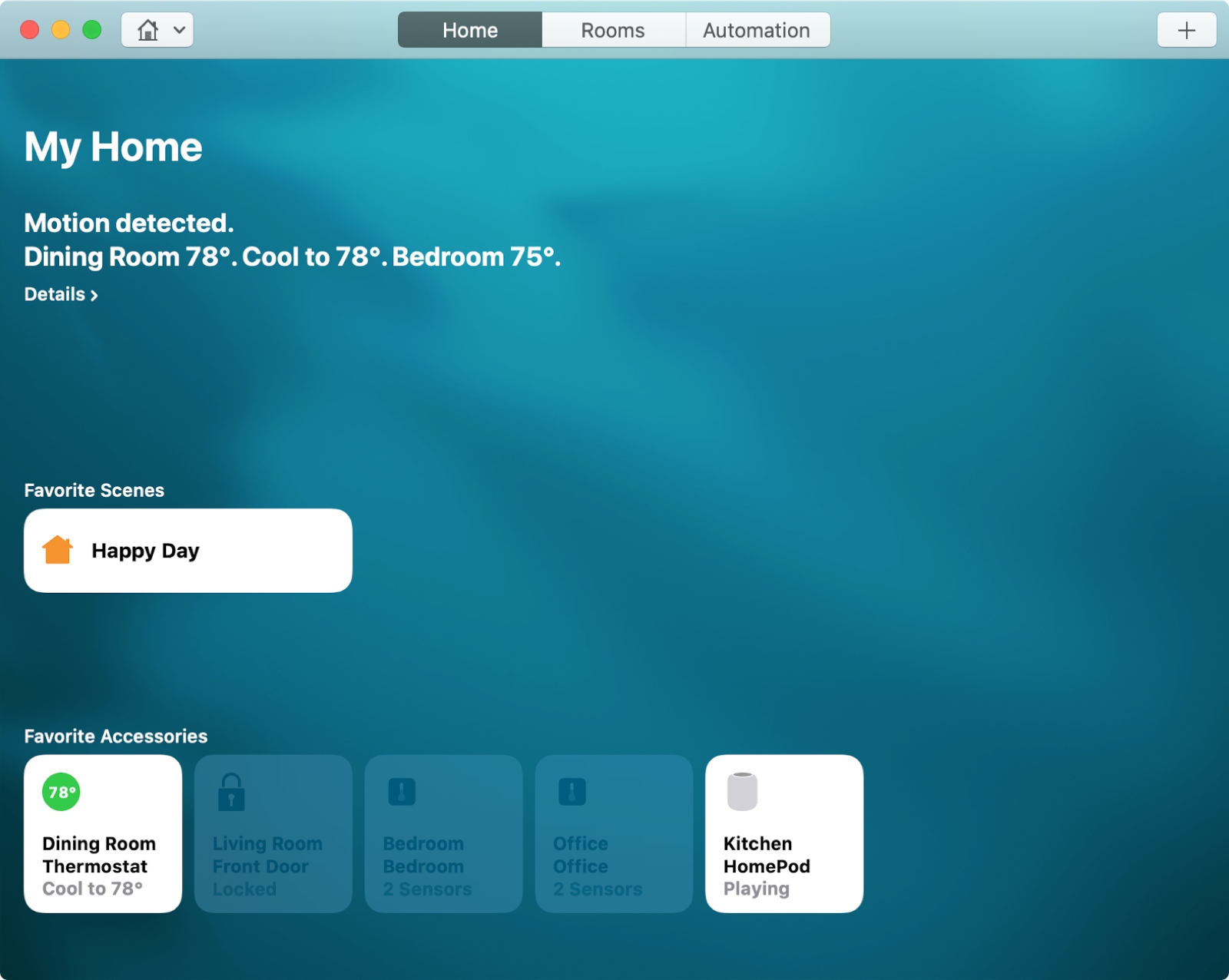
For the perfect atmosphere when arriving home after a long day at work or starting your day with something upbeat, you can set up scenes with HomeKit.
Scenes let you control multiple accessories that you connect in the Home app at one time. You can create scenes based on your leaving, arriving, or a custom setting. Then, the automated scene takes over with the settings you choose.
Here’s how to create scenes with HomeKit on both Mac and iOS.

Apple yesterday released the iOS 13.2 software update for iPhone, iPad and iPod touch. With it came a new computational photography feature for the latest iPhone 11 devices, dubbed Deep Fusion, in addition to Announce Messages With Siri that was originally supposed to arrive as part of the initial iOS 13.0 update, plus a whole bunch of other important changes.

We have known since the beginning of this year that several TV manufacturers were planning to update their smart television sets to support Apple's AirPlay 2 and, in some cases, HomeKit.

Back at the Worldwide Developers Conference last year, Apple launched its first four apps originally designed for iOS onto macOS Mojave. Those were News, Home, Stocks, and Voice Memos. And now Apple says those apps will be seeing a big improvement with macOS Catalina.
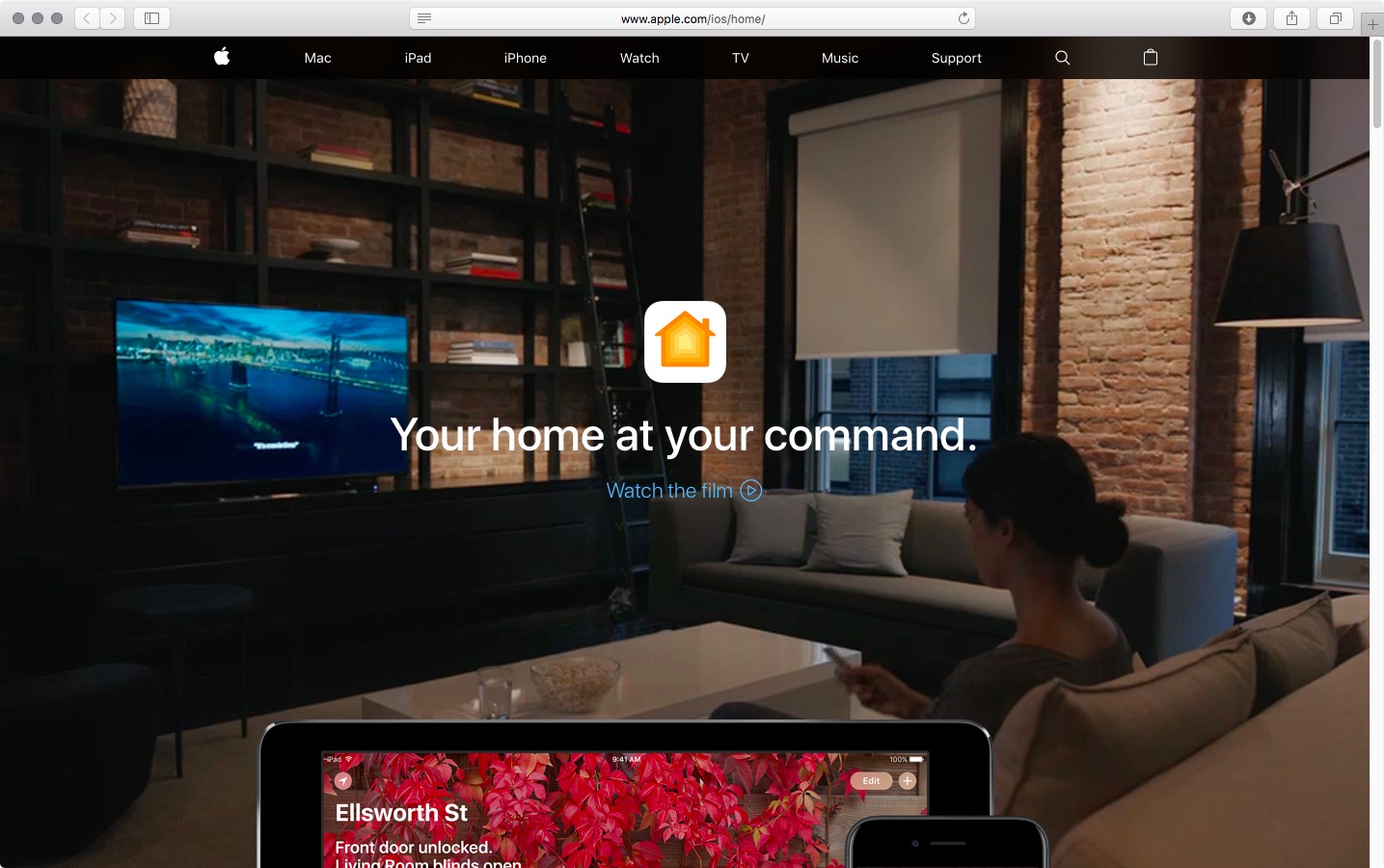
Apple is showing off a handful of new additions to the Home app and HomeKit in general, offering up more iCloud-backed secure options for the smart house.

Learn how to change the default Safari homepage to automatically open your favorite website when you click the Home button or open a new browser window or tab.
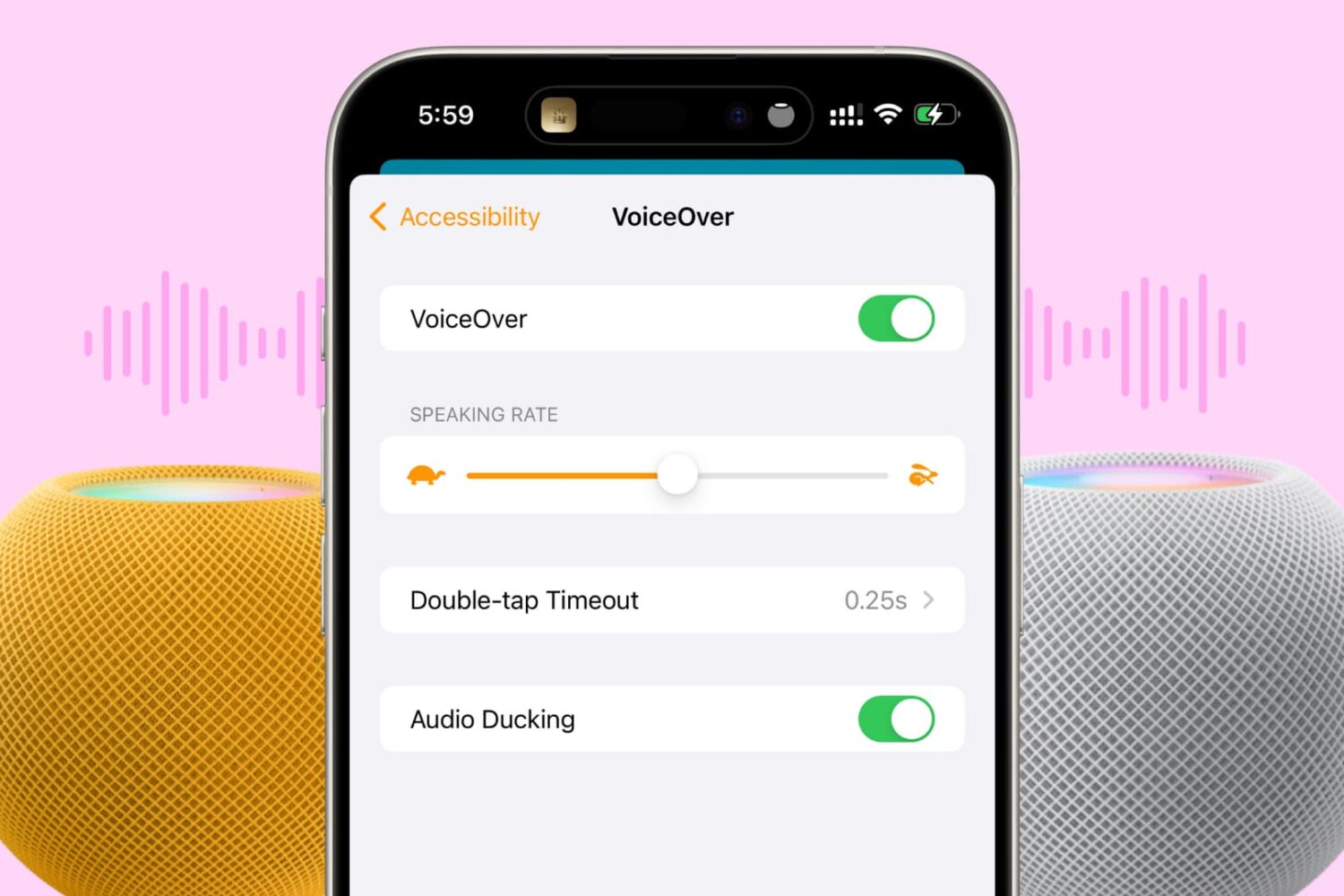
In this tutorial, we’ll show you how to turn on VoiceOver on your HomePod to get helpful audio feedback when interacting with the HomePod’s touch surface.
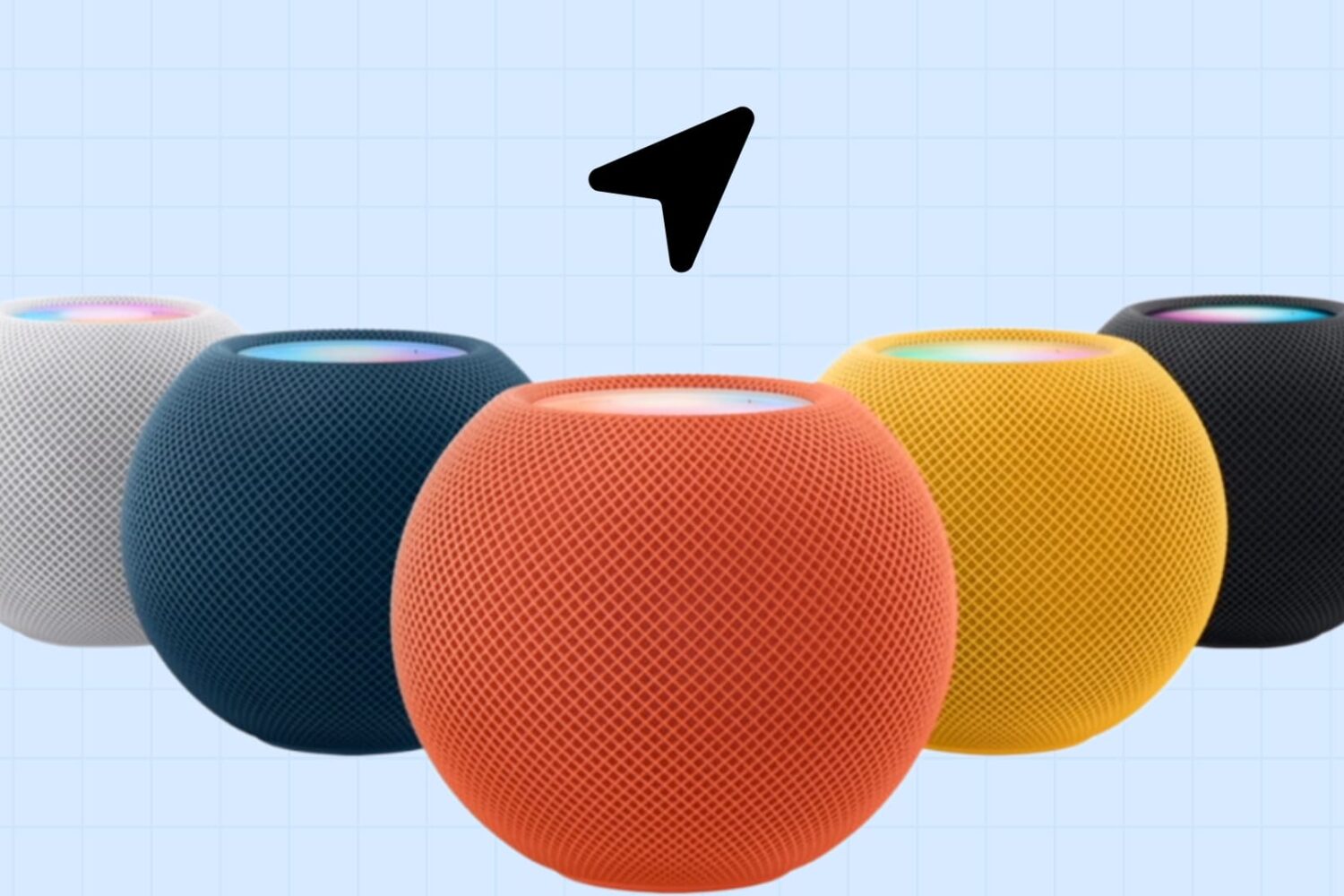
Whether you’re concerned about privacy or don’t use features that need your location, this tutorial shows you how to disable location services for your HomePod using your iPhone, iPad, or Mac.