Find out how to set your iPhone to automatically open Google Maps, Apple Maps, or some other app the moment you start wired or wireless CarPlay.
How to auto-open Maps when you connect to CarPlay

Find out how to set your iPhone to automatically open Google Maps, Apple Maps, or some other app the moment you start wired or wireless CarPlay.

Find out how to share your real-time live location continuously for a few minutes, hours, or indefinitely from your iPhone with family members and friends who either have an iPhone or an Android phone.
This will allow the other side to see your current and changing location at all times, helping them keep track of your progress.

Keep track of your family members and friends’ locations at all times by enabling continuous location sharing between iPhone and Android phone.

Learn how to create private labels for locations in Google Maps on your iPhone, Android phone, or computer, making it easier to find them on the map without searching for the official name.
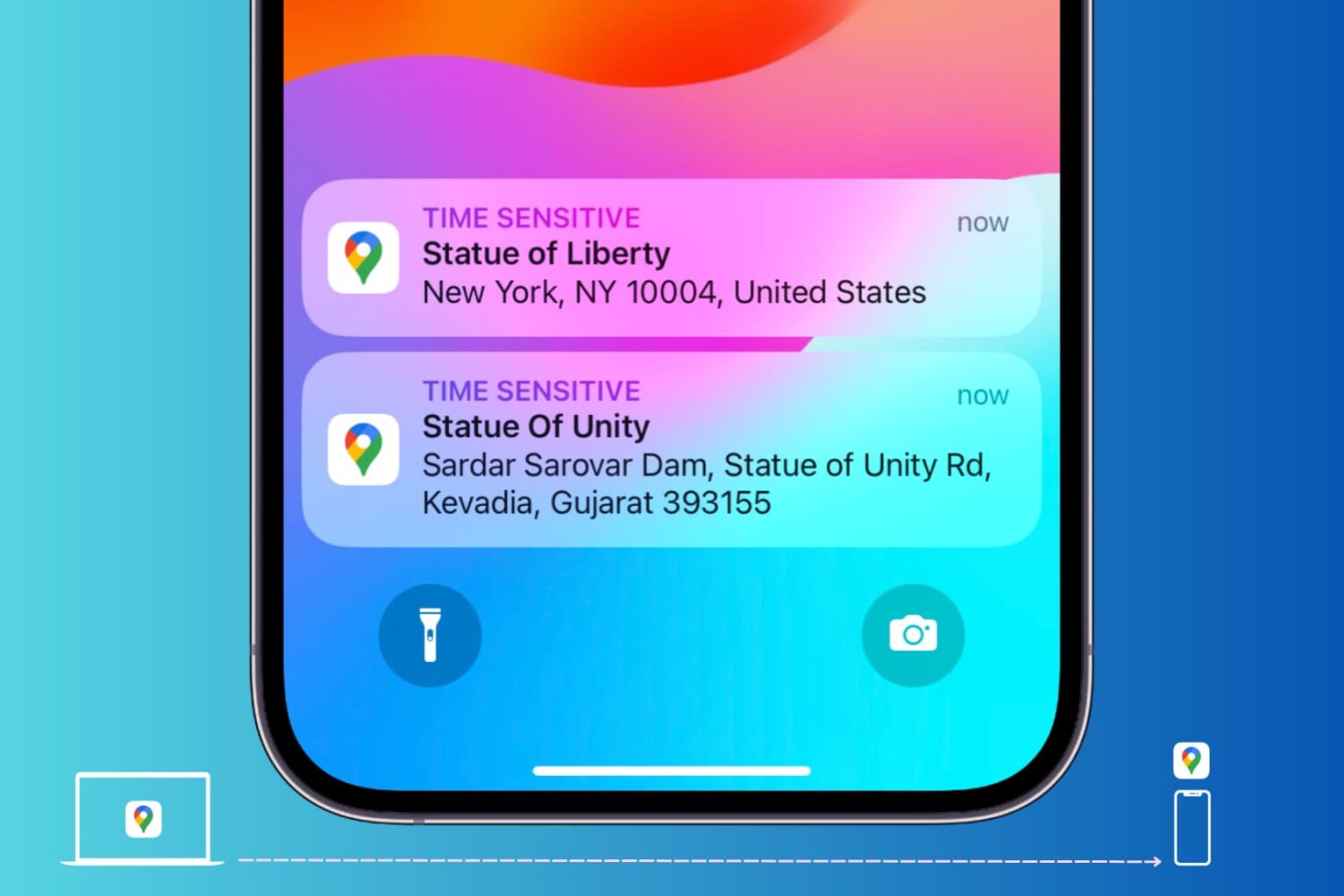
Learn how to send locations of your favorite restaurants, stores, and other places of interest from Google Maps on your computer to your iPhone or Android phone.
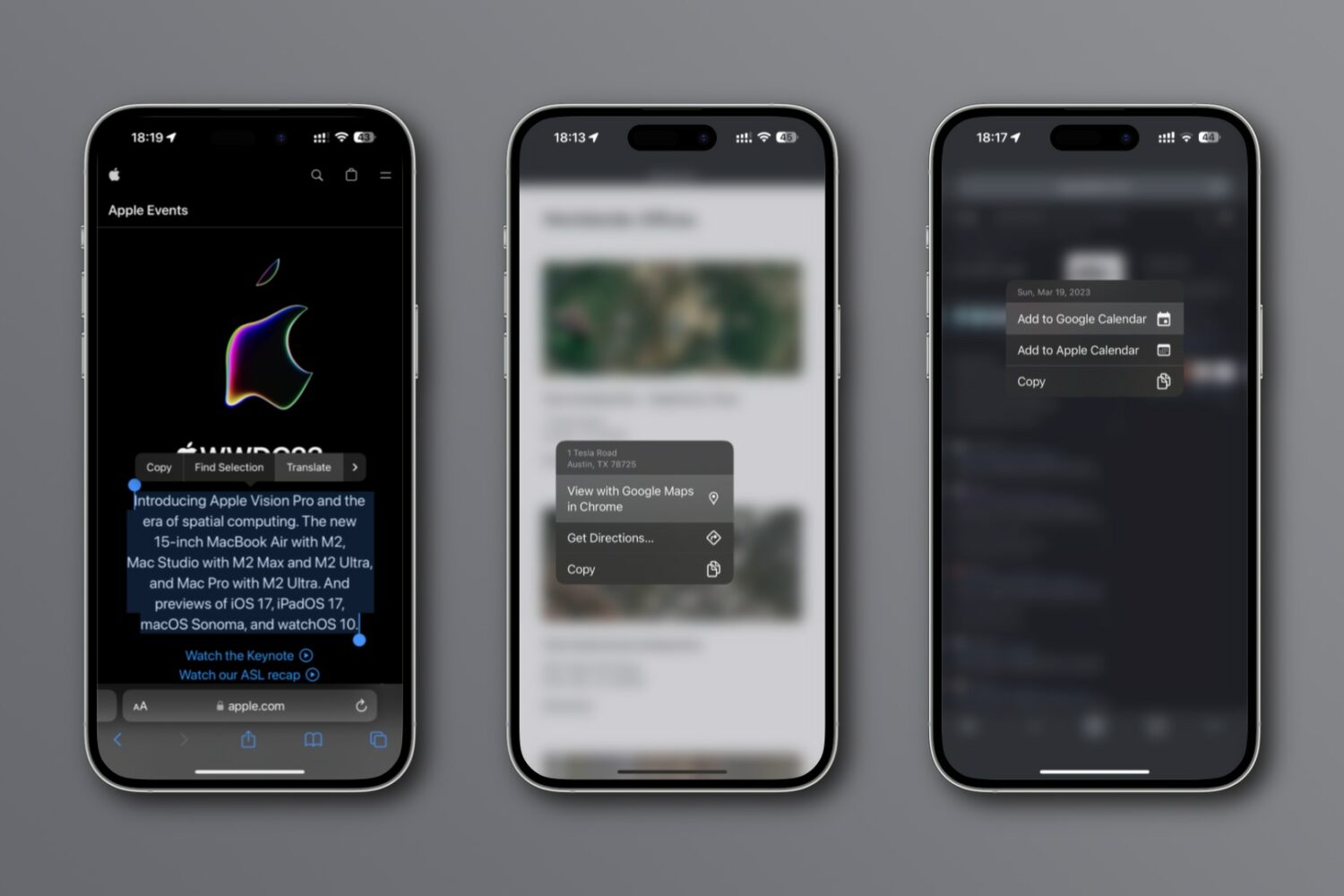
New integrations in Chrome for iPhone and iPad let you look up an address on a mini Google map, translate webpages, search using images, etc.
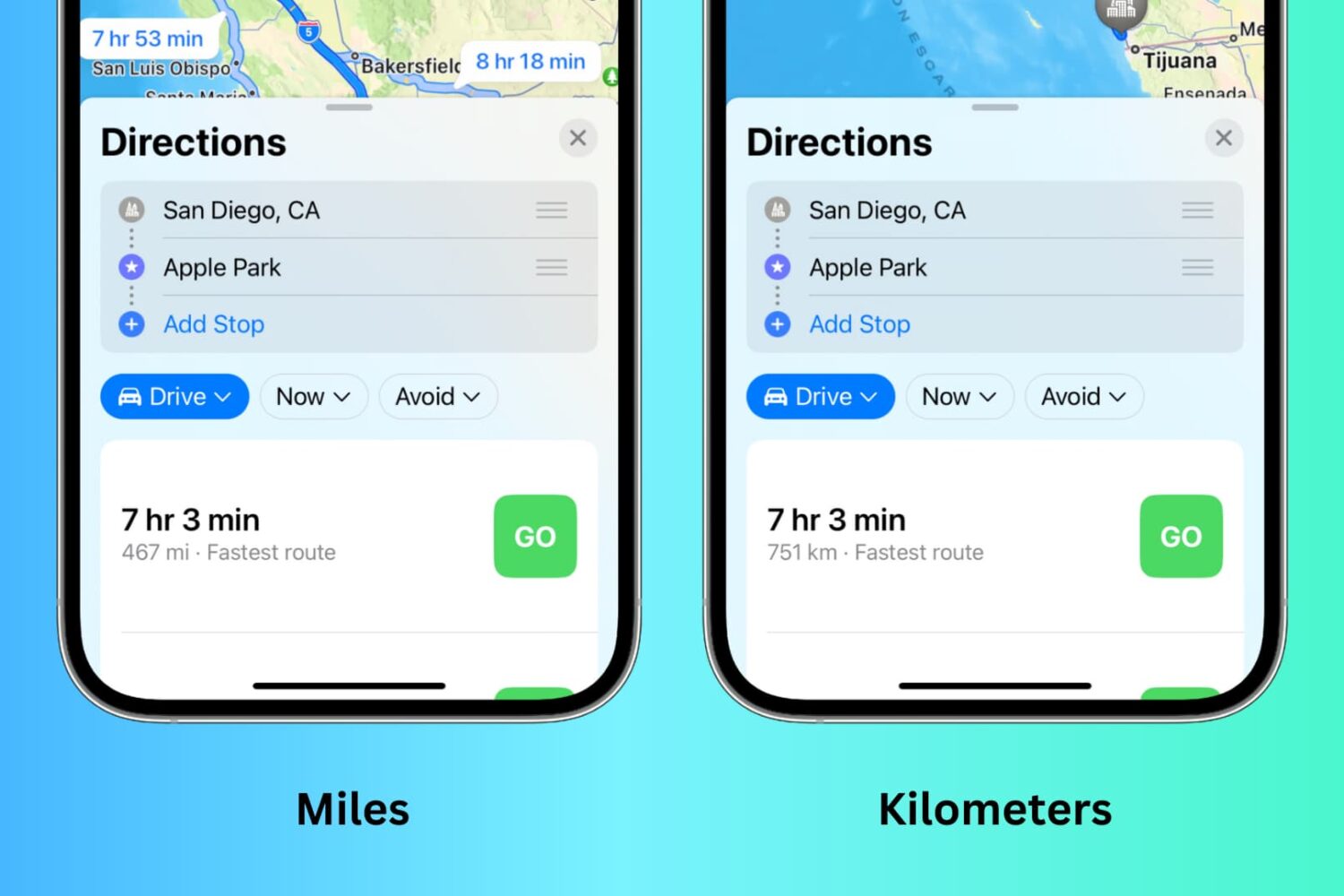
Depending on your preference, you can set the Maps app to display distances and turn-by-turn directions in either kilometers and meters or miles and feet. However, the steps to do that may not be immediately obvious, and that’s where we can help.
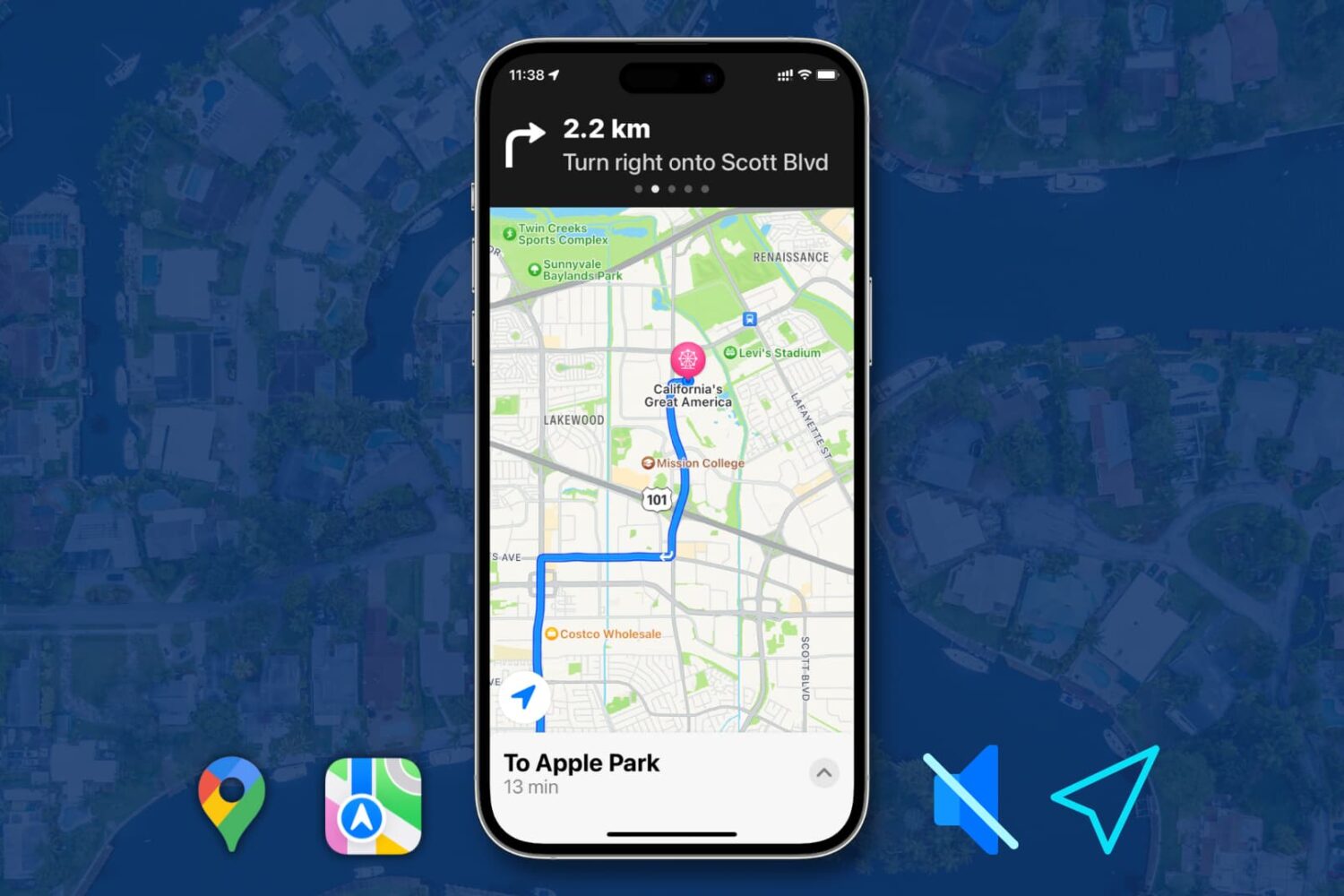
Learn how to turn off or customize spoken turn-by-turn directions in Apple Maps and Google Maps on your iPhone.
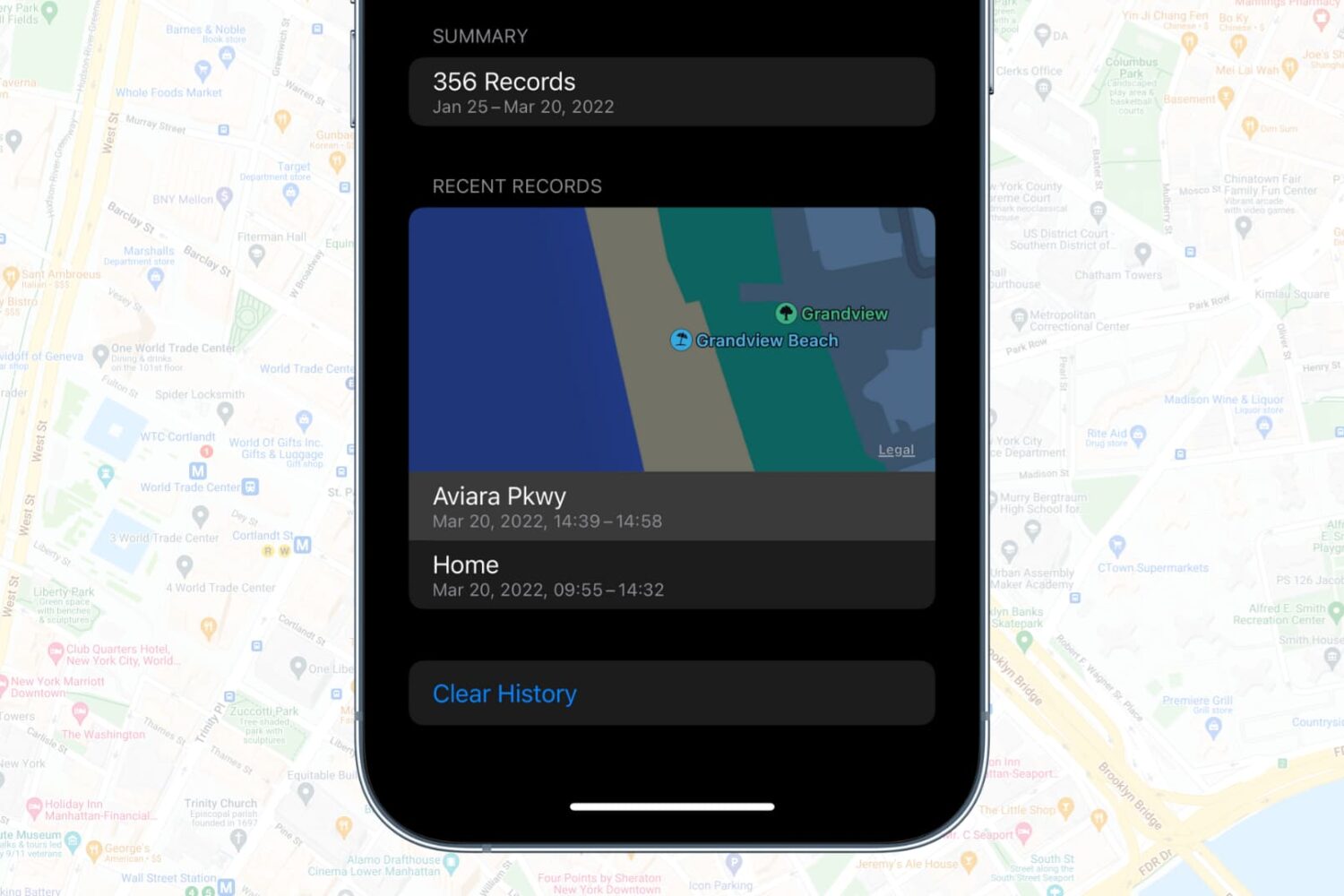
In this tutorial, we’ll show you how to view, delete, and disable your iPhone’s location history with simple steps to enhance your privacy and control your data.
Learn how to request blurring of your house, car license plate, or face on Apple and Google Maps to enhance your privacy with this step-by-step guide
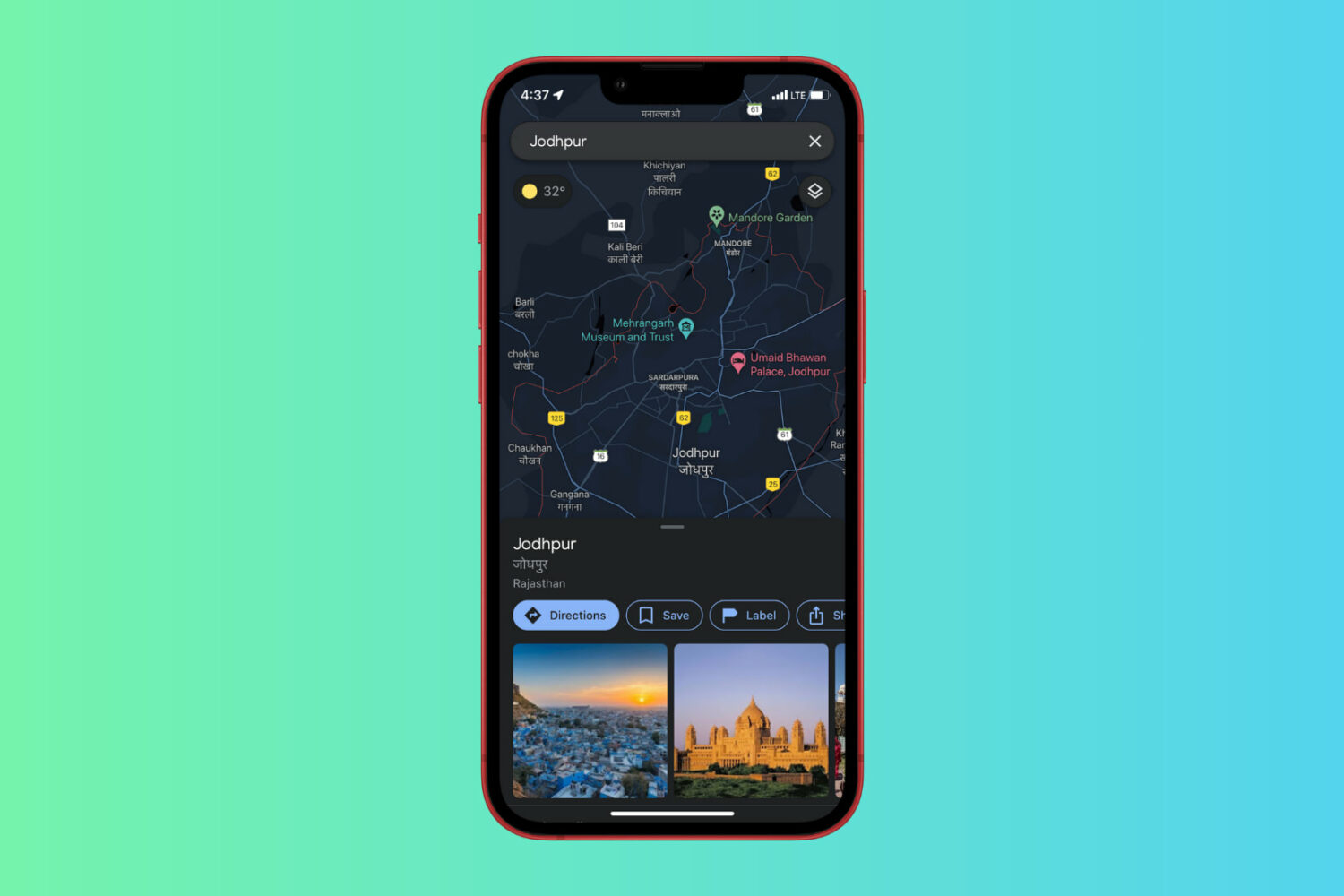
Learn how to enable Dark Mode in Google Maps on iPhone and what to do if you don’t see the Dark Mode option to begin with.
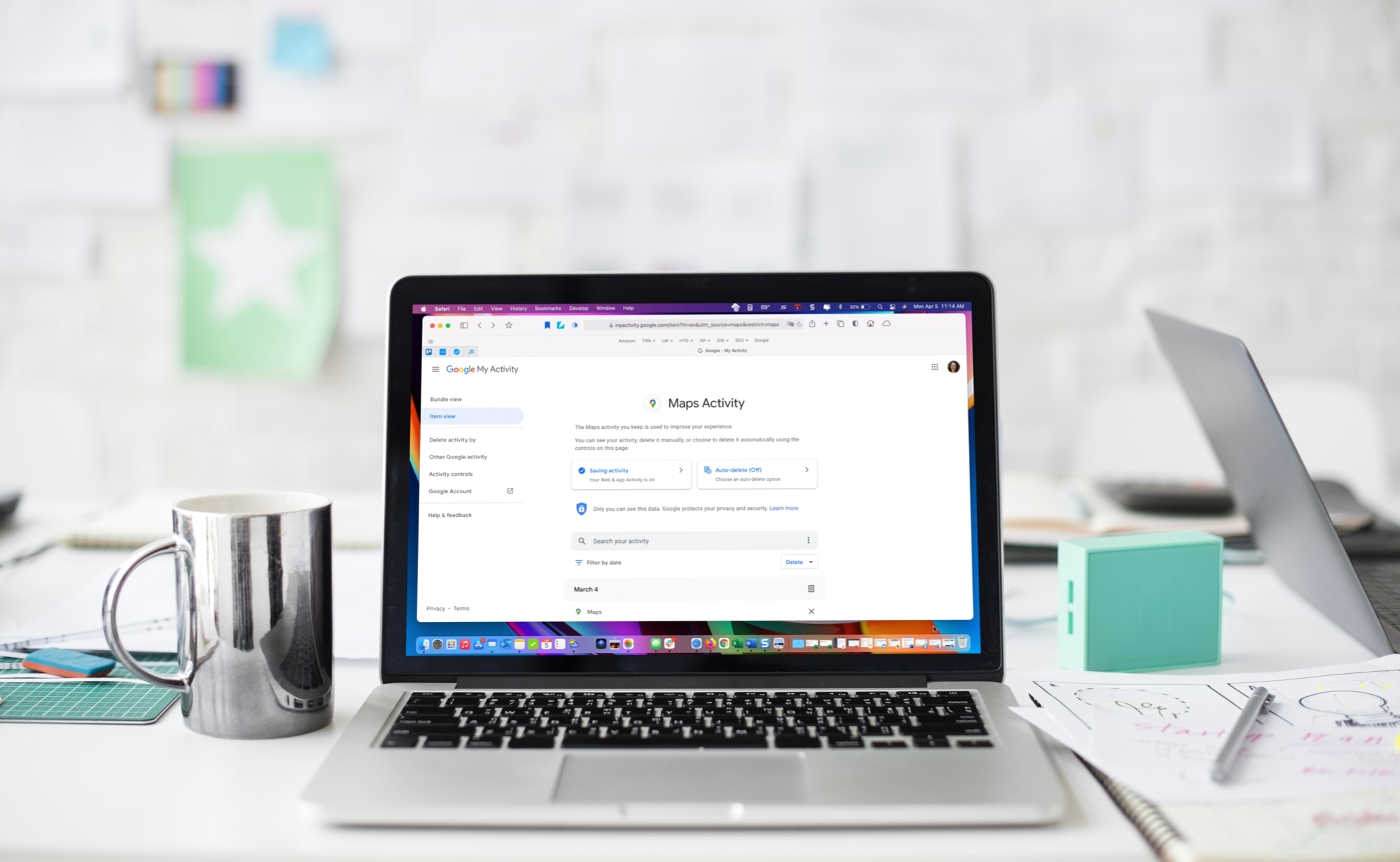
Learn how to delete your Google Maps history for all locations, specific ones, or certain dates on iPhone and the web.