Fix

Apple releases iOS 10.0.3 for iPhone 7 and 7 Plus with fix for cellular conectivity bug

Apple on Monday released a new update for iOS labeled version number 10.0.3. The update appears to be exclusive for the iPhone 7 and 7 Plus, and it can be downloaded via the Update mechanism in Settings, or from our Downloads page.

As noted in the screenshot above, 10.0.3 brings about various bug fixes, including one for an issue where users could temporarily lose cellular connectivity. This has been a fairly high profile iPhone 7 bug, particularly among Verizon users.
GPS not working on your iPhone? Try this

Your iPhone’s GPS capabilities can be really useful, whether you’re using them to navigate to a special event, play Pokémon GO, or even to just grant your favorite apps your current location so they can do what they were made to do.

Of course, like all things, GPS can sometimes be flaky and it doesn’t always want to work right, causing headaches for you. Fortunately, there is something you can do about it. There are a number of troubleshooting steps you can take that might help your GPS work properly.

How to hide Skype calls from the Phone app on your iPhone

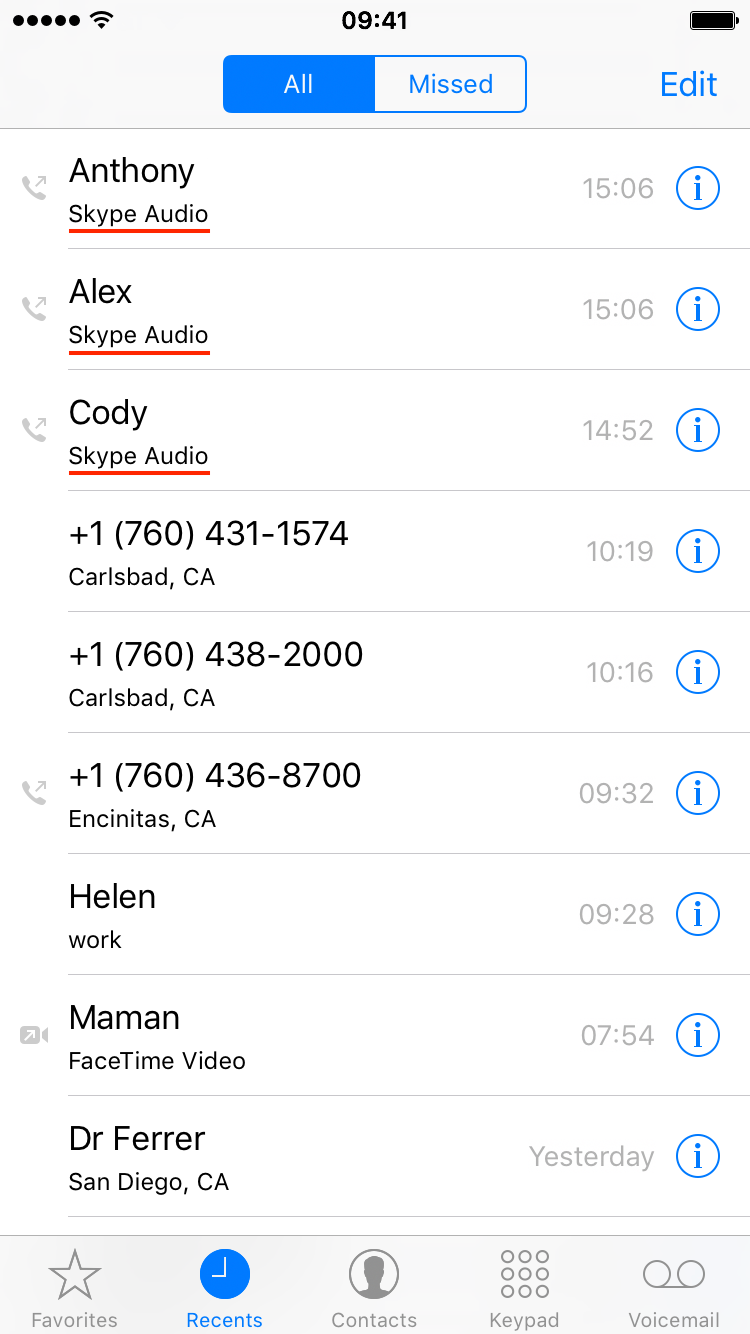
Apple has recently introduced CallKit, a new framework available to developers that allows them to integrate their VoIP apps with the native Phone app user interface. In essence, this is a great addition that puts VoIP apps at virtually the same level as normal phone calls. Incoming Skype or WhatsApp calls, for example, are now displayed fully on the Lock screen, which is an improvement compared to how these calls were handled prior to iOS 10. Likewise, any call placed or received with a supported VoIP app will be logged into the Phone app like a normal call.

This tight integration of VoIP apps and the native Phone app UI can have a downside for some users who might prefer not to see their recent Skype calls history show up in their Phone app. If you're one of these people, we'll show you exactly how to stop Skype from showing recent calls in your Phone app.

iMessage bubble and screen effects not working in iOS 10? Try this

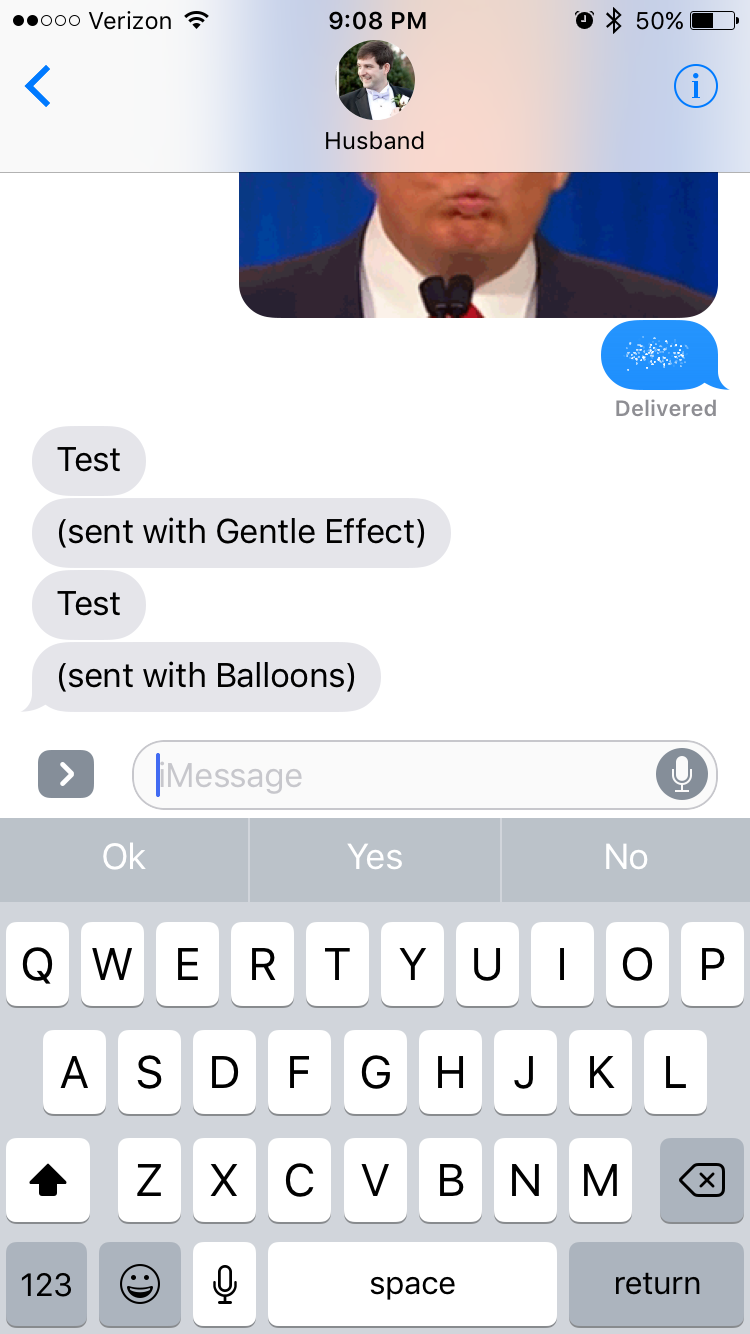
One of the flagship features of iOS 10 is the new pack of bubble and screen effects you can use to give some pop to your messages. If you're anything like me and my wife, this is the first thing you tried after installing iOS 10. But if you're anything like me and my wife, you might have also ran into some problems where one of the devices was able to send effects, but not receive them.

Latest Pokémon GO update blocks jailbreakers, but here’s a workaround

The latest Pokémon GO update blocks jailbreakers from using the game in a move to crack down on third-party apps and tweaks that harvest data for Pokémon tracking and cheating.

Of course, not all jailbreakers cheat in Pokémon GO, so it's a pretty harsh assumption on their part, so in this piece, we'll discuss how you can run Pokémon GO on your jailbroken device even if you have the latest update.

NoBlackFlicker fixes a graphical nuisance with the wallpaper when unlocking your iPhone

If you have a wallpaper on your Lock screen that doesn't match the one on your Home screen, you might have noticed a rather unsightly black frame effect that occurs in between the switch from one wallpaper to another as you unlock your iPhone or iPad.

NoBlackFlicker is a new free jailbreak tweak that fixes this unsightly black effect and makes the transition more appealing.

iOS 9.3.5 update patches three major security vulnerabilities

The just-released iOS 9.3.5 update patches three major security vulnerabilities, reports The New York Times. Apple was alerted to the flaws just 10 days ago by security researchers Bill Marczak and John Scott Railton, and is urging users to update.

Investigators discovered that Israeli-based digital arms dealer NSO Group was using the exploits in software it sells that can track smartphones. The program can read texts and emails, track calls and location, and can record sounds and passwords.

Go Radar tracks Pokémon locations in real time

Pokémon GO is all the hype right now, and lots of people are enjoying playing it, but there is a substantially high number of people who are upset with the removal of the Footsteps feature in the game, and even more-so game developer Niantic's decision to start shutting down real-time Pokémon trackers.

If you're having trouble finding the Pokémon you want after the update that removed Footsteps, you might consider trying a crowdsourced Pokémon tracker app instead of one that relies on Niantic's servers to feed information.

Were you “forced” to start over after this weekend’s Pokémon GO update? Here’s the fix

Following this weekend's Pokémon GO game update from Niantic, many players who used their Google accounts to play have claimed that the update deleted their account data and forced them to start over by making a new account to play with.

If you were one of these people, this is a troubleshooting tutorial you'll want to read, as your account data is probably still there and you may have made a new account by mistake after following the on-screen instructions.

Problems jailbreaking iOS 9.3.3? Check these common mistakes

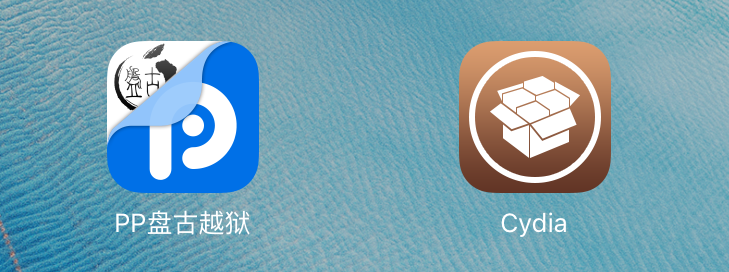
Unless you've been living under a rock, you've probably heard the great news about Pangu releasing an official jailbreak for iOS 9.2-9.3.3 over the weekend. Despite the fact that it's what we call a semi-untethered jailbreak around here, it's still a fully-functional jailbreak.

On the other hand, lots of people seem to be having some issues jailbreaking their devices, so we'll be talking about some of the common errors you might be making so you can try again and get your device jailbroken; finally!

How to hide the Favorites and Active Now sections in Facebook Messenger app

I have a big gripe with the Facebook Messenger app ever since Facebook decided to launch a major UI change without letting me know in the change log first. And now, I'm stuck with an annoyance right smack in the middle of my conversation list when I open the app.

Fortunately, there is a way to hide these annoying 'Favorites' and 'Active Now' sections, even if temporarily, and we'll show you how in this tutorial.