In this tutorial, we’ll share two simple tips to put an end to spam calendar invites on your Apple device.
How to stop spam calendar invites on iPhone, iPad, Mac
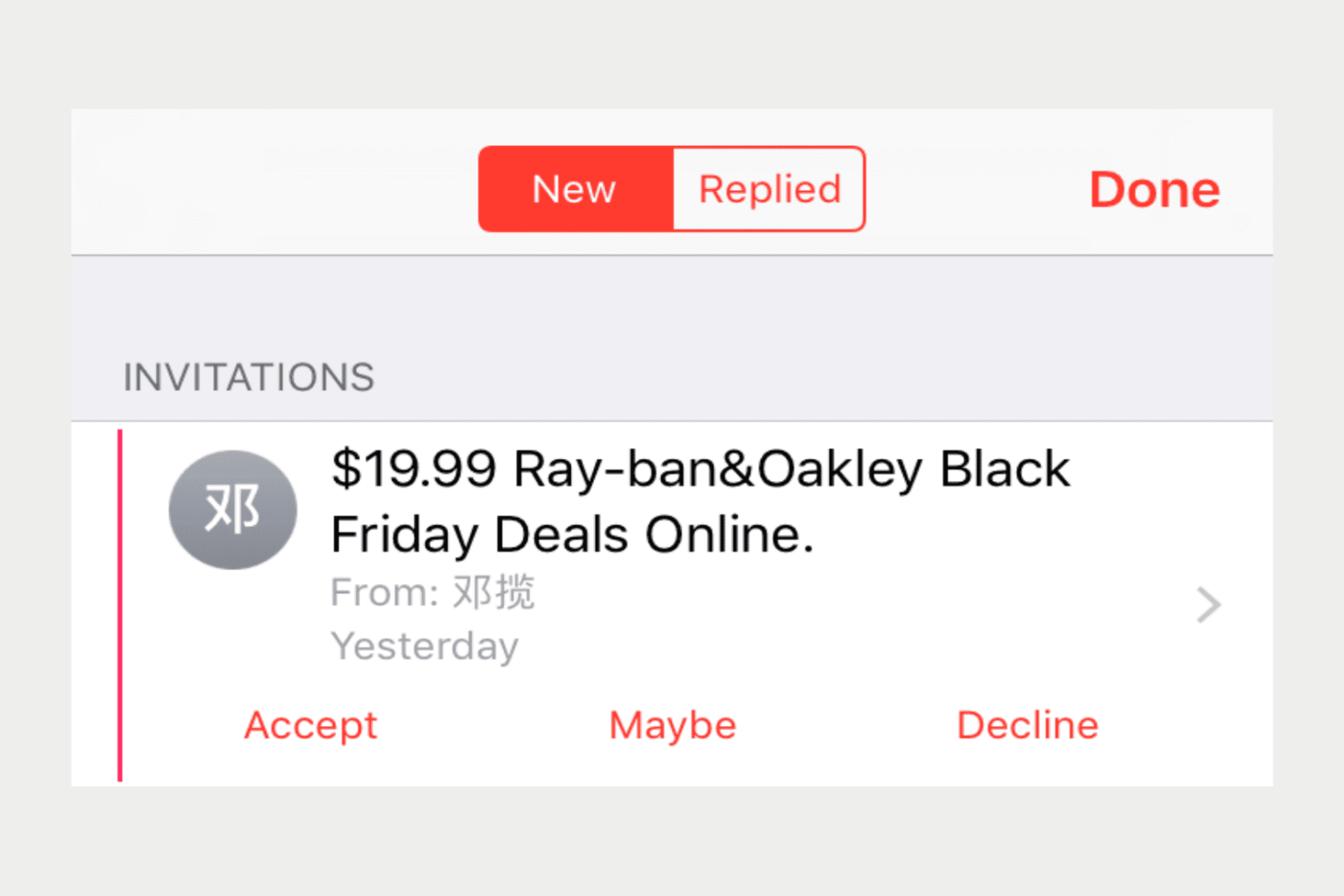
In this tutorial, we’ll share two simple tips to put an end to spam calendar invites on your Apple device.
Have you ever run into this issue where your Mac displays the incorrect date or time? It can throw a lot of things out of whack across all of your apps. But this problem can be pretty easy to fix, and we’ll walk you through how to do that.
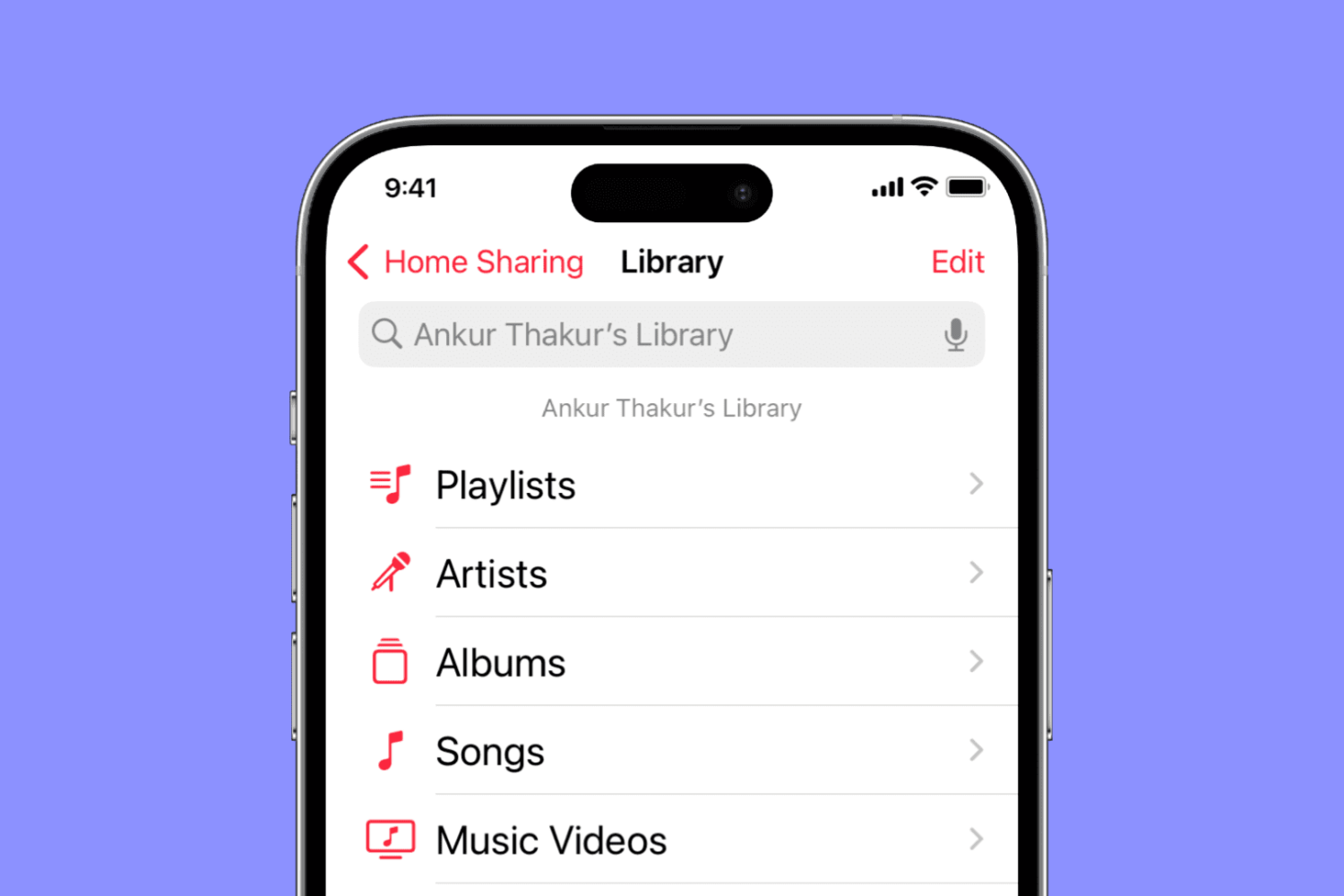
Find out what to do if music and video Home Sharing isn’t working between your Mac, iPhone, iPad, Apple TV, and Windows PC.

Spotify's desktop app for Mac, Windows and Linux has been found to be continuously writing massive amounts of data to local storage for no apparent reason—even when the app is simply sitting idle. As noted in Spotify's support forum, on Reddit and elsewhere, users are seeing the desktop app write tens of gigabytes of data to local storage every minute or so. On systems outfitted with SSDs like most Macs, excessive data writes can reduce the lifetime of flash storage.
That's because SSDs have a finite amount of write capacity and are prone to wear and tear. A Spotify spokesperson told ArsTechnica that a fix was underway via an update that's being rolled out as we speak.

It seems that the most recent Apple TV software update has rendered a lot of second and third-generation Apple TVs virtually unusable, with the set-top box device's Home screen displaying only the Computers, Music and Settings apps with no other channel options available.
According to a thread on Reddit, an Apple representative has confirmed that a fix for the bug will be included in a future software update for the Apple TV. Users can manually check if any new firmware update is available at any time through the Settings app.

I'm a big time YouTube user, and even though I have zippy fiber optic internet, it seems like there are still times when YouTube videos get stuck buffering instead of playing when I want to enjoy HD video streaming.
If you can relate, then you should take a few minutes to read this piece, because we'll be talking about some common remedies for the annoying buffering problem.

Apple on Monday released a new update for iOS labeled version number 10.0.3. The update appears to be exclusive for the iPhone 7 and 7 Plus, and it can be downloaded via the Update mechanism in Settings, or from our Downloads page.
As noted in the screenshot above, 10.0.3 brings about various bug fixes, including one for an issue where users could temporarily lose cellular connectivity. This has been a fairly high profile iPhone 7 bug, particularly among Verizon users.
Your iPhone’s GPS capabilities can be really useful, whether you’re using them to navigate to a special event, play Pokémon GO, or even to just grant your favorite apps your current location so they can do what they were made to do.
Of course, like all things, GPS can sometimes be flaky and it doesn’t always want to work right, causing headaches for you. Fortunately, there is something you can do about it. There are a number of troubleshooting steps you can take that might help your GPS work properly.
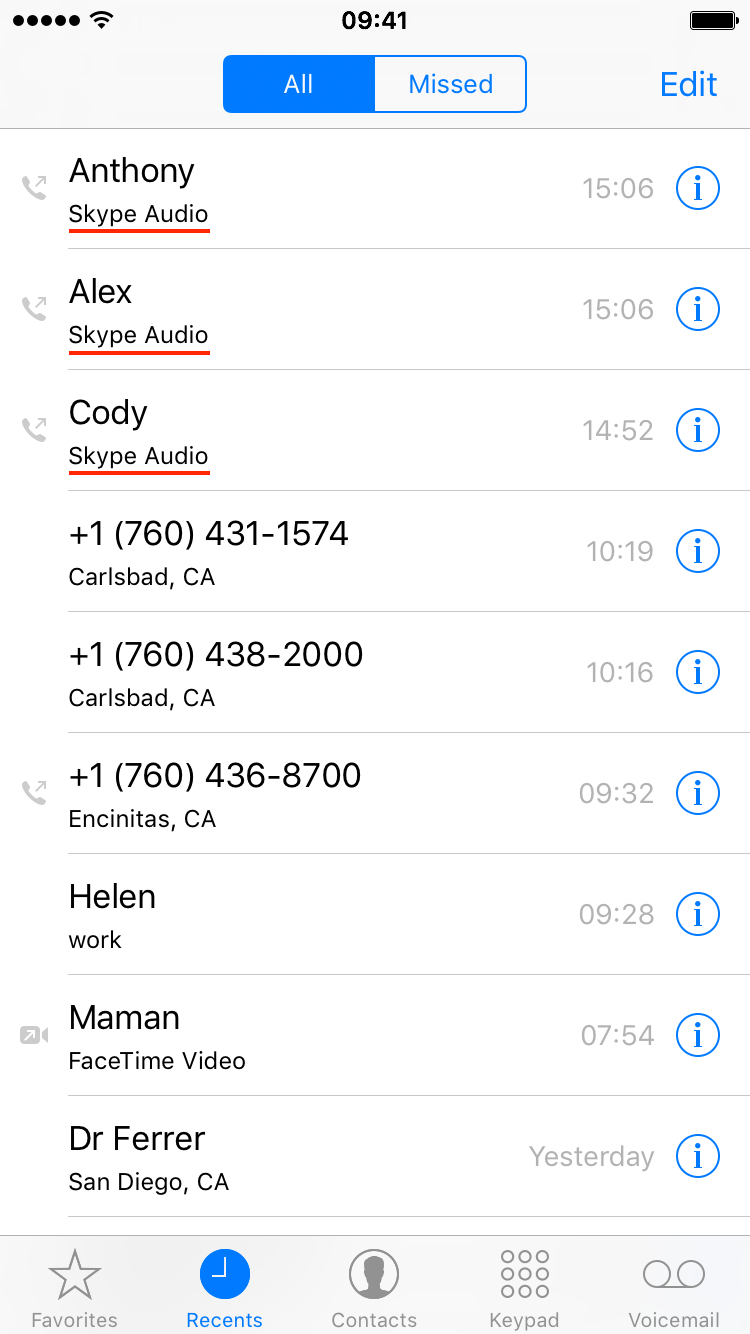
Apple has recently introduced CallKit, a new framework available to developers that allows them to integrate their VoIP apps with the native Phone app user interface. In essence, this is a great addition that puts VoIP apps at virtually the same level as normal phone calls. Incoming Skype or WhatsApp calls, for example, are now displayed fully on the Lock screen, which is an improvement compared to how these calls were handled prior to iOS 10. Likewise, any call placed or received with a supported VoIP app will be logged into the Phone app like a normal call.
This tight integration of VoIP apps and the native Phone app UI can have a downside for some users who might prefer not to see their recent Skype calls history show up in their Phone app. If you're one of these people, we'll show you exactly how to stop Skype from showing recent calls in your Phone app.

The latest Pokémon GO update blocks jailbreakers from using the game in a move to crack down on third-party apps and tweaks that harvest data for Pokémon tracking and cheating.
Of course, not all jailbreakers cheat in Pokémon GO, so it's a pretty harsh assumption on their part, so in this piece, we'll discuss how you can run Pokémon GO on your jailbroken device even if you have the latest update.
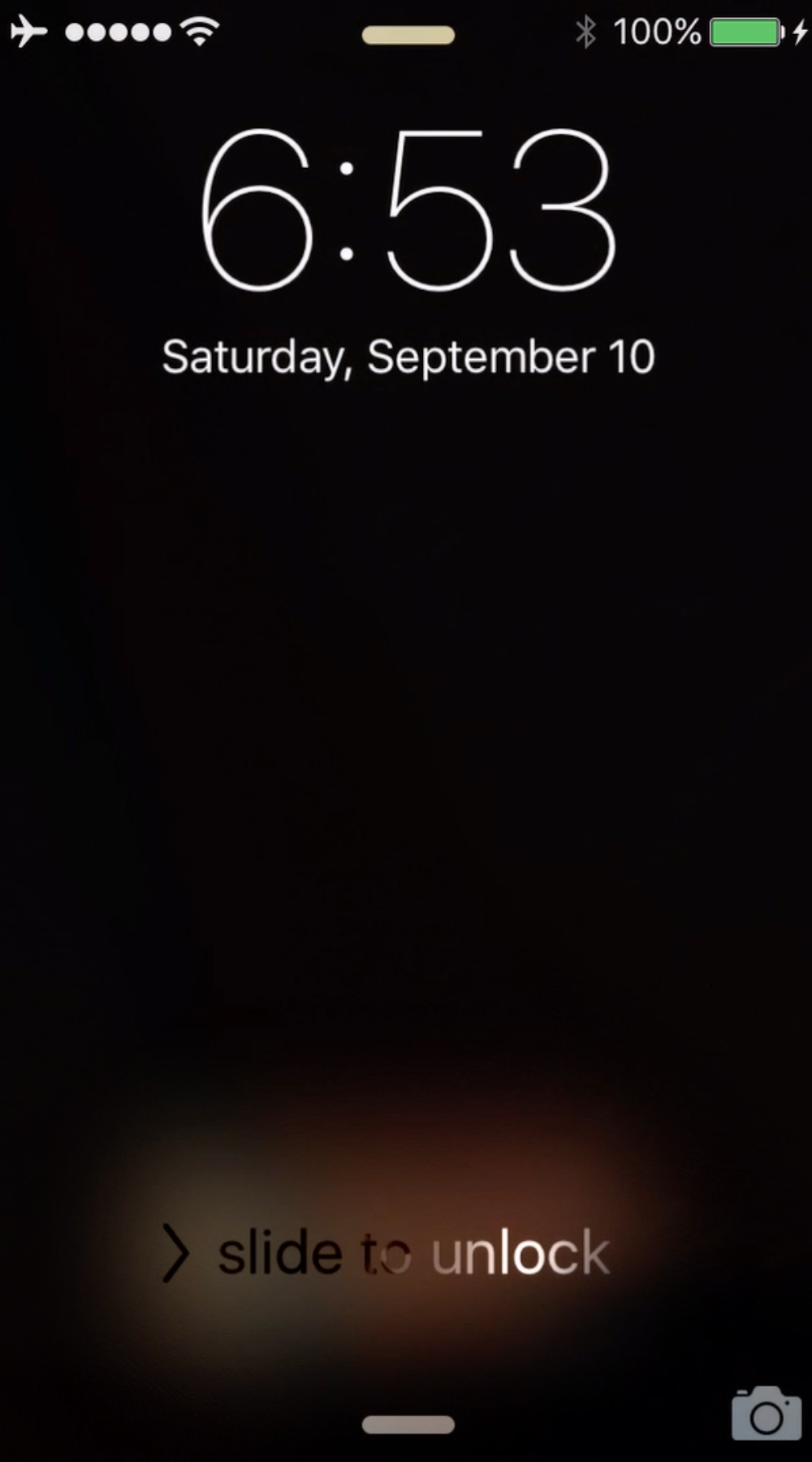
If you have a wallpaper on your Lock screen that doesn't match the one on your Home screen, you might have noticed a rather unsightly black frame effect that occurs in between the switch from one wallpaper to another as you unlock your iPhone or iPad.
NoBlackFlicker is a new free jailbreak tweak that fixes this unsightly black effect and makes the transition more appealing.