The 15.5.1 update fixes issues where music could stop playing on Apple's HomePod or the Siri speaker may lose its deep bass after a short time.
Apple releases a fix for interrupting music playback on the HomePod speaker
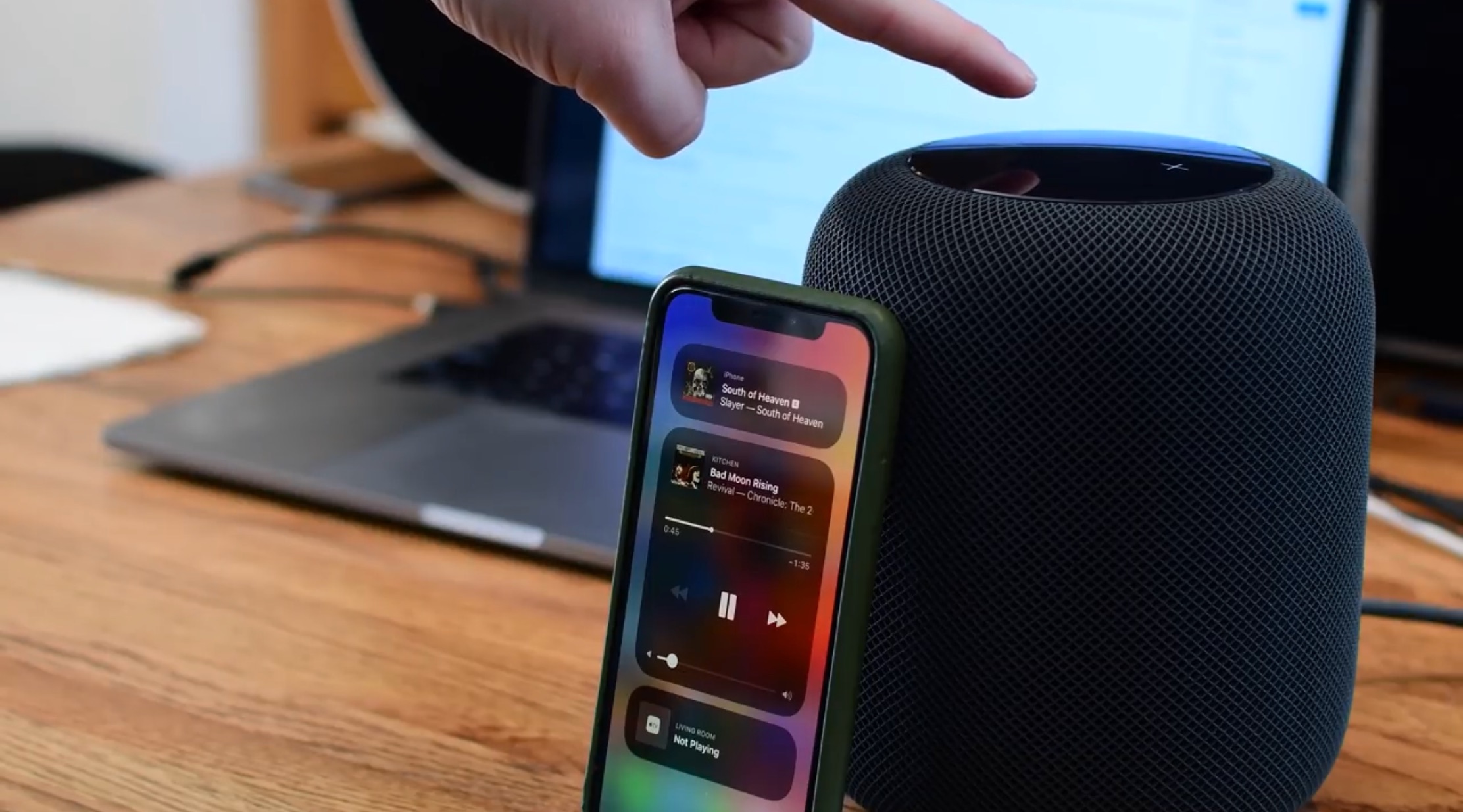
The 15.5.1 update fixes issues where music could stop playing on Apple's HomePod or the Siri speaker may lose its deep bass after a short time.
If you’ve installed a recent version of the YouTube app from the App Store, then you may have noticed something being slightly off about the Home Bar behavior on Home Bar-equipped handsets.
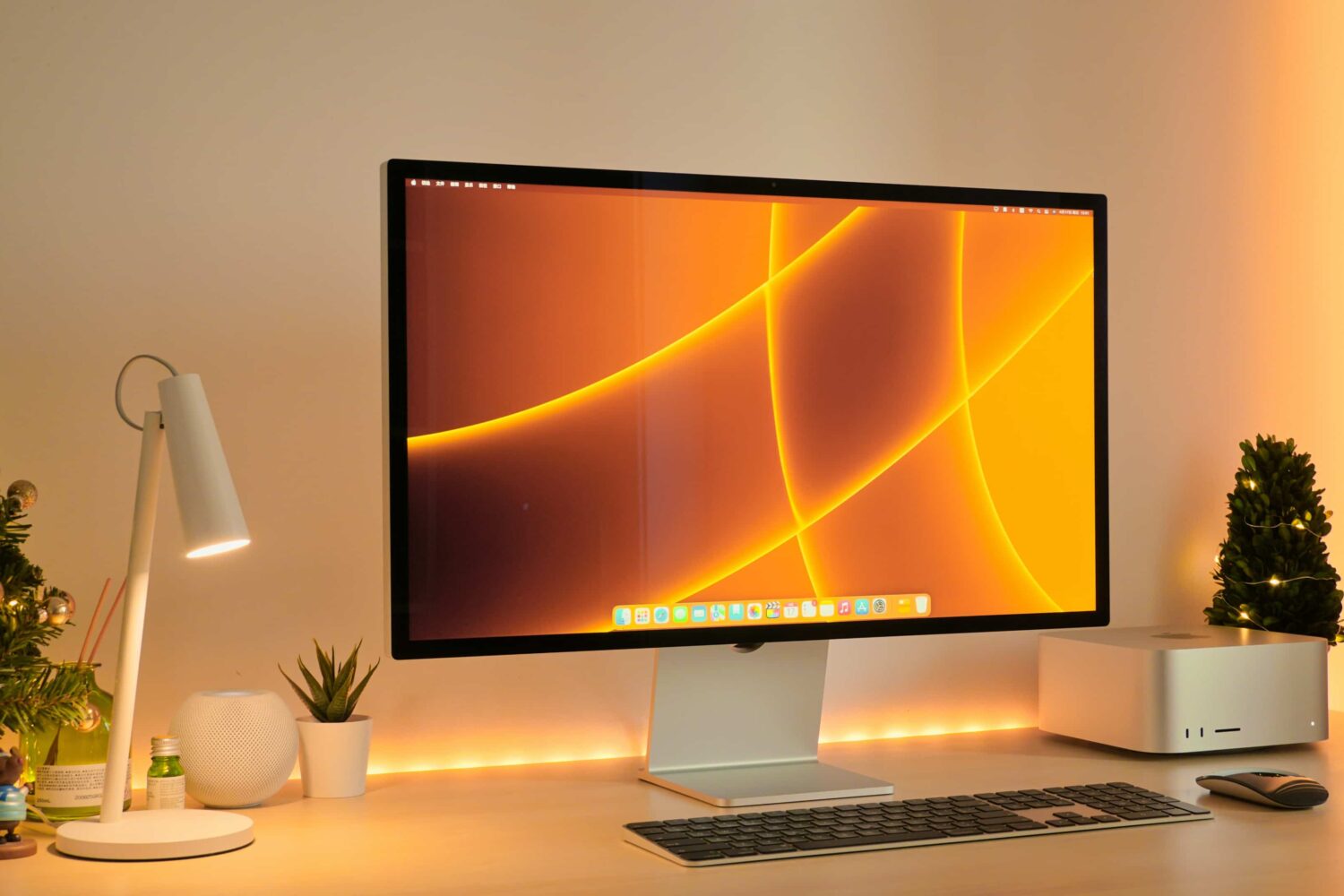
A fix for the Studio Display webcam woes (firmware update 15.5) will be released separately instead of requiring a complete macOS update, Apple has confirmed.
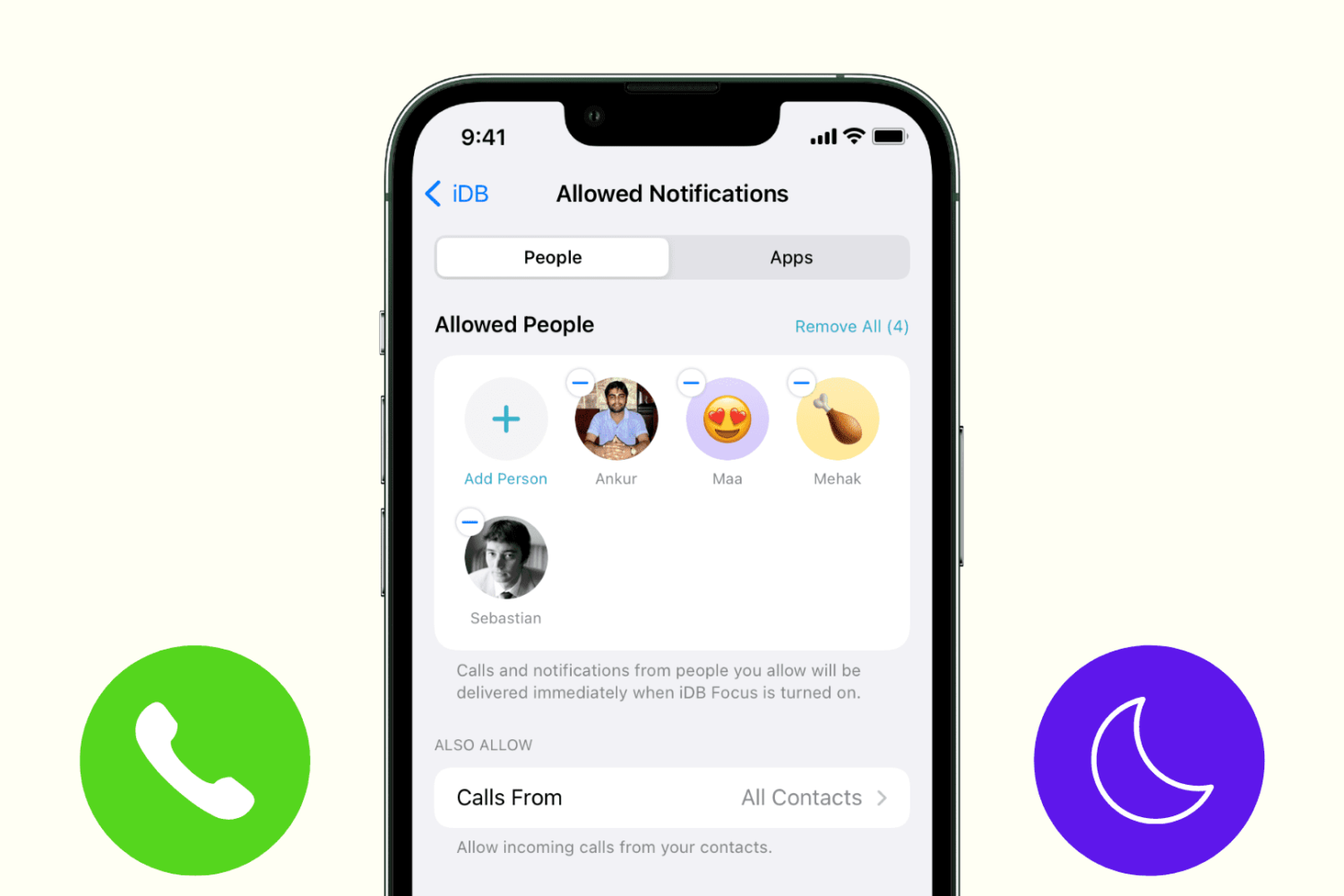
Learn how to stop getting phone, FaceTime, and other calls during Do Not Disturb or Focus mode on your iPhone or iPad.
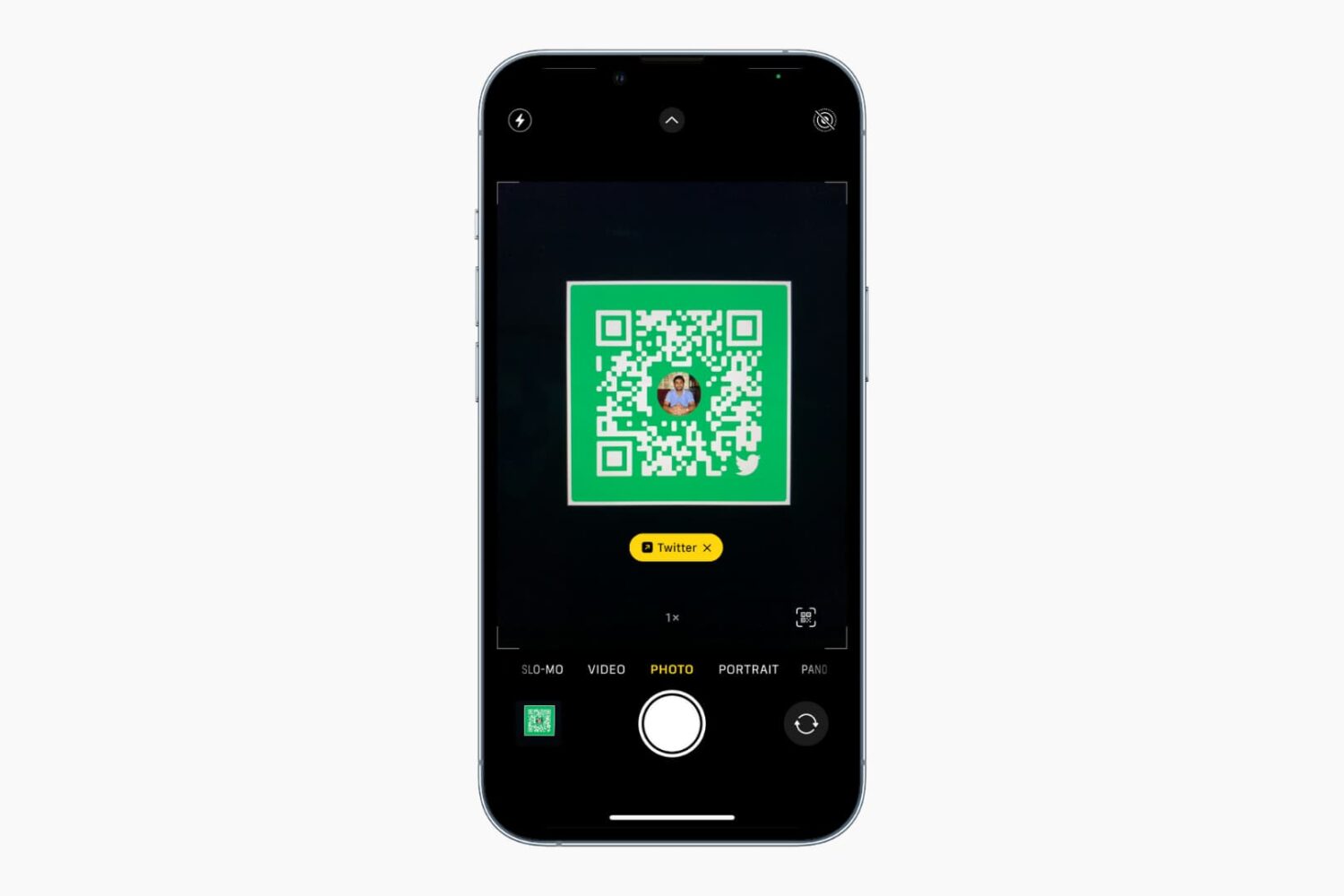
The iPhone and iPad Camera app can automatically detect, highlight, and scan a QR code. However, if it isn’t able to recognize, read, or scan QR codes, the solutions below should fix this issue in no time.
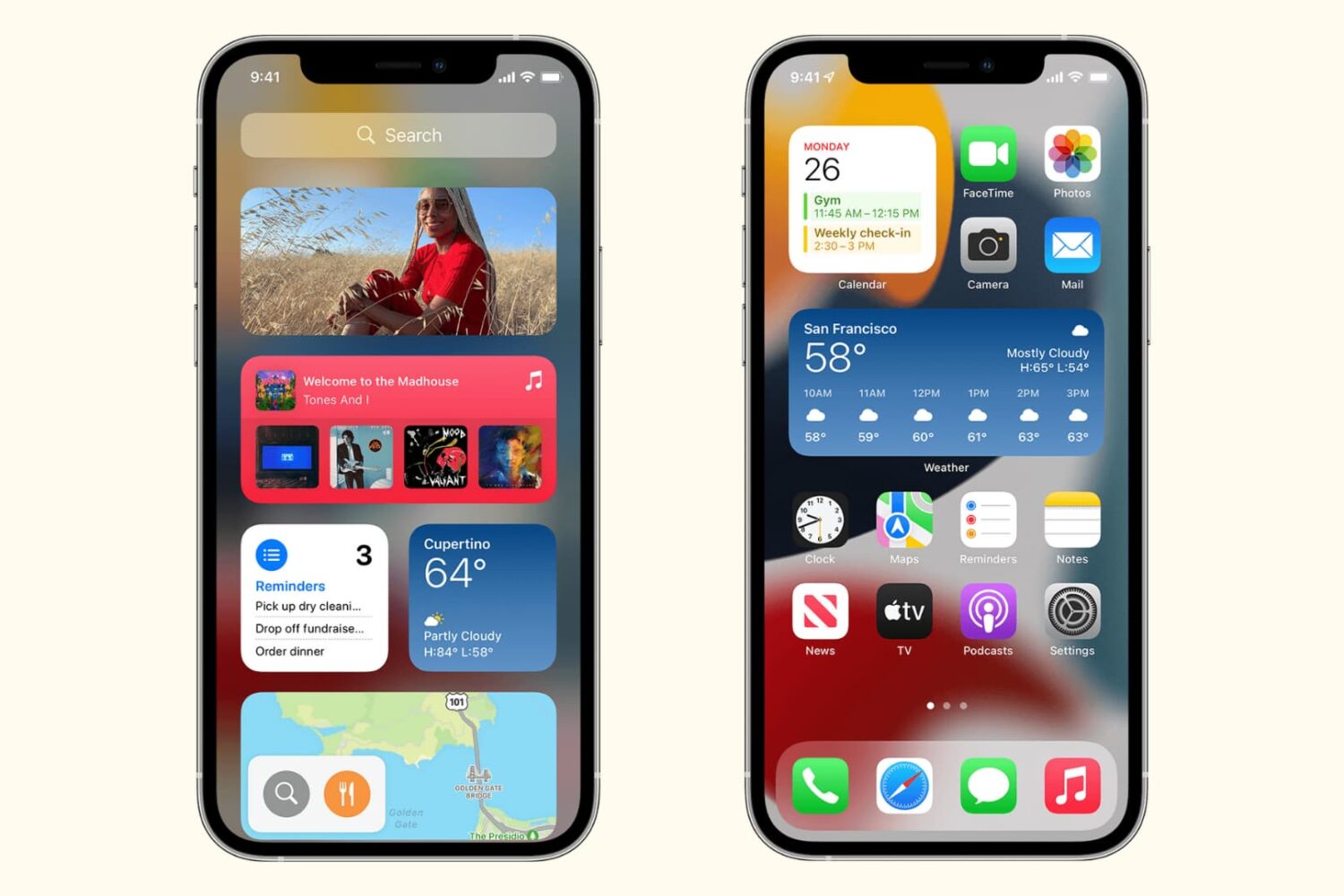
Learn how to troubleshoot and fix widgets not working or refreshing on your iPhone and iPad with these simple yet effective solutions.
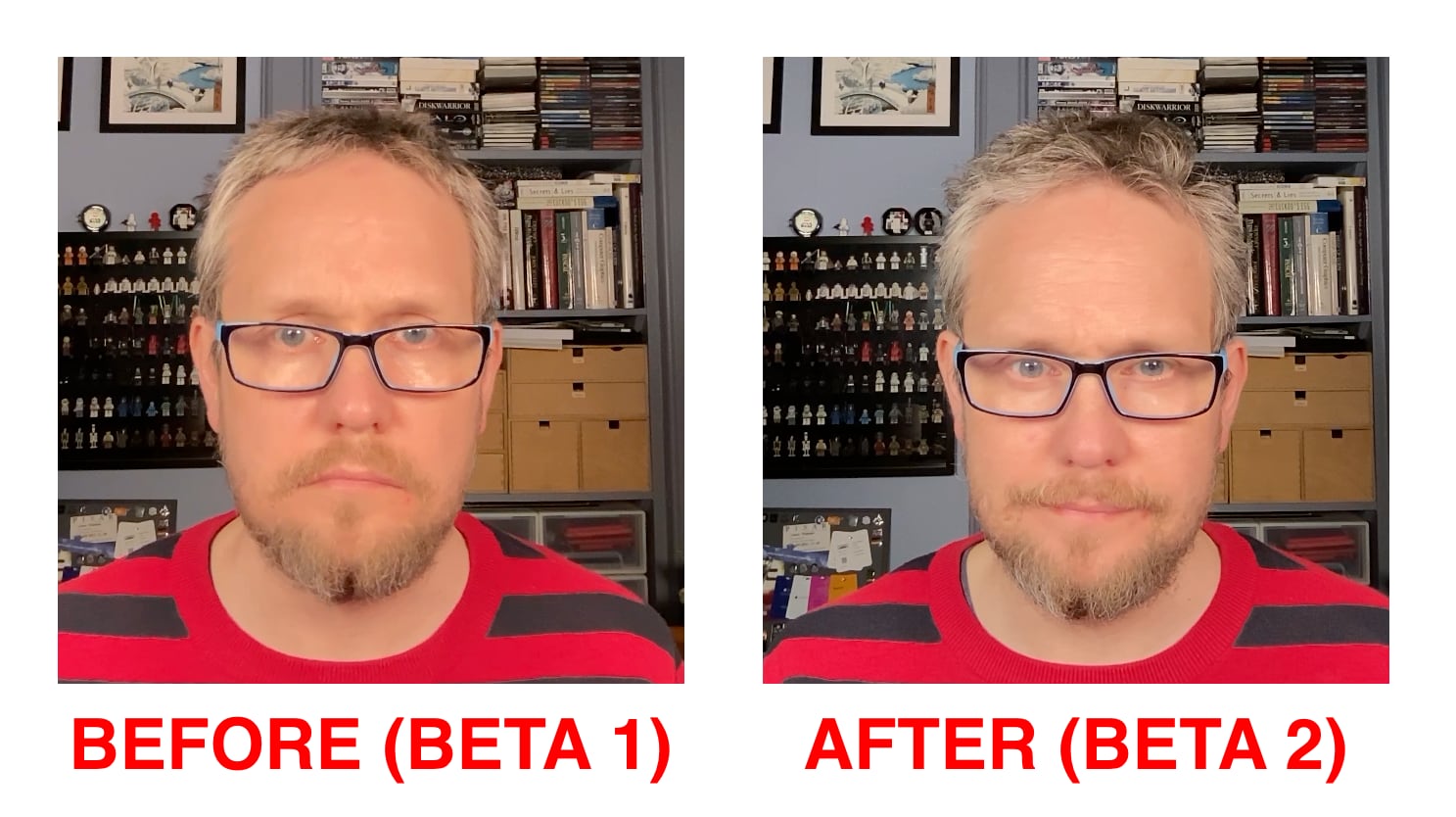
The second beta of Apple's upcoming Studio Display firmware appears to boost webcam quality but visual improvements aren't as pronounced as in beta 1.
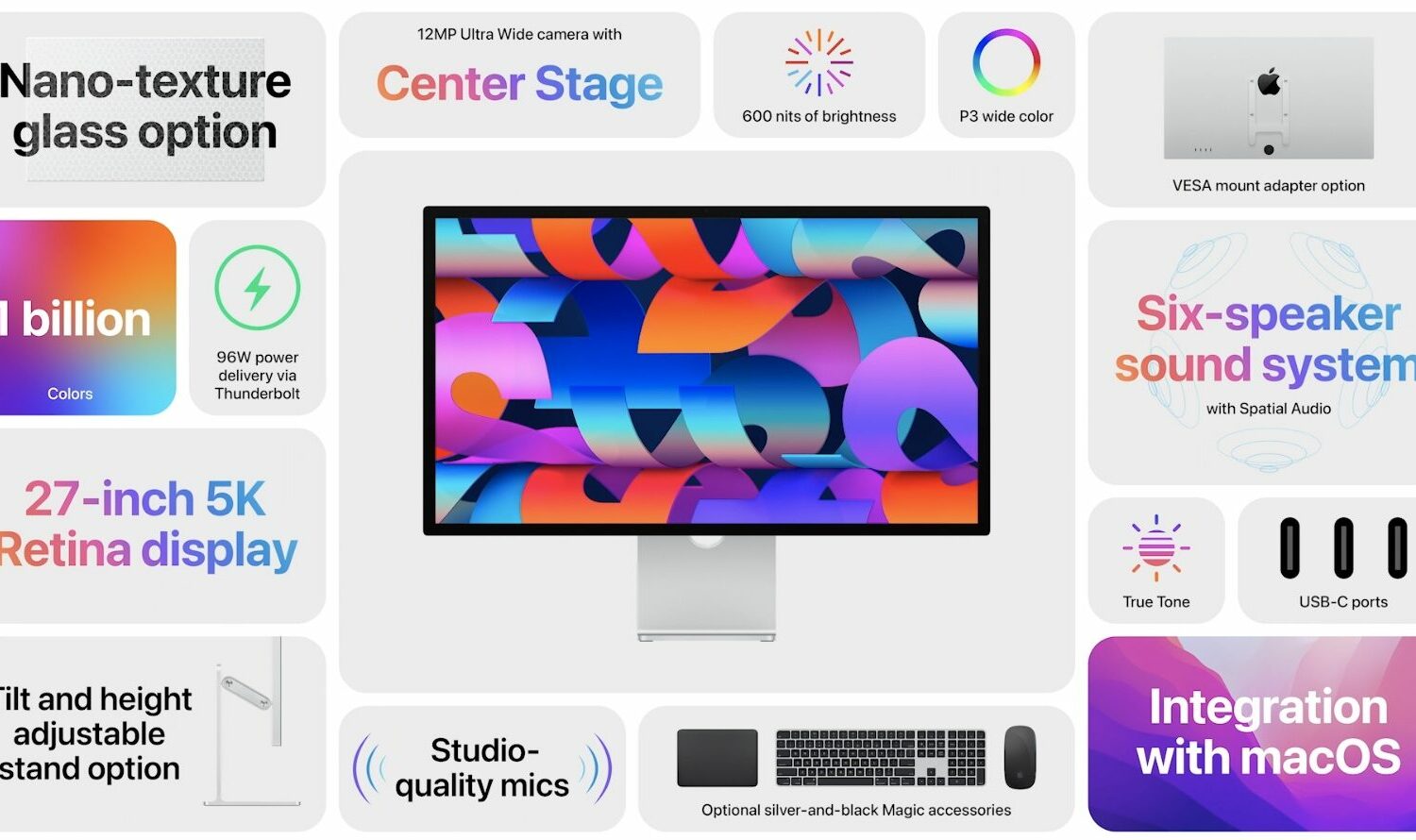
Apple has released a beta version of the firmware update 15.5 which includes a fix for the widely panned quality problems with the Studio Display web camera.

Learn what to do if your iPhone or iPad flashlight is not turning on, the button is grayed out, or it’s not working from the Lock Screen or Control Center.
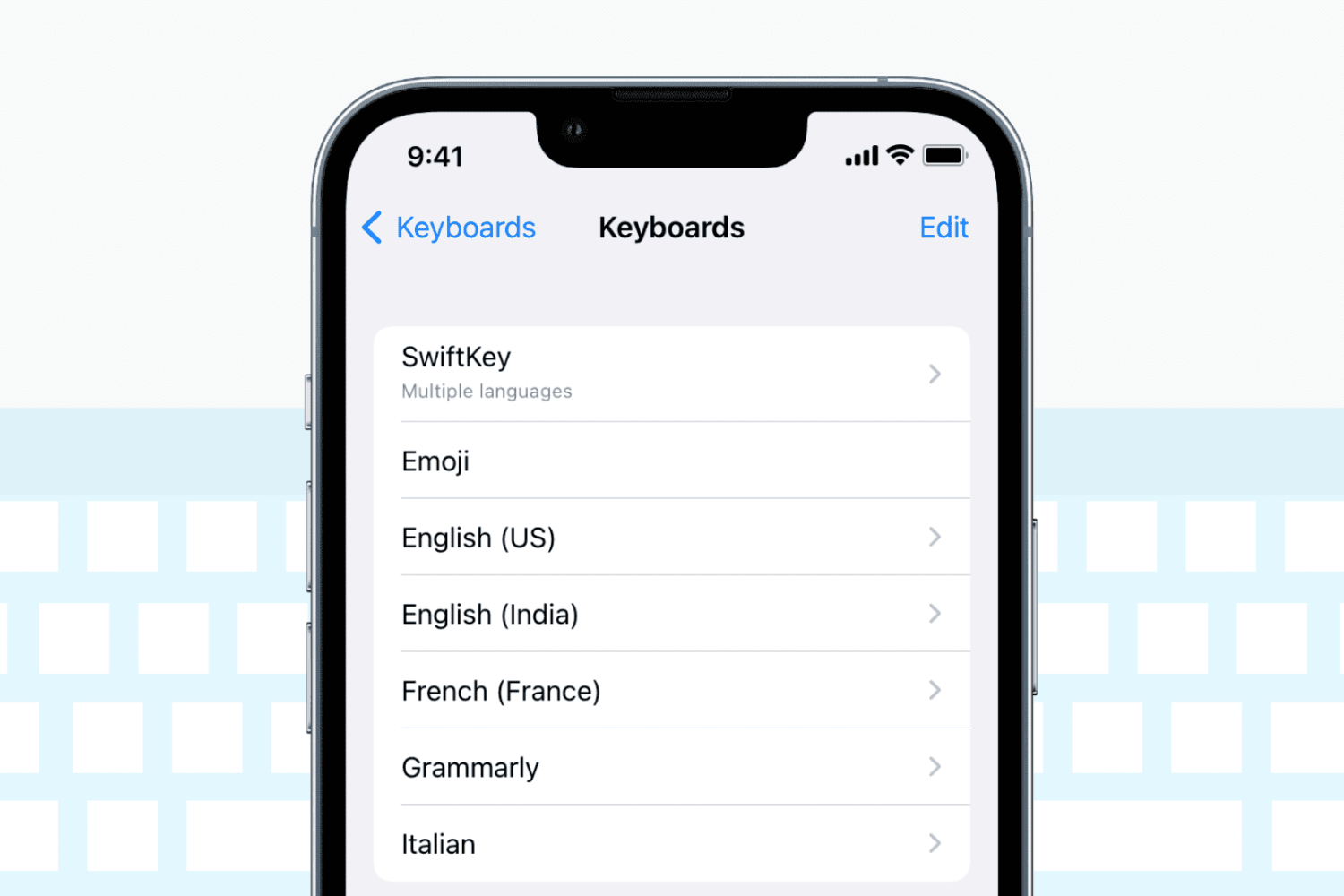
Check out these solutions if the keyboard on your iPhone or iPad stops working, lags, freezes, or fails to enter keystrokes.
Reminders are important to help you start or finish a task on time. If reminders are not working on your iPhone or iPad, here are the reasons for this and the solutions to fix the problem.
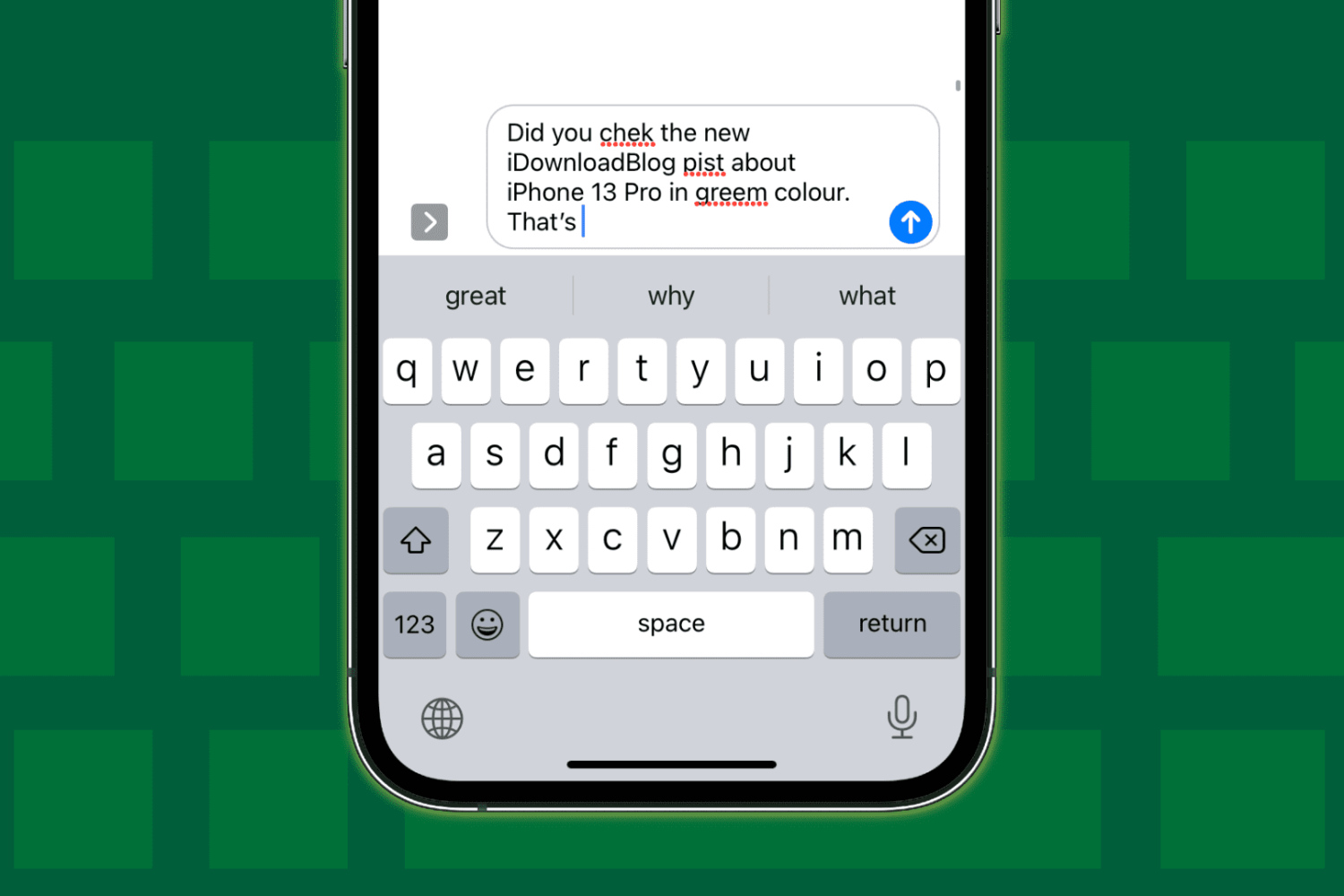
Check out these 12 solutions if auto-correction isn’t working on your iPhone or iPad and fails repeatedly to correct your typing.