Reviving or restoring a Mac in DFU mode no longer requires the Apple Configurator app, as the feature is now built into macOS Sonoma's Finder.
macOS Sonoma let you restore a Mac stuck in DFU mode without Apple Configurator
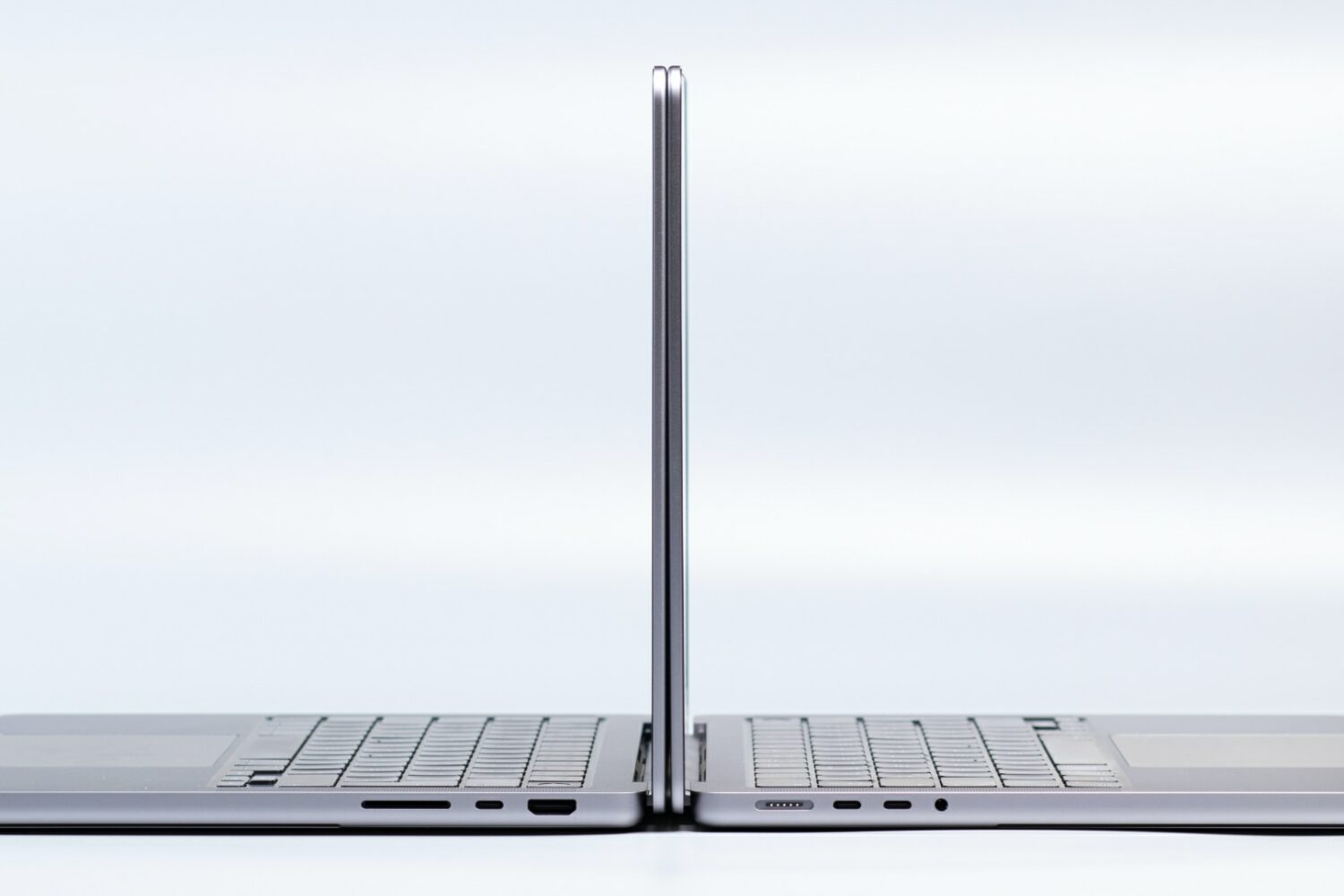
Reviving or restoring a Mac in DFU mode no longer requires the Apple Configurator app, as the feature is now built into macOS Sonoma's Finder.
Learn how to split tabs in the Finder on your Mac into separate windows, as well as merge multiple windows into a single window with multiple tabs.
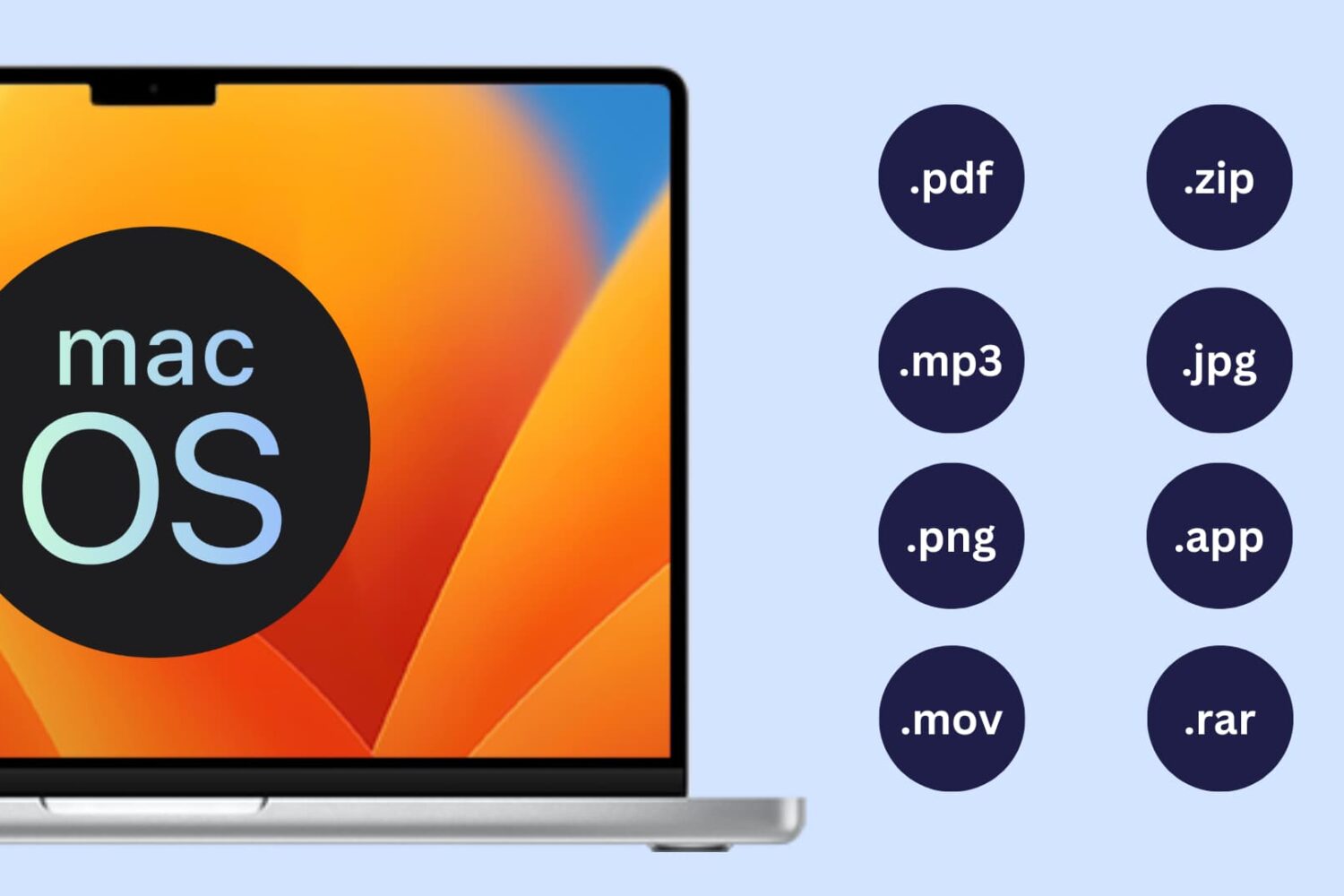
Learn how to show or hide file extensions in macOS so you can quickly identify file types and better understand what kind of file you’re working with.
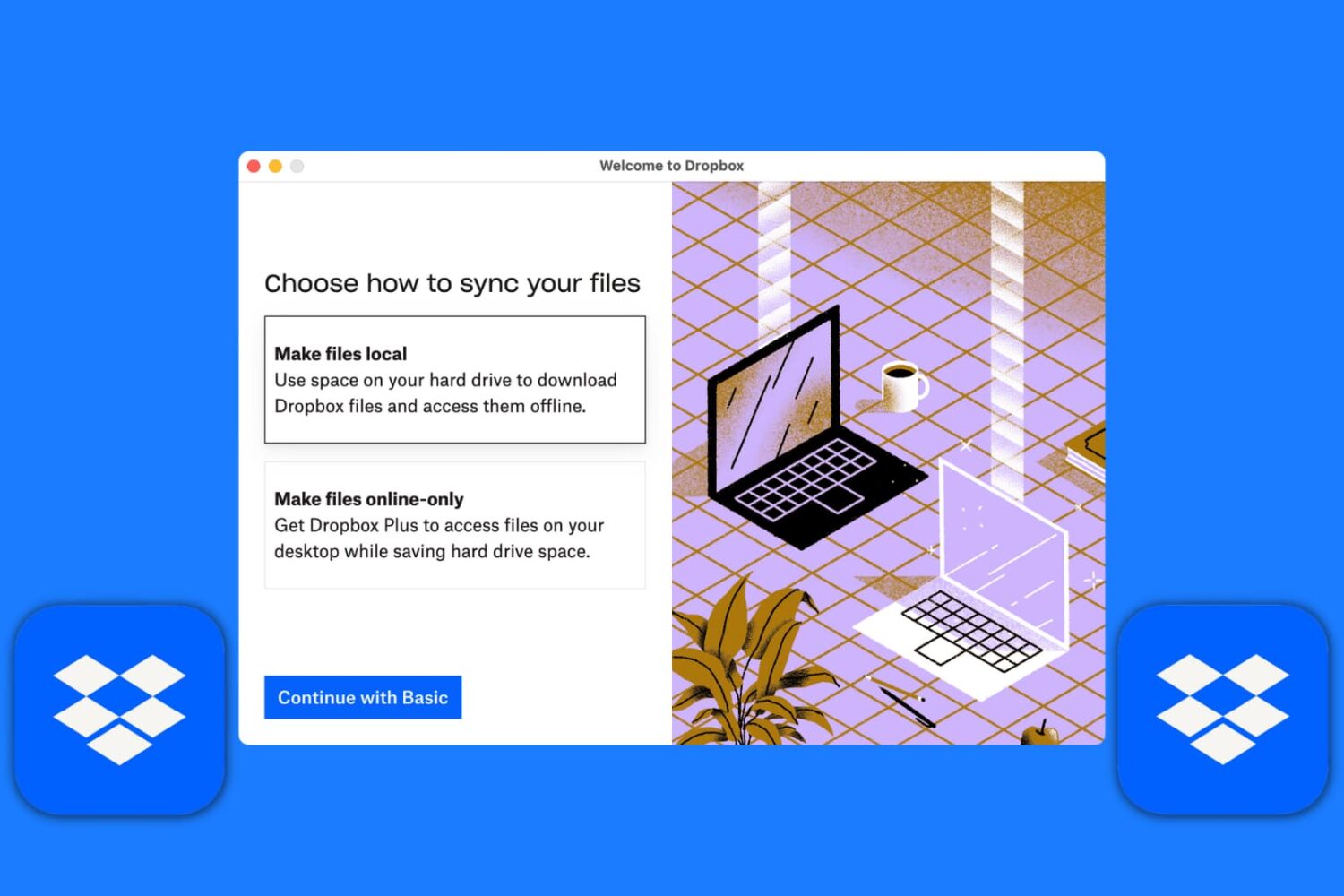
Learn how to set up the Dropbox app on your Mac to manage your new and existing files without having to visit Dropbox’s website every time you need to download or upload a file.
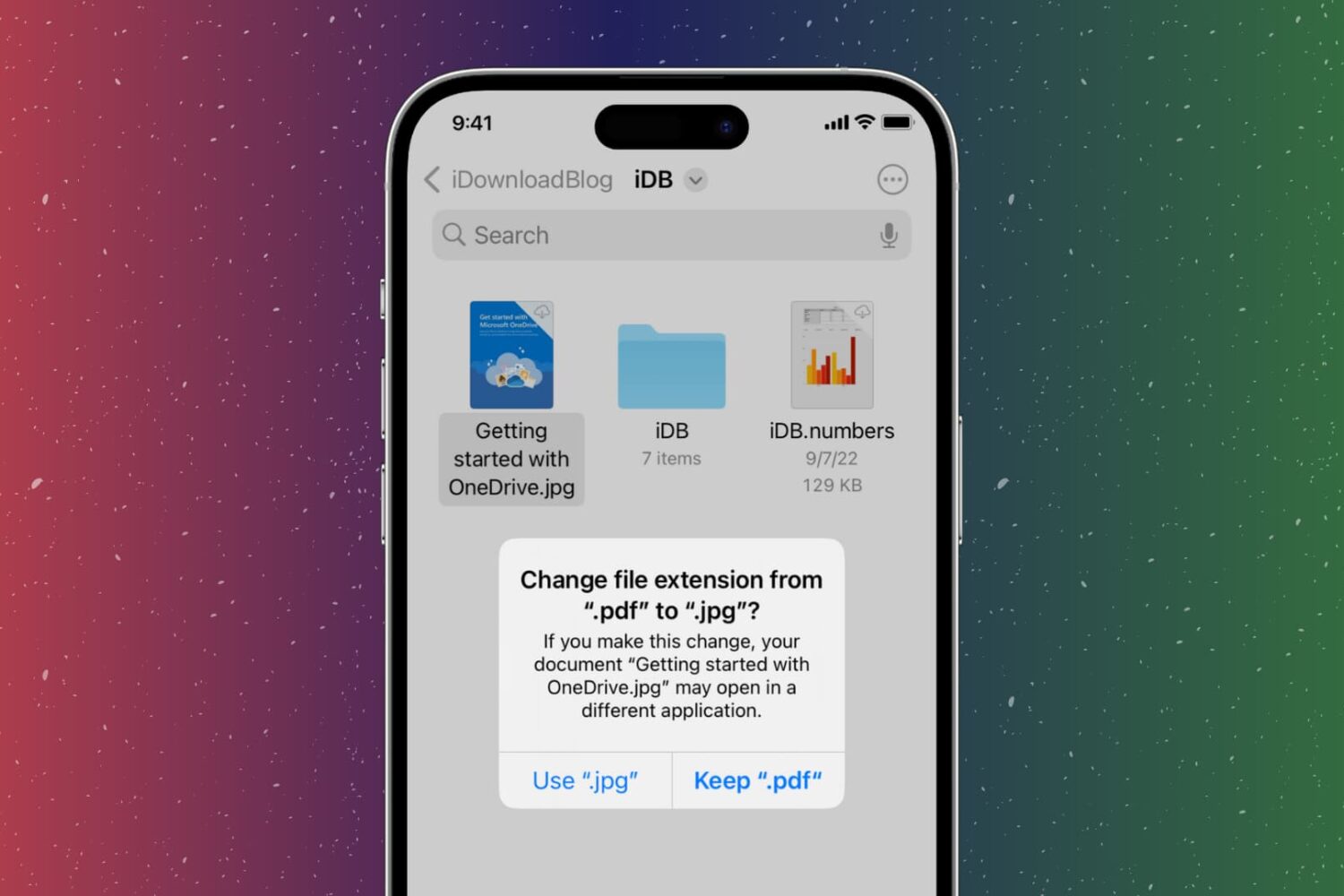
In this step-by-step tutorial, we show you how to change the extension of an image, video, audio, document, or other file on your iPhone, iPad, or Mac, why you might want to do that, and potential issues to avoid.
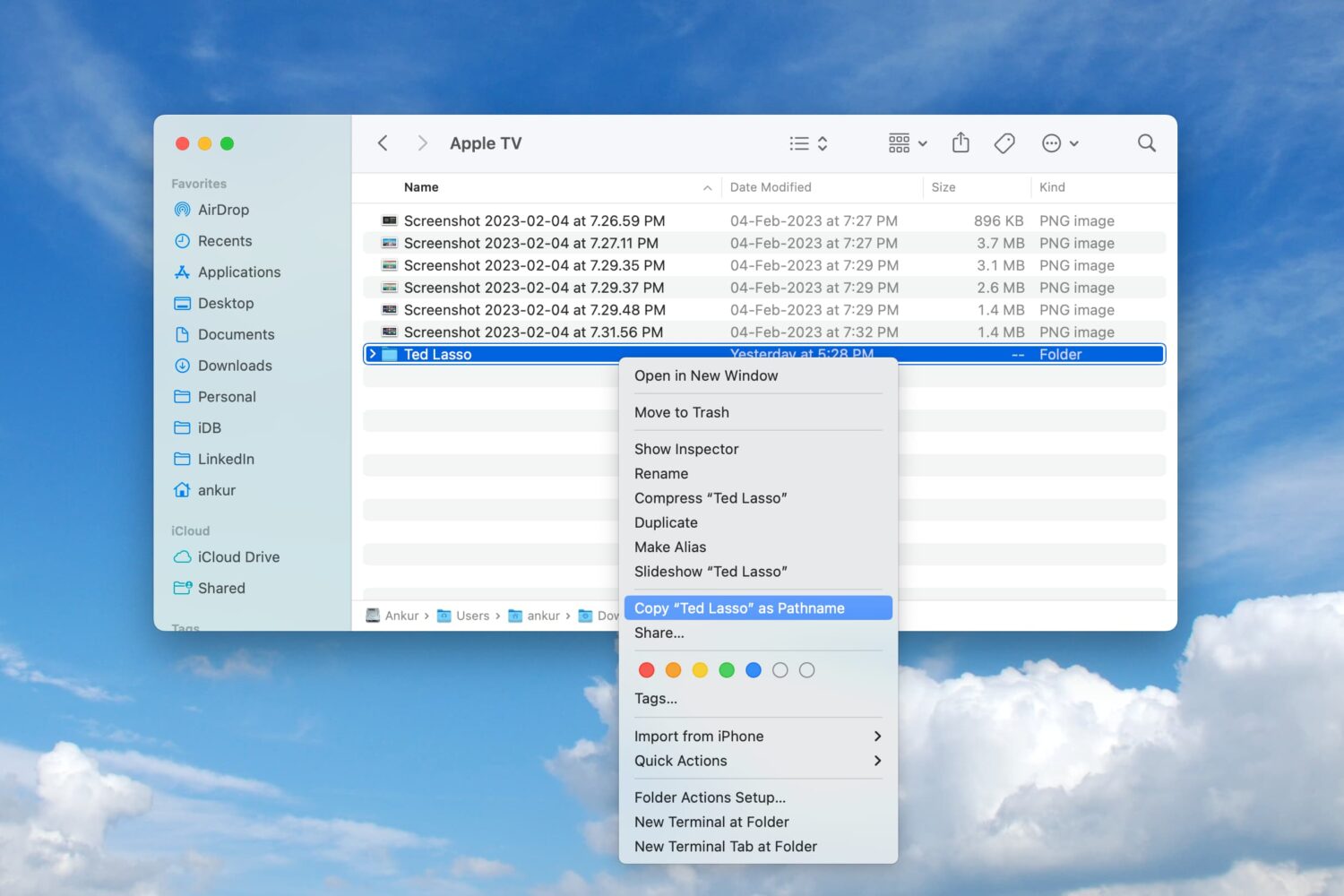
Learn how to copy a file or folder’s full path on your Mac directly from the Finder window for increased productivity.
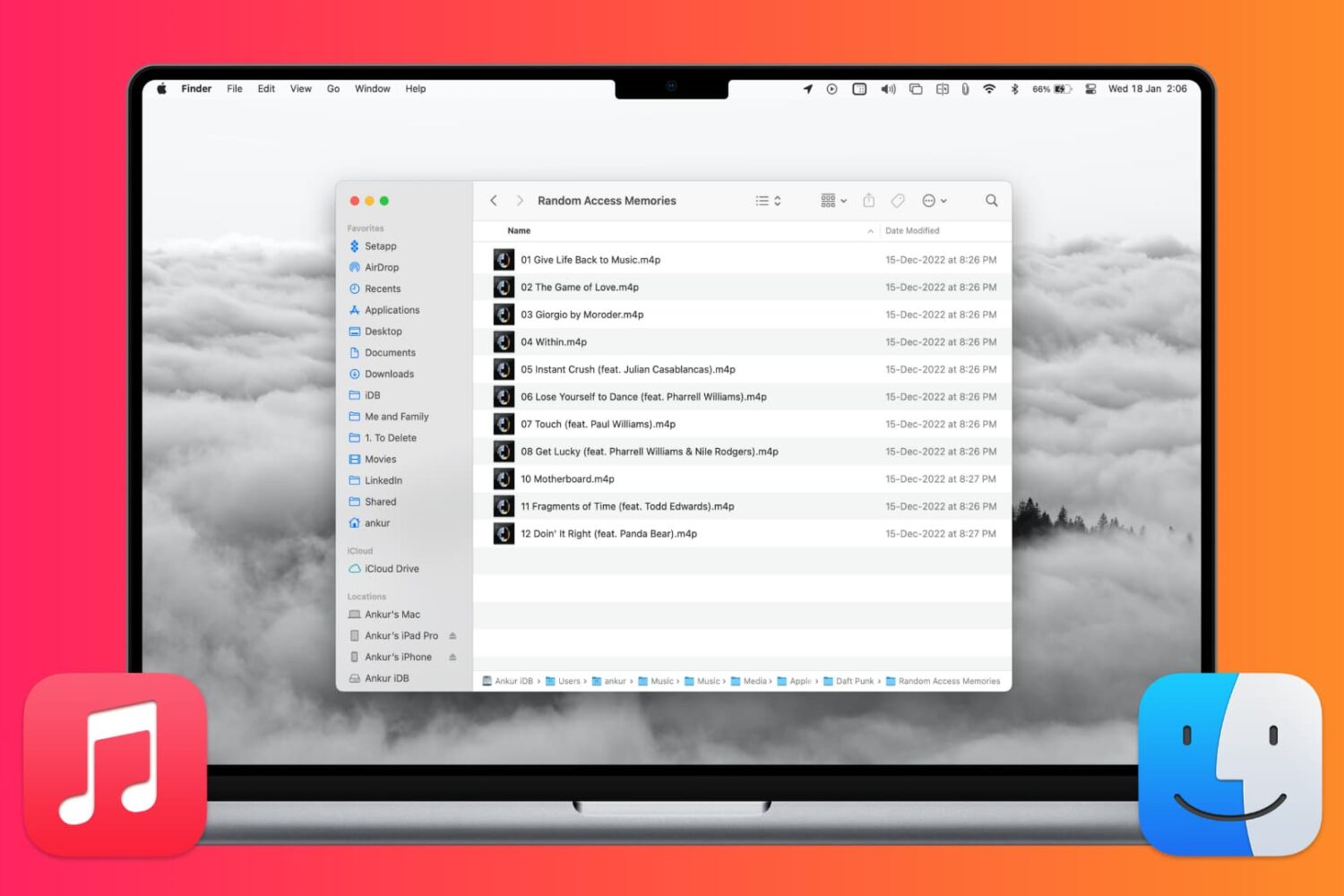
In this tutorial, we’ll show you how to locate where songs, videos, and Apple Music files from the Music app are saved on your Mac.
Learn how to turn your iPhone or iPad into a wired or wireless thumb drive to store and transfer files between your Mac or Windows PC.
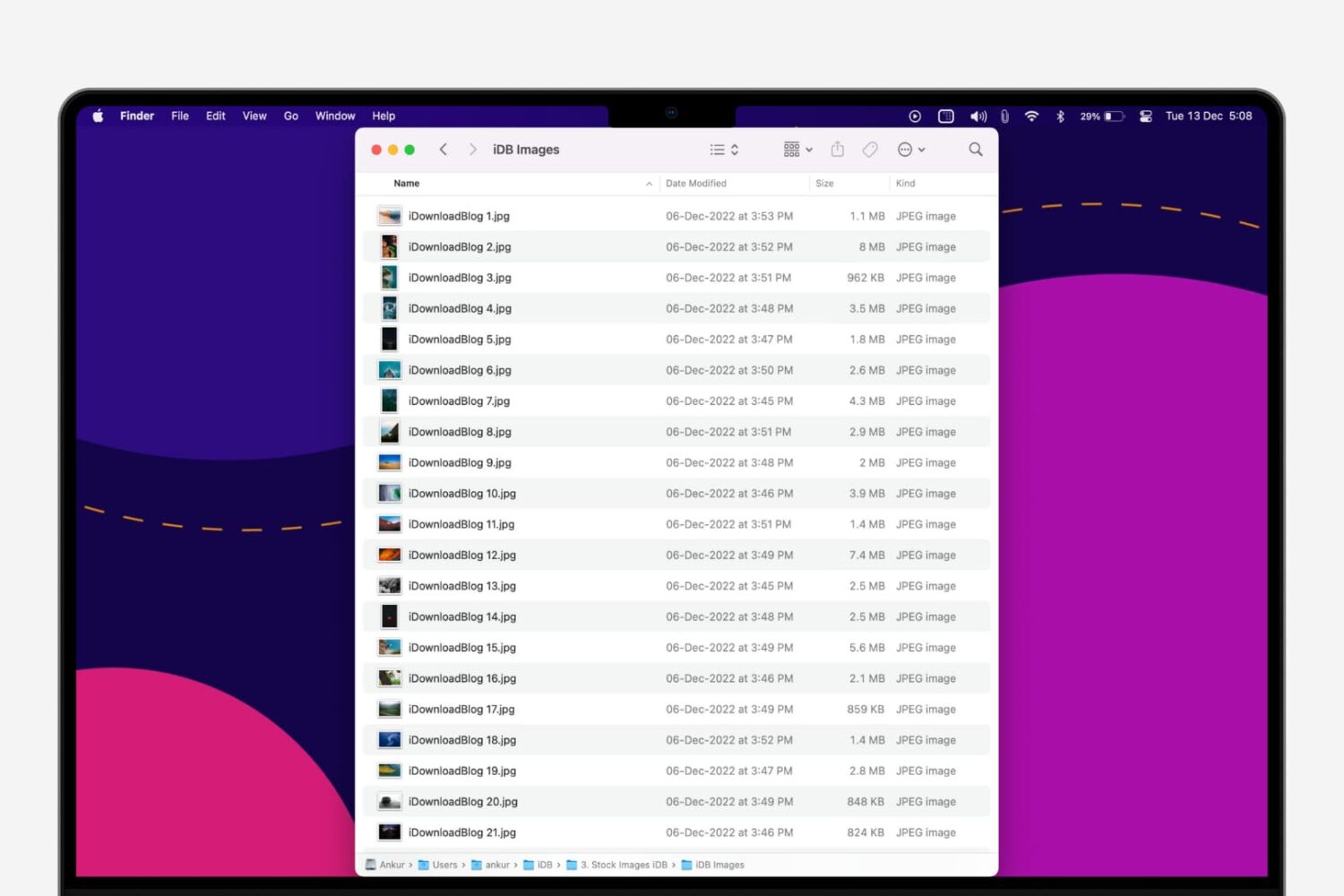
In this step-by-step tutorial, we’ll show you how to quickly rename multiple files at once on a Mac without having to download a third-party app.
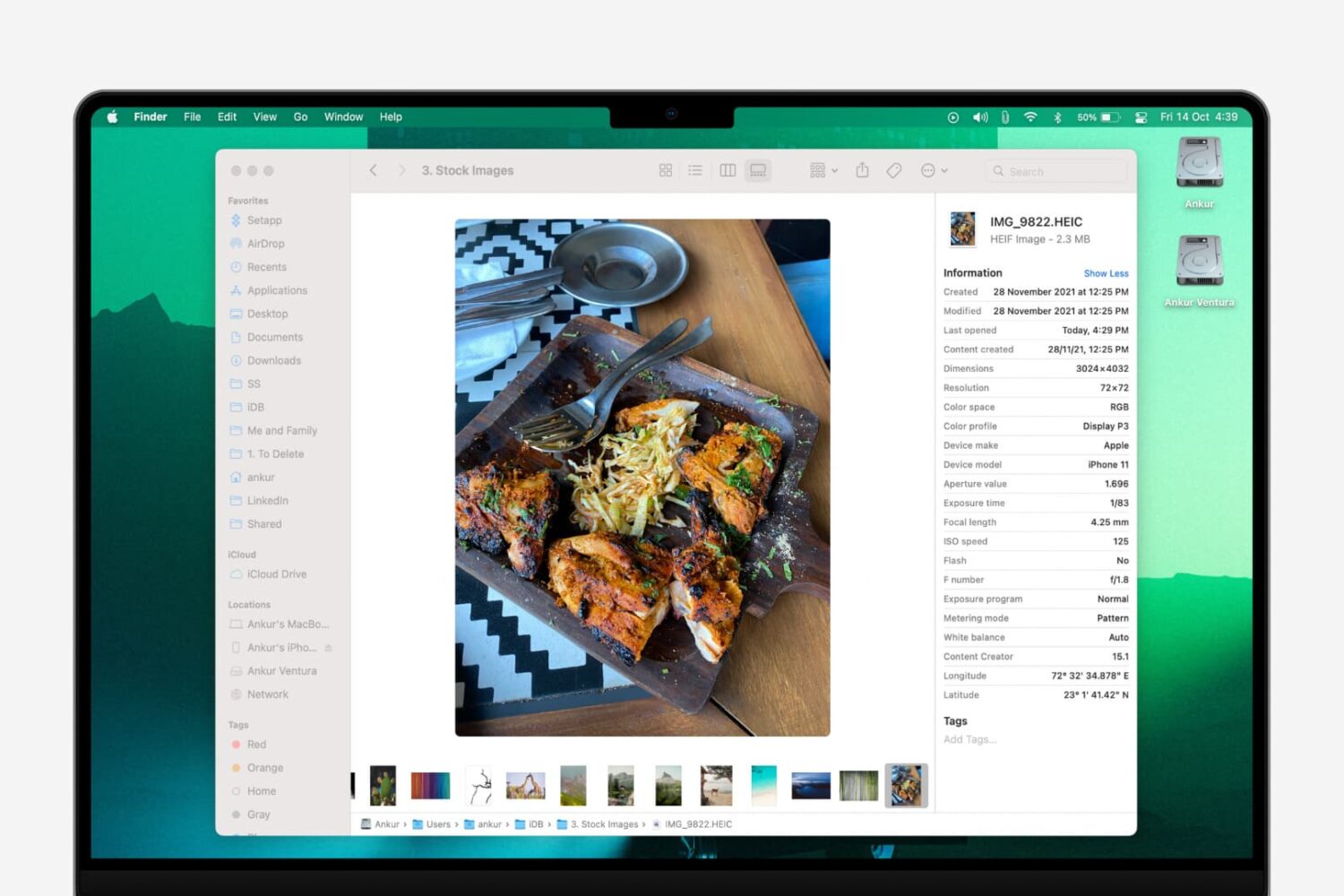
In this quick tutorial, we share several free and easy ways to view EXIF metadata of photos on your Mac.
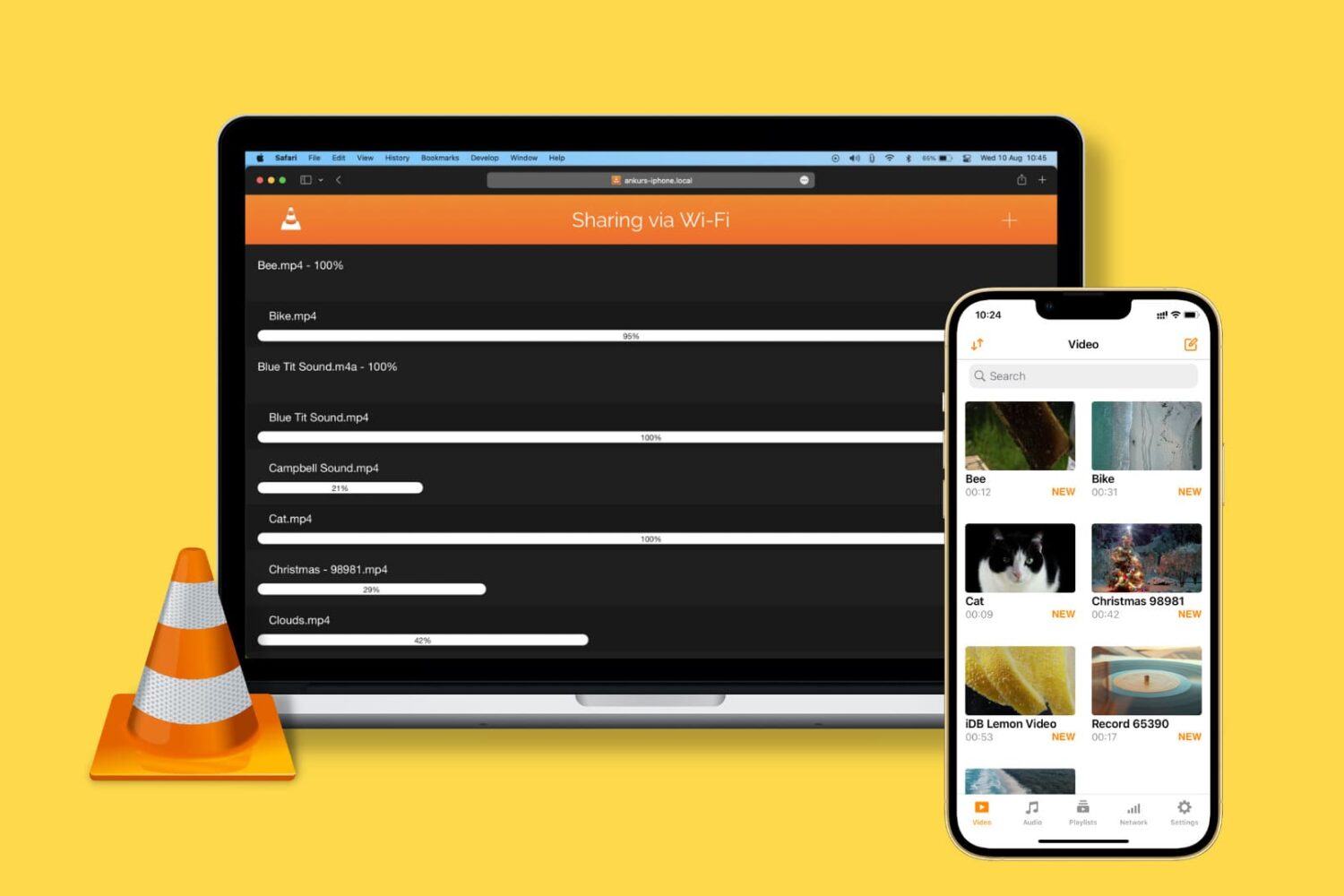
Learn how to transfer video, audio, subtitles, and all other kinds of files from your computer to the VLC Media Player app on your iPhone or iPad.
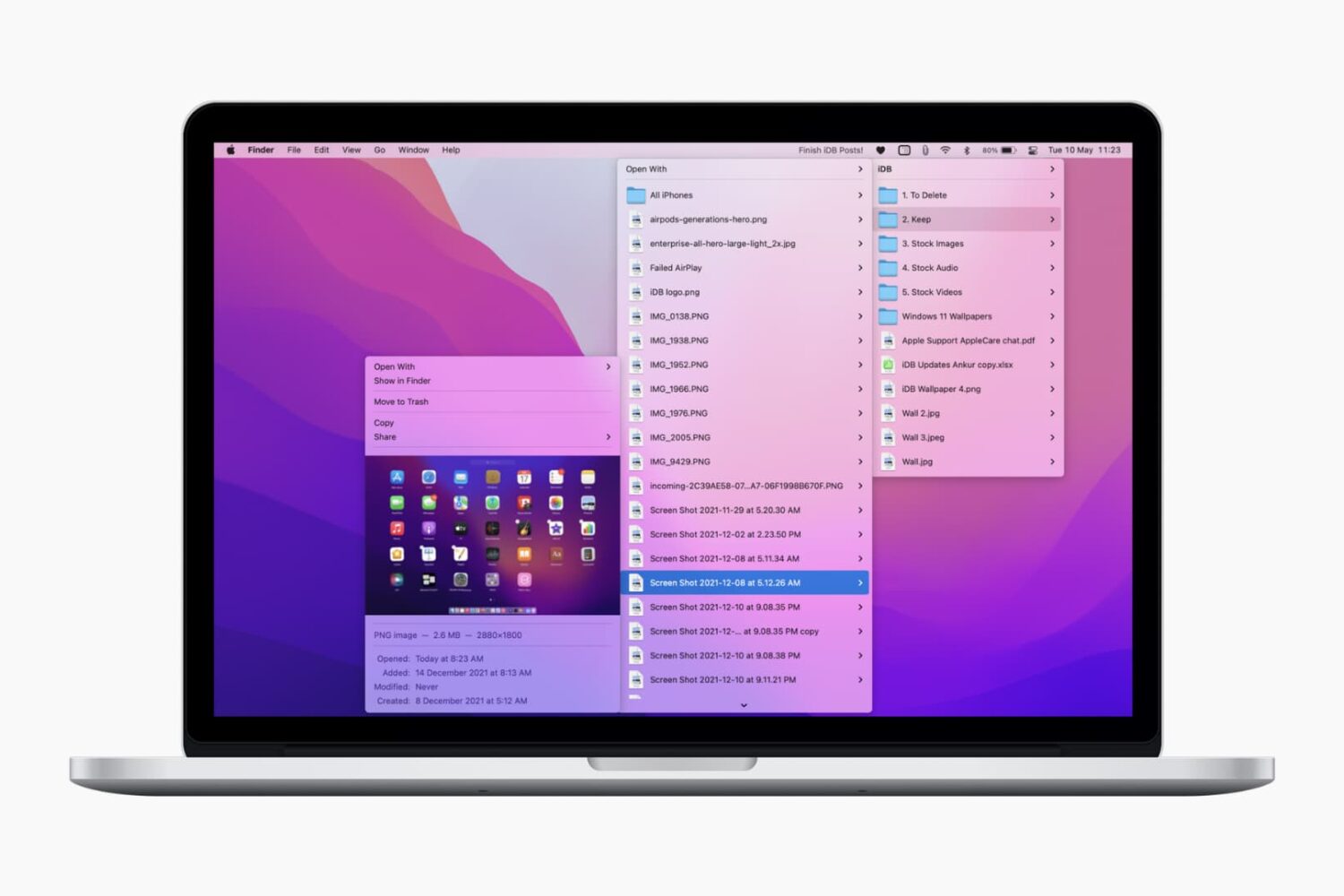
Check out these lightning-fast methods to bookmark important folders on your Mac and open them instantly with just one or a few clicks.