Email

Poll: how do you feel about Sparrow now?

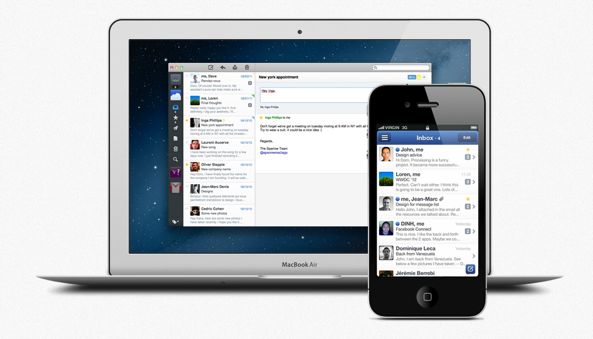
Sparrow for iPhone debuted in February of 2011 and remains to date known as a kick-ass email client for both desktop and mobile. Those that love Sparrow appreciate its best-in-class Gmail support, clean and minimalistic interface and just the right set of features.

But Sparrow got snapped up by the Internet giant Google today (looks like this is becoming somewhat of a pattern for Google). From what we know so far, the Sparrow development team will be “working on new things at Google” and they "do not plan to release new features for the Sparrow apps".

This likely means 'no' to the promised iPad version and another 'no' to push alerts for incoming messages. It's assumably a sad day for Sparrow die-hards, so I just put together a little poll to gauge your feelings on the subject of today's unexpected acquisition...

icloud.com email addresses now available for iCloud mail users

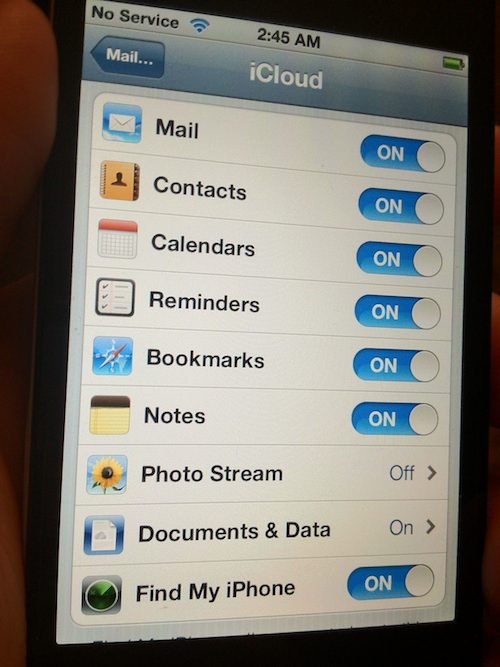
As pointed out by MacRumors, Apple today began a long-expected transition from old @me.com email addresses hosted at the discontinued MobileMe service over to new iCloud addresses. People who are signing up for new Apple IDs will automatically get an @icloud.com email address. Those with a @me.com email address will also get a matching iCloud email, provided their devices run the just-released iOS 6 Beta 3...

‘Check’ allows you to select a range of emails more efficiently

Check is a new jailbreak tweak that allows you to select a range of emails on the iPhone or iPad's stock mail app in a more efficient manner. Instead of selecting each email one-by-one, Check utilizes a new tap and hold shortcut to make it simpler to select a range of emails.

If you're an avid email user on the iPhone or the iPad, and you happen to be jailbroken, then you should definitely check out our hands-on video walkthrough...

Gmail for iOS gets true Notification Center support and “send-as” feature

Google has just pushed out an incremental update to its native Gmail client for iOS. The new version brings three little nice-to-haves to your email arsenal, including the ability to send email messages from your alternate email addresses and stay logged in longer.

The biggest enhancements is the full support for iOS notifications, meaning you can now finally set up banners, alerts and lock screen options in Notification Center...

Sparrow for iPhone updated with POP email support

Sparrow for iPhone debuted earlier this year as one of the first third-party email clients to ever land in the App Store. While it's received a lot of praise for its UI, it continues to be criticized for its lack of features.

The jailbreak community has managed to help out with that a bit. But thanks to today's update, stock iPhone users can too cross a major feature off their wish lists. Sparrow 1.3 now supports POP email accounts...

Sparrow confirms work on iPad app is underway

Sparrow for iPhone, in spite of its shortcomings, has become my default email client on the iPhone.

I can't recall the last time I launched Apple's Mail app as Sparrow for iPhone beats Apple's stock app offering in terms of user friendliness, sleekness, elegance, ease of use and Gmail accounts handling, among other things.

But Sparrow's lack of native iPad interface has been ticking me off as the vast majority of my email management happens on my iPad.

Well, the wait will soon be over as the Sparrow developer just teased a new page confirming that Sparrow for iPad is coming...

Sparrow for iPad in the works, compliments of the jailbreak community [updated]

Push Notifications are one thing, but support for the iPad is a whole 'nother area where Sparrow is lacking for iOS. As of now, the popular 3rd party email client is iPhone-only, making it difficult for users who have both devices to fully commit to using it.

But as usual, a jailbreak developer is making serious headway on bringing native-like iPad support to Sparrow via a handy tweak. SparrowPlus may already be familiar to a lot of you, it's the same tweak that allows you to make Sparrow your iPhone's default mail client, along with Push Notifications.

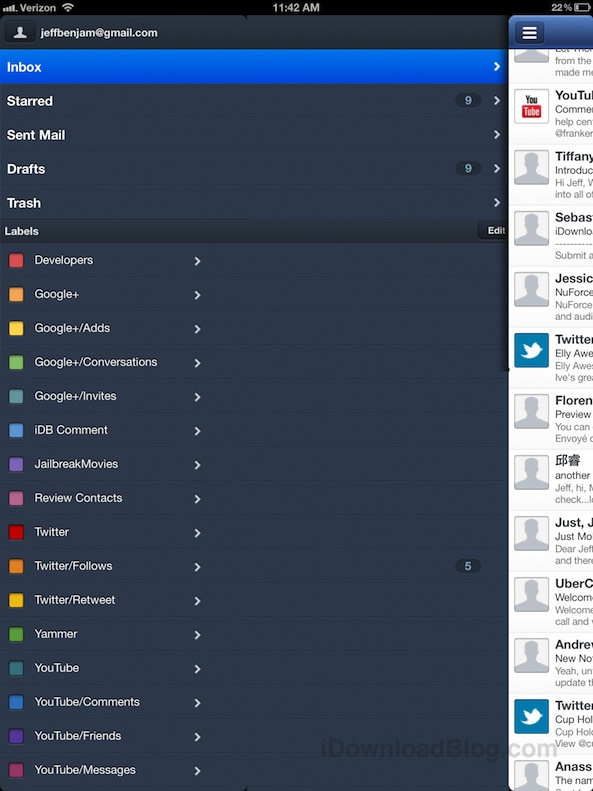
Now the developer behind SparrowPlus is working on an update to bring improved Sparrow support to the iPad. It's not perfect, but as you'll see from our hands-on video, it certainly shows some promise...

iCloud down this morning for nearly 15 million users

Having problems accessing your iCloud email today? You aren't alone. A simple search for 'iCloud' on Twitter returns 1000s of results, showing folks started experiencing problems with the service early this morning.

Apple has updated its iCloud System Status page, confirming the outage. And according to the Cupertino company, around 12% of users were unable to access parts of the cloud-based platform for almost two hours...

Confirmed: Sparrow for iPhone push notifications will require a yearly subscription

If you need yet another reason to jailbreak your iPhone, here it is: The popular Sparrow for iPhone email client will require a yearly subscription to enable push notifications for incoming messages. The sad news has been officially confirmed by developer Dom Leca and the Sparrow team.

Apple apparently told them they "are not willing to do any exception to the rule" concerning push support in Sparrow. Of course, those with a jailbroken iPhone can simply download Sparrow Push, a handy little tweak that adds this useful feature to the otherwise awesome email client at no additional cost.

Push notifications are coming in a future version of Sparrow for iPhone, which has just been updated with the following new features...

‘Sparrow Plus’ now available on Cydia

[tube]http://www.youtube.com/watch?v=8AfGbZv7gQM[/tube]

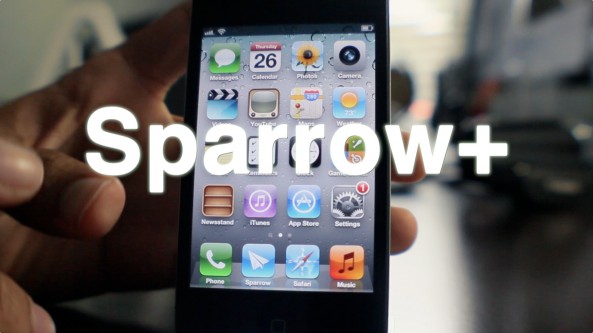
Sparrow+ — the jailbreak tweak that allows you to set Sparrow as the iPhone's default mail client, along with enabling push notifications — is now available on Cydia.

Sparrow is the 3rd party email client that has proved to be a popular alternative to the stock iOS Mail app, despite some glaring shortcomings.

You can download Sparrow+ for free from Cydia's BigBoss repo starting today. You can also download the Sparrow iOS app for $2.99.

Once you give it a try, be sure to share your thoughts on the combo in the comments section.

Make Sparrow your iPhone’s default mail client with ‘SparrowPlus’ [Updated]

If you remember my Sparrow review, I said it was a great app that was marred by a few missing features — namely: push notification capability, and the ability to make Sparrow the default Mail app.

In due time the folks at Sparrow will undoubtedly solve the push notification issue, and a few enterprising iOS jailbreak devs have already taken the liberty on that issue as well.

One feature that's not so easy to implement is making Sparrow iOS' default mail client. In fact, unless Apple does a virtual 180 on its current stance, this will never be a feature of Sparrow, or any other 3rd party Email app for that matter.

The only hope to implement such functionality rests with the jailbreak community. In fact, I reached out to iOS developer Majd Alfhaily yesterday, and he graciously accepted my request for such a feature in his upcoming jailbreak tweak coined: Sparrow+.

Want to see it in action? Have a look...