Cydia

Cydia news and information: read the latest development about Cydia, including jailbreak tweaks.

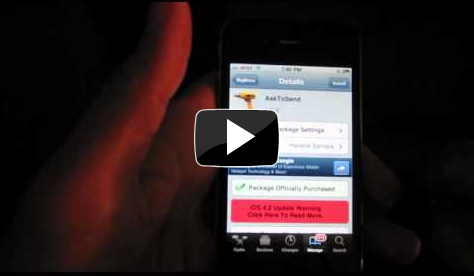
Installing VLC Player From Cydia: A Video Walkthrough

Yesterday, Alex posted an in-depth article explaining the reasons why VLC Media Player was removed from the App Store. As you know, VLC Media Player is the popular video application that allows you to play a variety of video formats on your iPhone.

VLC Media Player is extremely popular on PCs and Macs, so it's wasn't surprising that it was an app that many looked forward to on the iPhone.

Sadly, as you know, the app has been removed, but don't weep too many tears; VLC can still be installed on your iPhone, and this video walkthrough will show you how, step-by-step...

VLC for iPhone Pulled From App Store, Now Available On Cydia

Awhile back, we reported that the popular, open source media player "VLC for iPhone" was released in the App Store. It was a pretty big deal, because the VLC client duplicated a lot of functionality that was already in the native iPod app. (Apple doesn't usually like apps that duplicate the iPhone's native features.)

The biggest pro to VLC for iPhone was its ability to playback file formats that iTunes doesn't support. iTunes has a somewhat limited amount of video formats it can playback. VLC was a simple, free app that allowed more types of videos to be playable on the iPhone.

While it was nice for an app like VLC to be in the App Store, the media player was very buggy. Lots of users reported problems with playback and file format support. However, the bugs were not the reason that the app was pulled. In fact, Apple had nothing to do with the takedown...

A Jailbreak App Like This Would Keep the Lines of Communication Open

There are some many wonderful jailbreak apps and tweaks that I use on a daily basis, that I truly feel lost when I'm stuck with a stock iPhone.

Being without apps like SBSettings, BiteSMS, and ActionMenu truly makes using the iPhone less of an experience. In fact, I'd much rather be stuck with less Apple features if that means I can stay jailbroken, hence I always wait until there's a jailbreak solution prior to upgrading my firmware.

Oddly enough though, there is one significant jailbreak app that hasn't truly been attempted, and if it has, I surely haven't been aware of it. Why we don't have an app like this, is still anyone's guess, but it's safe to say that it would change the way we communicate via our iPhones...

‘RoundCorners’ Blesses iPhone Owners With a Well Rounded Experience

Remember the good ol' days when half of the picture on your TV was cut off due to the rounded corners of those old TV Tube sets? I always despised that, and rejoiced when I scored my first flat-screen TV that eliminated the rounded corner problem.

If your childhood was devoid of such fond memories, fret not my dear friends! Now, with this latest jailbreak tweak entitled RoundCorners, you can live back in the 90's as well...

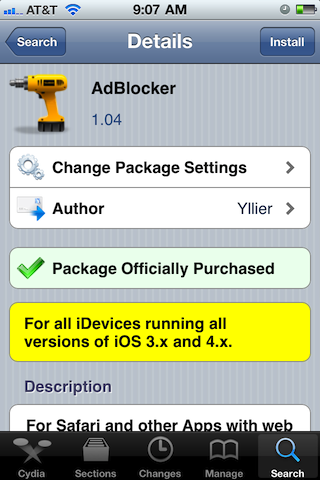
AdBlocker is an Easy to Use Ad Blocking Solution for Your iPhone

I've never really considered ad-blocking a feature I needed to have on my iPhone, and after using AdBlocker, I still feel that way. That's not to say that AdBlocker is a bad jailbreak tweak, in fact it is excellent at some of what it does.

My point stems from the fact that ads just aren't that big of an issue on the iPhone. Honestly, when was the last time an advertisement on the iPhone seriously annoyed you?

In fact, the main place where I find ads that annoy me is in Cydia, but ironically enough, AdBlocker doesn't have an option to block ads in Cydia...

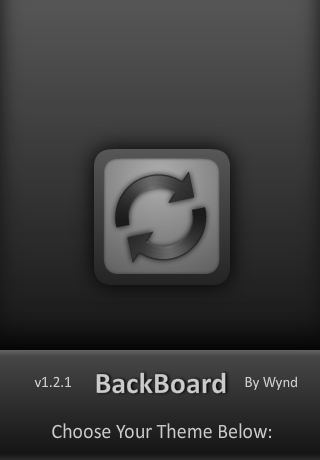
Easily Switch Springboard Configurations with BackBoard for iPhone

One of the biggest cons of jailbreaking has always been how difficult it is to restore a jailbroken iPhone's settings and configuration. If you ever need to restore iOS or upgrade/downgrade to a different iOS version, there is no clear way to easily restore your iPhone's (both jailbreak and general) configuration.

BackBoard is a new jailbreak app that aims to help you save your iPhone's springboard/home screen configuration. There are other apps, like PkgBackup, that help you back up your jailbreak apps and settings; but BackBoard has some different features that make it appealing...

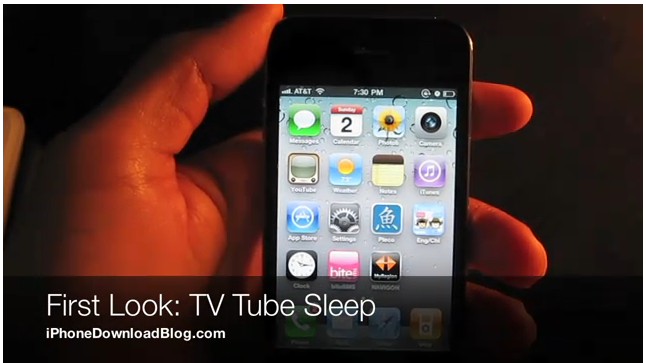
‘TV Tube Sleep’ Puts Your iPhone to Sleep Old School Style

This has to be one of the coolest jailbreak tweaks I've seen, from a purely eye-pleasing perspective: it puts your iPhone to sleep in the style of an old TV tube.

I've always thought that the iPhone's sleep animation (can I even call it that?) was pretty boring, so any tweak that adds some spice in this area is a welcome addition if you ask me...

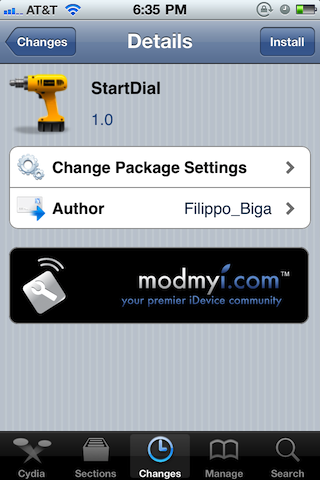
‘StartDial’ Makes Sure that Dialing is Your Top Priority

I don't know about you, but ever since mobile phones with address books have been popular, I have an awfully hard time remembering anyone's actual phone number, even close friends and family.

I know that's pretty pathetic, but I bet the majority of you are in my boat as well. This makes the concept behind StartDial all the more intriguing. Why would anyone want to make their phone.app always open to the dialer?

How to Use Queuing in Cydia to Download Multiple Jailbreak Apps Simultaneously

I used to always dread when I would restore my iPhone, and have to re-download all of my jailbreak apps and tweaks again. This wasn't so much because jailbreaking in itself was difficult, it was because Cydia was so incredibly slow and cumbersome.

Now that Cydia has been updated, the whole experience is drastically improved. The load times are shorter, and the queuing functionality is much more refined.

Oddly enough, most of the people I know don't even use queuing or know what it is. Simply put, queuing allows you to queue up multiple items, and process them all at the same time. It makes downloading and even uninstalling a bunch of items at once, a seamless affair...

‘Move LockScreen to Unlock’ Makes Unlocking Your iPhone Even Easier

As if something so mundane actually needed to be easier, but yes, strangely enough, Move LockScreen to Unlock does indeed make unlocking your iPhone easier.

It's actually a pretty cool jailbreak tweak, because it makes unlocking your iPhone possible without even looking at the screen; though most of you can likely pull this off anyway.

This can be pretty useful if you're half asleep, and you need to quickly unlock your iPhone for whatever reason. I know, it sounds lazy, but hear me out here...

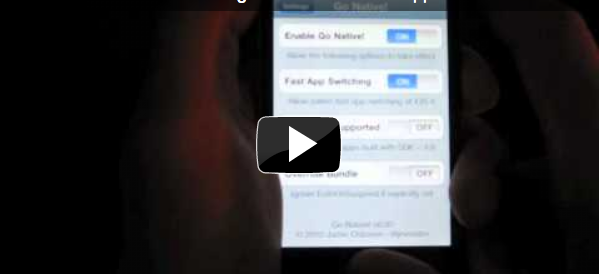
Go Native! A Jailbreak Tweak that Adds Multitasking to Your Outdated Apps

By now, there's absolutely no excuse for an app not to support Fast App Switching, the iPhone's form of multitasking. It's been about six months since iOS 4 appeared on the scene, an update in which we finally received native multitasking on our iPhones.

Understandably, not all of our apps flew out of the gate with multitasking support built in; slowly but surely, they were updated to add support for such a critical feature. Sadly, there remain apps that have been neglected; apps that have yet to taste the sweet nectar of multitasking.

This is where jailbreaking comes in handy. Jailbreak apps like Backgrounder have provided an incredible workaround for these neglected apps. Go Native! adds yet another option to the playing field, but can it compete with Backgrounder?

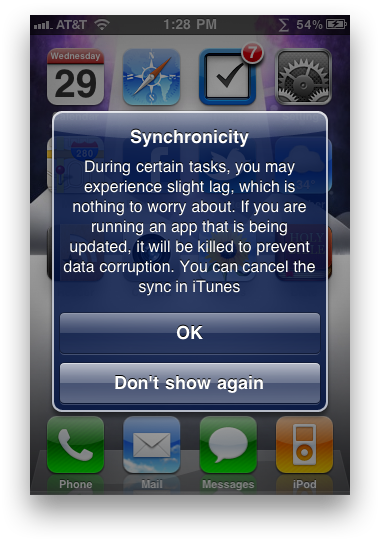
Synchronicity 2.0 Released, Better Than Ever

Synchronicity is a popular jailbreak mod that allows you to use your iPhone while it's syncing with iTunes. Instead of being stuck with a lock screen while your iPhone is syncing with your computer, Synchronicity allows you to run apps, make calls, etc. Basically anything is fair game, except for the iPod app (to prevent data corruption with iTunes).

This mod has been a favorite of ours since it was released back in August; it even made it pretty far up our "Top 10 Jailbreak Apps for 2010" list. If you don't have Synchronicity, you should.

Synchronicity was recently updated to 2.0 status. The mod was already super lightweight and unobtrusive, but 2.0 makes it even better with a design tweak and some enhancements...