Learn how to disable call waiting on your iPhone to stay focused during important calls and avoid interruptions that break your focus with our step-by-step guide.
How to turn off Call Waiting on iPhone
Learn how to disable call waiting on your iPhone to stay focused during important calls and avoid interruptions that break your focus with our step-by-step guide.
Learn how to easily set up call forwarding on your iPhone, and go through the troubleshooting tips in case you’re facing issues turning it on.
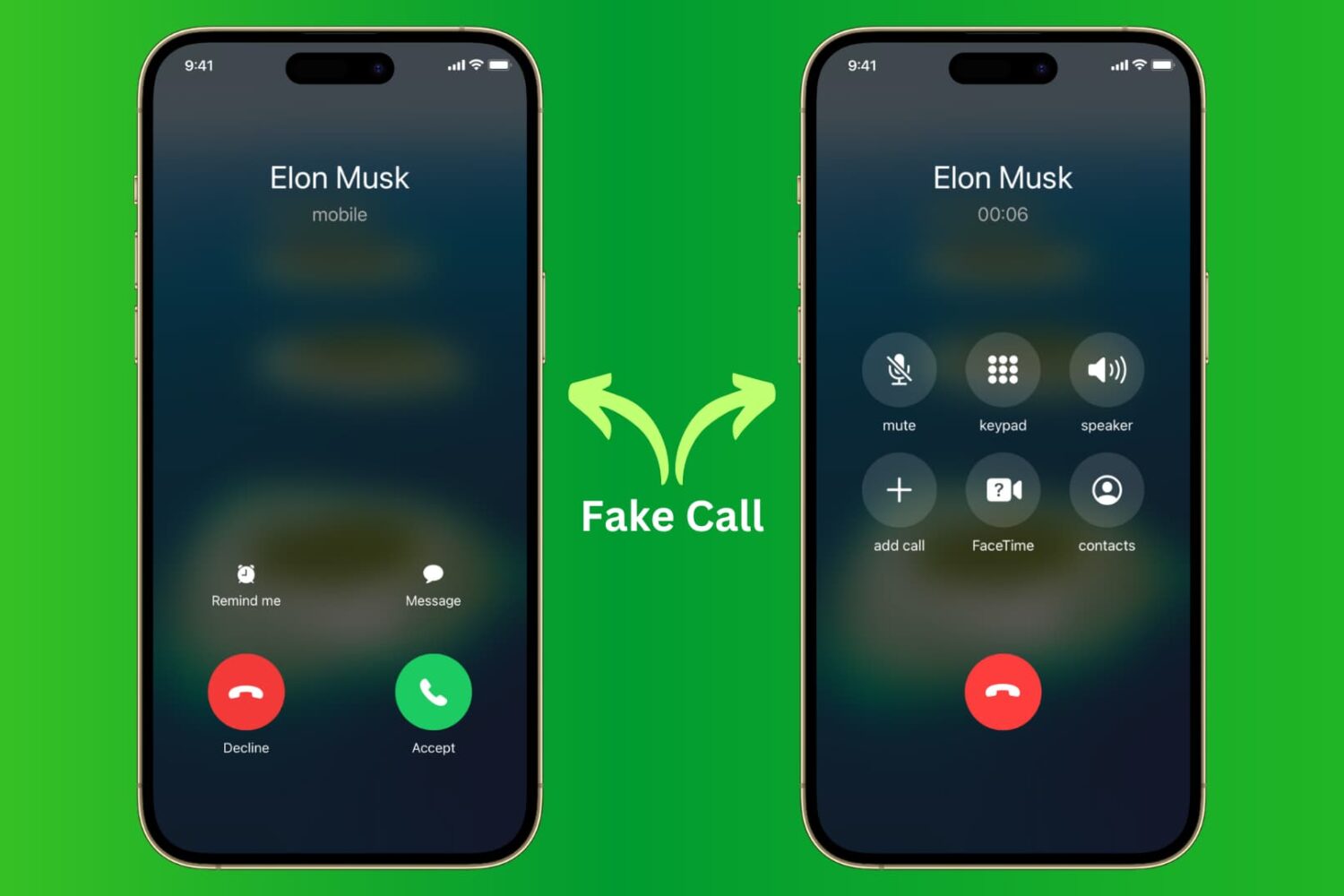
Learn how to receive fake calls on your iPhone so you can excuse yourself from boring meetings and awkward social situations.
Check out this quick tip to make phone calls directly on speakerphone using hands-free Siri on your iPhone or iPad.
Enable hands-free convenience by setting your iPhone to automatically route all calls you pick up to the speakerphone.
Learn how to seamlessly integrate your iPhone calls with your iPad and Mac, ensuring you never miss a call across devices.
It looks like Apple could finally be getting serious about helping to eliminate nuisance calls on iPhones. A new Apple patent for “Detection of Spoofed Call Information,” targets a specific type of calling that has become increasingly annoying in recent years.
Facebook has introduced an all-new video-based smart display called Portal. Available in two sizes, the device's primary purpose is to connect family and friends. It also includes other goodies that could eventually make it a winner.
Depending on how often you take FaceTime or Phone calls on your iPhone, you might find it handy to have your handset automatically accept incoming calls from specific people under specific circumstances.
You can configure your iPhone to answer phone calls automatically if you have iOS 11, but a jailbreak tweak called AutoAnswer X (iOS 11) by iOS developer Elias Limneos provides a better long-term solution with more features and configuration than you could ever dream of receiving in an official iOS update from Apple.
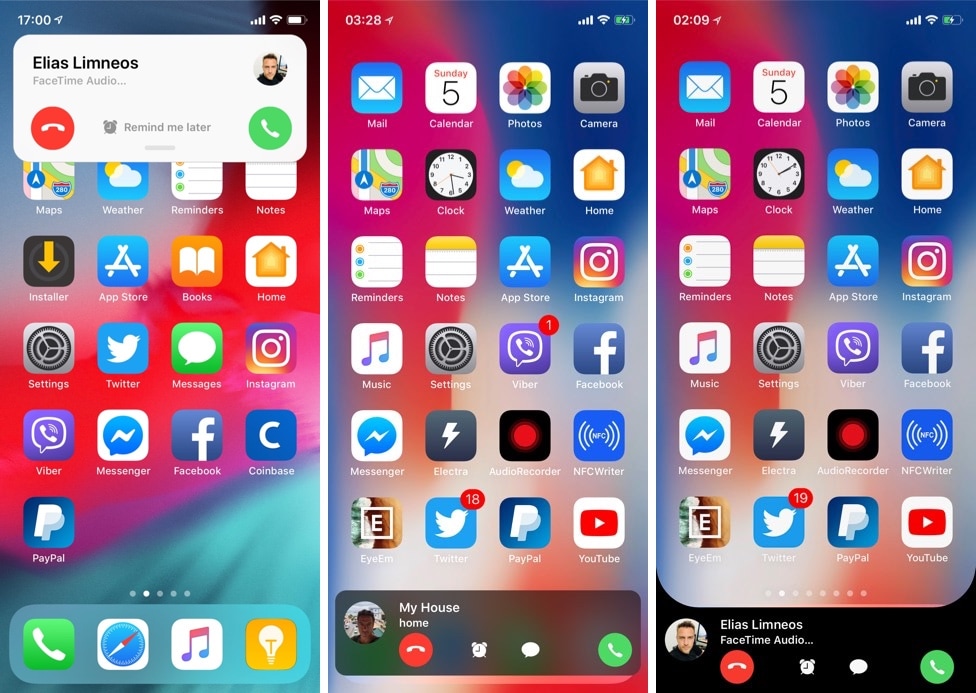
CallBar by iOS developer Elias Limneos was perhaps one of the most popular jailbreak tweaks ever conceived for the iPhone. The tweak replaces iOS’ full-screen incoming call interface with a substantially less intrusive incoming call banner with integrated call options.
Given CallBar’s popularity, it should come off as exciting news that Limneos officially launched CallBar X for iOS 11 in Cydia this week. Following in its predecessor’s footsteps, CallBar X makes the incoming call experience more convenient for those sporting jailbroken iOS 11 devices.
For all those Pokémon aficionados out there, PokeCall is a new jailbreak tweak by iOS developer Frozen Penguin that makes your iPhone’s incoming call interface look more like a battle screen from the classic Pokémon games.
In the screenshot examples above, you can see examples of how PokeCall replaces the stock incoming call interface in iOS with a Pokémon-centric look and feel.